Posts tagged with "Developer Tools"

46 posts

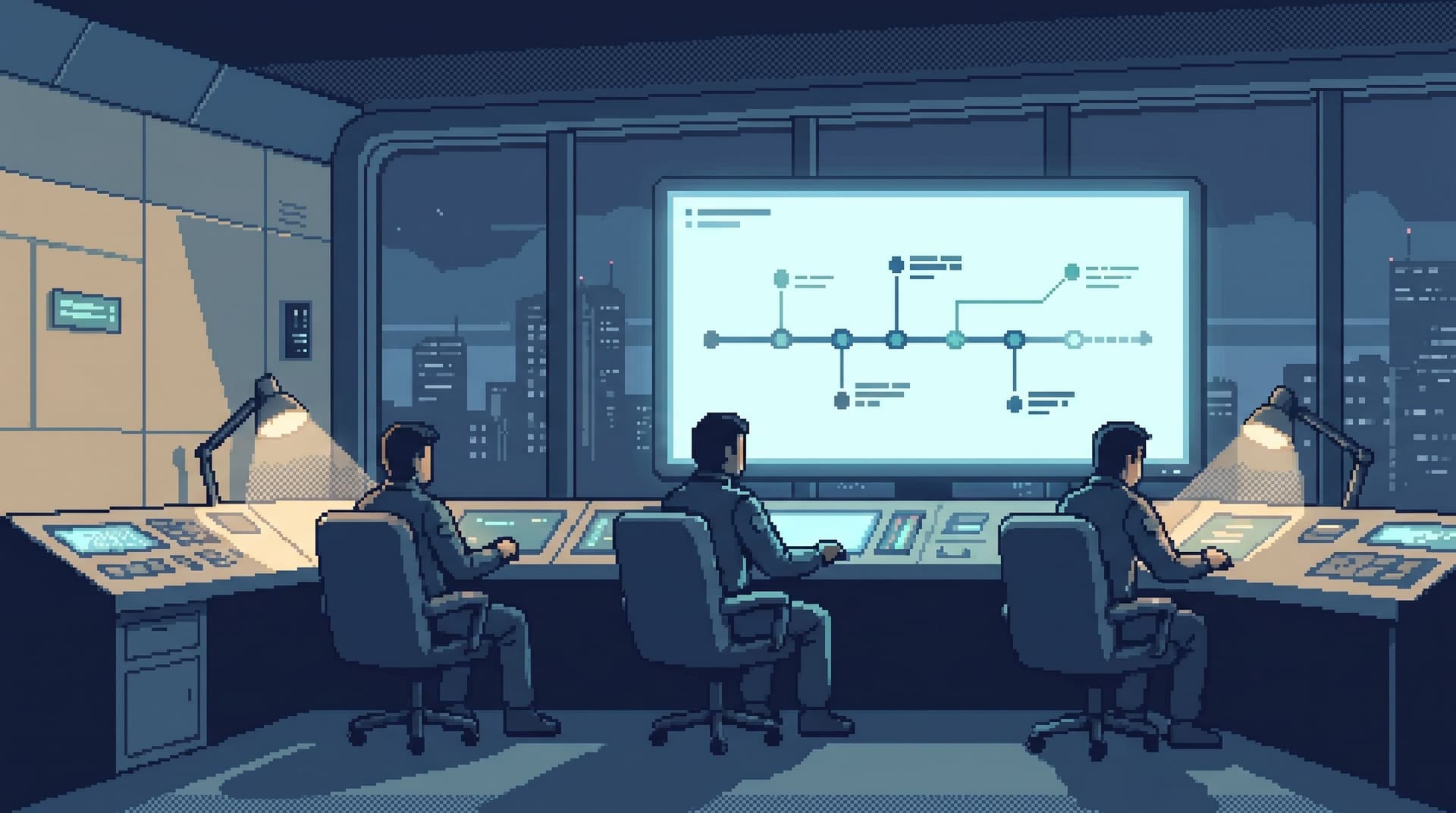
Beyond Table Lists: Opinionated Navigation Patterns for Real-World Production Reads
Database Browsing
Developer Tools

Beyond Table Lists: Opinionated Navigation Patterns for Real-World Production Reads

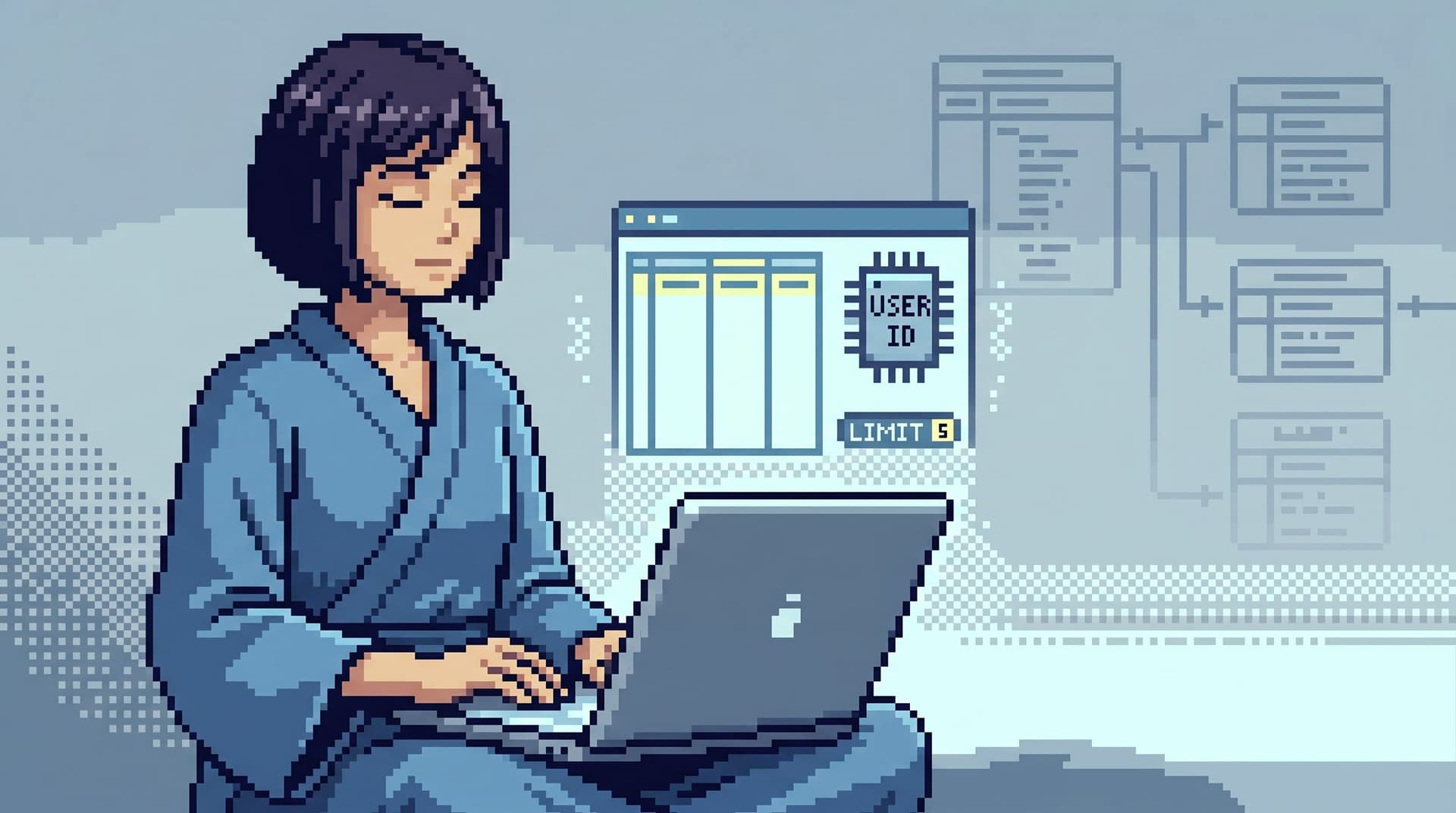
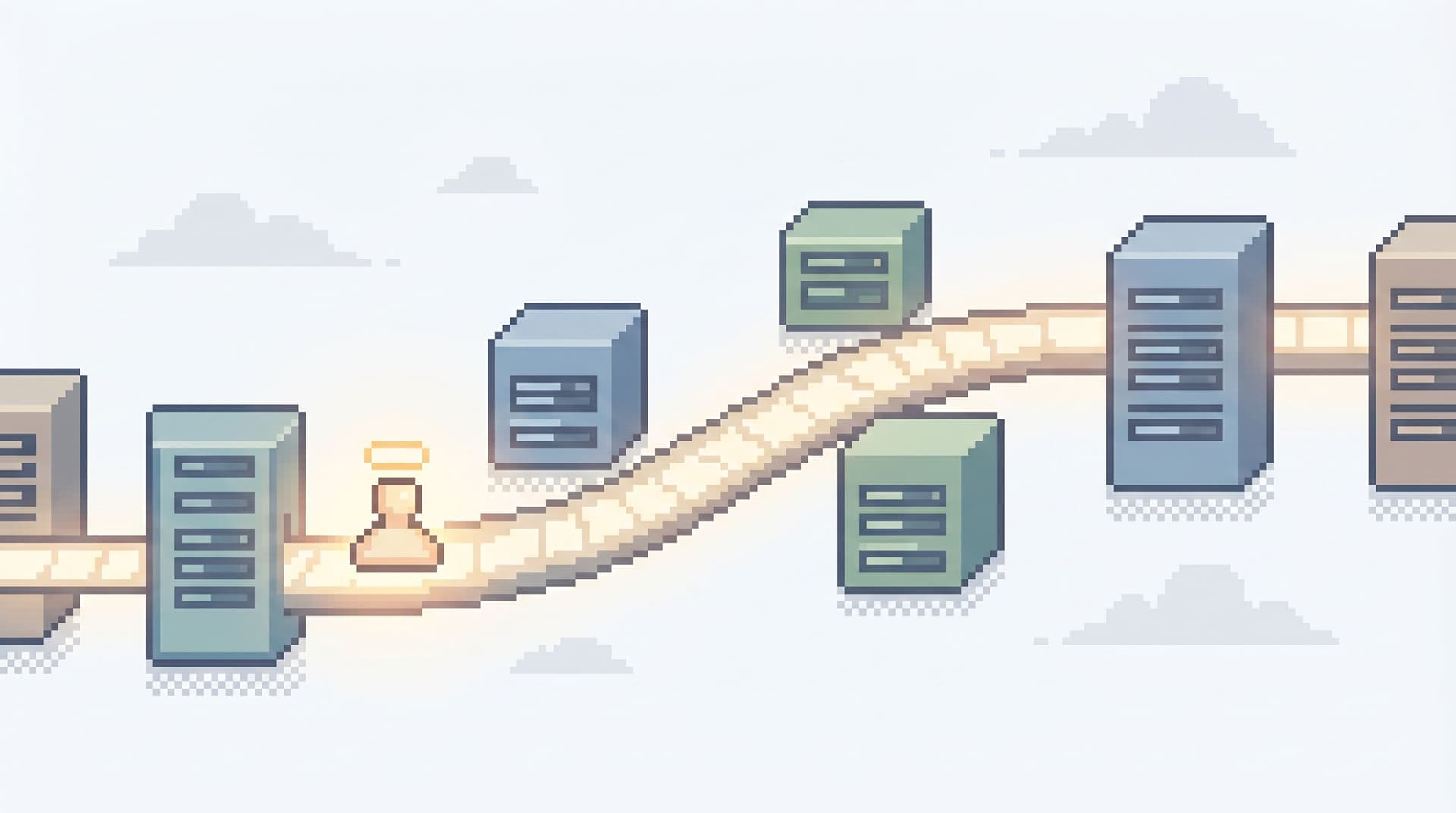
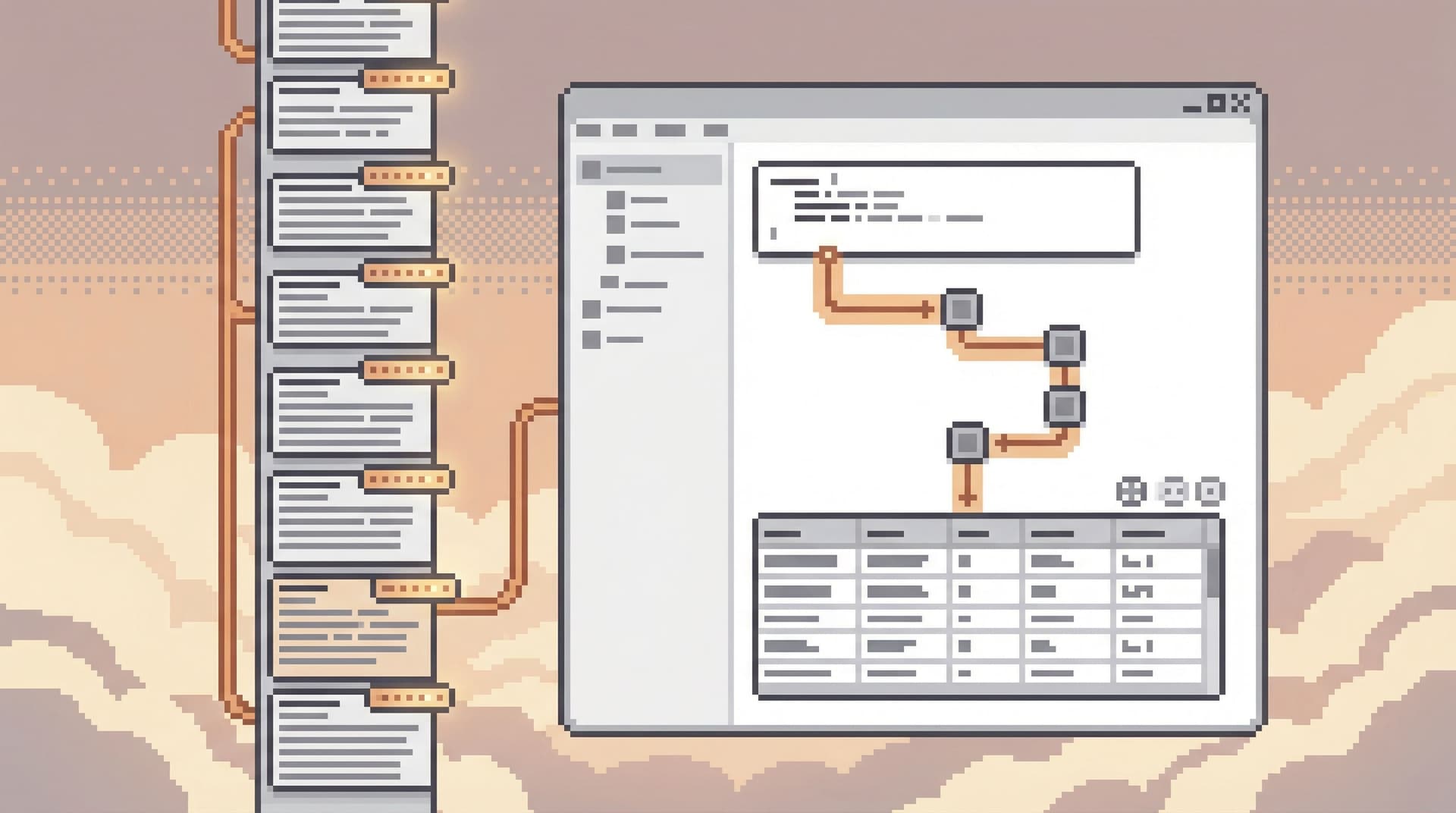
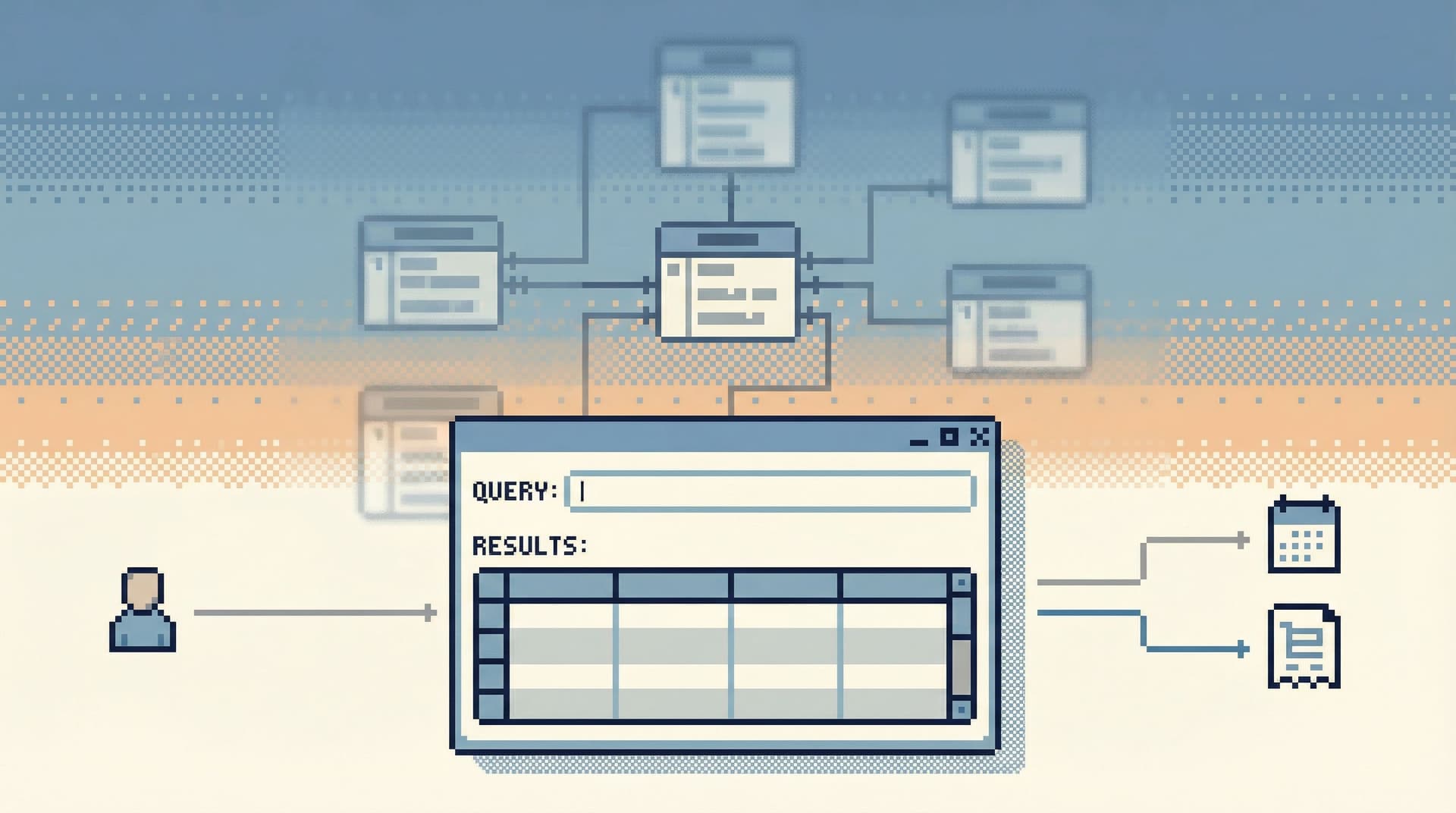
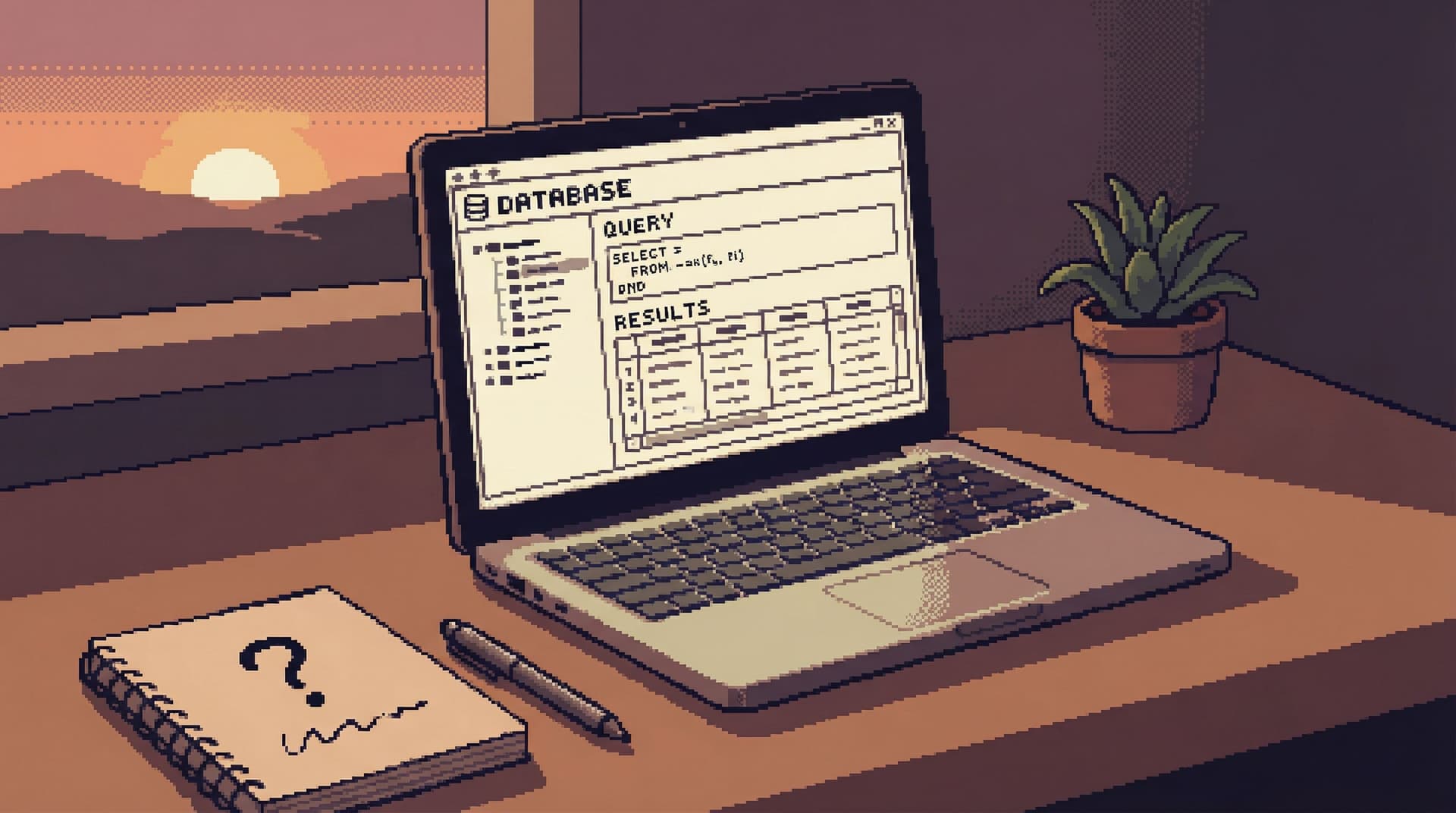
Most database tools still start from the same place: A schema tree on the left A blank query editor in the middle A grid of rows at the bottom It’s neutral, flexible, and familiar. It’s also a poor fit for real production reads. When you’re debugging a billing issue, replaying an incident, or answering a support ticket, you’re not thinking in tables. You’re thinking in stories: “What exactly happened to this user over the last 24 hours?” “Why did this order get stuck here?” “Did this background job run twice, or just log twice?” Table lists don’t help you follow those stories. They invite you to wander

Team Simpl
Team Simpl
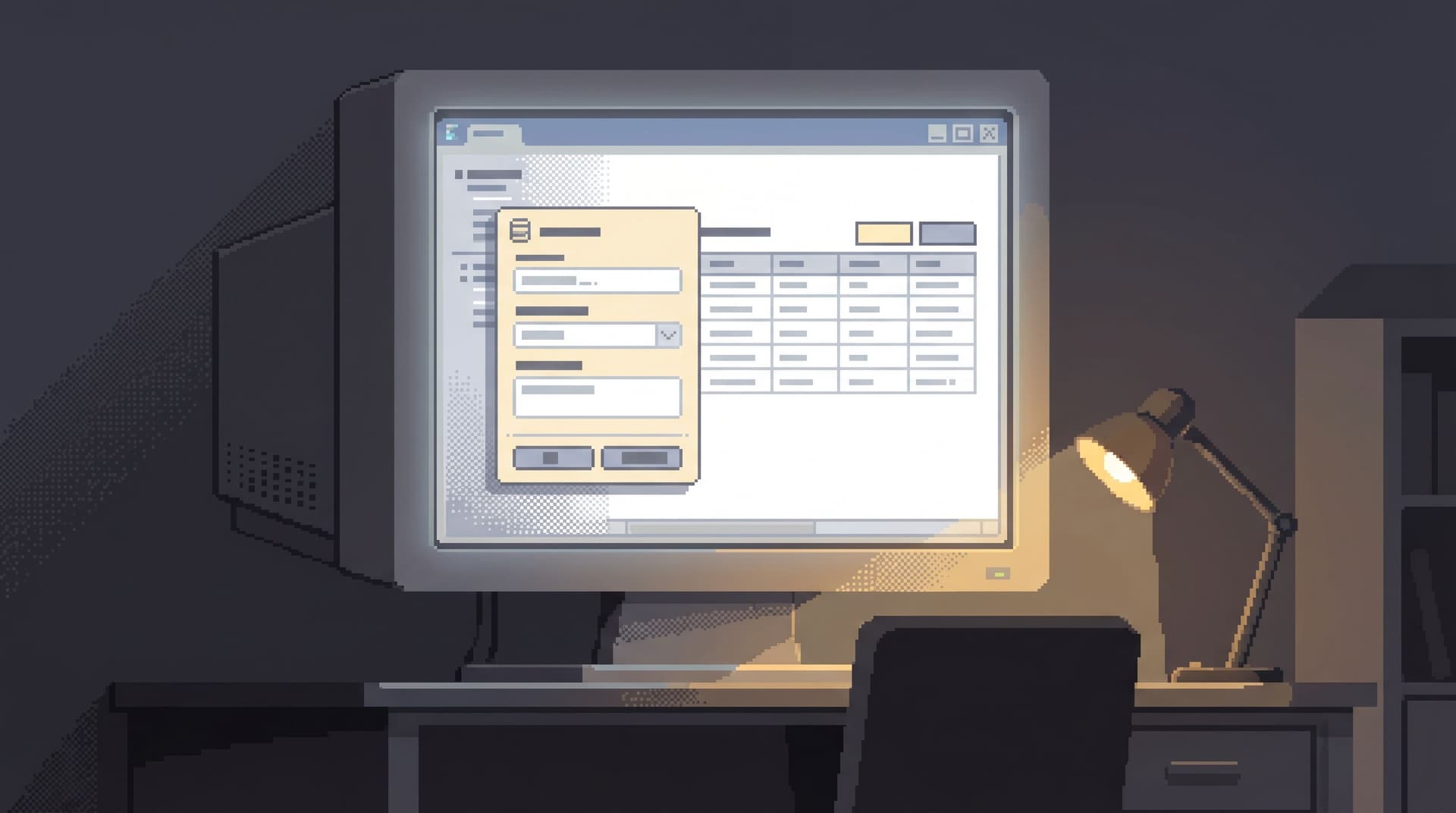
The Post-BI Database Browser: What Engineers Actually Need After Dashboards Plateau
Database Browsing
Developer Tools

The Post-BI Database Browser: What Engineers Actually Need After Dashboards Plateau

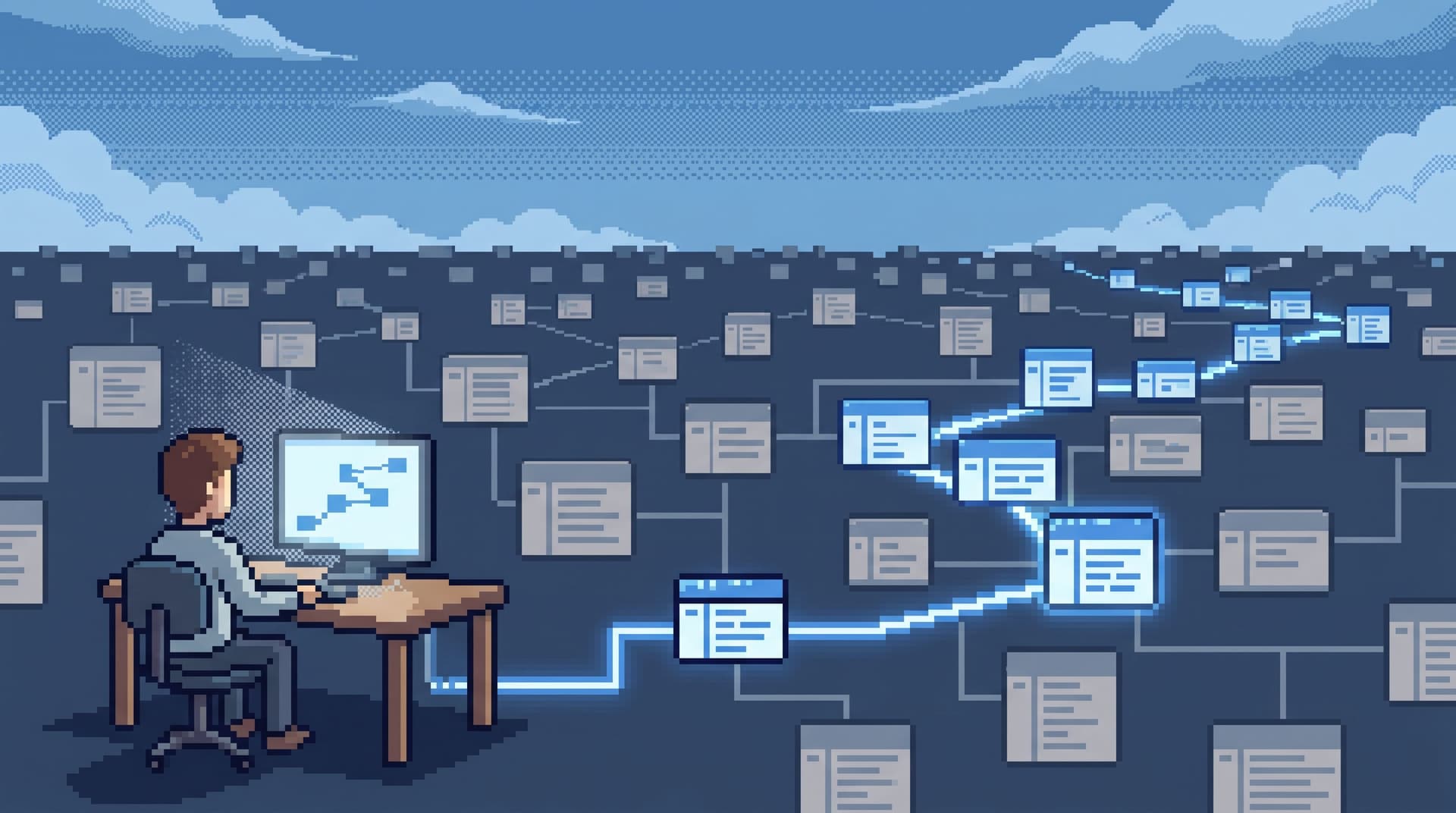
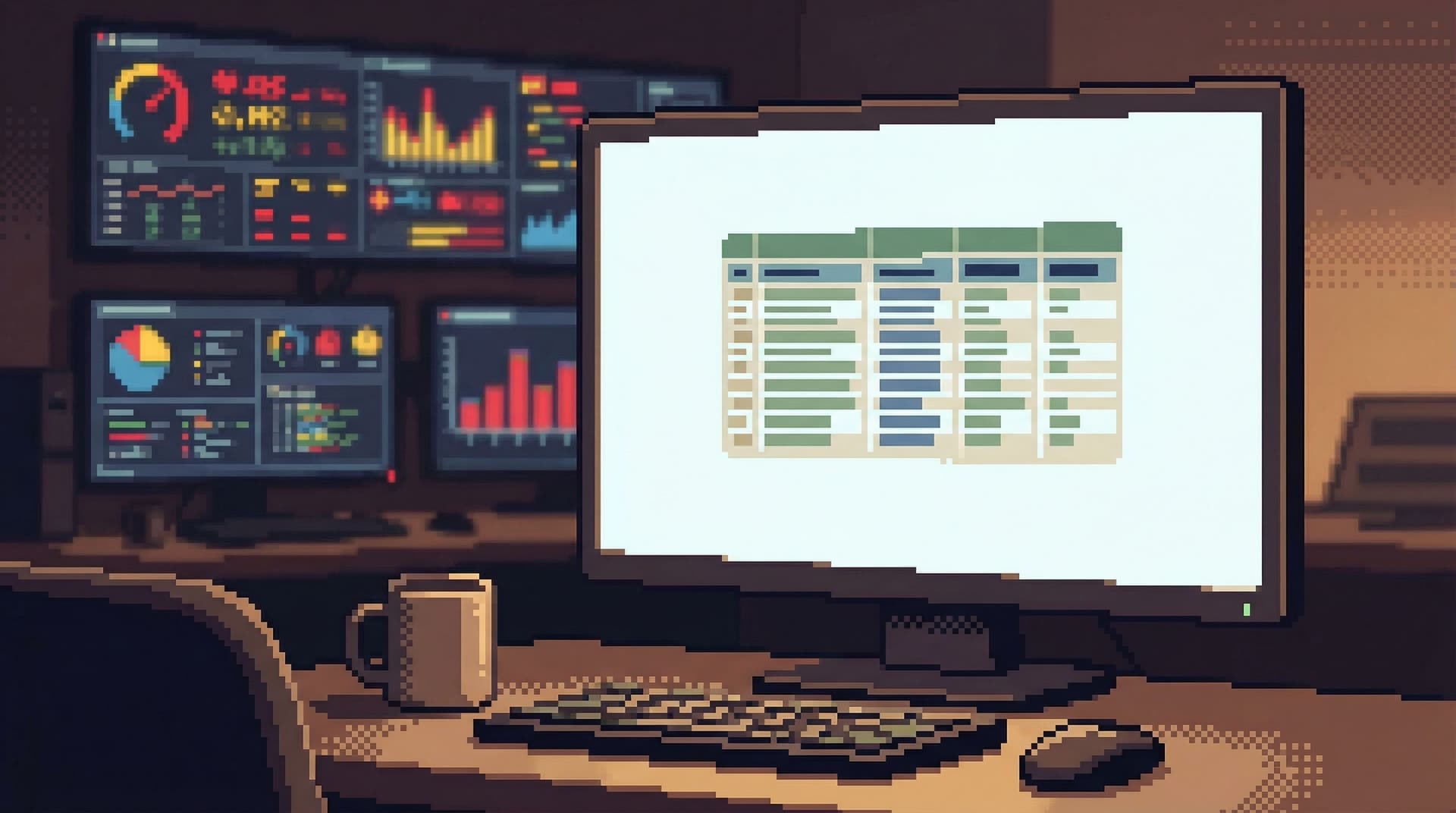
Dashboards already won. Most teams have more than they know what to do with. And yet, when something real breaks, engineers quietly step around them. They open a SQL client. They tail logs. They DM someone for the “query you used last time.” The wall of charts stays open in a background tab—comforting, but rarely decisive. This gap is where the post-BI database browser lives. Not another reporting tool. Not a lighter admin panel. A calm, opinionated way for engineers to read production data directly, safely, and without the noise of BI. A tool like Simpl exists for exactly this space: focused, read-heavy work where you need to see real rows, not another c

Team Simpl
Team Simpl
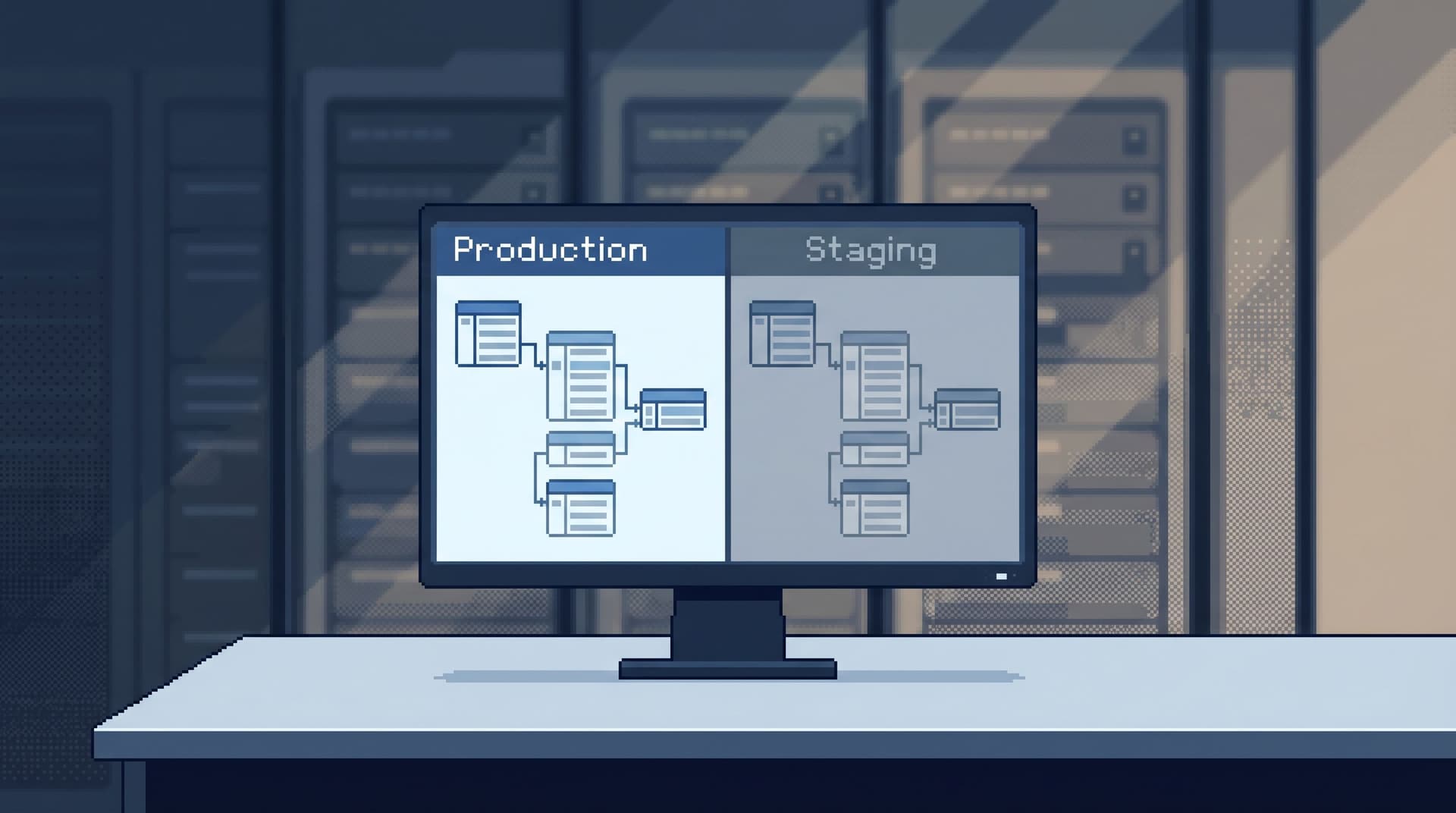
Beyond Explain Plans: A Quieter Way to Understand What Your Query Is Really Doing
Database Browsing
Developer Tools

Beyond Explain Plans: A Quieter Way to Understand What Your Query Is Really Doing

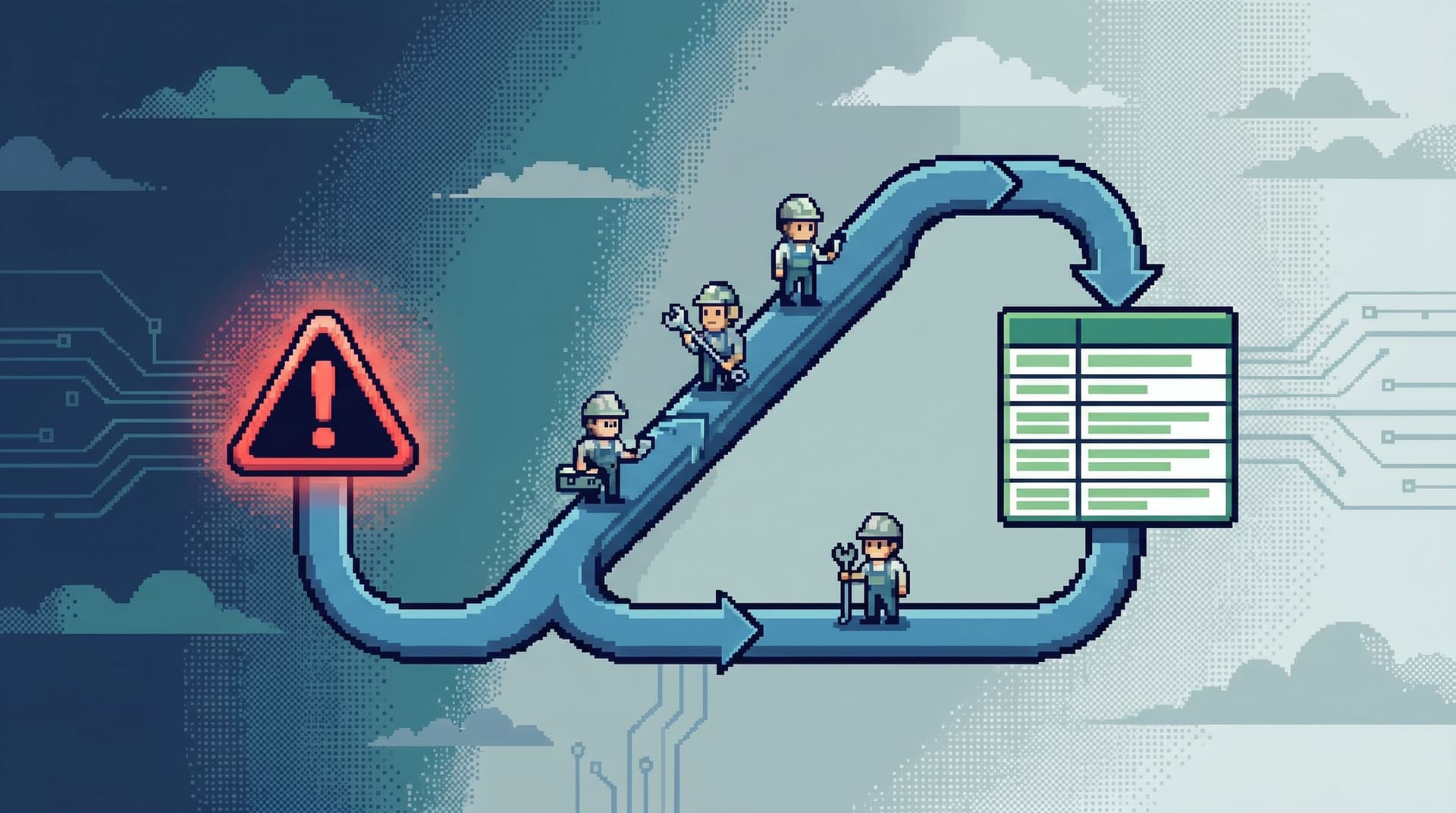
Most teams learn to trust EXPLAIN the way pilots trust an instrument panel. You run a query. You see a slow response. You reach for EXPLAIN or EXPLAIN ANALYZE. The result is familiar: a dense tree of nodes, cost estimates, row counts, and arcane terms. Technically accurate. Practically overwhelming. Explain plans are powerful. They’re also noisy. And when you’re working against production, noise isn’t just annoying — it leads to guesswork, cargo‑cult fixes, and subtle performance regressions that come back during the next incident. There’s a calmer way to understand what your query is doing, long before you drop into a full plan. This post is about that quieter stance. Fewer knobs, more cl

Team Simpl
Team Simpl
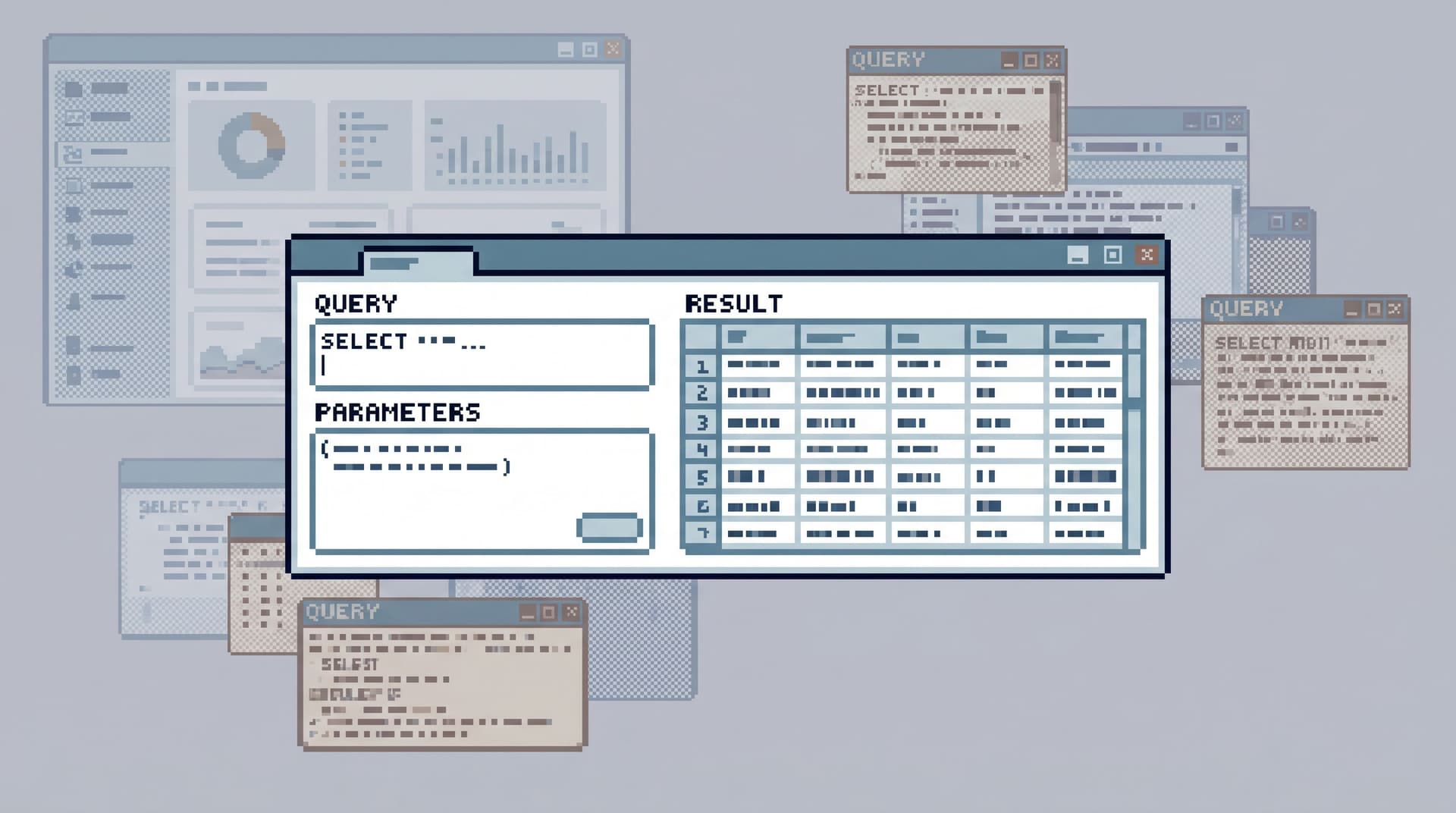
The Anti-BI Habit: Teaching Engineering Teams to Reach for a Browser, Not a Dashboard
Database Browsing
Developer Tools

The Anti-BI Habit: Teaching Engineering Teams to Reach for a Browser, Not a Dashboard

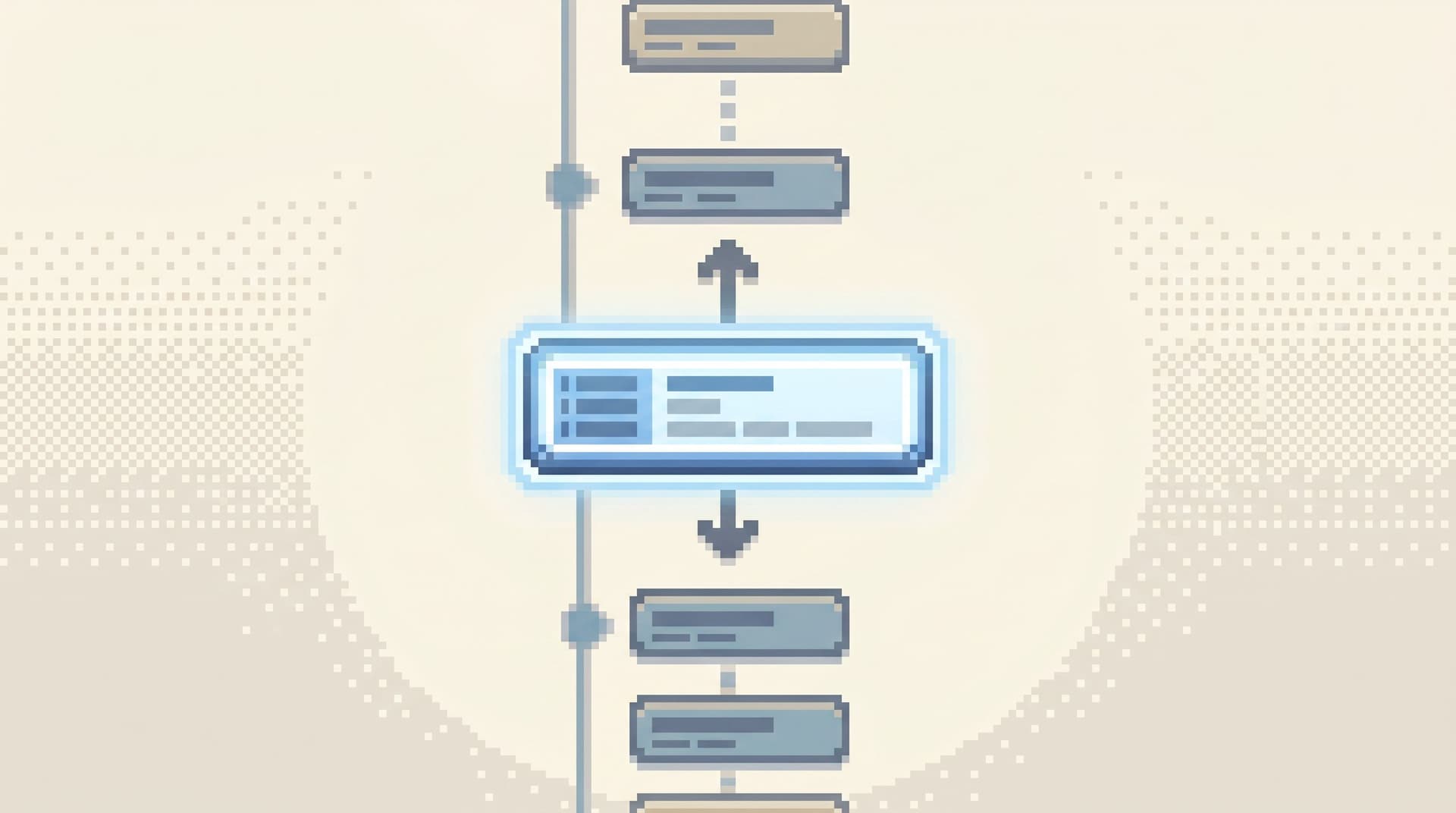
Most engineering teams don’t suffer from a lack of dashboards. They suffer from a reflex. Something looks off in production? Open the BI tool. Click a dashboard. Add a filter. Hope the chart you need already exists. Over time, that reflex hardens into habit. Every data question becomes a dashboard question—even when what you really need is to look directly at the rows. The anti-BI habit is a different stance: teach engineers to reach for a focused database browser first, and dashboards only when they’re truly the right tool. Not because BI is

Team Simpl
Team Simpl
The Single-Query Incident Review: Replaying Outages from One Calm Data Trail
Database Browsing
Developer Tools

The Single-Query Incident Review: Replaying Outages from One Calm Data Trail

Most incident reviews fail quietly. Not because the team doesn’t care, or because the data isn’t there, but because the story of the outage is scattered across: Ad‑hoc queries in personal SQL clients Screenshots in Slack Dashboard links without filters Log searches no one saved By the time you sit down for the review, you’re not replaying the incident. You’re reconstructing it from memory. There’s a calmer way to work: treat each incident as a single query trail you can replay later. A single-query incident review is exactly that: one linear path of reads through your production data that explains what happened, when, and why. Not a maze of tools and tabs. One calm tra

Team Simpl
Team Simpl
Read-First, Context-Second: Why Schema-Heavy Views Still Make Production Feels Noisy
Database Browsing
Developer Tools

Read-First, Context-Second: Why Schema-Heavy Views Still Make Production Feels Noisy

Most teams have already done the obvious thing: they’ve moved production access into “read-first” tools. Read-only roles. Limited credentials. No UPDATE or DELETE in sight. And yet, production still feels loud. Engineers hesitate before opening the database. People paste screenshots into Slack instead of links. Incidents turn into group screen‑shares because “I don’t want to click the wrong thing.” The problem isn’t just writes. It’s what happens when you pair a read-first stance with schema-heavy views. You remove one source of danger, but keep most of the noise. Tools that start by listing every table, every column, every relationship are technically read-only—but they’re cognitively write-h

Team Simpl
Team Simpl
Guardrails Before Governance: A Practical Approach to Safer Day‑to‑Day Database Access
Database Browsing
Developer Tools

Guardrails Before Governance: A Practical Approach to Safer Day‑to‑Day Database Access

Governance sounds reassuring. Role matrices. Approval flows. Policy docs. Quarterly reviews. All of that has a place. But most of the risk around your production databases doesn’t live in a policy spreadsheet. It lives in the quiet, everyday moments: An engineer running a wide SELECT on a hot table during peak traffic A support teammate pasting a copied query into the wrong environment A “quick” backfill that accidentally runs against the live cluster Those moments don’t wait for a governance committee. They happen inside tools, in the middle of work, under time pressure. This is where guardrails matter. Guardrails are the practical constraints, defaults, and UX choices that make the safe thing the easy th

Team Simpl
Team Simpl
The Read-First Incident: Running Postmortems from a Single Calm Query Trail
Database Browsing
Developer Tools

The Read-First Incident: Running Postmortems from a Single Calm Query Trail

Most incident reviews quietly fail before they start. Not because people don’t care, or because there isn’t enough data, but because the story of the incident is scattered: A few screenshots in Slack Some ad‑hoc queries in someone’s local SQL client A dashboard link or two Snippets from logs and traces By the time you get to the postmortem, everyone is reconstructing the incident from memory. The “facts” are whatever someone remembered to paste into a document. There’s a calmer way to work: treat each incident as a read‑first investigation with a single, linear query trail you can replay late

Team Simpl
Team Simpl
The Anti-Admin Panel: A Framework for Scoping Database Tools to Everyday Engineering Work
Database Browsing
Developer Tools

The Anti-Admin Panel: A Framework for Scoping Database Tools to Everyday Engineering Work

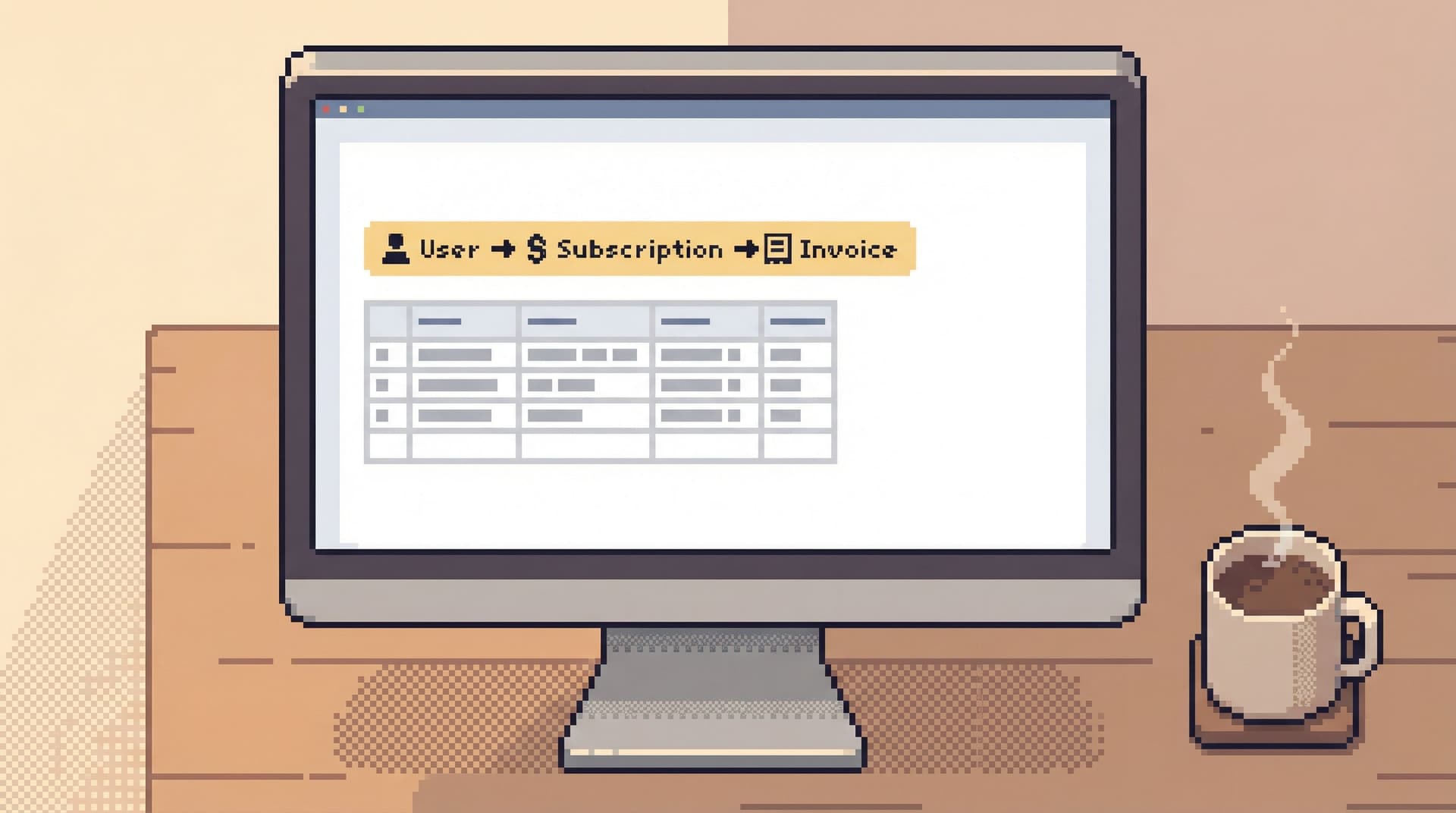
Most engineers don’t wake up wanting an admin panel. They wake up wanting answers: What exactly happened to this user’s subscription? Did this job run twice or just log twice? Why does this order look different between two services? Those are focused, read-heavy questions. But the tools we put in front of them are usually broad, write-capable admin surfaces or full SQL IDEs. The result is predictable: cognitive load, risk, and a lot of “don’t click the wrong thing” anxiety. An anti-admin panel starts from a different premise: Everyday engineering work deserves its own, smaller database tool. Not a downgraded admin panel. Not a BI suite with fewer bu

Team Simpl
Team Simpl
Guardrails in the Query Editor: UX Patterns That Make Unsafe Reads Hard by Default
Database Browsing
Developer Tools

Guardrails in the Query Editor: UX Patterns That Make Unsafe Reads Hard by Default

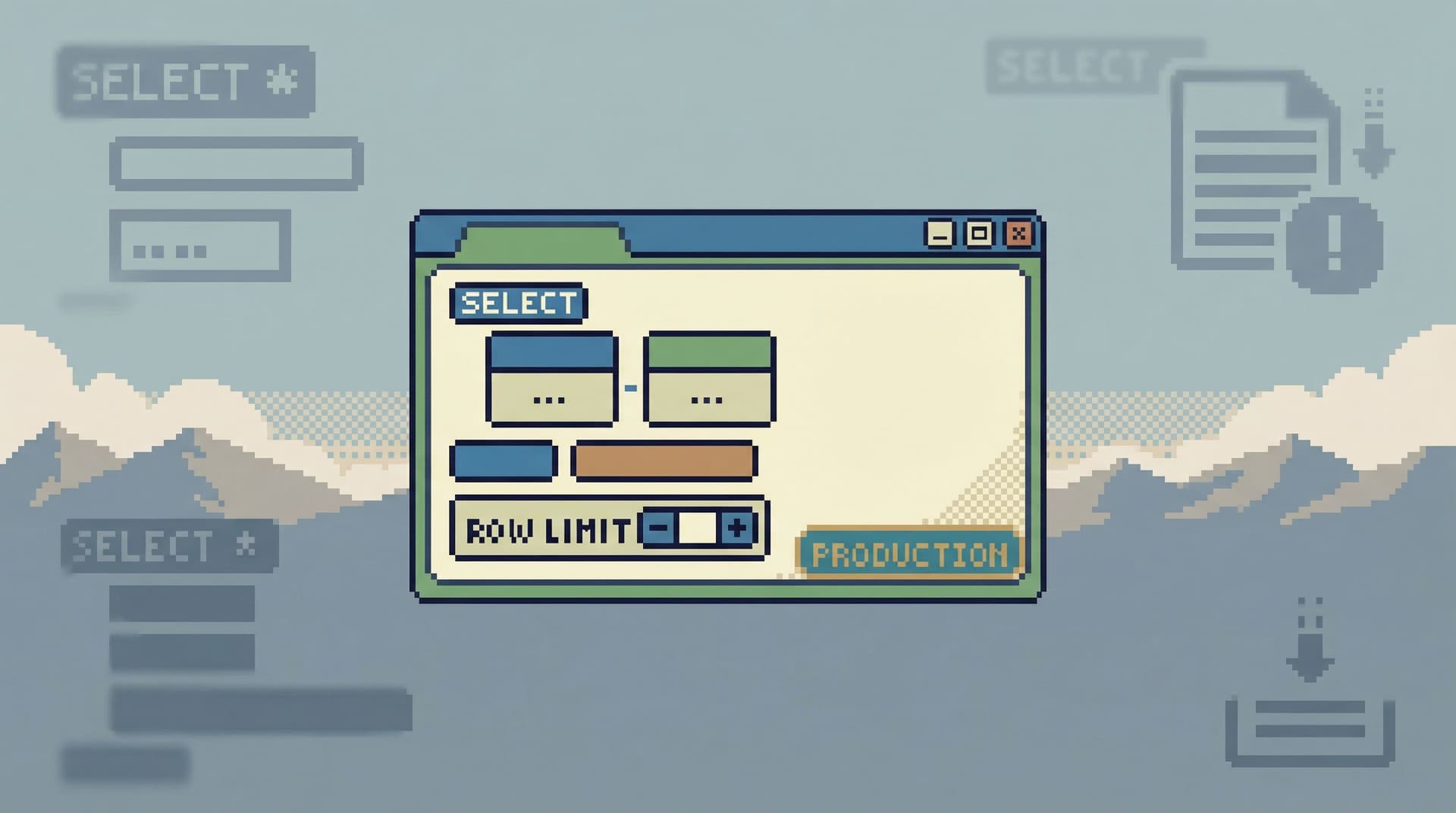
Most engineers don’t blow up production with a DROP TABLE. They hurt it with a “harmless” read. A wide SELECT on the hottest table during traffic spikes. A missing limit on a slow join. A copy‑pasted query from staging that behaves very differently on real data. The problem isn’t intent. It’s that most query editors make every read feel the same. A SELECT * FROM events against a billion‑row table looks as safe as a single‑row lookup. The interface is neutral. The database is not. Guardrails in the query editor are about changing that default. Not with more policy docs or Slack warnings, but with UX patterns that make unsafe reads hard by default—and safe reads feel natu

Team Simpl
Team Simpl
The Calm Query Console: Why Most Database Work Needs Fewer Modes, Not More Features
Database Browsing
Developer Tools

The Calm Query Console: Why Most Database Work Needs Fewer Modes, Not More Features

Most engineers don’t open a database client looking for more power. They open it because something specific is unclear: “What exactly happened to this user’s subscription?” “Did this background job run twice?” “Why does this order look different between two services?” Those are focused questions. But the tools we give ourselves are rarely focused. Full SQL IDEs, admin panels, and BI suites all share the same instinct: add another mode, another panel, another feature. Over time, the console stops feeling like a place to think and starts feeling like a place to manage. A calm query console takes the opposite stance: fewer modes, narrower paths, clearer stat

Team Simpl
Team Simpl
The Anti-Explorer View: Why Less Navigating Makes Production Databases Feel Safer
Database Browsing
Developer Tools

The Anti-Explorer View: Why Less Navigating Makes Production Databases Feel Safer

Production databases don’t usually get people into trouble because of one huge, malicious action. They get people into trouble through wandering. Clicking around. Expanding schemas. Opening “just one more” tab. Running “just to see” queries in a tool that makes everything look equally safe. The Anti‑Explorer view is a different stance: instead of encouraging you to roam the database, it gives you a narrow, deliberate path through it. Less freedom to wander, more support to move in a straight line from question to answer. That restraint doesn’t just make you feel calmer. It makes production sa

Team Simpl
Team Simpl
Schema Less, Context More: Designing Database Views Around Real Debugging Questions
Database Browsing
Developer Tools

Schema Less, Context More: Designing Database Views Around Real Debugging Questions

Most database tools still start from the same assumption: Show the schema. Let people figure out the rest. You get a tree of tables, a blank SQL editor, and a results grid. Neutral on the surface. But that layout quietly pushes you toward a schema-first mindset: “What tables do we have?” “Where does this column live again?” “Which join is ‘correct’ for this use case?” Real debugging work doesn’t start there. It starts with questions that sound more like stories: “Why did this user get charged twice?” “What exactly did this background job do at 03:12 UTC?” “Why is this order stuck in ‘processing’ even though the payment succeeded?” Those questions cut across tables, services, and ti

Team Simpl
Team Simpl
From BI Sprawl to Focused Reads: Separating Exploration from Reporting in Your Data Stack
Database Browsing
Developer Tools

From BI Sprawl to Focused Reads: Separating Exploration from Reporting in Your Data Stack

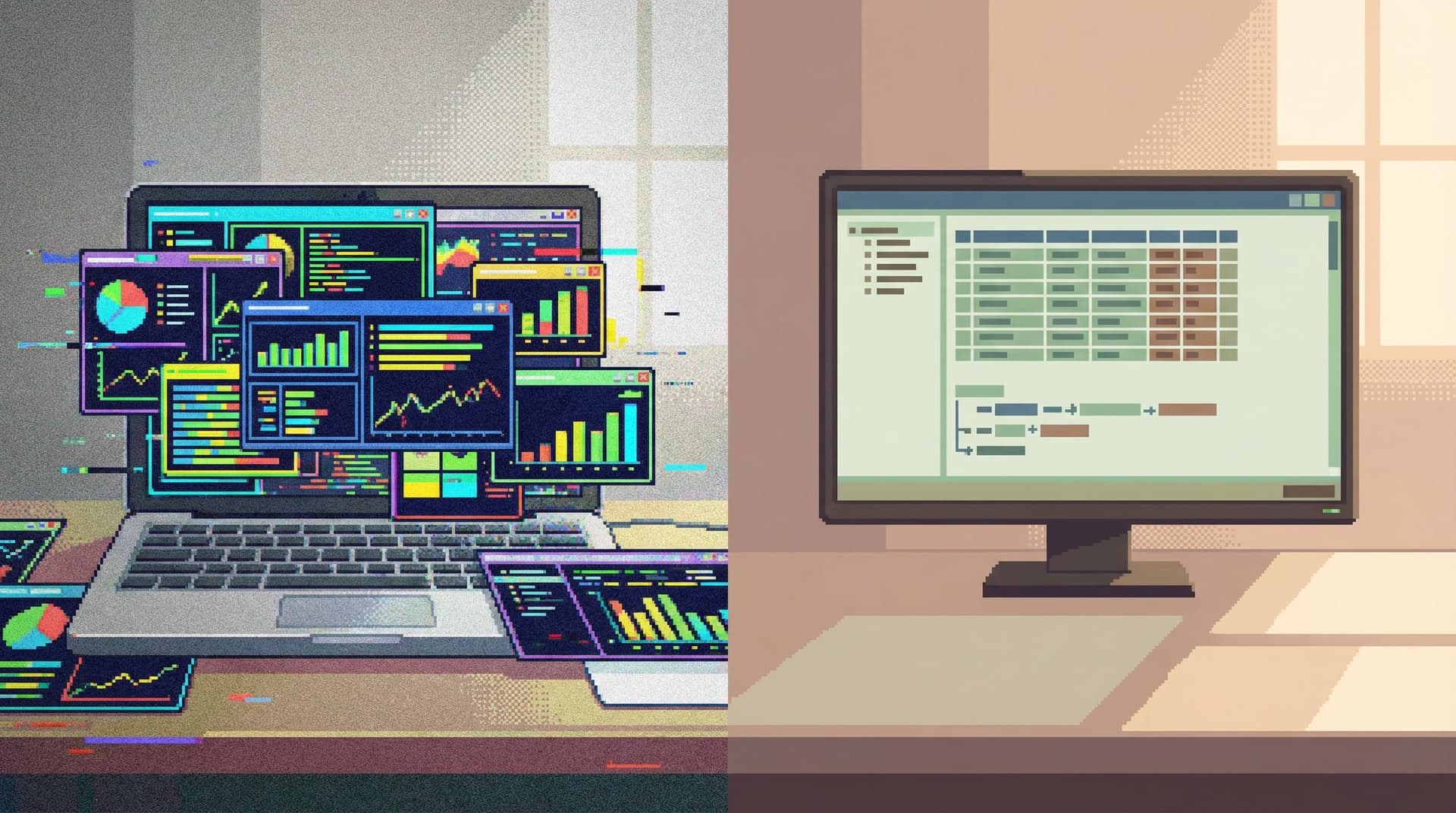
Most teams don’t suffer from a lack of BI. They suffer from too much of it in the wrong places. Dozens of dashboards. Multiple BI tools. Competing metrics. And when something actually breaks in production, the people closest to the problem quietly open a SQL client or admin panel and start from scratch. This post is about a simple but underrated move: Separate exploration from reporting. Treat them as different jobs with different tools, constraints, and expectations. When you do that, three things happen: Your BI layer gets calmer and more trustworthy. Your engineers get a focused, safe way to read production data. Your data stack stops feeling like a maze and starts feeling like a set of clear

Team Simpl
Team Simpl
The Anti-Dashboard Database: Designing Views That Don’t Beg for Your Attention
Database Browsing
Developer Tools

The Anti-Dashboard Database: Designing Views That Don’t Beg for Your Attention

Dashboards won. They sit on big screens, glow in war rooms, and show up as the default homepage in half the tools your team uses. But most database work is not dashboard work. When you’re: Tracing a single user’s billing issue Verifying what a background job actually did Following an incident through a few key tables you don’t need a wall of charts. You need a quiet, precise view into the data. This is where the anti-dashboard database comes in: views that don’t beg for your attention, don’t animate at you, and don’t try to summarize the world. They just help you answer the question in front of you—cal

Team Simpl
Team Simpl
Beyond Admin Panels: What a Purpose-Built Database Browser Should (and Shouldn’t) Do
Database Browsing
Developer Tools

Beyond Admin Panels: What a Purpose-Built Database Browser Should (and Shouldn’t) Do

Most engineering teams reach for the same tools whenever they need to “look at the data”: The production admin panel A full SQL IDE A BI tool that was really built for reporting, not debugging Those tools are powerful. They’re also noisy. They mix writes and reads, dashboards and drilldowns, incidents and ad‑hoc exploration. Over time, that noise turns simple database questions into stressful, error‑prone sessions. A purpose‑built database browser is a different stance. It assumes: You’re mostly reading, not writing. You care about clarity and safety more than raw surface area. You want to move in a straight line from question to answer

Team Simpl
Team Simpl
Guardrails as UX, Not Policy: Turning Risky Database Actions into Rare, Deliberate Moments
Database Browsing
Developer Tools

Guardrails as UX, Not Policy: Turning Risky Database Actions into Rare, Deliberate Moments

Most teams don’t get hurt by the query they meant to run. They get hurt by the one they almost ran. A missing WHERE on UPDATE. A DELETE copied from staging. A backfill pointed at the wrong environment. None of these are “edge cases” in the real world; they’re the natural outcome of tools that make dangerous actions feel normal. Policies try to fix this with rules: approvals, checklists, change tickets, role matrices. But the moment you drop into a SQL client, those policies fade. The interface is what your hands feel. If the UI treats SELECT * FROM users and TRUNCATE users as peers, your brain does too. Guardrails only work when they’re built into the experie

Team Simpl
Team Simpl
Production Queries Without the Guesswork: A Playbook for Safe, First-Principles Reads
Database Browsing
Developer Tools

Production Queries Without the Guesswork: A Playbook for Safe, First-Principles Reads

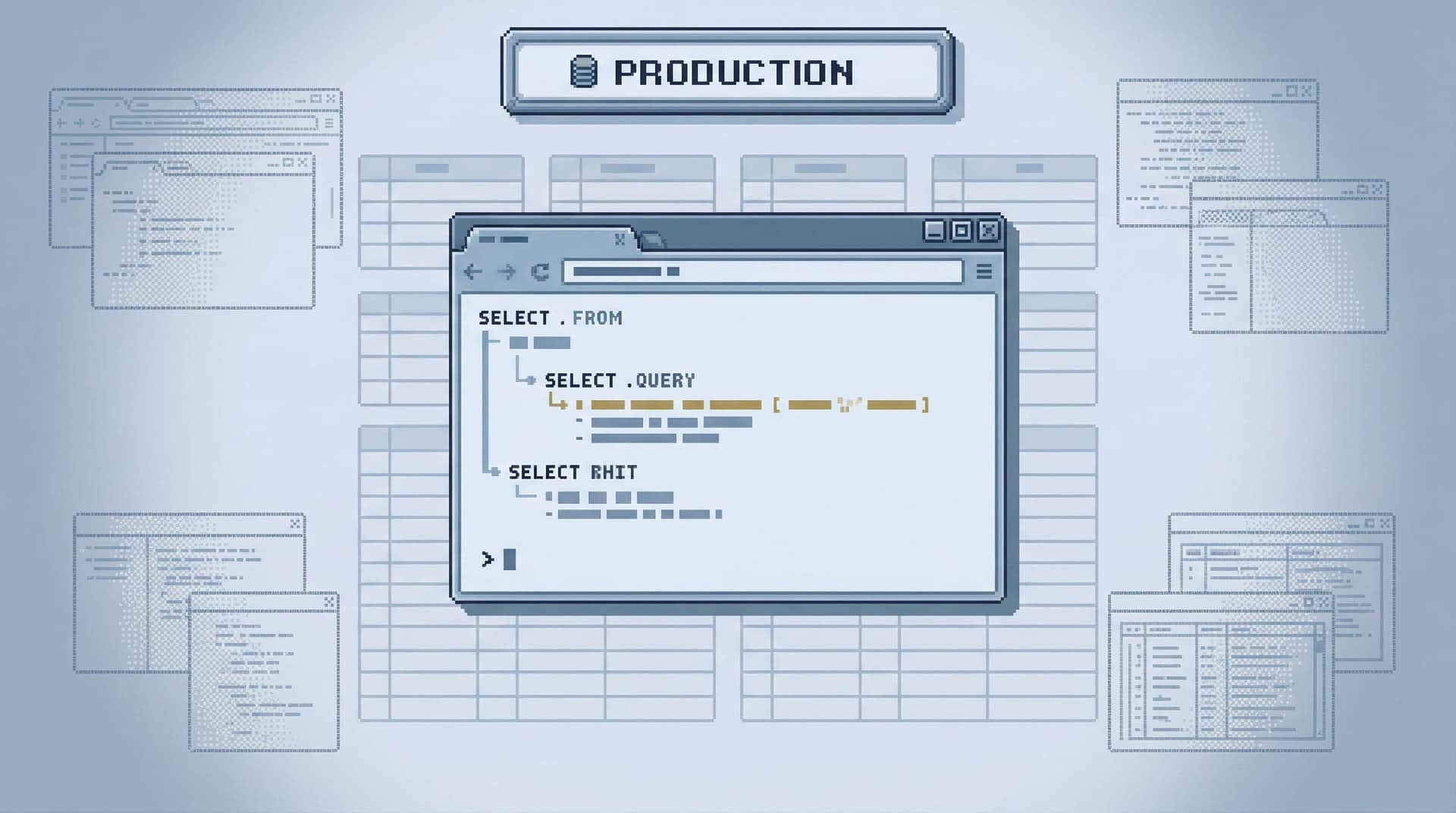
Most teams don’t get burned by SQL syntax. They get burned by assumptions. “This table is small.” “That WHERE clause is restrictive enough.” “It’s just a read; what’s the worst that could happen?” On production, those assumptions turn into: Surprise full‑table scans on hot paths Timeouts that cascade into incidents Confusing, half‑correct answers that drive the wrong decisions Safe production reads are not about memorizing every EXPLAIN nuance or learning one more index trick. They’re about adopting a calm, first‑principles stance: understand what you’re asking the database to do, before you ask it. This post is a practical playbook for that stan

Team Simpl
Team Simpl
When Read-Only Isn’t Enough: Subtle UX Traps That Still Make Production Data Feel Dangerous
Database Browsing
Developer Tools

When Read-Only Isn’t Enough: Subtle UX Traps That Still Make Production Data Feel Dangerous

Most teams eventually do the “right” thing and lock production behind read-only tools. The surprise is what happens next: production still feels dangerous. People hesitate before running queries. Screenshots get passed around instead of links. Debugging sessions stay on Zoom because “I don’t want to be the one to click the wrong thing.” The problem isn’t just writes. It’s how the interface behaves around production data. Read-only is a permission setting. Safety is a user experience. This post looks at the subtle UX traps that keep production feeling risky even when writes are blocked—and how to design calmer, more trustworthy read paths inst

Team Simpl
Team Simpl
Production Reads Without the Rabbit Holes: Structuring Safe, Linear Debugging Sessions
Database Browsing
Developer Tools

Production Reads Without the Rabbit Holes: Structuring Safe, Linear Debugging Sessions

Production debugging is supposed to be simple: There is a question. You follow a line of evidence. You reach an answer. Instead, most teams get something closer to a maze: Ten browser tabs Three database clients Dashboards, logs, traces, and Slack all open at once Half‑finished queries and half‑remembered hunches You don’t just debug the issue. You also debug your own trail of breadcrumbs. This post is about a quieter alternative: linear, read‑only debugging sessions that move in a straight line through production data, without side quests or rabbit ho

Team Simpl
Team Simpl
The Narrow Query Surface: Designing Database Tools That Encourage Only the Right Questions
Database Browsing
Developer Tools

The Narrow Query Surface: Designing Database Tools That Encourage Only the Right Questions

Most database tools start from the same assumption: more surface area is better. More inputs. More panels. More query power. More ways to ask the database anything. That sounds generous. In practice, it means: People ask vague, unbounded questions. Risky queries sit one typo away from production. Teams drown in ad‑hoc exploration instead of converging on clear answers. A narrow query surface is the opposite stance. You deliberately constrain what can be asked, where it can be asked, and how it can be refined. You don’t remove power; you channel
Team Simpl
Team Simpl
The Calm Query Stack: Designing a Minimal Toolkit for Everyday Database Work
Database Browsing
Developer Tools

The Calm Query Stack: Designing a Minimal Toolkit for Everyday Database Work

Most engineers don’t need more database tools. They need fewer—and calmer—ones. Everyday database work is mostly quiet: Inspecting a user row Tracing a background job Verifying that a migration did what you think it did Following a production incident through a few key tables Yet the default stack for this work often looks like a cockpit: a full IDE-style client, multiple terminals, dashboards, logs, and half a dozen browser tabs. Power isn’t the problem. Attention is. A calm query stack starts from a different stance: Use the smallest set of tools that lets you safely, confidently answer real questions about your da

Team Simpl
Team Simpl
Production Incidents Without the Maze: A Linear Workflow for Tracing Data Issues
Database Browsing
Developer Tools

Production Incidents Without the Maze: A Linear Workflow for Tracing Data Issues

Production incidents rarely fail because you didn’t have enough data. They fail because you had too much of it, in too many places, with no clear order of operations. Alerts, dashboards, logs, traces, ad‑hoc SQL, screenshots in Slack. Everyone opens everything. The incident channel fills with partial clues and half-formed theories. You end up with a maze, not a path. This post is about the opposite stance: a linear workflow for tracing data issues. One clear line from “something is wrong” to “we understand exactly what happened in the data.” Tools like Simpl are built around that idea: a calm, opinionated way to explore production data without turning every incident into a scavenger hu

Team Simpl
Team Simpl
From Dashboards to Drilldowns: Why Engineering Teams Need a Different Kind of Data Tool
Database Browsing
Developer Tools

From Dashboards to Drilldowns: Why Engineering Teams Need a Different Kind of Data Tool

Dashboards were supposed to make data feel simple. At first they did. A few charts, a couple of key metrics, a shared place to look. Then the charts multiplied. Teams added more panels “just in case.” Every new product question, every incident, every stakeholder request turned into another tile. Over time, the wall of dashboards stopped clarifying reality and started obscuring it. For engineering teams, that’s where the friction starts. Most of the work engineers do with data isn’t “monitor this metric forever.” It’s: Debug a specific user issue Trace a job through multiple services Validate an assumption before a deploy Understand what really happened during an incident Those are drilldown problems, not dashboard probl

Team Simpl
Team Simpl
Calm by Default: UX Patterns That Make Dangerous Database Actions Feel Rare and Deliberate
Database Browsing
Developer Tools

Calm by Default: UX Patterns That Make Dangerous Database Actions Feel Rare and Deliberate

Most database tools make it feel normal to do dangerous things. Open a client, connect to production, type into a blank SQL editor. Destructive queries sit one keyboard shortcut away from harmless reads. The UI doesn’t distinguish between: Inspecting a single user row Dropping a column Backfilling a table Truncating a queue They’re all just queries. When everything looks equally available, risk stops feeling special. Teams fall back on vibes and muscle memory instead of guardrails. “Be careful” becomes the only policy. A calmer stance is possible: design the interface so that dangerous actions are rare, visually distinct, and deliberately slower. Make the safe paths feel like the defau

Team Simpl
Team Simpl
Read Trails, Not Logs: Turning Database Sessions into Shareable Narratives
Database Browsing
Developer Tools

Read Trails, Not Logs: Turning Database Sessions into Shareable Narratives

Most teams still treat database work like log scrolling. You open a client. You connect to production. You run a few queries. Maybe you copy a snippet into Slack or paste a screenshot into a ticket. Then you close the tab. The story disappears. You got an answer, but you didn’t create anything reusable. The next person starts from zero, runs a slightly different set of queries, and re‑discovers the same facts in a slightly different way. There’s a calmer alternative: treat each database session as a trail—a readable narrative that someone else can follow, replay, and extend. Tools like Simpl are built around this

Team Simpl
Team Simpl

Async Debugging: How to Share Database Context Without Spinning Up a Meeting

Most database debugging still assumes everyone is online at the same time. A question appears in Slack. Someone pings @here. A Zoom link shows up. Screens are shared. Queries are written live. Half the team watches; a few people talk. When it’s over, the context evaporates. You got an answer. You also: Burned a meeting slot. Forced people to switch tasks. Created zero reusable artifacts for the next person with the same question. Async debugging is the opposite stance: treat database context as something you can capture, package, and share without pulling everyone into a room. This post is about how to do that in a calm, opinionated way—especially when your main window into production data is a focused browser like Si

Team Simpl
Team Simpl
The Quiet Migration: Using Calm Database Tools During Schema and Service Changes
Database Browsing
Developer Tools

The Quiet Migration: Using Calm Database Tools During Schema and Service Changes

Schema changes and service migrations are when your database stops being background infrastructure and becomes the main character. Tables move. Columns get renamed. Services switch from one datastore to another. Traffic shifts gradually—or all at once. During that window, every query against production is more fragile, every assumption about the schema is more likely to be wrong. This is exactly when most teams open the loudest tools they have. A calmer approach is possible. This post is about running migrations and service changes with tools and habits that protect attention, reduce risk, and keep the database readable while it’s in mot

Team Simpl
Team Simpl

Quiet by Design: UX Patterns for Database Tools That Don’t Demand Your Attention

Most database tools behave like they’re in a competition for your focus. Panels slide in. Charts animate. Tabs multiply. Every state change is a chance to flash, highlight, or distract. That noise feels like power—until you’re debugging a production issue, tracing a subtle data bug, or onboarding a new engineer who just needs a clear path through the schema. Quiet tools are different. They assume your attention is scarce and expensive. They don’t try to keep you engaged; they try to stay out of your way. For database work, that’s not just a matter of taste. It’s a matter of safety, clarity, and long-term team san

Team Simpl
Team Simpl
Deep Work in the Console: Rethinking How Engineers Touch Production Data
Database Browsing
Developer Tools

Deep Work in the Console: Rethinking How Engineers Touch Production Data

Deep work and production databases rarely show up in the same sentence. Most engineers touch production data in short, reactive bursts: a quick query in psql, a tab in a GUI, a screenshot pasted into Slack. The work is fragmented. The tools are noisy. The risk is real. But production data is where the truth live

Team Simpl
Team Simpl
When Your Database Browser Tries to Be an IDE (and How to Walk It Back)
Database Browsing
Developer Tools

When Your Database Browser Tries to Be an IDE (and How to Walk It Back)

Most database tools quietly drift. They start as simple ways to look at tables and run a few queries. Over a few releases, they pick up tabs, themes, extensions, code snippets, Git integration, schema diffing, visual query builders, and a dozen panels that all want your attention. One day you open your “database browser” and realize you’re staring at a full IDE. That drift feels natural. Engineers live in IDEs, so borrowing that model for databases seems harmless. But databases are not codebases. They sit closer to real users, real money, and real incidents. Treating them like another code target leads to noisy workflows, fragile queries, and a general sense that working with data is heavier than it should

Team Simpl
Team Simpl
The Case for Fewer Charts: Building Database Tools That Show Just Enough
Database Browsing
Developer Tools

The Case for Fewer Charts: Building Database Tools That Show Just Enough

Dashboards are easy to create and hard to retire. Most teams accumulate charts the way codebases accumulate TODOs. A new incident, a new product question, a new stakeholder request—another panel gets added. Nothing gets removed. Over time, the wall of charts stops clarifying reality and starts obscuring it. For database tools, this matters even more. The database is where the story actually lives. If your interface to that story is a dense mosaic of visualizations, you’re not closer to the truth—you’re just looking at more pictures of it. This post makes a simple argument: Database tools should show just enough, not everything they c

Team Simpl
Team Simpl
The Quiet Debugger: How to Investigate Production Incidents Without Drowning in Data
Database Browsing
Developer Tools

The Quiet Debugger: How to Investigate Production Incidents Without Drowning in Data

Production incidents are rarely caused by a lack of data. They’re usually caused by too much of it. Logs, traces, metrics, dashboards, ad‑hoc SQL, feature flags, deploy timelines, Slack threads. The instinct is to open everything, scroll everywhere, and hope the answer appears in the noise. That’s how teams burn an hour without making a single real decision. A quieter approach to debugging doesn’t mean being slower or less thorough. It means: Consciously limiting inputs instead of drinking from every firehose. Moving in a clear sequence instead of bouncing between tools. Treating the database as a narrative source of truth, not just another pa

Team Simpl
Team Simpl
Opinionated Read Paths: Why Most Teams Need Guardrails More Than Admin Superpowers
Database Browsing
Developer Tools

Opinionated Read Paths: Why Most Teams Need Guardrails More Than Admin Superpowers

Most teams don’t need more power over their databases. They need fewer ways to get it wrong. The default database experience still looks like this: open a full‑featured GUI or CLI, point it at production, and get a blank SQL canvas with near‑admin powers. You can do anything. You’re also one copy‑paste away from an outage, a privacy issue, or a quietly wrong query that ships into a dashboard. Opinionated read paths are a different stance: instead of giving everyone a cockpit, you give them a calm, narrow hallway. A deliberate sequence of views, queries, and affordances that make the safe, useful thing the easiest thing. Tools like Simpl are built around this i

Team Simpl
Team Simpl
Beyond the Schema Explorer: Designing Database Browsers for Real-World Debugging
Database Browsing
Developer Tools

Beyond the Schema Explorer: Designing Database Browsers for Real-World Debugging

Most database tools start with the same promise: you can see everything. Every table. Every column. Every relationship. A schema explorer in the left pane, a query editor in the center, and a results grid at the bottom. That’s useful for setup and onboarding. It is not enough for real debugging. Real-world debugging rarely sounds like: “Show me the list of tables.” It sounds like: “Why did this user’s subscription cancel even though Stripe says they’re active?” “Why did this job run twice?” “Why are we missing events for this cohort only in us-west-2?” Those questions cut across the schema. They demand context, history, and narrative. A static tree of tables doesn’t help you think that way. It just tells you what exis

Team Simpl
Team Simpl

Designing Opinionated Data Tools: When Saying ‘No’ Creates Better Developer Focus

Most tools promise you can do anything. Unlimited tabs. Arbitrary connections. Endless configuration. A blank canvas with no opinion about how you should work. For databases, that kind of freedom feels powerful—right up until you’re staring at a wall of panels, half‑written queries, and a creeping sense that you’re losing the plot. Opinionated tools take a different stance: they say “no” on purpose. They remove features. They constrain flows. They pick defaults and don’t apologize for them. That can feel restrictive in the moment. Over time, it’s what creates calm, focused

Team Simpl
Team Simpl
Safe by Default: Practical Patterns for Exploring Production Data Without Fear
Database Browsing
Developer Tools

Safe by Default: Practical Patterns for Exploring Production Data Without Fear

Production data should feel slightly dangerous. Not because you’re one typo away from an outage, but because it represents real users, real money, and real incidents. The danger comes from how most teams approach production: ad‑hoc queries, heavyweight tools, and a quiet assumption that everyone will “just be careful.” That isn’t a strategy. It’s a wish. A better pattern is simple: be safe by default. Make the calm, least-destructive thing the easiest thing. Make risk a deliberate choice, not an accidental side effect of a rushed query. This post walks through practical patterns you can use to explore production data with confidence—whether you’re using psql, a GUI, or an opinionated browser like Sim

Team Simpl
Team Simpl
The Problem with ‘Just Use psql’: Why Database CLI vs GUI Is the Wrong Debate
Database Browsing
Developer Tools

The Problem with ‘Just Use psql’: Why Database CLI vs GUI Is the Wrong Debate

The argument shows up in code reviews, onboarding docs, and Slack threads: “Don’t open a GUI, just use psql.” It sounds tidy. It also misses the real problem. The hard part of working with a database isn’t how you connect to it. It’s how you think once you’re there. Whether you use a terminal client like psql, a heavyweight IDE, or a focused browser like Simpl, the deeper questions are the same: How quickly can you build an accurate mental model of your data? How safely can you explore production without pager anxiety? How easy is it to share what you learned with the rest of the team? The “CLI vs GUI” debate is a distracti

Team Simpl
Team Simpl
Opinionated by Design: Why Simpl Favors Guardrails Over Infinite Flexibility
Database Browsing
Developer Tools

Opinionated by Design: Why Simpl Favors Guardrails Over Infinite Flexibility

Most database tools pride themselves on flexibility. Unlimited tabs. Arbitrary connections. Raw access to production. A blank SQL canvas and the promise: you can do anything here. That sounds empowering. In practice, it often means: Higher incident risk Noisy, inconsistent workflows Steep onboarding for new engineers Quiet anxiety every time someone opens the production database Simpl takes the opposite stance on purpose. Opinionated guardrails are not a constraint we apologize for. They’re the product. Calm work with data doesn’t come from more power. It comes from better boundaries. Why Infinite Flexibility Backfires With Databases Databases are not text editors. They sit close to real users, real money, and real inci

Team Simpl
Team Simpl
What IDEs Got Wrong About Database UX (and How Tools Like Simpl Can Do Better)
Database Browsing
Developer Tools

What IDEs Got Wrong About Database UX (and How Tools Like Simpl Can Do Better)

What IDEs Got Wrong About Database UX (and How Tools Like Simpl Can Do Better) Most database GUIs quietly inherited their design from code editors. Tabs everywhere. Split panes. A giant SQL editor in the middle. Extensions, themes, and keybindings as the main selling points. That familiarity feels safe. But it also smuggles in a set of assumptions about how you should work with data: Write first, understand later. Optimize for speed, not clarity. Treat the database like another code target, not a shared source of truth. For exploratory, collaborative work with production data, those assumptions are wro

Team Simpl
Team Simpl
Designing Database Tools for Deep Work: Patterns We Brought into Simpl
Database Browsing
Developer Tools

Designing Database Tools for Deep Work: Patterns We Brought into Simpl

Deep work and databases don’t usually appear in the same sentence. Most database tools are built for throughput: more tabs, more panels, more shortcuts, more things happening at once. That can feel powerful in the moment. It also quietly taxes your attention, pushes you toward reactive querying, and makes calm, careful reasoning about data harder than it needs to be. Simpl was built from the opposite direction: what would a database browser look like if the primary constraint was protecting deep work? This post walks through the patterns we chose, what we intentionally left out, and how you can bring the same ideas into your own tools and workflows—whether or not you use Sim

Team Simpl
Team Simpl

Designing Calm Defaults: How Simpl Encourages Safer, Clearer Queries

Most database tools assume that if you opened the app, you’re ready to do anything. Run any query. Touch any table. Point it at production and hope everyone is careful. That assumption is convenient. It’s also how you end up with: Risky UPDATE statements run in the wrong environment Accidental full-table scans in the middle of peak traffic Confusing query history nobody can safely reuse Teams that quietly fear opening the database at all Calm work with data doesn’t start with better dashboards or more permissions. It starts with better defaults. Defaults are the first draft of how your team behaves: What you see when you open the tool What’s easy vs. what’s slightly harder What’s safe by defaul

Team Simpl
Team Simpl
The Minimalist’s Guide to Database Debugging in Incident Response
Database Browsing
Developer Tools

The Minimalist’s Guide to Database Debugging in Incident Response

Incidents are loud. Alerts fire. Channels light up. People pile into a call. Everyone is scrolling, querying, refreshing, speculating. The database sits in the middle of it all—usually as a blur of dashboards, ad-hoc queries, and half-remembered table names. This is where debugging often goes wrong. Not because the problem is unsolvable, but because the approach is noisy. A minimalist approach to database debugging doesn’t mean doing less. It means doing only what matters, in a deliberate order, with tools that don’t compete for your attention. This post is about how to do that when the pager goes

Team Simpl
Team Simpl
Why Your Database GUI Feels Like an IDE (and Why That’s a Problem)
Database Browsing
Developer Tools

Why Your Database GUI Feels Like an IDE (and Why That’s a Problem)

Most database GUIs look like they were designed by someone who really loves text editors. Tabs everywhere. Panels inside panels. A giant query editor front and center. Extensions. Themes. Keyboard shortcuts for everything. It feels familiar because it looks like an IDE. That familiarity is comforting. It’s also quietly shaping how you work with data—and not always in your favor. Tools teach habits. When your database GUI behaves like an IDE, it nudges you toward writing instead of understanding, speed instead of clarity, and solo heroics instead of shared flows. Over time, that shows up as production incidents, brittle queries, and a general sense that working with data is louder than it needs to

Team Simpl
Team Simpl
The Case for a Read-First Database Workflow
Database Browsing
Developer Tools

The Case for a Read-First Database Workflow

Most teams treat their database like an API: something you send commands to. INSERT, UPDATE, DELETE come quickly. SELECT is just the warmup. That order is backwards. A read-first workflow puts observation before action. You bias toward: Reading before writing Inspecting before changing Understanding before automating It sounds obvious. It is not common. And it’s one of the simplest ways to reduce incidents, bad dashboards, and confused product decisions. This post is about what a read-first workflow looks like in practice, why it matters, and how to design your tools and habits around

Team Simpl
Team Simpl
Query Fast, Think Slow: Designing Database Tools for Deliberate Work
Database Browsing
Developer Tools

Query Fast, Think Slow: Designing Database Tools for Deliberate Work

Most database tools push you to move faster. Tabs everywhere. Autocomplete that races ahead of your intent. Dashboards that update before you know what you’re looking for. Speed is easy to sell. But when you work with data, speed without structure doesn’t make you more effective. It just makes your mistakes arrive sooner. This post is about a different bias: query fast, think slow. Move quickly through the mechanics of querying so you can spend your attention on the hard parts: understanding models, tracing relationships, and making decisions you can stand behind a week from now. That bias should shape how we design and choose database tools. Why deliberate work with data matters Most data work is not about writi

Team Simpl
Team Simpl