The Calm Query Console: Why Most Database Work Needs Fewer Modes, Not More Features

Most engineers don’t open a database client looking for more power.
They open it because something specific is unclear:
- “What exactly happened to this user’s subscription?”
- “Did this background job run twice?”
- “Why does this order look different between two services?”
Those are focused questions. But the tools we give ourselves are rarely focused.
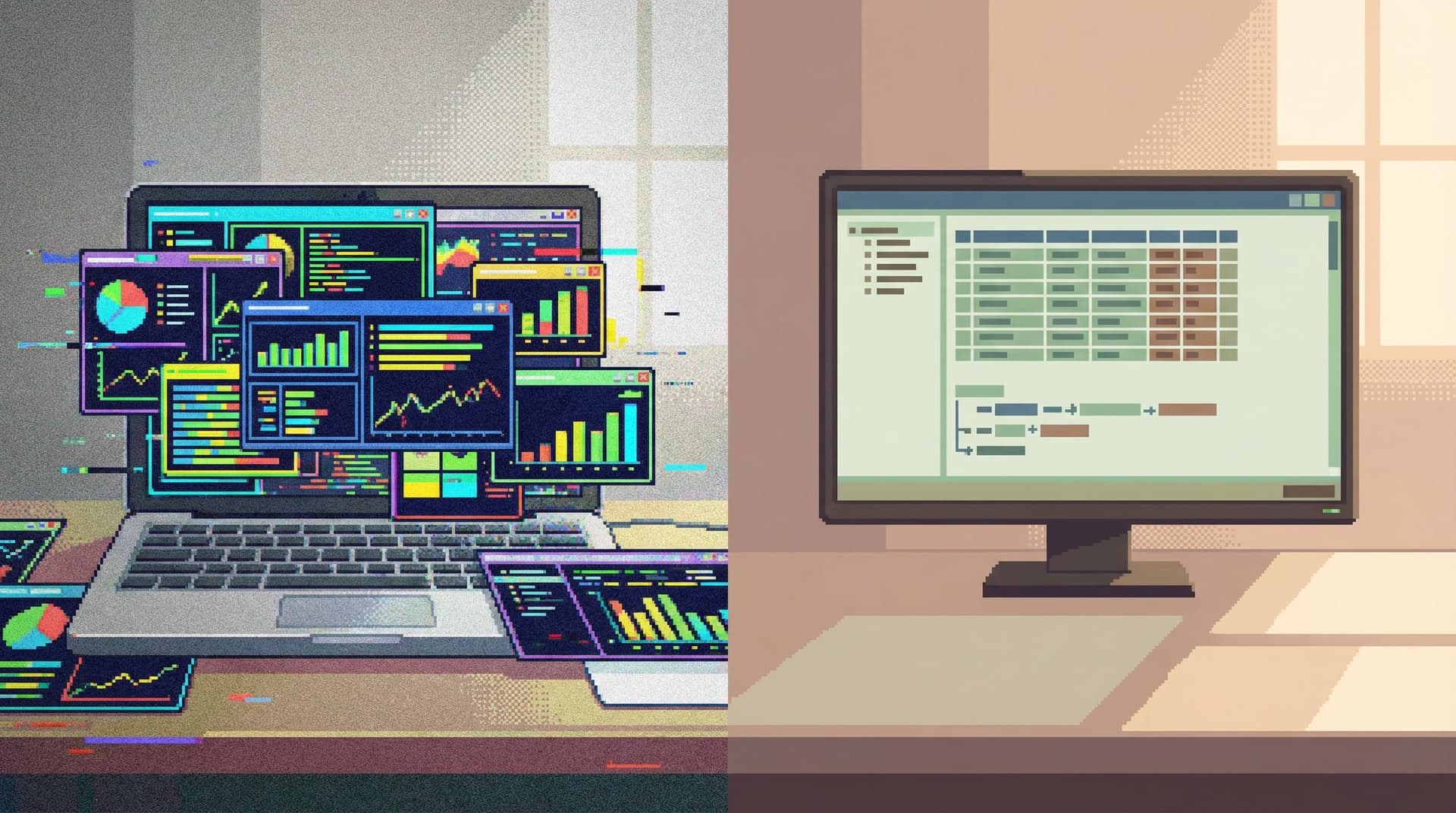
Full SQL IDEs, admin panels, and BI suites all share the same instinct: add another mode, another panel, another feature. Over time, the console stops feeling like a place to think and starts feeling like a place to manage.
A calm query console takes the opposite stance: fewer modes, narrower paths, clearer states. Not because simplicity is cute, but because most database work is read-heavy, linear, and attention-sensitive.
Simpl is built around that stance: an opinionated database browser that gives teams a calm, streamlined interface for exploring and understanding their data without the noise of full BI or admin tools.
Why Modes Quietly Break Database Work
A “mode” is any distinct state where the same UI behaves differently:
- Edit vs read-only
- Query vs schema vs dashboard
- Staging vs production
- SQL editor vs visual builder vs charting
Modes aren’t bad by themselves. The problem is implicit modes—when the console changes behavior without making that shift obvious.
That’s when you get:
- Running a query on production when you thought you were on staging
- Editing data when you thought you were just reading
- Destroying context because the tool silently swapped tabs, sessions, or environments
Most database tools respond by adding more affordances:
- More tabs to separate tasks
- More panes to show more context
- More views (schema, data, charts, logs) competing for attention
The result is familiar:
- Cognitive thrash – You’re not just thinking about the query; you’re tracking which mode you’re in.
- Invisible risk – Dangerous actions hide in the same interface as harmless reads.
- Fragile context – One wrong click drops you into a different mode and your mental model resets.
A calm query console flips the default: one primary way to work, minimal mode switching, and visible, deliberate transitions when you do switch.
If you’ve read about the one-query mindset, this is the same idea at the tool level: keep the surface area small so your brain can stay on the question, not the interface.
What Most Database Sessions Actually Look Like
If you record a normal database session—not the idealized one, but the real thing—it usually looks like this:
- Start from a ticket, alert, or user report.
- Open a client.
- Run a small set of related queries.
- Pivot once or twice based on what you find.
- Capture the answer somewhere (Slack, a doc, a comment).
That’s it. Most sessions are:
- Short-lived – 10–30 minutes.
- Read-heavy – Mostly SELECTs, maybe a COUNT or a sanity check.
- Linear – One main question, maybe a couple of side branches.
You rarely need:
- A dashboard builder
- A visual query designer
- A schema migration panel
- A full tabbed IDE with plugin ecosystems
Those are separate jobs. They deserve their own tools and headspace.
For everyday production reads, incident follow-ups, and debugging, fewer modes are a feature.
If this resonates, you might also find The Calm Query Stack helpful—it walks through designing a minimal set of tools for exactly this kind of work.
The Cost of “Feature-Rich” Query Consoles
More features usually arrive as more modes:
- “Live” vs “history” views
- “Editor” vs “visual builder”
- “SQL” vs “no‑code”
- “Dev” vs “Ops” layouts
Each new mode adds three kinds of cost.
1. Attention cost
You now have to answer meta-questions before you can answer the real question:
- Which view should I be in for this?
- Why does this query behave differently here?
- Where did that result go?
The more you think about the tool, the less you think about the data.
2. Safety cost
When destructive powers live one click away from read paths, and look almost the same, risk stops feeling special.
That’s why we wrote about calm-by-default UX patterns: if TRUNCATE and SELECT share the same muscle memory, you’re relying on vibes, not guardrails.
3. Collaboration cost
Different people use different modes for the same task:
- One person debugs via charts.
- Another uses raw SQL.
- A third clicks through a visual explorer.
You end up with:
- Queries that can’t be easily shared because they depend on a specific UI mode
- Screenshots instead of links
- “Wait, which view are you looking at?” in every debugging call
A calm query console treats sharable, reproducible reads as the main artifact, not a side effect of some larger feature set.
What “Fewer Modes” Actually Looks Like
It’s easy to say “simpler.” It’s harder to be precise.
Here’s what a fewer‑modes console looks like in practice.
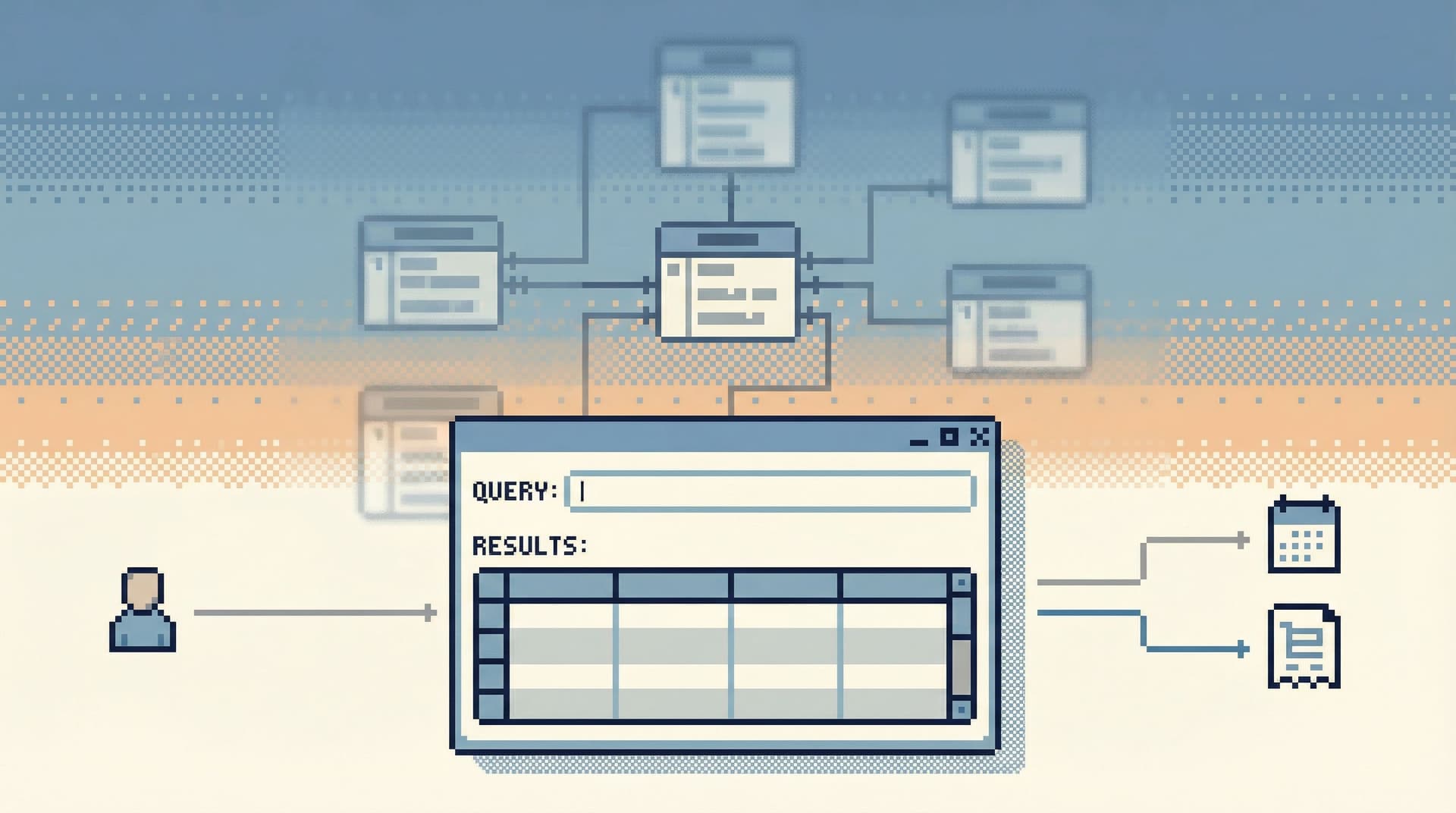
1. One primary read surface
You do almost everything from a single, quiet surface:
- One query area
- One result area
- A small, consistent set of actions
Instead of:
- Separate “explore,” “analyze,” and “visualize” modes
- Multiple overlapping panels (schema, charts, logs) fighting for screen space
- Pop‑out dialogs that break your visual trail
Simpl is built around that idea: one main window for read-heavy work, with the rest pushed to the edges.
2. Explicit, rare mode switches
Some modes are necessary:
- Switching environments (staging vs production)
- Toggling into a write session for a controlled migration
But they should be:
- Visually loud – Clear labels, color changes, or framing.
- Rare – Something you do a few times a day, not every few minutes.
- Deliberate – Ideally with a small confirmation or friction step.
Mode changes should feel like changing rooms, not like clicking a random tab.
3. Linear, not tabbed, sessions
Tabs feel powerful. They also invite chaos:
- Half‑finished queries everywhere
- Lost context when you return to a tab days later
- Accidental cross‑environment copy‑paste
A calm console leans toward linear sessions:
- One active query path at a time
- A visible trail of what you just ran
- The ability to step back and replay, without juggling windows
If you want to go deeper on this, The Single-Window Database Session explores how to structure deep work without tab explosions.
4. Read-first, write-later
Write capabilities are powerful. They’re also a different job.
A fewer‑modes console:
- Starts every session in read-only
- Makes write actions visually distinct and slower
- Treats migrations, backfills, and fixes as explicit workflows, not just “another query”
That separation is a big part of why Designing for Read-Heavy Work argues that most sessions should never start with WRITE.

Designing Your Own Calm Query Console
You may not be able to rewrite your tools from scratch. But you can structure how you use them so your day-to-day work behaves more like a calm console, even inside a noisy one.
Here’s a practical way to start.
Step 1: Decide what this console is for
Pick a single primary job for your main database tool. For many teams, that’s:
“Read-heavy, production-safe debugging and verification.”
Once you name that, you can:
- Move reporting to a dedicated BI tool
- Move heavy migrations to scripts or dedicated runbooks
- Treat admin panels as write-focused, not general-purpose browsers
The goal is one clear job per tool, not one tool for everything.
Step 2: Reduce modes you don’t need
Look at your current console and ask:
- Which views do we never use for production debugging?
- Which panes always stay open “just in case” but rarely help?
- Which modes silently change behavior (e.g., auto‑commit vs transaction)?
Then, deliberately:
- Hide or collapse unused panels
- Disable or restrict modes that don’t belong in read-heavy work
- Standardize one or two views as the “default place to be” for production reads
If your tool allows it, save this as a workspace or layout and make it the team default.
Step 3: Make environment mode obvious
Environment is one mode you can’t avoid. But you can make it unmistakable.
At minimum:
- Color-code environments (e.g., production gets an unmistakable frame)
- Add environment name to every window title and query header
- Use different connection profiles for read-only vs privileged access
The goal: you should never have to remember which environment you’re in; the UI should shout it.
For a deeper dive into why this matters, see Production Databases Without Fear and When Read-Only Isn’t Enough.
Step 4: Enforce a one-query-at-a-time habit
Even inside a feature-rich tool, you can work as if you had a calm console.
Try this for a week:
- Write down the question you’re answering before you open the console.
- Keep only one active query path open at a time.
- When you need to branch, either:
- Comment out the old query and write the new one below, or
- Save the current query with a short label, then move on
- Close tabs ruthlessly. If you need it again, it should be in history or saved queries.
This mirrors how Production Reads Without the Rabbit Holes suggests structuring linear debugging sessions: one clear line from question to answer.
Step 5: Treat saved queries as the main artifact
Instead of relying on screenshots and ad‑hoc notes, use your console (or a tool like Simpl) to:
- Save queries with human-readable names
- Group them by use case ("billing issues", "job retries", "incident X")
- Share links instead of pasting raw SQL into chat
Over time, you’ll build a library of calm read paths that others can reuse, instead of a pile of one-off sessions that vanish when the window closes.
Where a Tool Like Simpl Fits In
You can approximate a calm query console inside general-purpose tools. But there’s a reason products like Simpl exist.
They start from constraints, not from features:
- Read-first, read-heavy by design
- Single-window, linear sessions instead of tab explosions
- Opinionated views that favor real debugging questions over schema trees
- Guardrails as UX, not policy docs
If you’re feeling the weight of BI sprawl, admin panel risk, or IDE complexity, Beyond Admin Panels goes deeper into what a purpose-built browser should—and shouldn’t—do.
A dedicated tool doesn’t just make individual sessions calmer. It gives your team a shared stance toward production data: serious, safe, and understandable without drama.
Summary
Most database work doesn’t need more features. It needs:
- Fewer, clearer modes – especially around environment and write powers
- One primary read surface – instead of a cockpit of competing panels
- Linear sessions – one question, one path, one visible trail
- Explicit, rare transitions – when you do shift into a different kind of work
A calm query console is less about aesthetics and more about protecting attention and reducing risk. When the tool stops demanding management, you get to spend your energy on the data itself.
You can move toward this today by:
- Choosing one main tool for read-heavy work.
- Hiding or disabling modes that don’t serve that job.
- Making environment and write powers visually unmistakable.
- Working with a one-query-at-a-time habit.
- Treating saved queries and read trails as the real output of each session.
Take the First Step
You don’t need a full tooling overhaul to feel the difference.
Pick one of these and try it this week:
- Strip your main console down to a single, calm layout for production reads.
- Standardize a one-query-at-a-time practice on your team.
- Start saving and sharing queries as named artifacts instead of screenshots.
If you want a tool that’s built around this philosophy from the ground up, take a look at Simpl. It’s an opinionated database browser designed for calm, read-heavy work—so your query console feels like a place to think, not a place to manage.