Deep Work in the Console: Rethinking How Engineers Touch Production Data

Deep work and production databases rarely show up in the same sentence.
Most engineers touch production data in short, reactive bursts: a quick query in psql, a tab in a GUI, a screenshot pasted into Slack. The work is fragmented. The tools are noisy. The risk is real.
But production data is where the truth lives. If you can create calm, focused time with it—deep work in the console—you get:
- Clearer mental models of how your system behaves
- Safer changes, because you understand before you act
- Faster incident resolution, with less thrash and fewer side quests
- A quieter, more sustainable way to debug and reason about your product
This post is about designing for that kind of work: how engineers actually touch production data, and how to make that touch precise, deliberate, and calm.
We’ll talk about habits, not just tools. But we’ll also look at how opinionated tools like Simpl can make deep work the default instead of a personal discipline battle.
Why Deep Work Belongs Next to Production Data
Production data is not just another environment:
- It represents real users and real money.
- It encodes every migration, every edge case, every “temporary” workaround.
- It’s the final source of truth when dashboards and metrics disagree.
Yet most teams approach it with:
- Ad-hoc queries written under time pressure
- Heavyweight GUIs that feel like IDEs
- Weak guardrails and a quiet hope that people will “just be careful”
We’ve written before about why this is dangerous in posts like “Read-Only by Default: Building Safer Production Database Workflows Without Slowing Engineers Down”. The short version: production deserves a different posture.
Deep work is that posture.
What “deep work in the console” actually means
In the context of production data, deep work looks like:
- Single-threaded focus on one real question: “Why did this user’s subscription cancel?” not “poke around the schema for a bit.”
- Structured exploration, where each query logically follows from the previous one.
- Limited surface area: fewer tools, fewer tabs, fewer competing panels.
- Respect for risk: read-first by default, writes as deliberate events.
This is not about being slow. It’s about:
- Moving quickly through mechanics (connecting, selecting, filtering)
- Spending most of your attention on reasoning instead of wrangling tools
If you’ve ever finished a debugging session with production data and felt both mentally drained and weirdly unsure of your conclusions, you’ve felt the opposite: shallow, noisy work.
The Usual Console Anti-Patterns
Before we design for deep work, it helps to name what gets in the way.
1. Treating prod like a sandbox
Common smells:
- Direct connections from laptops to production with broad write access
- Copy-pasting queries from staging without adjusting assumptions
- Using the same GUI and permissions for dev, staging, and prod
This is how you get:
- Silent data corruption
- Customer-visible outages
- Incident calls that last hours instead of minutes
We go deeper on this in “Safe by Default: Practical Patterns for Exploring Production Data Without Fear”. The core idea: prod should feel slightly dangerous—not because you’re one typo away from disaster, but because your tools and workflows remind you it matters.
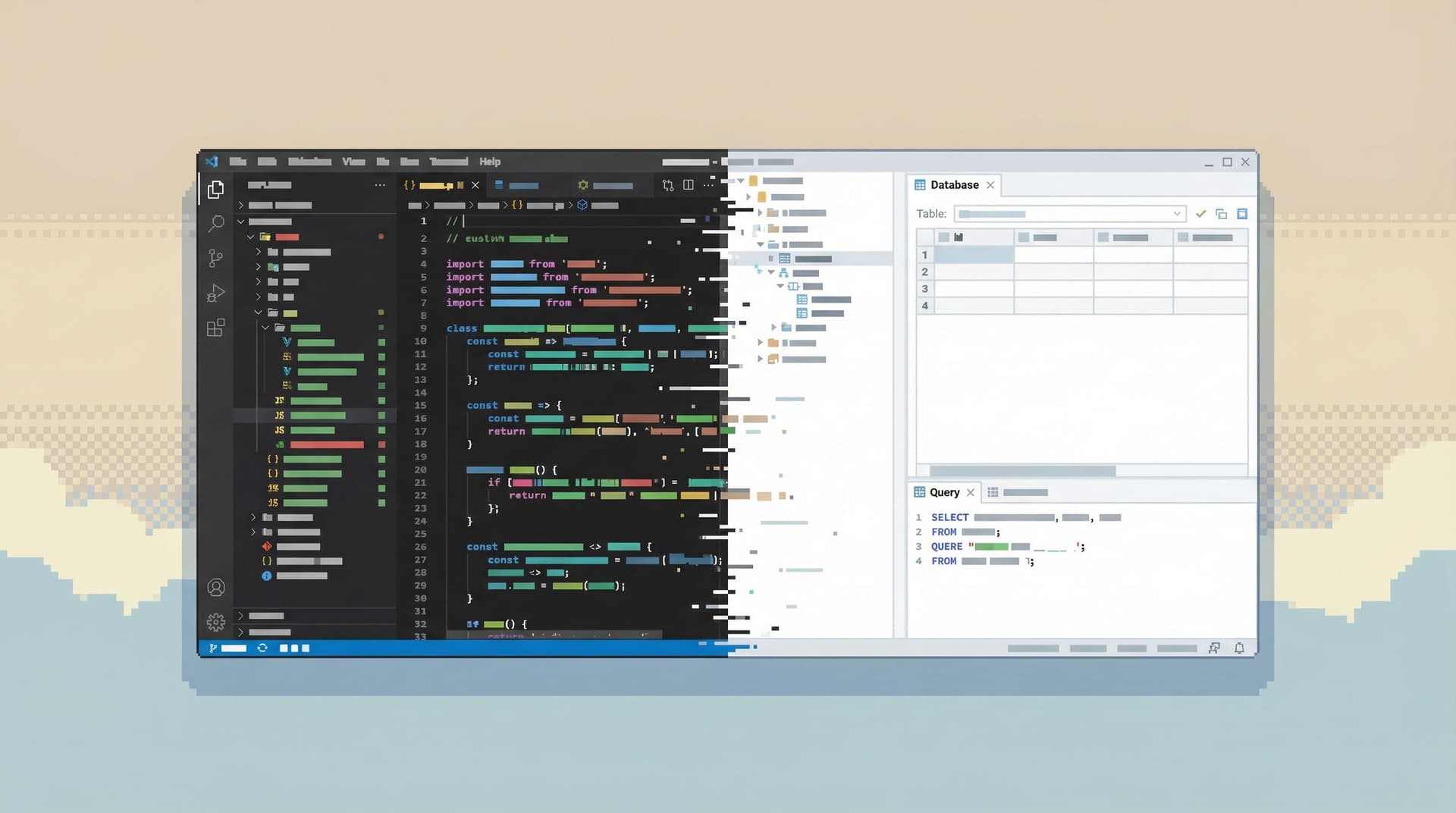
2. Database tools that behave like IDEs
Most database GUIs evolved by copying code editors:
- Tabs everywhere
- Split panes and sidebars
- A giant SQL editor at the center
That nudges you to:
- Write first, understand later
- Juggle multiple half-finished threads
- Treat the database like “just another code target”
For exploratory work with production data, that’s backwards. We’ve unpacked this in “When Your Database Browser Tries to Be an IDE (and How to Walk It Back)”.
3. Context switching as a default
A typical investigation:
- Open SQL client
- Jump to logs
- Check dashboards
- Scroll Slack
- Back to SQL
You’re not just answering the question; you’re constantly reconstructing context. That’s a tax on your attention and a direct enemy of deep work. We called this out in “Database Work Without the Side Quests: Reducing Context Switching in Day-to-Day Queries”.
The pattern behind all of these: tools and habits that optimize for possibility instead of clarity.
A Different Model: Deep Work as the Default
Deep work with production data starts with a simple stance:
Touch prod less often, but when you do, make it count.
That stance has three pillars:
- Read-first: observe before you act.
- Narrow surface area: fewer affordances, more intention.
- Structured trails: investigations that can be followed, not just remembered.
Let’s turn those into concrete practices.
Designing Your Own Deep-Work Session in the Console
Think of a session with production data as a block of protected, high-quality attention. Here’s how to structure it.
1. Start with a single, concrete question
Bad starting points:
- “Let’s see what’s going on in prod.”
- “I’ll just poke around the orders table.”
Better:
- “Why did user
123not receive yesterday’s email?” - “Why does Stripe show this subscription as active while our system marks it canceled?”
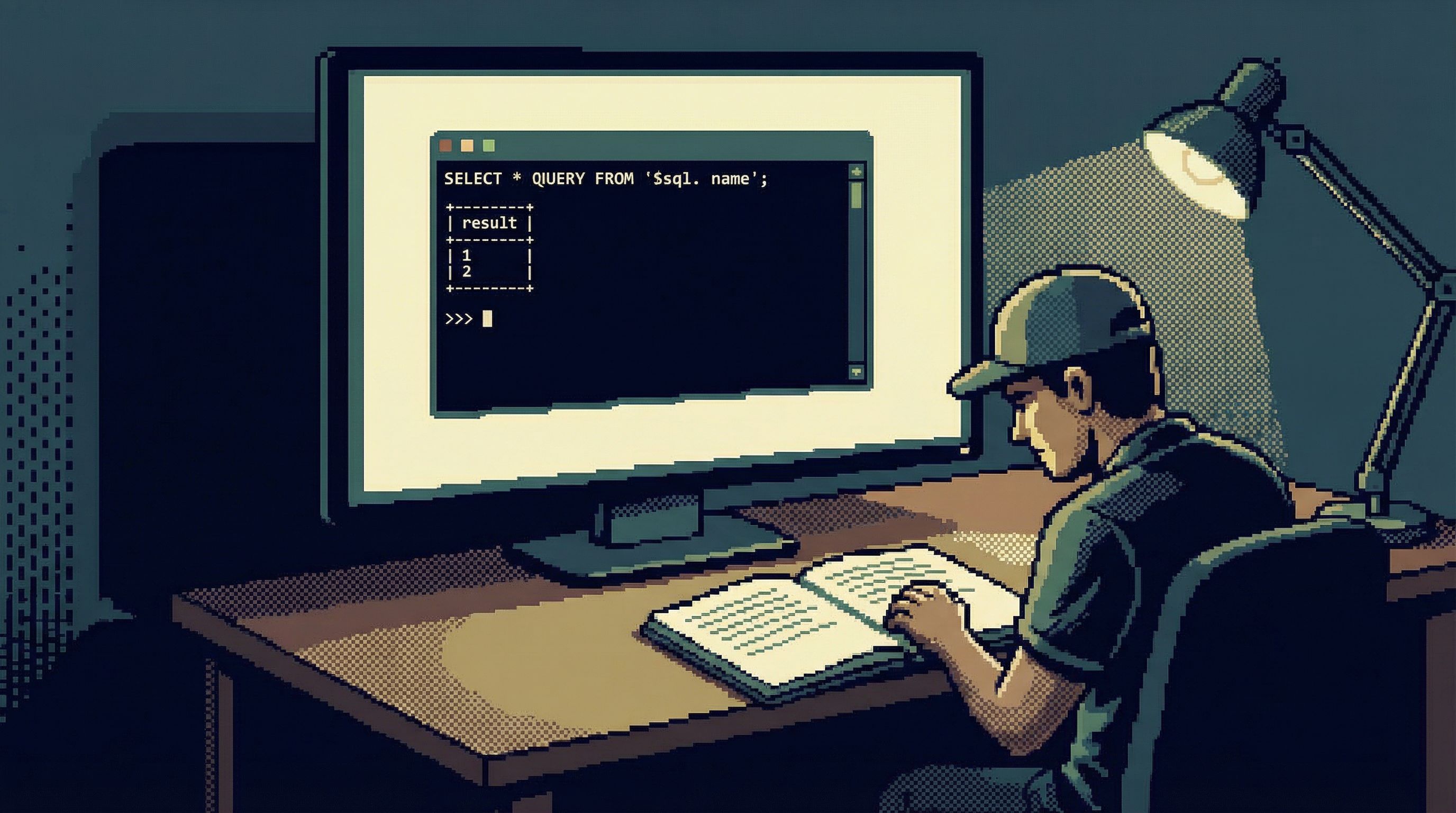
Write the question down in a note next to your console. Everything you do should trace back to it.
Why it matters: Deep work collapses without a clear object. The console is too powerful—and too distracting—without one.
2. Set up a calm environment before you connect
Before you even open a connection to production:
- Close unrelated tools. Slack, email, extra browser tabs.
- Limit database windows. One console or browser tab for prod, not five.
- Choose a focused tool. If your main GUI feels like an IDE, consider a more opinionated browser like Simpl or a stripped-down CLI profile.
You’re creating a small, quiet room around the database.
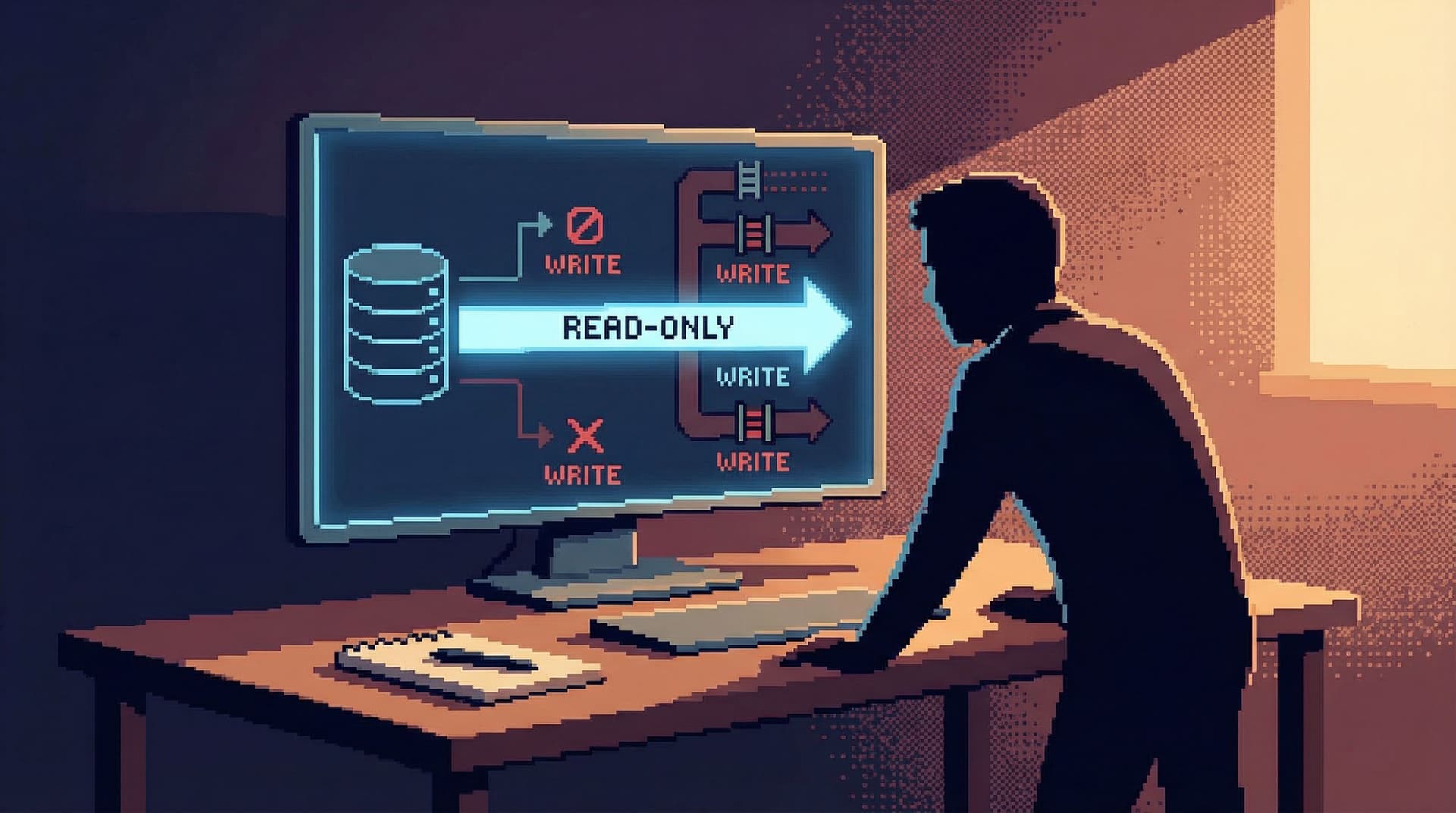
3. Enforce read-first by default
Once connected, assume you will not write to production during this session unless you explicitly decide to.
Practical ways to do this:
- Use a role or connection profile that is read-only by default.
- Put
SELECTtemplates or saved queries at the top of your history. - If your tool supports it, pin the connection as “read-only prod.” Tools like Simpl are built around this stance.
If you do need to write:
- Pause.
- Add a short comment above the query explaining why.
- Run a
SELECTversion of the query first to confirm scope.
This is the console version of a safety harness.
4. Move in a deliberate sequence, not random hops
A deep-work session should feel like a trail, not a scatter plot.
A simple sequence pattern:
- Anchor on the subject. Start from the user, order, job, or entity you care about.
- Follow direct relationships. Use foreign keys and obvious joins first.
- Walk the timeline. Look at events and state changes in order.
- Cross-check expectations. Compare what the database says with what external systems claim.
Example for a subscription bug:
SELECT * FROM users WHERE id = 123;SELECT * FROM subscriptions WHERE user_id = 123 ORDER BY created_at DESC;SELECT * FROM subscription_events WHERE subscription_id = ... ORDER BY occurred_at;- Compare with third-party logs or webhooks.
Each query should:
- Refer directly to the previous result
- Narrow or confirm your current hypothesis
If you feel the urge to “just check” an unrelated table, write that down for later. Stay on the trail.
5. Capture the trail as you go
Deep work compounds when it’s reusable.
Lightweight ways to capture your investigation:
- Keep a running note with:
- The original question
- Each query (or a summary of it)
- One-sentence takeaways
- Use your tool’s history or saved queries to group related steps
- In tools like Simpl, treat each investigation as a repeatable “storyline” instead of scattered tabs
This is the idea behind “From Tabs to Trails: Turning Ad-Hoc Database Exploration into Reproducible Storylines”: you’re not just answering today’s question; you’re building a path your future self (or teammate) can follow.
6. End with a clear written conclusion
Before you disconnect from prod, answer three questions in writing:
- What did we learn? Plain language, no jargon.
- What still isn’t clear? Open questions and next steps.
- What queries or views are worth keeping? Save or document them.
This can live in:
- An incident ticket
- A short internal doc
- A comment in the pull request that will fix the issue
The point: the value of a deep-work session is not just the fix; it’s the understanding you gained. Don’t let it dissolve when you close the console.

Tooling Choices That Protect Deep Work
Habits matter more than tools, but tools can either support or sabotage those habits.
Here are patterns to look for when you choose or design your console environment.
1. Opinionated guardrails instead of infinite flexibility
Good signs:
- Read-only connections as the default
- Clear visual distinction between environments (dev/staging/prod)
- Friction around dangerous operations (bulk updates, schema changes)
Red flags:
- Prod looks and behaves exactly like local
- No obvious difference between safe and risky actions
- The tool markets itself primarily on how much you can do at once
Opinionated tools like Simpl lean into guardrails on purpose. We’ve written about this stance in “Opinionated by Design: Why Simpl Favors Guardrails Over Infinite Flexibility”.
2. Minimal surfaces that bias toward reading
You want tools that:
- Show you just enough context (keys, relationships, recent events)
- Make
SELECT-style exploration fast - Don’t drown you in charts, panels, or auto-refreshing dashboards
If your database browser feels like a dashboard wall, you’re fighting for attention with every query. A calmer interface lets you bring your own questions instead of reacting to whatever is lit up on the screen.
3. History and structure instead of tab explosions
For deep work, you want:
- A linear or grouped history of queries tied to a question or subject
- Easy ways to rerun or adapt a previous investigation
- Minimal reliance on “that one tab I had open during the incident”
This is where tools that think in terms of trails or flows shine. Even if you’re using psql, you can approximate this with:
- Shell history search scoped to a given ticket ID
- Script files that capture investigations as sequences
4. Calm defaults for incident work
During incidents, the temptation is to open everything. A deep-work console setup pushes back gently:
- One primary place to look at production data
- Guardrails that still apply under pressure
- Views or queries designed specifically for triage
If this resonates, “Incident Triage Without the Firehose: A Focused Approach to Production Data During Outages” goes deeper on designing those flows.
Bringing Deep Work into Your Team’s Culture
A single engineer can practice deep work alone. But the real gains come when the team treats production data this way.
A few ways to nudge culture in that direction:
1. Normalize read-first, write-later
- In code review, ask: “What did we observe in prod before making this change?”
- In incident reviews, highlight investigations that stayed read-only until the root cause was clear.
- Document a simple rule of thumb: no writes to prod without a prior
SELECTthat proves scope.
We outlined this mindset in “The Case for a Read-First Database Workflow”.
2. Treat good investigations as assets
When someone runs a clean, structured investigation:
- Save their queries in a shared place
- Turn the sequence into a lightweight “playbook”
- Reference it next time a similar incident appears
Over time, you build a library of calm, repeatable flows instead of relying on who “knows the right query.” “From Ad-Hoc Queries to Repeatable Flows: Systematizing How Your Team Looks at Data” covers this in more detail.
3. Choose tools that defend attention, not just add features
When evaluating or building database tools, ask:
- Does this make deep, focused work easier or harder?
- Does it encourage trails over tabs?
- Does it protect us from ourselves when we’re tired, rushed, or on-call at 3 a.m.?
If the answer is “it lets us do more things faster,” keep probing. With production data, the goal is not just speed; it’s clarity and safety.
Summary
Deep work in the console is not about romanticizing terminal sessions. It’s about recognizing that production data deserves:
- Focused attention instead of reactive poking
- Read-first habits instead of casual writes
- Opinionated tools instead of infinite flexibility
- Structured trails instead of scattered tabs and forgotten queries
When you treat every session with production data as a block of deep work, you:
- Reduce incident risk
- Move faster with more confidence
- Build shared understanding instead of one-off heroics
- Make working with data feel calmer and more sustainable
Tools like Simpl are one way to make that posture the default. But you can start today with your existing stack by narrowing your focus, enforcing read-first habits, and capturing your investigations as trails.
Take the First Step
You don’t need a full tooling overhaul to bring deep work into your production database practice.
Pick one small change and try it this week:
- Block 60 minutes on your calendar for a single production question—and protect that time.
- Switch your primary prod role to read-only and see what changes.
- Capture your next investigation as a simple trail: question, queries, conclusions.
Then, if you want a tool that’s built around these ideas from the ground up, explore how Simpl can give your team a calmer, more opinionated way to browse and understand production data.
Deep work in the console is not a luxury. It’s how you earn the right to move quickly without fear.