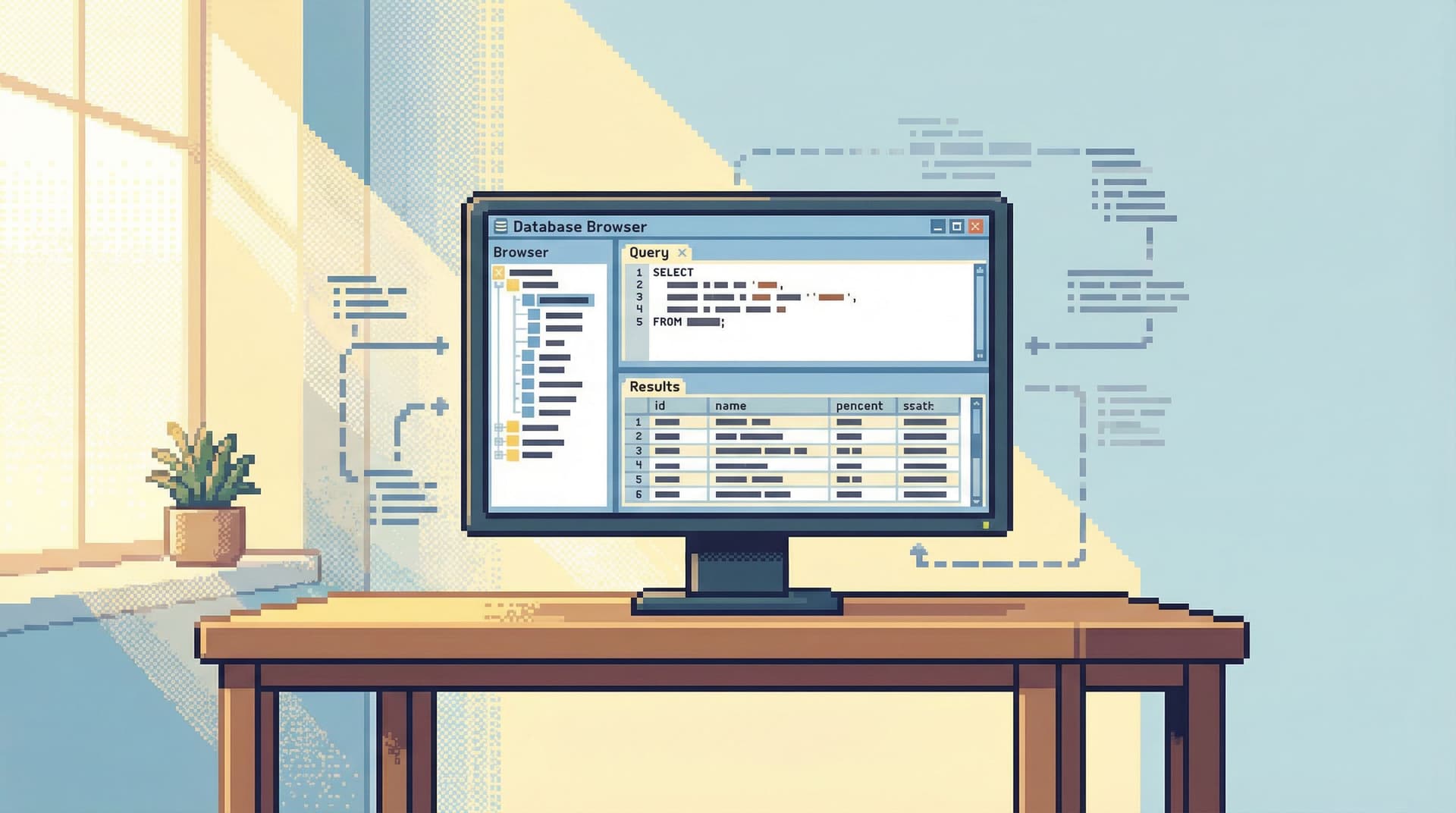
The Calm Query Stack: Designing a Minimal Toolkit for Everyday Database Work


Most engineers don’t need more database tools.
They need fewer—and calmer—ones.
Everyday database work is mostly quiet:
- Inspecting a user row
- Tracing a background job
- Verifying that a migration did what you think it did
- Following a production incident through a few key tables
Yet the default stack for this work often looks like a cockpit: a full IDE-style client, multiple terminals, dashboards, logs, and half a dozen browser tabs. Power isn’t the problem. Attention is.
A calm query stack starts from a different stance:
Use the smallest set of tools that lets you safely, confidently answer real questions about your data.
This post is about what that stack can look like in practice, why it matters, and how to design it so your team can do serious database work without the noise.
Simpl exists for this exact reason: an opinionated database browser that gives you a calm, streamlined interface for exploring, querying, and understanding your data—without turning into a full BI platform or admin console.
Why a Calm Query Stack Matters
Most database incidents and slow investigations don’t come from a lack of tools. They come from:
- Context switching between SQL clients, dashboards, logs, and Slack
- Risky defaults (full write access, blank editors, no guardrails)
- Unshareable work—one-off queries that never become team knowledge
- Overlapping tools where nobody is sure which one to use for what
A minimal, opinionated stack helps by:
- Reducing cognitive load – fewer surfaces, fewer modes, fewer decisions
- Making risk visible – read vs write is obvious and deliberate
- Creating reusable stories – queries and sessions become artifacts, not exhaust
- Shortening onboarding – new engineers learn one way to do common tasks
If this resonates, you may also like the way we frame safe production reads in Production Databases Without Fear: Practical Patterns for Safe, Reproducible Reads.
Principles for a Calm Query Stack
Before picking tools, pick principles. A good calm stack tends to follow a few constraints:
-
Read-first by design
Most sessions should start as read-only. Writes are explicit and rare. This is the core argument in Designing for Read-Heavy Work: Why Most Database Sessions Should Never Start With ‘WRITE’. -
Single source of truth for ad-hoc queries
One primary place where engineers go to inspect and understand data. Not three half-configured GUIs. -
One window, one story
Avoid tab explosions and overlapping panels. You want a clear narrative through the data, not a collage. The Single-Window Database Session goes deeper on this. -
Opinionated constraints
The stack says “no” on purpose: to risky defaults, to noisy charts, to features that belong in an IDE or BI tool instead. -
Shareable by default
Queries, sessions, and trails are easy to share, replay, and extend. You shouldn’t have to reconstruct someone else’s investigation from screenshots.
Simpl is built around these principles: read-heavy workflows, single-window sessions, opinionated read paths, and shareable trails.
The Core Layers of a Calm Query Stack
You don’t need many layers. You need the right ones, each with a clear job.
Think in terms of four roles instead of twelve tools:
- Primary database browser (read-focused)
- Lightweight SQL execution (scripted/CLI)
- Long-lived analytics (warehouse + BI)
- Operational observability (logs, metrics, traces)
1. Primary Database Browser: Where You Actually Think
This is where most engineers should live when working with live data:
- Inspecting current state
- Tracing user journeys
- Debugging production issues
- Validating migrations and backfills
A calm database browser should:
- Default to read-only connections
- Emphasize table views and focused queries, not dashboards
- Support single-window, linear sessions over tab explosions
- Make it easy to save and share trails of what you did and why
Tools like Simpl are purpose-built for this: they sit between raw SQL and heavyweight BI, tuned for read-heavy, narrative work.
What to avoid in your primary browser:
- Embedded dashboards, chart builders, and “mini-BI” features
- Full admin surfaces (migrations, grants, schema editing) mixed with everyday reads
- IDE-style complexity: extensions, themes, plugin ecosystems, Git integrations
Your browser is where you understand the data, not where you manage the database or build executive reports.

2. Lightweight SQL Execution: When You Need a Script, Not a Session
Sometimes you’re not exploring—you’re executing:
- Running a one-off data fix script
- Backfilling a column
- Verifying a migration via a repeatable query
For this, a CLI or scriptable SQL runner is enough:
psqlormysqlfor direct connections- A thin wrapper in your language of choice (Python, Go, etc.) for repeatable scripts
Key properties of this layer:
- Versioned – scripts live in your repo, reviewed like code
- Logged – outputs and changes are traceable
- Separated – different from your everyday read-only browser
This separation keeps your primary browser calm and safe, while still giving your team the power to perform controlled writes when necessary.
3. Long-Lived Analytics: Where Metrics Actually Belong
Not every question belongs in your primary database.
If you’re:
- Tracking long-term metrics
- Building product analytics
- Answering recurring business questions
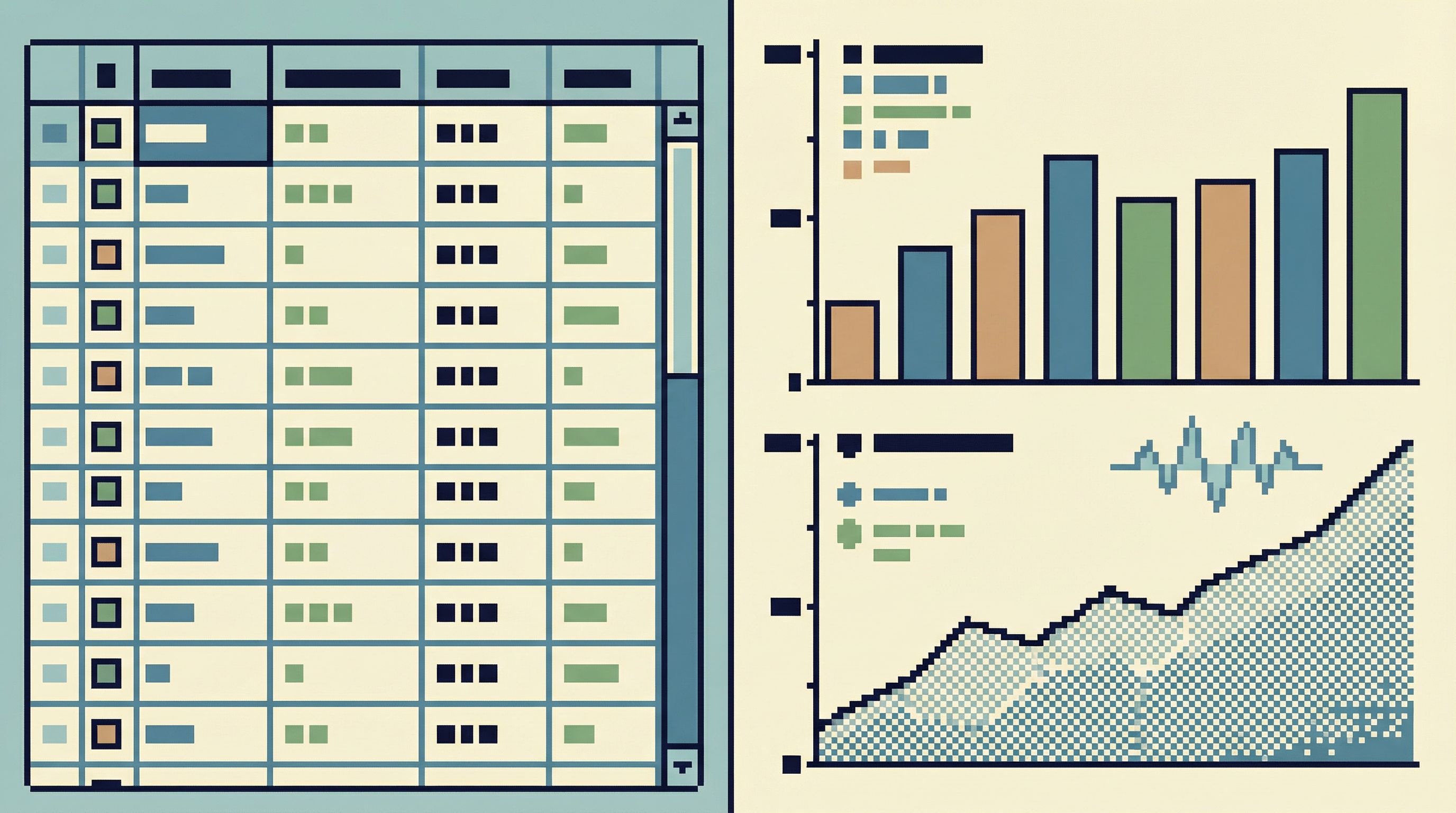
…then you probably want a warehouse + BI stack:
The calm-query stance here:
-
Don’t turn your production browser into BI.
Keep heavy analytics and stakeholder dashboards elsewhere. -
Use modeled data.
For complex reporting, rely on curated models (for example via dbt) instead of ad-hoc joins against prod. -
Keep responsibilities clear.
Prod browser: “What happened to this user/job/incident?”
Warehouse + BI: “How are signups trending for this cohort over 6 months?”
If you’ve ever tried to debug an incident by reverse-engineering a dashboard, you’ve felt this boundary blur. From Dashboards to Drilldowns: Why Engineering Teams Need a Different Kind of Data Tool is all about that line.
4. Operational Observability: Don’t Ask SQL for Log Questions
Some questions don’t belong in SQL at all:
- “How many 500s did this endpoint return?”
- “What’s the latency distribution for this query?”
- “Which service started failing around the same time as this data issue?”
For these, lean on:
- Logs: tools like Datadog, Honeycomb, or Grafana Loki
- Metrics: Prometheus, New Relic, Grafana
- Traces: OpenTelemetry, Jaeger, Tempo
A calm stack doesn’t try to collapse all this into one tool. It just draws a clear boundary:
- Database browser – ground truth about data state
- Observability tools – ground truth about system behavior
The art is in moving between them deliberately, not all at once. Posts like The Quiet Debugger: How to Investigate Production Incidents Without Drowning in Data go deeper on that workflow.
Designing Your Minimal Toolkit
With the roles clear, you can design a calm query stack in a few deliberate steps.
Step 1: Choose One Primary Browser
Pick a single tool for everyday read work.
Look for:
- Read-only by default connections and sessions
- A single-window or linear session model
- Easy ways to save, annotate, and share queries or sessions
- Minimal configuration overhead
Simpl is one option: it’s explicitly designed as an opinionated database browser for calm, read-heavy work.
Whatever you choose, make it the default answer to:
“Where should I look when I need to understand what happened in the data?”
If the honest answer today is “it depends,” you have work to do.
Step 2: Make Read-Only the Default
Risk should be a choice, not a default.
Concretely:
- Provision read-only roles in your database (e.g.,
app_readonly) - Configure your primary browser to use read-only by default
- Require explicit, time-bound elevation for write access
- Visually distinguish write-capable sessions (color, banner, confirmation)
If you want patterns here, Read-Only by Default: Building Safer Production Database Workflows Without Slowing Engineers Down is a good companion.
In Simpl, this philosophy is built-in: the interface is optimized around safe, reproducible reads as the normal way to touch production.
Step 3: Reduce the Number of Surfaces
List all the ways people currently touch production data:
- GUIs (maybe more than one)
- Direct CLI access
- ORM consoles
- Ad-hoc scripts
- BI tools pointed at prod
Then:
-
Pick one or two official paths for each of:
- Everyday reads (primary browser)
- Controlled writes (CLI or scripts)
- Analytics (warehouse + BI)
-
Deprecate the rest for production access.
-
Document this as a simple table:
| Task | Tool / Path | |-----------------------------------|----------------------------------| | Inspect a user or job | Primary browser (read-only) | | Run a data fix script | CLI / migration framework | | Build a long-term metric | Warehouse + BI | | Debug an incident end-to-end | Browser + observability tools |
A calm stack isn’t just fewer tools. It’s fewer decisions about which tool to use when.
Step 4: Turn Sessions into Shareable Trails
The quiet tax on most teams is repetition:
- The same questions get re-asked.
- The same queries get re-written.
- The same context gets rebuilt from scratch.
Instead, treat each investigation as a trail:
- Save the key queries you ran
- Capture the order you ran them in
- Annotate why each step mattered
- Share the trail in Slack or your incident ticket
This is the core idea in From Cursor to Conversation: Turning One-Off Queries Into Shared Team Knowledge and Read Trails, Not Logs: Turning Database Sessions into Shareable Narratives.
Simpl bakes this in: instead of a pile of tabs, you get a readable trail you can replay and extend.
Step 5: Protect Deep Work
Database work is often where your most important debugging happens. It deserves the same protection as any deep work.
Practical habits:
- One window at a time when exploring data
- No Slack on top of your database browser during an investigation
- Write down the question you’re answering at the top of the session
- Stop when the question is answered; don’t drift into side quests
If your tools are quiet by design, these habits become easier. Deep Work in the Console: Rethinking How Engineers Touch Production Data is a good follow-up if you want to go deeper on this idea.
A Sample Calm Query Stack
Here’s what a minimal, opinionated stack might look like for a typical engineering team:
- Primary browser: Simpl for read-heavy work against production and staging
- CLI / scripts:
psqlormysqlplus a small internal library for migrations and data fixes - Warehouse: Snowflake or BigQuery for analytics, fed via ETL/ELT
- BI: Looker or Metabase for dashboards and recurring reports
- Observability: Prometheus + Grafana for metrics, Loki or Datadog for logs, OpenTelemetry-based tracing
Rules of thumb:
- If you’re answering a specific, real-world question about a user, job, or incident → start in the primary browser.
- If you’re changing data → use scripts/CLI with review and logging.
- If you’re answering a recurring metric or business question → use warehouse + BI.
- If you’re asking about performance or reliability → use observability tools.
The point isn’t to copy this exact stack. It’s to intentionally decide what’s in and what’s out—and to let your everyday database work happen in the quietest place you have.
Summary
A calm query stack is not about having fewer capabilities. It’s about:
- Focusing power in a few clear tools instead of scattering it
- Defaulting to safe, read-only workflows for everyday work
- Keeping one primary place where engineers go to understand the truth in the data
- Turning investigations into trails, not disposable logs
- Separating concerns between database inspection, analytics, and observability
When you design your stack this way, production databases stop feeling like a maze and start feeling like a series of well-lit hallways.
Take the First Step
You don’t have to redesign your entire stack at once.
Start small:
- Pick one primary browser for everyday reads. Make it official.
- Switch its default connection to read-only.
- Run your next incident or tricky debug entirely through that lens, capturing a trail as you go.
If you want a tool that’s already built around this philosophy, try Simpl. It’s an opinionated database browser designed for calm, read-heavy work: one window, clear trails, and a quieter way to explore the truth in your data.
From there, you can gradually reshape the rest of your stack around the same idea:
Less noise. Fewer surfaces. Clearer stories. The database work stays serious—but it doesn’t have to stay stressful.