Read-First, Context-Second: Why Schema-Heavy Views Still Make Production Feels Noisy

Most teams have already done the obvious thing: they’ve moved production access into “read-first” tools.
Read-only roles. Limited credentials. No UPDATE or DELETE in sight.
And yet, production still feels loud.
Engineers hesitate before opening the database. People paste screenshots into Slack instead of links. Incidents turn into group screen‑shares because “I don’t want to click the wrong thing.”
The problem isn’t just writes. It’s what happens when you pair a read-first stance with schema-heavy views.
You remove one source of danger, but keep most of the noise.
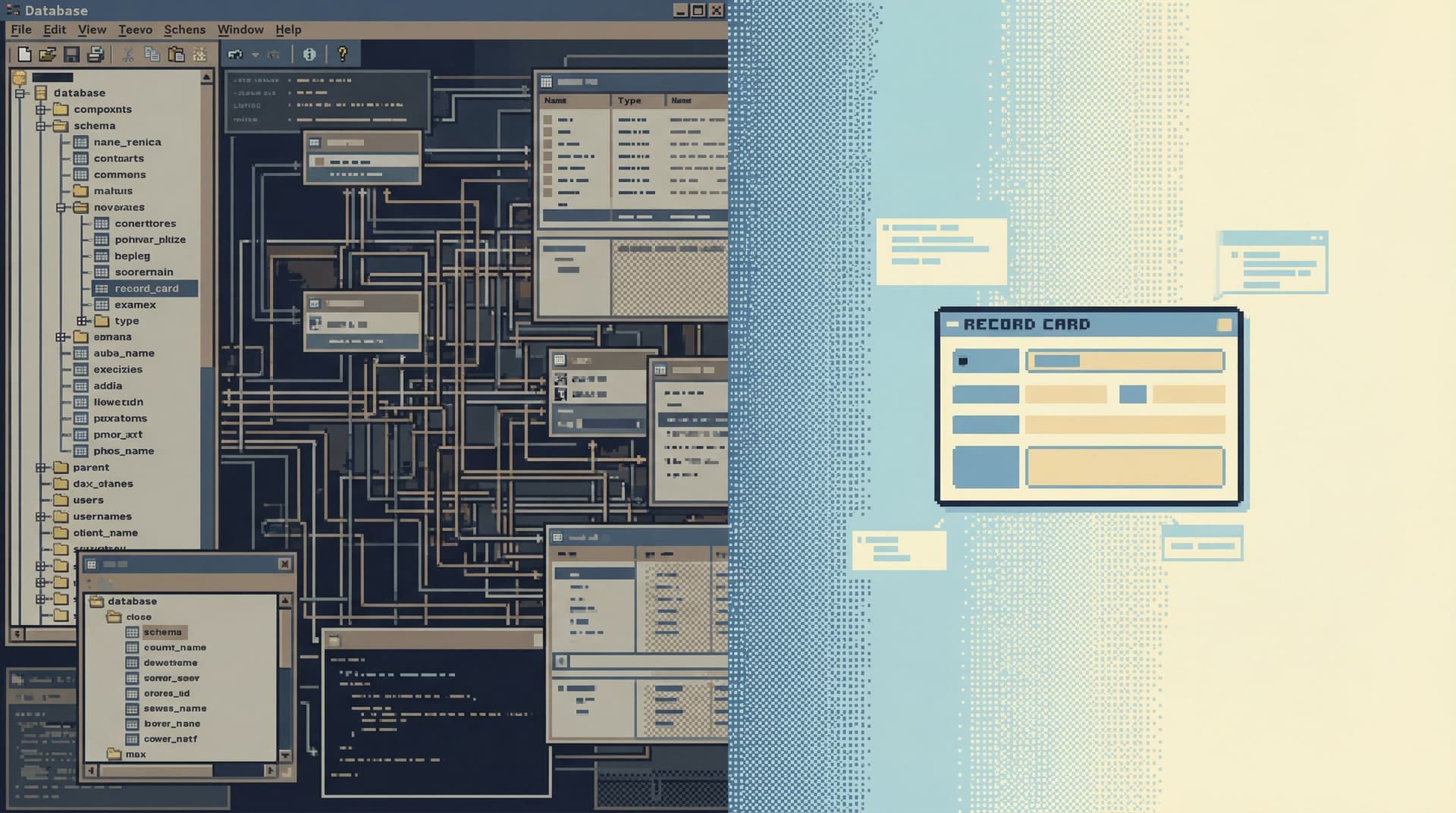
Tools that start by listing every table, every column, every relationship are technically read-only—but they’re cognitively write-heavy. They push work onto the person at the keyboard: assemble the story yourself.
This post is about why that happens, and how to design calmer, read-first experiences that don’t drown people in structure before they see what actually matters.
Why this matters more than you think
Schema-heavy views don’t just slow people down. They quietly shape how your team thinks about production.
Three real costs show up over time:
-
Incidents stretch out.
- You burn the first 20–30 minutes just reconstructing what’s relevant: which tables, which joins, which environment, which time window.
- The story of the incident lives in people’s heads and scattered queries, not in a single, replayable trail. (If that sounds familiar, you might like The Read-First Incident).
-
Production feels risky, even when it’s read-only.
- A giant schema tree invites wandering: “Let me just click one more thing.”
- People open extra tabs, try “quick” exploratory queries, and end up in rabbit holes that have nothing to do with the original question.
- This is the same pattern we unpacked in The Anti-Explorer View.
-
Knowledge stays local.
- The only people who can move quickly are the ones who already know the schema.
- Everyone else is dependent on them for “what to join where,” which means the same questions get re-asked and re-answered.
Read-first is a good starting point.
But without changing how we present the database, we’ve just swapped one kind of danger (writes) for a different kind of drag (context thrash).
The trap: read-first, schema-first
Most database tools still follow the same pattern:
- Left: a tree of databases, schemas, tables, and views
- Middle: a blank SQL editor
- Bottom: a results grid
It feels neutral. It isn’t.
That layout encodes a specific workflow:
- Start from objects (tables, columns).
- Mentally map those objects to your question.
- Hand-assemble the joins and filters.
- Run a query and hope you didn’t miss the one column that changes the story.
Even if the tool is read-only, this is still a schema-first experience. The tool is optimized for:
- “What tables do we have?”
- “Where does this column live again?”
- “Which join is ‘correct’ for this use case?”
Those are maintenance questions.
They’re not the questions you actually have when something is on fire.
Real debugging questions sound more like:
- “Why did this user get charged twice?”
- “What exactly did this background job do at 03:12 UTC?”
- “Why is this order stuck in
processingeven though the payment succeeded?”
Those questions are story-shaped, not schema-shaped. They cut across tables, services, and time.
When your interface is schema-heavy, you’re forcing people to translate story-shaped questions into schema-shaped navigation under pressure.
That’s where the noise comes from.
Where schema-heavy views create noise
Let’s make the failure modes concrete.
1. The wide, undifferentiated schema tree
A giant tree of tables looks powerful. In practice, it:
- Encourages wandering: “Let me just see what’s in
events_archive…” - Hides importance: your core
userstable looks identical to a one-off migration table from 2018. - Obscures safe paths: there’s no visual difference between a view designed for debugging and a raw table with sharp edges.
This is why tools like Simpl deliberately de-emphasize freeform schema browsing for production. You can still get to the raw structure, but it isn’t the front door.
2. Context that arrives too early
Most tools try to be helpful by surfacing a lot of context up front:
- Column descriptions
- Foreign key diagrams
- Sample data
- Index information
All of that is useful—after you know what you’re looking at.
When it’s the first thing you see, it creates a different problem:
- You’re reading about the data before you’ve actually seen the data that matters.
- You’re trying to hold diagrams and descriptions in your head while also parsing real rows.
The result is a kind of cognitive double vision: schema in one eye, reality in the other, no clear focal point.
3. Context that is detached from the read
Even when tools show “context,” it’s often adjacent to the query, not integrated with it.
You get:
- A docs panel that lives on a different tab
- A schema browser that’s miles away from the results
- A separate “data catalog” or Confluence page describing key tables
You end up alt-tabbing between:
- The query you’re running
- The rows you’re seeing
- The documentation that tells you what those rows mean
Nothing is wrong individually. Together, they create a low-level hum of friction.
Read-first, then context
A calmer pattern is possible:
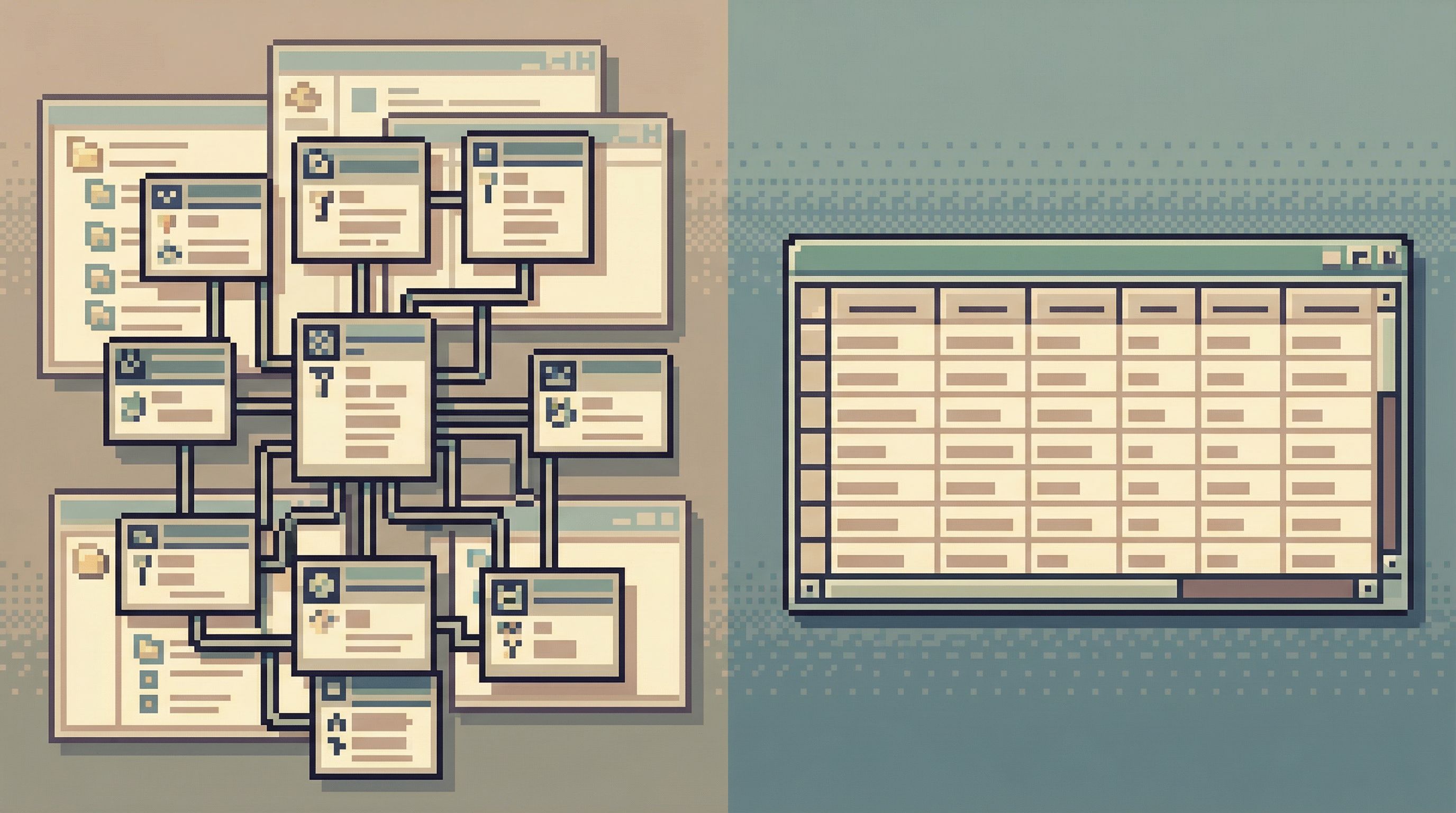
Show the right rows first. Add context second.
Not no context. Not less context. Just later.
Think of it as a sequence:
-
Anchor on a concrete read.
- Start from a specific user, job, order, or incident.
- Show the minimal set of rows that answer the first version of the question.
-
Layer in only the context that helps interpret that read.
- Column meaning when you hover or expand.
- Relationships that explain “what else happened around this.”
- Time and environment framing: “this is production, at this precise moment.”
-
Let people pull more schema only when they need it.
- A way to jump from a row to its related rows.
- A path from a focused view to the underlying tables, not the other way around.
This is the same stance behind posts like Schema Less, Context More and Less Schema, More Story: structure should support the story, not compete with it.
Designing calmer read-first views
Here’s how to turn that principle into something concrete in your own tools—whether you’re configuring a purpose-built browser like Simpl or shaping internal admin views.
1. Start from named entry points, not from the schema
Instead of dropping people into public.*, give them named starting points that match the stories they actually tell:
- “Find user by email”
- “Trace background job by ID”
- “Inspect order by number”
Each entry point should:
- Accept a small, human-friendly input (email, ID, order number).
- Run a single, opinionated read behind the scenes.
- Land you on a view that shows:
- The core row(s) you care about
- A tiny amount of adjacent context (status, timestamps, key relationships)
You can still keep a “raw schema explorer” around—but it should be the side door, not the main entrance.
2. Make the first read extremely narrow
The first query should feel almost conservative:
- One user, not a cohort
- One job run, not the entire history
- One order, not all orders in a time range
Concretely:
- Always filter by a primary key or unique identifier for the initial view.
- Limit the number of columns to what’s necessary to answer the first question.
- Defer joins until the user explicitly asks for them (e.g., “Show related payments”).
This does three things:
- Reduces risk of heavy queries on hot tables.
- Reduces visual noise: you’re not parsing 40 columns to find the three that matter.
- Creates a natural spine for the story: one row you can branch out from.
If you’re designing a tool like Simpl, this is where opinionated defaults shine: a “User Overview” view is just a pre-baked, safe read with a narrow surface and clear branches.
3. Attach context to rows, not to the entire schema
Context should feel like an annotation on the data you’re looking at, not a separate reference manual.
Practical patterns:
-
Inline explanations for surprising values.
- Example: hover on
subscription_status = grace_periodto see a short, human explanation and a link to docs.
- Example: hover on
-
Row-level relationships.
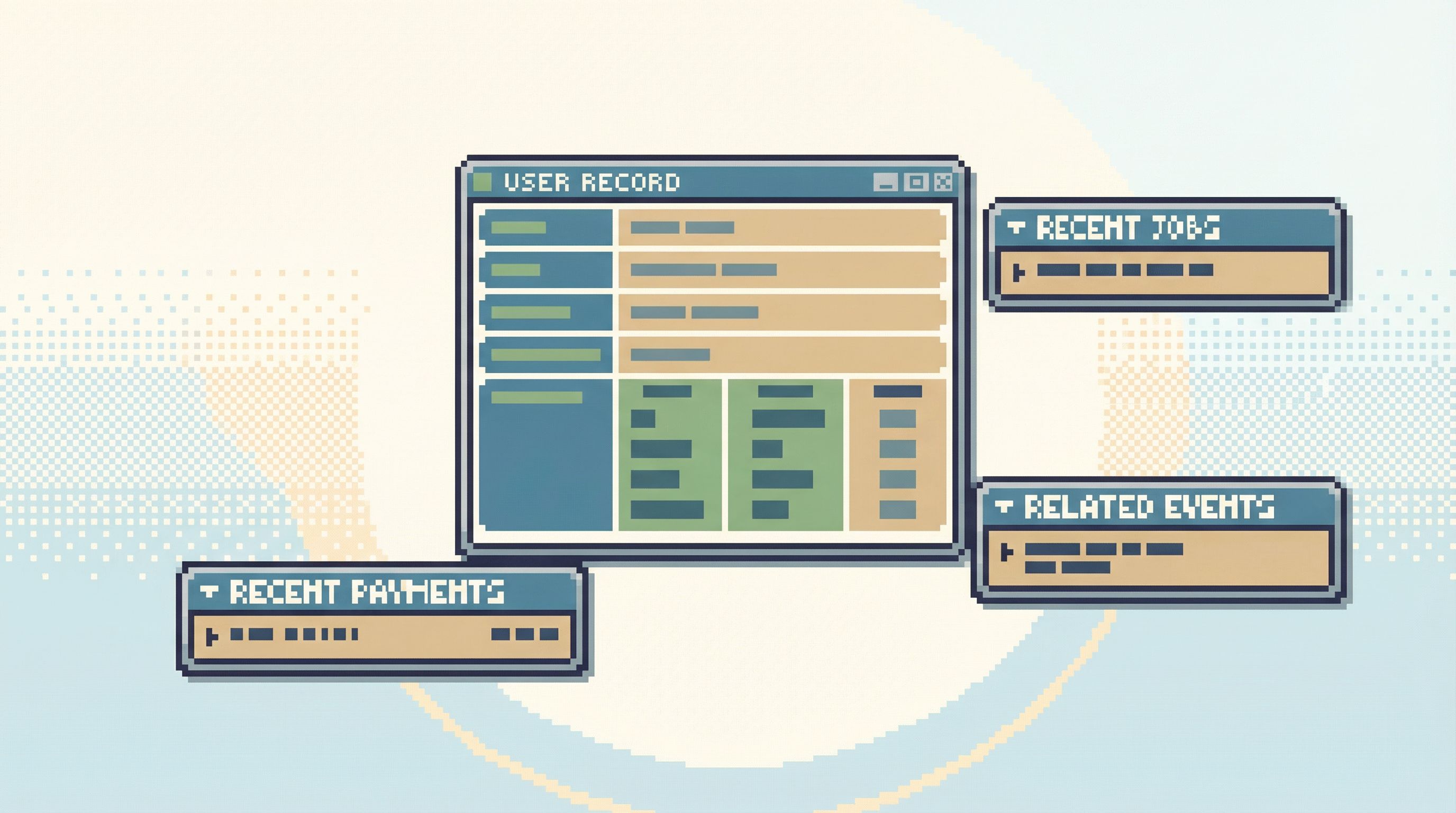
- From a user row, show a compact list: “Last 5 payments,” “Recent support tickets,” “Latest login events.”
- Each is a small, opinionated read, not a blank search box.
-
Time framing that travels with the data.
- Always show “as of” timestamps and environment labels right next to the rows.
The mental model should be: I see something interesting; I can pull a bit more context into this same frame, instead of I have to go somewhere else to understand what I’m seeing.
4. Use progressive disclosure for schema detail
You don’t have to hide the schema. You just don’t have to show all of it at once.
Useful patterns:
-
Column groups that expand on demand.
- Show core business fields by default; tuck internal or legacy fields behind a “More technical details” toggle.
-
Relationship maps that start from the current row.
- Instead of a full ER diagram, show “This row touches: payments → invoices → ledger entries.”
-
A “view raw table” escape hatch.
- One click from a focused, read-first view into a more traditional table browser—for the rare cases where you really do need to roam.
This keeps power available without making it the default experience.
5. Preserve the query trail by default
A read-first, context-second stance works best when the trail itself becomes part of the context.
Instead of:
- Ad-hoc queries that vanish when someone closes their laptop.
- Screenshots pasted into Slack during incidents.
Aim for:
- A linear trail of reads that can be replayed later.
- Each step capturing:
- The query or view used
- The key filters/identifiers
- A short, optional note (“Verified charge was duplicated at gateway, not in our billing logic”).
This makes incident reviews calmer:
- You’re not reconstructing the story from memory.
- You can share a single link to the trail instead of a folder of artifacts.
Tools like Simpl are built around this idea: the read path itself is a first-class object, not an afterthought. That’s the same instinct behind The One-Query Mindset and Production Reads Without the Rabbit Holes.
Putting this into practice this week
You don’t need to rebuild your entire stack to benefit from this.
Pick one high-frequency, high-stress workflow—something like:
- “Debug a single user’s billing issue”
- “Trace a stuck background job”
- “Verify what happened to a specific order”
Then:
-
Write down the actual question people ask.
Example: “Why did this user get charged twice on March 3rd?” -
List the minimum reads needed to answer it.
Example:- Fetch user by email.
- Fetch charges for that user around that date.
- Fetch related invoices or job runs.
-
Build a single, opinionated entry point for that question.
- A small internal tool view.
- A saved query in your database browser.
- A dedicated “User Billing” view in a tool like Simpl.
-
Strip the first view down to essentials.
- One user row.
- A short list of recent charges.
- Clear timestamps and environments.
-
Attach only the most helpful context.
- Hover text for statuses.
- Links to “see related events” or “open in logs.”
-
Make that view the default for this workflow.
- Pin it in your tools.
- Document it in your incident runbooks.
- Encourage people to start there instead of the raw schema.
Repeat this for two or three common workflows and you’ll notice something subtle: people spend less time deciding where to look and more time actually reading what’s in front of them.
Summary
Read-only isn’t enough to make production feel calm.
When your primary interface is a schema tree and a blank editor, you’re still asking engineers to:
- Translate story-shaped questions into schema-shaped navigation.
- Hold multiple sources of context in their head at once.
- Rebuild the same trails of queries every time something breaks.
A read-first, context-second stance flips that:
- Start from a concrete, narrow read that matches a real question.
- Attach context directly to the rows people are looking at, not to the entire schema.
- Reveal structure progressively, as people pull on the thread of the story.
- Preserve the trail so incidents and investigations can be replayed, not reconstructed.
The schema still matters. But it stops being the main character.
Where to go from here
If production still feels noisy even though you’ve locked it down to reads, your next step isn’t more policy. It’s better paths.
You can:
- Pick one critical workflow and design a single, opinionated read-first view for it.
- Retire “open the schema tree and start exploring” as your default move.
- Experiment with tools that make read-heavy work feel calmer by design.
If you want a place to start, explore how a purpose-built browser like Simpl approaches this: narrow entry points, opinionated reads, and context that arrives only when it helps.
Take one noisy workflow. Give it a quieter, read-first path. See how much of the fear around production evaporates when the schema stops shouting over the story you’re trying to follow.