Opinionated Read-Only Roles: How Access Design Shapes Everyday Database Work


Most teams think they’ve already solved database safety:
- Production is behind SSO and VPN.
- Credentials are locked down.
- Most users are on read-only roles.
And yet, production still feels risky.
People hesitate before opening a console. Screenshots get pasted into Slack instead of links. Incident calls turn into shared terminals because no one wants to be the person who “clicks the wrong thing.”
The gap isn’t just about permissions. It’s about how opinionated your read-only roles are, and how that design shapes the work people actually do against your databases.
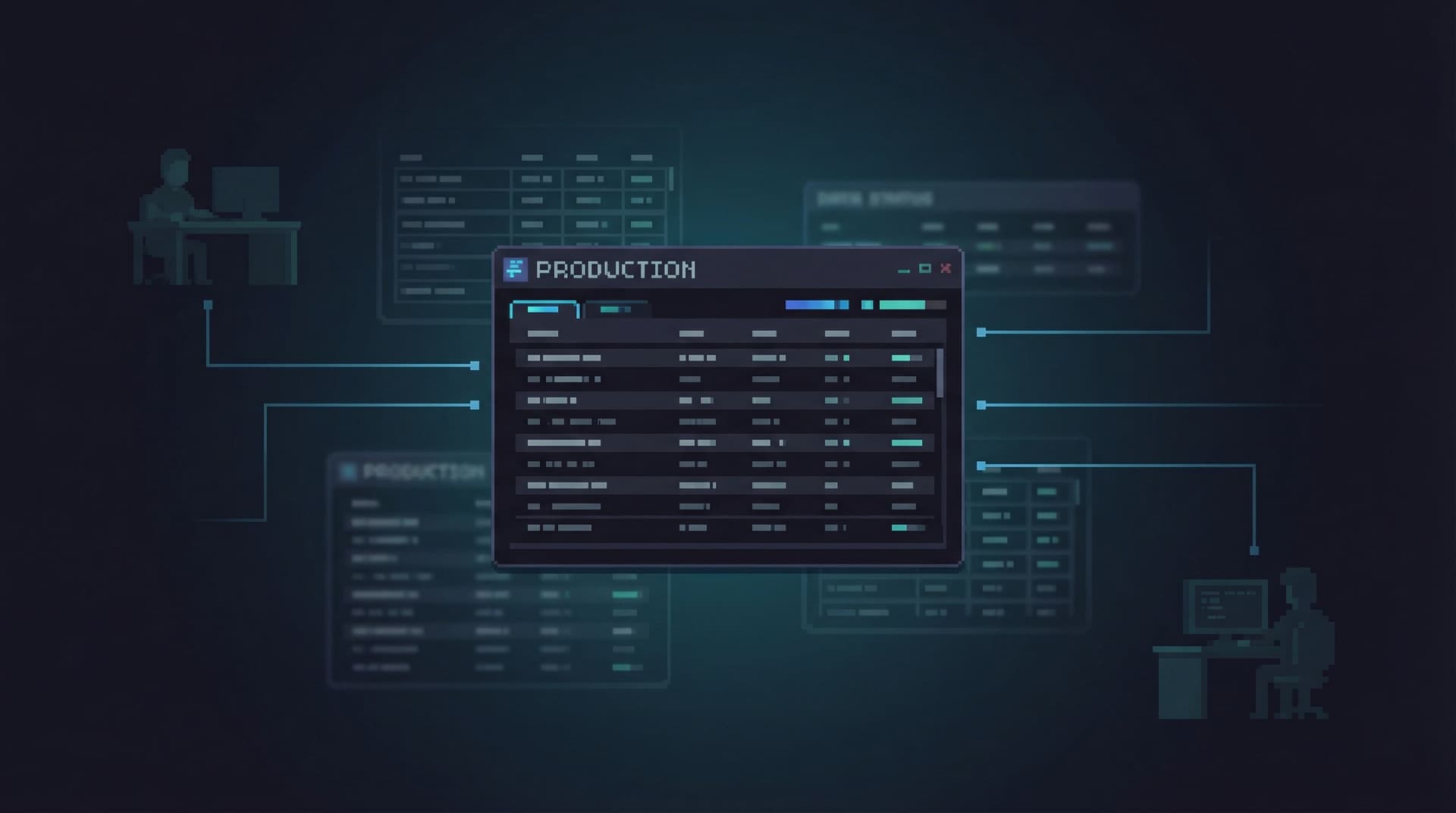
Tools like Simpl live in this gap: a calm, opinionated database browser that turns read-only access into a focused, everyday workflow instead of a background fear.
Why Read-Only Isn’t Enough
A generic read-only role usually means:
- You can connect.
- You can SELECT from almost anything.
- You can’t write.
On paper, that’s safe. In practice, it’s noisy.
What goes wrong with “flat” read-only roles:
- Schema sprawl. Users see hundreds of tables, many irrelevant to their work.
- Performance risk. Anyone can run a
SELECT *on a hot table with no guardrails. - Leaky context. PII, sensitive financial data, or internal-only metrics surface in places they don’t need to.
- Wandering sessions. Debugging a single customer issue turns into a tour of the entire schema.
You’ve removed the risk of accidental writes, but left in place the risk of:
- Slow, unbounded queries.
- Overexposure of sensitive data.
- Cognitive overload and scattered attention.
This is the same tension we explored in From Access Control to Attention Control: you can have a logically safe system that still feels practically dangerous.
Opinionated read-only roles are one answer to that tension.
What an Opinionated Read-Only Role Looks Like
An opinionated read-only role takes a stance on how people should work with production data, not just whether they’re allowed to.
Instead of a single, flat readonly role, you design a small set of roles and views that reflect real workflows:
- Support reads: “What happened to this specific customer?”
- Incident reads: “What’s broken along this path right now?”
- Product analytics reads: “How are people actually using this feature?”
Each role is intentionally narrow:
- Limited tables and columns.
- Pre-shaped views around common questions.
- Constraints that make dangerous queries hard to express.
Over time, this becomes a quiet contract: if you’re in this role, you can safely explore within this shape of questions.
That’s exactly the stance behind tools like Simpl: calm, read-heavy workflows where the shape of access nudges you toward focused, repeatable questions instead of open-ended wandering.

Start From Real Questions, Not Schemas
The biggest mistake with read-only roles is starting from the schema:
“What tables should this role see?”
A better starting point:
“What questions should this role be able to answer, calmly and safely?”
Pick one high-value workflow and design from there.
1. Map One Real Workflow
Choose a concrete, recurring scenario, for example:
- A support engineer answering: “Why was this customer’s invoice higher this month?”
- An on-call engineer answering: “Which jobs are currently stuck for this tenant?”
- A product manager answering: “Did this experiment accidentally double-send emails?”
For that one workflow, write down:
- Who’s involved. Roles, not names (support, on-call, PM).
- What they need to see. Tables, views, or concepts (customers, invoices, jobs, events).
- What they should never see. Raw card data, full auth logs, internal-only notes.
- What they should never be able to do. Long table scans on hot paths, arbitrary joins across sensitive domains.
This isn’t a governance document. It’s a design brief for a role.
2. Translate Questions into Views
Instead of granting direct table access, create narrow, question-shaped views. For example:
customer_billing_timeline– one row per billing event for a customer.job_run_history– constrained to the last 30 days, with key status fields.experiment_email_sends– pre-joined view of users, experiments, and email sends.
Design each view so that:
- Primary filters are obvious.
customer_id,tenant_id,job_idare front and center. - Dangerous fields are omitted. No raw tokens, no unnecessary PII.
- Joins are pre-baked. People don’t need to remember join keys just to answer common questions.
This is similar to the “read rails” stance from Designing Read Rails: you’re building a small number of safe, well-trodden paths instead of a full map of the terrain.
3. Bind Views to Roles, Not People
Create a role like support_read_billing and grant it access only to:
customer(limited columns)invoice(limited columns)customer_billing_timelineview
Then:
- Add support users to the role.
- Keep personal overrides rare and temporary.
The goal is that when someone opens your database browser (or Simpl) with this role, the interface itself feels like a calm, purpose-built space for one kind of work.
Guardrails for Calm, Everyday Reads
Opinionated roles are as much about attention as they are about access. Here are practical guardrails that make daily work safer and quieter.
Limit What’s Even Visible
If a role never needs to see a table, don’t show it.
- Grant access only to the schema slice relevant to that workflow.
- Use separate schemas (
support,incident,analytics) as a boundary. - Hide internal tables and raw event streams unless absolutely necessary.
Less visible surface area means:
- Fewer distractions.
- Fewer “just curious” queries on hot tables.
- Less risk of leaking sensitive columns into screenshots or exports.
This ties directly to the idea of a calm catalog: mapping tables to real-world questions instead of exposing everything at once.
Make Unsafe Queries Hard to Express
You can’t prevent every bad query, but you can raise the effort required to write one.
Tactics:
- Views with built-in filters. E.g.
WHERE created_at > now() - interval '90 days'for high-volume tables. - Row-level security (RLS). Scope reads to a tenant, region, or environment.
- Column-level permissions. Exclude raw PII or sensitive operational fields.
- Materialized views. For expensive aggregations that people need frequently.
The goal isn’t to punish curiosity. It’s to make safe curiosity the path of least resistance—something we explored in depth in Safe Curiosity.
Design for One Question at a Time
Most production reads are narrow:
- “What happened to this user?”
- “Did this job run twice?”
- “Is this migration actually done?”
Opinionated roles should encourage single-question sessions:
- Start from a primary filter: customer ID, job ID, incident ID.
- Offer a few adjacent views (timeline, related jobs, recent changes) instead of a full schema tree.
- Make it easy to save and share the exact query path as a link.
Tools like Simpl are built around this pattern: opinionated navigation, saved trails, and calm read sessions instead of multi-tab data dives.
Roles as Shared Rituals, Not Just Permissions
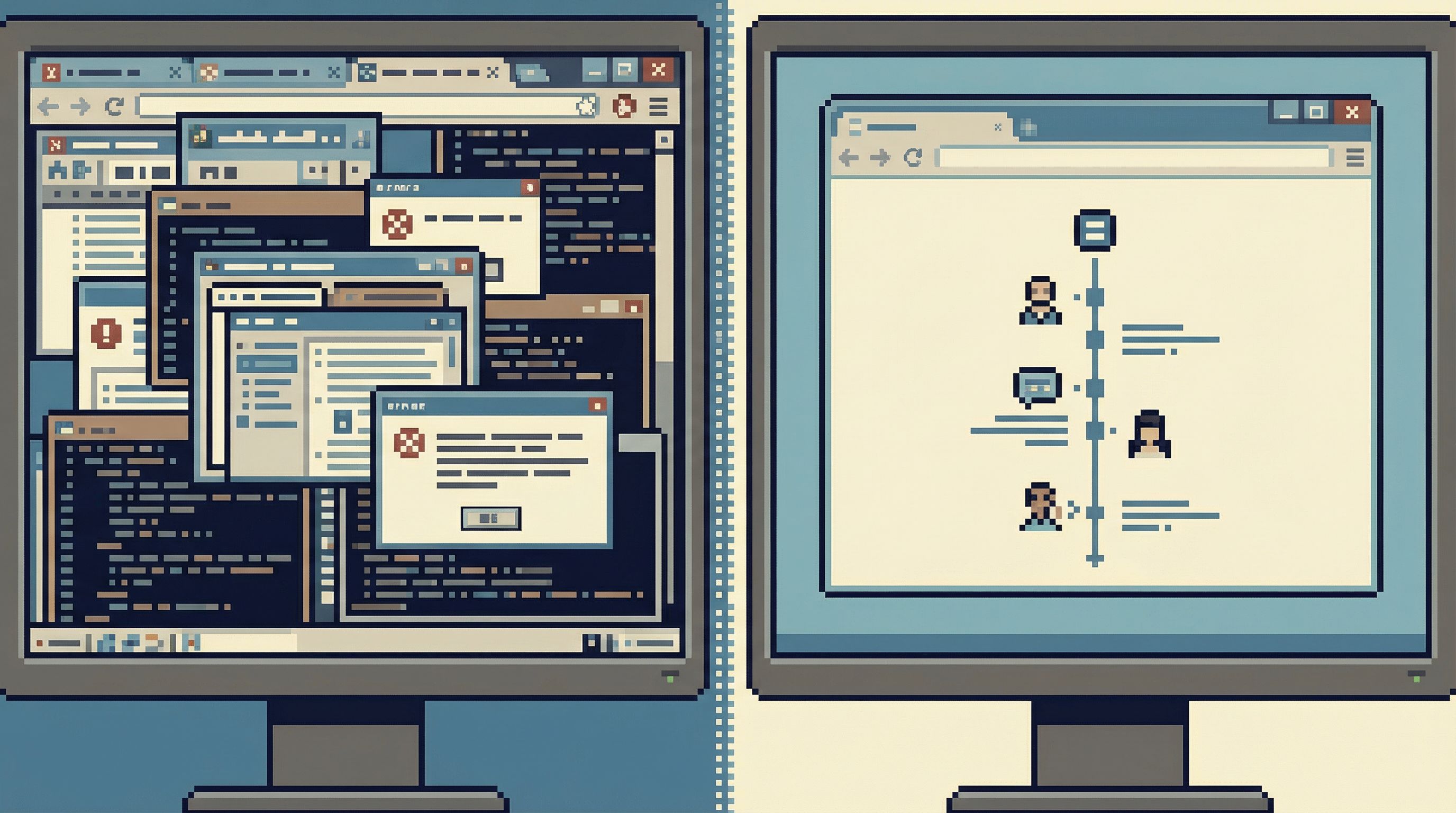
An underrated benefit of opinionated roles is social: they turn production reads into shared rituals instead of solo adventures.
When a support engineer opens the “support billing” role, they’re stepping into a well-understood space:
- The views are named in the same language the team uses.
- The filters match how tickets are triaged.
- The queries they run can be safely shared with engineering.
This makes it much easier to:
- Read production together. You can say “open the
customer_billing_timelineview with this ID” and know everyone sees the same thing—exactly the kind of shared ritual described in Reading Production Together. - Hand off investigations quietly. Instead of a screen-share, you send a link to a saved query trail.
- Build team memory. The same views and roles show up in docs, runbooks, and incident reviews.
Over time, the role itself becomes part of your incident and support vocabulary:
- “Can you check this in the incident role?”
- “This needs a view in the support role.”
- “Let’s add a constrained read path for this new feature.”
A Simple Implementation Blueprint
You don’t need a full redesign to get value from opinionated read-only roles. You can start small and layer in more structure over time.
Step 1: Pick One High-Value Role
Choose a single area where production reads are:
- Frequent.
- Stressful.
- Currently done via screenshots or DMs.
Common candidates:
- Customer support.
- On-call incident response.
- Finance or billing verification.
Step 2: Inventory the Real Questions
Sit with the people who actually do the work and list:
- The last 10 tickets/incidents where they needed production data.
- The exact questions they asked.
- The tables and columns they touched.
- The queries they re-ran.
Turn this into a short list of canonical questions, not a schema map.
Step 3: Create 3–5 Opinionated Views
For each canonical question, design one view that:
- Encodes the joins they always do.
- Surfaces the fields they always scroll to.
- Hides fields that only confuse or distract.
- Applies reasonable time or scope limits.
Name views after the questions they answer, not the tables they join:
customer_order_journeyinstead oforders_with_events_joined.job_failure_timelineinstead ofjobs_with_logs.
Step 4: Bind a Role and Trim the Surface
Create a new role, e.g. support_read_core, and:
- Grant it access only to those views and a small set of underlying tables.
- Remove access to unrelated schemas and high-risk tables.
- Configure your browser (or Simpl) to default this role for the support team.
Then, watch how people actually use it for a few weeks.
Step 5: Iterate Based on Real Sessions
Review how the role is used:
- Which views are opened most often?
- Where do people still copy-paste IDs into ad-hoc queries?
- Which columns never get looked at?
Adjust:
- Add one or two new views for recurring gaps.
- Remove or hide unused columns.
- Tighten filters on views that invite unbounded scans.
This is a living design process, not a one-time policy. The more you anchor roles in real work, the calmer and safer production reads will feel.
How Opinionated Roles Change Everyday Work
When you get this right, a few things shift quietly:
- Less fear. Opening production no longer feels like stepping onto a live runway. People know which roles are safe for which kinds of questions.
- Fewer ad-hoc tools. You don’t need a separate internal admin for every team; you have one browser with well-shaped roles.
- Faster, calmer debugging. On-call engineers start from a narrow incident role instead of a full SQL IDE.
- Better team memory. Views and roles become the backbone of runbooks, incident reviews, and onboarding.
Opinionated read-only roles turn access control into workflow design. You’re not just deciding who can connect—you’re deciding how they think when they’re there.
Bringing This Into Your Own Stack
You don’t need to wait for a big migration or a new database.
You can start this week by:
- Picking one workflow (support, incidents, billing).
- Listing the last 10 real questions that hit production.
- Designing 3–5 views that answer those questions directly.
- Creating a dedicated read-only role bound only to those views.
- Pointing your team’s database browser—or Simpl—at that role by default.
Treat that role as a product, not a permission: watch how people use it, refine the views, and let it become the default way your team works with that slice of production.
The result isn’t just safer access. It’s calmer data work.
Summary
- Flat read-only roles remove write risk but leave cognitive and performance risk untouched.
- Opinionated read-only roles start from real workflows and questions, not schemas.
- Narrow, question-shaped views and limited schemas reduce noise and make unsafe queries harder to express.
- Roles become shared rituals: a common language for support, incidents, and reviews.
- You can start small: one workflow, a handful of views, and a single new role.
If you want production to feel less like a minefield and more like a calm library, this is where to begin.
Take the First Step
Pick one place where your team already reads production under pressure—support, incidents, or billing—and design a single opinionated read-only role just for that work.
If you’d like a browser that leans into this philosophy from the start, explore how Simpl can sit on top of those roles and turn them into focused, repeatable production read workflows.
You don’t need more power. You need calmer defaults.