Beyond Admin Panels: What a Purpose-Built Database Browser Should (and Shouldn’t) Do


Most engineering teams reach for the same tools whenever they need to “look at the data”:
- The production admin panel
- A full SQL IDE
- A BI tool that was really built for reporting, not debugging
Those tools are powerful. They’re also noisy. They mix writes and reads, dashboards and drilldowns, incidents and ad‑hoc exploration. Over time, that noise turns simple database questions into stressful, error‑prone sessions.
A purpose‑built database browser is a different stance. It assumes:
- You’re mostly reading, not writing.
- You care about clarity and safety more than raw surface area.
- You want to move in a straight line from question to answer.
This post is about what that kind of tool should do—and just as importantly, what it should refuse to do.
We’ll use Simpl as a concrete example of an opinionated database browser, but the principles apply even if you’re building your own internal tool or rethinking how you use your existing stack.
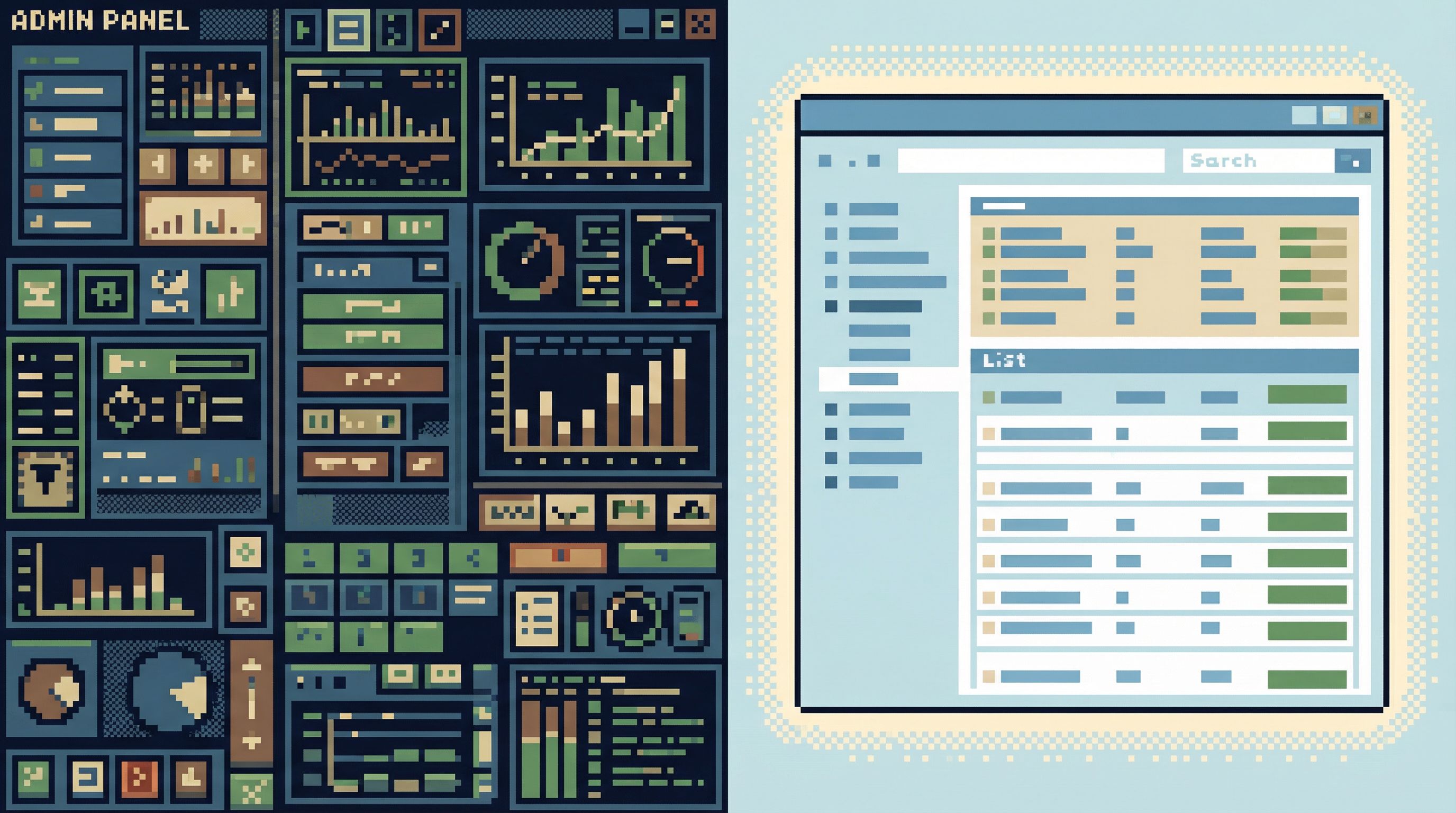
Why “Just Use the Admin Panel” Stops Working
Admin panels grew up around a different job:
- Change user states
- Trigger jobs
- Manage configuration
- Handle support workflows
They’re write‑first. Reads are there to support the next mutation.
That’s fine until you try to use the same surface for:
- Tracing a subtle billing issue across multiple tables
- Understanding how a background job actually behaves in production
- Verifying the impact of a migration
You run into a few predictable problems:
-
Writes are always nearby.
- A “Suspend user” button lives one click from the row you’re inspecting.
- A bulk action dropdown sits above your filtered view.
- A form auto‑saves when you just meant to look.
-
The interface is workflow‑specific, not question‑specific.
- Screens are optimized for support or ops workflows, not open‑ended investigation.
- You can’t easily pivot from “this user” to “all users with this pattern” without leaving the happy path.
-
Context is scattered.
- You jump between admin pages, dashboards, and ad‑hoc SQL.
- Every jump is a chance to lose your place or mis‑scope a query.
A calm, purpose‑built database browser starts from the opposite assumption: reads are the main event. Writes are either impossible, extremely constrained, or moved elsewhere entirely.
If you want to go deeper on why read‑heavy design matters, Designing for Read-Heavy Work: Why Most Database Sessions Should Never Start With ‘WRITE’ unpacks this in more detail.
The Job of a Database Browser (In Plain Terms)
Before talking features, it helps to define the job.
A database browser should help you:
- Formulate a clear question.
- Express that question as a safe, scoped query.
- See the result in a way that’s easy to interpret.
- Follow the story a few steps further without losing context.
- Leave behind a trail others can reuse.
Everything else is optional.
Simpl is built around exactly this loop. It doesn’t try to be your IDE, your BI layer, or your migration tool. It tries to be the quietest, safest way to move through production data when you’re mostly trying to understand, not change.
What a Purpose‑Built Database Browser Should Do
1. Be Read‑First and Read‑Only by Default
The most important design decision is also the simplest:
- No implicit writes. Ever.
- Reads should feel normal; writes should feel rare and deliberate.
Concretely, that means:
- No inline editing of cells in result sets.
- No hidden “Save” behavior when you’re just trying to inspect.
- No mixed modes where a single typo can turn a SELECT into an UPDATE.
If writes exist at all, they should:
- Live in a clearly separate mode.
- Look visually different from read paths.
- Be surrounded by friction: confirmations, previews, and clear scoping.
We go deeper on this philosophy in Read-Only by Default: Building Safer Production Database Workflows Without Slowing Engineers Down.
A browser like Simpl takes this seriously: production connections are designed as calm, read‑heavy paths. The UI makes it obvious when you’re in a mode that could change data—and most of the time, you simply aren’t.
2. Narrow the Query Surface
Most SQL clients proudly expose the full power of the database:
- Arbitrary queries
- Any table, any time
- Any join, any filter, any limit
That’s great for migrations and deep performance work. It’s overkill for:
- Inspecting a single user’s history
- Tracing one job through a few tables
- Checking that a cron did what you expected
A focused browser should:
- Constrain what’s easy. Make the safe, common reads one click away.
- Make risky queries feel heavy. If you really need a broad, unbounded query, you should feel the weight of that choice.
Patterns that help:
- Pre‑scoped entry points: “Look up user by email,” “Inspect job by ID,” “Trace request by correlation ID.”
- Opinionated filters: start every view with a LIMIT, a timeframe, or both.
- Clear visibility into query shape before execution: row estimates, affected tables, obvious WHERE conditions.
If this resonates, The Narrow Query Surface: Designing Database Tools That Encourage Only the Right Questions dives into how to design those constraints without making people feel boxed in.
A tool like Simpl bakes these opinions into the UI so you don’t have to reinvent them in every incident doc or onboarding guide.
3. Center the One‑Query Mindset
The biggest source of stress in database work isn’t usually the database. It’s cognitive thrash:
- Five tabs open with slightly different filters
- Half‑finished queries you’re afraid to close
- Results you forgot to screenshot before running the next query
A calm browser should make it natural to work with one active question at a time.
Design choices that support this:
- Single primary working surface. One main query/result view instead of a tab explosion.
- Lightweight parking. You can “shelve” a query or result with a name and come back later, without keeping it on screen.
- Sequential history. Your last 10–20 queries are visible as a linear trail, not scattered across tabs.
This is the heart of The One-Query Mindset: Structuring Database Work to Avoid Cognitive Thrash. A browser like Simpl is explicitly designed around that single‑window, single‑question posture.
Practical ways to apply this today
Even if you’re stuck with a traditional SQL client, you can borrow the mindset:
- One window, one purpose. Use a separate window for each incident or investigation. Don’t mix them.
- Name your questions. Put the current question as a comment at the top of your query.
- Capture before you move on. Paste results into a doc or ticket before running the next query.
A purpose‑built browser should make those habits feel automatic instead of aspirational.
4. Treat Guardrails as UX, Not Just Policy
Most teams eventually add rules around production:
- “No direct writes to prod.”
- “All dangerous queries require review.”
- “Use read‑only users for investigations.”
Those policies are necessary. They’re also easy to bypass the moment you drop into a generic SQL client.
A better approach: bake the guardrails into the interface.
That looks like:
- Clear, persistent environment labeling (color, copy, layout) so you never forget you’re in production.
- Visual separation between harmless reads and destructive operations.
- Extra friction around risky patterns: broad UPDATE/DELETE, missing WHERE, unbounded scans on hot tables.
We wrote more about this in Guardrails as UX, Not Policy: Turning Risky Database Actions into Rare, Deliberate Moments.
A browser like Simpl is opinionated here: it’s designed so that the dangerous things feel rare and slow, and the safe things feel normal and quick.
5. Make Production Feel Serious, Not Scary
Many teams lock production behind read‑only tools and are surprised when it still feels dangerous:
- People hesitate before running simple queries.
- Screenshots get passed around instead of links.
- Debugging stays on Zoom because “I don’t want to be the one to click the wrong thing.”
The problem isn’t just permissions. It’s how the interface behaves around production data.
A purpose‑built browser should:
- Communicate scope clearly. Every query should make it obvious which database, schema, and environment you’re touching.
- Expose performance hints without noise. Show row counts, rough cost, and index usage in a calm, readable way.
- Encourage small, incremental reads. Make it easy to tighten a WHERE clause or narrow a timeframe before you run something broad.
You can think of this as a practical extension of themes in:
- When Read-Only Isn’t Enough: Subtle UX Traps That Still Make Production Data Feel Dangerous
- Production Databases Without Fear: Practical Patterns for Safe, Reproducible Reads
Browsers like Simpl are built so that opening a production connection feels serious, but not like stepping onto a minefield.
6. Turn Sessions into Shareable Trails
Most database work is still ephemeral:
- You run a query.
- You get an answer.
- You paste a screenshot in Slack.
- The context disappears.
A purpose‑built browser should default to creating shareable artifacts:
- Named sessions you can send as links.
- Reproducible query trails someone else can replay.
- Lightweight annotations: “This is where we confirmed the double charge,” “This is the query support should reuse.”
This is the core idea behind Read Trails, Not Logs: Turning Database Sessions into Shareable Narratives and Async Debugging: How to Share Database Context Without Spinning Up a Meeting.
In a browser like Simpl, a debugging session is something you can hand to a teammate, not just describe from memory.
7. Stay Quiet by Design
Finally, a good database browser should be visually and behaviorally quiet:
- No animated charts fighting for attention.
- No surprise panels sliding in from the side.
- No modal stack that hides what you were just looking at.
Quiet doesn’t mean feature‑poor. It means:
- Features are discoverable when you need them, invisible when you don’t.
- Layouts are stable; the grid doesn’t jump every time you tweak a filter.
- The typography and colors make long sessions feel sustainable, not draining.
If your current tool feels like a cockpit, Quiet by Design: UX Patterns for Database Tools That Don’t Demand Your Attention is a useful lens. Browsers like Simpl are intentionally designed to fade into the background so you can focus on the data.
What a Purpose‑Built Database Browser Shouldn’t Do
The easiest way to ruin a database browser is to let it drift into being something else.
Here’s what it should resist:
-
Becoming an IDE.
- No project management, Git integration, or code editing.
- No plugin ecosystem that turns it into a general development environment.
- Keep migrations, schema diffs, and heavy DDL work in tools built for that job.
-
Becoming a BI tool.
- Avoid chart walls and dashboard builders.
- Avoid “widget sprawl” where every answer must be a visualization.
- Focus on row‑level truth and traceable stories, not KPI murals.
-
Becoming an admin console.
- Don’t sprinkle in one‑off buttons for “Resend welcome email” or “Force sync.”
- Don’t mix operational side effects into read paths.
- Keep workflow automation in dedicated admin tools.
-
Becoming a general data lake explorer.
-
Chasing every feature request.
- Every new panel, mode, or integration is a potential source of noise.
- The core loop—question → safe query → clear result → shareable trail—should stay sacred.
If this drift sounds familiar, When Your Database Browser Tries to Be an IDE (and How to Walk It Back) covers how to reverse it without alienating your team.
How to Move Beyond Admin Panels in Your Own Stack
You don’t have to adopt a new tool overnight. You can evolve toward a purpose‑built browser in a few deliberate steps.
Step 1: Separate Reads and Writes in Your Current Tools
- Create clearly labeled read‑only connections in your existing SQL clients.
- Use environment‑specific themes or color schemes.
- Document a simple rule: production reads happen here; writes happen somewhere else.
Step 2: Define Your Common Read Paths
List the top 5–10 questions your team actually asks of production data:
- “Look up a user by email or ID.”
- “Trace a job from queue to completion.”
- “See all events related to a specific request ID.”
For each, decide:
- Which tables are involved
- Which filters are always present (time window, environment, status)
- What “good enough” output looks like
Step 3: Build or Adopt a Focused Browser
You have options:
- Adopt an opinionated browser like Simpl and lean into its defaults.
- Build a small internal tool that implements just your top read paths, with a narrow query surface.
Either way, keep the scope intentionally small:
- Start with read‑only production.
- Add a simple session history.
- Add lightweight sharing (links, saved views).
Step 4: Shift Incidents and Debugging to the New Path
Pick one kind of work to move first:
- Production incidents
- Support escalations
- Migration verification
Make a simple rule: for this class of work, we start in the database browser, not the admin panel.
Then adjust as you learn:
- Add missing read paths.
- Tighten guardrails where people feel nervous.
- Remove features that add more distraction than value.
Summary
A purpose‑built database browser is not a smaller admin panel or a lighter IDE. It’s a different tool for a different job:
- Read‑first, read‑only by default. Writes are rare, explicit, and clearly separated.
- Narrow query surface. Safe, common reads are easy; risky, broad queries feel deliberate.
- One‑query mindset. Single‑window focus, with a linear trail instead of tab chaos.
- Guardrails as UX. Safety isn’t just policy; it’s how the interface behaves.
- Serious, not scary production. Clear scope, calm performance hints, incremental reads.
- Shareable trails. Sessions become artifacts others can replay, not screenshots that vanish.
- Quiet by design. No cockpit, no chart wall, no IDE drift.
Tools like Simpl are built from the ground up around these principles, but you can start applying them no matter what you use today.
Where to Go Next
If working with your database feels heavier than it should, the next step is simple:
- Pick one class of work—incidents, support, or migrations.
- Decide that this work deserves a calmer, read‑first path.
- Either adopt a focused browser like Simpl or carve out a minimal, read‑only surface inside your existing tools.
Then protect that surface. Keep it small, quiet, and opinionated.
Over time, you’ll notice a shift:
- Fewer accidental queries.
- Shorter, clearer debugging sessions.
- Less fear around opening a connection to production.
Beyond admin panels, that’s what a database browser is really for: a calm way to see what’s true, without all the extra noise.