Posts tagged with "Productivity"

18 posts

Quiet by Constraint: Using Opinionated Read Paths to Tame Production Data Chaos

Database Browsing
Data Workflows

Quiet by Constraint: Using Opinionated Read Paths to Tame Production Data Chaos

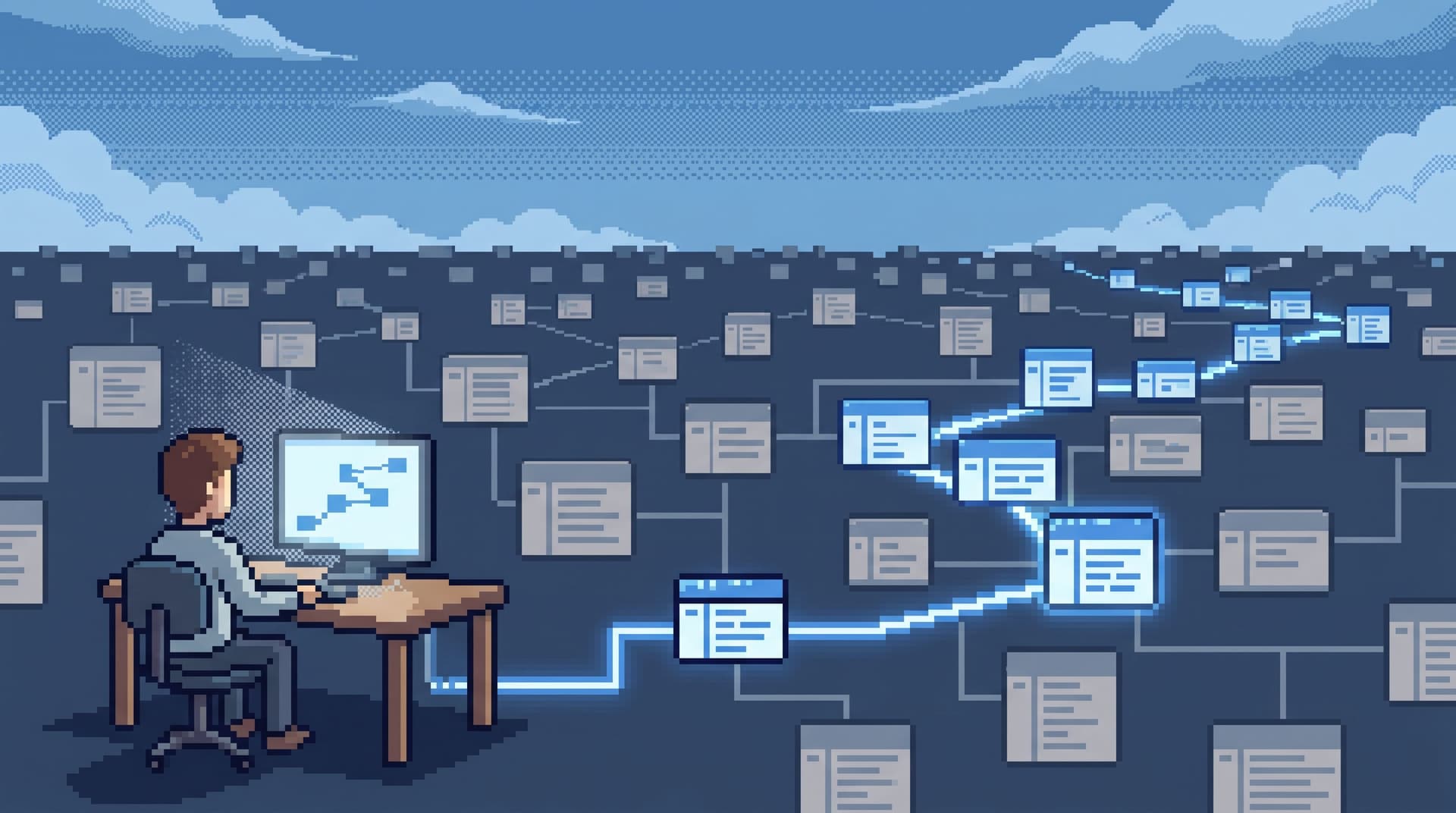
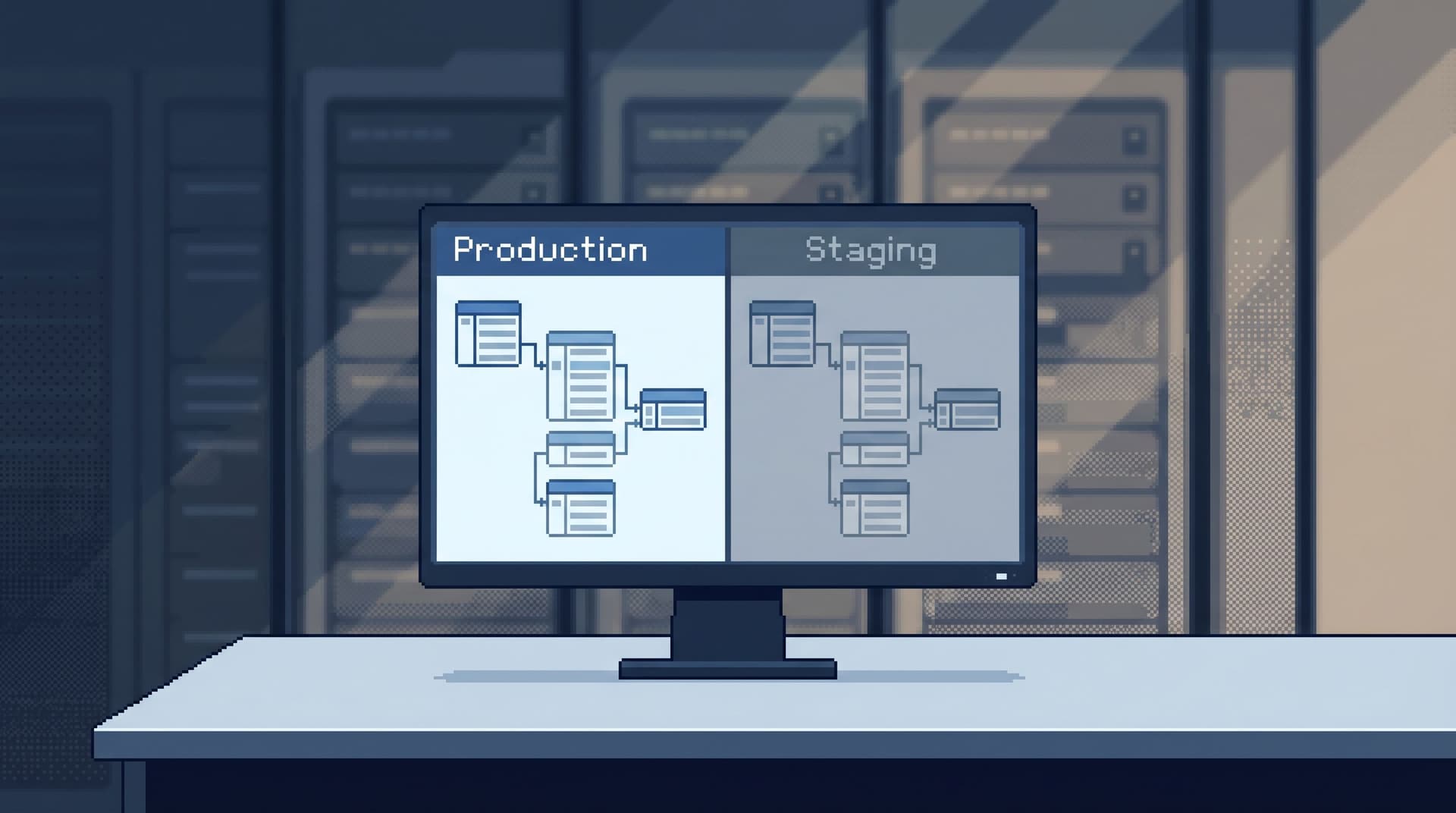
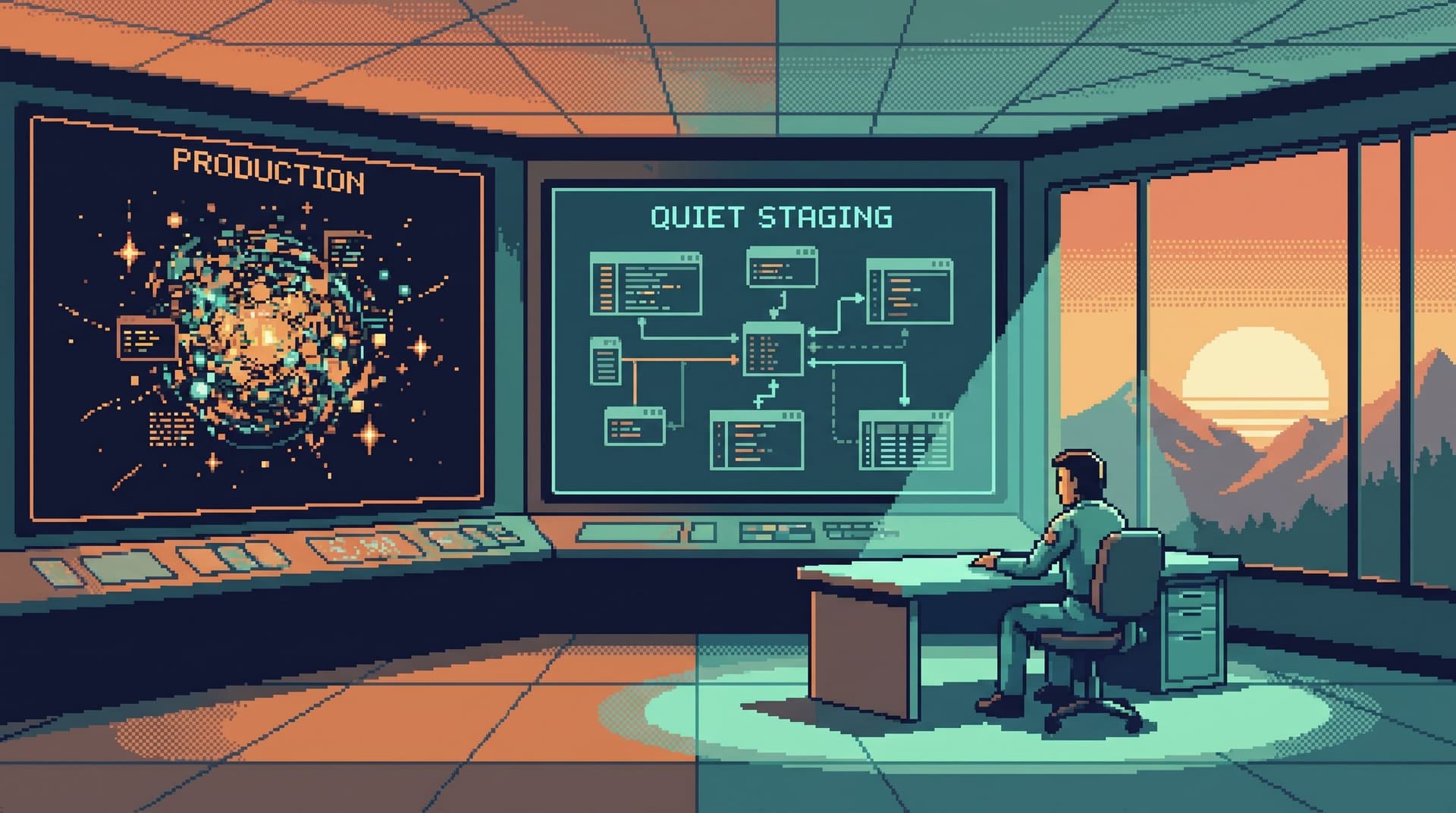
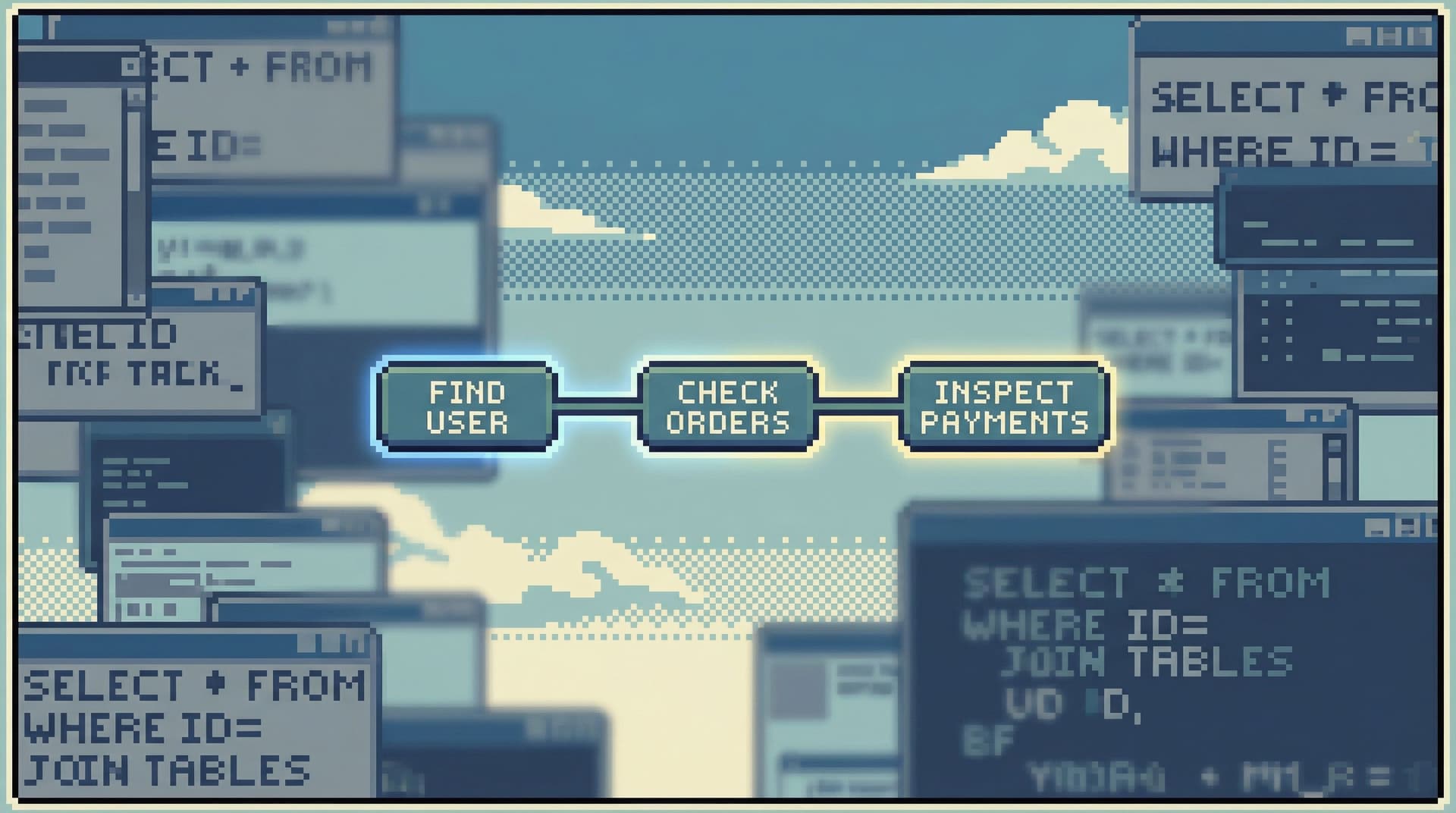
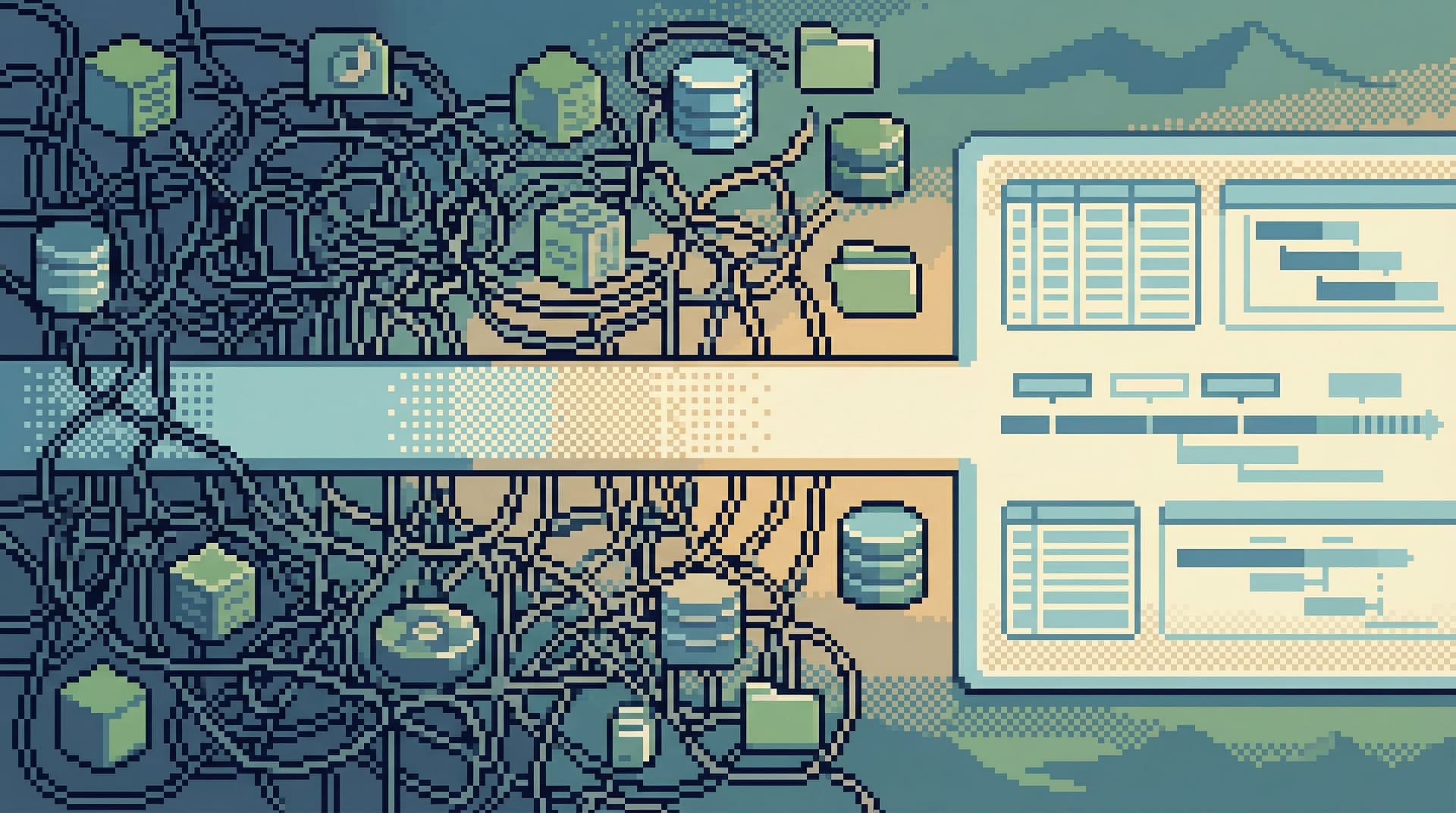
Production data is rarely quiet. You have: Multiple services writing into the same tables Historical quirks layered on top of “just one more column” changes Dashboards, ad-hoc queries, and migrations all touching the same rows The result is familiar: noisy tools on top of noisy data. When something breaks, the instinct is to open everything, query everything, and hope the answer appears. Opinionated read paths are a different stance. Instead of a blank canvas pointed at production, you give people a narrow, well-lit hallway through the data. You constrain how they look at production so they can think more clearly about producti

Team Simpl
Team Simpl
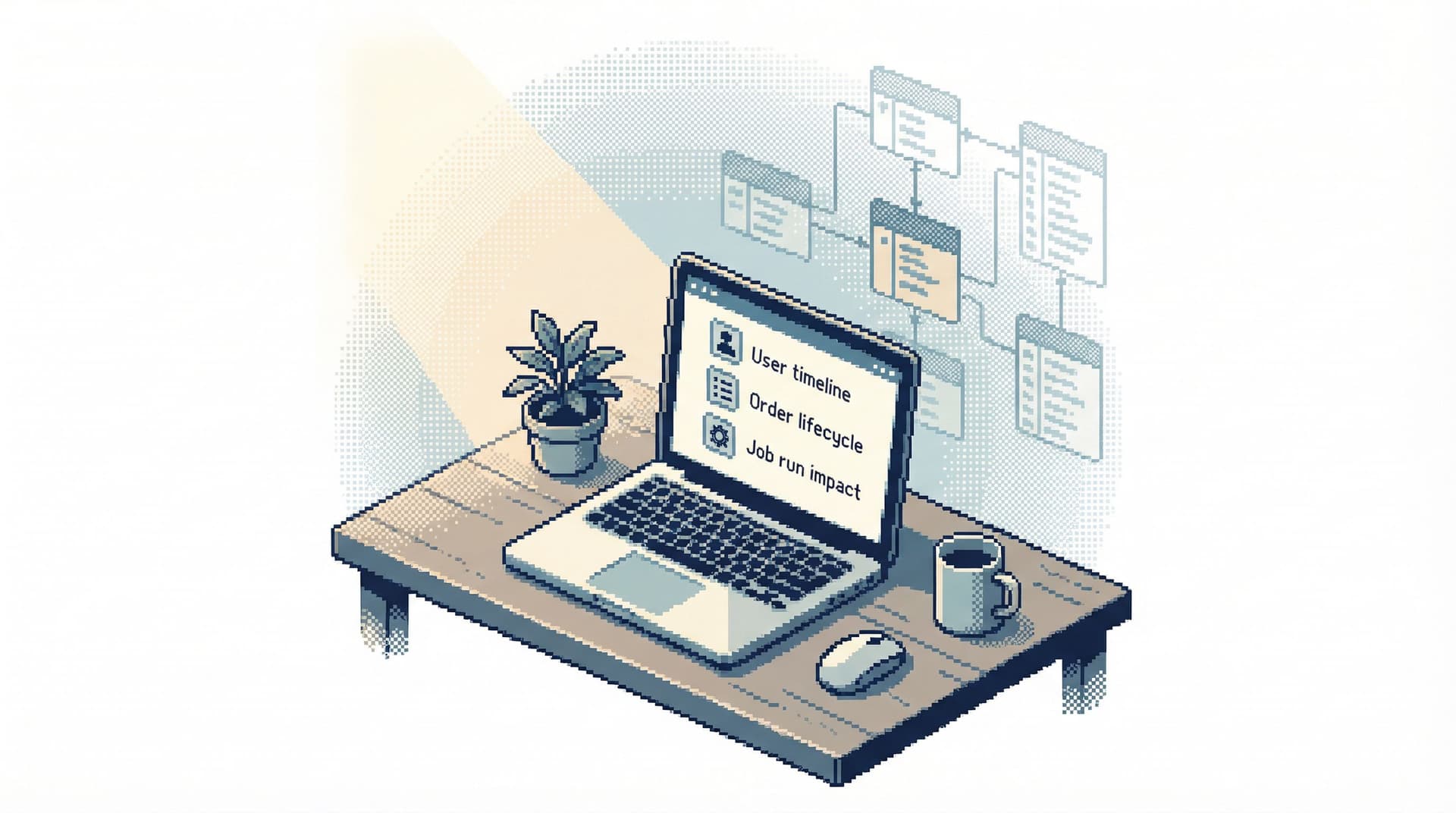
Less Schema, More Story: Helping Engineers Navigate Databases by Use Case, Not Object List
Database Browsing
Data Workflows

Less Schema, More Story: Helping Engineers Navigate Databases by Use Case, Not Object List

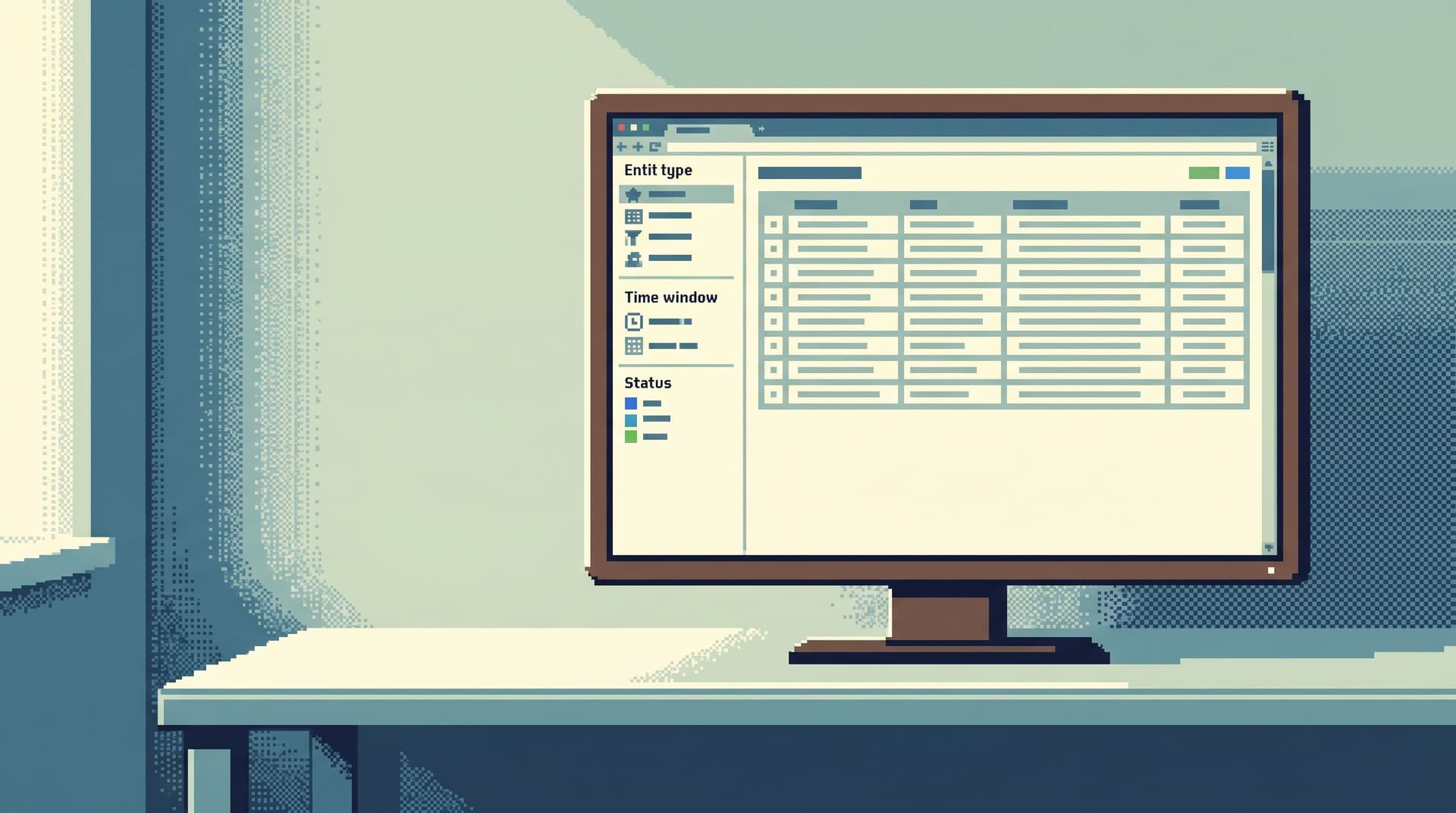
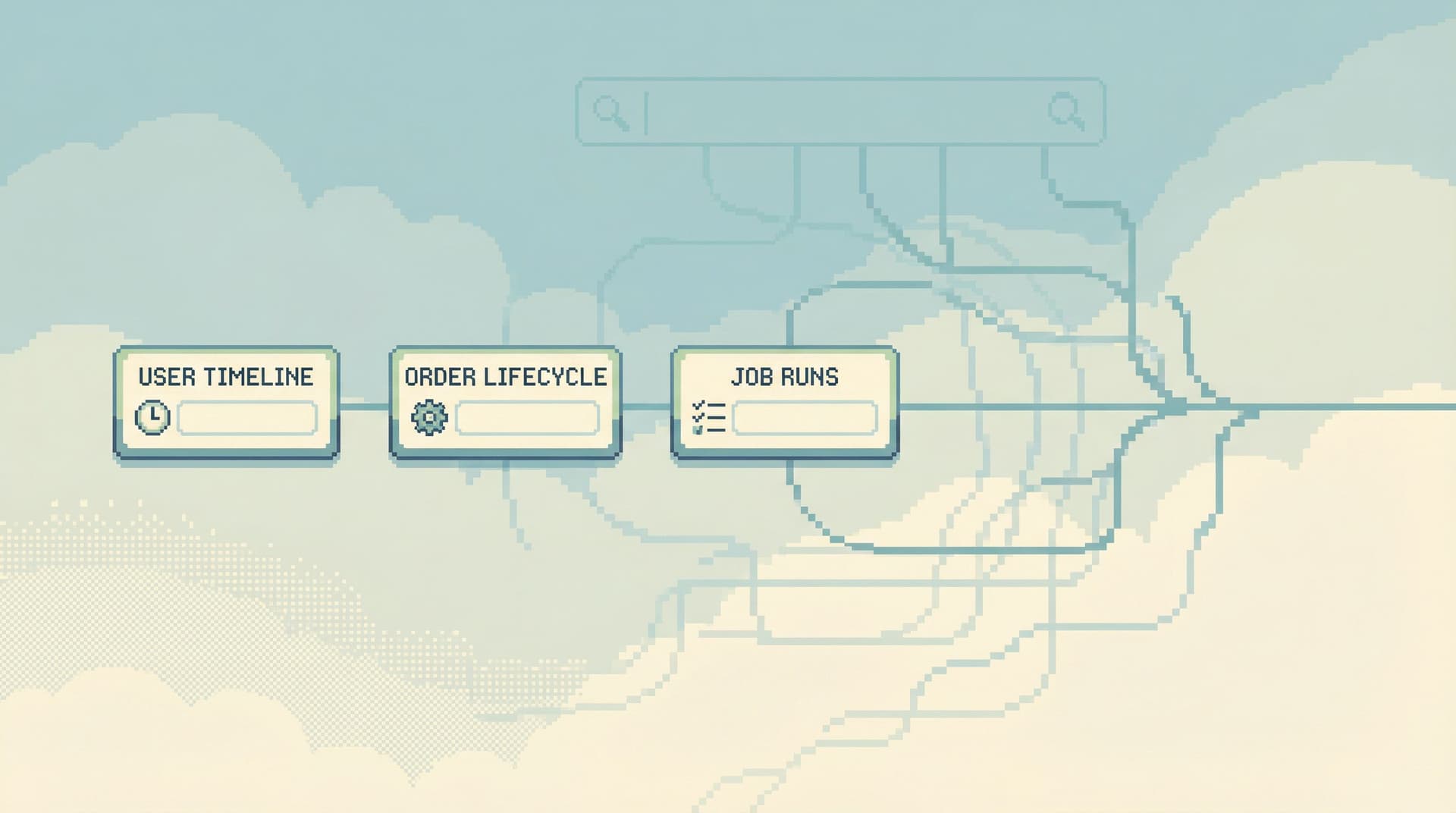
Most database tools start you in the same place: a tree of tables on the left, a blank query editor in the middle, and a results grid at the bottom. It feels neutral. It isn’t. That default quietly teaches engineers to think about the database as objects first, questions later: “What tables do we have?” “What’s in users again?” “Where does subscription_status live?” Real work doesn’t start there. Real work starts with stories: “Why did this user get charged twice?” “Why did this job never finish?” “Why is this cohort missing events in us-west-2?” Those questions cut across tables, services, and time. A static schema explorer doesn’t help you hold that story in your head. It just lists noun

Team Simpl
Team Simpl
The Single-Window Database Session: Structuring Deep Work Without Tabs, Panels, or Overlays
Database Browsing
Data Workflows

The Single-Window Database Session: Structuring Deep Work Without Tabs, Panels, or Overlays

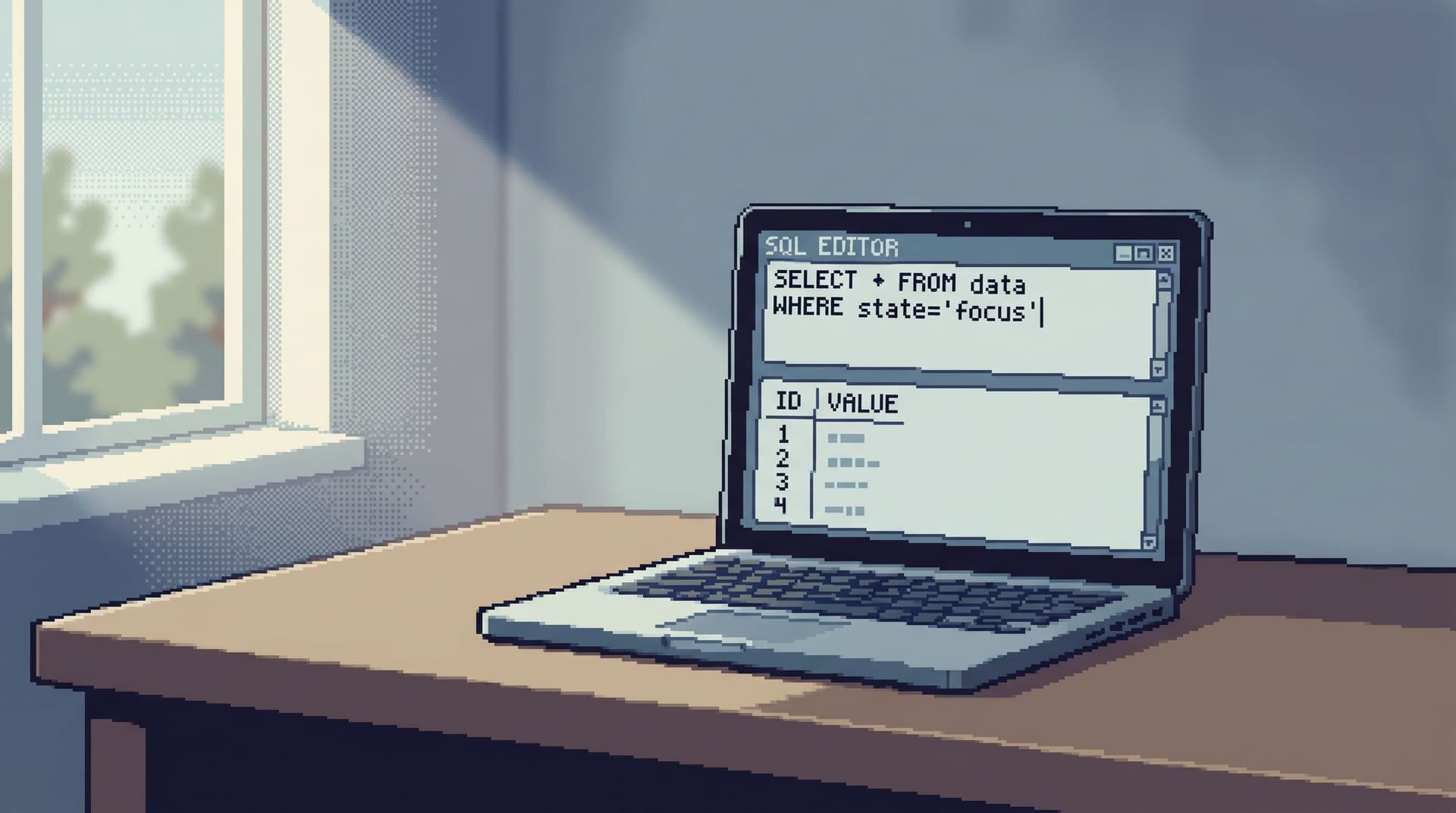
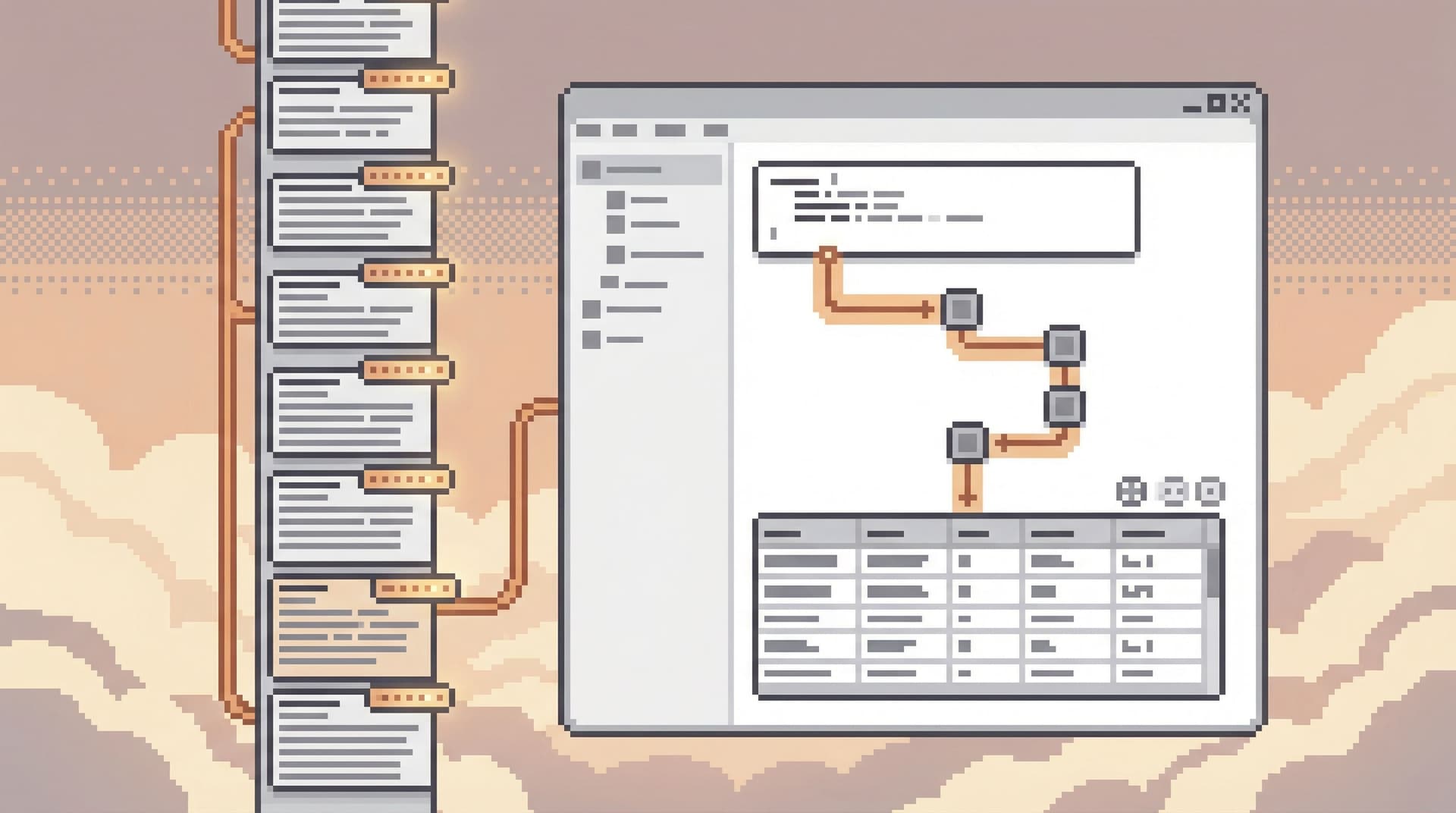
Most database tools assume that more surface area means more power. More tabs. More panels. More overlays on top of overlays. You get a cockpit. You also get the feeling that every query is happening in the middle of a crowded room. A single-window database session is a different stance: one window, one visible task, one coherent trail of thought. No tab explosions. No side panels you “might need later.” Just you, the data, and a clear path from question to answer. Tools like Simpl are built around this idea by design. Why a Single Window Matters Engineers already spend their days juggling editors, terminals, dashboards, and

Team Simpl
Team Simpl

Async Debugging: How to Share Database Context Without Spinning Up a Meeting

Most database debugging still assumes everyone is online at the same time. A question appears in Slack. Someone pings @here. A Zoom link shows up. Screens are shared. Queries are written live. Half the team watches; a few people talk. When it’s over, the context evaporates. You got an answer. You also: Burned a meeting slot. Forced people to switch tasks. Created zero reusable artifacts for the next person with the same question. Async debugging is the opposite stance: treat database context as something you can capture, package, and share without pulling everyone into a room. This post is about how to do that in a calm, opinionated way—especially when your main window into production data is a focused browser like Si

Team Simpl
Team Simpl

Quiet by Design: UX Patterns for Database Tools That Don’t Demand Your Attention

Most database tools behave like they’re in a competition for your focus. Panels slide in. Charts animate. Tabs multiply. Every state change is a chance to flash, highlight, or distract. That noise feels like power—until you’re debugging a production issue, tracing a subtle data bug, or onboarding a new engineer who just needs a clear path through the schema. Quiet tools are different. They assume your attention is scarce and expensive. They don’t try to keep you engaged; they try to stay out of your way. For database work, that’s not just a matter of taste. It’s a matter of safety, clarity, and long-term team san

Team Simpl
Team Simpl
Read-Only by Default: Building Safer Production Database Workflows Without Slowing Engineers Down
Database Browsing
Data Workflows

Read-Only by Default: Building Safer Production Database Workflows Without Slowing Engineers Down

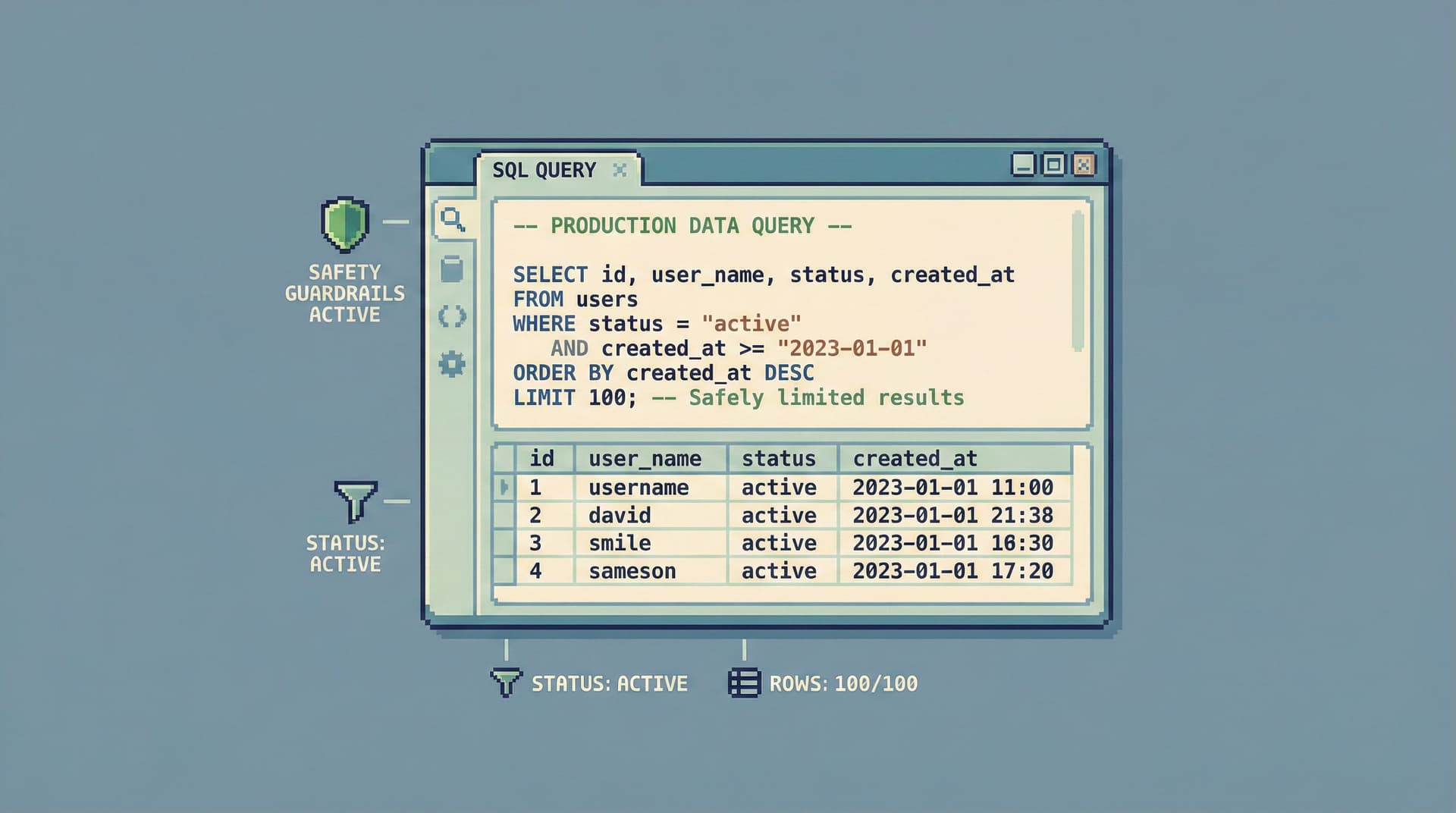
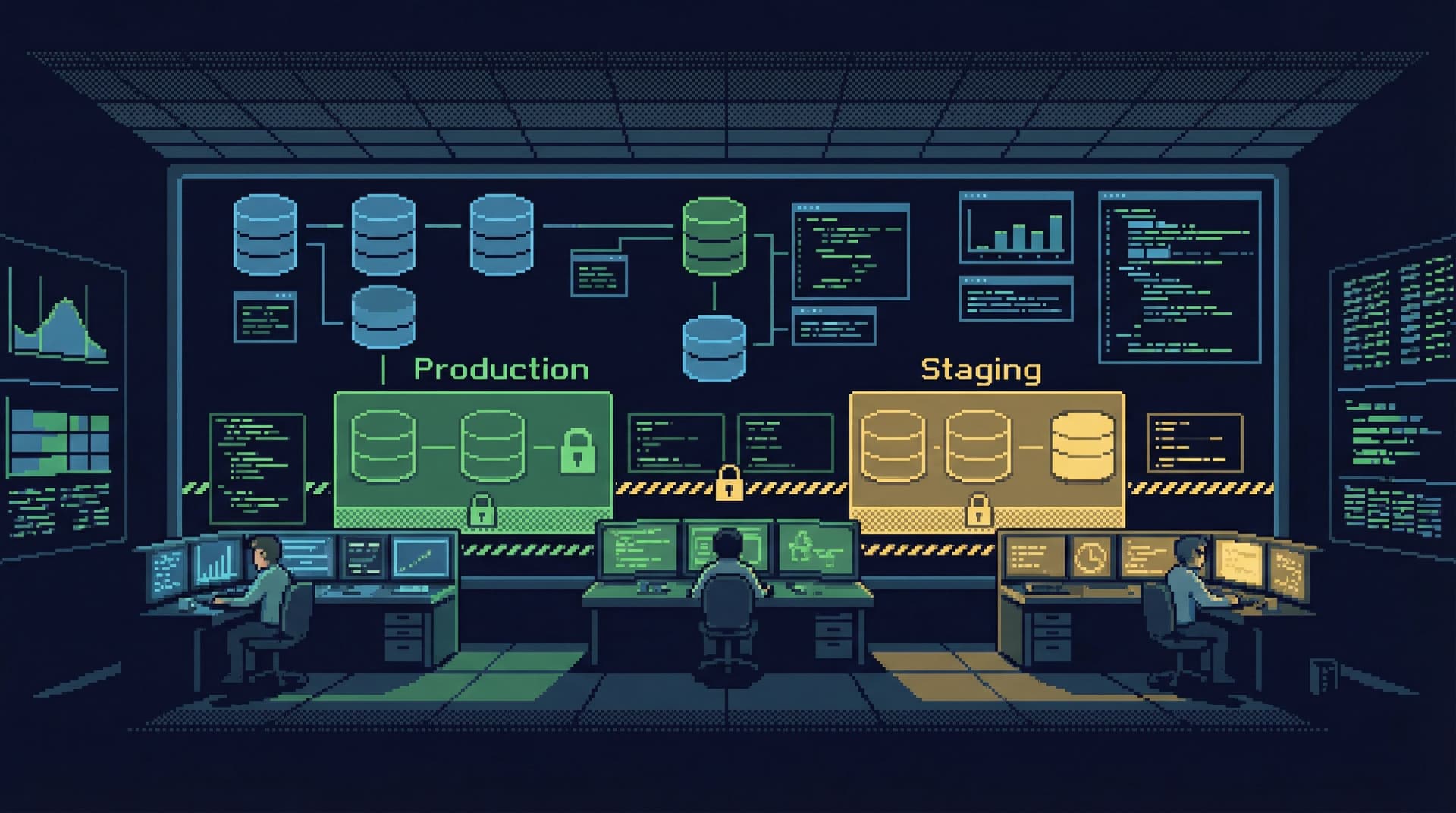
Production databases sit close to real users, real money, and real incidents. Yet most teams still treat them like a general-purpose sandbox: open a GUI or CLI, point it at prod, and hand people a blank SQL canvas with broad write access. “Just be careful” is the only real policy. That works—until it doesn’t. A missing WHERE clause, a rushed hotfix, or a copy‑pasted query from staging can turn into: Silent data corruption Customer‑visible outages Incident calls that last hours instead of minutes The usual reaction is to clamp down: more approvals, more tickets, more process. Engineers feel slower. Shadow tools appear. Risk doesn’t go away; it just moves. There’s a quieter, saner alternative: make read-only the defau

Team Simpl
Team Simpl
When Your Database Browser Tries to Be an IDE (and How to Walk It Back)
Database Browsing
Developer Tools

When Your Database Browser Tries to Be an IDE (and How to Walk It Back)

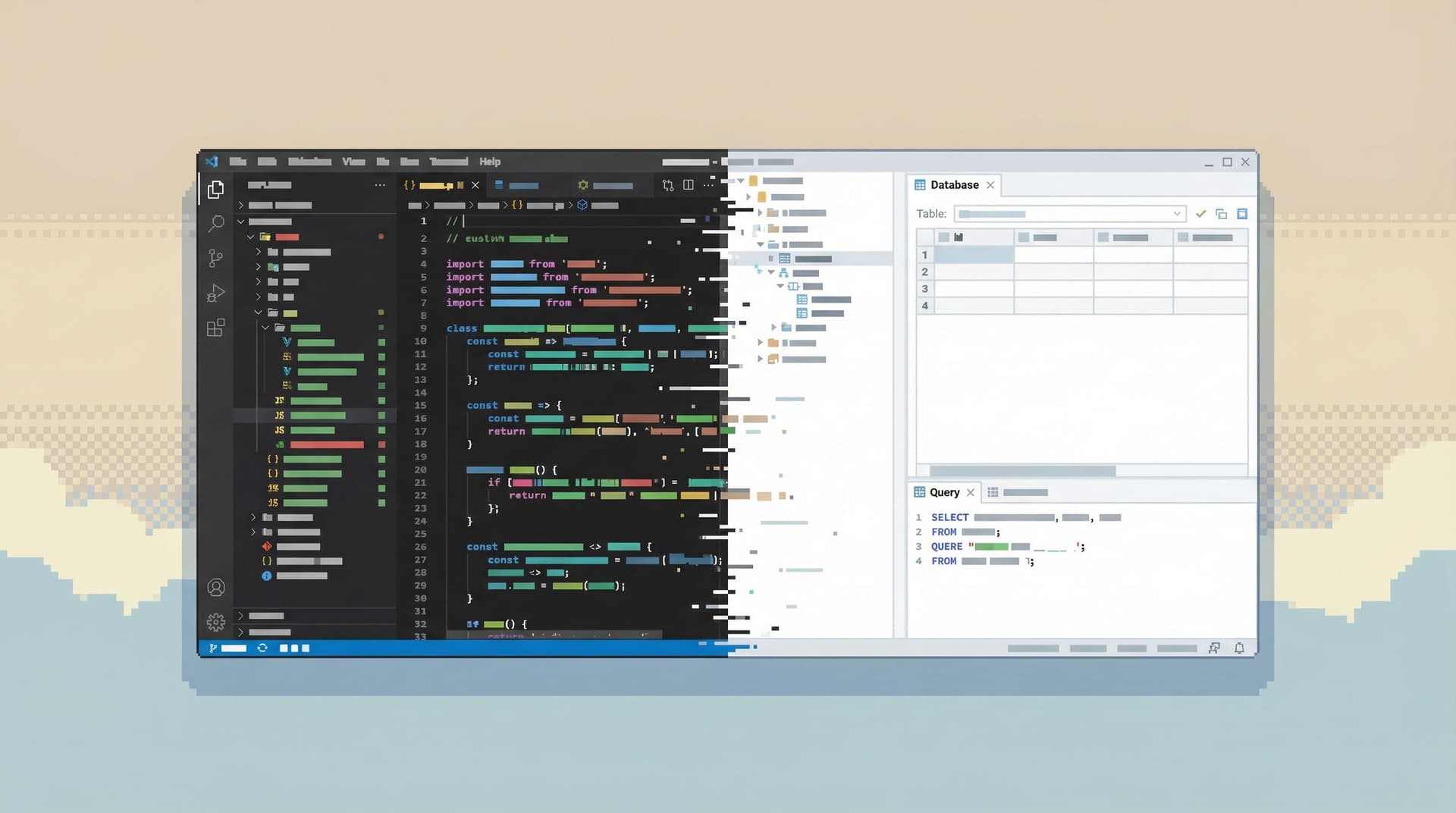
Most database tools quietly drift. They start as simple ways to look at tables and run a few queries. Over a few releases, they pick up tabs, themes, extensions, code snippets, Git integration, schema diffing, visual query builders, and a dozen panels that all want your attention. One day you open your “database browser” and realize you’re staring at a full IDE. That drift feels natural. Engineers live in IDEs, so borrowing that model for databases seems harmless. But databases are not codebases. They sit closer to real users, real money, and real incidents. Treating them like another code target leads to noisy workflows, fragile queries, and a general sense that working with data is heavier than it should

Team Simpl
Team Simpl
The Case for Fewer Charts: Building Database Tools That Show Just Enough
Database Browsing
Developer Tools

The Case for Fewer Charts: Building Database Tools That Show Just Enough

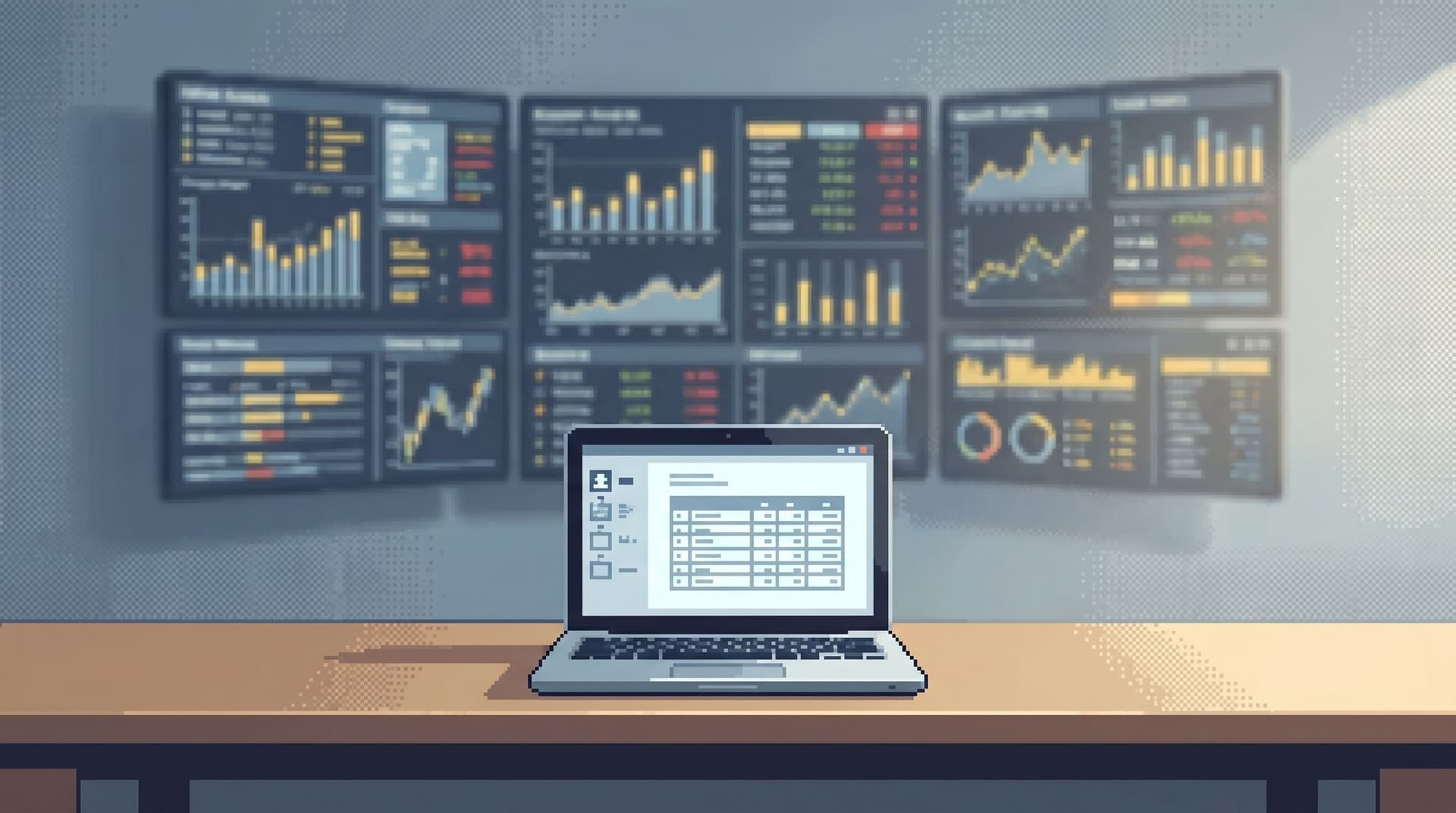
Dashboards are easy to create and hard to retire. Most teams accumulate charts the way codebases accumulate TODOs. A new incident, a new product question, a new stakeholder request—another panel gets added. Nothing gets removed. Over time, the wall of charts stops clarifying reality and starts obscuring it. For database tools, this matters even more. The database is where the story actually lives. If your interface to that story is a dense mosaic of visualizations, you’re not closer to the truth—you’re just looking at more pictures of it. This post makes a simple argument: Database tools should show just enough, not everything they c

Team Simpl
Team Simpl
Database Work Without the Side Quests: Reducing Context Switching in Day-to-Day Queries
Database Browsing
Data Workflows

Database Work Without the Side Quests: Reducing Context Switching in Day-to-Day Queries

Most database work starts simple: “What happened with this user?” “Why didn’t this job run?” “Is this metric actually dropping or is the dashboard wrong?” Then the side quests show up. You bounce between: SQL client Logs Dashboards Slack threads Internal docs You’re no longer answering the question. You’re reconstructing context you already had ten minutes ago. Context switching is not just annoying. It’s one of the main reasons database work feels heavier than it should. It slows you down, hides mistakes, and makes every query feel like starting from scratch. This post is about doing less of th

Team Simpl
Team Simpl
Beyond the Schema Explorer: Designing Database Browsers for Real-World Debugging
Database Browsing
Developer Tools

Beyond the Schema Explorer: Designing Database Browsers for Real-World Debugging

Most database tools start with the same promise: you can see everything. Every table. Every column. Every relationship. A schema explorer in the left pane, a query editor in the center, and a results grid at the bottom. That’s useful for setup and onboarding. It is not enough for real debugging. Real-world debugging rarely sounds like: “Show me the list of tables.” It sounds like: “Why did this user’s subscription cancel even though Stripe says they’re active?” “Why did this job run twice?” “Why are we missing events for this cohort only in us-west-2?” Those questions cut across the schema. They demand context, history, and narrative. A static tree of tables doesn’t help you think that way. It just tells you what exis

Team Simpl
Team Simpl
From Tabs to Trails: Turning Ad-Hoc Database Exploration into Reproducible Storylines
Database Browsing
Data Workflows

From Tabs to Trails: Turning Ad-Hoc Database Exploration into Reproducible Storylines

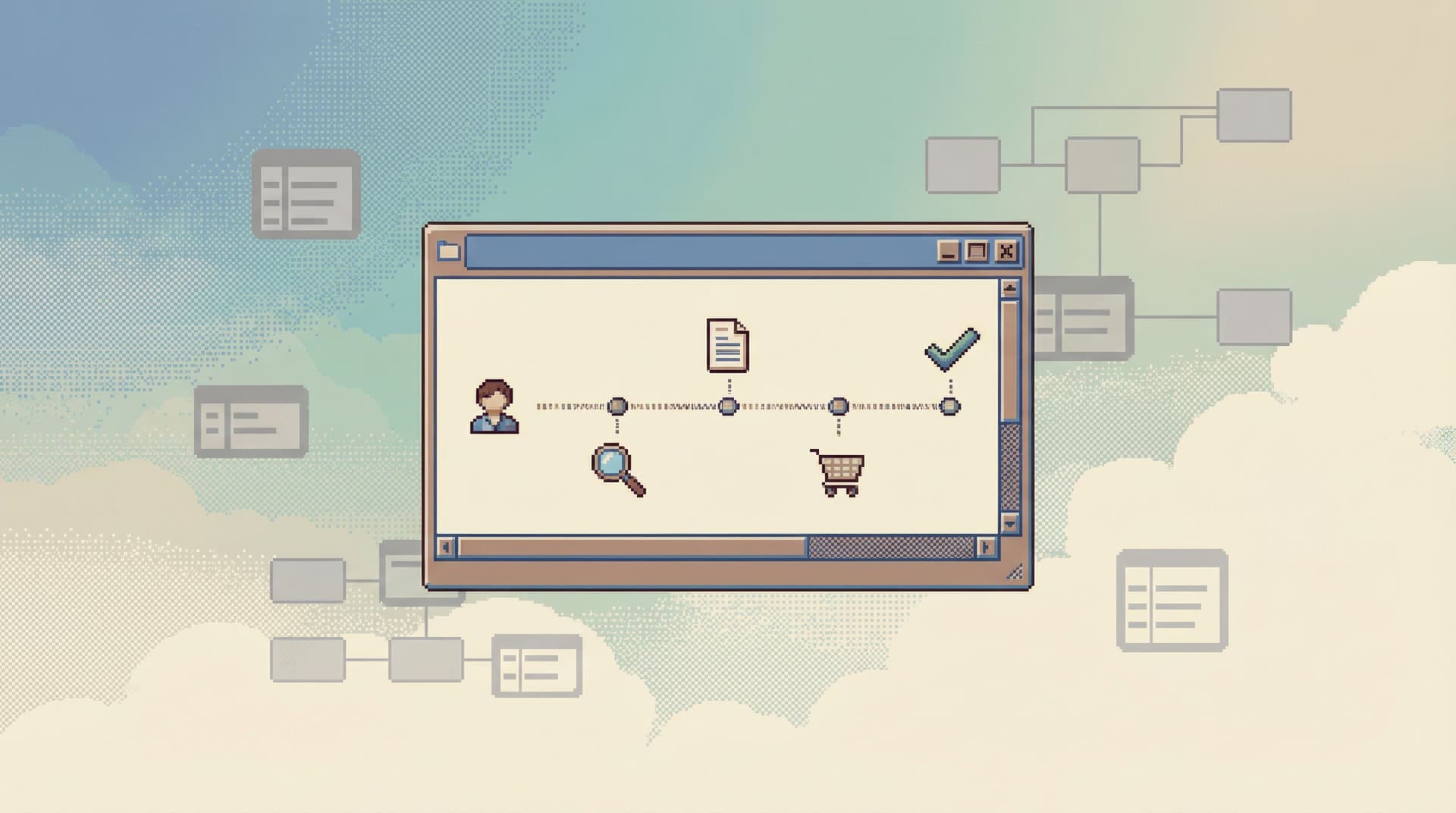
Most database work starts the same way: A question appears in Slack. Someone opens a GUI or psql. A few tabs bloom. Queries get tweaked. Results get screenshot. The window closes. The story disappears. You got the answer. But you didn’t create anything reusable. This post is about changing that: moving from scattered, ad-hoc exploration to calm, reproducible storylines—trails through your data that you and your team can follow again later. Along the way, we’ll talk about why tabs are such a trap, what a “trail” actually looks like, and how tools like Simpl can make this style of work the default instead of a heroic exception. Why this shift matters Ad-hoc exploration isn’t the enemy. It’s how most good investigations s

Team Simpl
Team Simpl
Designing Database Tools for Deep Work: Patterns We Brought into Simpl
Database Browsing
Developer Tools

Designing Database Tools for Deep Work: Patterns We Brought into Simpl

Deep work and databases don’t usually appear in the same sentence. Most database tools are built for throughput: more tabs, more panels, more shortcuts, more things happening at once. That can feel powerful in the moment. It also quietly taxes your attention, pushes you toward reactive querying, and makes calm, careful reasoning about data harder than it needs to be. Simpl was built from the opposite direction: what would a database browser look like if the primary constraint was protecting deep work? This post walks through the patterns we chose, what we intentionally left out, and how you can bring the same ideas into your own tools and workflows—whether or not you use Sim

Team Simpl
Team Simpl
Focus-First Database Workflows: Reducing Clicks, Tabs, and Cognitive Load
Database Browsing
Data Workflows

Focus-First Database Workflows: Reducing Clicks, Tabs, and Cognitive Load

Working with a database should feel like reading a clear story, not wrestling a cockpit. Yet for most teams, database work means: Five tools open at once A dozen tabs per tool Constant context switching between schemas, logs, dashboards, and Slack You get the answer eventually—but you pay for it in attention. The real cost isn’t the extra clicks. It’s the cognitive load of holding partial context in your head while your tools scatter the rest across the screen. A focus-first database workflow is a deliberate response to that proble

Team Simpl
Team Simpl
Context, Not Dashboards: A Quieter Approach to Sharing Data in Engineering Teams
Database Browsing
Productivity

Context, Not Dashboards: A Quieter Approach to Sharing Data in Engineering Teams

Dashboards promised clarity. Most teams got noise. Tabs of charts. Competing definitions of “active user.” Metrics that drift out of date. A wall of visualizations that looks impressive in a demo and quietly decays in the background. Engineering teams don’t usually need more dashboards. They need more context: What does this number actually mean? Where did it come from in the database? When should we look at it, and why? What changed since last time? Context is what turns data from a performance into a shared language. And it’s what most dashboard-heavy setups fail to provi

Team Simpl
Team Simpl
The Minimalist’s Guide to Database Debugging in Incident Response
Database Browsing
Developer Tools

The Minimalist’s Guide to Database Debugging in Incident Response

Incidents are loud. Alerts fire. Channels light up. People pile into a call. Everyone is scrolling, querying, refreshing, speculating. The database sits in the middle of it all—usually as a blur of dashboards, ad-hoc queries, and half-remembered table names. This is where debugging often goes wrong. Not because the problem is unsolvable, but because the approach is noisy. A minimalist approach to database debugging doesn’t mean doing less. It means doing only what matters, in a deliberate order, with tools that don’t compete for your attention. This post is about how to do that when the pager goes

Team Simpl
Team Simpl
Why Your Database GUI Feels Like an IDE (and Why That’s a Problem)
Database Browsing
Developer Tools

Why Your Database GUI Feels Like an IDE (and Why That’s a Problem)

Most database GUIs look like they were designed by someone who really loves text editors. Tabs everywhere. Panels inside panels. A giant query editor front and center. Extensions. Themes. Keyboard shortcuts for everything. It feels familiar because it looks like an IDE. That familiarity is comforting. It’s also quietly shaping how you work with data—and not always in your favor. Tools teach habits. When your database GUI behaves like an IDE, it nudges you toward writing instead of understanding, speed instead of clarity, and solo heroics instead of shared flows. Over time, that shows up as production incidents, brittle queries, and a general sense that working with data is louder than it needs to

Team Simpl
Team Simpl
Production Data Without Pager Anxiety: Guardrails That Actually Get Used
Database Browsing
Data Workflows

Production Data Without Pager Anxiety: Guardrails That Actually Get Used

Production data should feel slightly dangerous. Not because you’re one typo away from an outage, but because it deserves respect. The problem is that most teams either: Pretend the danger isn’t there and let anyone run anything, or Smother access in process and permissions until nobody can get real work done. Both paths create pager anxiety. One through real risk. The other through constant friction, shadow tools, and brittle workarounds. There’s a quieter path: design guardrails that people actually u

Team Simpl
Team Simpl
Query Fast, Think Slow: Designing Database Tools for Deliberate Work
Database Browsing
Developer Tools

Query Fast, Think Slow: Designing Database Tools for Deliberate Work

Most database tools push you to move faster. Tabs everywhere. Autocomplete that races ahead of your intent. Dashboards that update before you know what you’re looking for. Speed is easy to sell. But when you work with data, speed without structure doesn’t make you more effective. It just makes your mistakes arrive sooner. This post is about a different bias: query fast, think slow. Move quickly through the mechanics of querying so you can spend your attention on the hard parts: understanding models, tracing relationships, and making decisions you can stand behind a week from now. That bias should shape how we design and choose database tools. Why deliberate work with data matters Most data work is not about writi

Team Simpl
Team Simpl