Post-BI, Pre-Admin: Defining the Missing Layer of Calm Database Tools

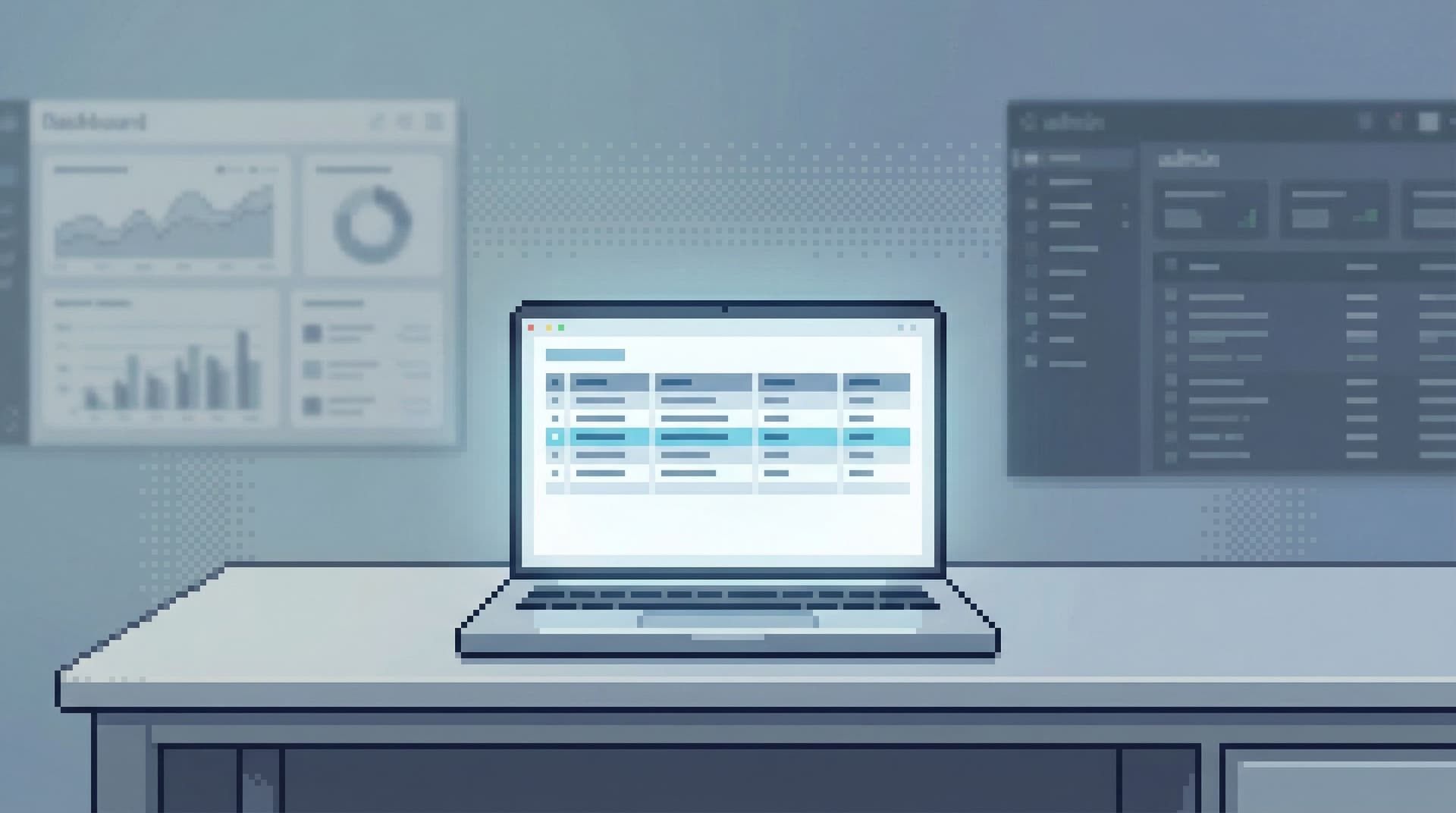
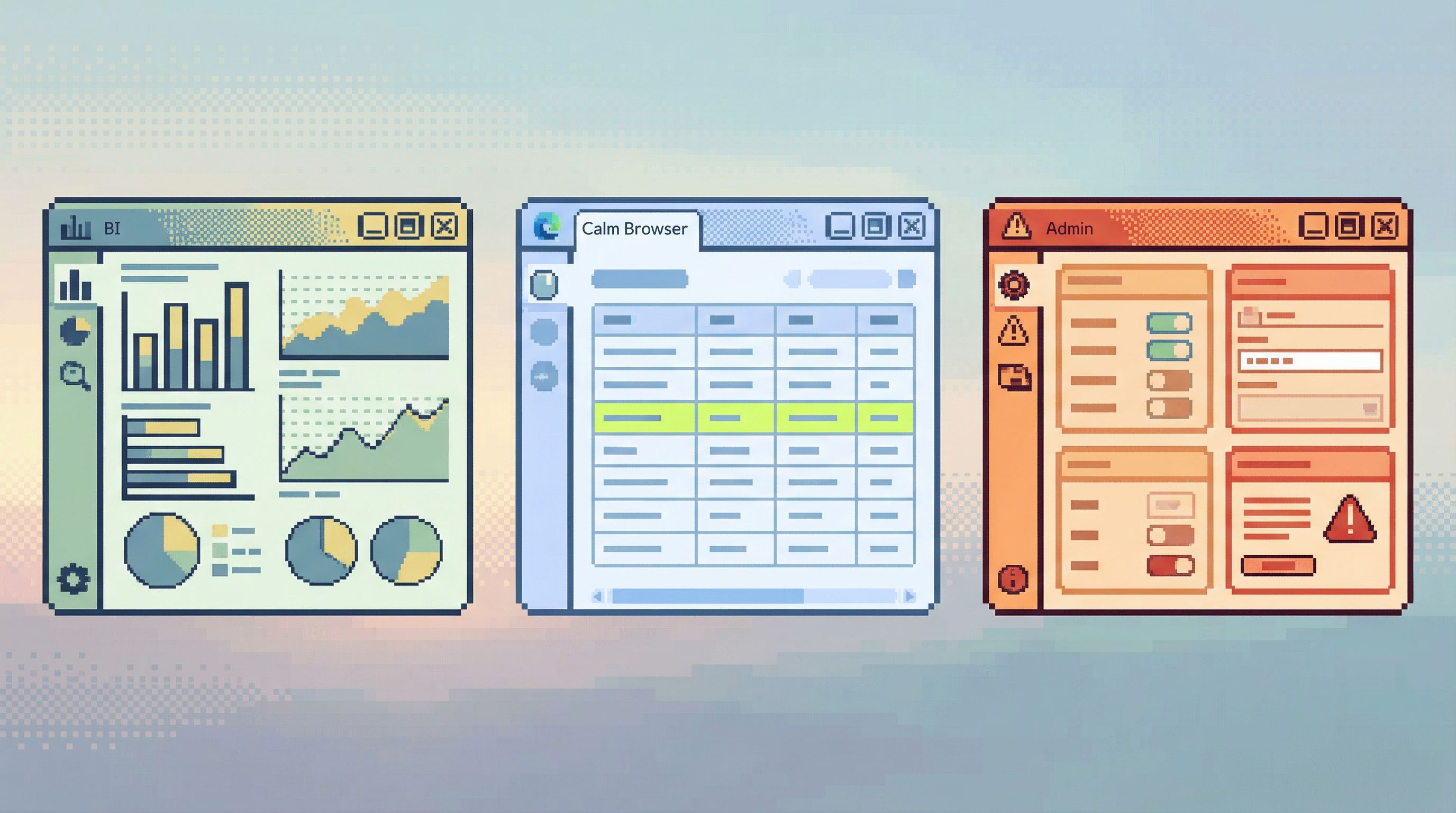
Most teams now live between two extremes:
- BI tools for charts, dashboards, and stakeholder reporting.
- Admin and SQL tools for full access, schema changes, migrations, and power-user work.
But a lot of real, everyday database work sits in the middle.
You’re:
- Checking what happened to one customer’s order.
- Replaying the path of one incident.
- Verifying that a migration did what you think it did.
- Exploring production data safely, without turning every question into a dashboard or every engineer into a part-time DBA.
That middle layer is where most engineers actually live. It’s also where most teams have the weakest tools.
This post is about naming that missing layer—and designing it on purpose.
It’s the post-BI, pre-admin space: calm, opinionated database tools that let you read production data directly, safely, and without the noise of full BI or admin consoles.
Tools like Simpl exist exactly here.
Why This Middle Layer Matters
If dashboards and admin tools already exist, why bother with something in between?
Because the work itself is different.
1. BI answers “how much”; this layer answers “what exactly”
BI is optimized for aggregates:
- Revenue by day
- Error rate by service
- Conversion by cohort
But real production questions are often specific and narrative:
- “What exactly happened to this user over the last 24 hours?”
- “Which 37 customers were double-charged by this job misfire?”
- “Which rows are stuck right now, and why?”
You don’t need another chart. You need to read rows calmly, in context.
We’ve written before about this shift from metrics to concrete records in From Metrics to Rows: A Focused Workflow for Jumping from Alerts into Production Data.
2. Admin consoles are powerful—but feel dangerous
Admin tools and full SQL IDEs are built for:
- Running migrations
- Managing indexes
- Editing rows
- Tuning queries and schemas
Even when you’re on read-only roles, the interface still feels risky:
- Every table is visible.
- Every query looks possible.
- Every action looks close to a write.
So people hesitate. They:
- Paste screenshots into Slack instead of links.
- Ask “the one person who’s comfortable in prod” to run queries.
- Avoid touching production unless there’s an incident.
We dug into this dynamic in From Access Control to Attention Control: Rethinking Safety in Database Tools.
3. The cost is quiet but constant
Without a dedicated post-BI, pre-admin layer, teams pay a tax:
- Slow incident response – time lost wandering through dashboards or raw consoles.
- Bottlenecked access – a few “SQL people” handle most real questions.
- Noisy workflows – context scattered across tools, tabs, and screenshots.
- Hesitant curiosity – engineers are less likely to explore real data when it feels risky.
A calm middle layer doesn’t replace BI or admin tools. It makes both more effective by giving everyday production reads their own, focused home.
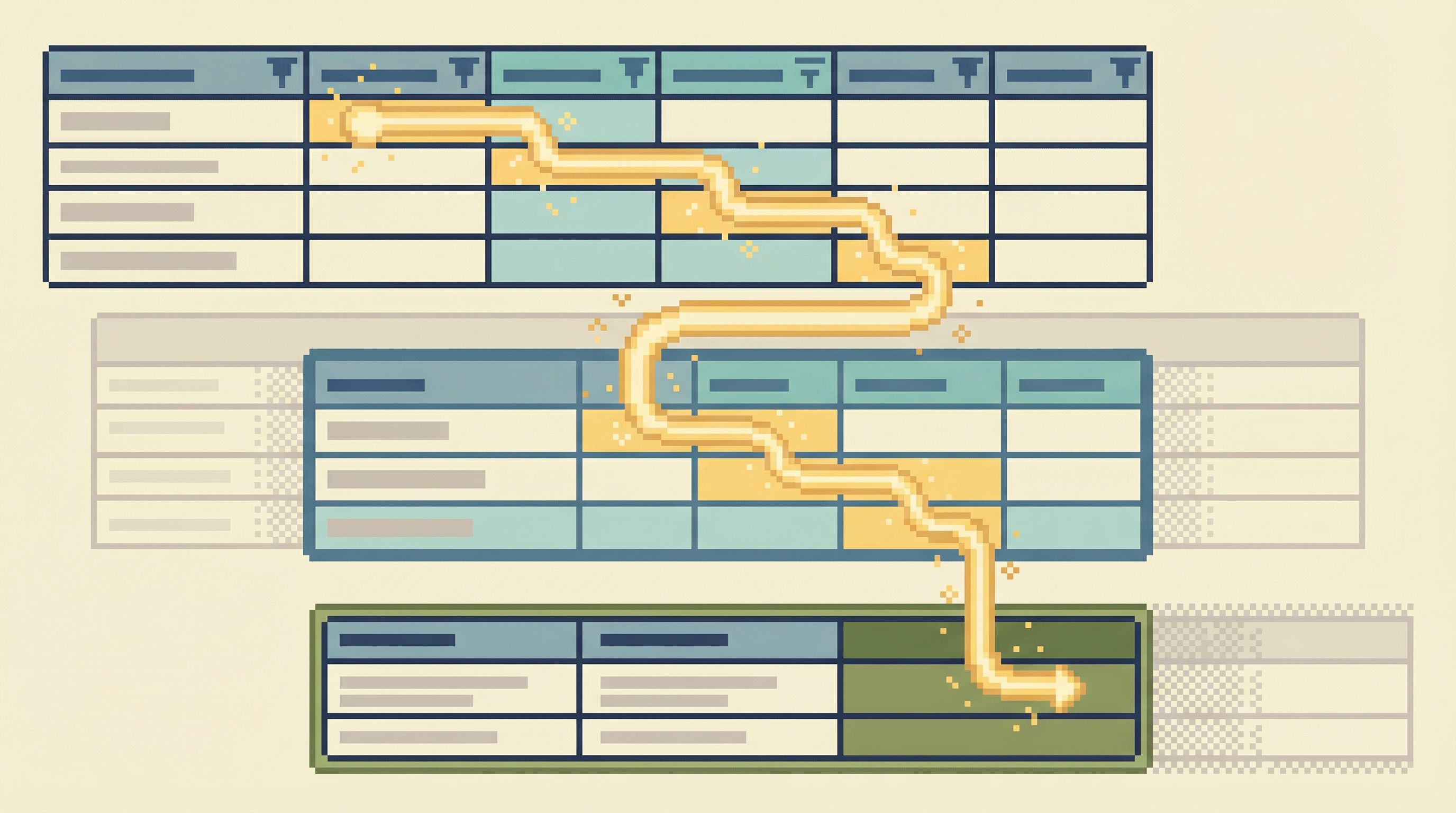
What Lives in the Post-BI, Pre-Admin Layer
Let’s define this layer concretely. If you’re building or choosing tools here, what should they actually do?
1. Opinionated read-only, by design
This layer should assume read-only as the default, not as an afterthought:
- No schema changes.
- No ad-hoc writes.
- No “just this once” update scripts.
But “read-only” is not enough. You want opinionated read-only:
- Pre-shaped roles for common read workflows (support, on-call, data, product).
- Guardrails around dangerous patterns (unbounded scans, accidental cross-joins on prod-sized tables).
- Clear visibility into what you’re allowed to read, and how.
We explored this in detail in Opinionated Read-Only Roles: How Access Design Shapes Everyday Database Work.
A tool like Simpl bakes this stance in: it’s not a generic console with a read-only checkbox; it’s a browser whose entire surface is shaped around safe reads.
2. Narrow, question-shaped navigation
Most tools still start from:
- A schema tree on the left
- A blank query editor in the middle
- A grid of rows at the bottom
That’s neutral. It’s also a great way to invite wandering.
The post-BI, pre-admin layer should start from questions, not tables:
- “Show me this customer’s lifecycle.”
- “Show me all orders that passed through this failing job.”
- “Show me rows touched by this deploy or migration.”
Concretely, that means:
- Opinionated entry points (by user ID, order ID, job run, incident ID).
- Pre-wired joins and filters that match real-world stories.
- Minimal navigation outside the current path.
This is the core idea behind a calm catalog—mapping tables to real questions instead of raw schemas, as we wrote in The Calm Catalog: Mapping Production Tables to Real-World Questions, Not Schemas.
3. Single-question sessions, not endless consoles
A general-purpose console is built for endless sessions:
- Many tabs
- Many queries
- Many unrelated threads of thought
The middle layer should be built for single-question sessions:
- One clear why.
- One narrow path.
- A natural sense of “done.”
In practice, this looks like:
- Starting each session from a single entry question.
- Keeping the visible context tightly scoped to that question.
- Making it easy to save or share the trail when you’re done.
This isn’t about limiting power; it’s about protecting attention. You can go deeper on this idea in The Single-Question Session: Designing Database Workflows Around One Clear Why.
Simpl is intentionally structured around this pattern: you open it for one purpose, follow one trail, and close it when that trail is complete.
4. Shared, replayable trails instead of isolated queries
Raw query logs are technically complete and practically useless.
What you want in this layer is structured, replayable trails:
- A linear history of reads for a given investigation.
- Enough context to understand why each step was taken.
- The ability to replay or fork that trail later.
This turns ephemeral work into team knowledge:
- Incident reviews can link to one calm trail instead of ten screenshots.
- New engineers can learn from past investigations.
- Support can reuse known-good flows instead of reinventing them.
We framed this shift in Opinionated History: Turning Your Query Log into a Calm Knowledge Base.
5. Calm by default: minimal UI, minimal knobs
The middle layer should feel visibly different from both BI and admin tools:
- Few panels. Few modes. Few global toggles.
- Clear typography and spacing that makes rows readable.
- Subtle, not screaming, affordances for filters and pivots.
The mood should be closer to “reading a well-typeset document” than “driving a cockpit.”
When Simpl talks about being an opinionated database browser, this is what it means: a calm, narrow surface that makes production reads feel like reading, not flying.
How to Design (or Choose) a Post-BI, Pre-Admin Tool
You don’t need to rebuild your stack to get this layer. You need to take a stance.
Below is a practical checklist you can apply whether you’re evaluating tools like Simpl or shaping your own internal browser.
Step 1: Name the work this layer should own
Start by being explicit about which workflows belong here.
Common examples:
- Debugging individual customer issues.
- Replaying incidents from the perspective of affected rows.
- Verifying migrations, backfills, and data fixes.
- Supporting product, support, and success teams with safe, direct reads.
Write these down. For each, answer:
- What is the entry point? (customer ID, order ID, job run, incident ID…)
- What tables are usually involved?
- What joins and filters are almost always present?
- What outcomes define “done”? (refund issued, incident understood, migration verified…)
Everything else is secondary.
Step 2: Separate read work from admin work
Look at your current tools and ask:
- Where do people go to read production data?
- Where do people go to change production data or schemas?
If the answer is “mostly the same place,” you’ve found a source of noise.
A practical pattern:
- One surface optimized for reads (post-BI, pre-admin).
- Another surface for writes, migrations, and schema changes.
The read surface should:
- Default to read-only roles.
- Hide or remove write affordances entirely.
- Make it visually obvious that you are in a safe, read-focused space.
Step 3: Design opinionated read rails
Instead of starting from a blank query editor, define a small set of read rails—pre-shaped paths that match your real workflows.
For each workflow you identified in Step 1:
-
Define the entry form:
- What’s the minimal input? (e.g., customer email, order ID, job run ID.)
- How can you make that easy to paste from Slack, alerts, or tickets?
-
Define the default path:
- Which tables do you hit, and in what order?
- What filters should always be present (e.g., time bounds, environment)?
-
Define the safe bounds:
- Max rows per step.
- Guardrails against full-table scans.
- Clear, visible limits when you cross a safe threshold.
-
Define the shareable output:
- A link to the whole trail, not just a single query.
- Enough context for someone else to understand what they’re seeing.
This is the same stance we explored in Designing Read Rails: How Opinionated Query Paths Reduce Risk and Cognitive Load.
Step 4: Make curiosity safe, not heroic
Your goal is not to stop people exploring production data. It’s to make that exploration safe and calm by default.
Concretely:
- Give engineers an obviously safe place to explore production reads.
- Make it easier to open that tool than to open a full SQL IDE.
- Encourage linking to trails instead of pasting screenshots.
You’ll know it’s working when:
- On-call engineers start their investigations from the browser, not from dashboards.
- Support and success teams can self-serve more of their questions.
- Fewer “can you run this in prod for me?” messages show up in Slack.
For a deeper dive into this cultural shift, see Safe Curiosity: Letting Engineers Explore Production Data Without Fear or Friction.
Step 5: Integrate quietly with the rest of your stack
The middle layer should connect to BI and admin tools without trying to replace them.
Some practical patterns:
- From an alerting tool (PagerDuty, Opsgenie, etc.), link directly into a post-BI browser session filtered by incident context.
- From a BI dashboard, let engineers jump from a chart into a pre-shaped read rail in the browser.
- From the browser, provide clear links out to admin tools when a change is actually required.
The goal is a calm handoff:
- Metrics → focused rows
- Focused rows → admin actions (only when necessary)
How a Tool Like Simpl Fits This Layer
Simpl is built as an opinionated database browser for exactly this post-BI, pre-admin space.
It doesn’t try to be:
- A full SQL IDE.
- A schema designer.
- A dashboard builder.
Instead, it focuses on:
- Calm, read-only sessions against production data.
- Opinionated navigation shaped around real questions.
- Shareable trails you can reuse for incidents, support, and reviews.
If your team already has dashboards and admin consoles, Simpl doesn’t replace them. It gives you the missing middle: the place you actually want to be when you’re reading production.
Bringing the Missing Layer to Your Team
You don’t have to overhaul everything at once. A simple path:
-
Pick one high-value workflow
- Example: “debugging customer billing issues.”
-
Design a minimal read rail
- Entry: customer email or ID.
- Path: customers → subscriptions → invoices → payments.
- Bounds: last 30 days, max N rows per table.
-
Implement it in a calm browser
- Whether that’s Simpl or an internal tool, keep the surface small.
-
Teach the team the new habit
- For that workflow, start from the browser, not from BI or admin.
-
Iterate based on real incidents and tickets
- Each time you debug an issue, ask: “Should this have been a read rail?”
Over time, you’ll end up with a small set of powerful, opinionated paths that quietly absorb most of your real database work.
Summary
There is a missing layer in most data stacks:
- After BI – when charts have told you that something is wrong.
- Before admin – before you need to change schemas, run migrations, or tune indexes.
That layer is where real production reads live.
Designing it on purpose means:
- Treating read-only as a first-class, opinionated mode.
- Navigating by real questions, not raw tables.
- Structuring sessions around single questions and replayable trails.
- Making curiosity safe, calm, and shareable.
Tools like Simpl give this layer a home: a focused database browser that turns production reads from a risky chore into a clear, everyday workflow.
Take the First Step
If this gap feels familiar, start small:
- Choose one workflow—incidents, customer issues, or migration verification.
- Design a single, opinionated read rail for it.
- Give your team a calm, read-only surface to run it from.
If you’d like that surface to exist without building it yourself, explore how Simpl can become your post-BI, pre-admin layer: a quiet place to read production, together, without the noise of full BI or admin tools.