Quiet Observability: Using Production Reads Instead of Yet Another Dashboard

Dashboards are comforting. They glow on big screens, auto‑refresh every few seconds, and promise that if a line crosses a threshold, you’ll know.
But when something real is off — a customer is double‑charged, a job misfires, an order gets stuck — the people closest to the problem usually do the same thing:
They step around the dashboards and go read production.
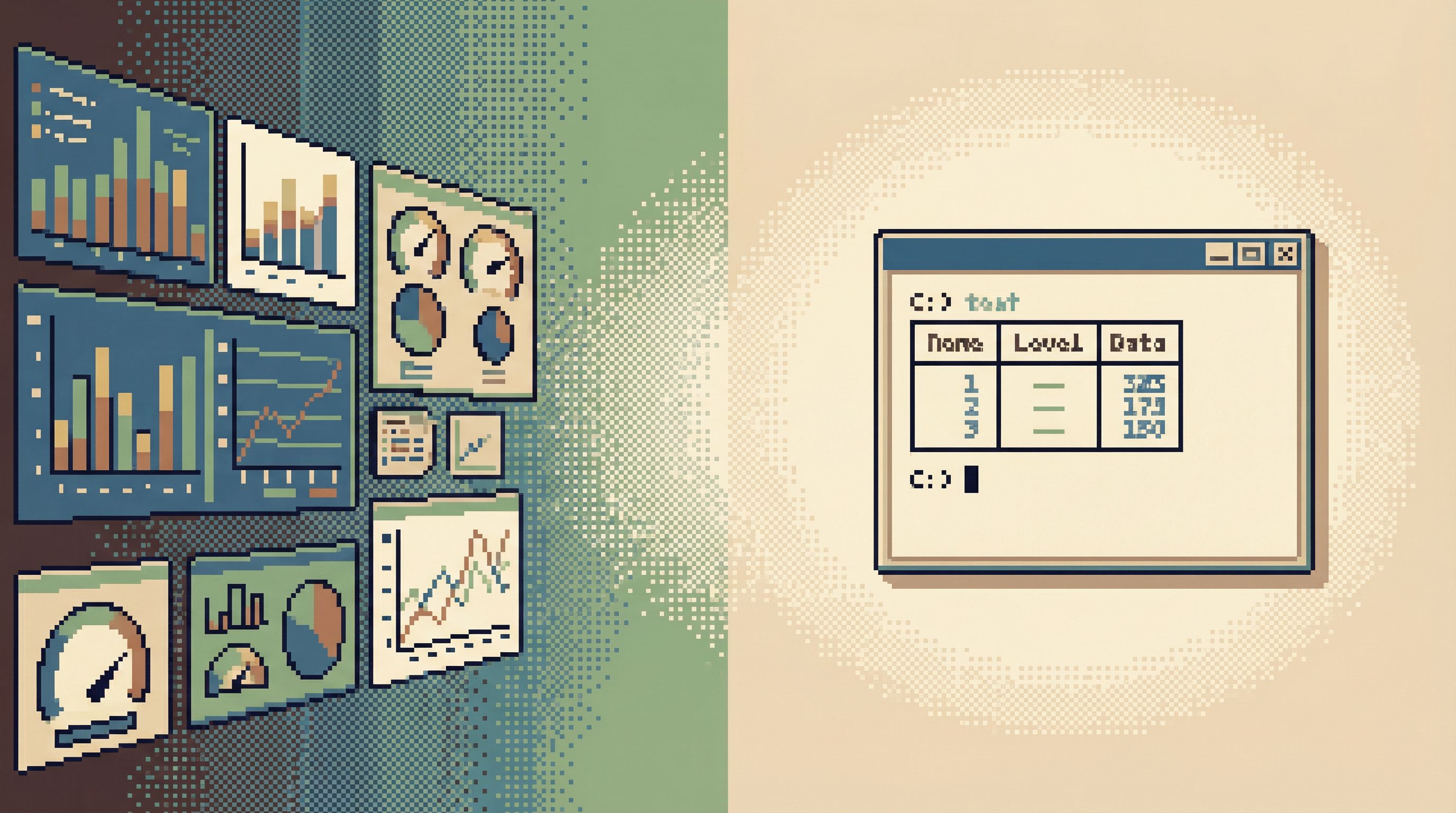
Quiet observability starts from that reality. Instead of adding more charts, more alerts, and more panels, you treat the primary observability surface as what it already is for most engineers: direct, calm reads against production data.
A focused database browser like Simpl exists exactly for this: an opinionated way to explore and understand production data without turning every question into a dashboard project.
Why “Yet Another Dashboard” Stops Helping
Dashboards are good at one thing: stable, pre‑decided questions.
- “What’s our daily active users trend?”
- “How many signups did we get this week?”
- “Is error rate above baseline?”
Those are slow‑changing questions. They deserve charts.
Most real debugging work is different. It sounds like:
- “Why did this particular user’s subscription get canceled yesterday?”
- “What exactly did this background job do at 03:12 UTC?”
- “Did this order get charged twice, or just logged twice?”
You don’t need a dashboard for that. You need a story. A small, precise one.
The problem is what happens when teams try to stretch dashboards into this space:
- Lag: Dashboards are often built on delayed warehouses or pre‑aggregated views. For live issues, that delay is the difference between clarity and guessing.
- Loss of detail: Aggregations hide the row‑level trail you actually care about. The average latency can be fine while one customer is having a terrible experience.
- BI sprawl: Every new question becomes a new chart, a new board, a new folder. Over time, no one trusts which dashboard is “the real one.”
- Cognitive noise: Dashboards want attention. They animate, auto‑refresh, and invite you to click around. During an incident, that’s the last thing you need.
Quiet observability takes the opposite stance: treat dashboards as summaries, not as the primary interface for understanding what actually happened. For that, you read production directly.
For more on separating reporting from focused reads, see From BI Sprawl to Focused Reads: Separating Exploration from Reporting in Your Data Stack.
Production Reads as an Observability Surface
When you treat production reads as a first‑class observability surface, a few principles emerge:
-
Rows over charts. You care more about specific rows and sequences of events than about global metrics. The question is rarely “what is p95?” and more often “what happened to this thing?”
-
Stories over slices. You’re following a narrative:
- this user
- this order
- this job run
- this incident timeline
Dashboards slice data; production reads replay it.
-
Narrow scope over broad visibility. You don’t need to see everything. You need to see the right 50 rows, in the right order, with the right context.
-
Calm interfaces over expressive canvases. The goal isn’t maximum flexibility. It’s a small set of safe, obvious moves that make it hard to wander. Tools like Simpl are built around this constraint: read‑first, opinionated paths from question to answer.
If this framing feels familiar, it’s the same stance as Production Reads, Not Data Dives: short, high‑stakes sessions, not open‑ended exploration.
When a Production Read Beats a Dashboard
You don’t need to replace dashboards. You just need to be clear about when they stop helping.
Here are cases where a quiet production read is usually the better move:
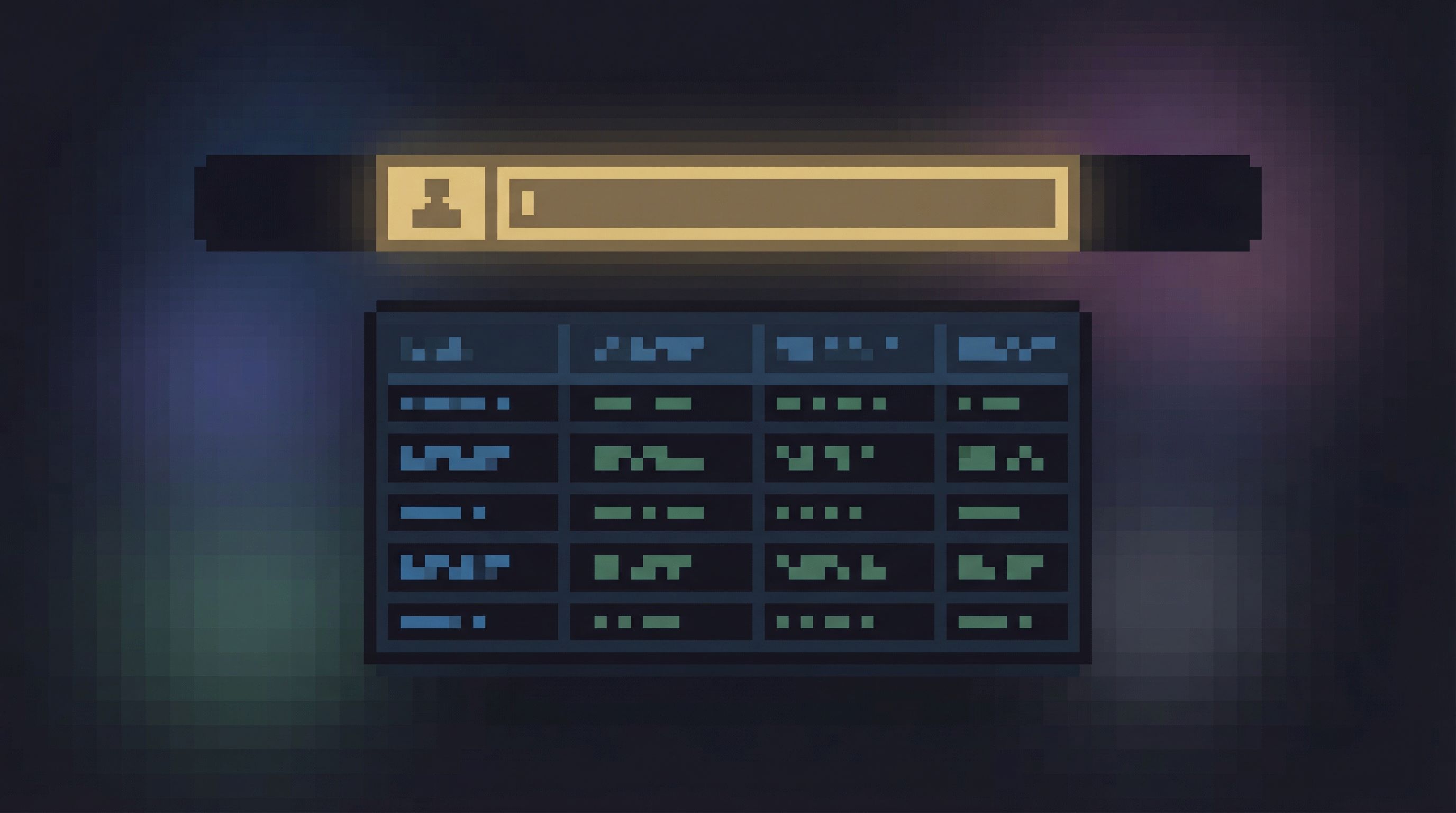
1. Customer‑Specific Issues
Support ticket, exec escalation, internal bug report.
- Dashboards struggle with one‑off, user‑level questions.
- You need:
- the user’s lifecycle
- their recent events
- related jobs, payments, or notifications
A calm production read lets you:
- Filter by
user_idor a stable key - See a time‑ordered sequence of events
- Jump between a small set of related tables without touching the rest of the schema
2. Live Incidents and “Something Feels Off” Moments
During an incident, dashboards can tell you that something is wrong. They rarely tell you what happened.
You need to:
- Reconstruct a timeline
- Follow a handful of entities (users, jobs, orders)
- Check a few critical invariants
A focused browser like Simpl can act as a calm incident console: one place to walk the data trail, capture the queries you ran, and replay them later. For a deeper dive on this pattern, see The Calm Incident Console: Designing Database Sessions That Mirror How Outages Actually Unfold.
3. Verifying Migrations, Backfills, and One‑Off Jobs
Dashboards might show you that overall counts look fine. That doesn’t mean your migration or backfill behaved correctly for edge‑case rows.
A production read can:
- Spot‑check specific entities before and after
- Verify invariants on a small, representative sample
- Catch subtle issues (off‑by‑one ranges, timezone quirks, idempotency bugs) that aggregates gloss over
4. Quiet Performance Checks
For many performance questions, you don’t need a full tracing or APM setup. You just need to:
- Look at recent rows in a hot table
- Check distribution of a key column
- Confirm whether a query is scanning too broadly
A calm query console with good defaults (limits, safe filters, index hints) is often enough to see what’s going wrong without another panel of charts.
Designing Quiet Observability Around Production Reads
Quiet observability isn’t just a philosophy; it’s a set of concrete habits and patterns.
1. Start from One Clear Question
Every production read session should begin with a single, written question.
Examples:
- “Why did
order_id=123stay inprocessingfor 45 minutes?” - “What exactly happened to
user_id=42between 10:00–10:15 UTC?” - “Did the backfill touch any rows where
status='archived'?”
Then:
- Write that question at the top of your scratch doc, ticket, or incident channel.
- Keep it visible while you query.
- End the session by answering that question in one or two sentences.
This is the same discipline described in The Single-Question Session: Designing Database Workflows Around One Clear Why. It’s the simplest way to keep production reads from turning into wandering data dives.
2. Use Opinionated Entry Points, Not Schema Trees
A schema browser is neutral. Quiet observability is not.
Instead of dropping people into:
- a list of every table, or
- a blank query editor
give them entry points that match real questions:
- “Look up a user by email, id, or external id.”
- “Inspect a single order and its related payments, shipments, and events.”
- “View the last 100 runs of a given background job.”
In a tool like Simpl, this can look like:
- Saved, parameterized queries for common entities
- Views that join a small set of tables into a coherent story
- Filters that default to time‑bounded, narrow slices
The goal: the first screen you see already reflects the shape of the question you’re asking.
3. Guardrails Before Features
Most production incidents caused by “observability work” don’t come from dashboards. They come from:
- an unbounded
SELECTon a billion‑row table - a heavy join during peak traffic
- a query copied from staging that behaves very differently on prod
You don’t fix that with more policy documents. You fix it with guardrails in the query experience:
- Limits by default. Every query gets a
LIMITunless you explicitly remove it. - Time‑bounded views. Default filters for
created_at/event_timekeep reads in recent windows. - Hot‑table hints. Mark tables that are expensive to scan and require an extra confirmation to touch broadly.
- Environment clarity. Make it impossible to confuse staging and production — distinct colors, labels, and connection badges.
If your primary observability surface is production reads, these guardrails are not optional. They are the safety net that makes quiet work possible.
For more UX‑level ideas here, see Guardrails in the Query Editor: UX Patterns That Make Unsafe Reads Hard by Default.
4. Treat Each Session as a Replayable Trail
Dashboards are naturally replayable: the chart is the artifact.
Production reads can be just as replayable — if you design for it.
Simple practices:
- Save key queries. When a query materially advanced your understanding, save it with a short, human name.
- Link, don’t screenshot. Share links back to those saved queries instead of pasting results into chat.
- Attach trails to incidents. For every incident, keep a short list of the queries used to understand and resolve it.
A tool like Simpl can make this feel natural: query history, named reads, and sharable links turn “what did we look at last time?” into a click instead of a memory test.
Over time, these trails become a quiet observability library: not more dashboards, just a set of precise, battle‑tested reads.
5. Separate Reporting from Live Reads on Purpose
The temptation is always to blend everything into one tool:
- charts
- alerts
- ad‑hoc queries
- admin actions
Quiet observability is about separation:
- Use your BI tool for reporting and long‑term trends.
- Use a focused, read‑first browser for live production questions.
- Keep admin surfaces (writes, config changes) somewhere else.
This separation reduces cognitive load and risk. When an engineer opens the production browser, they should know:
“I’m here to read what actually happened, not to manage the system.”
A Simple Workflow for Quiet Observability
You don’t need a big migration plan. You can start with a small, concrete workflow.
Step 1: Pick One High‑Value Use Case
Choose a recurring scenario where dashboards routinely disappoint:
- customer billing investigations
- escalated support tickets
- recurring incident class (e.g., job delays, stuck orders)
Write down:
- The 1–2 key entities involved (user, order, job run)
- The 3–5 tables that usually matter
- The core question you’re answering most weeks
Step 2: Build One Calm Production Read Path
In Simpl or your database browser of choice:
- Create a saved query or view that:
- takes a stable identifier as input (
user_id,order_id, etc.) - joins only the tables you actually need
- orders results in a way that tells a story (usually by time)
- takes a stable identifier as input (
- Add sensible defaults:
- limit rows
- filter to a recent time window
- hide columns that are rarely useful
Aim for one screen that answers 80% of the recurring questions for that use case.
Step 3: Teach the Team to Reach for It First
Habits are the real interface.
- Put the link where people work: in runbooks, ticket templates, incident docs.
- During pairing or incident calls, narrate the move: “Let’s open the
user storyview instead of clicking through dashboards.” - When someone asks for “a dashboard for X,” ask whether a focused production read would serve better.
Over time, this becomes the anti‑BI reflex described in The Anti-BI Habit: Teaching Engineering Teams to Reach for a Browser, Not a Dashboard: rows first, charts second.
Step 4: Capture and Reuse Trails
After a few weeks:
- Collect the most‑used saved queries.
- Note which ones show up during incidents and escalations.
- Promote them to first‑class entry points in your tool or runbooks.
You’re not building a dashboard library. You’re building a quiet library of production reads that map directly to how your team actually works.
Summary
Quiet observability is about accepting what already happens when things really matter: people go read production.
Instead of fighting that instinct with more dashboards, you:
- Treat production reads as a first‑class observability surface.
- Start every session from one clear question.
- Use opinionated, read‑first tools like Simpl instead of generic IDEs or admin panels.
- Add guardrails so live reads stay safe by default.
- Make each investigation replayable through saved queries and shared trails.
Dashboards still have a place. They’re how you watch the system breathe. But when you need to know what actually happened, the calm answer usually lives in a few well‑designed production reads.
Take the First Quiet Step
You don’t need a new observability stack to get started.
This week, try:
- Pick one recurring, painful question. A type of support ticket, a class of incident, a migration you worry about.
- Design a single production read that answers it calmly — one query, one view, one screen.
- Put that read in front of your team and ask them to reach for it before they open a dashboard.
If you want a tool that’s built around this way of working, explore how Simpl can serve as your quiet production browser — a place where observability means reading the real rows, not staring at more charts.