Schema Less, Context More: Designing Database Views Around Real Debugging Questions

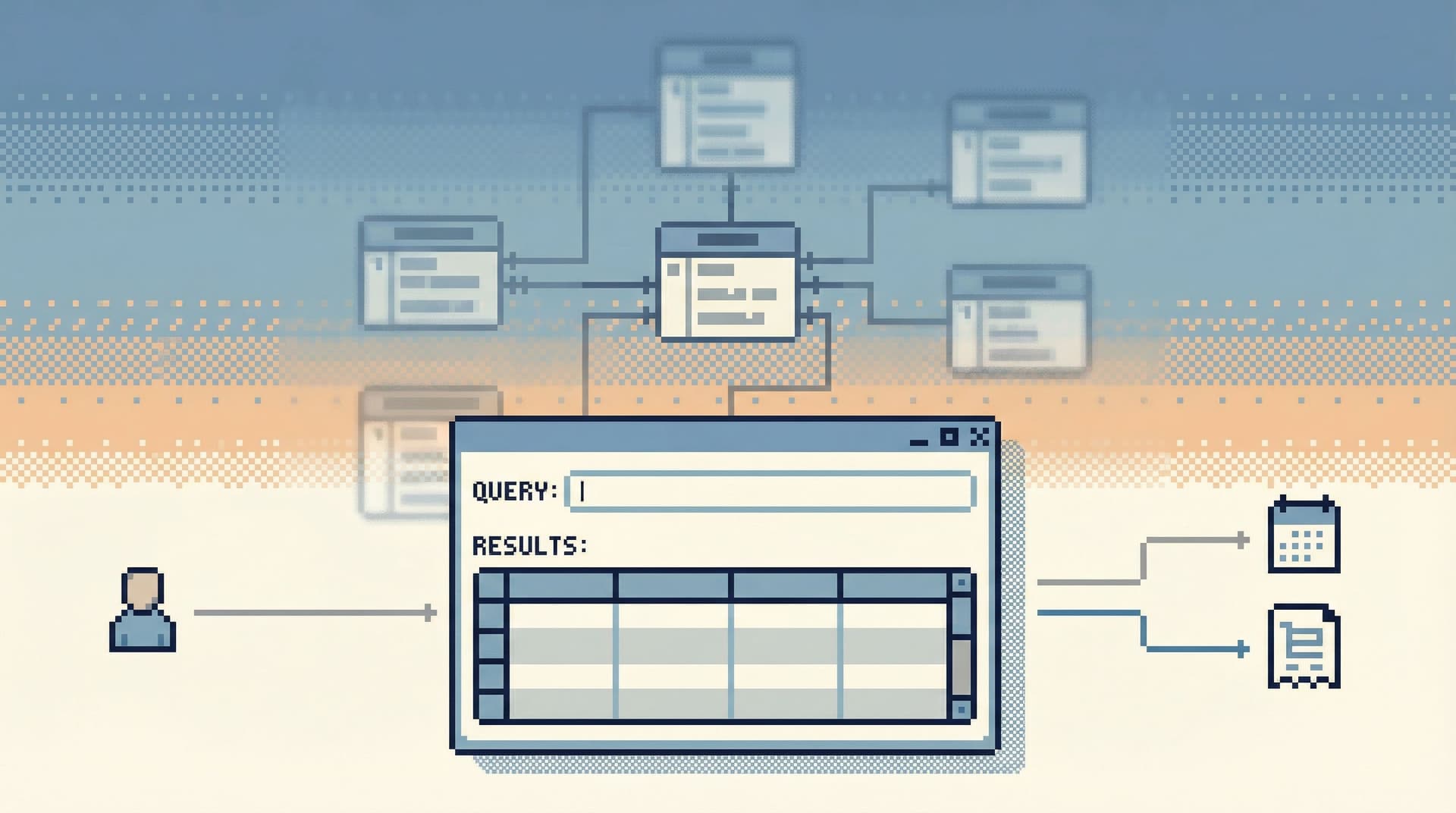
Most database tools still start from the same assumption:
Show the schema. Let people figure out the rest.
You get a tree of tables, a blank SQL editor, and a results grid. Neutral on the surface. But that layout quietly pushes you toward a schema-first mindset:
- “What tables do we have?”
- “Where does this column live again?”
- “Which join is ‘correct’ for this use case?”
Real debugging work doesn’t start there. It starts with questions that sound more like stories:
- “Why did this user get charged twice?”
- “What exactly did this background job do at 03:12 UTC?”
- “Why is this order stuck in ‘processing’ even though the payment succeeded?”
Those questions cut across tables, services, and time. They don’t map neatly to a single schema diagram. They need context more than they need structure.
This post is about designing database views around those real questions. Less schema. More context.
And it’s about doing that in a calm, opinionated way—one that supports focused debugging instead of turning every incident into a BI project.
If that resonates, it’s the same stance that shaped Simpl: an opinionated database browser that favors quiet, question-first views over raw schema dumps.
Why Schema-First Views Fail Real Debugging
Schema-first tools make sense if your primary job is modeling or migrations. They’re less helpful when you’re in the middle of a live issue.
When something breaks, schema-centric workflows introduce three kinds of friction:
-
Navigation friction
- You start from a table list, not a question.
- You hunt for tables and columns that might be relevant.
- You reconstruct relationships in your head, every time.
-
Context loss
- Each query is isolated from the story you’re trying to follow.
- You bounce between tabs, dashboards, and log views.
- The “why” behind each query lives only in your short-term memory.
-
Cognitive thrash
- You juggle schema details, query syntax, incident context, and Slack commentary at once.
- The problem stops being the data. The problem becomes your own attention.
If this feels familiar, you might find it helpful to read about the one-query mindset: structuring database work around a single active question instead of a pile of half-finished queries.
Schema is necessary. It’s just not the right entry point for most debugging.
A Different Starting Point: Questions as the Primary Object
Flip the model:
- Start from questions, not tables.
- Treat views as answers-in-progress to those questions.
- Let schema show up as supporting detail, not the main character.
A “question-first” database view has three properties:
-
It names the question explicitly.
- “What happened to order
ORD-123?” - “Why is user
user_456seeing a stale subscription state?”
- “What happened to order
-
It encodes the path to the answer.
- Which tables matter.
- Which joins are correct.
- Which filters are safe.
-
It preserves context over time.
- You can re-open the view later and see why it exists.
- Others can reuse it without re-learning your mental model.
Instead of a schema browser, you get a small library of well-named, question-shaped views. Each one is a calm, narrow window into a specific slice of reality.
This is the same stance behind the “anti-dashboard” idea in The Anti-Dashboard Database: views that don’t beg for attention, they just quietly answer the question in front of you.
Step 1: Collect the Real Questions Your Team Actually Asks
You don’t have to guess what these question-shaped views should be. Your team already asks them—just not in a structured way.
Look at:
- Incident retros
- Slack channels like
#support,#oncall,#data-questions - Ad-hoc queries saved in shared SQL folders
- Admin panel screenshots pasted into tickets
You’ll see the same patterns repeat:
- “Find everything that happened to this user in the last 24 hours.”
- “Trace this order from checkout to fulfillment.”
- “Verify what this batch job did for this cohort.”
Write them down in plain language. Not as SQL. Not as table names. As questions.
Then normalize them into a small set of recurring themes:
-
User-centric stories
- Lifecycle of a user
- Billing and subscription history
- Authentication and security events
-
Order or transaction flows
- Checkout → payment → fulfillment
- Refunds and chargebacks
-
Background work
- Job runs and retries
- Data pipelines and syncs
-
Feature flags and experiments
- Who saw what, and when
These themes will become the backbone of your question-first views.

Step 2: Design Views Around Stories, Not Tables
Once you have the questions, design views that read like answers.
1. Make the primary key the protagonist
For user-centric views, that’s usually user_id. For order flows, it’s order_id. For jobs, it’s job_id.
Structure the view so that:
- The main identifier is prominent and repeated.
- Related entities (payments, shipments, retries) are anchored to that identifier.
Example: user_billing_story view
user_idemailsubscription_statuscurrent_planlast_invoice_amountlast_payment_statuslast_payment_errorlast_payment_provider_event_id
This isn’t a perfect third-normal-form artifact. It’s a debugging lens.
2. Pull in just enough denormalized context
Don’t be afraid to denormalize for clarity:
- Bring in human-readable labels (
plan_name,status_label). - Include timestamps that tell a story (
created_at,updated_at,failed_at). - Add a few key foreign keys for drilldowns (
payment_id,job_run_id).
The goal is one glance understanding, not schema purity.
3. Encode safe defaults
Your views should be safe to query without thinking too hard:
- Limit by default. E.g., last 7 days of events, last 50 rows.
- Filter to relevant states. E.g., only non-test data, only active users.
- Hide noisy internals unless explicitly asked for.
If you’ve read about the narrow query surface, this is the same idea at the view level: encourage only the right questions.
4. Name views by question, not implementation
Avoid names like:
vw_user_joined_with_invoicesvw_orders_payments_shipments
Prefer names that sound like what you’d type into Slack:
user_billing_storyorder_lifecyclejob_run_with_effects
When someone is on call at 2am, they should be able to guess the right view by name alone.
Step 3: Bring Context Into the Tool, Not Just the SQL
A question-shaped view is more than a SELECT statement. It’s also the surrounding context that explains how and when to use it.
A calm, opinionated database browser like Simpl can help here, but the principles apply anywhere.
For each view, capture:
-
Plain-language description
- “Use this to debug billing issues for a single user. Shows the latest subscription state, recent invoices, and the last payment attempt with provider details.”
-
Usage notes
- “Filter by
user_idoremail. Avoid unfiltered scans; this view is large.” - “
last_payment_errorcomes from the payment provider’s API; it may be null even for failed payments.”
- “Filter by
-
Known edge cases
- “Before March 2025,
subscription_statusmay be stale for users migrated from v1.”
- “Before March 2025,
-
Linked trails or examples
- Links to past incident investigations that used this view.
- Saved filters or parameter presets for common paths.
In From Cursor to Conversation, we talk about turning one-off queries into shared team knowledge. These annotated views are a concrete way to do that.
Step 4: Parameterize Around the Natural Handle
Most real debugging starts from a natural handle:
- A user identifier (email, user ID, external account ID)
- An order or transaction ID
- A job run ID
- A request ID or trace ID
Design your views so that:
- They take one main parameter.
- That parameter is the thing your team naturally has in hand when they start debugging.
Example patterns:
user_billing_story(user_id)order_lifecycle(order_id)job_run_with_effects(job_run_id)
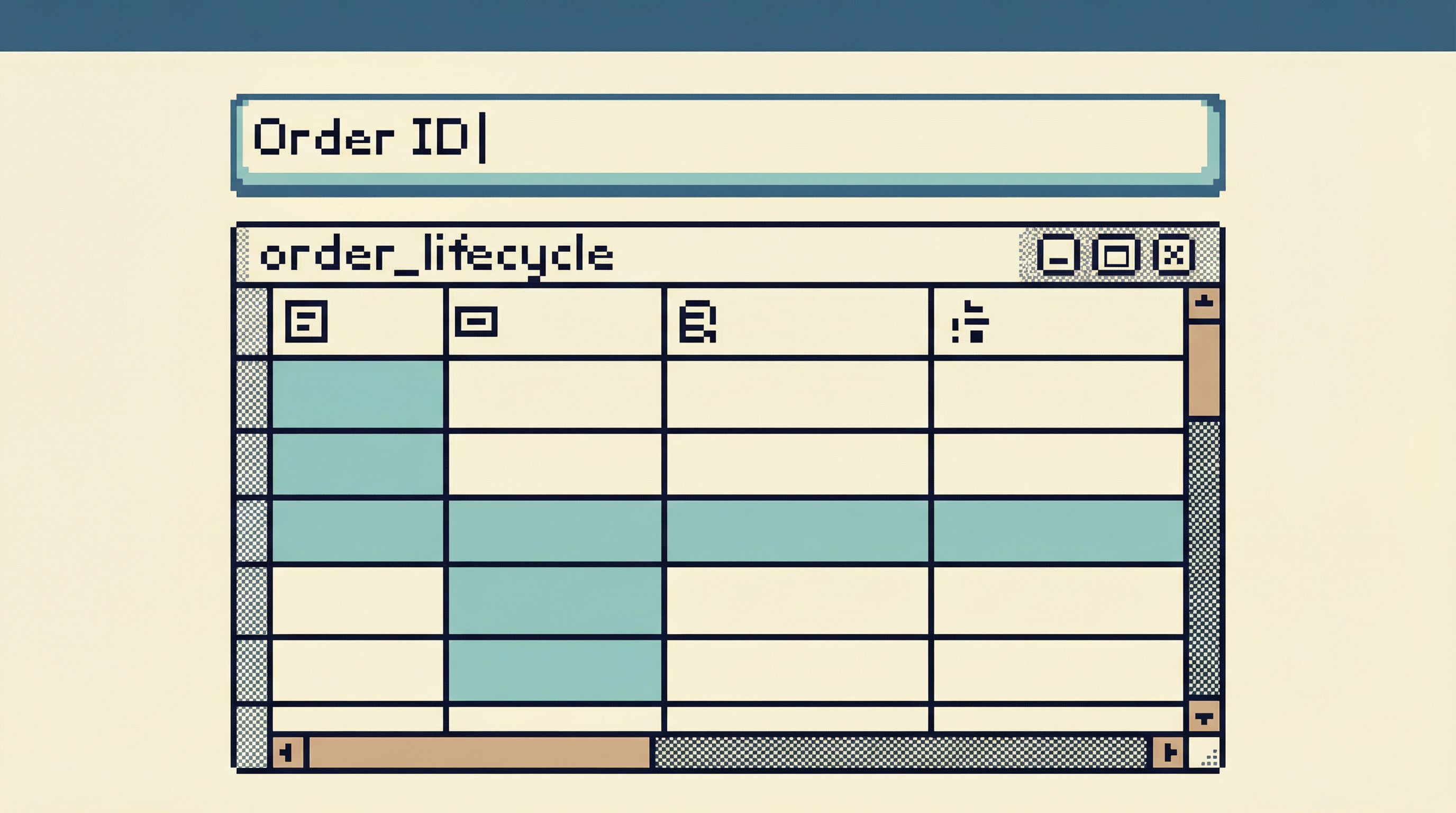
In tools like Simpl, that might look like a single, focused input at the top of the view, not a giant query builder. You paste the ID, press Enter, and the story appears.
This keeps the query surface narrow and the workflow linear—very much in line with the approach in Production Reads Without the Rabbit Holes.
Step 5: Optimize for Linear Debugging, Not Exploration
Schema-first tools encourage wandering:
- “While I’m here, what else is in this table?”
- “Maybe I should check that other dashboard too.”
- “Let me just open a new tab in case I need this later.”
Question-first views should encourage a straight line from question to answer.
Design for:
- One main view per question. Don’t scatter the story across three different grids.
- Few, deliberate escape hatches. If you link out to raw tables, make those links explicit and visually secondary.
- Clear next steps. From
user_billing_story, maybe the only next steps are:- Open the raw invoice
- Open the payment provider event
- Copy a small, safe snippet for a ticket
If you’re building or choosing tools, look for ones that support single-window work and linear trails, like the patterns described in The Single-Window Database Session.
Step 6: Treat Views as Evolving Operational Assets
Question-shaped views are not “fire and forget” artifacts. They’re operational assets that should evolve alongside your product and schema.
A few practical habits:
-
Version with migrations.
- When you change core tables, ask: which question-views does this affect?
- Update them as part of the migration, not months later.
-
Review after incidents.
- After each incident, ask: could a better view have shortened this investigation?
- Add or refine views based on that answer.
-
Prune aggressively.
- If a view stops getting used, either improve it or remove it.
- A small, trusted library beats a long list of half-correct artifacts.
-
Make ownership explicit.
- Each view should have an owner (a team, not a person).
- Owners are responsible for keeping descriptions and semantics accurate.
Over time, this gives you something more valuable than a schema diagram: a curated set of calm, trustworthy entry points into your data, each tied to a real operational question.
Where Tools Like Simpl Fit
You can implement question-shaped views in any stack: SQL views, stored procedures, notebooks, even carefully structured admin panels.
But the experience gets much calmer when the tool itself is designed around this stance.
Simpl is built for exactly this sort of work:
- It treats read-heavy debugging as a first-class job, not a side effect of BI.
- It encourages question-first views with clear parameters and narratives.
- It avoids the usual clutter of full IDEs and admin consoles.
If your current stack feels like BI sprawl plus a SQL client, you might also like From BI Sprawl to Focused Reads, which goes deeper on separating exploration from reporting.
Whether you use Simpl or not, the principle stands:
Design your database views around the questions your team actually asks, not the tables your ORM happens to generate.
Summary
Schema is important. But for real debugging work, schema-first tooling gets in the way.
A calmer alternative:
- Start from questions. Collect the real debugging questions your team asks.
- Design story-shaped views. Make the primary key the protagonist; denormalize just enough for clarity.
- Capture context. Describe how and when to use each view, and note the edge cases.
- Parameterize around natural handles. User IDs, order IDs, job IDs—not arbitrary filters.
- Keep workflows linear. One main view per question, minimal side quests.
- Treat views as living assets. Update them with migrations, incidents, and product changes.
Do that, and your database stops feeling like a maze of tables and starts feeling like a small library of clear, reusable stories.
Take the First Step
You don’t need a full redesign to start.
This week, try:
- Pick one recurring debugging question your team asks.
- Write it down in plain language.
- Design a single, question-shaped view that answers it.
- Add a short description and share it with your team.
Then watch what happens the next time that question comes up.
If you want a tool that’s built around this way of working, explore how Simpl can help you turn those question-shaped views into a calm, shared interface for your whole team.