The Anti-Explorer View: Why Less Navigating Makes Production Databases Feel Safer


Production databases don’t usually get people into trouble because of one huge, malicious action.
They get people into trouble through wandering.
Clicking around. Expanding schemas. Opening “just one more” tab. Running “just to see” queries in a tool that makes everything look equally safe.
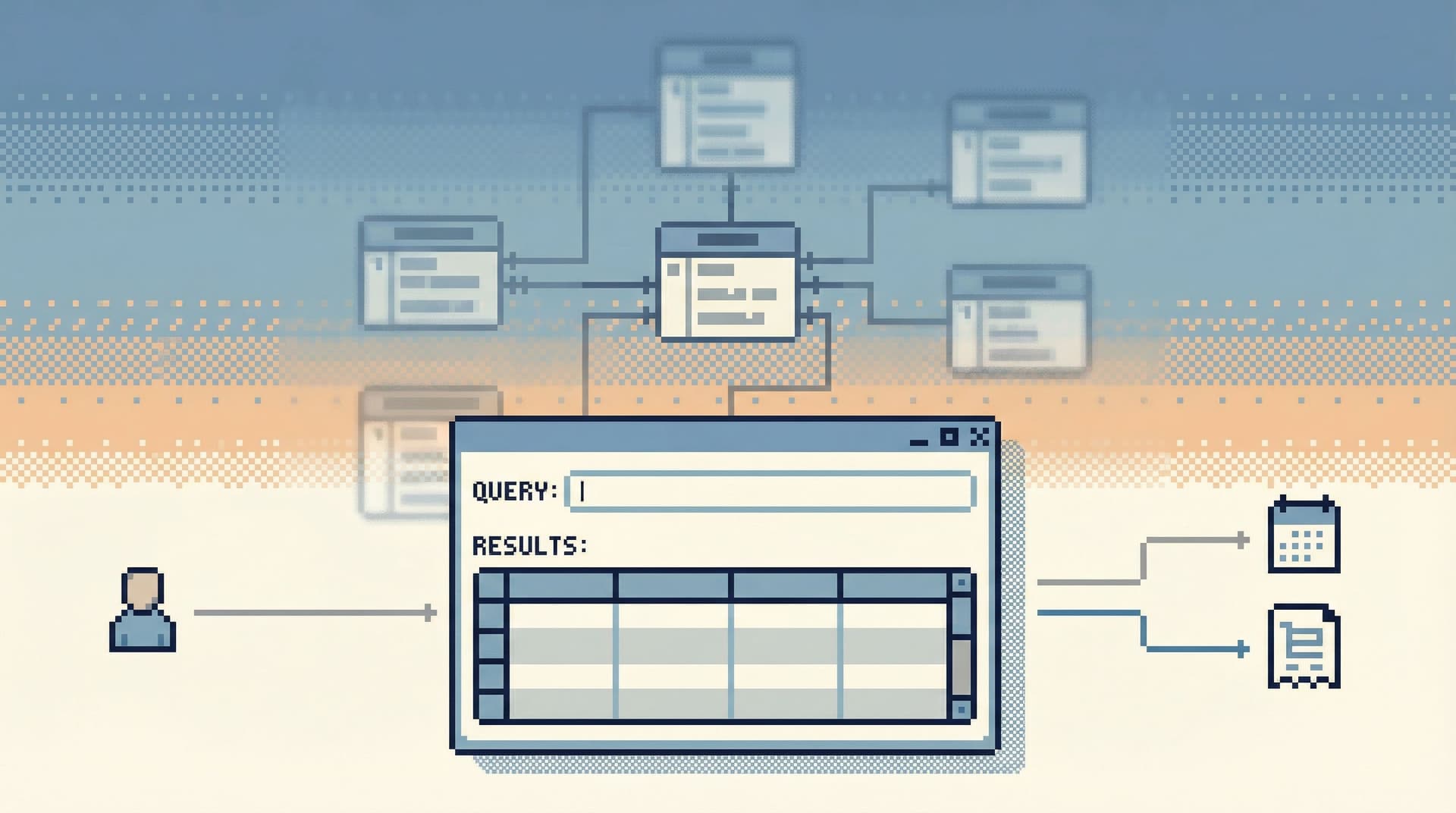
The Anti‑Explorer view is a different stance: instead of encouraging you to roam the database, it gives you a narrow, deliberate path through it. Less freedom to wander, more support to move in a straight line from question to answer.
That restraint doesn’t just make you feel calmer. It makes production safer.
Tools like Simpl are built around that idea: an opinionated, read‑heavy database browser that favors focused trails over open‑ended exploration.
Why wandering around production feels risky
Most engineers don’t open a connection to production because they want to explore.
They open it because something specific is unclear:
- A user’s account looks wrong.
- A job didn’t do what it was supposed to do.
- A metric is off and the dashboard isn’t helping.
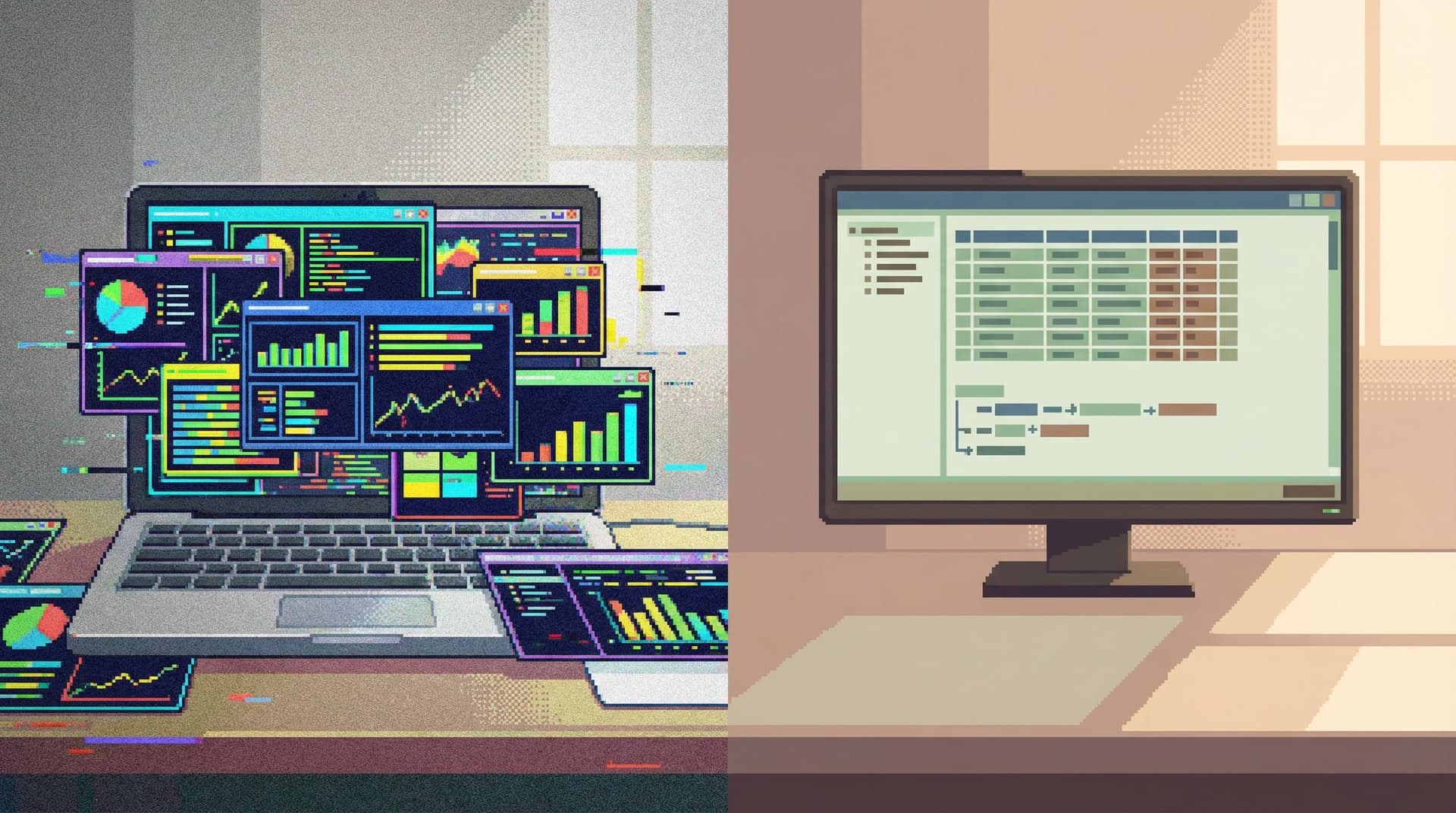
But the tools they open are designed for exploration:
- A full schema tree on the left.
- A blank SQL editor in the middle.
- Multiple tabs and panels just waiting to be filled.
That layout quietly invites you to:
- Browse first, think later. “What’s in this table?” instead of “What question am I answering?”
- Keep side quests alive. Every new hunch becomes a new tab, not a parked note.
- Normalize dangerous proximity. A harmless
SELECTand a destructiveUPDATElive in the same editor, with the same visual weight.
When you combine that with the fact that a large share of security incidents involve some form of human error or misconfiguration, the risk profile is obvious: the more loosely you navigate production, the more chances you create for a small mistake to matter.
This is why a lot of the patterns in posts like “Quiet by Constraint: Using Opinionated Read Paths to Tame Production Data Chaos” and “The Narrow Query Surface: Designing Database Tools That Encourage Only the Right Questions” keep coming back to the same idea: constrain the surface, not the people.
The Anti‑Explorer stance in one sentence
Treat production as a set of intentional paths, not a place to roam.
That means:
- You don’t start from “what tables exist?”
- You don’t encourage “let’s just poke around.”
- You don’t optimize for maximum navigational freedom.
Instead, you:
- Start from questions and stories.
- Offer pre‑shaped ways to walk those stories through the data.
- Make it harder to drift away from the question into unrelated corners of the schema.
The result is a calmer, safer experience—even if the underlying database is just as complex as before.
How exploration UI quietly increases risk
Let’s look at the common “explorer‑first” patterns and why they make production feel dangerous.
1. Schema trees as the starting point
A tree of tables looks neutral. It isn’t.
It pushes you toward questions like:
- “What’s in
users?” - “Where does
subscription_statuslive?” - “What’s this
events_archive_2021table?”
Those are curiosity questions, not incident questions. When you’re already in production, curiosity is expensive.
What goes wrong:
- You open the wrong environment or the wrong table and only notice after acting.
- You follow foreign keys into areas of the schema that have nothing to do with the incident.
- You build mental models on the fly instead of following known, vetted paths.
2. Tab explosions and parallel threads
Most database clients reward you for opening more:
- New tab per query.
- New window per connection.
- Results panes that stick around “just in case.”
You end up with three or four half‑finished lines of thought. Context fragments. So does your sense of risk.
This is exactly the cognitive thrash that “The One‑Query Mindset: Structuring Database Work to Avoid Cognitive Thrash” argues against: more simultaneous queries rarely mean more clarity.
3. No visual distinction between safe and dangerous actions
If SELECT * FROM users WHERE id = 123 and DELETE FROM users share the same input field, the same font, and the same shortcut to run, your hands will eventually treat them as peers.
Even in read‑only tools, this lack of distinction shows up as:
- Heavy queries that look just like light ones.
- Unbounded scans that look just like targeted reads.
- “Try it and see” being the default way to understand performance.
The Anti‑Explorer stance doesn’t just hide writes. It makes navigational freedom itself something you have to earn.
What an Anti‑Explorer view looks like
An Anti‑Explorer view is not about removing power.
It’s about channeling it.
Here are the core traits.
1. Question‑first, not schema‑first
You start from prompts that sound like real work:
- “Look up a user.”
- “Trace a job run.”
- “Inspect an order lifecycle.”
Each of these opens a focused view:
- A small set of fields you can filter on.
- A clear, linear trail of related records.
- Zero ambient access to unrelated tables.
Instead of a generic schema explorer, you get named paths that reflect how your team actually debugs.
Tools like Simpl lean into this by letting teams define opinionated views around real questions rather than dumping the whole schema tree in front of everyone.
2. Single‑trail navigation
You move through production like this:
- Start from a specific entry point (user, job, order).
- Follow a constrained set of links (related events, payments, retries).
- Reach an answer.
- Optionally save the trail.
What you don’t do:
- Open five unrelated tables in parallel.
- Jump between environments in the same window.
- Keep old results hanging around as visual noise.
This is the same spirit as the single‑window patterns in “The Single‑Window Database Session: Structuring Deep Work Without Tabs, Panels, or Overlays”: one visible path, one visible question.
3. Narrow, opinionated filters instead of arbitrary WHERE clauses
In an Anti‑Explorer view, you don’t get a blank WHERE box.
You get a small, opinionated set of filters:
- User by id, email, or external key.
- Orders by id, status, or creation window.
- Jobs by id or run window.
That sounds limiting. In practice, it:
- Eliminates whole classes of accidental full‑table scans.
- Makes performance more predictable.
- Encourages people to bring a clear hypothesis instead of “let’s see what’s in here.”
4. Read‑first, read‑only posture
Even when writes are allowed elsewhere, the Anti‑Explorer view treats them as separate work:
- No inline editing.
- No mixed read/write consoles.
- No “quick fix” buttons next to production records.
If a write is needed, it happens in a different context with different guardrails, not as a side effect of “just looking.”
Guardrail‑oriented UX patterns matter more when navigation is calm, because risky actions become rare, deliberate events—not something you stumble into while exploring.
Concrete patterns to adopt on your team
You don’t need to rebuild your tools from scratch to get the benefits of an Anti‑Explorer stance.
You can start with a few deliberate constraints.
1. Define canonical entry points
List the 5–10 most common reasons people open production:
- “Look up a user by email or id.”
- “Trace a payment or invoice.”
- “Inspect a background job run.”
- “Verify a migration or data backfill.”
For each, define:
- How to start (what identifier you use).
- Where you go next (which tables and fields matter).
- What ‘done’ looks like (what question is actually answered).
Then implement these as:
- Saved queries with clear names.
- Lightweight internal tools or pages.
- Opinionated views in a focused browser like Simpl.
The key is that people start from these paths instead of the generic schema explorer.
2. Remove the default schema tree for production
This sounds extreme. It’s not.
Options:
- Hide the schema tree in production connections by default.
- Move it behind an “Advanced navigation” toggle.
- Restrict it to a small, vetted subset of tables.
The goal isn’t secrecy. It’s friction. You want “I’m going to roam the schema” to be a conscious decision, not the default.
3. Enforce a single active trail per session
In your main production‑read tool:
- Disable multiple query tabs for production.
- Or, if that’s not possible, agree on a team norm: one active tab for prod, others for staging or scratch.
Compensate with better capture:
- Save useful queries as named artifacts.
- Capture read trails that others can replay later.
This is where tools designed around read trails, like Simpl, help: they give you a linear history you can revisit without keeping everything open at once.
4. Tighten filters and remove unbounded scans
Audit your common production queries and views:
- Where are people doing
SELECT *without limits? - Where are date filters optional but almost always needed?
- Where are joins unbounded across large tables?
Then apply constraints:
- Make time windows mandatory for large tables.
- Add hard limits with explicit “load more” steps.
- Replace free‑form filters with dropdowns or constrained fields.
You’re not banning exploration. You’re making it incremental and visible.
5. Separate exploration from reporting from debugging
A lot of navigational chaos comes from mixing jobs:
- BI dashboards for long‑term metrics.
- Ad‑hoc exploration of new ideas.
- Production debugging of concrete incidents.
When all three happen in the same tool, you naturally get explorer behavior in places that should feel more like a narrow hallway.
A calmer pattern is to:
- Keep BI in BI tools.
- Keep ad‑hoc data exploration in non‑production or warehouse environments.
- Keep production debugging in a read‑first, Anti‑Explorer browser.
“From BI Sprawl to Focused Reads: Separating Exploration from Reporting in Your Data Stack” goes deeper on this separation; the Anti‑Explorer view is what the “focused reads” side looks like when you take navigation seriously.
How this changes how production feels
When you adopt an Anti‑Explorer stance, a few things shift quickly.
1. Less fear around opening production
Engineers stop treating production access as a loaded gun.
They know that:
- They’ll land in a read‑only, question‑shaped view.
- They can’t accidentally wander into unrelated tables.
- Dangerous actions live in a different space, with different rituals.
2. Faster, more reproducible debugging
Because people follow the same few paths:
- You get shared language: “Run the user trail for this id.”
- You get shared artifacts: saved views, read trails, named queries.
- You can replay exactly what someone else saw.
This turns one‑off debugging into shared team knowledge instead of private adventures.
3. Clearer ownership and safer changes
When the default way to touch production is narrow and read‑only, write actions stand out.
- Schema changes and data fixes happen in dedicated workflows.
- Guardrails and reviews can focus on those workflows instead of every random query.
- It becomes easier to reason about who can do what, where.
The database doesn’t become simpler. But your relationship to it does.
Bringing the Anti‑Explorer view into your stack
You don’t need permission to start.
This week, you can:
- List your top 5 production questions. Turn each into a saved query or internal page.
- Pick one tool to be your calm production browser. If you don’t have one, trial something like Simpl and deliberately keep it read‑heavy.
- Hide or de‑emphasize schema trees in production. Make question‑based entry points the default.
- Adopt a one‑trail norm for incidents. During an incident, one person owns the primary database trail; others follow or extend it, but don’t spin up parallel mazes.
Over time, you can evolve these into richer Anti‑Explorer views: more opinionated paths, stronger guardrails, clearer separation between exploration and production reads.
The payoff is simple: production stops feeling like a maze you have to tiptoe through, and starts feeling like a set of calm, well‑lit corridors you can walk with confidence.
Summary
- Open‑ended navigation is great for warehouses and sandboxes. It’s risky in production.
- Explorer‑style UIs (schema trees, many tabs, blank editors) quietly encourage wandering, side quests, and normalized danger.
- The Anti‑Explorer stance treats production as a set of intentional, question‑shaped paths, not a place to roam.
- You can implement this with canonical entry points, single‑trail sessions, constrained filters, and clear separation between BI, exploration, and production debugging.
- Tools like Simpl are built around this philosophy: calm, opinionated read paths instead of noisy, open‑ended canvases.
Take the first step
Pick one recurring production question—“look up a user,” “trace an order,” “inspect a job.”
Turn it into a single, opinionated view:
- A clear way to start.
- A narrow set of linked tables.
- A linear trail from question to answer.
Make that view the default way your team touches production for that use case.
Once you feel how much calmer that one path is, you can expand the pattern. If you want a tool that’s already designed around this Anti‑Explorer stance, try pointing Simpl at your production database and see what it feels like to navigate with less surface area—and more safety.