The Narrow Query Surface: Designing Database Tools That Encourage Only the Right Questions


Most database tools start from the same assumption: more surface area is better.
More inputs. More panels. More query power. More ways to ask the database anything.
That sounds generous. In practice, it means:
- People ask vague, unbounded questions.
- Risky queries sit one typo away from production.
- Teams drown in ad‑hoc exploration instead of converging on clear answers.
A narrow query surface is the opposite stance.
You deliberately constrain what can be asked, where it can be asked, and how it can be refined. You don’t remove power; you channel it. You design the tool so that most people, most of the time, are nudged toward the right questions—the ones that are:
- Specific instead of open‑ended
- Safe instead of risky by default
- Reproducible instead of one‑off
- Tied to real workflows instead of schema tourism
Tools like Simpl are built around this idea: an opinionated database browser that gives you a calm, streamlined interface for exploring and understanding data without turning every session into a blank, dangerous canvas.
This post is about what a narrow query surface actually means, why it matters, and how to design for it.
Why the query surface is the real UX
When people talk about database UX, they usually talk about visuals: themes, panels, charts, keyboard shortcuts.
The real UX lives somewhere else: the set of questions a tool makes easy to ask.
A typical general‑purpose client quietly encourages:
- “What tables do we have?”
- “What’s in this table?”
- “Can I just run this arbitrary query?”
Those aren’t bad questions. They’re just not the questions that matter when you’re:
- Debugging a user issue
- Tracing a job across services
- Verifying a migration
- Understanding a production incident
Those questions sound more like:
- “What exactly happened to this user over the last 24 hours?”
- “Where did this job stall in the pipeline?”
- “Did this migration touch the rows we expected, and only those rows?”
- “How did this incident propagate through these three tables?”
A narrow query surface shapes the tool so that these story‑shaped questions are the default, not the exception. That’s the same stance we explored in Less Schema, More Story: Helping Engineers Navigate Databases by Use Case, Not Object List.
The benefits are concrete:
- Less risk. Dangerous queries are harder to even express, let alone run by accident.
- Faster investigations. People spend less time wandering the schema and more time following a clear line of inquiry.
- Better collaboration. When questions are structured, answers are easier to share, replay, and refine.
- Calmer tooling. The interface stops begging you to “do more” and quietly supports doing the right things.
What a narrow query surface looks like
A narrow query surface is not about hiding everything behind wizards. It’s about making the most common, most useful questions feel natural and first‑class.
Some characteristics:
-
Read‑first, write‑rare
- The default actions are SELECT‑shaped: inspect, trace, compare.
- Writes, migrations, and destructive actions are visually and flow‑wise separate.
- This pairs well with a read‑only by default stance.
-
Question‑oriented entry points
- Start from a user, a job ID, an incident, or a migration, not from a blank editor.
- The tool suggests “What are you trying to understand?” instead of “What SQL do you want to type?”
-
Opinionated paths instead of blank canvases
- Predefined flows for common tasks: “Investigate a user,” “Trace a job,” “Verify a deployment.”
- Each flow exposes only the queries and filters relevant to that task.
-
Scoped power tools
- You can still write arbitrary SQL—but in a clearly marked, separate context.
- The main surface stays quiet, guided, and safe.
-
Trail‑friendly by design
- Every query path can be saved, named, and shared.
- The surface encourages building repeatable read paths, not improvising from scratch.
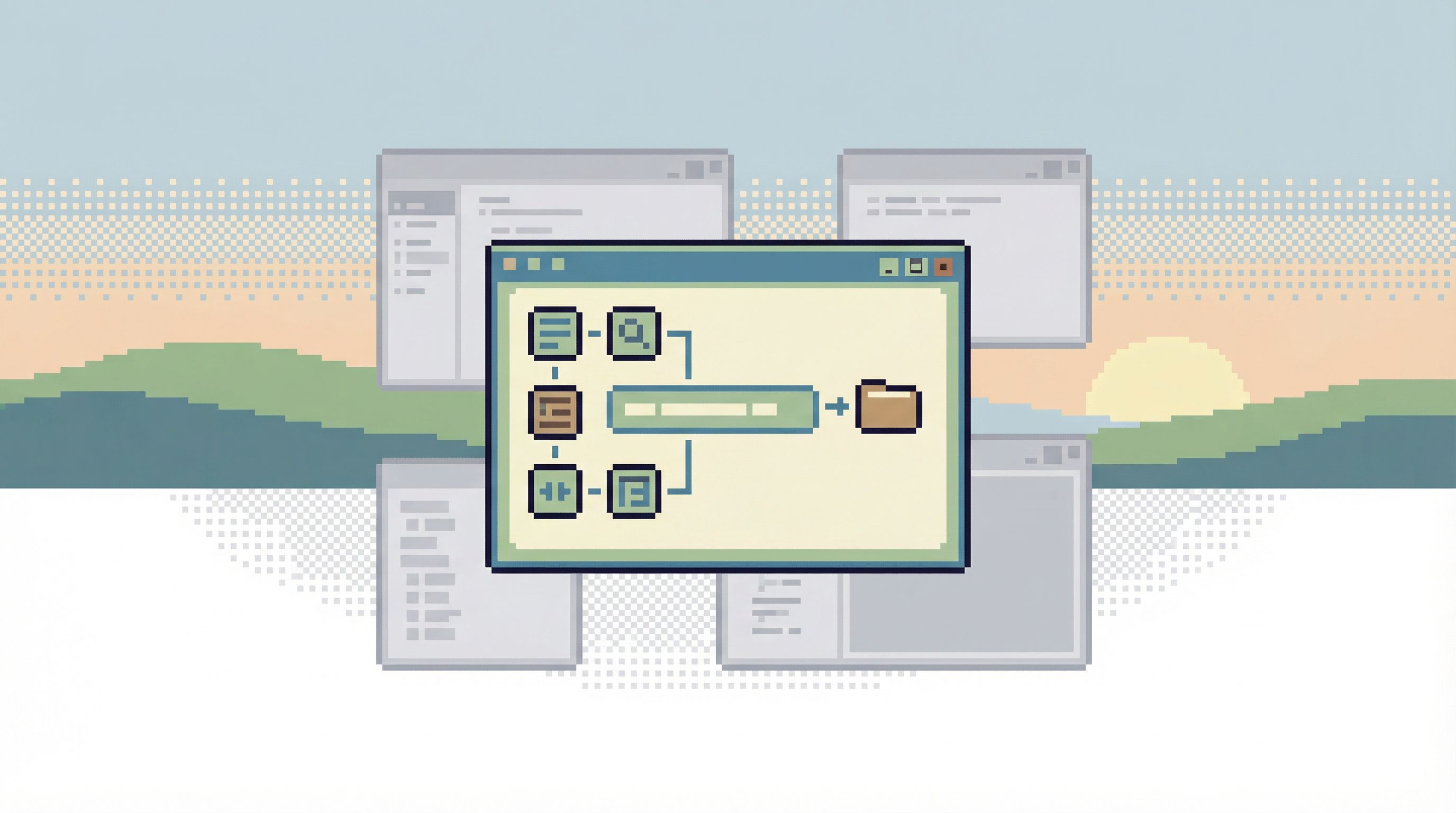
If you’ve read Opinionated Read Paths: Why Most Teams Need Guardrails More Than Admin Superpowers, a narrow query surface is the concrete UI expression of that philosophy.
Why broad query surfaces fail teams
Broad query surfaces promise freedom. They deliver friction.
1. They make bad questions cheap
When a tool says “type anything,” people do.
SELECT *on wide tables in production- Vague time windows like “all time” or “last 90 days” for every question
- Unscoped joins that accidentally explode cardinality
The result is:
- Slow queries that become the default
- Confusing result sets that don’t actually answer the original question
- Subtle misinterpretations that make it into tickets, dashboards, or decisions
2. They normalize risk
If the same surface can:
- Inspect a single user row, and
- Backfill an entire table
…then risk stops feeling special. It feels normal.
That’s how teams end up relying on “be careful” instead of structure. We explored this in detail in Calm by Default: UX Patterns That Make Dangerous Database Actions Feel Rare and Deliberate.
3. They fragment attention
A wide query surface usually comes with:
- Multiple tabs
- Multiple panels
- Multiple query histories
You can do anything, but you can’t remember why you did any of it. Investigations turn into side quests. Context is lost between windows. The story of what you learned from the data never fully exists.
4. They don’t scale with the team
As more people join, a broad surface multiplies:
- Duplicate queries
- Conflicting habits
- Inconsistent safety practices
Instead of a shared way to ask the database questions, you get a collection of private workflows.
A narrow query surface solves this by encoding the team’s best questions into the tool itself.
Principles for designing a narrow query surface
You don’t need to rebuild your entire stack to narrow your query surface. You can start with a few design principles and apply them to existing tools—or choose tools that embody them, like Simpl.
1. Start from the top five questions
List the top five real questions people ask your database every week. For example:
- “What happened to this user?”
- “Did this job run, and what did it do?”
- “Is this migration safe and complete?”
- “Why is this metric behaving strangely?”
- “What changed in this table around this incident?”
For each question, design a named path:
- Inputs: user ID, job ID, deployment ID, time window
- Views: key tables, key joins, key filters
- Safe defaults: limited time ranges, limited columns, read‑only
Your goal: make these five questions feel effortless, and everything else feel like an advanced move.
2. Remove “infinite canvas” entry points from the main flow
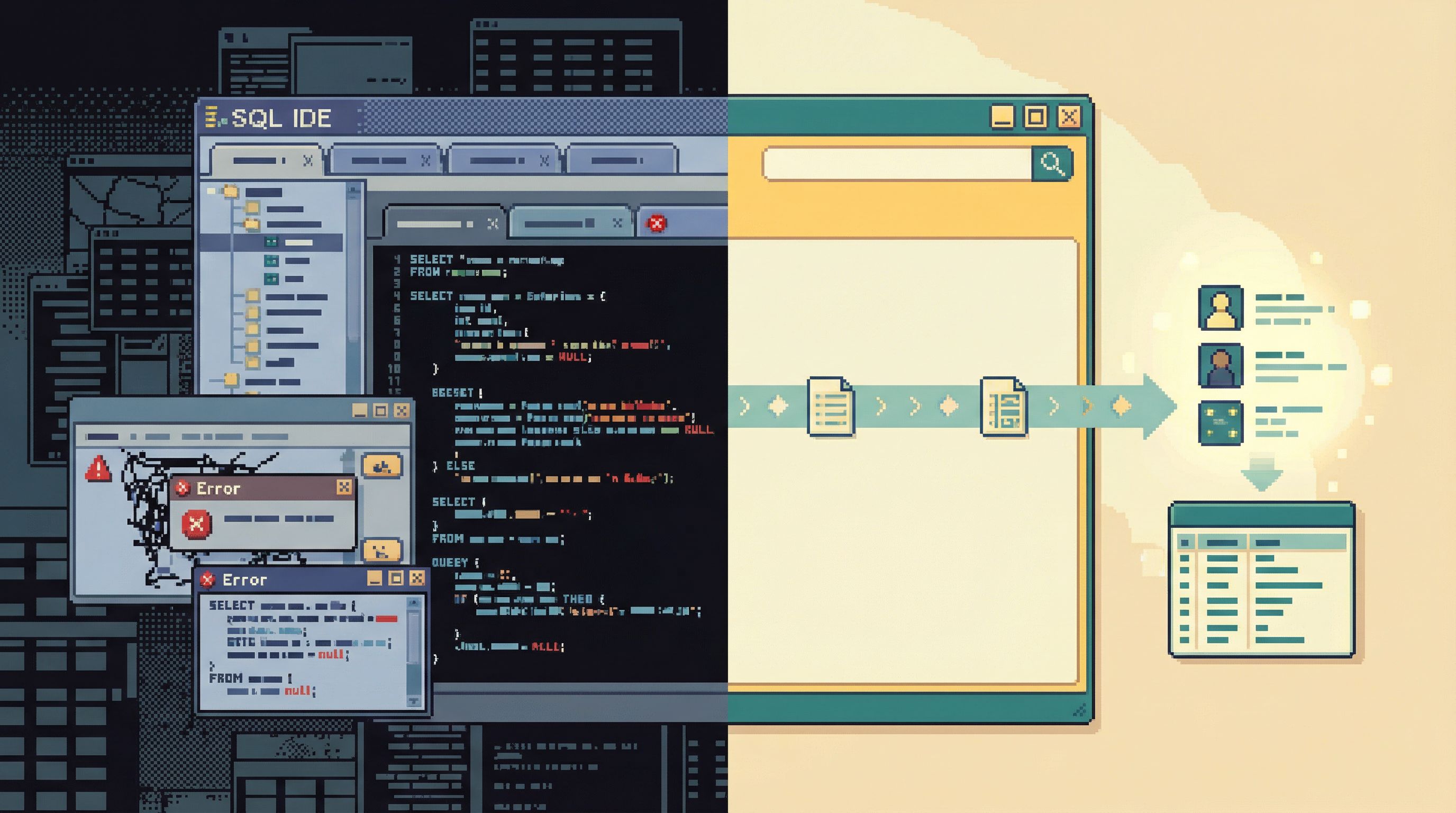
The first thing a user sees should not be a blank SQL editor.
Instead, consider:
- A simple prompt: “What are you trying to understand?” with options like “A user,” “A job,” “A deployment,” “An incident.”
- A small list of recent, named investigations or trails.
- A search box scoped to known entities (users, jobs, orders) rather than raw tables.
You can still offer a full editor—but tuck it behind a deliberate action like “Open advanced SQL.” Tools like Simpl lean in this direction: calm browsing first, arbitrary queries as an intentional step.
3. Constrain shape, not curiosity
A narrow query surface is not about telling people what they’re allowed to care about. It’s about constraining how they express that curiosity.
Instead of:
- “Write any query you want against
usersandsubscriptions.”
Prefer:
- A guided flow: “Investigate subscription status for a user,” with:
- A user lookup step
- A predefined join between
usersandsubscriptions - A timeline of relevant events
- A few safe pivots (e.g., “show related invoices,” “show recent plan changes”)
People can still ask novel questions—but they do it by composing and extending these flows, not reinventing the entire query surface each time.
4. Make time and scope explicit
Most bad queries are not logically wrong. They’re scope‑less.
Design the surface so that queries must answer:
- Who or what? (user, job, order, service)
- When? (explicit time window, not “all time”)
- How much? (row limits, pagination, sample sizes)
Concretely:
- Default every view to a narrow, recent time window (e.g., last 24 hours).
- Require an entity identifier before showing details.
- Make “unbounded” or “all time” queries visually distinct and slower to confirm.
5. Encode safe defaults into every path
A narrow query surface should feel safe even when people are tired.
Defaults to bake in:
- Read‑only connections for most flows.
- Row limits that can be increased only with intent.
- Pre‑reviewed joins that match your data model, not ad‑hoc guesses.
- Clear labels when you cross schema boundaries or hit sensitive tables.
This is where tools like Simpl can help: they’re built as read‑heavy, calm browsers rather than admin consoles.
Turning narrow query surfaces into shared knowledge
A narrow query surface becomes powerful when it’s not just constraining, but composable and shareable.
You want each well‑designed path to be:
- Easy to save as a named investigation
- Easy to replay when a similar question appears
- Easy to extend without breaking safety guarantees
- Easy to share across the team
This is the same move we described in From Cursor to Conversation: Turning One-Off Queries Into Shared Team Knowledge: treat queries as the start of a shared story, not private scratch work.
Concretely:
- When someone traces a tricky user billing issue, they shouldn’t just paste one query into Slack. They should be able to share the trail—the sequence of views, filters, and checks.
- The next engineer can open that trail, change the user ID, and follow the same path with confidence.
A narrow query surface makes this possible because it standardizes the shape of investigations. You don’t have ten different ad‑hoc ways to “check a user”; you have one or two well‑designed paths.
Applying this to your stack, step by step
You don’t need to wait for a full redesign. You can start narrowing your query surface this week.
Step 1: Inventory your real questions
For the last 10 production‑oriented sessions (incidents, debugging, support escalations):
- Write down the actual question that started the work.
- Note which tables and queries were ultimately useful.
- Note which queries were noise, dead ends, or risky detours.
You’ll likely see the same patterns you see in The Calm Query Stack: Designing a Minimal Toolkit for Everyday Database Work: a small set of recurring questions driving most of the work.
Step 2: Design one narrow path for one question
Pick the most common question, for example: “What happened to this user?”
Design a path that:
- Starts from a user identifier
- Shows a small, opinionated set of views:
- Core user attributes
- Recent events or state changes
- Related entities (subscriptions, orders, jobs)
- Limits time by default (e.g., last 24–48 hours)
- Is read‑only and safe by construction
Implement it using whatever tools you have:
- A saved query bundle in your client
- A small internal web page
- A focused view built on top of Simpl
Step 3: Remove broad entry points from that path
Within this path, remove or hide anything that doesn’t directly help answer the user question:
- No arbitrary table browser.
- No generic “run SQL” box.
- No unrelated metrics or charts.
You’re not taking power away from the team; you’re creating one place where the question can be answered without distraction.
Step 4: Socialize and iterate
Ask a few engineers to use this path the next time they debug a user issue.
Collect feedback:
- What did they still have to do in another tool?
- Where did they feel boxed in unnecessarily?
- Where did the path save them time or avoid a mistake?
Refine the path, then move on to the next question: jobs, incidents, migrations.
Step 5: Gradually demote the broad surfaces
As your narrow paths mature:
- Move the broad SQL editor to a secondary place in your tools.
- Encourage new team members to start with the opinionated paths.
- Keep the broad editor for:
- Schema exploration when designing new features
- Low‑level performance work
- Rare, highly supervised operations
Over time, the team’s instinct should shift from “open the client and start typing” to “open the right path for this question.”
How this connects to calmer production work
A narrow query surface is not just a UX preference. It’s a safety and clarity strategy.
When you:
- Make most work read‑first and read‑only
- Encode your best investigative patterns into opinionated paths
- Encourage trails instead of isolated queries
…you get production work that feels serious, but not scary. This is the same outcome we aim for in posts like Production Databases Without Fear: Practical Patterns for Safe, Reproducible Reads.
Engineers stop treating the database as a mysterious, fragile system that might explode if they type the wrong thing. Instead, they get:
- Clear doors to walk through
- Clear questions to ask
- Clear trails to follow
That’s what a narrow query surface really buys you: a calmer mental model of how to touch production data.
Summary
A narrow query surface is the set of deliberate constraints you place on how people can ask the database questions.
Instead of:
- A blank SQL editor as the main UI
- Equal prominence for read and write actions
- Infinite ways to express vague, unbounded queries
…you design:
- Read‑first, read‑only paths for the most common questions
- Question‑oriented entry points (user, job, incident, migration)
- Safe defaults around time, scope, and joins
- Shareable trails instead of isolated, throwaway queries
The result is a tool—and a team culture—where:
- Risky queries are rare and deliberate
- Investigations are faster and more focused
- Knowledge accumulates instead of evaporating
- Production work feels calm instead of fragile
Tools like Simpl are built with this philosophy at the core: a narrow, opinionated surface that helps teams ask only the right questions of their databases.
Take the first step
You don’t need a full redesign to benefit from a narrow query surface.
This week, you can:
- Write down your top five real database questions.
- Design one narrow path for the most common one—likely “What happened to this user?”
- Implement that path in whatever tool you have, and make it the default for that question.
- Share it with your team and ask them to use it once before opening a blank editor.
If you want a tool that’s already shaped around this style of work, try exploring your production data with Simpl. Start with one question, one path, and see how much calmer your next database session can feel.