Safe by Default: Practical Patterns for Exploring Production Data Without Fear


Production data should feel slightly dangerous.
Not because you’re one typo away from an outage, but because it represents real users, real money, and real incidents. The danger comes from how most teams approach production: ad‑hoc queries, heavyweight tools, and a quiet assumption that everyone will “just be careful.”
That isn’t a strategy. It’s a wish.
A better pattern is simple: be safe by default. Make the calm, least-destructive thing the easiest thing. Make risk a deliberate choice, not an accidental side effect of a rushed query.
This post walks through practical patterns you can use to explore production data with confidence—whether you’re using psql, a GUI, or an opinionated browser like Simpl.
If you want more context on why tooling matters in the first place, you might also like:
- The Case for a Read-First Database Workflow
- Designing Calm Defaults: How Simpl Encourages Safer, Clearer Queries
Why “safe by default” matters
Most teams discover the importance of safety after something goes wrong:
- A
DELETEwithout aWHEREclause in production - A full-table scan that quietly melts a primary database during peak traffic
- A quick “just check this value” query that accidentally holds locks and backs up writes
The pattern behind these incidents is consistent:
- Exploration and mutation share the same surface. The same tool, same connection, same editor. One mis-typed keyword and you’re in write territory.
- Risky actions are cheap. It’s often one keystroke from a harmless
SELECTto a destructiveUPDATE. - Context is scattered. Nobody is quite sure which queries are safe, which tables are hot, or which columns are sensitive.
Safe-by-default work flips that:
- Reading is the default. You have to opt into writes.
- Danger is visible. Risky actions look and feel different.
- Guardrails are built-in. You don’t rely on everyone remembering every edge case.
This isn’t about adding ceremony everywhere. It’s about choosing a few high-leverage defaults that quietly prevent the worst mistakes, while keeping exploration fast and calm.
Principle 1: Read-first, always
If you only change one thing, change this: make reading before writing non-negotiable.
That means:
- Every investigation starts with
SELECT. Even if you think you know the fix, you confirm the state first. - Every write is preceded by a read of the exact rows you’ll touch. Same filters, same joins, same limits.
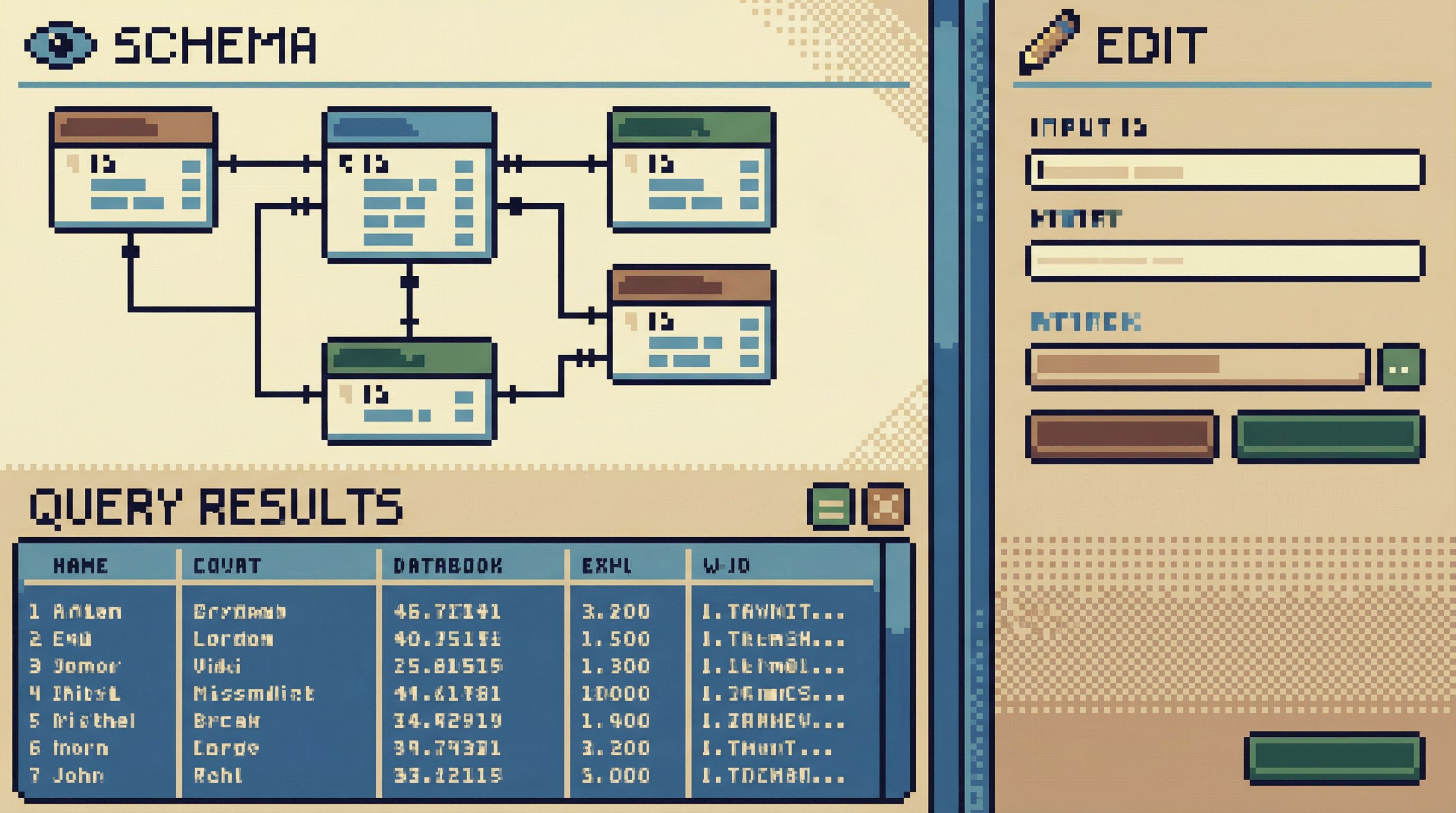
- Your tools favor read surfaces. The first screen you see is tables, relationships, and sample data—not a blank SQL editor begging for commands.
This is the core argument in The Case for a Read-First Database Workflow: you reduce incidents more by changing the order of operations than by adding more power.
How to implement a read-first bias
-
Make read-only connections the default
- Create dedicated read-only roles for engineers, support, and product.
- Configure your primary database tools to use these roles by default.
- Require an explicit, time-bound elevation for any write access.
-
Separate read and write tools (or modes)
- If your main client supports it, keep two profiles:
prod-read(default)prod-write(explicit, visually distinct theme)
- In a browser like Simpl, this shows up as a calm, read-first interface where you explore schemas, run selects, and inspect relationships without sitting next to a loaded
UPDATEgun.
- If your main client supports it, keep two profiles:
-
Bake read-before-write into team habits
- Code review templates: “Paste the
SELECTthat shows which rows you’re about to change.” - Incident runbooks: “Step 1: Observe. Step 2: Confirm. Step 3: Change.”
- Pairing culture: one person writes the
SELECT, the other confirms it before any write.
- Code review templates: “Paste the
Rule of thumb: If you can’t show the read query that justified your write, the write was too risky.
Principle 2: Guardrails, not gates
Locking everything down is one way to avoid incidents. It’s also a reliable way to create shadow access, screenshots in Slack, and brittle workarounds.
Guardrails are different from gates:
- Gates say: “You can’t go here.”
- Guardrails say: “You can go here, but not off the cliff.”
Opinionated tools like Simpl lean heavily into guardrails. As we wrote in Opinionated by Design: Why Simpl Favors Guardrails Over Infinite Flexibility, calm work with data comes from better boundaries, not more knobs.
Practical guardrails you can adopt
1. Safe defaults for queries
- Implicit limits on
SELECTin production-facing tools (e.g.,LIMIT 100unless explicitly removed). - Timeouts on long-running queries so accidental full scans don’t drag down the primary.
- No
SELECT *from hot tables in interactive clients; require column selection for known-heavy tables.
2. Soft friction for dangerous actions
Make risky operations slightly harder, not impossible:
- Require a different connection profile for write queries.
- Use visual cues: a red border, different theme, or “write mode” banner when connected with write permissions.
- Add a confirmation step for
UPDATE/DELETEwithout aWHEREclause, or with a large estimated row count.
3. Structured templates instead of ad-hoc scripts
- Maintain a small set of reviewed maintenance queries (e.g., backfills, migrations, cleanup jobs).
- Store them in version control, with owners, comments, and example outputs.
- Run them through a controlled path instead of pasting into random clients.
Guardrails work when they’re easy to live with. If your team constantly fights them, they’re too rigid or misplaced. Start with the smallest constraints that catch the biggest mistakes.
Principle 3: Reduce cognitive load, reduce risk
Most production mistakes don’t come from ignorance of SQL. They come from overloaded attention:
- Ten tabs open
- Three environments connected
- Slack pinging
- A half-remembered table name
The more clutter you carry, the more likely you are to run the right query in the wrong place—or the wrong query in the right place.
We’ve written about this in depth in Focus-First Database Workflows: Reducing Clicks, Tabs, and Cognitive Load. The same ideas apply directly to safety.
Patterns that calm your attention
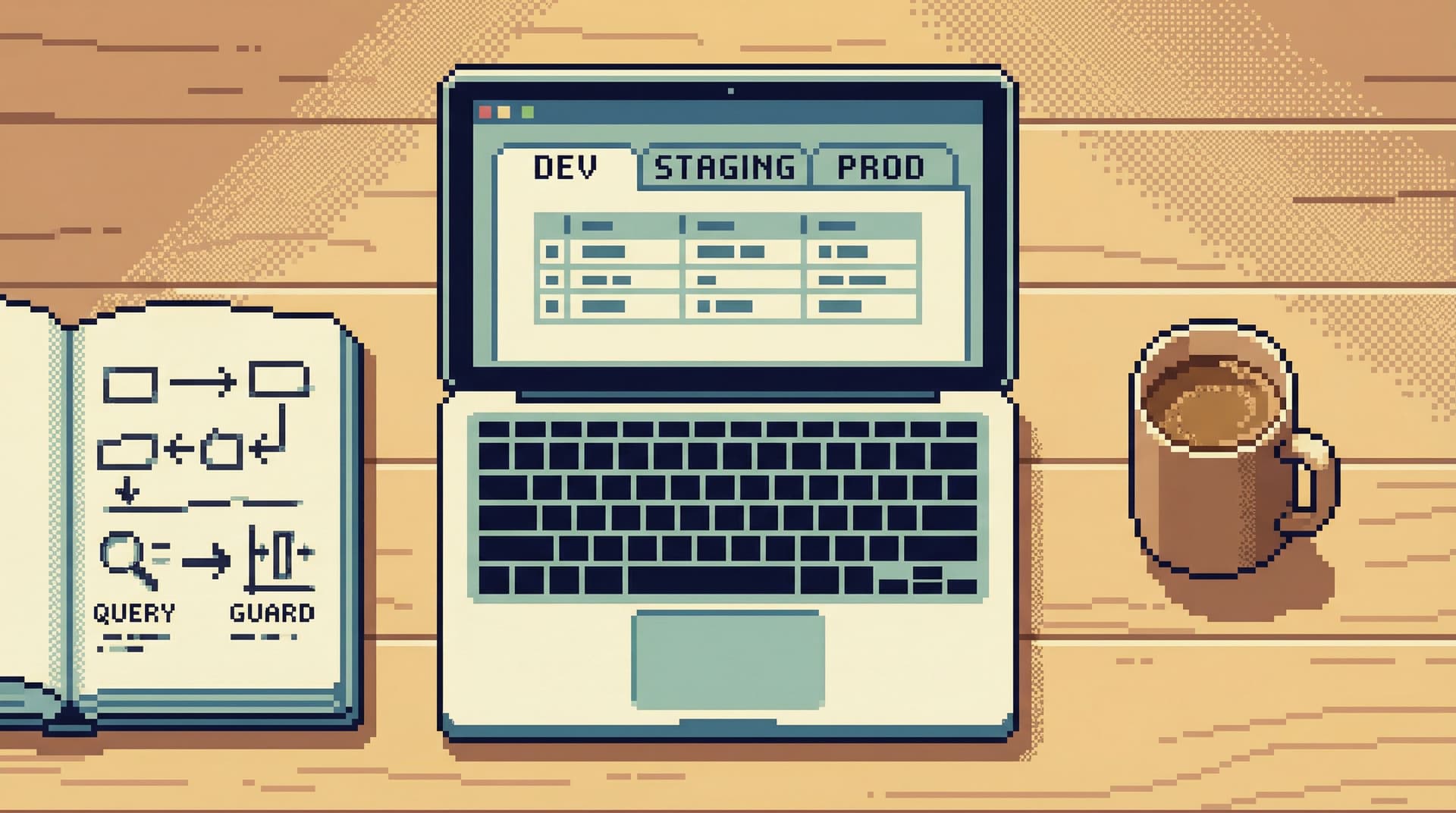
1. One environment at a time
- Don’t connect to
dev,staging, andprodin the same window. - Use clear, persistent labels for environment and role.
- Consider different color themes per environment (e.g., green for staging, neutral for production, red only for write mode).
2. Narrow the surface area
- Hide or de-emphasize tables nobody should touch directly (e.g., internal replication tables).
- Group sensitive tables (payments, auth, PII) into a clearly marked section.
- Provide documented entry points: views or curated queries that answer common questions without digging through raw tables.
3. Design for deep work, not thrash
- Favor tools that keep you in a single, focused view instead of spraying tabs and panels.
- Use pinned queries or saved flows for recurring checks, instead of rewriting them from memory each time.
- Treat your database client as a place for careful reading and reasoning, not background noise.
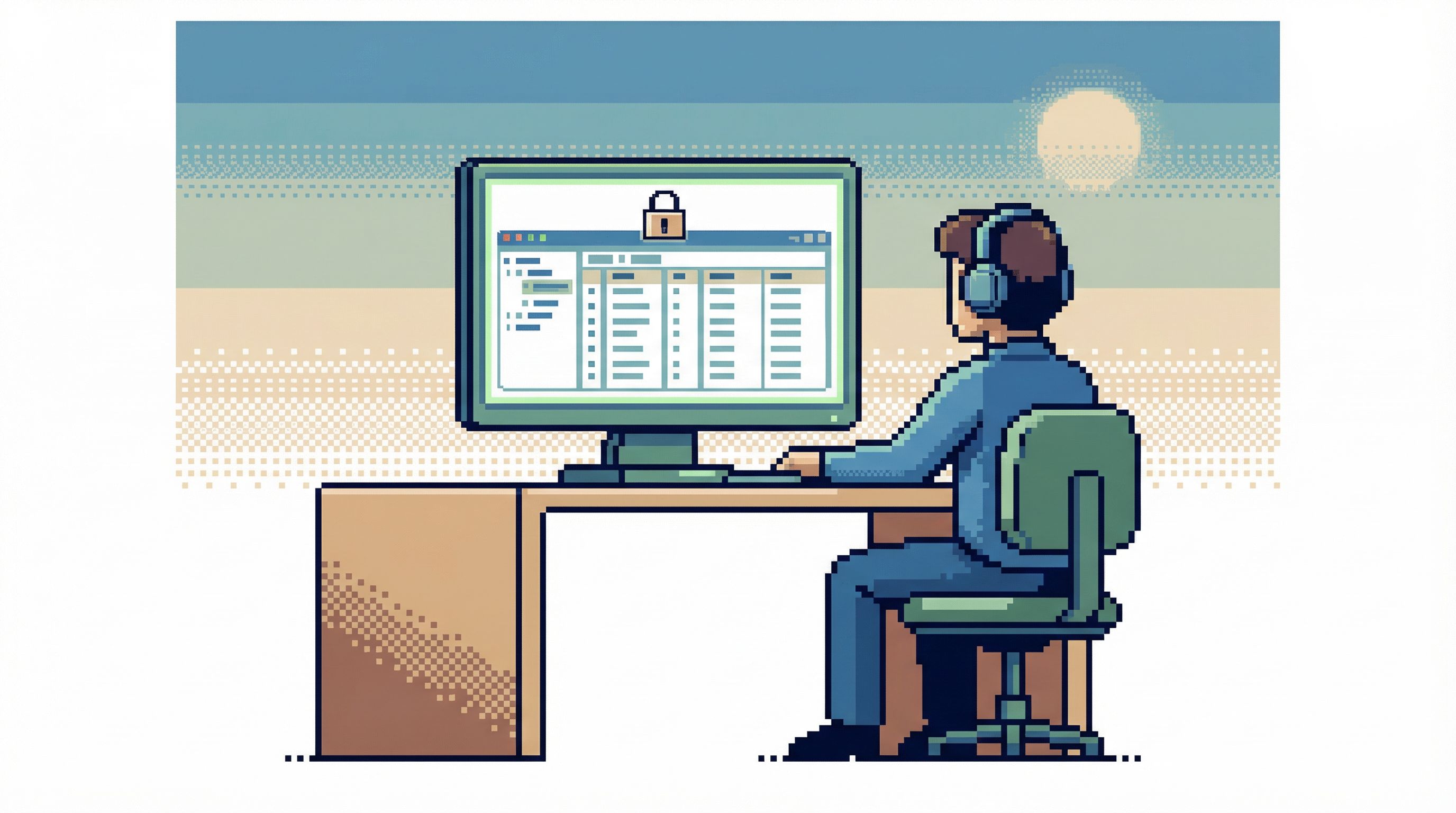
This is where an opinionated browser like Simpl shines: it’s built around calm defaults, limited surface area, and a clear separation between “explore” and “change.” But the underlying patterns are tool-agnostic.
Principle 4: Make risk visible and explainable
A surprising number of incidents come down to this: nobody realized the query was risky until after it ran.
To be safe by default, you want the opposite: risky actions should be obvious before you hit enter.
Techniques to surface risk early
1. Highlight row impact before execution
- For write queries, run a dry-run
SELECTversion first:- Change
UPDATE ... SET ... WHERE ...toSELECT id, ... WHERE .... - Inspect the row count and sample rows.
- Change
- Where possible, use tooling that estimates affected rows and shows them clearly.
2. Make query plans legible
- Encourage engineers to glance at
EXPLAINfor large or complex queries. - Teach a few simple red flags:
- Sequential scan on a huge table where an index should exist
- High estimated cost relative to typical queries
- Sorts or hash joins on massive intermediate results
You don’t need everyone to be a query planner expert. You just need them to recognize “this looks unusually heavy.”
3. Log and review risky queries
- Enable logging for long-running or high-impact queries in production.
- Periodically review these logs for patterns:
- Common mistakes (e.g., missing
LIMIT) - Repeated ad-hoc queries that should become views or cached reports
- Common mistakes (e.g., missing
- Turn these reviews into lightweight improvements: new indexes, new views, or new saved queries in your tools.
Over time, this creates a feedback loop: the more you surface and review risky behavior, the more your defaults and patterns evolve to prevent it.
Principle 5: Systematize safe exploration
Safety isn’t just about avoiding disasters. It’s also about making good behavior easy to repeat.
Most teams live in ad-hoc mode: a question appears, someone writes a query, the result is pasted into Slack, and the query disappears. The next time the question appears, the same dance repeats—with slightly different queries, slightly different risks.
A calmer pattern is to turn one-off queries into reusable flows. That’s the core idea behind From Ad-Hoc Queries to Repeatable Flows: Systematizing How Your Team Looks at Data.
How to build simple, safe flows
1. Capture useful queries at the moment of success
When someone finally gets a tricky query right:
- Save it in your database browser with:
- A clear title
- A short description
- Tags for team/feature/incident
- Link to it from the relevant runbook, wiki page, or Slack thread.
2. Turn flows into checklists
For recurring tasks (e.g., “investigate a missing order”):
- Write a short checklist:
- Run Query A (read-only) to confirm order exists.
- Run Query B (read-only) to inspect payment state.
- If X and Y are true, escalate; if not, follow path Z.
- Keep all queries in read-only tools or modes by default.
3. Promote views over raw tables
- Create stable, well-documented views that represent key business concepts.
- Encourage teams to explore via these views instead of stitching together raw tables each time.
- Document what each view guarantees (e.g., “only active subscriptions,” “latest status per user”).
The goal isn’t to build a heavy data warehouse or BI layer. It’s to smooth the path from “I have a question” to “I can safely answer it without improvising from scratch.”
Principle 6: Choose tools that align with your intent
You can implement most of these patterns with almost any tooling stack. But some tools make it easier than others.
Many traditional database GUIs behave like IDEs: tabs everywhere, a giant SQL editor, and raw power as the main selling point. We’ve written about why that’s a problem in Why Your Database GUI Feels Like an IDE (and Why That’s a Problem) and What IDEs Got Wrong About Database UX (and How Tools Like Simpl Can Do Better).
If your goal is safe, calm exploration of production data, look for tools that:
- Default to read-only views and schema exploration
- Make environment and role impossible to miss
- Provide gentle friction around heavy or dangerous queries
- Encourage focused, single-task workflows over tab sprawl
This is the philosophy behind Simpl: an opinionated database browser that gives you a quiet, streamlined interface for exploring, querying, and understanding your data—without the noise of full BI or admin tools.
Whether you use Simpl or not, the core question is the same:
Does this tool make the safe thing the easy thing?
If the answer is no, you’ll spend the difference in training, process, and pager anxiety.
Bringing it together
Safe-by-default exploration isn’t a single feature. It’s a stack of small, opinionated choices:
- Read-first workflows so you always observe before you change.
- Guardrails instead of gates so people can move quickly without falling off cliffs.
- Reduced cognitive load so you’re less likely to make simple but costly mistakes.
- Visible, explainable risk so heavy queries stand out before they cause trouble.
- Systematized flows so good behavior is easy to repeat and share.
- Aligned tools so your interfaces reinforce, not fight, your intentions.
None of these require a massive migration or a new platform. You can start small:
- Create a read-only role and make it the default in your primary client.
- Add a standard “read-before-write” step to your incident checklist.
- Save the next truly useful query as a shared, documented flow instead of letting it vanish in history.
Over time, these small decisions compound. Production stops feeling like a minefield and starts feeling like what it should be: a clear, reliable source of truth that you can explore without fear.
Take the first step
Pick one of these changes and implement it this week:
- Switch your main production connection to a read-only role.
- Add a simple visual distinction between read and write modes in your tools.
- Turn a frequently used ad-hoc query into a saved, shared flow.
If you want a tool that bakes many of these patterns in from the start, take a look at Simpl—an opinionated database browser built for calm, safe exploration of production data.
Safe by default isn’t a luxury. It’s how you keep working with real data from turning into a source of constant, low-level fear—and turn it back into what it’s supposed to be: a quiet, trustworthy partner in the work your team does every day.