The Problem with ‘Just Use psql’: Why Database CLI vs GUI Is the Wrong Debate

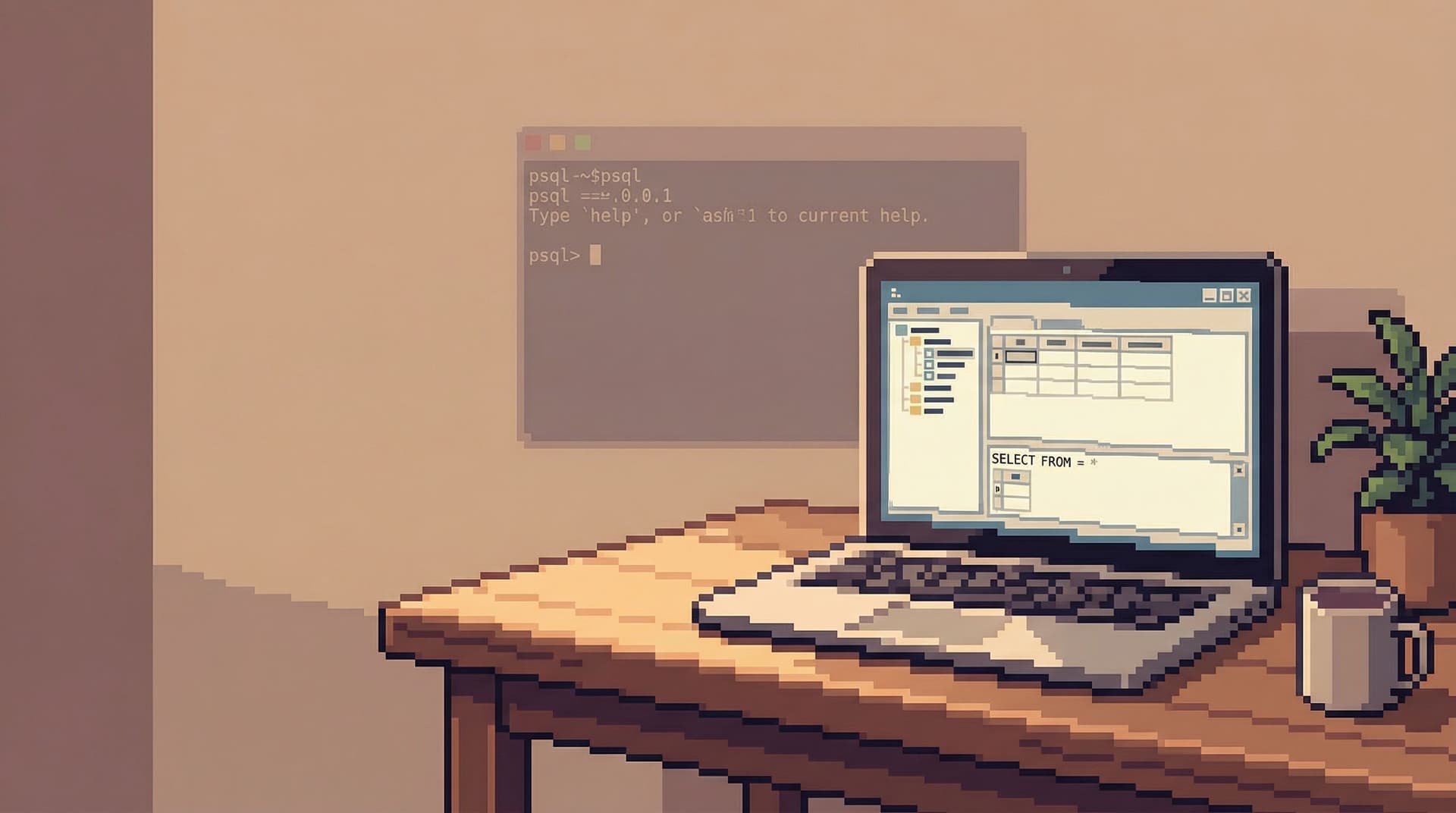
The argument shows up in code reviews, onboarding docs, and Slack threads:
“Don’t open a GUI, just use
psql.”
It sounds tidy. It also misses the real problem.
The hard part of working with a database isn’t how you connect to it. It’s how you think once you’re there.
Whether you use a terminal client like psql, a heavyweight IDE, or a focused browser like Simpl, the deeper questions are the same:
- How quickly can you build an accurate mental model of your data?
- How safely can you explore production without pager anxiety?
- How easy is it to share what you learned with the rest of the team?
The “CLI vs GUI” debate is a distraction. The real distinction is between tools and workflows that encourage calm, read-first understanding of your data—and those that don’t.
Why “Just Use psql” Became a Reflex
psql (and friends like mysql, psql, sqlcmd) earned their place:
- They’re scriptable and automatable.
- They ship with the database, so they’re always there.
- They push you to learn SQL instead of clicking around.
- They avoid some of the risky footguns of generic GUIs.
For experienced engineers, that’s comforting. A single prompt, full control.
But as teams and systems grow, the reflex to default to psql for everything starts to show cracks.
Where the CLI Starts to Strain
-
Onboarding and shared understanding
New engineers don’t just need to know how to run queries. They need to know:- Which tables actually matter.
- What common queries look like.
- What “normal” data patterns are.
A raw prompt offers none of that context. You get a blinking cursor and a lot of implicit tribal knowledge.
-
Exploratory work with production data
When you’re trying to understand a complex schema, debug a subtle incident, or trace a user journey, you’re juggling:- Multiple related tables
- Several hypotheses
- A changing picture of “what’s going on”
Doing that entirely in a scrollback buffer is possible—but it’s not calm. It’s easy to lose the thread, re-run heavy queries, or miss something you already discovered.
-
Collaboration and repeatability
psqlhistories are personal, local, and noisy. The queries that matter get lost among experiments, typos, and half-finished thoughts. Turning a useful query into a shared, repeatable flow is work most teams rarely do.
The answer isn’t “throw away the CLI.” It’s to stop pretending that the only choice is between a bare prompt and a noisy IDE.
Why the GUI Side of the Debate Is Also Missing the Point
If psql is one extreme, the other is the full IDE-style GUI: tabs, panels, dashboards, extensions, themes.
These tools solve some of the pain of the CLI—schema browsing, saved queries, visual explain plans—but often create a new kind of noise. We’ve written about this in more depth in Why Your Database GUI Feels Like an IDE (and Why That’s a Problem).
Common issues:
- Tabs everywhere: your thinking fragments across windows.
- Write-first bias: the giant SQL editor nudges you to type before you understand.
- Infinite flexibility: any connection, any environment, any query, any time.
You escape the scrollback buffer, but you trade it for a cockpit. That might feel powerful. It doesn’t necessarily make your reasoning about data clearer or safer.
The mistake on both sides is the same: focusing on surface area (CLI vs GUI) instead of workflow design.
The Real Question: What Kind of Work Are You Doing?
Before you pick a tool, name the kind of work you’re doing. Most database interactions fall into a few patterns:
-
Operational changes
- Applying migrations
- Running one-off
UPDATE/DELETEstatements - Managing users, extensions, indexes
-
Exploratory understanding
- Learning a new schema
- Tracing a user’s path through the system
- Investigating edge cases and anomalies
-
Incident debugging
- Inspecting hot rows or tables
- Checking for data corruption
- Comparing “good” vs “bad” cases
-
Shared reporting and context
- Answering recurring product questions
- Building canonical queries others can reuse
- Connecting application events to database state
Each of these has different needs. Trying to serve all of them with the same tool, in the same mode, is how you end up with the “just use psql” vs “just use the GUI” argument.
A calmer approach is to match the tool to the job, and then design the workflow around clarity, not raw power.
Principles That Matter More Than CLI vs GUI
Here are the properties that actually change outcomes when you work with data.
1. Read-First, Then Write
Most incidents and confusing dashboards start with the same mistake: changing data before you’ve really looked at it.
A good workflow makes it easier to:
- Start with
SELECT, notUPDATE. - Inspect a narrow slice of data before widening the lens.
- Compare “known good” and “suspect” cases side by side.
We dig deeper into this in The Case for a Read-First Database Workflow. The short version: your tools should bias you toward observation before action.
Whether that’s a CLI or a GUI matters less than whether it:
- Opens in a safe, read-only context by default.
- Makes it slightly harder (not impossible) to run destructive queries.
- Encourages you to keep the question you’re answering visible while you query.
[ ]
]
2. Guardrails Over Infinite Freedom
Database work sits close to real users, real money, and real incidents. That deserves guardrails.
Guardrails can look like:
- Read-only access to production for most people.
- Predefined, named connections instead of ad-hoc DSNs.
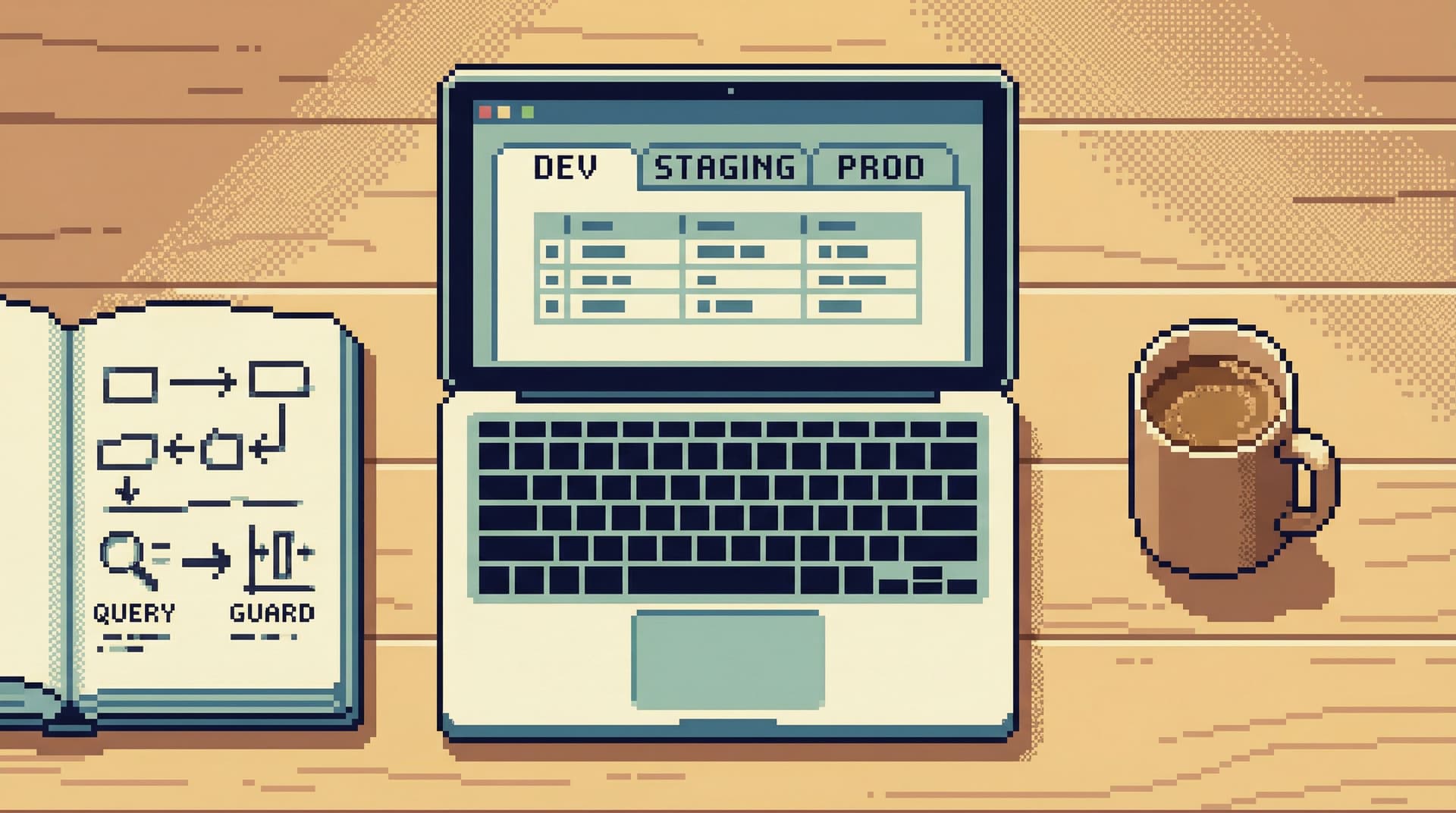
- Clear environment labeling and visual separation (prod vs staging).
- Soft friction before long-running or dangerous queries.
The exact implementation can live in a CLI (wrappers, scripts, role-based logins) or in a GUI (connection profiles, safe defaults). What matters is that the safest path is also the easiest one.
We built Simpl around this idea. It intentionally limits what you can do in a session so you can move quickly within safe boundaries instead of tiptoeing around a fully unlocked cockpit. If that resonates, you might also like Opinionated by Design: Why Simpl Favors Guardrails Over Infinite Flexibility.
3. Focus, Not Feature Lists
Many database tools—especially GUI ones—optimize for checklists:
- Multiple result panes
- Visual query builders
- Embedded dashboards
- Plugin marketplaces
Those can be useful. They can also quietly erode your ability to hold a clear mental model of what you’re doing.
A focus-first workflow instead emphasizes:
- One primary question at a time
- A small number of visible tables or queries
- Easy navigation between related entities (e.g., from a user to their orders)
This is where a well-chosen GUI can genuinely outperform the CLI: not because it has more, but because it shows you less—more intentionally.
We wrote about this in Focus-First Database Workflows: Reducing Clicks, Tabs, and Cognitive Load. The same principles apply whether your entry point is psql or a browser like Simpl: design for attention, not for maximal surface area.
4. Shared Flows, Not One-Off Heroics
The most valuable queries your team runs are rarely the most complex ones. They’re the ones that get reused:
- “What does a healthy user account look like?”
- “How do we check if a subscription migrated correctly?”
- “What’s the minimal query to confirm this incident is resolved?”
If those live only in someone’s ~/.psql_history or in a screenshot buried in Slack, your team is paying a recurring tax.
Look for tools and habits that make it trivial to:
- Save a query with a clear name and description.
- Parameterize it just enough (e.g.,
user_idas an input). - Share it in a way that preserves context: what it’s for, when to use it, what “normal” results look like.
This is one of the biggest differences between a generic SQL client and an opinionated browser like Simpl: the latter is designed to turn ad-hoc exploration into repeatable flows without forcing you into a full BI stack. If you want a deeper dive on this idea, see From Ad-Hoc Queries to Repeatable Flows: Systematizing How Your Team Looks at Data.
5. Calm Defaults for Hot Moments
During incidents, nobody is arguing about CLI vs GUI. They’re trying to:
- Get to the right data quickly.
- Avoid making things worse.
- Share what they’re seeing without flooding the channel.
The right defaults here matter more than your choice of interface:
- Predefined “incident views” for key tables.
- Safe, read-only incident roles.
- Clear affordances for copying queries and results into incident docs.
A terminal script that jumps you straight into a read-only incident role with a curated set of helper queries can be just as effective as a focused GUI that opens on a set of incident dashboards. The common thread is designing for clarity under pressure, not arguing about where the pixels live.
We explored this in The Minimalist’s Guide to Database Debugging in Incident Response: fewer tools, fewer tabs, more deliberate steps.
[ ]
]
Practical Ways to Move Beyond the Debate
You don’t need to rewrite your stack to get out of the “just use psql” loop. You can start small.
1. Name the Work Mode Before You Open a Tool
Before you launch anything, ask:
- Am I changing data or understanding it?
- Am I working alone or does this need to be shared?
- Is this a one-off or something we’ll likely repeat?
Then pick accordingly:
- Use
psql(or similar) for: migrations, one-off operational changes, scripted maintenance. - Use a focused browser like Simpl for: schema exploration, production debugging, shared flows, onboarding.
- Avoid heavyweight IDE-style GUIs for work that doesn’t benefit from their complexity.
2. Set Guardrails Once, Reuse Them Everywhere
Standardize on:
- Connection names and environments.
- Which roles are allowed in which tools.
- A small set of “blessed” ways to connect to production.
Then wrap both CLI and GUI access in those standards. For example:
- A script that opens
psqlwith the right read-only role and search_path. - A shared connection profile in Simpl that points to the same role, clearly labeled as production.
Now the debate isn’t “CLI vs GUI.” It’s “inside or outside the guardrails.” That’s a healthier conversation.
3. Promote Queries from History to Canonical Flows
When you or a teammate writes a query that you know you’ll need again:
- Clean it up: clear naming, minimal columns, comments if needed.
- Parameterize it where appropriate.
- Save it somewhere discoverable:
- In your focused browser as a named view.
- In a small “queries” repo with a README.
- Linked from runbooks or onboarding docs.
The goal is to reduce the amount of time your team spends re-deriving the same understanding from scratch.
4. Design for Deep Work, Not Drive-By Checks
Whether you stay in the CLI, adopt Simpl, or keep a GUI in the mix, ask of every tool:
- Does this help me hold a coherent mental model of the data?
- Does it make it easy to stay with one question long enough to answer it well?
- Does it reduce the number of places I have to look to feel confident?
If the answer is no, it’s a candidate to turn off, uninstall, or at least move out of your default workflow.
For examples of what a deep-work-friendly setup can look like, see Designing Database Tools for Deep Work: Patterns We Brought into Simpl.
Summary
The “just use psql” argument is appealing because it feels simple. But the real complexity of working with databases has never been about whether your cursor blinks in a terminal or a GUI.
What matters more:
- Read-first habits that put understanding before change.
- Guardrails that make safe behavior the default, not the exception.
- Focus-first interfaces that reduce cognitive load instead of adding more panels.
- Shared, repeatable flows that turn one-off heroics into quiet, reliable practice.
You can get those qualities in a CLI, a GUI, or a hybrid setup. The interface is secondary. The workflow is primary.
A Quiet First Step
You don’t need to pick a side in the CLI vs GUI debate. You just need to pick your next small improvement.
Here’s a calm way to start:
- Choose one recurring task you do with your database—debugging a user issue, checking a subscription, verifying a migration.
- Write down the question you’re actually answering when you do it.
- Shape your tools around that question:
- A read-only role.
- A single saved query or view.
- A place to share it with the team.
If you want a tool that’s built around that style of work from the start, try exploring your database through Simpl. It won’t replace every use of psql. It’s not trying to. It’s there for the part of your work where clarity, calm, and shared understanding matter more than raw control.
That’s the debate worth having.