Opinionated by Design: Why Simpl Favors Guardrails Over Infinite Flexibility

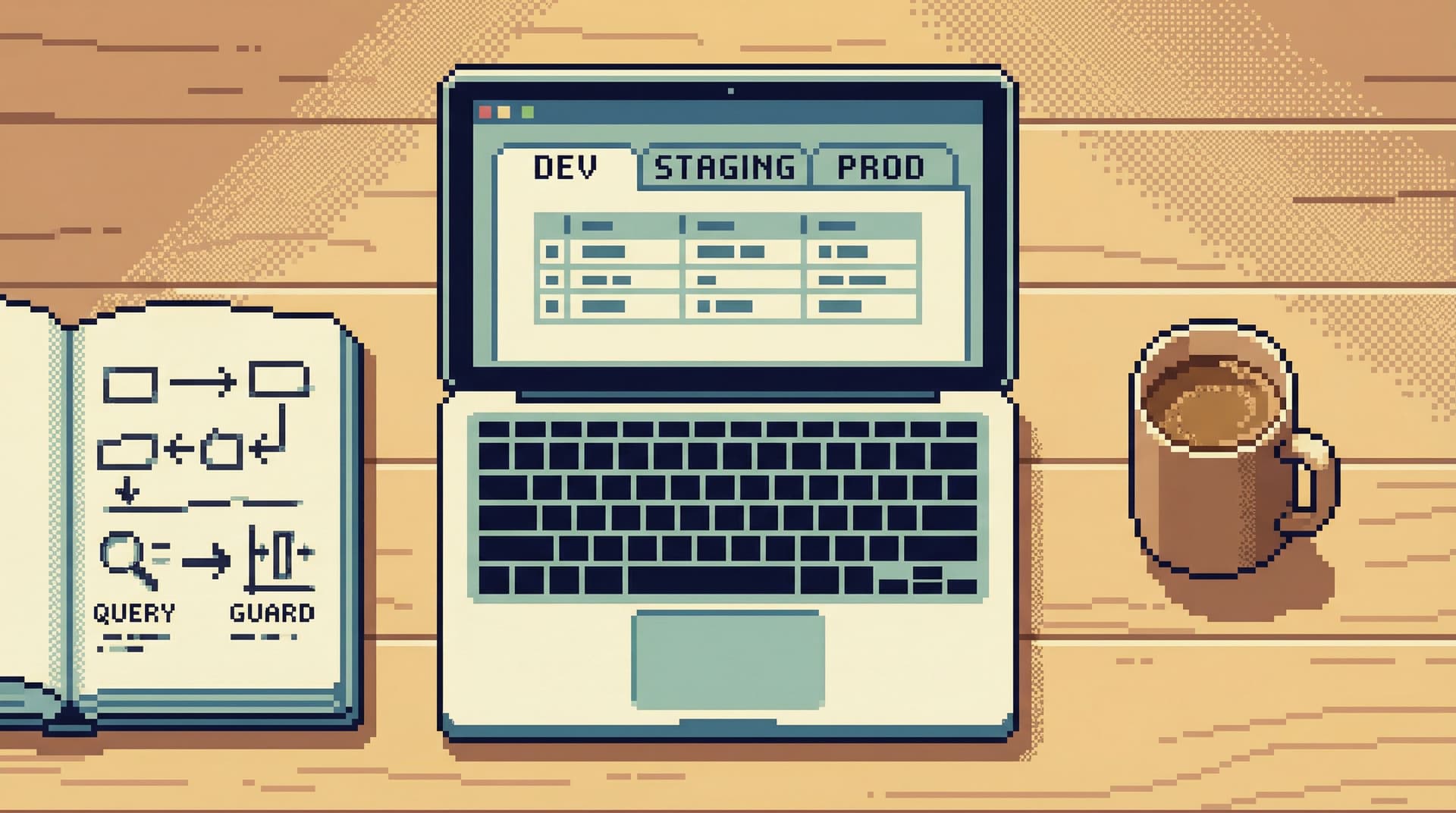
Most database tools pride themselves on flexibility.
Unlimited tabs. Arbitrary connections. Raw access to production. A blank SQL canvas and the promise: you can do anything here.
That sounds empowering. In practice, it often means:
- Higher incident risk
- Noisy, inconsistent workflows
- Steep onboarding for new engineers
- Quiet anxiety every time someone opens the production database
Simpl takes the opposite stance on purpose.
Opinionated guardrails are not a constraint we apologize for. They’re the product.
Calm work with data doesn’t come from more power. It comes from better boundaries.
Why Infinite Flexibility Backfires With Databases
Databases are not text editors. They sit close to real users, real money, and real incidents.
Yet most database GUIs copy the mental model of IDEs: lots of surface area, minimal constraints, and an emphasis on raw control. We’ve written about this in more depth in Why Your Database GUI Feels Like an IDE (and Why That’s a Problem).
When you mix that IDE-style freedom with production data, a few patterns show up over and over:
-
Risky commands feel too normal
A destructiveUPDATEorDELETElooks almost identical to a harmlessSELECT. Same editor, same affordances, same friction. -
Exploration turns into thrash
Dozens of tabs, partial queries, and half-remembered joins. You get an answer eventually, but it’s hard to reconstruct how you got there or share it safely. -
Teams converge on hero workflows, not shared ones
Each person has their own setup, favorites, and rituals. That’s fine for code. It’s brittle for data, where shared understanding matters more than personal preference. -
New teammates are either blocked or dangerous
Either you give juniors full access and hope they’re careful, or you lock things down so tightly that they can’t learn by doing.
Infinite flexibility sounds neutral. It isn’t. It quietly optimizes for:
- Speed over clarity
- Solo efficiency over shared safety
- Expressiveness over repeatability
Guardrails are the counterweight.
They bias the tool toward:
- Safer defaults
- Clearer flows
- Shared patterns that scale across people and time
Simpl is intentionally opinionated because the absence of opinions is itself a strong opinion—just usually an unsafe one.
Guardrails as a Design Principle, Not a Permission Setting
Guardrails are often treated as a thin layer on top of an otherwise unbounded tool: roles, checkboxes, and approval flows.
That’s better than nothing, but it’s still the same mental model: everything is possible; we’ll just try to stop the worst of it.
Opinionated design starts earlier. It asks:
What if the tool itself made the safe, clear path the easiest path?
That means:
-
Constrained navigation instead of infinite panes
You don’t need ten panels to understand a schema. You need a sequence that tells a coherent story. -
Read-first workflows instead of write-first canvases
We explored this more in The Case for a Read-First Database Workflow. If the default posture is “observe before you change,” a whole class of mistakes never gets started. -
Defaults that encode team norms
What environments are visible? What queries are highlighted? What’s one click away vs. buried behind intent-revealing friction?
Guardrails are not only about what you can’t do. They’re about what you no longer have to think about.
That’s the real payoff: less cognitive overhead, more attention left for the actual problem.
What Opinionated Guardrails Look Like in Practice
Let’s make this concrete. Here are the kinds of opinions baked into Simpl—and why they matter.
1. Read-First, Not Command-First
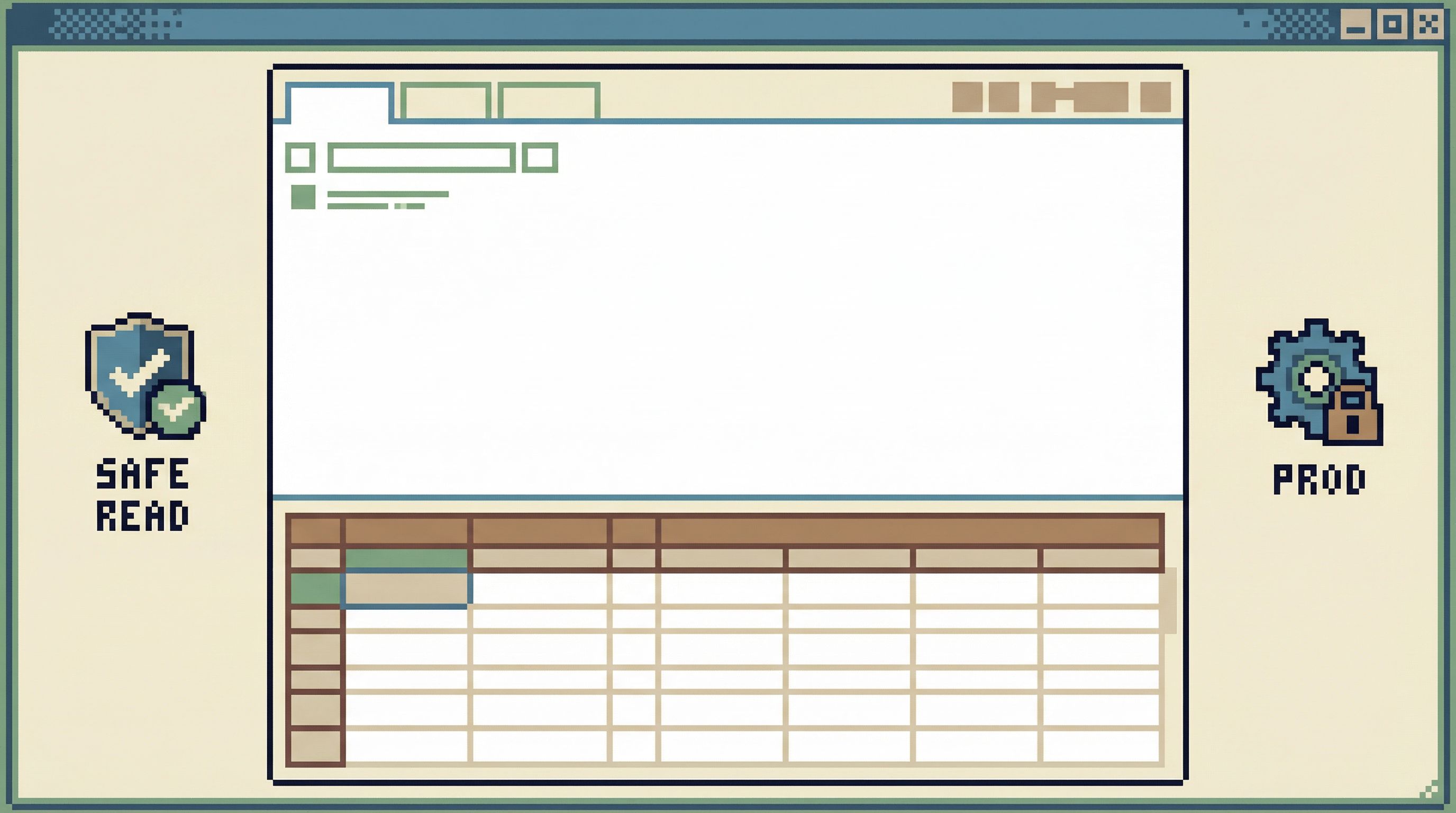
In many tools, you land on a blank SQL editor. The subtle message: start typing.
A read-first tool flips that:
-
You land on data, not an empty editor
Recent tables, relevant views, or saved flows are surfaced first. -
The path of least resistance is inspect → narrow → then maybe write
You’re nudged to:- Look at recent rows
- Scan schema and relationships
- Use pre-curated filters
-
Write access is present but slightly uphill
You can still run custom SQL, but it’s not the first or loudest thing you see.
This small shift reduces:
- Accidental destructive commands
- Overcomplicated ad-hoc queries
- The urge to “just try something” against production
2. Calm Defaults Instead of Blank Canvases
Defaults are silent guardrails. They shape behavior before policy ever gets involved.
Some examples of calm defaults in a tool like Simpl:
-
Safe environments are foregrounded
Read-only replicas or staging are more prominent than primary production. -
Heavy queries surface warnings before they hurt you
If a query will scan a huge table or time out, you get a heads-up and options to narrow it. -
Pagination and limits are strict by default
You don’t accidentally pull millions of rows into a client window.
We go deeper into this philosophy in Designing Calm Defaults: How Simpl Encourages Safer, Clearer Queries.
3. Fewer Surfaces, Deeper Focus
More panels feel powerful. They also multiply context.
Opinionated tools deliberately remove surfaces:
- One primary working view instead of a dashboard of widgets
- A single query context instead of overlapping editors
- Inline schema and relationship hints instead of separate explorers
The result is a workflow that feels more like reading a well-structured document than flying a cockpit. That’s the core idea behind Designing Database Tools for Deep Work: Patterns We Brought into Simpl.
4. Guardrails That Respect Real Work
Guardrails fail when they:
- Block legitimate debugging
- Force people into shadow tools
- Require constant approvals for routine reads
The better pattern is:
-
Soft friction for risky actions
Extra confirmation, environment reminders, or scoped templates when you cross into write or high-impact territory. -
Clear visibility into what’s happening
Query history that’s legible and shareable. You can see what was run, where, and by whom—without digging through logs. -
Team-level patterns, not personal hacks
Shared saved queries and flows that encode “how we look at this table” instead of each person reinventing the wheel.
Guardrails should feel like a well-marked trail, not a locked door.
How Guardrails Reduce Real Risk (Without Slowing You Down)
Working with production data will always carry risk. The question is whether your tool amplifies that risk or absorbs some of it.
Opinionated guardrails help on three fronts.
1. Fewer Incidents From “Simple” Mistakes
Most scary database stories are not exotic attacks. They’re:
- A
WHEREclause forgotten in a hurry - A query accidentally pointed at the wrong environment
- A heavy scan kicked off during peak traffic
You can’t remove human error. You can:
- Make dangerous actions visually distinct and slower
- Bias new sessions toward read-only contexts
- Warn loudly when queries look risky for the current environment
2. Safer Collaboration Around Production Data
As teams grow, more people need to look at production data:
- Product and support engineers
- On-call responders
- Data and analytics folks
Without guardrails, you end up with two bad choices:
- Give everyone full access and hope for the best
- Funnel all questions through a small group of “database adults”
Opinionated tools offer a third path:
- Predefined views and flows for common questions
- Role-aware defaults that keep most people in read-only lanes
- Lightweight review paths for new or risky patterns
People can answer their own questions without holding the pager hostage.
3. Lower Cognitive Load, Higher Quality Decisions
Every extra decision—Which environment? Which tool? Which table? Which query?—costs attention.
Guardrails reduce that overhead by:
- Making the next step obvious
- Reducing the number of viable choices on screen
- Encoding best practices so you don’t have to recall them
The payoff isn’t just safety. It’s better thinking. When your tools are quiet, you have more room for:
- Understanding the data model
- Questioning assumptions
- Tracing cause and effect carefully
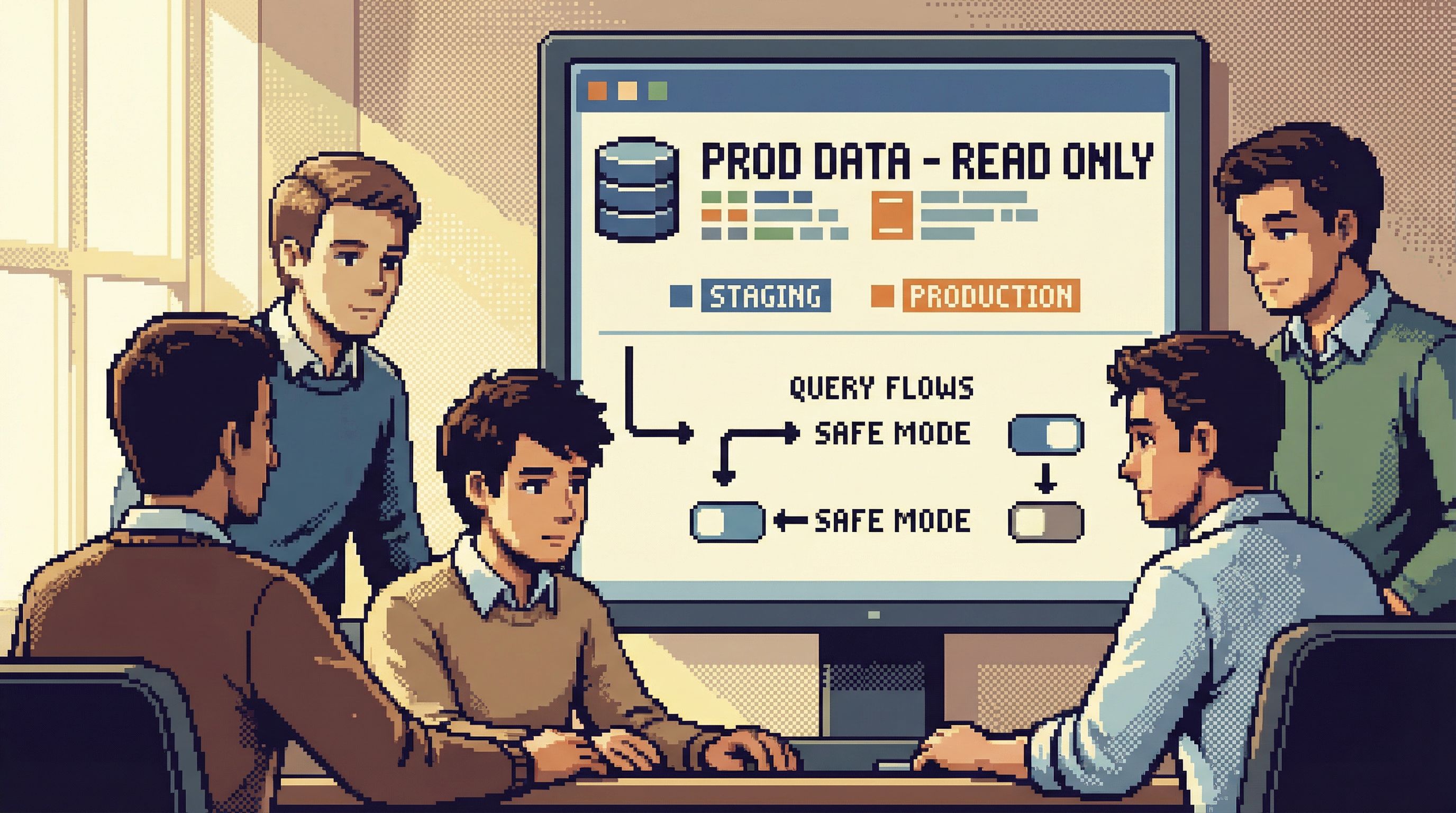
Bringing Guardrails Into Your Own Database Work
You don’t need to switch tools overnight to benefit from this mindset.
Here are concrete ways to bring opinionated guardrails into your current setup.
1. Make Read-Only the Default
- Point your primary database client at a read replica or staging by default.
- Require an explicit action (and maybe a second tool) to reach write access on production.
- Label environments loudly in your UI theme or connection names.
The goal: “I thought I was in staging” stops being a plausible sentence.
2. Standardize a Few Core Flows
Identify the 5–10 questions your team asks the database most often. For each one:
- Write the cleanest, safest query you can.
- Add comments that explain what it does and when to use it.
- Save it somewhere visible: your client’s favorites, a shared repo, or a tool like Simpl that treats these as first-class flows.
Over time, this becomes your library of “how we look at this system,” moving you from ad-hoc to repeatable. For more on this, see From Ad-Hoc Queries to Repeatable Flows: Systematizing How Your Team Looks at Data.
3. Add Friction to High-Risk Actions
Not all friction is bad. Add small speed bumps where it matters:
- Require a second confirmation for
UPDATE/DELETEon key tables. - Use templates that force a WHERE clause or a LIMIT for common write operations.
- Add a short checklist to your runbook: environment, table, expected row count, fallback plan.
These are simple patterns, but they change behavior.
4. Collapse Your Tool Surface Area
If you’re jumping between three SQL clients, a BI tool, and a log viewer for routine questions, that’s a smell.
Try to:
- Consolidate onto one primary database browser for most read work.
- Reserve specialized tools for specific, rare tasks (heavy analytics, migrations, etc.).
- Design a “standard” layout or workflow for your team and document it.
Even if you’re not using Simpl, you can still adopt a focus-first posture similar to what we describe in Focus-First Database Workflows: Reducing Clicks, Tabs, and Cognitive Load.
5. Treat Guardrails as a Shared Asset
Guardrails are not just settings; they’re part of your engineering culture.
- Review saved queries and flows like you review code.
- Encourage people to propose improvements to defaults.
- Celebrate near-misses caught by guardrails, not just incidents.
Over time, your guardrails become a living representation of how your team thinks about data.
How Simpl Leans Into These Opinions
Simpl exists because we wanted a database browser that:
- Protects deep work instead of fragmenting it
- Makes safe, clear paths the default
- Treats production data with respect without burying it in ceremony
That shows up in choices like:
- A single, calm primary view instead of a wall of panels
- Read-first entry points that surface real data and shared flows before raw SQL
- Opinionated defaults around environments, limits, and query visibility
- Guardrails that are explainable, not mysterious: you can see why something is discouraged and how to do it safely instead
You can build many of these patterns into your own workflows today. A tool like Simpl just makes them the path of least resistance.
Summary
Opinionated guardrails are not about limiting what experts can do. They’re about:
- Reducing the number of ways to make expensive mistakes
- Lowering cognitive load so you can think more clearly
- Turning fragile personal habits into shared, repeatable flows
Infinite flexibility feels powerful, but with databases it often means:
- Higher incident risk
- Noisy workflows
- Fragile collaboration
By contrast, a tool that favors guardrails:
- Starts from a read-first posture
- Uses calm defaults to encode best practices
- Provides soft friction around risky actions
- Encourages focus-first, deep work with production data
That’s the design stance behind Simpl: less noise, more clarity, and a safer way to work with the data that actually matters.
Take the First Step
You don’t need a full migration plan to start working this way.
Pick one of these to do this week:
- Point your main client to a read-only environment by default.
- Standardize one critical database flow as a shared, commented query.
- Remove one unnecessary tool or panel from your daily database work.
If you want a tool that’s built around these ideas from the ground up, explore Simpl. See what it feels like when guardrails aren’t an afterthought, but the main feature—and when working with your database finally feels calm again.