Opinionated Read Paths: Why Most Teams Need Guardrails More Than Admin Superpowers


Most teams don’t need more power over their databases.
They need fewer ways to get it wrong.
The default database experience still looks like this: open a full‑featured GUI or CLI, point it at production, and get a blank SQL canvas with near‑admin powers. You can do anything. You’re also one copy‑paste away from an outage, a privacy issue, or a quietly wrong query that ships into a dashboard.
Opinionated read paths are a different stance: instead of giving everyone a cockpit, you give them a calm, narrow hallway. A deliberate sequence of views, queries, and affordances that make the safe, useful thing the easiest thing.
Tools like Simpl are built around this idea. You still explore and debug real data, but you do it inside a set of guardrails that match how teams actually work.
This post is about why that shift matters, what an opinionated read path looks like, and how to design it for your own stack.
Why "more power" quietly backfires
Admin‑style superpowers feel attractive:
- Full SQL access to production
- Schema‑wide visibility
- Arbitrary connections and environments
- One tool for everything: migrations, debugging, reporting, ad‑hoc analysis
On paper, that sounds efficient. In practice, it creates four persistent problems.
1. Risk hides in the margins
Most incidents from database tools don’t come from wild experiments. They come from small slips:
- Running a query against the wrong environment
- Forgetting a
WHEREclause in a quickUPDATE - Accidentally scanning a huge table during peak traffic
- Joining on the wrong key and shipping a wrong metric
When the default surface area is “you can do anything,” every small slip has a wide blast radius.
2. Attention is spread too thin
A full admin tool asks you to juggle:
- Schema exploration
- Permissions and roles
- Query composition and optimization
- Migrations and DDL
- Monitoring and performance views
You’re debugging a user issue, but the tool is constantly reminding you that you could also tweak indexes, inspect locks, or run that bulk backfill you’ve been putting off.
As we covered in Database Work Without the Side Quests, side quests are what turn a simple question into an afternoon of context switching.
3. Onboarding becomes tribal knowledge
With admin‑level tools, teams rely on unwritten rules:
- “Don’t ever run writes in production from this client.”
- “We only use that tab for emergencies.”
- “Ask someone senior before touching these tables.”
The tool doesn’t encode the rules; people do. That works until someone new joins, someone is tired, or an incident compresses everyone’s judgment.
4. Read work gets treated like a side effect
When your main tool is built for admin powers, read‑only work—understanding data, tracing a user’s history, validating a metric—becomes an afterthought. You’re always two clicks away from changing something instead of simply observing it.
A healthier stance is the one we argued for in The Case for a Read-First Database Workflow: observation before action, reading before writing.
Opinionated read paths are how you make that stance real.
What an opinionated read path actually is
An opinionated read path is a constrained way to move through your data with a clear purpose.
Instead of “here’s the whole database, good luck,” you get a guided flow:
- Start from a question (“What happened with this user?”)
- Land on a focused entry point (user record, job, order)
- Follow a small number of pre‑shaped pivots (related events, payments, jobs)
- Stay in read‑only mode by default
Think of it as:
A curated set of views and jumps that match your real questions, with guardrails that keep you in safe territory by default.
You can still drop to raw SQL when you need to. But the default experience is:
- Narrow, not sprawling
- Contextual, not schema‑first
- Read‑biased, not admin‑biased
This is the philosophy behind Simpl: an opinionated database browser that favors calm, structured exploration over infinite flexibility.
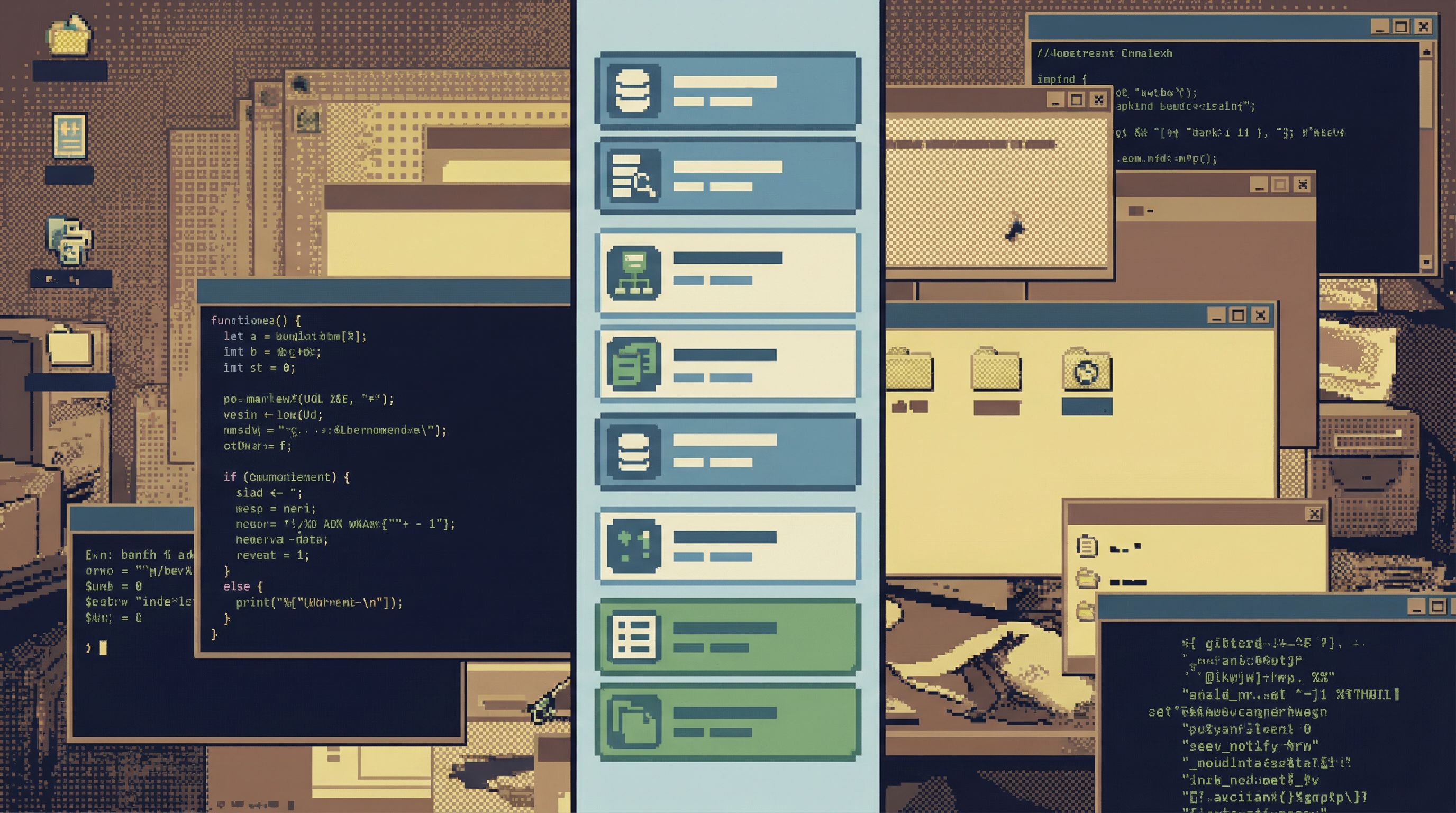
Why most teams need guardrails more than superpowers
Not every team is the same. Some need full admin consoles. But most engineering teams—especially product teams working against production data—benefit more from strong read paths than from raw power.
1. Most questions are read‑only
Look at your last month of database usage:
- Debugging user issues
- Investigating incidents
- Validating metrics
- Answering “what happened?” questions from support or product
Almost all of that is SELECT work.
Writes matter, but they’re rare and high‑risk. Treating them as first‑class in the day‑to‑day UI is backwards. A read‑biased tool makes the common path safe and keeps the rare, dangerous path explicit.
2. Calm beats clever under pressure
During incidents, cleverness is a liability. People are tired, rushed, and juggling multiple channels. A tool that offers admin superpowers in that moment is asking for trouble.
Guardrails help you:
- Avoid destructive queries in the heat of the moment
- Keep everyone looking at the same, shared views
- Make it harder to “freestyle” your way into a new problem
Incident Triage Without the Firehose walks through how a narrower, opinionated view of production data leads to faster, cleaner incident response.
3. Guardrails make expertise reusable
Senior engineers often have a mental map of “how to read” the database:
- Which tables actually matter for billing
- How to trace a user’s lifecycle across services
- Which columns are trustworthy and which are legacy
If your main tool is a blank SQL canvas, that expertise stays in their heads (or in a scattered folder of saved queries).
Opinionated read paths turn that expertise into:
- Shared entry points ("User overview", "Order timeline", "Job run history")
- Safe, pre‑filtered views that newer teammates can trust
- Predictable navigation (“from user → subscriptions → invoices → payments”)
That’s the same move we explore in From Ad-Hoc Queries to Repeatable Flows: turning one‑off hero work into calm, repeatable patterns.
4. Compliance and privacy get simpler
With raw admin tools, privacy and compliance controls tend to be bolted on:
- Complex role hierarchies
- Custom views per team
- Hand‑rolled policies on who can see what
An opinionated read path can bake those constraints into the path itself:
- Certain pivots are only available to specific roles
- Sensitive columns are masked or omitted from default views
- Write access lives in a separate, clearly marked surface
You get fewer bespoke rules and more structural safety.
Designing opinionated read paths in your stack
You don’t have to rebuild your tools from scratch to benefit from this. You can start with a small set of deliberate patterns.
1. Start from real questions, not schema
Collect the questions your team actually asks:
- “What happened with this user?”
- “Why didn’t this job run?”
- “Did this feature flag flip for the right cohort?”
Then, for each question, sketch a path:
- Entry point – Where do we start? (User ID, job ID, order ID)
- Primary view – What’s the first thing we need to see? (current state, last few events)
- Key pivots – What are the 2–4 most useful jumps from there? (payments, logs, related jobs)
- Safe defaults – Which filters and limits should always be applied?
Your goal is not to cover every possible path. It’s to make the most common ones feel effortless and safe.
2. Separate read and write surfaces
Even if you keep using a general‑purpose tool, draw a hard line:
- Read surface: pre‑built views, SELECT‑only queries, limited filters, no schema changes
- Write surface: migrations, maintenance scripts, bulk updates, DDL
Concretely:
- Use different tools for read vs. write when possible (for example, Simpl for exploration and a migration tool like Flyway or Sqitch for schema changes).
- If you must use one tool, enforce separate connections or profiles with different permissions and visual cues.
- Make the read surface the default. Make the write surface slightly harder to reach.
3. Encode guardrails into the UI, not the wiki
Instead of relying on “best practices” docs, push safety into the interface:
- Hard limits on row counts and time windows for ad‑hoc queries
- Pre‑filtered views for heavy tables (e.g., always scoped to a single user, order, or tenant)
- Clear environment labels (color, copy, and URL) so you can’t mistake staging for production
- Read‑only by default for the majority of users; explicit opt‑in for write roles
This is a core design principle in Simpl: calm defaults that make the safe thing the easy thing.
4. Turn trails into first‑class objects
When someone does a good investigation—say, tracing a billing issue through three tables—don’t let that work disappear.
Instead:
- Save the sequence of views and filters as a named trail
- Attach lightweight notes (“check for missing invoices here”)
- Share it in your incident or support runbooks
Over time, your opinionated read paths become a shared library of “how we look at data,” not just a pile of ad‑hoc queries.
Tools like Simpl are built to support this kind of trail‑based debugging out of the box, but you can approximate it with saved queries and internal docs if needed.
5. Limit pivots on purpose
Infinite navigation is tempting: from any record, you could jump to every related table. That’s also how people get lost.
For each primary view, cap yourself:
- 2–4 pivots that represent the most valuable next questions
- Everything else stays accessible via raw SQL or advanced views
This constraint does two things:
- Keeps the mental model small
- Forces you to prioritize what actually matters
When you find yourself wanting to add a fifth pivot, ask: what would we remove instead?
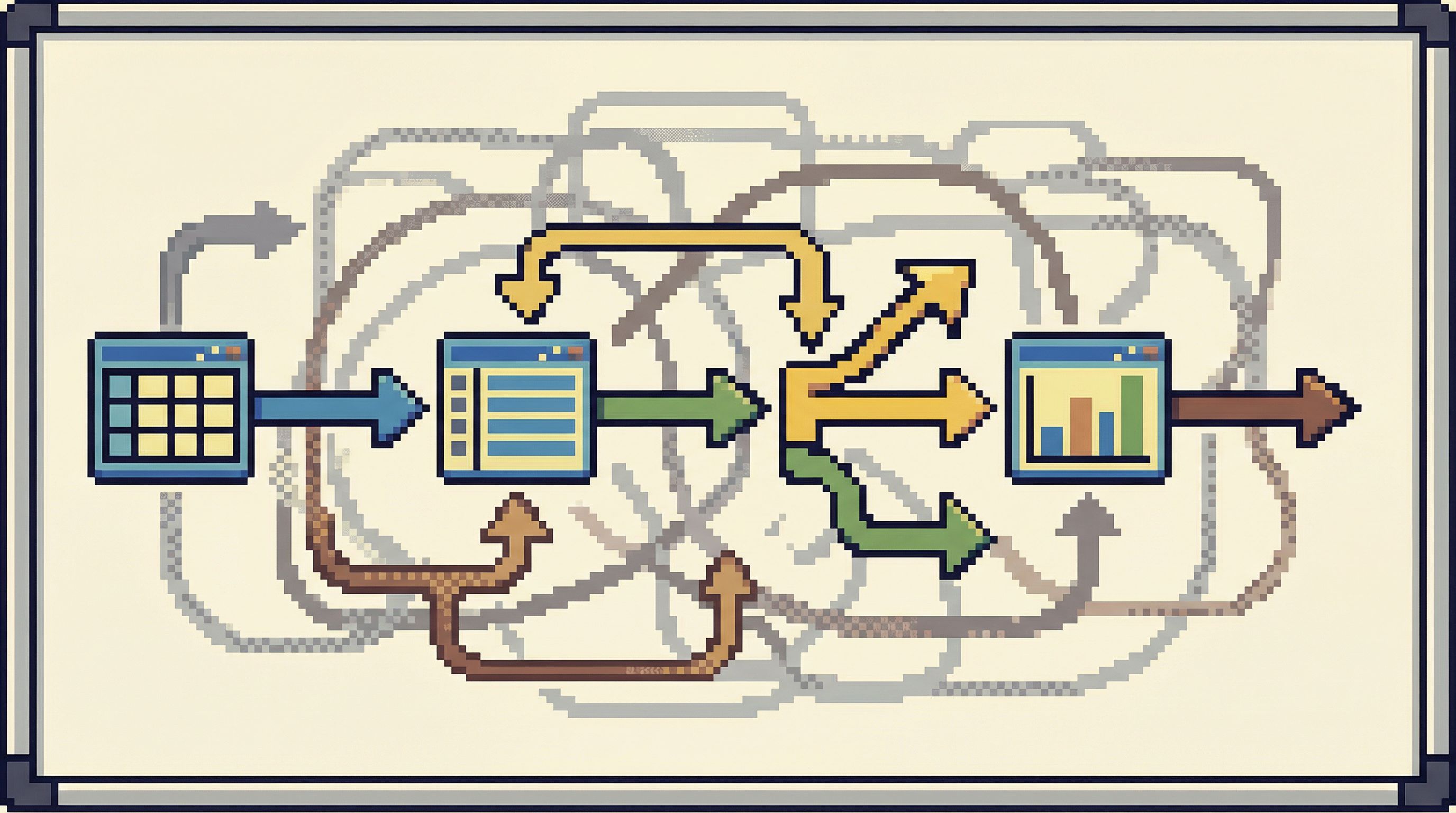
A simple blueprint you can adopt this quarter
If you want to move toward opinionated read paths without a huge project, here’s a pragmatic plan.
Week 1–2: Map and choose
- List the 5–10 most common questions your team asks of the database.
- For each, sketch the ideal read path on paper or in a doc.
- Pick 2–3 paths that:
- Are high‑impact (incidents, billing, core product flows)
- Are currently painful or error‑prone
Week 3–4: Build narrow, safe views
Using your existing tools or a browser like Simpl:
- Create entry views: user overview, order overview, job overview
- Add pre‑set filters and limits so each view is:
- Scoped to a single entity or small cohort
- Limited in time and row count
- Define 2–3 pivots from each view that match real follow‑up questions
Make sure these views are:
- Clearly labeled as read‑only
- Easy to reach from your main developer or support docs
Week 5–6: Encode and socialize
- Add links to these views in:
- Incident runbooks
- Support playbooks
- Onboarding docs for engineers
- Run a short internal session: “Here’s how we read production data now.”
- Ask for feedback: what’s missing, what’s confusing, what’s overkill?
Week 7+: Iterate, don’t expand
Resist the urge to add more paths immediately. Instead:
- Refine the existing ones based on real use
- Remove pivots that nobody uses
- Tighten defaults if you see risky behavior
Only then, add new paths for new recurring questions.
Summary
Most teams don’t suffer from a lack of database power. They suffer from:
- Tools that expose admin‑level capabilities for everyday read work
- Quiet risk baked into blank SQL canvases
- Tribal knowledge about “how to read” the database living only in senior heads
Opinionated read paths flip the default:
- Read‑first, write‑second
- Narrow, contextual flows instead of schema sprawl
- Guardrails in the UI, not just in policy docs
- Shared trails that turn good investigations into reusable assets
You still keep admin tools where they belong. You just stop treating them as the primary interface for understanding your data.
That’s the stance behind Simpl: a calm, opinionated database browser built for real‑world debugging, not raw superpowers.
Take the first step
You don’t need a full migration to benefit from opinionated read paths. Pick one recurring question—“What happened with this user?” is usually a good start—and design a single, safe, focused path for it.
Once you’ve felt the difference of a calm, guided read experience, it’s hard to go back to the blank canvas.
If you’d like a tool that’s built around this philosophy from the start, explore Simpl. Start with one connection, one path, and see how much quieter your database work can feel when guardrails are the product, not an afterthought.