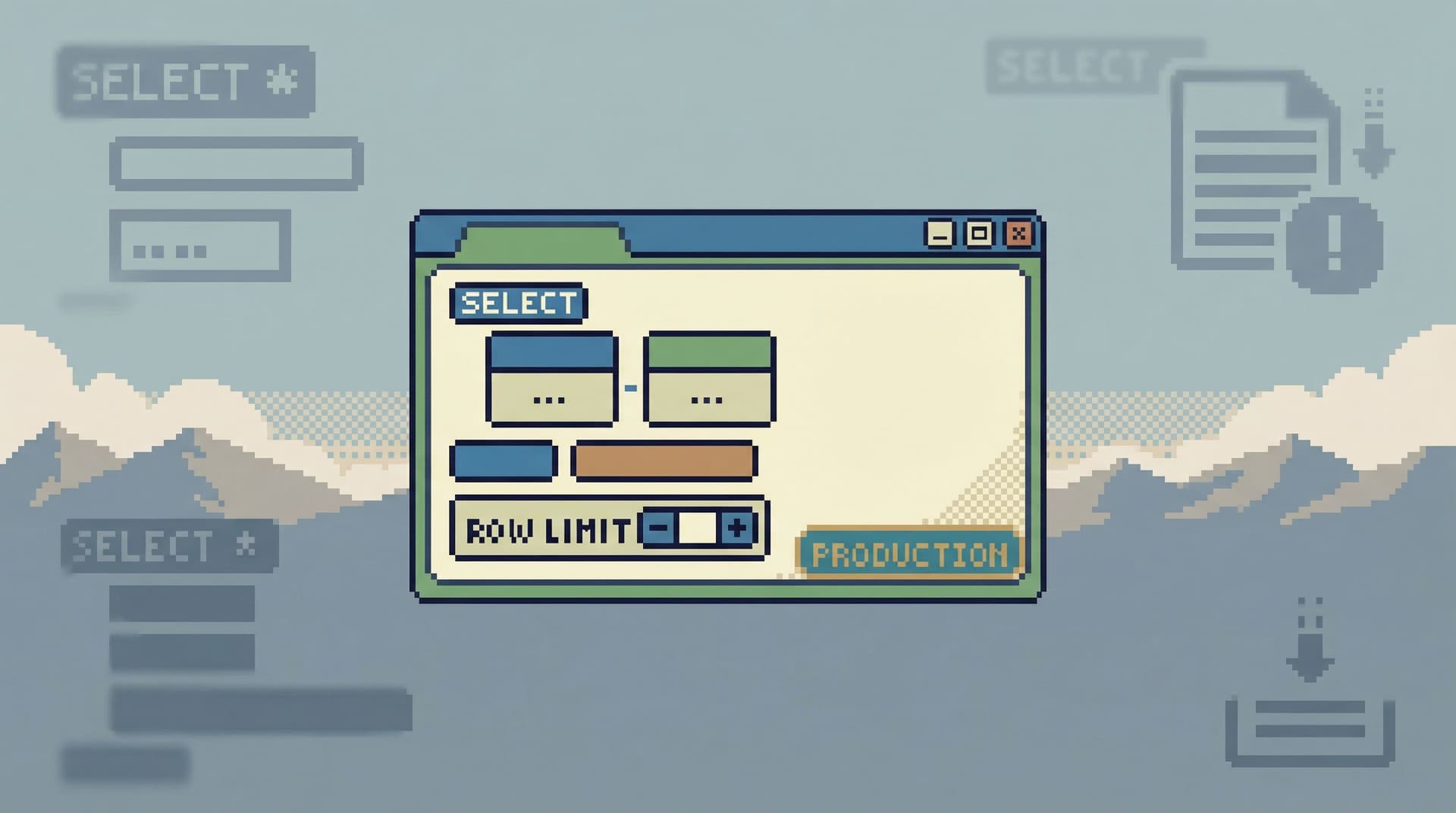
The Anti-Admin Panel: A Framework for Scoping Database Tools to Everyday Engineering Work

Most engineers don’t wake up wanting an admin panel.
They wake up wanting answers:
- What exactly happened to this user’s subscription?
- Did this job run twice or just log twice?
- Why does this order look different between two services?
Those are focused, read-heavy questions. But the tools we put in front of them are usually broad, write-capable admin surfaces or full SQL IDEs. The result is predictable: cognitive load, risk, and a lot of “don’t click the wrong thing” anxiety.
An anti-admin panel starts from a different premise:
Everyday engineering work deserves its own, smaller database tool.
Not a downgraded admin panel. Not a BI suite with fewer buttons. A deliberately scoped, read-first browser that is opinionated about what doesn’t belong in the interface.
This post lays out a framework for scoping that tool: what to exclude, what to emphasize, and how to design something that feels calm instead of precarious.
Along the way, we’ll reference how products like Simpl take this stance seriously: an opinionated database browser that focuses on everyday engineering work, not all possible database work.
Why an Anti-Admin Panel Matters
Most teams already have admin panels, BI tools, and SQL IDEs. So why carve out yet another category?
Because the jobs are different:
- Admin panels are about control and operations.
- BI tools are about metrics and reporting.
- SQL IDEs are about full power and arbitrary queries.
- Everyday engineering work is about understanding specific situations in the data.
When you use a tool optimized for control or reporting to do understanding work, you pay a tax:
- Risk feels ambient. Even if you’re “read-only,” the surface suggests you could do something dangerous. That background tension slows people down.
- Attention gets fragmented. Multiple panels, tabs, and modes invite wandering instead of a straight line from question to answer. We dig into this more in posts like The Calm Query Console: Why Most Database Work Needs Fewer Modes, Not More Features.
- Context is thin. Schema trees and dashboards rarely map cleanly to the real debugging stories engineers are trying to follow.
A well-scoped anti-admin panel changes the default:
- Production feels serious, but not scary.
- Read paths are narrow, safe, and obvious.
- Engineers spend more time thinking about the data and less time managing the tool.
That calm is not an aesthetic choice. It’s a safety and velocity choice.
The Core Principle: Scope to Everyday Engineering Work
Before you design screens or choose a stack, you need a sharp boundary:
This tool exists for read-heavy, question-driven engineering work. Not for writes, not for reporting, not for schema management.
Concretely, that means:
- Primary users: product engineers, SREs, on-call responders, tech leads.
- Primary tasks:
- Inspect a single user, job, order, or event trail
- Verify the effect of a migration or background job
- Trace an incident through a few key tables
- Compare “what we think should have happened” with “what actually happened”
- Primary constraints:
- Read-first, often read-only
- Narrow, explainable queries
- Minimal navigation and mode switching
Everything else is a candidate for exclusion.
If you want a mental model, pair this with the idea of a narrow query surface from The Narrow Query Surface: Designing Database Tools That Encourage Only the Right Questions. Your job is not to support every query. It’s to support the right ones with as little surface area as possible.
A Simple Framework: Four Axes for Scoping
When you’re designing or choosing an anti-admin panel, evaluate it on four axes:
- Read vs. Write
- Story vs. Schema
- Linear vs. Exploratory
- Focused vs. Instrument Panel
Let’s walk through each and translate them into concrete design choices.
1. Read vs. Write: Make Writes Exceptional, Not Ambient
Most database tools start with a blank SQL editor and full permissions. Even if you lock them to read-only, the interface still feels like a place where writes are normal.
An anti-admin panel flips that:
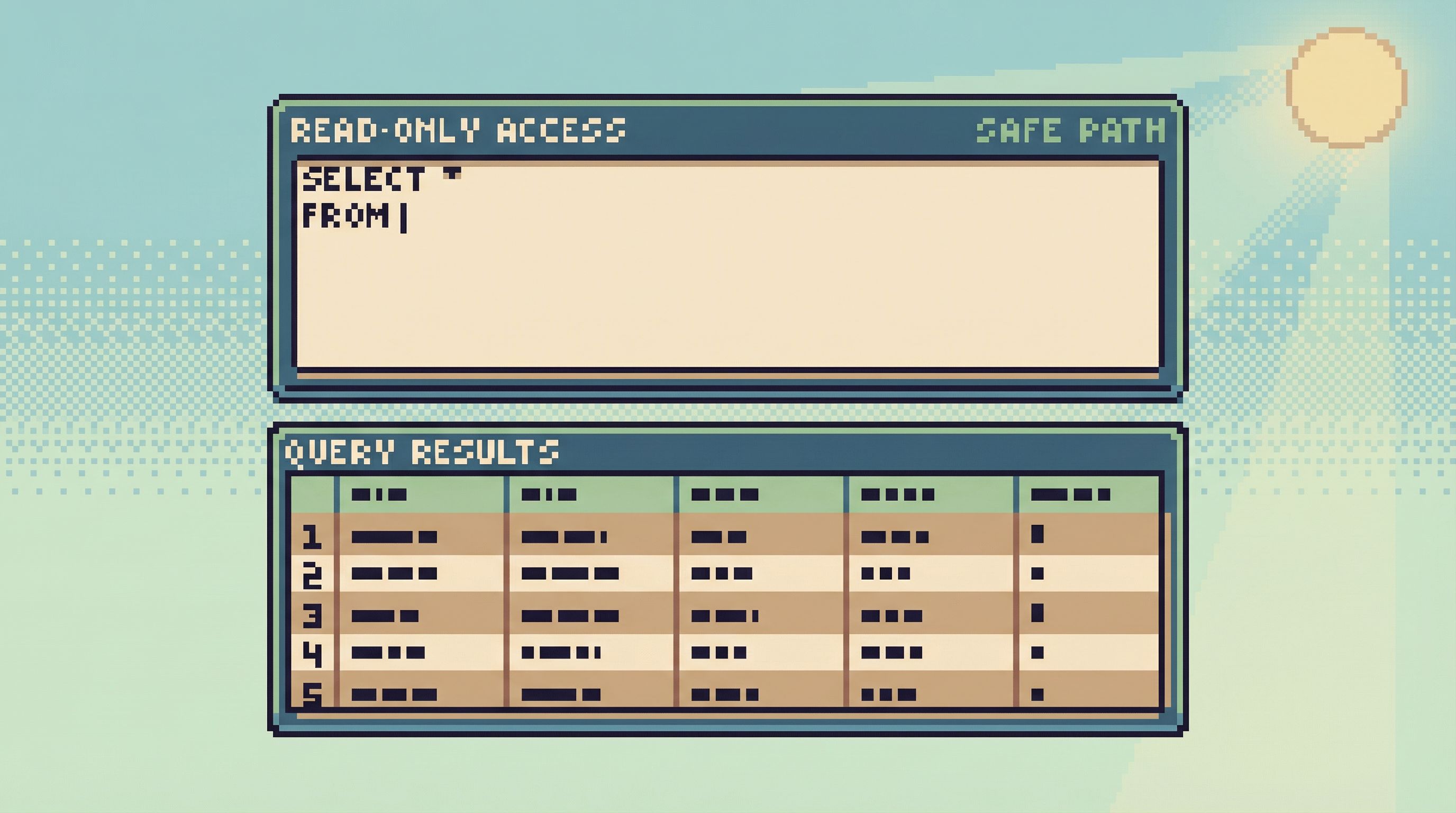
- Default stance: read-only, always.
- No UPDATE/DELETE UI.
- No inline edit cells.
- No “quick actions” that mutate data.
- Destructive actions live elsewhere.
- If you need a migration console or backfill runner, give it a separate tool, URL, or at least a visually distinct section.
- Language and visuals reinforce this.
- Copy talks about “trails,” “views,” and “reads,” not “operations” or “changes.”
- Dangerous actions, if they exist at all, are visually loud and require deliberate steps.
Tools like Simpl are built explicitly as read-first, read-heavy browsers. They’re not admin panels with a read-only flag; they’re designed around the assumption that most sessions should never start with WRITE—a stance we explore more in Designing for Read-Heavy Work: Why Most Database Sessions Should Never Start With ‘WRITE’.
Practical steps:
- Audit your current tools: where can someone appear to write, even if permissions block it?
- Remove or visually isolate those affordances from the everyday read tool.
- If you’re building something new, don’t start from a generic SQL editor. Start from a read-only view.
2. Story vs. Schema: Start From Real Questions, Not Object Lists
Most admin panels and SQL clients start with a schema tree: tables on the left, columns in the middle, results at the bottom.
That’s great for people who already know the schema by heart. It’s less helpful for the engineer trying to answer:
- “Why did this user get charged twice?”
- “What exactly did this background job do between 03:00 and 03:15?”
An anti-admin panel is story-first:
- Entry points match real questions.
- “Look up a user by ID or email.”
- “Follow a job run.”
- “Trace an order across services.”
- Views are opinionated composites.
- Show the key tables and joins that matter for a given story.
- Hide irrelevant columns by default.
- Add contextual labels and derived fields that match how engineers talk about the system.
- Schema is secondary, not primary.
- You can still navigate tables when you need to.
- But the main path starts from the question, not from the object list.
This is the same stance we explore in Schema Less, Context More: Designing Database Views Around Real Debugging Questions and Less Schema, More Story: Helping Engineers Navigate Databases by Use Case, Not Object List.
Practical steps:
- Catalog the top 10 recurring debugging stories your team faces.
- For each, sketch a single “story view”:
- What entities show up every time?
- Which tables and joins are actually used?
- What context (timestamps, statuses, relationships) matters most?
- Build or configure your tool so that these story views are first-class entry points.
Over time, this turns your anti-admin panel into a library of well-lit paths through production, instead of a generic schema browser.
3. Linear vs. Exploratory: Favor Paths Over Mazes
Exploration is powerful. It’s also where people get lost, run heavy queries, and drift into rabbit holes.
For everyday engineering work, you usually don’t need a maze. You need a path.
An anti-admin panel emphasizes linear workflows:
- One active question at a time.
- Avoid tab explosions and nested panels.
- Encourage a “one-query mindset,” where each step is a deliberate continuation of the last, not a branching tree.
- Breadcrumbs instead of branches.
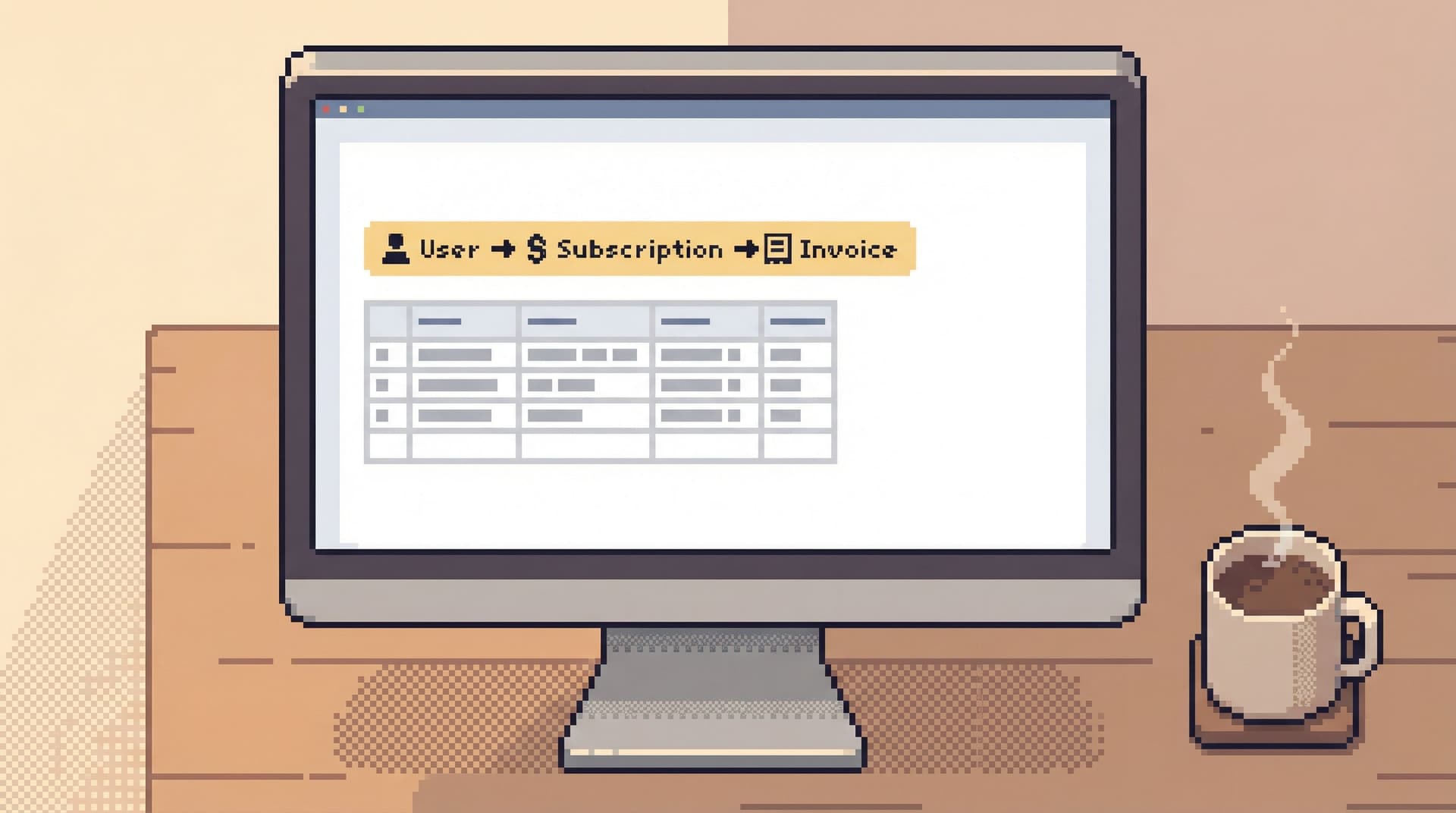
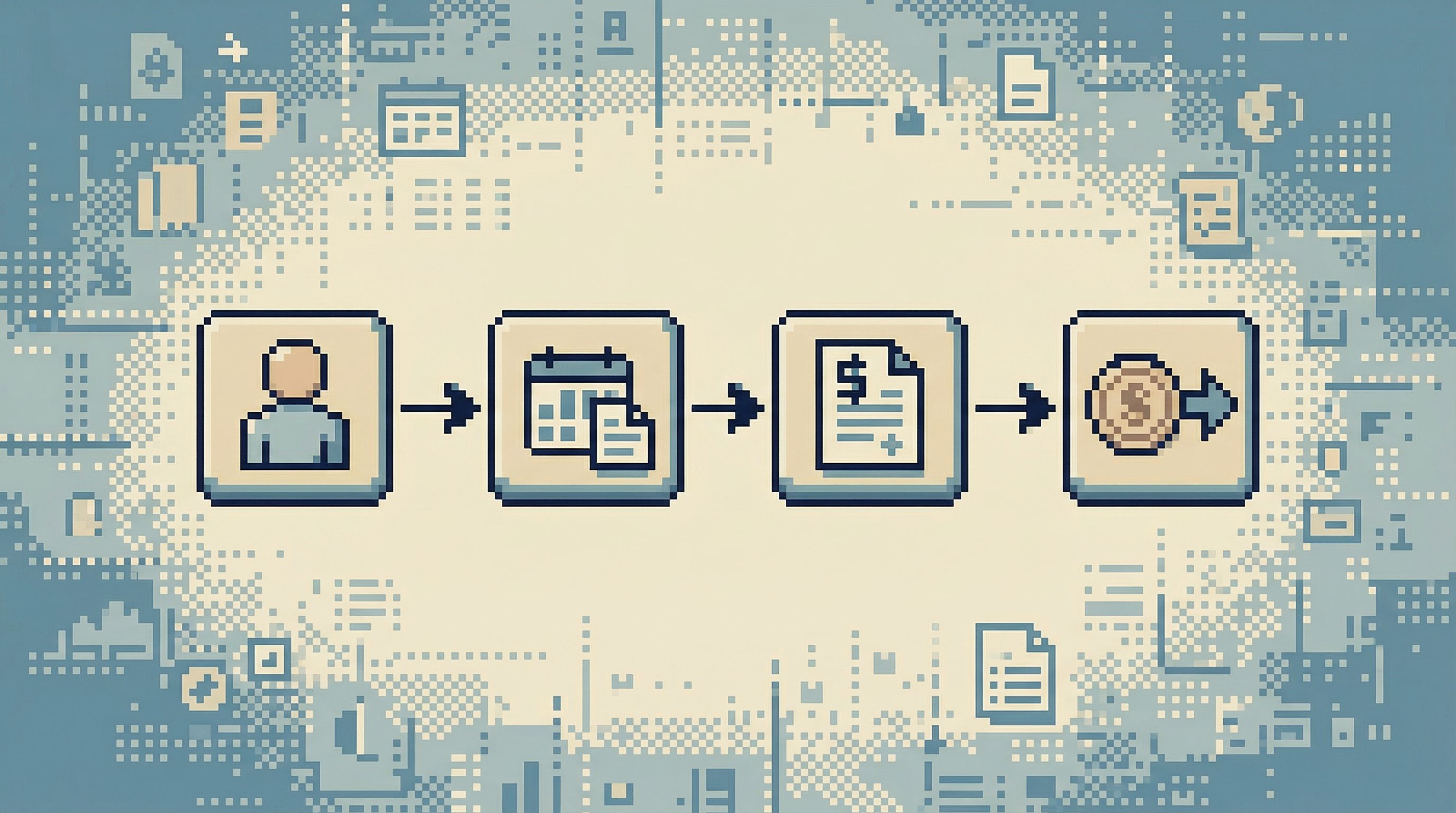
- Show a clear trail: User → Subscription → Invoice → Payment Attempt.
- Make it easy to step back, not sideways into unrelated data.
- Scoped follow-ups, not open canvases.
- From a user, you can jump to “recent orders” or “recent jobs,” not “any table in the database.”
We dig into this linear stance in posts like Production Reads Without the Rabbit Holes: Structuring Safe, Linear Debugging Sessions and The One-Query Mindset: Structuring Database Work to Avoid Cognitive Thrash.
Practical steps:
- Limit visible modes in your everyday tool: one main view, one details pane, one query/result area.
- Capture trails as artifacts.
- Let people save and share “read trails” so others can replay the same path instead of re-exploring from scratch.
- Tools like Simpl lean into this with session histories and shareable views.
- Be deliberate about links.
- Every link should move the story forward or back, not sideways into an unrelated schema wander.
4. Focused vs. Instrument Panel: Resist the Urge to Show Everything
Admin panels love widgets:
- Charts
- Counters
- Live-updating tiles
- Environment banners
These are useful for operations and reporting. They’re distracting for focused debugging.
An anti-admin panel is closer to a single-window session than a cockpit:
- Minimal chrome.
- One main content area; navigation that stays out of the way.
- No permanent sidebars full of “maybe useful” panels.
- No dashboards by default.
- If you need metrics, link out to your observability or BI tool.
- Keep this surface for drilldowns, not monitoring. We explore this separation in From Dashboards to Drilldowns: Why Engineering Teams Need a Different Kind of Data Tool.
- Calm visual language.
- Neutral colors, limited motion, clear typography.
- Use emphasis sparingly: when something is red, it should really matter.
Practical steps:
- Remove any chart, widget, or counter that isn’t directly helping with the primary debugging stories you identified.
- If your tool supports plugins or extensions, scope them to views, not to random panels that sit on every screen.
- Aim for a layout that would still feel usable if you had to share it over a low-resolution screen share. That’s a good proxy for focus.
Guardrails Without Friction
Scoping the surface is only half the story. You also need to make the allowed actions feel safe.
Opinionated guardrails can live quietly in the background:
- Safe-by-default query patterns.
- Implicit
LIMITon large tables. - Warnings for unbounded time ranges.
- Predefined filters for “hot” tables.
- Implicit
- Contextual hints instead of dense docs.
- Inline notes: “This table is large; always filter by
created_atandtenant_id.” - Short, human descriptions of views and joins.
- Inline notes: “This table is large; always filter by
- Progressive disclosure of power.
- Start with simple filters and lookups.
- Let advanced users drop into raw SQL within the constraints of the tool, not as the default entry point.
We go deeper on this pattern in Guardrails in the Query Editor: UX Patterns That Make Unsafe Reads Hard by Default and Calm by Default: UX Patterns That Make Dangerous Database Actions Feel Rare and Deliberate.
Tools like Simpl bake these ideas into their query editors: you can still ask powerful questions, but the interface nudges you toward bounded, explainable reads.
Where This Tool Lives in Your Stack
An anti-admin panel doesn’t replace everything. It sits alongside:
- Admin / ops tools for writes, migrations, and configuration.
- BI / analytics tools for reporting, dashboards, and long-term metrics.
- SQL IDEs for deep schema work, complex migrations, and exploratory analysis.
Its job is narrower:
Give engineers a calm, trustworthy place to answer concrete questions about production data.
That separation pays off:
- On-call engineers know exactly where to go for safe, linear debugging.
- Product engineers can verify hypotheses without asking for a DBA or BI specialist.
- Risky operations are naturally channeled into the right tools, with the right rituals.
How to Start: A Practical First Step
You don’t need to build a full custom tool to benefit from this framework. You can start with a few deliberate moves:
-
Name the job.
- Explicitly define “everyday engineering data work” as its own category in your team.
- Write down the 5–10 most common questions that fit this bucket.
-
Choose or designate a single tool for that job.
- This might be a purpose-built browser like Simpl.
- Or a constrained mode of an existing internal tool.
- The key is: one URL, one mental model, read-first.
-
Strip it down.
- Remove write actions, generic dashboards, and rarely used panels.
- Add 2–3 story-first views that match your top questions.
-
Add quiet guardrails.
- Default limits, safe filters, and contextual hints.
- Log and share good “read trails” so the team can reuse them.
-
Socialize the boundary.
- Make it clear: this is not the place for migrations, backfills, or schema surgery.
- Encourage on-call and debugging sessions to start here, not in an IDE.
Over a few weeks, you’ll likely notice two things:
- Fewer “can someone check prod for me?” requests.
- Less anxiety when opening a connection to production.
Summary
An anti-admin panel is not a weaker admin panel. It’s a different tool entirely.
Scoped to everyday engineering work, it:
- Treats reads as the default and writes as exceptional.
- Starts from stories, not schemas.
- Encourages linear paths instead of open-ended exploration.
- Stays focused and quiet, resisting the urge to become a dashboard or cockpit.
- Builds in guardrails as UX, not just permissions.
Products like Simpl embody this stance: a calm, opinionated database browser for engineers who spend most of their time reading, tracing, and understanding—not mutating.
If your current tools make production feel dangerous or noisy, this framework gives you a way to redraw the boundary: one tool for control, one for reporting, and one small, quiet surface for the work you actually do most days.
Take the First Step
You don’t need a full redesign to move toward an anti-admin panel. Start small:
- Pick one tool to be your read-first home for production data.
- Remove or hide a single write action and a single noisy dashboard from that surface.
- Add one story-first view for your most common debugging question.
Then watch how your next on-call shift feels.
If you want to see what a purpose-built anti-admin panel looks like in practice, explore how Simpl scopes its interface to everyday engineering work—and consider whether that stance matches what your team actually needs from its database tools.