Query Fast, Think Slow: Designing Database Tools for Deliberate Work


Most database tools push you to move faster.
Tabs everywhere. Autocomplete that races ahead of your intent. Dashboards that update before you know what you’re looking for.
Speed is easy to sell. But when you work with data, speed without structure doesn’t make you more effective. It just makes your mistakes arrive sooner.
This post is about a different bias: query fast, think slow.
Move quickly through the mechanics of querying so you can spend your attention on the hard parts: understanding models, tracing relationships, and making decisions you can stand behind a week from now.
That bias should shape how we design and choose database tools.
Why deliberate work with data matters
Most data work is not about writing SQL. It’s about:
- Understanding what the data actually represents
- Tracing how it flows between systems
- Reconciling edge cases, nulls, and historical quirks
- Aligning a query with a real question from a teammate or customer
The query is just the visible tip of the process.
When tools over‑optimize for speed and visual noise, a few predictable problems show up:
- Shallow understanding – You get an answer, but you’re not sure what it really means.
- Hidden assumptions – Joins and filters encode business logic that no one has written down.
- Copy‑paste analytics – You reuse queries you barely understand because they “seem to work.”
- Decision regret – You made the call, but you’re uneasy about how solid the data really was.
Deliberate tools are an antidote. They:
- Make it cheap to run and refine queries
- Make it obvious what a query is doing
- Make it natural to pause, annotate, and revisit thinking later
This is the philosophy behind tools like Simpl, an opinionated database browser that’s built for calm, focused exploration instead of dashboard theater.
What “query fast, think slow” really means
The phrase is borrowed from cognitive psychology: use your quick, intuitive system for mechanics; use your slower, reflective system for judgment.
Applied to database work:
-
Query fast
- Connecting, browsing schemas, and running simple selects should feel nearly frictionless.
- You shouldn’t burn cognitive energy on repetitive setup.
- The tool should help you move from question → first query → first result in seconds.
-
Think slow
- The tool should encourage you to inspect assumptions, not skip past them.
- It should help you compare variants, annotate insights, and return later.
- It should make risky actions (like destructive writes) feel weighty, not casual.
A good database tool is not a slot machine. It’s closer to a lab notebook.
Principle 1: Reduce interface noise so the schema can speak
Most developers don’t struggle with SQL syntax. They struggle with mental models:
- What does
orders.statusreally mean in this system? - Is
deleted_atsoft‑delete, or does it mean something else? - Which table is the source of truth for a customer’s current plan?
Your tool should make it easier to answer those questions, not bury them.
Design choices that help:
-
Minimal chrome, maximal data
Hide rarely used panels. Keep the viewport focused on:- The query
- The schema
- The results
-
Schema as a first‑class citizen
You should be able to:- Browse tables without opening new windows
- See column types and basic descriptions at a glance
- Jump quickly between related tables
-
Gentle hierarchy, not visual clutter
Use typography and spacing instead of bright colors and heavy borders. This keeps your attention on structure, not decoration.
Simpl leans hard into this: it’s intentionally not a full BI suite or admin dashboard. It’s a calm surface over your schema.

Principle 2: Make the first query effortless
Deliberate work starts with seeing something real as quickly as possible.
If it takes five minutes to:
- Figure out the right connection string
- Switch VPNs
- Navigate a cluttered list of environments
- Create a new query tab
…you’ve already spent attention that should have gone into the question itself.
Patterns that support fast first queries:
-
Opinionated defaults
- Default to the primary read‑only replica.
- Default to a safe limit on rows.
- Default to common schemas instead of dumping every internal system at once.
-
Saved entry points
- Let teams save “starter queries” for common investigations.
- Provide quick access to “last 5 queries you ran” so you don’t rebuild context.
-
No ceremony for read‑only exploration
- Make connecting to a read‑only environment simple and low‑risk.
- Defer complex configuration until you actually need it.
The goal: you should be able to go from question to first result in under a minute, without feeling rushed.
Principle 3: Make thinking visible, not just results
Most tools optimize for the output of a query: the table of results.
But the real asset is the path you took to get there.
When you revisit a query a month later, you want to know:
- Why did I choose this join path instead of another?
- What did I learn from the intermediate queries I threw away?
- Which edge cases did I already consider?
Design tools so that thinking naturally leaves a trail.
Concrete patterns:
-
Inline notes attached to queries
- A short text field next to each saved query: “What question is this answering?”
- Encourage notes like “Beware:
status = 'active'excludes trial users.”
-
Query history that’s actually usable
- Show a linear history of queries with timestamps.
- Let you diff two queries side by side.
- Allow filtering by table or keyword.
-
Named variants instead of overwritten drafts
- Save “v1 – naive join,” “v2 – fixed timezone,” etc.
- Make it easy to keep multiple working versions without clutter.
A browser like Simpl can lean into this by treating queries as artifacts, not just one‑off commands.
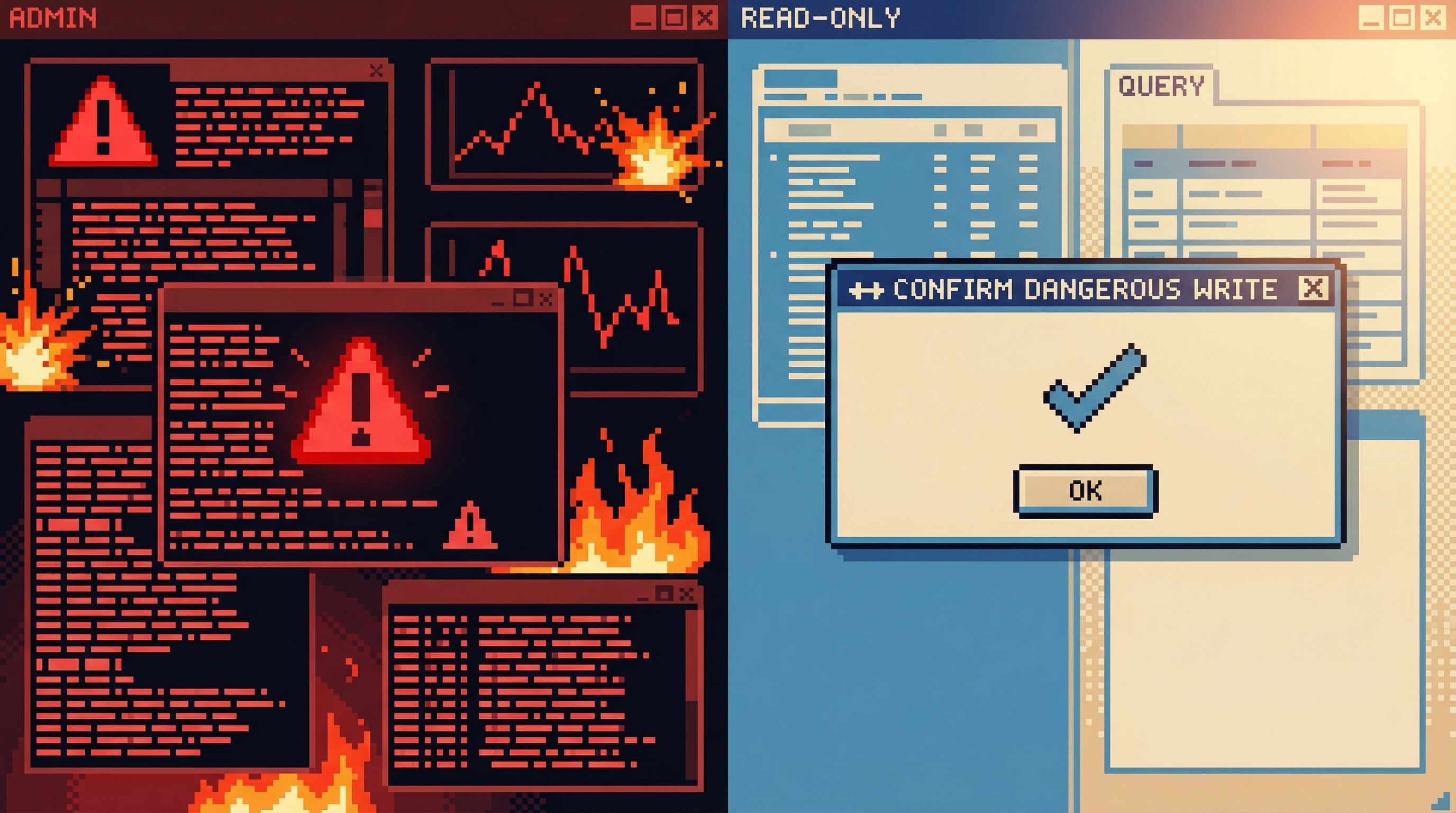
Principle 4: Guardrails for dangerous speed
Sometimes you don’t want to be fast.
Destructive operations, cross‑region queries, or anything that can quietly skew a dashboard should feel heavy.
Healthy friction points:
-
Clear separation of read vs write
- Different visual modes for
SELECTvsINSERT/UPDATE/DELETE. - Read‑only connections by default; write access is explicit and rare.
- Different visual modes for
-
Human‑readable previews of impact
Before running a write query, show:- Estimated rows affected
- Target tables
- Environment (staging vs production) in bold, unmissable text
-
Slow down irreversible actions
- Require a short confirmation phrase for schema changes.
- Use deliberate UI patterns (e.g., a separate “apply migration” step) instead of a single hotkey.
This is where “think slow” is not a metaphor. The tool should literally slow you down when it matters.
Principle 5: Design for shared understanding, not solo heroics
Most queries don’t live alone. They:
- Influence product decisions
- Feed into dashboards
- Get copied into other tools
If the knowledge stays in one person’s head, the team slows down.
Tool behaviors that encourage shared understanding:
-
Lightweight sharing, heavy context
- Share links to queries that include notes, schema hints, and sample results.
- Avoid “naked SQL” links with zero explanation.
-
Common library of trusted queries
- A space for vetted queries: “active users,” “MRR by plan,” “churned accounts.”
- Clear ownership: who maintains each one.
-
Explainable metrics
- When a query defines a key metric, attach a short human explanation.
- Make that explanation visible wherever the query is reused.
A focused browser like Simpl can sit alongside heavier BI tools by being the place where definitions are discovered, tested, and written down before they’re wired into dashboards.
Principle 6: Make it easy to move between exploration and verification
Deliberate work alternates between two modes:
- Exploration – “What’s going on here?”
- Verification – “Is this actually correct?”
Your tool should respect both.
For exploration:
- Fast iteration on filters and limits
- Keyboard‑first navigation
- Quick peeks at related tables and foreign keys
For verification:
- Easy ways to:
- Sanity‑check counts against existing reports
- Compare today’s results to last week’s
- Run the same query in staging vs production
A simple pattern: let users pin reference queries in a sidebar. When you’re exploring something new, you can quickly compare:
- “Does this count of active users match the trusted query?”
- “Did I accidentally filter out a key segment?”
This keeps you honest without forcing you into a heavy analytics platform every time.
How to bring this mindset into your own workflow
You don’t need to build a new tool from scratch to work this way. You can start with habits:
-
Write the question before the query
Add a one‑line comment at the top of each new query:-- What am I trying to learn? -
Name your assumptions
Add comments like:-- Assuming status='active' excludes trial users-- Ignoring rows before 2020 due to schema change
-
Keep variants instead of overwriting
Save multiple versions:revenue_naive.sqlrevenue_fix_refunds.sql
-
Schedule time for verification
When a query will influence a decision, block 15–30 minutes to:- Compare to another data source
- Check edge cases
- Ask a teammate to glance at it
-
Use calmer tools where possible
If your current stack is noisy or overpowered for everyday exploration, layer in something quieter. A browser like Simpl can sit on top of your existing databases and give you a more deliberate surface.
These habits compound. Over weeks and months, you end up with a library of understandable queries instead of a folder of mysterious SQL files.
Summary
Designing for “query fast, think slow” is about more than UX polish. It’s about respecting how real data work happens.
- Speed belongs in the mechanics – connecting, browsing, running first queries.
- Slowness belongs in the judgment – interpreting results, making changes, defining metrics.
- Good tools reduce noise so the schema and the question can stay in focus.
- Great tools make thinking visible – through notes, history, and shareable context.
- Guardrails matter – destructive actions should be slower, safer, and more explicit.
When you work this way, you ship fewer rushed queries, make more confident decisions, and build a healthier relationship with your data.
Take the first step
Pick one investigation you’re working on this week.
- Write the question at the top of your query.
- Capture one key assumption as a comment.
- Save at least two variants instead of overwriting the first draft.
- Share the final query with a teammate, including a short note about what you found.
And if your current tools make that feel harder than it should, try a calmer surface. Open up Simpl, connect to a read‑only database, and run a single, focused query.
Query fast. Think slow. Let your tools make space for the work that actually matters.