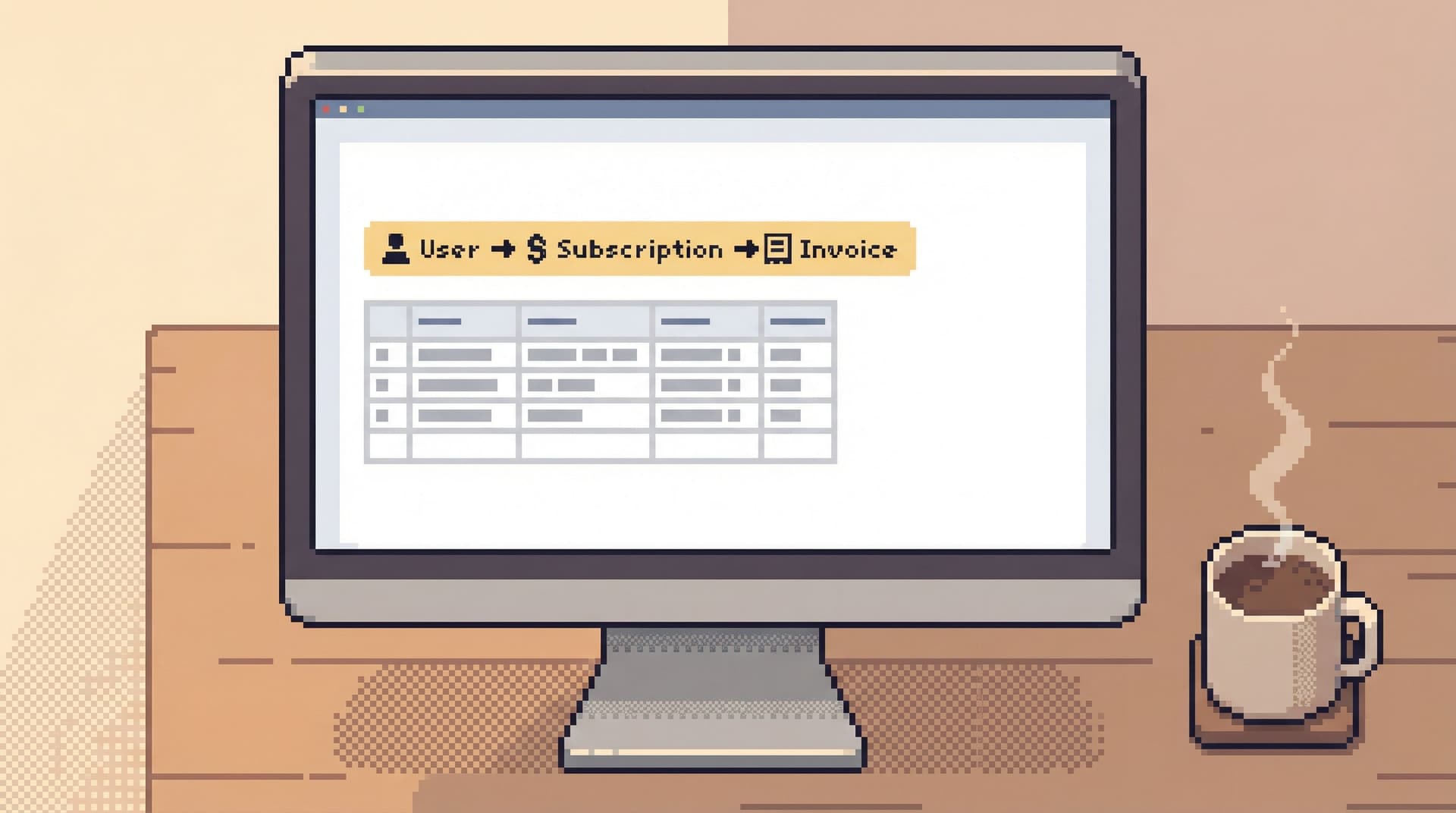
Guardrails Before Governance: A Practical Approach to Safer Day‑to‑Day Database Access


Governance sounds reassuring.
Role matrices. Approval flows. Policy docs. Quarterly reviews.
All of that has a place. But most of the risk around your production databases doesn’t live in a policy spreadsheet. It lives in the quiet, everyday moments:
- An engineer running a wide
SELECTon a hot table during peak traffic - A support teammate pasting a copied query into the wrong environment
- A “quick” backfill that accidentally runs against the live cluster
Those moments don’t wait for a governance committee. They happen inside tools, in the middle of work, under time pressure.
This is where guardrails matter.
Guardrails are the practical constraints, defaults, and UX choices that make the safe thing the easy thing. They come before governance not because governance is unimportant, but because without guardrails, governance has nothing to attach to. A policy that says “don’t run dangerous queries in prod” is meaningless if the query editor treats every query as equally safe.
Simpl is built around that idea: an opinionated database browser that emphasizes calm, read‑heavy work with safety built into the experience, not bolted on as an afterthought.
Why “Guardrails Before Governance” Matters
Most teams try to solve database risk from the top down:
- Write policies. Who can access what, under which conditions.
- Configure permissions. Roles in the database, roles in the SSO provider, roles in the admin panel.
- Add process. Change tickets, approvals, incident checklists.
These are important. But they share a weakness: they all assume that once you’ve set the rules, everyday behavior will follow.
It rarely does.
Engineers work under real constraints: incidents, deadlines, unclear bug reports, noisy dashboards. When the pressure is on, the interface in front of them shapes their behavior more than any PDF.
Guardrails are the missing middle layer:
- Between policy and raw database power
- Between “you’re allowed to do this” and “this is how you actually do it safely”
Done well, guardrails:
- Make dangerous actions rare and deliberate instead of one keyboard shortcut away
- Turn risky reads into calm defaults instead of “hope this doesn’t time out”
- Let more people safely touch production data without turning every session into a trust exercise
If you want a deeper dive into how UX can make dangerous actions feel rare instead of normal, see Calm by Default: UX Patterns That Make Dangerous Database Actions Feel Rare and Deliberate.
Start With the Reality of Everyday Access
Before you design guardrails, you need a clear view of how your team actually touches production data today.
Look at a normal week, not just incidents:
- Who opens a SQL client?
- Who uses the admin panel?
- Who screenshots dashboards instead of sharing links?
- Who asks someone else to “just run this query for me” because they’re nervous about prod?
You’ll usually find three overlapping groups:
- Core database owners – SREs, DBAs, senior engineers running migrations and heavy jobs.
- Everyday readers – product engineers, data engineers, support engineers reading data to debug or answer questions.
- Peripheral readers – support, success, ops, and PMs who occasionally need to see “what really happened” for a user or order.
Most governance programs are built around Group 1. Most risk comes from Groups 2 and 3.
The goal of guardrails is not to lock those people out. It’s to give them a smaller, safer surface that still lets them do real work.
This is the core argument behind The Anti-Admin Panel: A Framework for Scoping Database Tools to Everyday Engineering Work: everyday read work deserves its own, narrower tool.
Principle 1: Narrow the Surface Before You Tighten the Rules
Governance often starts from a wide surface: full SQL, full schema, full environment list. Then it tries to carve out safety with permissions.
A calmer approach flips that:
First narrow what’s possible, then govern what’s left.
Concrete moves:
-
Separate tools for reads and writes.
- Use a focused, read‑first browser like Simpl or a dedicated read‑only client for everyday debugging.
- Reserve full SQL IDEs for migrations, backfills, and controlled operations.
-
Hide environments by default.
- Most people don’t need direct access to every replica and staging variant.
- Show them a single, clearly labeled production read surface and maybe one non‑prod environment for experimentation.
-
Constrain the query surface.
- Offer templates and guided paths for common questions: “find user by email,” “trace job by ID,” “inspect order lifecycle.”
- Make freeform SQL a deliberate step, not the default entry point.
Tools like Simpl take this stance by design: read‑heavy, opinionated paths for everyday work, instead of a blank canvas that assumes everyone wants full control.
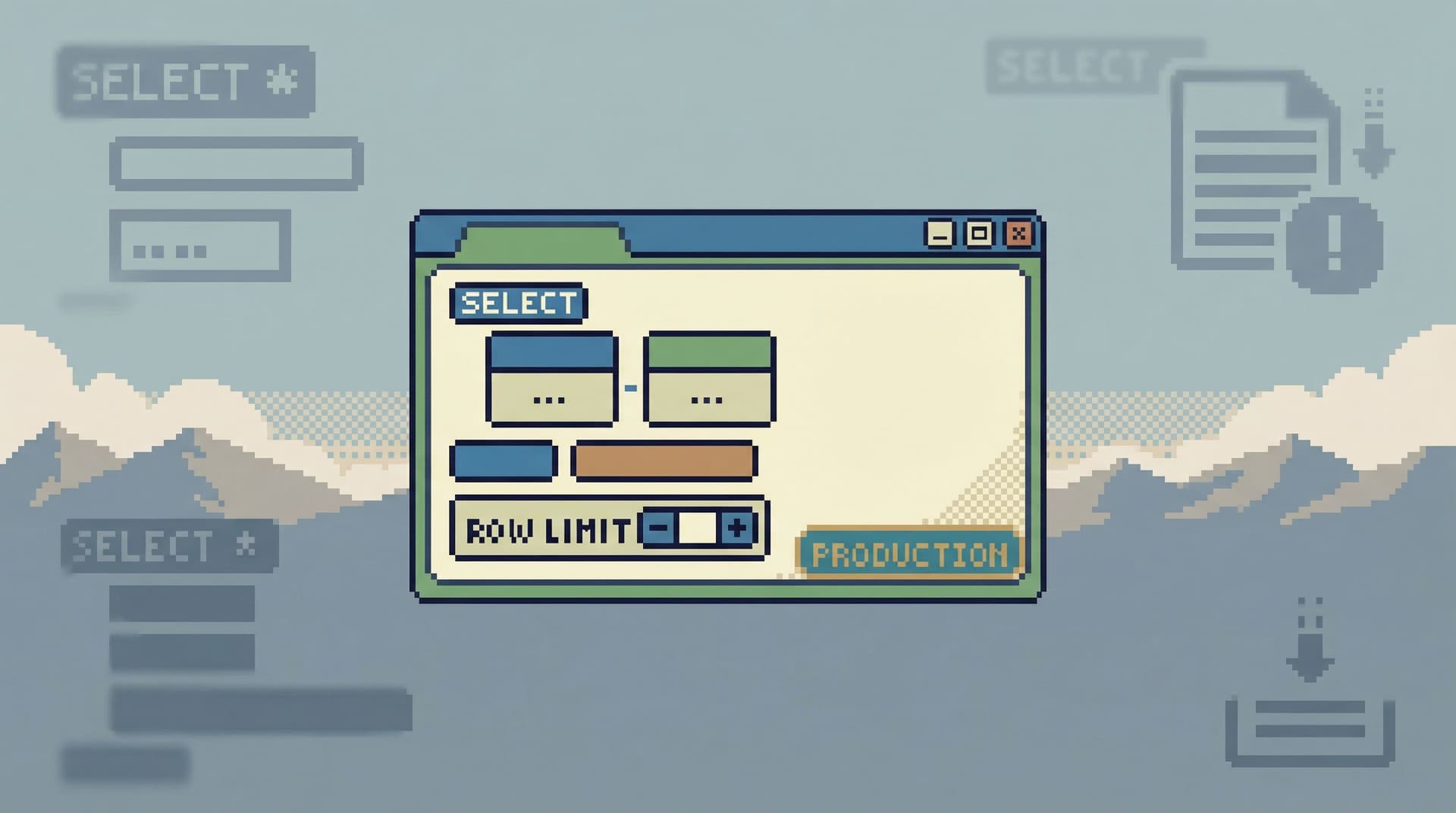
Principle 2: Make Unsafe Reads Hard by Default
Most teams already know to guard writes. The surprise is how often reads cause real incidents:
- A wide
SELECTthat saturates CPU - A missing
LIMITthat floods the app with data - A complex join that quietly times out and cascades
You don’t fix this with a Slack reminder. You fix it with defaults.
Patterns that work:
-
Soft limits, not just hard timeouts.
- Default
LIMITon ad‑hoc queries. - Visual warnings for queries that scan large tables or unindexed columns.
- “Are you sure?” prompts when a query is estimated to touch a huge number of rows.
- Default
-
Tiered query modes.
- Safe mode for everyday work: enforced limits, no long‑running queries, no cross‑database joins.
- Power mode for experts: available, but visually distinct and slower to enter.
-
Inline query education.
- Show simple cues: “This query will scan ~80% of table
events” or “No index oncreated_at; consider narrowing your WHERE clause.” - You don’t need a full query planner UI. Just enough feedback to make people pause.
- Show simple cues: “This query will scan ~80% of table
-
Guardrails in the editor itself.
- Auto‑insert
LIMITfor certain templates. - Highlight potentially dangerous patterns:
SELECT *on known‑hot tables, missing WHERE on huge tables.
- Auto‑insert
If you want concrete UX patterns for this, Guardrails in the Query Editor: UX Patterns That Make Unsafe Reads Hard by Default goes much deeper.
Principle 3: Design for Read‑First, Not “Anything Goes”
A lot of risk comes from tools that are neutral: they treat every session as a blank slate. You connect. You can do anything.
Guardrails start with a different assumption:
Most sessions are read‑first. Design for that path explicitly.
Tangible shifts:
-
Default to read‑only sessions.
- Opening a connection to production should put you in a read‑only mode by default.
- Write capabilities should require an explicit, visible switch with context about why you’re doing it.
-
Structure work around questions, not tables.
- Instead of dropping people into a schema explorer, start from “What are you trying to understand?”
- Offer flows like “Investigate a user,” “Trace a job,” “Inspect a batch,” each with pre‑wired queries.
-
Keep the session linear.
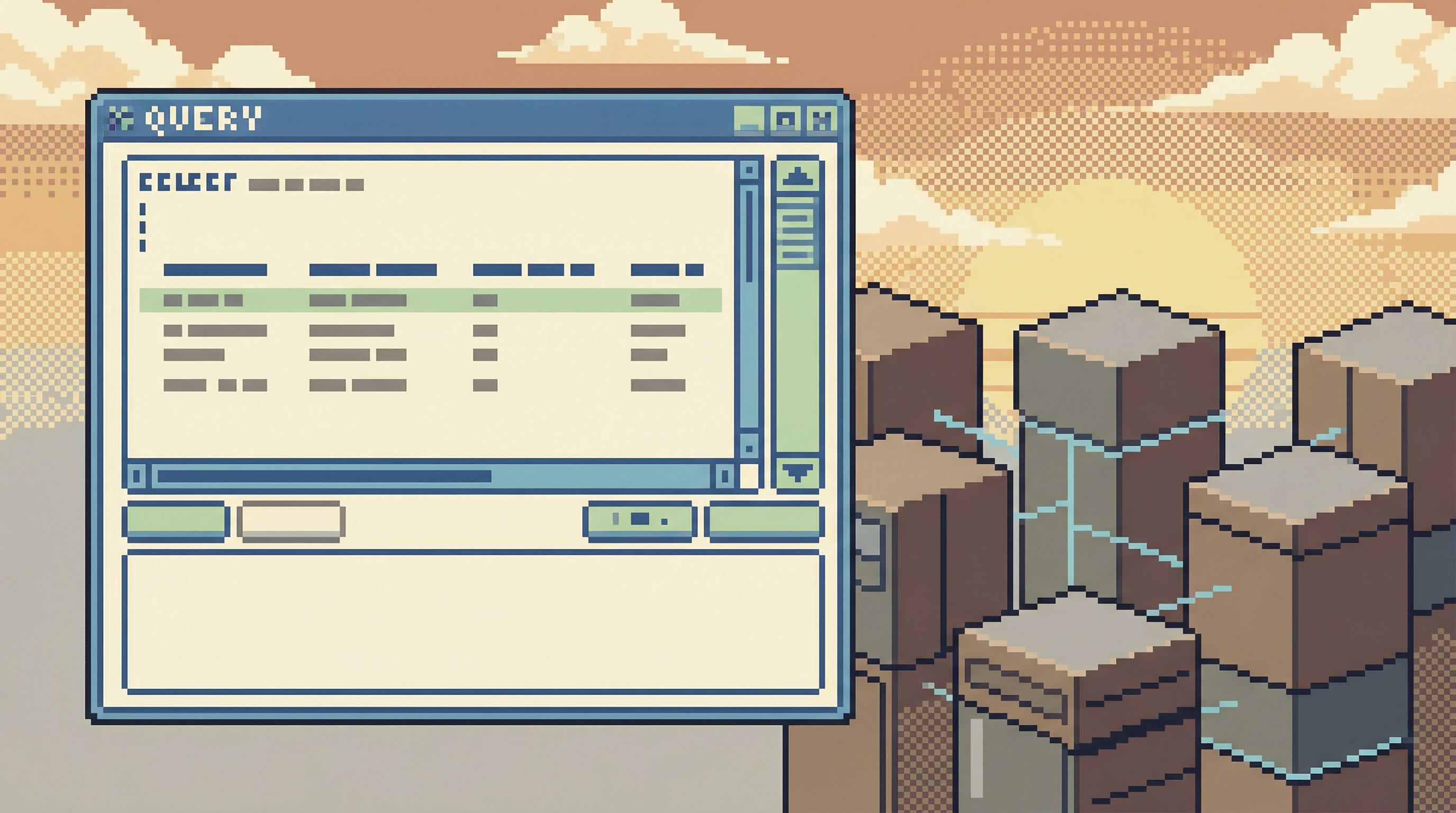
- Encourage a single trail of queries rather than a tab explosion.
- Make it easy to replay the trail later, especially for incidents.
This is where tools like Simpl lean heavily into calm, single‑window sessions and question‑oriented views, instead of schema trees and multi‑panel IDE layouts.
For a deeper take on structuring this kind of work, see The One-Query Mindset: Structuring Database Work to Avoid Cognitive Thrash.
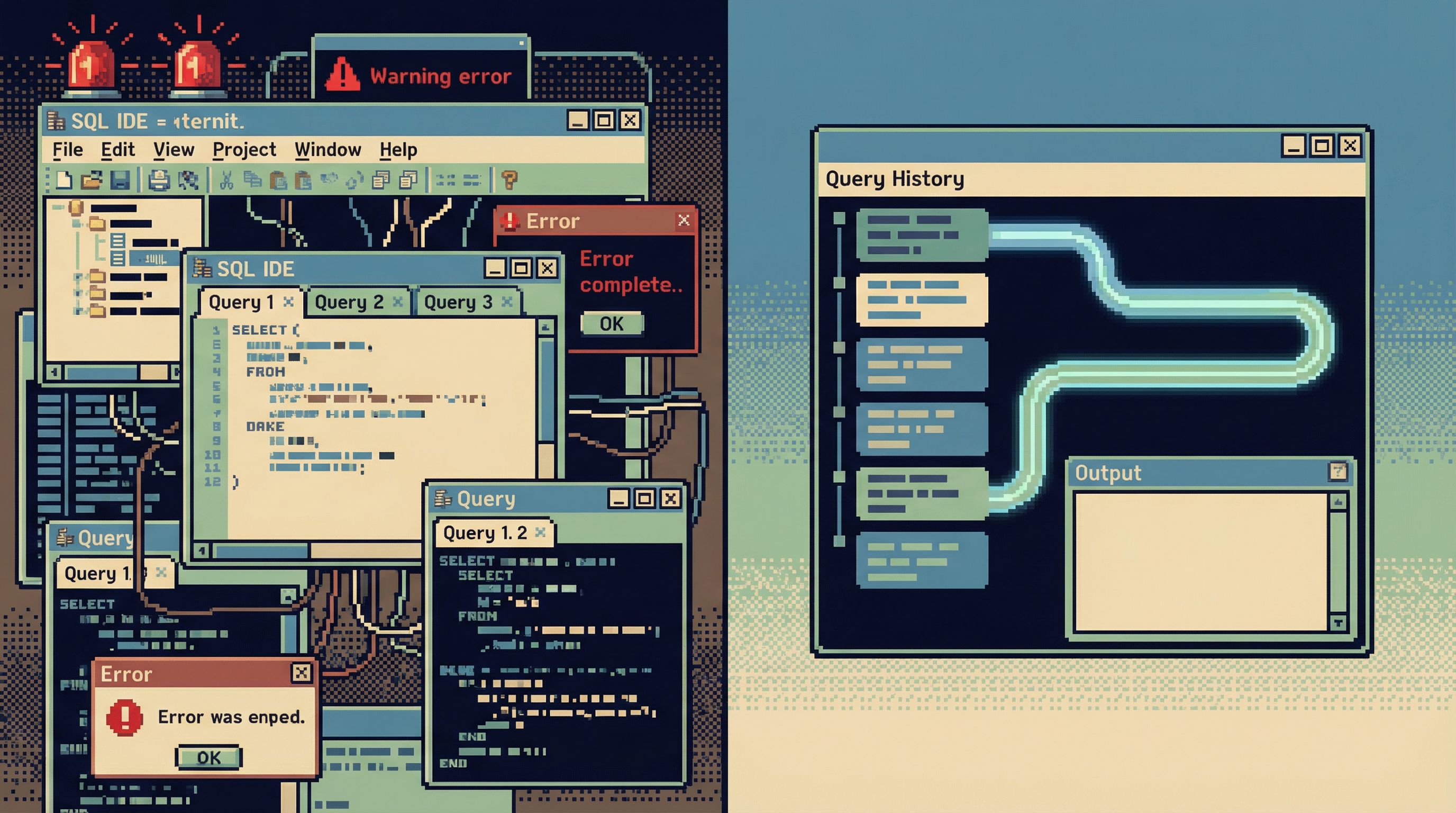
Principle 4: Capture the Trail, Not Just the Result
Governance cares about who did what, when, and why.
Guardrails make that traceability cheap.
Instead of:
- Ad‑hoc queries in local clients
- Screenshots pasted into Slack
- Half‑remembered steps in a postmortem doc
You want:
- A single, linear query trail per investigation
- Links you can share and replay
- Enough context to understand intent: which user, which incident, which deploy
This matters for:
- Incidents. You can reconstruct exactly how the team reasoned through the data.
- Audits. You can answer “who looked at what” without piecing together logs.
- Learning. You can turn one‑off queries into reusable playbooks.
Guardrails here look like:
- Automatic saving of query sessions with timestamps and authorship
- Lightweight tagging: incident ID, ticket number, user ID
- One canonical link per trail, not a mix of screenshots and copy‑pasted SQL
We explore this idea in depth in The Read-First Incident: Running Postmortems from a Single Calm Query Trail: incidents get calmer when the data story lives in one place.
Principle 5: Expand Access Without Expanding Risk
Governance programs often respond to risk by shrinking access:
- Fewer people in the admin panel
- Fewer people with direct database access
- More “ask someone else to run this for you” workflows
This feels safe, but it has side effects:
- Bottlenecks on a small set of “database people”
- Shadow tools and exports to work around the bottleneck
- Decisions made without real data because “it’s too much hassle to get the answer”
Guardrails give you a better option: more people can see what they need, through a safer surface.
Patterns that help:
-
Role‑appropriate tools.
- Engineers: a read‑first browser with query guardrails.
- Support/ops: constrained views and flows for the specific questions they ask.
- DBAs/SREs: full‑power tools for migration and maintenance.
-
Context‑rich views instead of raw tables.
- Show related entities, timelines, and status in one place.
- Hide implementation details that only confuse non‑experts.
-
Clear environment labels and boundaries.
- Make it visually obvious when you’re in production vs staging.
- Avoid giving non‑experts a dropdown of every cluster in the company.
Simpl is one example of this: a purpose‑built browser that lets more people safely inspect production data without handing them a full admin panel or SQL IDE.
If you want to zoom out on why this separation matters, Beyond Admin Panels: What a Purpose-Built Database Browser Should (and Shouldn’t) Do walks through the tradeoffs.
A Concrete Sequence You Can Start This Month
You don’t need a full governance overhaul to make progress. You can start with a short, opinionated sequence:
-
Map the real workflows.
- List the 5–10 most common reasons people touch production data.
- For each, note: who does it, which tools they use, and what feels risky.
-
Introduce a read‑first surface.
- Pilot a focused, read‑only or read‑heavy tool (like Simpl) for everyday debugging.
- Move at least one high‑risk workflow (e.g., “debug user billing issues”) onto that surface.
-
Add basic query guardrails.
- Enforce default limits.
- Highlight obviously risky patterns.
- Create a small library of safe templates for common questions.
-
Capture query trails for one class of work.
- For incidents or high‑impact tickets, require that the investigation happens in a tool that records the query trail.
- Use that trail in the postmortem or ticket closure.
-
Tighten governance around the remaining power tools.
- Once everyday reads move to a safer surface, restrict direct access to full SQL IDEs and admin panels.
- Make writes and heavy operations explicit, approved workflows.
You’ll notice something subtle: governance conversations get easier once you’ve narrowed the surface. You’re no longer arguing about a huge, undifferentiated blob of “database access.” You’re talking about specific tools, with specific guardrails, for specific jobs.
Summary
Guardrails before governance is a simple stance:
- Start with the interface, not the policy. Design tools so that safe reads are the default experience.
- Narrow the surface. Give everyday work a smaller, calmer place to happen.
- Make unsafe reads hard. Use limits, modes, and editor cues to turn risky queries into deliberate actions.
- Capture the trail. Treat investigations as linear stories you can replay, not one‑off terminal sessions.
- Expand access safely. Let more people see what they need through constrained, purpose‑built surfaces.
When you do this, governance stops being a set of abstract rules and starts becoming a natural description of how the tools already behave.
Take the First Step
You don’t need a committee to start.
Pick one:
- Move a single, high‑risk workflow (like production incident debugging) into a read‑first tool.
- Add default limits and basic warnings to your primary query editor.
- Pilot a shared, linear query trail for the next incident or critical ticket.
Then watch what happens: fewer “are we sure this is safe?” moments, less hesitation around production, more confidence in the data you’re looking at.
If you want a calmer, more opinionated way to browse production data—with guardrails built into the experience—take a look at Simpl.
Start small. Make the safe path the obvious one. Let governance grow from there.