Beyond Read‑Only: Subtle Guardrails That Make Dangerous Queries Practically Impossible


Production already feels fragile enough. Most teams respond by tightening access:
- VPN and SSO around prod
- Narrow read‑only roles
- Fewer people with write access
Those are good moves. But they leave a gap: what actually happens once someone is inside a “safe” tool?
A read‑only badge on a role doesn’t stop:
- A
SELECT *across a billion‑row table during peak traffic - An accidental Cartesian join that quietly hammers the primary
- A query that leaks more sensitive data than it should
The problem isn’t just permissions. It’s shape.
This post is about subtle guardrails—design choices in your database browser and workflows that make dangerous queries not just unlikely, but practically impossible, without turning every session into a locked‑down form.
Tools like Simpl exist exactly in this space: a calm, opinionated database browser that treats guardrails as defaults, not afterthoughts.
Why “read‑only” is not enough
Most teams already think they’re safe:
- Production is behind SSO
- Credentials are rotated
- Most users are on read‑only roles
Yet production still feels risky. People:
- Hesitate before opening a SQL console
- Copy screenshots into Slack instead of links
- Run queries in staging “just in case” and hope prod behaves the same
As argued in From Access Control to Attention Control, the missing layer is not more auth. It’s how attention and behavior are shaped once someone is connected.
Read‑only protects you from DELETE and UPDATE. It does not protect you from:
- Runaway resource usage (full‑table scans, accidental cross joins)
- Excessive exposure (wide result sets with unnecessary sensitive columns)
- Operational noise (queries that slow down shared infra during an incident)
Subtle guardrails aim at these.
They don’t say, “You can’t query this database.” They say, “The way you query it is quietly constrained toward the safe, boring, repeatable path.”
The kinds of danger you’re actually dealing with
Before adding guardrails, it helps to name the risks you’re trying to remove.
1. Performance danger
Queries that are technically valid but operationally harmful:
- Full scans over hot tables
- Large sorts / group‑bys on unindexed columns
- Huge result sets streamed to a client
These are the queries that:
- Spike CPU and I/O
- Compete with production traffic
- Show up in incident reviews as “we saw a big resource spike at 14:07…”
2. Scope and exposure danger
Queries that return more data than anyone actually needs:
- All PII columns when you just needed an order status
- Unbounded time ranges (“all time”) for an investigation
- Raw secrets or tokens that should rarely leave the database
These are the queries that:
- Increase blast radius of any leak
- Encourage copy‑paste into docs, tickets, or Slack
- Make legal and compliance teams nervous, with good reason
3. Workflow danger
Queries that are fine on their own but dangerous in context:
- Ad‑hoc joins written under time pressure
- Re‑running “that one query from last incident” but slightly modified
- Wandering across unrelated tables during a live outage
These are the queries that:
- Distract from the real question
- Produce conflicting answers
- Turn incidents into guessing sessions rather than structured reads
Guardrails work best when they target these three layers: performance, exposure, and workflow.
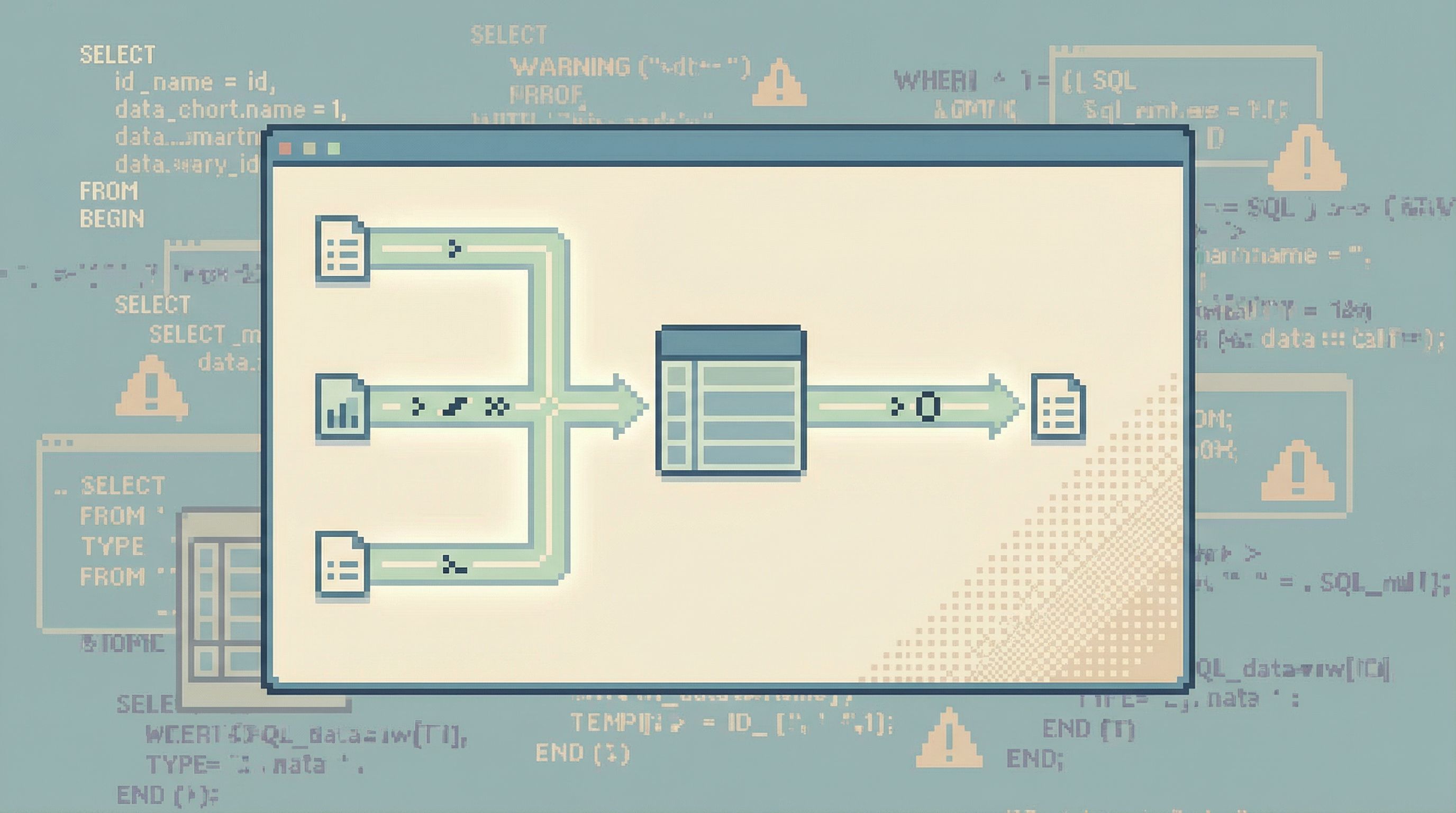
Guardrail principle #1: Narrow the default path
Most danger enters through the front door: the default way you start a query.
Traditional tools give you:
- A schema tree on the left
- A blank editor in the middle
- The ability to type anything
On paper, that’s power. In practice, it’s a trap.
A calmer stance: opinionated paths instead of blank canvases.
This is the core of the “read rails” idea from Designing Read Rails: instead of starting from “anything is possible,” you start from “here are the 3–5 safe ways to answer common questions.”
Concretely, that can look like:
- Entry points by question, not table
e.g. “Find customer by email”, “See recent orders for a customer”, “Inspect a background job run.” - Pre‑shaped filters
Every path starts with a strong filter: customer ID, order ID, job ID, or a narrow time window. - Pre‑defined joins
Instead of letting every user hand‑roll joins, encode the common, safe join paths once.
When you work through an opinionated browser like Simpl, you’re rarely touching raw SQL. You’re selecting a narrow path that already encodes the safe shape of the query.
Questions to ask about your current tools:
- Do most investigations start from a blank editor?
- Can a new engineer answer a common question without writing custom joins?
- Is there a default way to reach “what happened to this customer?” that doesn’t involve hand‑rolled SQL?
If the answer is no, your first guardrail is to stop starting from scratch.
Guardrail principle #2: Make unsafe shapes expensive (or impossible)
Some query shapes are almost always a bad idea against production. You don’t need to ban them with policy docs. You can make them hard to express in the first place.
1. Ban unbounded reads by default
A calm rule: every query must have a bound. That bound can be:
- A time window (e.g. last 24 hours)
- A key (user ID, order ID, job ID)
- A hard
LIMIT(e.g. 500 rows)
Implementation ideas:
- In your browser or internal tools, require at least one of:
WHERE created_at > now() - interval 'X'WHERE id = ?/IN (?)
- Enforce a global default LIMIT on all ad‑hoc queries, with a visible indicator when it applies.
- Make “remove limit” a deliberate, logged action with a short explanation.
2. Constrain joins to known relationships
Most accidental explosions come from joins:
- Missing join predicates
- Joining on non‑selective columns
- Joining hot tables without filters
Guardrail patterns:
- Offer pre‑defined join templates between key entities (customer ↔ orders, orders ↔ payments).
Don’t require users to remember the exact foreign keys. - In tools that allow raw SQL, add linting that:
- Warns or blocks on joins without equality predicates
- Flags joins on columns without indexes
- Requires at least one selective filter on a joined table
3. Cap resource usage at the tool boundary
Even with good defaults, someone will eventually write a heavy query. Your browser should defend the database, not amplify the damage.
Patterns:
- Per‑query timeout: e.g. cancel anything over 10–30 seconds by default.
- Result size caps: e.g. stop at 10k rows or a certain MB size and ask the user to refine.
- Progressive disclosure: show the first N rows quickly, then allow paged expansion instead of streaming everything.
A tool like Simpl can bake these into the experience: you never “accidentally” stream millions of rows; you’re nudged to narrow the question instead.
Guardrail principle #3: Design around one clear question
Most dangerous queries don’t start dangerous. They become dangerous as people wander.
You open a console to answer:
“Why did this user’s order get stuck yesterday?”
Twenty minutes later you’re:
- Looking at unrelated tables
- Running experimental joins
- Copying snippets between tabs
The risk goes up as the session loses its center.
The alternative is what we’ve called the single‑question session in The Single-Question Session: every production read is anchored around a clearly named why.
Guardrails that support this:
- Explicit session title
When you start, you name the question: “Billing: user X was double‑charged on 2026‑04‑03.” - Scoped navigation
All views, filters, and paths in that session stay anchored to that subject (that user, that order, that job run). - Limited scope switching
Switching to a different subject (another user, another incident) is a separate session, with its own trail.
This doesn’t just reduce wandering. It also:
- Makes query history meaningful instead of noisy
- Helps incident reviews replay what actually happened
- Lowers the chance that “one more quick query” turns into a resource spike on an unrelated table
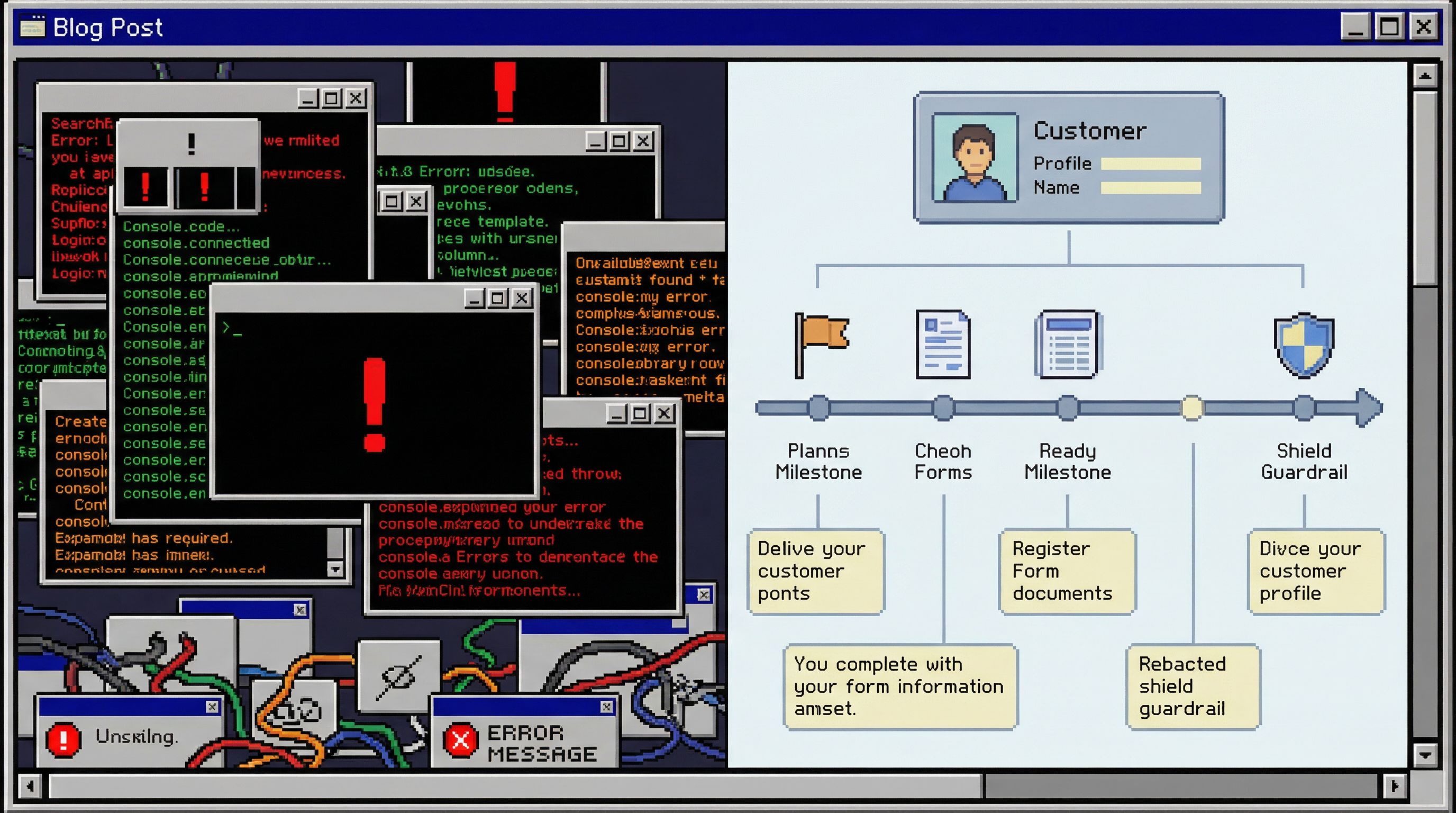
Guardrail principle #4: Pre‑decide what “sensitive” means
Not all columns are equal. Some should be hard to see, even in read‑only tools.
Instead of treating sensitivity as an afterthought, encode it into the browser itself.
1. Classify columns once, reuse everywhere
Work with security, legal, and data teams to classify columns into a small set of buckets, for example:
- Open: safe to show broadly (status flags, aggregate counts)
- Guarded: visible to engineers but not to support/success (internal IDs, some logs)
- Sensitive: visible only in narrow, auditable paths (PII, payment details, tokens)
Then wire those classifications into your tools:
- Default views never include sensitive columns
- Only specific, narrow flows can reveal them (e.g. “view last 4 digits of card”)
- Every reveal is logged and easy to review
2. Design for partial answers
Many questions feel like they require sensitive data, but don’t.
Examples:
- Support doesn’t need full card numbers to confirm a charge; they need a transaction ID and amount.
- Engineers don’t need raw passwords or tokens—ever.
Build flows that:
- Answer the real question with non‑sensitive fields where possible
- Make the “show sensitive detail” step explicit, slow, and rare
The result: even if someone tries to write a wide SELECT *, the browser doesn’t happily surface everything. It respects the sensitivity model first.
Guardrail principle #5: Make the safe path the fast path
Guardrails only work if people actually use them.
If the “safe” way to investigate a customer issue requires:
- Opening a special internal tool
- Filling out a multi‑step form
- Waiting for someone to approve access
…people will quietly fall back to raw SQL, screenshots, or copying data into spreadsheets.
The alternative is simple: make the safest path also the quickest.
Some patterns:
- Deep links from alerts and tickets
From an alert or support ticket, jump directly into a pre‑scoped view in your browser (customer, order, job) instead of a blank console. See From Metrics to Rows for how powerful this can be. - Opinionated bookmarks
Curated, shared views for common workflows: “Investigate failed checkouts,” “Inspect last migration,” “See recent payouts for a merchant.” - Quiet sharing
The ability to share a link to a scoped view instead of pasting raw query results, as described in The Quiet Handoff.
A browser like Simpl leans hard on this principle: most everyday production reads are one or two clicks away, already scoped, already safe.
When the fastest thing to do is also the safest thing to do, you don’t need to enforce policy with Slack messages and postmortems. The tool does the enforcement for you.
Where to start: a small, practical checklist
You don’t need to redesign your entire stack to get value from guardrails. Start small.
Within the next week, you can:
- Add a hard LIMIT to ad‑hoc queries in your primary SQL client or browser. Make the limit visible; require a deliberate override.
- Define one or two opinionated paths for your most common questions (e.g. “find customer by email”) and ship them as internal views or scripts.
- Classify a handful of sensitive columns (email, phone, payment details) and hide them from default views.
Within the next month, you can:
- Introduce session titles in your internal tools or team practice: every incident or investigation has a named question.
- Wire alerts and tickets to deep links into a scoped view, not a generic console.
- Trial a focused browser like Simpl with a small group, and compare incident threads before/after.
Each step is small. Together, they move you from “we hope people are careful” to “it’s actually hard to be reckless.”
Summary
Read‑only access is a good baseline, but it doesn’t solve the real risks of working against production data. The dangerous queries you care about are usually:
- Operationally heavy (full scans, bad joins)
- Over‑exposed (too much sensitive data)
- Context‑free (run during wandering, unfocused sessions)
Subtle guardrails address these by changing the shape of everyday work:
- Narrow, opinionated paths instead of blank editors
- Required bounds (time, IDs, limits) on all queries
- Pre‑defined joins and resource caps at the tool boundary
- Sessions anchored around a single, named question
- Column‑level sensitivity built into the browser
- Safe paths that are faster than the unsafe alternatives
The result is a calmer production environment where dangerous queries are not just forbidden—they’re hard to even express.
Take the first step
You don’t need a full redesign to benefit from this mindset. Pick one surface where people already read production—an internal tool, a shared SQL client, or a browser like Simpl—and:
- Add a default LIMIT
- Introduce one opinionated path for a common question
- Hide one class of sensitive columns from default views
Then watch what happens to your next incident, your next support escalation, your next “can someone check prod?” thread.
Guardrails don’t have to be loud or heavy. The best ones are quiet, opinionated defaults that make the safe thing feel obvious—and make the dangerous thing practically impossible.