Safe Curiosity: Letting Engineers Explore Production Data Without Fear or Friction

Curious engineers build better systems.
They follow odd patterns, dig into edge cases, and ask, “What actually happened here?” But around production data, that curiosity often collides with fear:
- Fear of breaking something.
- Fear of leaking data.
- Fear of becoming the person who ran the wrong query at the wrong time.
So people hesitate. They wait for “the one person” who is comfortable in prod. They copy screenshots instead of links. They rerun the same ad‑hoc queries week after week.
You don’t need more dashboards or heavier governance to fix this. You need safe curiosity: a way for engineers to explore real production data calmly, confidently, and without friction.
Tools like Simpl exist exactly for this space: opinionated, read‑heavy production browsing instead of open‑ended consoles.
Why Safe Curiosity Matters
Safe curiosity is the ability to explore production data freely within clear, visible boundaries.
When you get this right, three things happen:
-
Incidents resolve faster. Engineers can follow their hunches without waiting for “DB adults in the room.” They can move from metrics to rows and back again with less ceremony. If this theme resonates, you might also like From Metrics to Rows: A Focused Workflow for Jumping from Alerts into Production Data.
-
Product decisions get grounded. Curiosity about real behavior—who’s actually using a feature, which flows are brittle, where money gets stuck—turns into quick, direct reads against prod, not week‑long BI projects.
-
Risk goes down, not up. Paradoxically, when exploration feels safe, people stop working around the system. Fewer CSV exports, fewer private SQL clients, fewer “quick queries” pasted into the wrong environment.
Safe curiosity is not about letting everyone do anything. It’s about making the right kind of exploration obvious, fast, and low‑stress.
The Usual Failure Modes
Most teams already have the basics:
- Read‑only roles
- Separate staging and production
- VPN / SSO / audit logs
And yet production still feels risky.
Common patterns:
- Solo prod whisperers. A small group is comfortable in prod; everyone else pings them for screenshots or copied SQL.
- Shadow tools. People spin up their own SQL clients or notebooks, connect directly, and keep their queries local.
- Over‑reliance on dashboards. Every question becomes a chart, even when the real answer lives in a handful of rows.
We covered some of this in From Access Control to Attention Control: Rethinking Safety in Database Tools: access is solved; attention and workflow are not.
Safe curiosity asks a different set of questions:
- What does “safe” exploration actually look like in practice?
- How do we make that path feel natural, not constrained?
- How do we help engineers stay focused on one real question at a time?
Principle 1: Read‑First, Narrow‑First
If everything is visible, everything feels possible.
Most SQL IDEs and admin panels assume you want:
- A full schema tree
- A blank editor where you can type anything
- Easy access to writes, DDL, and configuration
That’s power. It’s also exactly what makes production feel dangerous.
A safer stance is:
- Read‑first: no writes, no schema changes, no side‑effects.
- Narrow‑first: start from one specific question, user, order, or incident path.
Concretely, this means:
- Defaulting to read‑only connections at the tool level, not just the role level.
- Hiding or removing write paths entirely from everyday exploration surfaces.
- Encouraging flows like “show me everything that happened to this user” instead of “open the whole database.”
Read-First, Context-Second: Why Schema-Heavy Views Still Make Production Feels Noisy goes deeper on this: you can be technically read‑only and still feel practically unsafe if the view is too wide.
Tools like Simpl are opinionated here: they assume you want calm production reads, not a full admin cockpit.
Principle 2: Guardrails Before Governance
You need policies. But most risky moments don’t happen in policy docs; they happen inside the tool, under time pressure.
Guardrails are the quiet defaults and constraints that make the safe thing the easy thing.
Examples that reduce risk without slowing curiosity:
-
Safe defaults for queries.
- Implicit
LIMITon ad‑hoc queries, with an explicit opt‑in to widen. - Soft warnings when scanning large, hot tables.
- Implicit
-
Environment clarity.
- Loud, persistent cues for which environment you’re in (color, labels, URL).
- Making it hard to confuse staging and production.
-
Scoped entry points.
- Links from alerts, tickets, or logs that open a pre‑scoped view (one user, one order, one job), not a blank console.
-
Safe sharing.
- Shareable read‑only views that encode filters and limits, instead of sending raw SQL over Slack.
Guardrails don’t just prevent accidents. They lower the mental overhead of asking, “Is this safe?” which is what usually slows people down.
Guardrails Before Governance: A Practical Approach to Safer Day‑to‑Day Database Access walks through concrete patterns you can adopt without re‑architecting your stack.
Tools like Simpl lean heavily on this idea: read rails, safe defaults, and opinionated paths instead of raw freedom.
Principle 3: One Question at a Time
Most dangerous or confusing database work starts the same way:
- Open console with a clear purpose.
- Get curious about something nearby.
- Wander.
Wandering is where:
- You lose track of which query answered the question.
- You forget which filters were applied.
- You start poking at unrelated tables “just to check.”
Safe curiosity is intense but narrow. It looks like this:
- “What happened to this user’s subscription yesterday?”
- “Which orders are stuck in this state right now?”
- “Did this migration double‑write any rows?”
Design your tools and rituals so that:
- Each session starts from a single, written question.
- The interface keeps that question visible.
- Navigation is structured around that question, not the schema.
We explored this pattern in The Single-Question Session: Designing Database Workflows Around One Clear Why: a small habit change that dramatically reduces cognitive load.
Tools like Simpl can help here by centering workflows around specific entities or trails, not generic editors.
Principle 4: Make Curiosity Collaborative by Default
Curiosity compounds when it’s shared.
Right now, most production reads are solo:
- One engineer opens a client.
- Chases a thread.
- Pastes a screenshot into Slack.
- Closes the tab.
The learning stays local. The next person starts from scratch.
To make curiosity safe and efficient:
-
Turn ad‑hoc reads into shareable trails.
- Save the sequence of queries or views used to answer a question.
- Let others replay that trail against fresh data.
-
Prefer links over screenshots.
- If someone asks, “What happened to this customer?”, respond with a link that opens the exact scoped view.
- Make it trivial to fork that view and adjust filters.
-
Create quiet handoffs.
- Instead of a 45‑minute screen‑share, send a small set of curated views that tell the story.
This is the heart of Reading Production Together: How to Turn Solo Database Sessions into Shared Team Rituals and The Quiet Handoff: Sharing Production Database Context Without Screenshares or Zoom: design your tools so that every safe exploration can become a reusable asset.
Simpl is built with this in mind: calm, linkable production reads instead of one‑off screenshots.

Principle 5: Opinionated Paths, Not Blank Search Bars
A blank search bar feels like freedom. Against production, it’s a tax on attention.
Engineers don’t wake up wanting to query orders, order_items, and payments. They want to:
- See everything that happened to a specific customer.
- Understand why one job or workflow failed.
- Verify the impact of a change.
Safe curiosity thrives when the tool offers opinionated paths for these real questions:
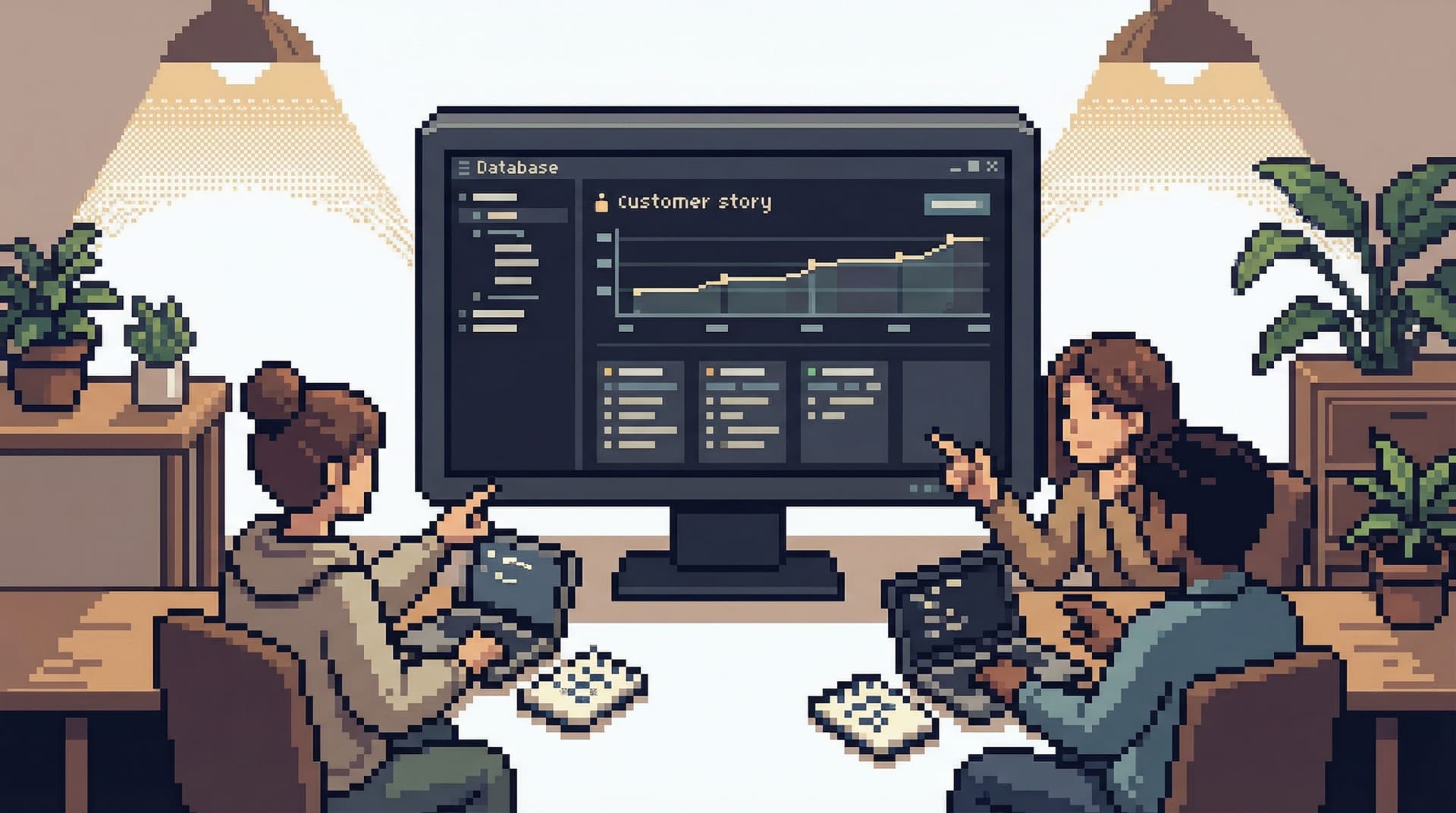
- “Open user story” views that stitch together relevant tables for one user.
- “Incident path” views that focus on a single failing job or flow.
- “Migration verification” views that compare old and new states.
Instead of:
SELECT * FROM …- “Here’s the schema tree, good luck.”
See The Calm Catalog: Mapping Production Tables to Real-World Questions, Not Schemas and Designing Read Rails: How Opinionated Query Paths Reduce Risk and Cognitive Load for deeper patterns.
Simpl takes this stance seriously: it’s an opinionated database browser, not a general‑purpose SQL IDE.
Principle 6: Turn Curiosity Trails into Knowledge
Curiosity is expensive if every question is answered from scratch.
Most teams already have a complete history of how they explore data: query logs. But raw logs are noisy and context‑free. They don’t tell you:
- Which query actually answered the question.
- Which ones were dead ends.
- Why a particular path was chosen.
To make curiosity safer and calmer over time:
-
Capture successful trails.
- When someone resolves an incident or tricky case, save the exact views/queries that mattered.
-
Attach lightweight context.
- “Used to debug double‑charge issue on 2026‑03‑12.”
- “Verifies that migration X did not create duplicates.”
-
Make them discoverable.
- When someone starts a similar investigation, suggest relevant past trails.
This is the shift described in Opinionated History: Turning Your Query Log into a Calm Knowledge Base and Query Logs Are Not Knowledge: Turning Ephemeral Reads into Persistent Team Memory.
Tools like Simpl can help turn these trails into a quiet, shared memory instead of a pile of raw SQL.
A Simple Implementation Checklist
You don’t need to rebuild your stack to enable safe curiosity. Start small and opinionated.
Within the next week:
-
Separate tools for exploration vs. admin.
- Choose (or adopt) a read‑only browser for day‑to‑day production reads.
- Reserve full SQL IDEs for a small admin group.
-
Add visible environment cues.
- Color‑code prod vs. staging.
- Include environment in the URL and header.
-
Introduce soft query limits.
- Add implicit
LIMIT 100to ad‑hoc reads. - Show a gentle warning when someone widens it.
- Add implicit
-
Encourage links over screenshots.
- For one sprint, ask the team to share only links to scoped views when discussing data.
Within the next month:
-
Define 3–5 opinionated paths.
- For example: “User story,” “Order journey,” “Background job run,” “Migration check.”
- Implement them in your browser of choice or via saved views.
-
Create a simple trail pattern.
- During incidents, ask: “What’s the minimal sequence of reads that tells this story?”
- Save that as a named trail for later.
-
Run a calm prod‑curiosity session.
- Pick a non‑urgent question.
- Have several engineers explore it in prod using your new patterns.
- Capture what felt safe, what felt scary, and adjust.
Tools like Simpl can accelerate this, but the principles stand even if you start with what you already have.
Summary
Safe curiosity is what happens when engineers can explore production data with confidence and without noise.
You get there by:
- Making tools read‑first and narrow‑first.
- Favoring guardrails over heavy governance.
- Centering sessions on one clear question at a time.
- Turning solo reads into collaborative, linkable trails.
- Offering opinionated paths instead of blank editors.
- Converting successful explorations into reusable knowledge.
The result is a calmer way to work with production: fewer accidents, faster understanding, and a culture where curiosity is encouraged, not feared.
Take the First Step
You don’t need a full program to start. Pick one change:
- Move everyday prod reads into a read‑only browser.
- Add a soft
LIMITto ad‑hoc queries. - Run your next incident using shared links instead of screenshots.
Then, when you’re ready to design a calmer, more opinionated way to browse production, explore tools like Simpl—a focused, read‑heavy database browser built for exactly this kind of safe curiosity.