What IDEs Got Wrong About Database UX (and How Tools Like Simpl Can Do Better)

What IDEs Got Wrong About Database UX (and How Tools Like Simpl Can Do Better)
Most database GUIs quietly inherited their design from code editors.
Tabs everywhere. Split panes. A giant SQL editor in the middle. Extensions, themes, and keybindings as the main selling points.
That familiarity feels safe. But it also smuggles in a set of assumptions about how you should work with data:
- Write first, understand later.
- Optimize for speed, not clarity.
- Treat the database like another code target, not a shared source of truth.
For exploratory, collaborative work with production data, those assumptions are wrong.
This post looks at what IDE-style UX gets wrong about databases, what a calmer alternative looks like, and how tools like Simpl can help you redesign how your team actually experiences its data.
Why IDE Thinking Breaks Down for Databases
Code and data are different kinds of problems.
When you write code, you’re:
- Assembling behavior from primitives
- Iterating toward a concrete artifact (a function, a service, a script)
- Owning the side effects—you want something to change
When you work with a database, you’re usually:
- Trying to understand what already happened
- Tracing relationships and edge cases
- Sharing context with others, not just producing an artifact
Yet most database GUIs copy the mental model of an IDE:
-
Editor-first layout
The query editor dominates the screen. The schema, results, and history are secondary. This nudges you to type before you think. -
Side-effect symmetry
SELECT,UPDATE,DELETEall look and feel the same. The tool doesn’t visually distinguish between “observe” and “change.” -
Throughput as a success metric
More tabs, more shortcuts, more panes. Throughput feels like productivity, even if your understanding is shallow. -
Solo workflows by default
Queries live in personal history, local files, or scratch buffers. Sharing is an afterthought.
We go deeper into this pattern in Why Your Database GUI Feels Like an IDE (and Why That’s a Problem), but the core issue is simple: IDE UX is optimized for authoring, not for careful reading.
Most database work should be the opposite.
The Hidden Costs of IDE-Style Database UX
The problems don’t show up as obvious bugs in the interface. They show up in how your team behaves.
1. Reactive querying instead of deliberate investigation
When the editor is front and center, the default move is:
"Let me just write a quick query."
You:
- Skim the schema
- Guess at column names from autocomplete
- Run a query, see something odd, tweak it, run again
It feels productive. But you’re mostly probing in the dark.
A calmer flow inverts that:
- Start from the shape of the data, not a blank editor
- Read table relationships and constraints
- Form a hypothesis, then write the smallest query that tests it
We call this a read-first workflow, and we’ve written more about it in The Case for a Read-First Database Workflow.
2. Cognitive overload from “infinite panes”
IDEs are proud of how much they can show at once. Database GUIs copied that:
- Schema browser on the left
- Query editor in the middle
- Results at the bottom
- Logs or history on the right
- Extra panels for connections, variables, or explain plans
Every panel is “useful.” Together, they’re noisy.
The cost isn’t just visual clutter. It’s the mental overhead of deciding where to look next. You’re constantly scanning instead of following a clear path.

3. No real distinction between safe and dangerous actions
In an IDE, running code is the point. You expect side effects.
In a database, the stakes are different:
- A
SELECTis learning. - An
UPDATEin production is risk.
Most tools visually treat them as the same operation:
- Same editor, same run button, same keyboard shortcut
- Same connection, often pointing at production by default
That’s how you end up with:
- Accidental full-table scans on hot paths
UPDATEwithoutWHEREin the wrong environment- Engineers quietly afraid to open the database
We unpack how better defaults can prevent this in Designing Calm Defaults: How Simpl Encourages Safer, Clearer Queries.
4. Fragmented, unshareable understanding
IDEs are personal tools. That bias leaks into database UX:
- Queries live in local history
- “Good” queries are pasted into Slack or screenshots
- There’s no shared, structured place for “the way we look at X”
The result:
- Repeated ad-hoc work
- Tribal knowledge about which queries are safe
- Confusion about which numbers are “the real ones”
A database is a shared system. Its UX should make shared understanding the default, not an afterthought.
What a Calmer Database UX Looks Like
If IDE-style UX is the wrong model, what’s the right one?
A calmer database browser—like Simpl—starts from different constraints:
- Protect deep work instead of maximizing parallelism
- Bias toward reading instead of writing
- Make safe paths effortless and risky paths explicit
- Treat queries as shared artifacts, not personal scratch notes
Concretely, that shows up in a few design moves.
1. Data-first, not editor-first
Instead of dropping you into a blank SQL editor, a calmer tool:
- Opens on a clear, readable view of your schema or a recently used table
- Makes it trivial to navigate relationships (foreign keys, common joins)
- Lets you inspect data directly before you touch the keyboard
The editor is still there. It’s just not the starting point.
This aligns with a broader principle we explored in Designing Database Tools for Deep Work: Patterns We Brought into Simpl: structure the UI so the “next right step” is obvious and quiet.
2. One primary path through a question
Calm tools avoid the “cockpit” feel. Instead of five panels, you get a single, legible flow:
- Pick a table or saved view
- Read what it represents and how it relates to others
- Run a focused query or apply simple filters
- Refine as needed, then save or share if it’s useful
That doesn’t mean fewer capabilities. It means fewer simultaneous decisions.
Simpl is opinionated here:
- Limited, intentional layout
- Minimal chrome
- Defaults that keep you on a narrow, clear path until you intentionally branch out
3. Explicit separation of reading and writing
A better database UX makes it very hard to accidentally do something dangerous.
Patterns that help:
- Separate modes for read vs. write operations
- Visually distinct affordances for queries that mutate data
- Connection awareness, with production clearly labeled and protected
- Friction where it matters: confirmations, reviews, or templates for risky operations
Tools like Simpl lean into this by making read paths smooth and fast, and write paths more deliberate. You can still do powerful things—but you feel the weight of them.
4. Shared flows instead of one-off queries
A calmer tool treats a good query like a reusable asset, not a disposable script.
That means:
- Turning ad-hoc queries into named, documented flows
- Keeping them versioned and discoverable
- Attaching context: when to use them, what they assume, what they don’t show
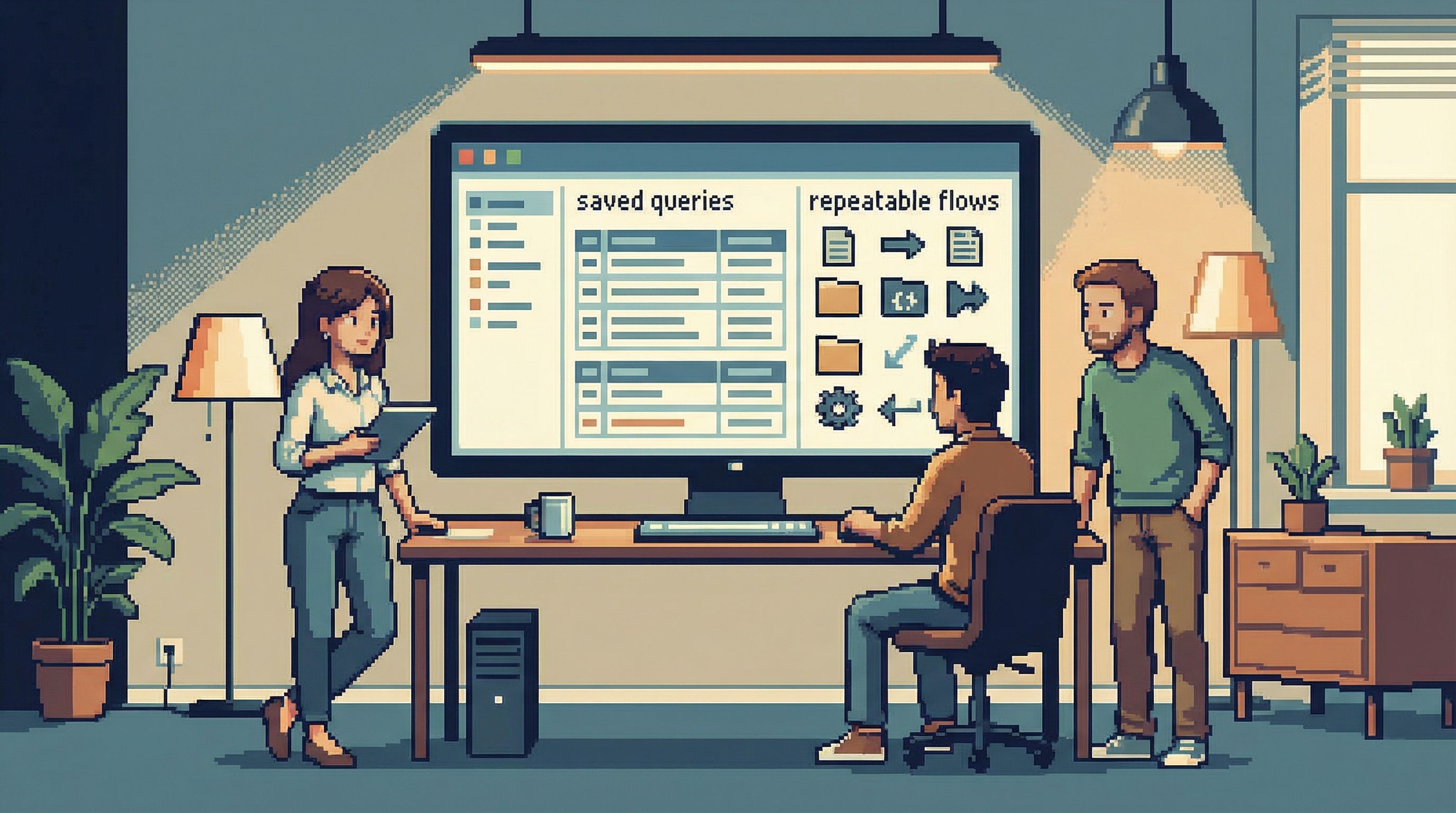
We explore this shift in From Ad-Hoc Queries to Repeatable Flows: Systematizing How Your Team Looks at Data.
The UX impact is big:
- Less rework
- Fewer “who has that query from last incident?” moments
- A shared language for how your team inspects the database
How to Work Around IDE-Style UX (Even If You Can’t Change Tools Yet)
You might be stuck with an IDE-like database client for now. You can still make your experience calmer by changing how you use it.
Here are practical steps you can apply today.
1. Start from the schema, not the editor
Before you write any query:
- Open the schema browser.
- Identify the core tables involved in your question.
- Skim:
- Primary keys
- Foreign keys
- Important constraints (uniqueness, nullability)
Only then open the editor.
You’ll write fewer, better queries. You’ll also catch misunderstandings earlier.
2. Adopt a personal read-first rule
Make this a habit:
- Rule: No
UPDATEorDELETEwithout a priorSELECTthat shows exactly what will be affected.
Concretely:
- Write the
SELECTversion of your query. - Inspect the rows.
- Only then convert it to
UPDATE/DELETEif you’re confident.
It’s a small discipline shift that dramatically reduces surprises.
3. Create your own “calm layout”
Even noisy tools can be tamed:
- Hide or collapse panels you rarely use.
- Use one main window instead of many floating ones.
- Turn off aggressive autocomplete or inline suggestions if they distract you.
You’re trying to get to a state where the next step is visually obvious and there’s less to scan.
4. Systematize your best queries
Don’t let good queries die in history.
- Keep a small, versioned repo or shared doc for:
- Incident debugging queries
- Common product metrics checks
- Safety checks before/after migrations
- Add 1–2 lines of context above each query:
- What question it answers
- When to use it
- Any caveats
Over time, this becomes your proto-Simpl: a calmer, shared layer on top of whatever tool you’re using.
5. Separate production by design
Even if your tool doesn’t help, you can:
- Use different color themes for production vs. non-production connections
- Disable write permissions on production for most accounts
- Keep a separate client instance or profile that only connects to production, with stricter personal rules
The goal is to feel when you’re in a higher-risk environment.
How Tools Like Simpl Reframe the Experience
A tool like Simpl starts from the assumption that database work should feel more like reading a clear story than flying a plane.
That shows up as:
-
Minimal, opinionated UI
You see what you need for the current step, not everything at once. -
Read-first flows baked in
It’s easier to explore and understand data than to mutate it, by design. -
Calm defaults for safety
Production awareness, guardrails, and friction where it matters. -
Shared understanding as a first-class goal
Queries, flows, and context are treated as reusable building blocks for the team.
Underneath, you still get the power you expect. The difference is that the tool is actively helping you:
- Think slower about the right things
- Move faster through the mechanics
- Keep your attention on the data, not the interface
We describe this philosophy more in Query Fast, Think Slow: Designing Database Tools for Deliberate Work.
Summary
IDEs are great for writing code. They are a poor template for working with databases.
When database tools copy IDE UX, they:
- Push you to write before you understand
- Overload you with panels and options
- Blur the line between safe reads and risky writes
- Treat queries as personal scratch work instead of shared flows
A calmer approach—embodied by tools like Simpl—starts from different assumptions:
- Data first, editor second
- One clear path through each question
- Explicit separation of reading and writing
- Shared, repeatable flows instead of one-off queries
You can start moving in this direction today, even with your current tools, by:
- Starting from the schema instead of the editor
- Adopting a read-first rule for all write operations
- Simplifying your layout
- Systematizing your best queries
- Making production feel distinct and slightly heavier
Take the First Step Toward a Calmer Database Experience
You don’t need a full tooling migration to benefit from a calmer database UX.
Pick one change:
- Turn your three most-used incident queries into shared, documented flows.
- Enforce a team-wide read-first rule for
UPDATEandDELETE. - Simplify your current client layout to one main pane and a schema browser.
Then, when you’re ready to see what this philosophy looks like in a tool built around it, take a look at Simpl.
The database isn’t going to get simpler. Your experience of it can.