Post-Admin, Pre-CLI: Where a Focused Database Browser Actually Fits in Your Stack

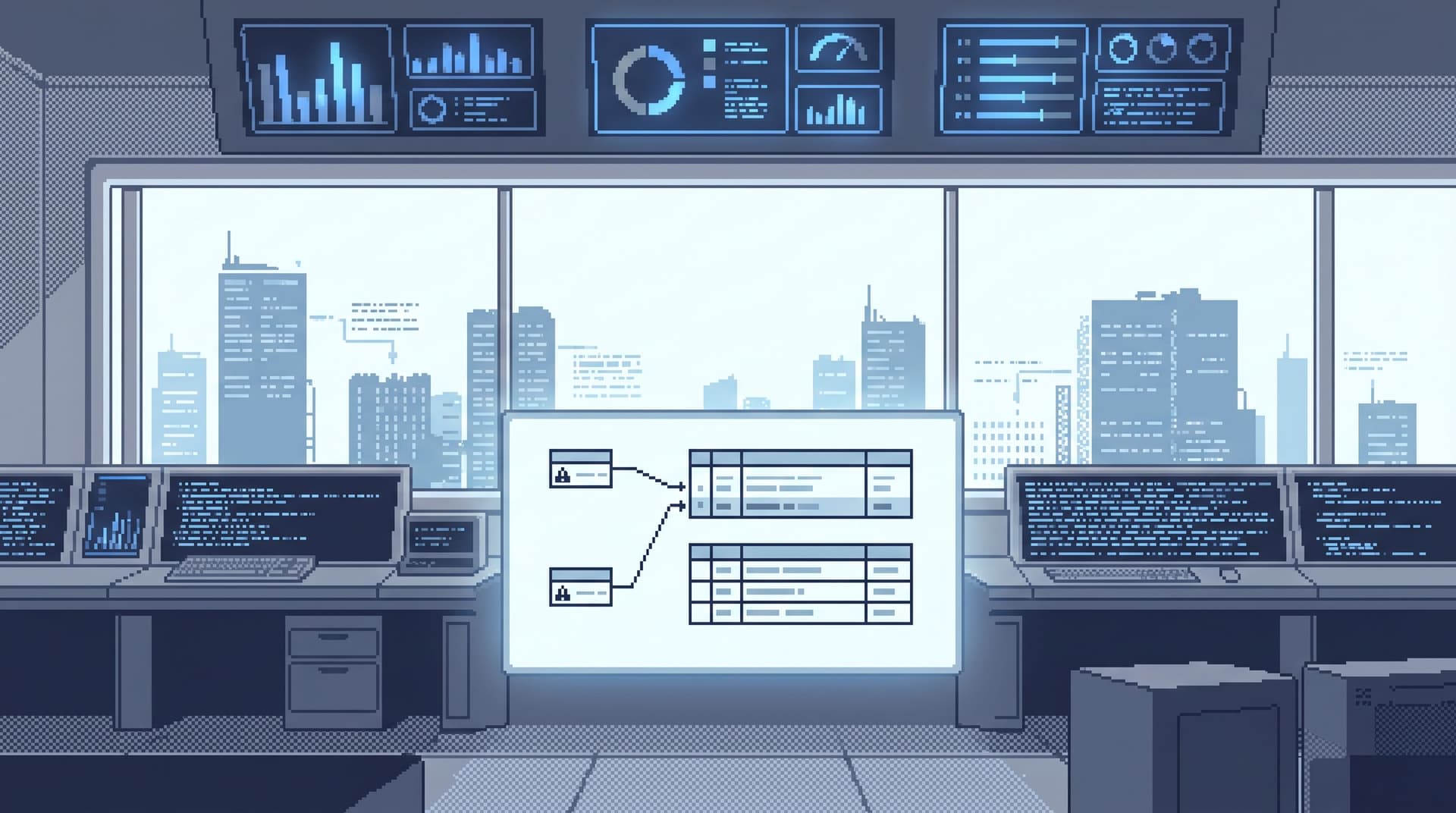
Most teams now have two very loud ways to touch their databases:
- Admin consoles that can do everything: schema changes, user management, migrations, extensions.
- CLIs and SQL IDEs that can express anything: raw SQL, scripts, experiments, migrations.
Both are powerful. Both are overkill for a lot of the work your team actually does against production.
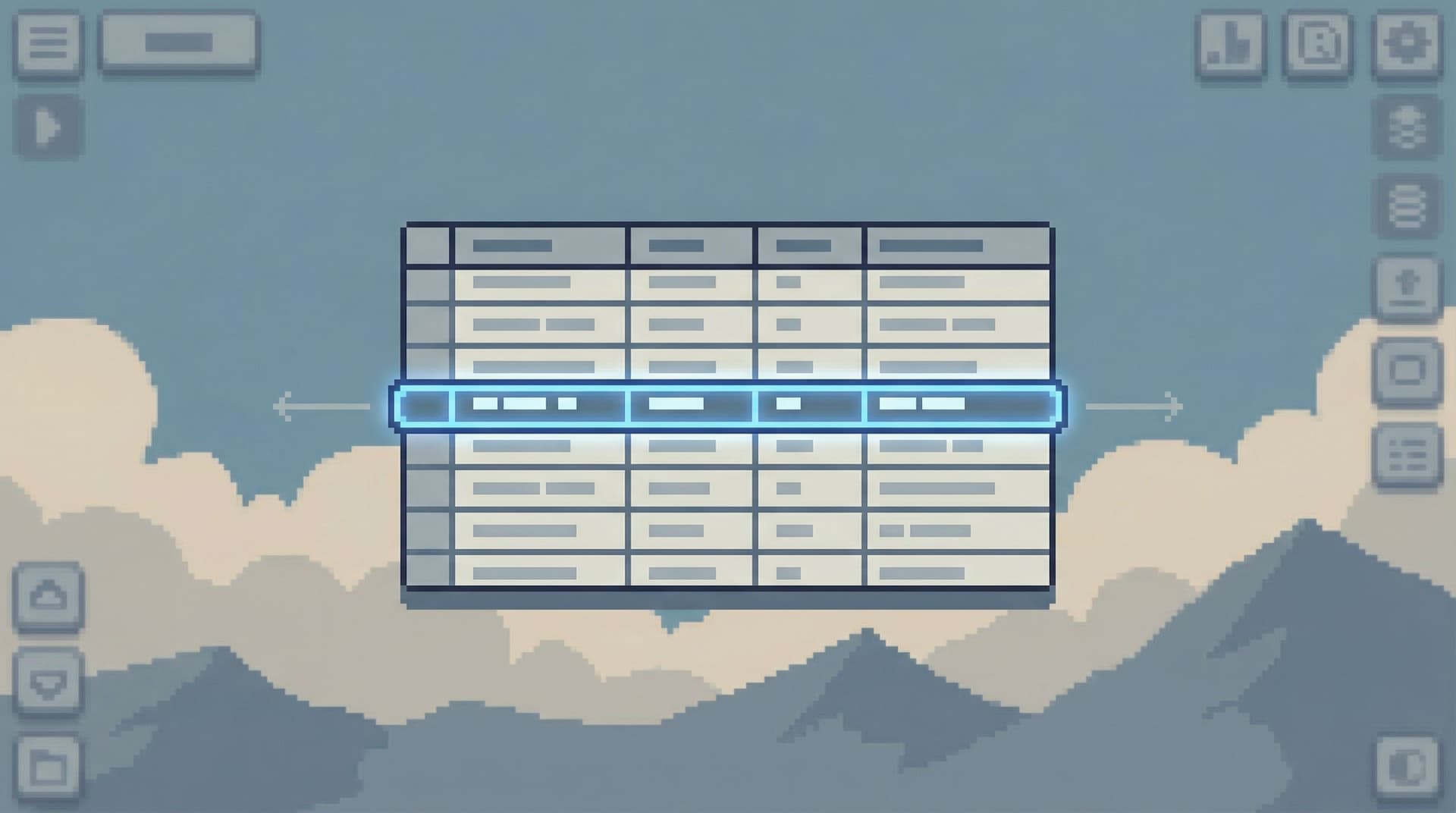
Between those two layers, there’s a quiet gap: the everyday reading, checking, and understanding of real rows. That gap is where a focused database browser belongs.
A tool like Simpl is built for this exact middle: post-admin, pre-CLI. Not a replacement for your DBA tools or your psql habits, but a calm, opinionated layer that sits between them.
This post is about where that layer fits, what it’s for, and how to introduce it without adding yet another tool that no one reaches for.
The Real Middle of Your Data Work
If you look at the last month of production data work across your team, a lot of it probably falls into a few patterns:
- Customer-specific checks
- “What happened to this order?”
- “Did we double-charge this account?”
- Incident reading
- “Which jobs are stuck right now?”
- “Which customers are affected by this bug?”
- Verification and sanity checks
- “Did the migration update all the rows we expected?”
- “Is this background job quietly failing for a subset of tenants?”
- Curious exploration
- “What does a ‘normal’ subscription lifecycle actually look like?”
- “How often does this edge case really happen?”
These are not BI questions. They don’t need another dashboard.
They’re also not admin questions. They don’t need access to ALTER TABLE.
They are read-heavy, context-heavy, time-sensitive questions.
A focused database browser lives here:
- Optimized for reads, not schema surgery.
- Tuned for one path at a time, not for wandering the entire schema.
- Structured so that safe defaults are the norm, not something you remember to apply.
If this framing resonates, you’ll likely also find value in how we define that missing middle layer in Post-BI, Pre-Admin: Defining the Missing Layer of Calm Database Tools.
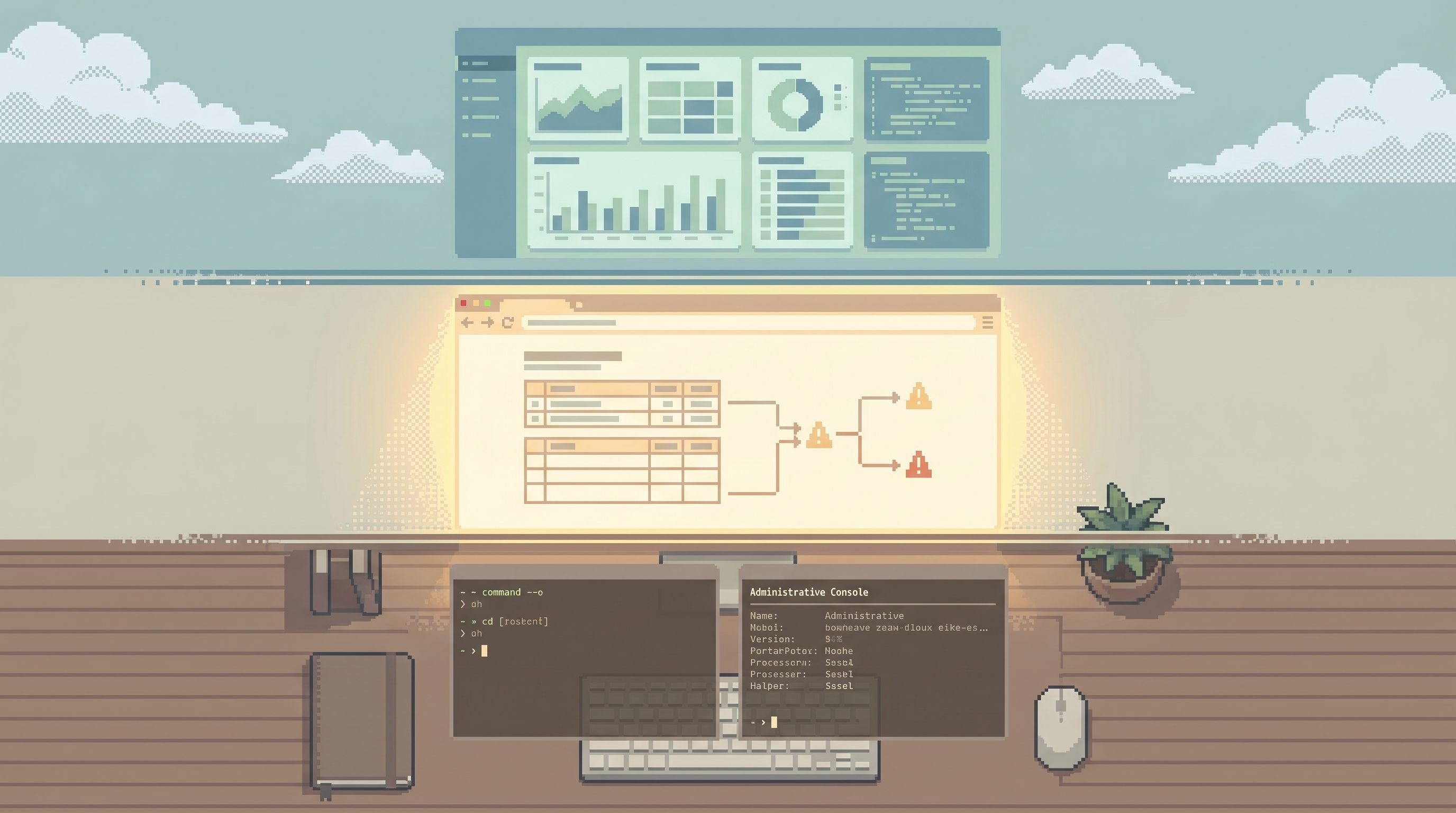
Why “Post-Admin, Pre-CLI” Matters
A lot of teams feel this pain but describe it differently:
- “Production feels fragile.”
- “Only two people are comfortable poking around in prod.”
- “Every incident turns into a shared terminal session.”
Underneath those symptoms is usually the same structural problem: the wrong tools are doing the wrong jobs.
When admin consoles are doing browser work
Admin tools are great for:
- Managing users and roles
- Running migrations
- Configuring extensions and replication
They’re not great for:
- Calmly reading production rows during an incident
- Letting a wider group of engineers explore safely
- Sharing repeatable investigation paths
The risks are obvious:
- Too much power exposed for routine reads
- Fear of “clicking the wrong thing”
- Overly broad access requirements just to look at data
When the CLI is doing browser work
The CLI (or a full SQL IDE) is great for:
- Deep debugging
- Performance work
- Schema design
- Complex data fixes
It’s less ideal for:
- Quick, repeatable checks
- Shared workflows
- Guardrails around risky queries
You get:
- Local, private history that doesn’t turn into team knowledge
- Copy‑paste culture of SQL snippets in Slack
- Varying levels of safety depending on who’s typing and how tired they are
We unpack a lot of these safety and attention problems in From Access Control to Attention Control: Rethinking Safety in Database Tools.
The benefits of a true browser layer
A focused database browser like Simpl gives you a third option that is:
- Narrow in scope: optimized for read-heavy work, not schema changes.
- Opinionated about attention: designed around single questions, not open-ended exploration.
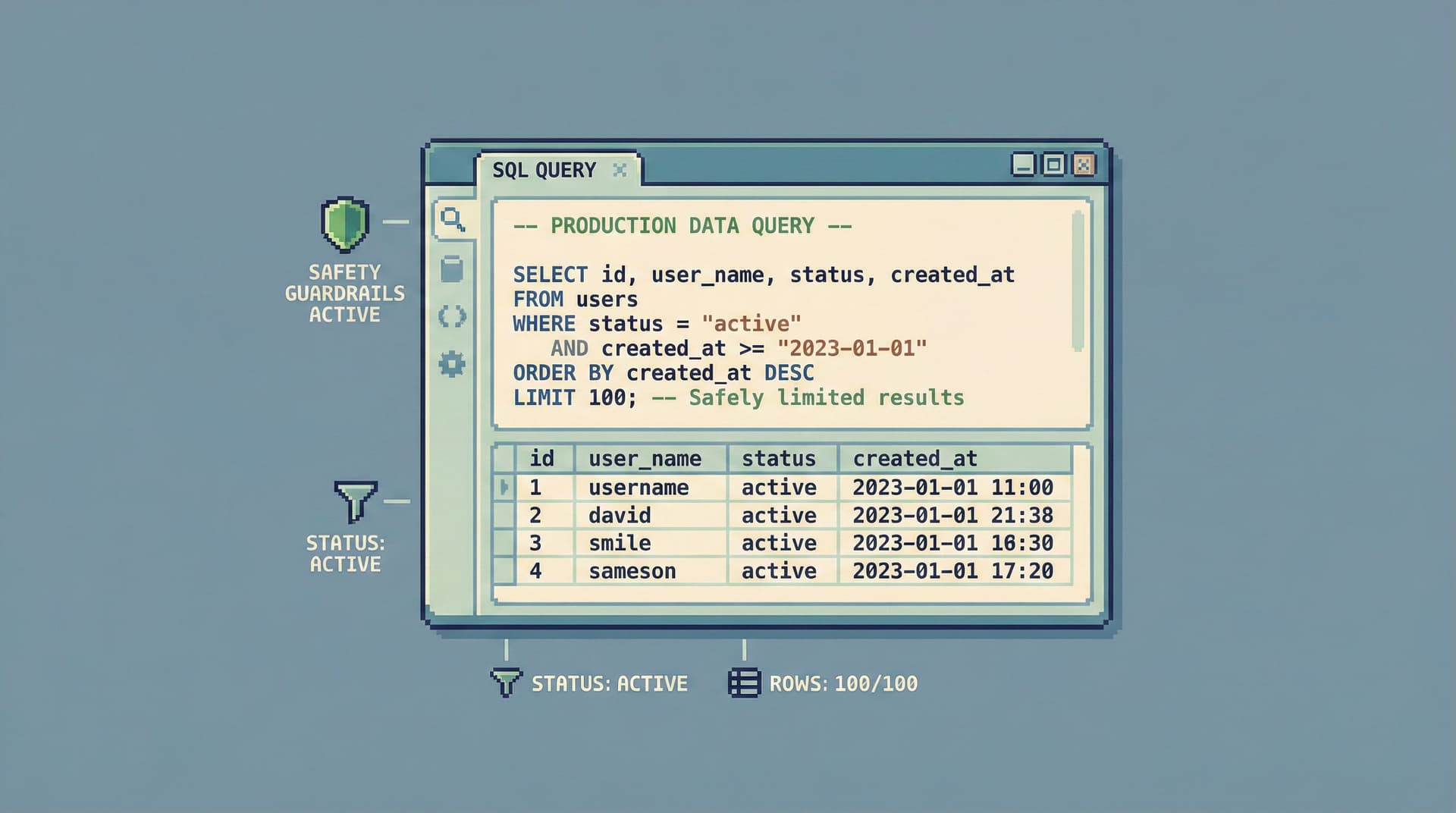
- Safer by default: guardrails make dangerous queries hard, not just discouraged.
Concrete benefits:
- More engineers can safely read production without needing full admin access.
- Incident work becomes repeatable instead of improvised.
- Everyday checks stop competing with migrations and performance tuning for the same tool.
Where a Focused Browser Fits in Your Stack
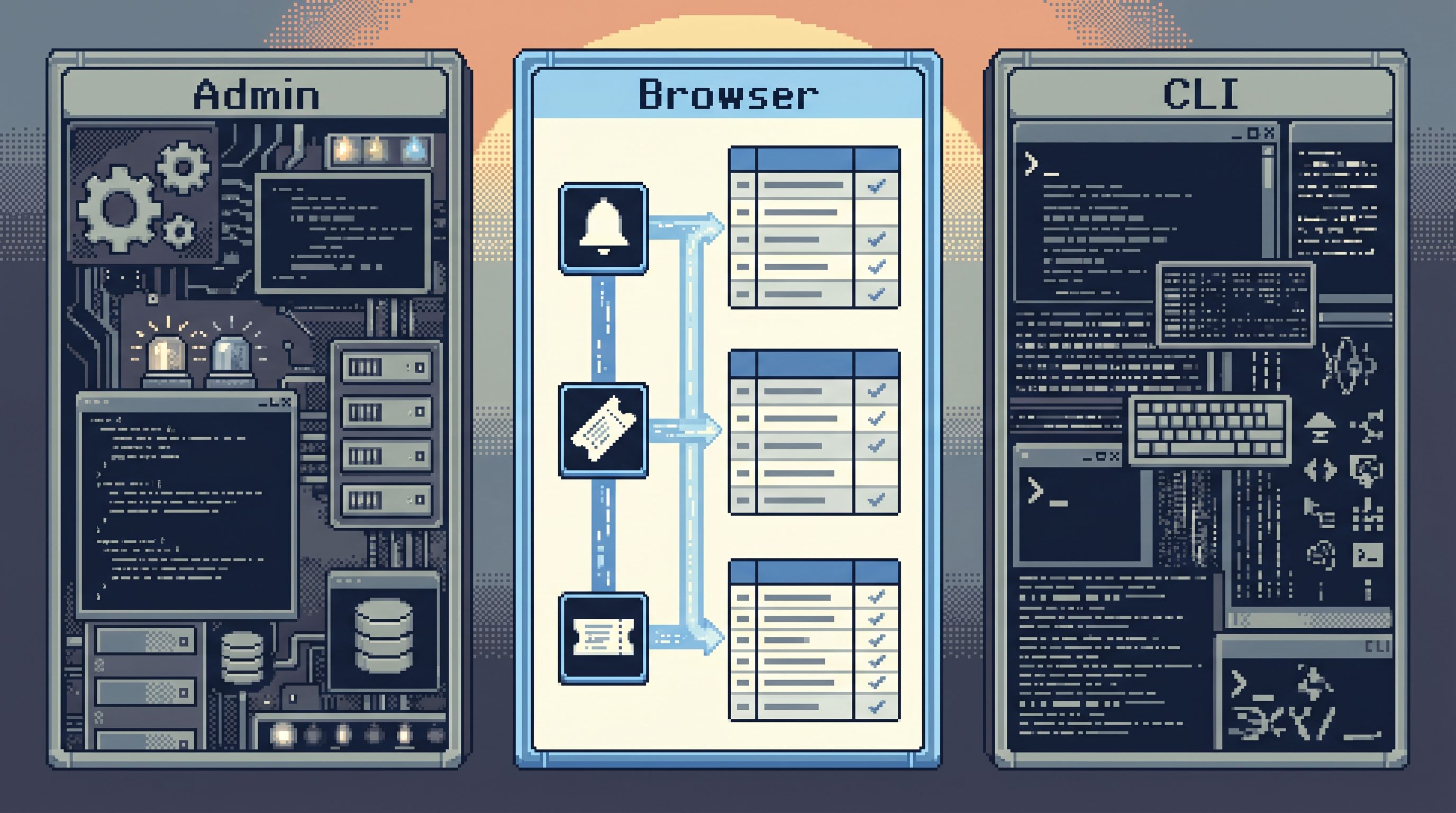
Think of your data stack as a few distinct layers of interaction:
- Dashboards & BI – aggregate views, KPIs, trends, stakeholder reporting.
- Focused browser – concrete questions about real people, orders, jobs.
- Admin & CLI – structural changes, deep debugging, complex operations.
The browser layer doesn’t replace the others. It routes work more cleanly.
1. Between alerts and admin
When an alert fires, you don’t want to jump straight into an admin console. You want to see rows.
The clean path looks like this:
- Alert fires in something like PagerDuty or Opsgenie.
- On‑call opens a focused browser like Simpl.
- They land on an opinionated path for that alert type:
- "Orders stuck in
processingfor > 10 minutes" - "Subscriptions with failed renewals in the last hour"
- "Orders stuck in
- Only if they find a structural issue do they escalate to admin/CLI.
This keeps most incident reads in a safe, narrow environment, and reserves admin tools for when you truly need them.
For a deeper dive on this handoff, see From Metrics to Rows: A Focused Workflow for Jumping from Alerts into Production Data.
2. Between support and engineering
Support often needs:
- To check the state of a customer’s account
- To verify a refund or credit
- To confirm what actually happened in a timeline
You can wire this up in three ways:
- Support → dashboard → engineer → admin/CLI
- Support → tickets → engineer → admin/CLI
- Support → focused browser (read-only, opinionated paths)
The third path is where a browser like Simpl shines:
- Support sees exactly the slices of data they’re allowed to see.
- Common questions are turned into stable paths, not ad‑hoc queries.
- Escalations become about behavior (“why did the system do this?”), not about “can someone please check the DB for me?”
3. Between “just checking something” and real migrations
A lot of schema work starts with a small question:
- “How many rows actually use this enum value?”
- “Is this column ever null in practice?”
- “What’s the real cardinality of this field?”
Instead of:
- Opening the CLI
- Connecting to prod
- Typing a quick
SELECT *orCOUNT(*)against a hot table
…you can:
- Open your focused browser
- Use a safe, pre-shaped query path
- Capture the check as part of a repeatable workflow
A browser like Simpl becomes the default place for these checks, and the CLI becomes a deliberate escalation step.
What a Focused Browser Should Actually Do
Not every GUI or web console qualifies as a focused browser. The ones that earn a permanent spot in your stack tend to share a few properties.
1. Optimize for reads, not writes
The default stance should be:
- Reading is easy.
- Writing is rare, explicit, and heavily guarded (if allowed at all).
In practice, that means:
- Read‑only roles by default
- No inline schema editing
- No casual bulk updates hidden behind a dropdown
- Clear, visible boundaries between “view” and “change”
Tools like Simpl lean into this: the primary job is to read production calmly, not to mutate it.
If you want to see how subtle guardrails can make dangerous queries nearly impossible, Beyond Read‑Only: Subtle Guardrails That Make Dangerous Queries Practically Impossible is a useful companion.
2. Shape attention, not just expose power
A lot of database tools expose:
- The full schema tree
- A blank query editor
- A global search bar
That’s power, but it’s also noise.
A focused browser instead:
- Starts from questions, not tables.
- Encourages single-question sessions, not wandering.
- Provides opinionated paths for common investigations.
You might see patterns like:
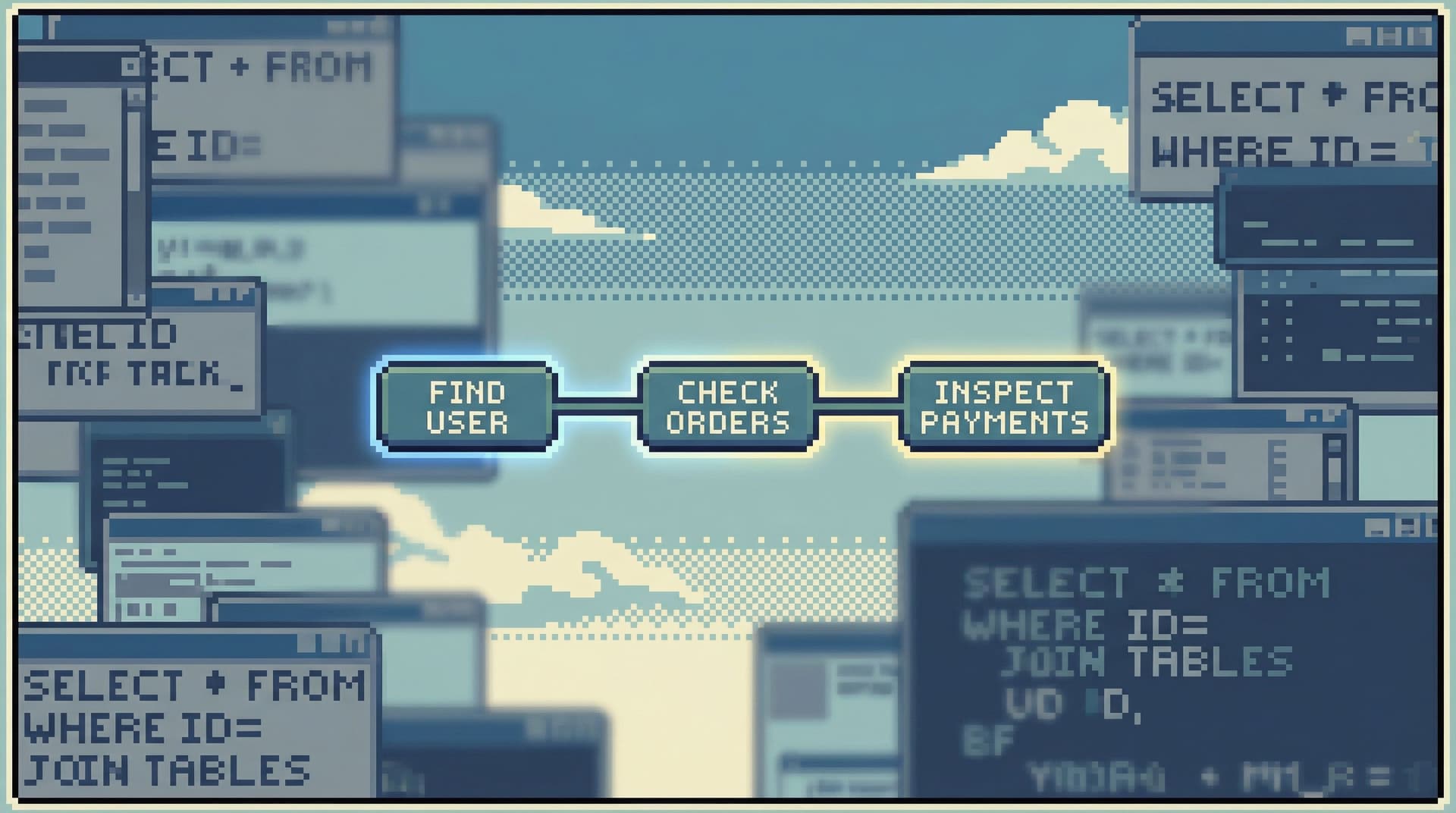
- "Look up customer by email → see last 10 orders → jump to payment attempts"
- "Start from incident ID → see affected jobs → see related retries"
This is the same stance we explore in depth in:
- The Single-Question Session: Designing Database Workflows Around One Clear Why
- Designing Read Rails: How Opinionated Query Paths Reduce Risk and Cognitive Load
3. Turn ephemeral reads into shared memory
If your main tools are admin consoles and CLIs, your query history tends to be:
- Local
- Noisy
- Hard to reuse safely
A focused browser should:
- Capture trails, not just raw SQL.
- Make it easy to replay an investigation with fresh data.
- Let you share a path as a link, not a screenshot.
This is where tools like Simpl lean into opinionated history and trails instead of bookmarks or “recent queries.” If that idea is interesting, you’ll likely enjoy:
- Database Work Without Bookmarks: Using Opinionated Trails Instead of Saved Queries
- Opinionated History: Turning Your Query Log into a Calm Knowledge Base
4. Make safe curiosity cheap
The goal is not to lock people out of production. The goal is to make safe curiosity the default:
- Engineers can explore real data without fear.
- On‑call can dig into incidents without opening an admin console.
- Support can answer more questions without pinging an engineer.
That means:
- Clear scoping: per‑tenant, per‑customer, per‑incident views
- Guardrails around heavy queries
- Opinionated pagination and limits that keep things responsive
We talk more about how small defaults like pagination, limits, and filters shape attention in Opinionated Cursors: Why Even Simple Pagination Choices Shape How Teams Read Data.
How to Introduce a Browser Layer Without Chaos
Adding a new tool is easy. Making it the default place for a certain kind of work is harder.
Here’s a calm way to introduce a focused browser into your stack.
Step 1: Draw a simple boundary
Start with a sentence you can share internally:
“If you are reading production data to answer a question, you start in the browser. If you are changing the database or debugging performance, you go to admin/CLI.”
Write it down. Share it in your runbooks. Put it in your on‑call docs.
Step 2: Pick one high-value path
Don’t try to model your entire schema on day one.
Instead, pick one recurring path where people already copy SQL around or screenshare an admin console. For example:
- “What happened to this customer’s last order?”
- “Which jobs for this tenant failed in the last 24 hours?”
Design that path in your browser tool (for example, as a trail in Simpl):
- Entry point: customer email, order ID, or tenant ID
- A small, fixed sequence of views
- Safe defaults for limits, ordering, and filters
Step 3: Wire it into your incident and support flows
Update a few key places:
- On‑call runbook: “Step 2 – open the incident trail in the browser.”
- Support playbooks: “For billing questions, open the billing trail in the browser.”
- Internal docs: replace screenshots of admin consoles with links to browser views.
The goal is simple: the next time someone reaches for the admin console “just to check something,” they instead reach for the browser.
Step 4: Iterate on guardrails and comfort
As your team uses the browser, pay attention to:
- Queries that feel too heavy
- Views that feel too broad
- Places where people still fall back to the CLI
Tighten guardrails:
- Add or lower limits on hot tables
- Remove rarely used but risky views
- Add one or two new trails that match real investigations you saw last week
Over a few weeks, the browser becomes the comfortable default for reading production.
Summary
A focused database browser sits in a very specific place in your stack:
- After admin consoles for structural work.
- Before CLIs and IDEs for deep debugging.
- Alongside dashboards and alerts as the primary way you read real rows.
When you give that layer a clear job and the right constraints, you get:
- Safer, calmer production reads.
- Fewer “can someone check the DB?” escalations.
- A shared, repeatable way to answer concrete questions about real people, orders, and jobs.
Tools like Simpl exist to make that middle layer feel intentional instead of accidental: opinionated paths, safe curiosity, and a browser that treats your attention as the scarce resource it is.
Take the First Step
You don’t need a big migration to get value from a focused browser.
Pick one path that already hurts:
- A recurring support question.
- A noisy incident type.
- A migration you keep double‑checking by hand.
Then:
- Decide that reads for that path belong in a browser, not in admin or the CLI.
- Model a single, opinionated trail in a tool like Simpl.
- Update one runbook or playbook to point there first.
Let that small, concrete workflow prove the value of a post-admin, pre-CLI layer. Once your team feels the difference, the rest of your stack will start to reorganize itself around that calmer center.