From Tables to Tickets: A Straight-Line Workflow From Alert to Root-Cause Row

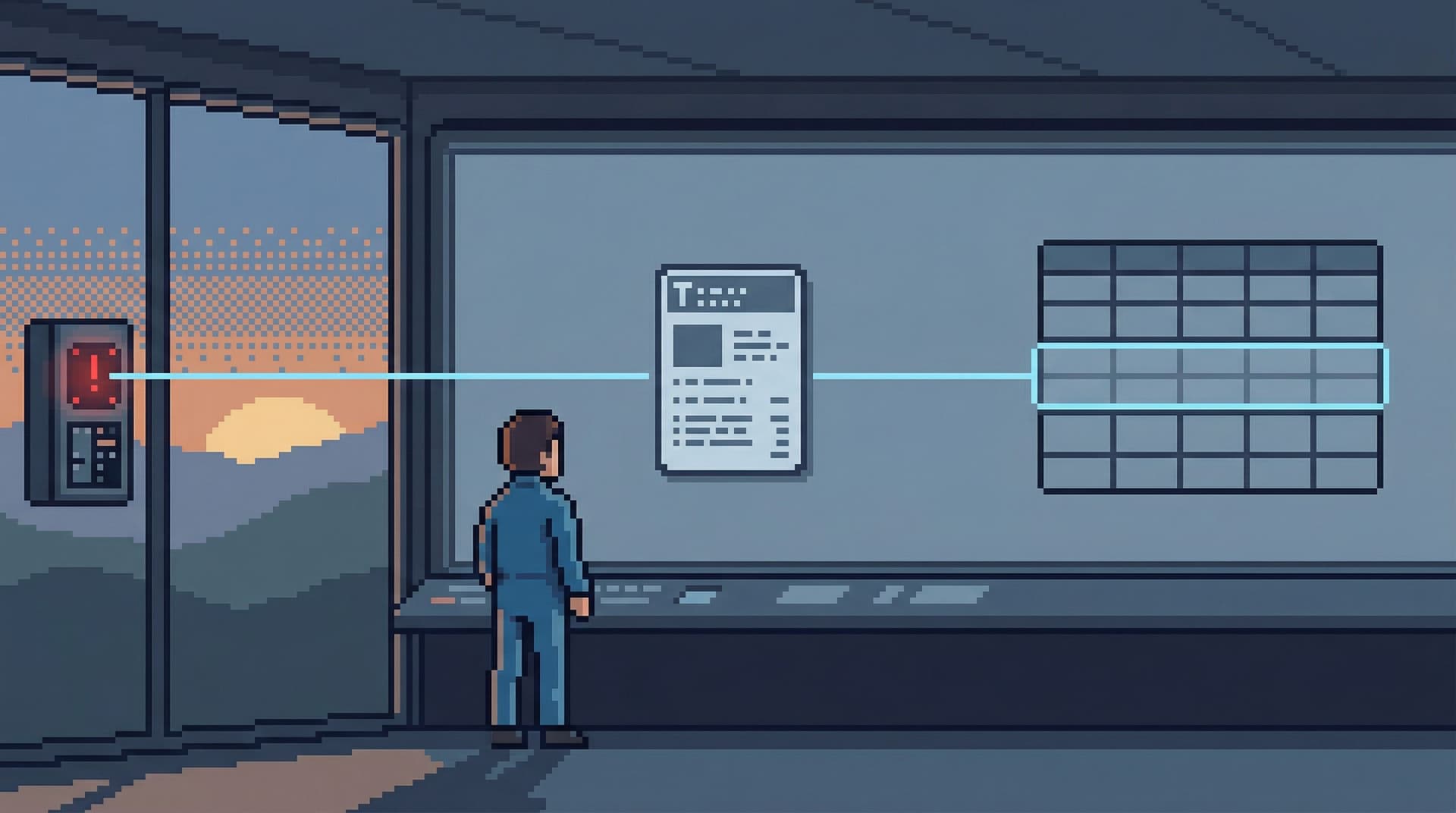
Incidents don’t fail in theory. They fail in rows.
An alert fires. A chart spikes. A Slack channel lights up.
Very quickly, the question becomes concrete:
- Which customers are affected?
- Which orders are stuck?
- Which jobs are silently failing?
The gap between “CPU high on db-primary-1” and “this specific row is wrong, for this specific reason” is where most teams lose time. That gap is also where most tools are the noisiest: dashboards, consoles, IDEs, tickets, DMs, screenshots.
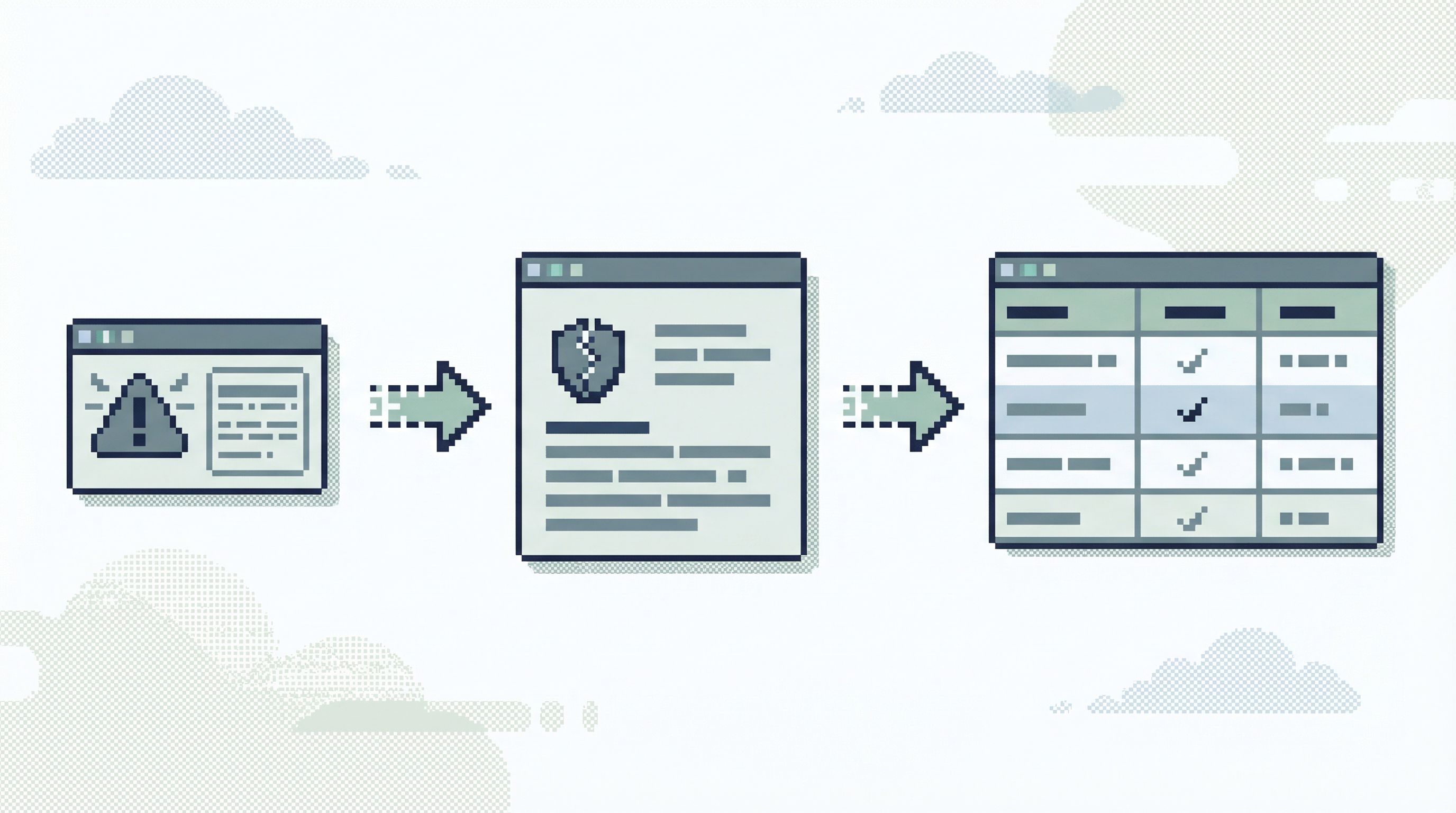
This post is about designing a straight line through that mess: from alert, to incident, to ticket, to the exact row that explains what happened—and back again.
Along the way we’ll talk about:
- Why “tables first” workflows slow down incident response
- How to anchor everything around one failing path
- How to make the row the shared unit of work across engineering, data, and support
- How tools like Simpl help keep that line calm instead of chaotic
Why this gap matters more than another dashboard
Most teams already invest heavily in observability and incident tooling:
- Metrics and traces in tools like Grafana, Datadog, or Prometheus
- Incident orchestration in platforms like incident.io or Rootly
- Ticketing in Jira or similar
Those tools help you detect and coordinate. But the slow part of MTTR is often neither detection nor communication—it’s finding the right rows.
Common failure modes:
- Wandering from table to table. An engineer opens a SQL console and starts guessing:
SELECT * FROM orders WHERE ...thenpayments, thenevents, thenjobs. - Every incident re-invents navigation. Each on-call builds their own mental map from metrics to tables, from tables to tickets, from tickets to customers.
- Tickets and rows drift apart. The Jira issue points at a screenshot of a dashboard, which points at a Slack thread, which points at… maybe a query someone ran once.
Research on incident response keeps coming back to the same pattern: the biggest MTTR wins come from standardizing and automating the investigation path, not just the alerting rules. You cut time when you reduce the manual, ad-hoc work needed to get from symptom to cause.
A straight-line workflow does exactly that: it makes the path from alert to root-cause row predictable, repeatable, and shareable.
If you want more background on this middle layer between BI and admin consoles, you might like Post-BI, Pre-Admin: Defining the Missing Layer of Calm Database Tools.
Start from the incident, not the schema
Most database tools start with a schema tree. That’s honest, but it’s not how incidents arrive.
Incidents arrive as:
- An alert: “Checkout error rate > 5% for 10 minutes”
- A support escalation: “Customer can’t see their latest invoice”
- A product manager ping: “Why did signups dip yesterday in EU?”
The first move in a straight-line workflow is to treat the incident as the primary object, not the database.
That means:
- One canonical incident record. In your incident tool or ticketing system, every alert that “graduates” into an incident gets a stable ID.
- One clear question. Attach a short, concrete why to that record: “Why are orders created between 10:02–10:07 stuck in
processing?” This mirrors the pattern in The Single-Question Session: Designing Database Workflows Around One Clear Why. - One path into data. From that record, you should have a single, opinionated link into your database browser—ideally pre-filtered to the relevant slice.
Instead of “open SQL client, pick a database, figure it out,” you want:
Incident → “View relevant rows in Simpl”
The incident is the front door. The database browser is the hallway, not the lobby.
Define the straight line: from alert to row
Let’s sketch the ideal path:
- Alert fires. PagerDuty / Datadog / Grafana sends a signal.
- Incident spins up. An incident is created in your incident tool with a stable ID.
- Context attaches. The alert payload includes:
- Service / component
- Time window
- Key identifiers (customer ID, order ID, region, etc.)
- Database view opens. A link from the incident opens a focused view in your database browser (for example, Simpl) with:
- The right table or question pre-selected
- Filters set from the alert payload
- A small set of related tables one click away
- Root-cause row identified. You land, not on
SELECT *, but on:- A small set of candidate rows
- Clear, human-labeled columns (status, state transitions, timestamps)
- Ticket enriched. With one action, you send a link to that exact view or row back into the incident / ticket.
The important detail: the engineer never has to mentally translate metrics into table names. That mapping is encoded in the workflow and the tool.
This is the same stance as Beyond Table Lists: Opinionated Navigation Patterns for Real-World Production Reads: navigation should follow the story, not the schema.
Make the row the shared unit of work
If you want a straight-line workflow, you need a shared unit of work that travels across tools and teams.
Dashboards are too broad. Raw logs are too noisy. Rows are just right.
Design around these principles:
- Every incident should have a canonical “row (or set of rows) of interest.”
- For a checkout failure: the
ordersrow and maybe itspaymentschildren. - For a background job issue: the
jobsrow and its recent runs.
- For a checkout failure: the
- Those rows should be linkable. Not as screenshots, but as stable URLs into a read-only view.
- Those links should be safe to share. Opinionated read-only roles and guardrails keep people from turning a read into a write by accident. (We go deeper on this in Beyond Read‑Only: Subtle Guardrails That Make Dangerous Queries Practically Impossible.)
When Simpl is in the loop, this looks like:
- A support ticket that includes: “See incident rows” → link opens a pre-filtered
ordersview. - An incident timeline that references: “Investigated payments row
payment_id=xyz” → link back into the browser. - A postmortem that embeds links to the exact state of key rows at the time of failure.
Now the “root-cause row” is not a screenshot in a doc. It’s a living reference the whole team can revisit.
Opinionated rails from incident to data
A straight line doesn’t mean fewer tools. It means fewer choices at each step.
Some practical rails to put in place:
1. Encode the mapping from alerts to tables
For each alert type, decide once which tables and filters matter.
Examples:
- Alert:
checkout_error_rate_high- Default table:
orders - Filters:
created_atin alert window,status IN ('pending','failed') - Related tables:
payments,order_items
- Default table:
- Alert:
job_retry_spike- Default table:
jobs - Filters:
job_type = <from alert>,retries > 0, time window - Related tables:
job_runs,dead_letters
- Default table:
Then wire your incident tool to pass those parameters into your database browser link. With Simpl, that means landing directly on a focused, read-only view instead of a blank search bar.
This is the “read rails” idea from Designing Read Rails: How Opinionated Query Paths Reduce Risk and Cognitive Load applied to incident response.
2. Default to the narrowest relevant slice
During an incident, the temptation is always to widen:
- “Let’s just look at the whole day.”
- “Let’s scan all customers on this plan.”
- “Let’s pull every job of this type.”
A straight-line workflow does the opposite. It defaults to:
- The smallest time window that still contains the failure
- The smallest set of customers or entities that show the symptom
- The minimal set of columns needed to reason about state
Tools should help enforce this:
- Pre-set time filters from the alert
- Column presets tuned for incident work (status, timestamps, IDs, not every field)
- Guardrails against
SELECT *on huge tables during peak
3. Make “jump to neighbor” one click, not a manual join
Once you’ve found an interesting row, you usually want to follow its neighbors:
- From
orders→payments→refunds - From
jobs→job_runs→dead_letters
Instead of asking engineers to write ad-hoc joins under pressure, define opinionated navigation paths:
- “View payments for this order”
- “View recent runs for this job”
In Simpl, these are modeled as calm, labeled paths rather than free-form joins. The goal is to keep you walking the same narrow trail, not bushwhacking through the schema.
Tie rows back to tickets automatically
A straight line is bidirectional. Once you’ve found the row, you need to send that context back to the coordination layer without friction.
Design for:
- One-click enrichment. From the database view, push a summary and link into the incident channel or ticket:
- “Found 23 affected orders for
plan_id=probetween 10:02–10:07. Example: order12345.”
- “Found 23 affected orders for
- Stable, replayable views. The link should preserve filters, columns, and sort order so that anyone who opens it sees the same slice you did.
- Quiet handoffs. This is the “quiet handoff” pattern: instead of a screen-share, you share a calm, focused view that others can open and explore safely. For more on this, see The Quiet Handoff: Sharing Production Database Context Without Screenshares or Zoom.
This is where a tool like Simpl shines: every investigation step can become a small, named view that you attach to the ticket, instead of a blob of SQL in someone’s local history.
Turn investigations into reusable paths
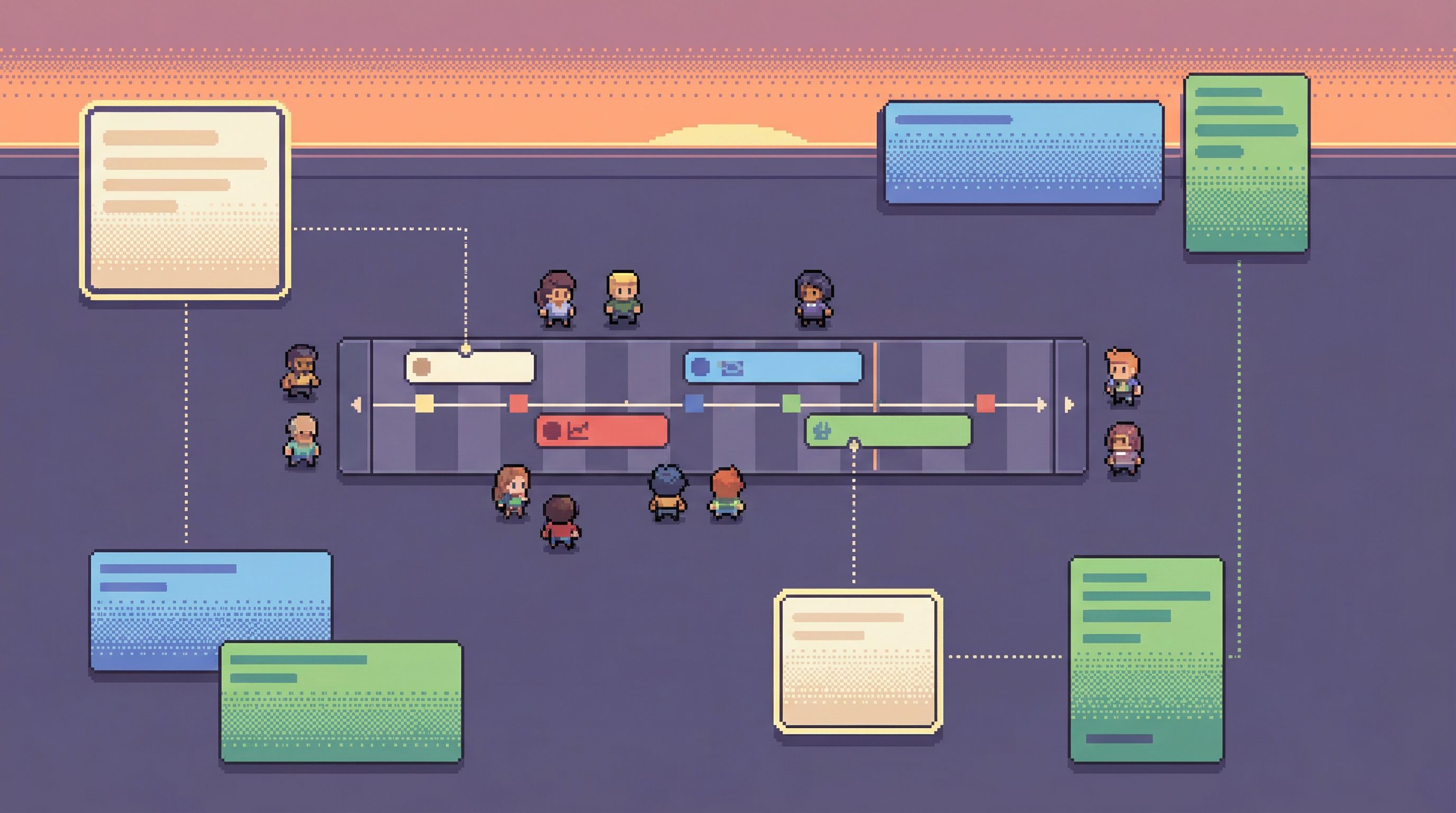
A one-off straight line is helpful. A reusable one is transformative.
After an incident, ask:
- Which queries did we actually rely on?
- Which tables and filters did we end up using?
- Which views or links did we paste into the ticket or Slack?
Then:
- Promote those into named views. Instead of “that query from last Thursday,” you now have:
- “Stuck orders by status and time window”
- “Job retries by type and region”
- Attach them to alert types. Next time the same alert fires, the investigation starts from a known-good view instead of a blank editor.
- Bake them into your calm catalog. Over time, you build a catalog of real-world questions mapped to concrete views, not just tables. This is the essence of The Calm Catalog: Mapping Production Tables to Real-World Questions, Not Schemas.
This is also how you quietly build a knowledge base:
- Query logs become opinionated history.
- Incidents become concrete, navigable stories.
- New engineers learn by following existing paths, not by reading schema diagrams.
Safety without friction
A straight-line workflow has to be safe by default. Otherwise, it won’t be widely adopted.
Key properties:
- Read-only, but not blank. Most people should land in a constrained, read-only environment (like Simpl) that:
- Hides write actions entirely
- Provides only a small set of curated views and navigation paths
- Guardrails around heavy queries. Even read-only queries can hurt prod. Guardrails should:
- Limit full-table scans on large tables during peak
- Encourage indexed filters and narrow time windows
- Offer safe presets for common incident flows
- Attention control. The tool should reduce wandering:
- No generic “search everything” box as the main entry point
- Clear, visible indication of “you are investigating incident INC-123”
- Easy way to see “what have we already looked at for this incident?”
We’ve written more about this shift from pure access control to attention control in From Access Control to Attention Control: Rethinking Safety in Database Tools.
A concrete example: from alert to root-cause row
Let’s put this together.
Scenario:
- Alert:
checkout_error_rate_highforregion=us-eaststarting at 10:02. - Incident:
INC-4821created in your incident tool.
Straight-line path:
- Incident tool shows a link: “Open checkout incident view in Simpl”.
- Clicking it opens a focused
ordersview:- Time filter:
created_at BETWEEN 10:02 AND 10:07 - Region filter:
region = 'us-east' - Columns:
order_id,user_id,status,total,created_at,error_code
- Time filter:
- You immediately see a cluster of orders stuck in
processingwitherror_code='PAYMENT_TIMEOUT'. - You click “View payments for this order” on one example row.
- The
paymentsview shows:status='authorized'butcaptured_atis null for many rows- All affected rows share
payment_provider='stripe'andregion='us-east'
- You enrich the incident with a one-click note from Simpl:
- “Identified 37 affected orders in us-east with payment timeouts; see view: [link]. Root-cause row example: order
ORD-91234, paymentPAY-55321.”
- “Identified 37 affected orders in us-east with payment timeouts; see view: [link]. Root-cause row example: order
- Incident commander links this to a recent deploy touching the Stripe integration. Rollback begins.
- Postmortem later includes the incident view links as part of the timeline.
At no point did anyone:
- Manually type table names
- Copy-paste raw SQL into Slack
- Share a screen just to show a few rows
The workflow is calm, linear, and repeatable.
Summary
A straight-line workflow from alert to root-cause row is less about adding tools and more about reshaping how they connect.
Key moves:
- Anchor on the incident. Start from a single, clearly defined why.
- Make rows the unit of collaboration. Linkable, safe, replayable views beat screenshots and ad-hoc SQL.
- Lay read rails. Encode the mapping from alerts to tables, filters, and navigation paths.
- Keep the slice narrow. Default to the smallest useful window of time, entities, and columns.
- Close the loop. Push context back into tickets and timelines with one click.
- Turn paths into patterns. Promote successful investigations into named, reusable views.
Tools like Simpl exist for exactly this space: the quiet middle layer where real production work happens—not BI, not admin, but calm, opinionated reads that keep incidents understandable.
Take the first step
You don’t need to redesign your entire incident stack to get value from this.
Pick one high-noise alert and:
- Write down the real question it implies.
- Decide which table and filters actually answer that question.
- Create a focused, read-only view in your database browser (or in Simpl) that lands directly on that slice.
- Wire a link to that view into the alert or incident template.
Run the next incident through that path. Notice how much less wandering there is.
Then do it again for the next alert.
Straight lines are built one path at a time.