Posts tagged with "Engineering Teams"

10 posts

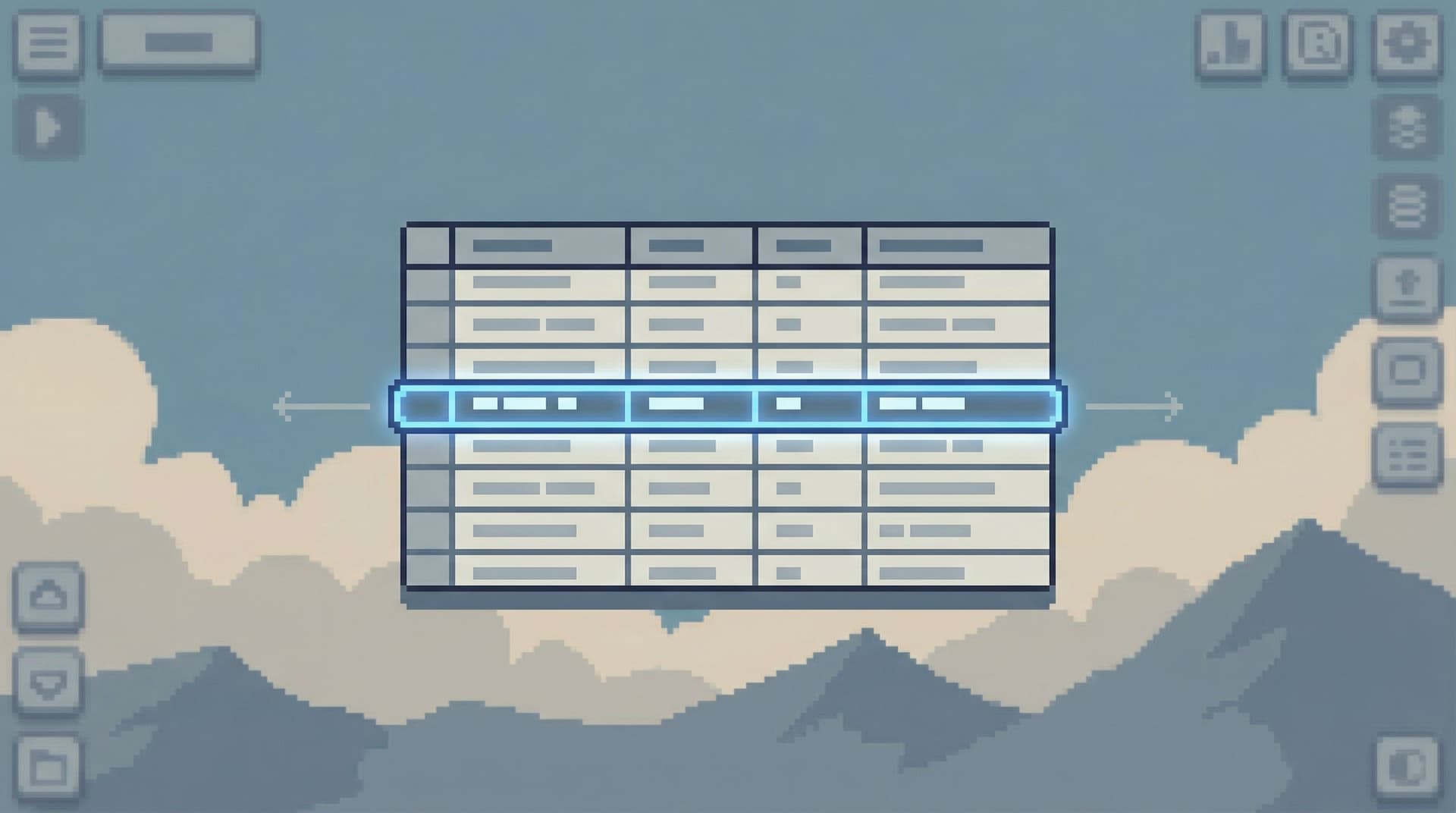
Opinionated Cursors: Why Even Simple Pagination Choices Shape How Teams Read Data
Database Browsing
Data Workflows

Opinionated Cursors: Why Even Simple Pagination Choices Shape How Teams Read Data

Most teams treat pagination as plumbing. Offset vs cursor. LIMIT 50 vs LIMIT 200. A “Next” button at the bottom of a table. These feel like implementation details—something the frontend and backend team settle once, then forget. But pagination is not just about performance. It’s about attention. How you move through rows quietly shapes: Which questions people ask first How quickly they find the rows that matter Whether incidents feel calm or chaotic How safe it feels to let more engineers read production This post is about taking a stance on that. Opinionated cursors. Intentional pagination. And how a few small choices can turn your database browser into a calm reading tool instead of an endless scro

Team Simpl
Team Simpl
Reading Production Together: How to Turn Solo Database Sessions into Shared Team Rituals
Database Browsing
Data Workflows

Reading Production Together: How to Turn Solo Database Sessions into Shared Team Rituals

Most production reads still happen alone. One engineer opens a SQL client, chases a customer issue, copies a few results into Slack, and closes the tab. The work is real, but the learning is local. The next engineer starts from scratch. This is a quiet tax on every team: The same questions get re‑asked. The same queries get re‑written. Incident context lives in DMs and screenshots. Reading production doesn’t have to be a solo sport. With a few deliberate choices, you can turn individual database sessions into a shared team ritual: calm, repeatable, and easy to join. Tools like Simpl exist for exactly this kind of work: focused, opinionated production reads instead of wandering through full BI or admin conso

Team Simpl
Team Simpl
Query Logs Are Not Knowledge: Turning Ephemeral Reads into Persistent Team Memory
Database Browsing
Data Workflows

Query Logs Are Not Knowledge: Turning Ephemeral Reads into Persistent Team Memory

Most teams treat query history as an accident. Your SQL client keeps a local history. Your warehouse logs every query. Your database browser shows “recent queries.” It all feels like a safety net: if you need that thing you ran last week, you can probably dig it up. But query logs are not knowledge. They’re exhaust — a noisy trail of half‑finished thoughts, copy‑pasted snippets, and one‑off debugging runs. They tell you that someone, at some point, asked something. They rarely tell you why, what was learned, or how to safely repeat it. If you want your team to get calmer and faster at working with production data, you need something else: a way to turn ephemeral reads into persistent, shared memory. This post is about that s

Team Simpl
Team Simpl
The Quiet Query Queue: How to Share Production Access Without Spinning Up New Tools
Database Browsing
Data Workflows

The Quiet Query Queue: How to Share Production Access Without Spinning Up New Tools

Most teams hit the same wall: Engineers need to answer real questions against production data. Support and success teams need to see “what actually happened” for a customer. Data folks are already drowning in ad‑hoc requests. The default reaction is almost always the same: add another tool. A new BI workspace for support. A stripped‑down admin panel for success. A separate SQL client for incident response. Each one starts out reasonable. Each one adds: Another permission model to manage Another surface area to secure Another place where queries (and mistakes) can hide You don’t actually have a production access problem. You have a sharing proble

Team Simpl
Team Simpl
The Anti-BI Habit: Teaching Engineering Teams to Reach for a Browser, Not a Dashboard
Database Browsing
Developer Tools

The Anti-BI Habit: Teaching Engineering Teams to Reach for a Browser, Not a Dashboard

Most engineering teams don’t suffer from a lack of dashboards. They suffer from a reflex. Something looks off in production? Open the BI tool. Click a dashboard. Add a filter. Hope the chart you need already exists. Over time, that reflex hardens into habit. Every data question becomes a dashboard question—even when what you really need is to look directly at the rows. The anti-BI habit is a different stance: teach engineers to reach for a focused database browser first, and dashboards only when they’re truly the right tool. Not because BI is

Team Simpl
Team Simpl
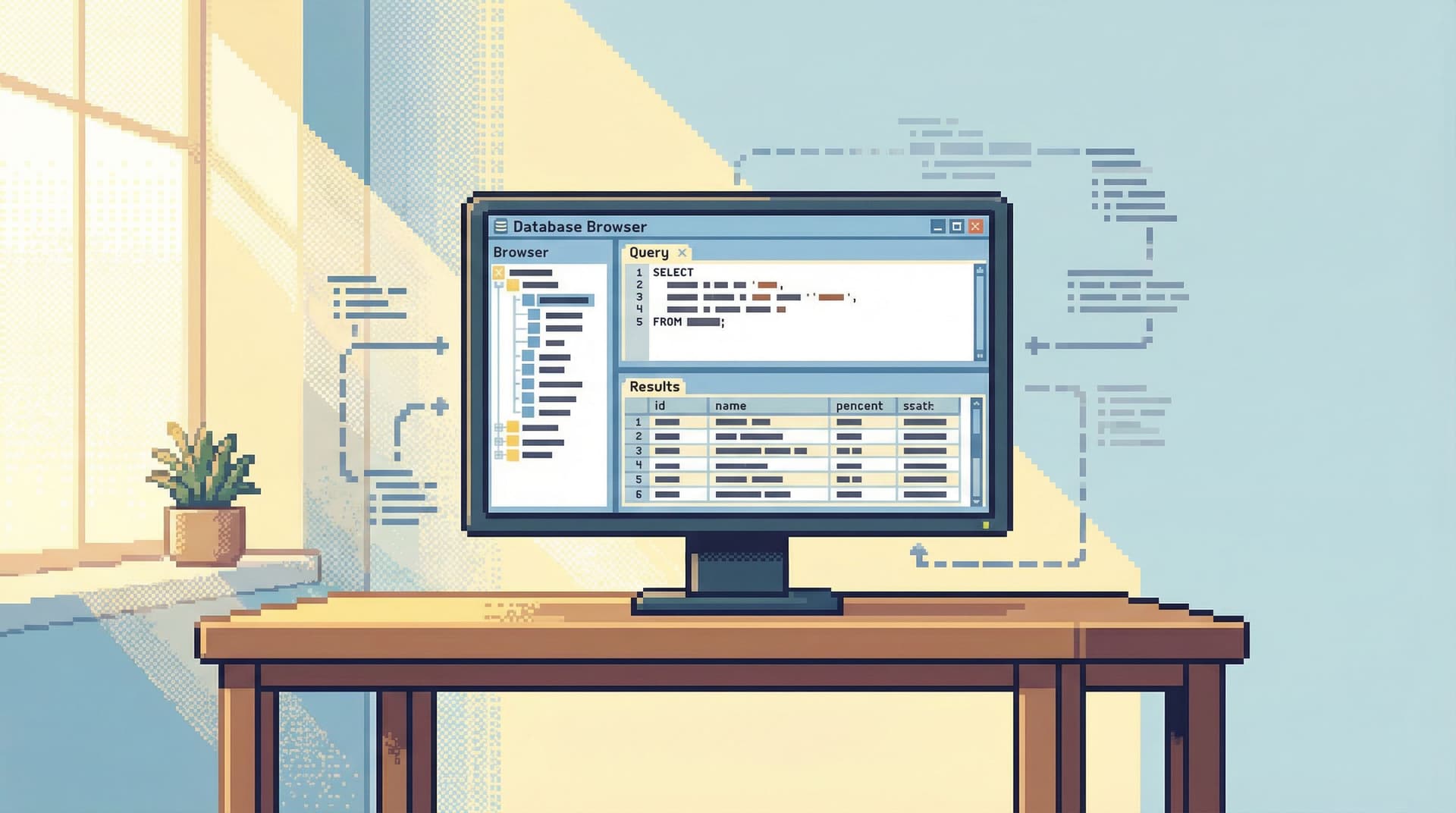
From Cursor to Conversation: Turning One-Off Queries Into Shared Team Knowledge
Database Browsing
Data Workflows

From Cursor to Conversation: Turning One-Off Queries Into Shared Team Knowledge

Most database work still starts and ends in isolation. You open a client. You run a query. You answer a question. You close the window. The cursor moved. The conversation never happened. This is a quiet tax on every engineering team: The same questions get re-asked. The same queries get re-written. The same context gets rebuilt from scratch. This post is about a different stance: treating each query as the start of a shared story, not a private one-off. Tools like Simpl are built around that idea: a calm, opinionated database browser that turns read-heavy work into something you can share, replay, and extend without turning your database into a noisy BI sur

Team Simpl
Team Simpl
From Dashboards to Drilldowns: Why Engineering Teams Need a Different Kind of Data Tool
Database Browsing
Developer Tools

From Dashboards to Drilldowns: Why Engineering Teams Need a Different Kind of Data Tool

Dashboards were supposed to make data feel simple. At first they did. A few charts, a couple of key metrics, a shared place to look. Then the charts multiplied. Teams added more panels “just in case.” Every new product question, every incident, every stakeholder request turned into another tile. Over time, the wall of dashboards stopped clarifying reality and started obscuring it. For engineering teams, that’s where the friction starts. Most of the work engineers do with data isn’t “monitor this metric forever.” It’s: Debug a specific user issue Trace a job through multiple services Validate an assumption before a deploy Understand what really happened during an incident Those are drilldown problems, not dashboard probl

Team Simpl
Team Simpl
Opinionated Read Paths: Why Most Teams Need Guardrails More Than Admin Superpowers
Database Browsing
Developer Tools

Opinionated Read Paths: Why Most Teams Need Guardrails More Than Admin Superpowers

Most teams don’t need more power over their databases. They need fewer ways to get it wrong. The default database experience still looks like this: open a full‑featured GUI or CLI, point it at production, and get a blank SQL canvas with near‑admin powers. You can do anything. You’re also one copy‑paste away from an outage, a privacy issue, or a quietly wrong query that ships into a dashboard. Opinionated read paths are a different stance: instead of giving everyone a cockpit, you give them a calm, narrow hallway. A deliberate sequence of views, queries, and affordances that make the safe, useful thing the easiest thing. Tools like Simpl are built around this i

Team Simpl
Team Simpl
Context, Not Dashboards: A Quieter Approach to Sharing Data in Engineering Teams
Database Browsing
Productivity

Context, Not Dashboards: A Quieter Approach to Sharing Data in Engineering Teams

Dashboards promised clarity. Most teams got noise. Tabs of charts. Competing definitions of “active user.” Metrics that drift out of date. A wall of visualizations that looks impressive in a demo and quietly decays in the background. Engineering teams don’t usually need more dashboards. They need more context: What does this number actually mean? Where did it come from in the database? When should we look at it, and why? What changed since last time? Context is what turns data from a performance into a shared language. And it’s what most dashboard-heavy setups fail to provi

Team Simpl
Team Simpl
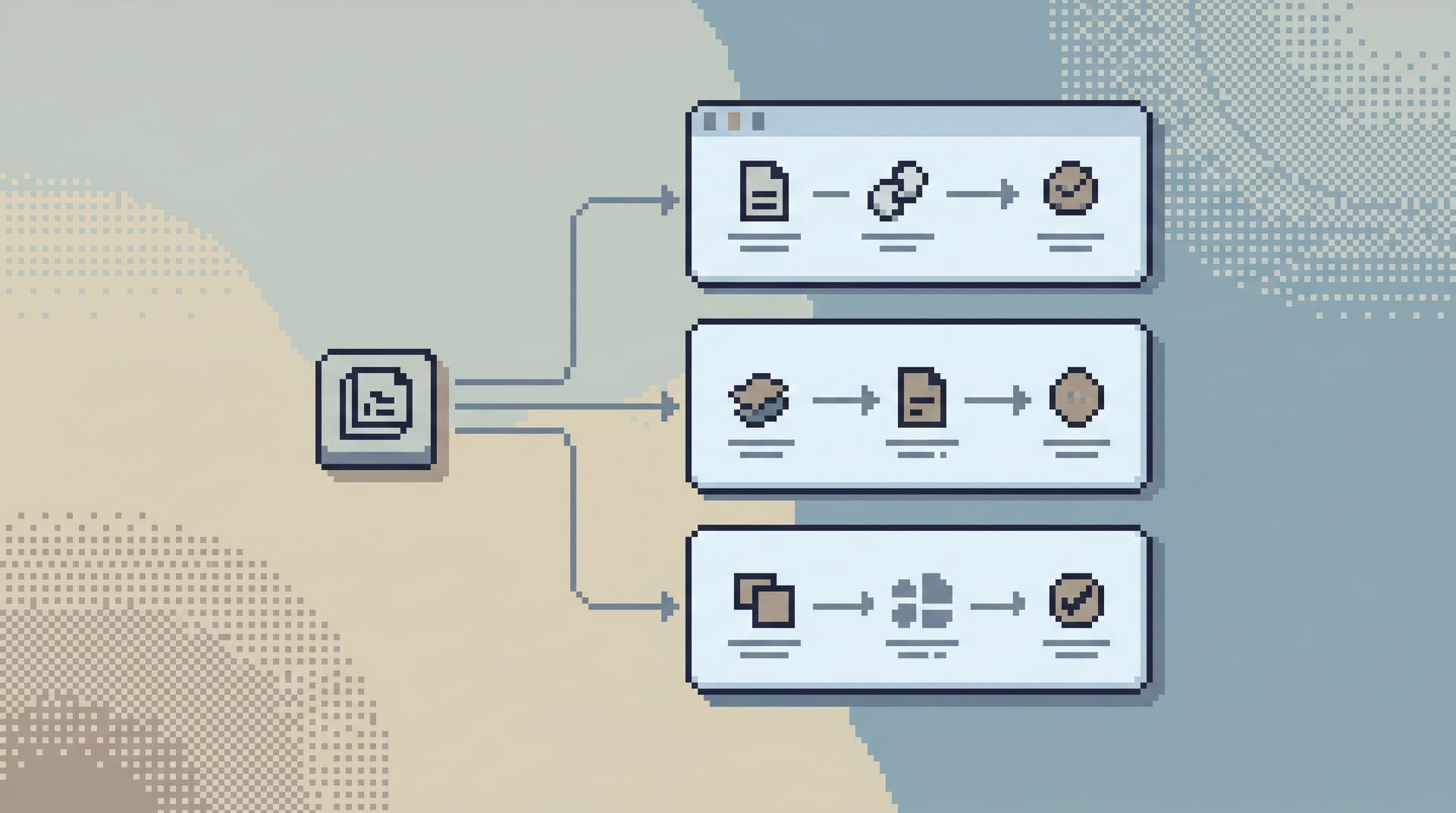
From Ad-Hoc Queries to Repeatable Flows: Systematizing How Your Team Looks at Data
Database Browsing
Data Workflows

From Ad-Hoc Queries to Repeatable Flows: Systematizing How Your Team Looks at Data

Most teams live in ad-hoc mode with their databases. A question appears in Slack. Someone opens a SQL client. A query gets written, tweaked, copied, pasted into a screenshot, and then… disappears. No shared history. No structure. No improvement over time. This is fine when you’re small. It becomes a tax as soon as: Multiple teams depend on the same data The same questions keep coming up Incidents hinge on “who remembers the right query” This post is about moving from one-off, improvised queries to calm, repeatable flows: lightweight systems for how your team inspects, understands, and reuses the same views of data. It’s not about heavy BI, full data modeling, or building a metrics la

Team Simpl
Team Simpl