Post-CLI, Post-GUI: What a Modern Database Browser Layer Should Actually Look Like


A lot of teams are stuck between two unsatisfying options for working with their databases:
- The CLI and full SQL IDEs: powerful, but noisy and brittle under pressure.
- The GUI admin panel: clickable, but sprawling, risky, and hard to reason about.
Both were designed for an earlier era of database work—when a “session” meant a single operator, a single terminal, and plenty of time. That’s not how most teams work with production data anymore.
A modern database browser layer has a different job:
- It should sit between dashboards and admin tools.
- It should optimize for reads, not schema surgery.
- It should shape attention, not just expose power.
Tools like Simpl exist because that layer has been missing. But the idea is bigger than any one product: it’s a shift from “give me everything” to “guide me through the few paths that matter.”
This post is about what that layer should actually look like once you move past both the raw CLI and the everything-GUI.
Why This Layer Matters Now
Most teams already have:
- Dashboards for metrics and trends.
- Admin consoles for configuration and writes.
- SQL clients for power users.
And yet, when something concrete is wrong—a customer is double‑charged, a job is stuck, a migration looks suspicious—the real work happens somewhere else entirely.
You:
- Pull up a console.
- Re‑run a half‑remembered query.
- Join three tables from memory.
- Paste screenshots into Slack.
We’ve written before about that moment in Browser, Not BI: When to Reach for Simpl Instead of Yet Another Dashboard. The pattern is consistent: incidents resolve in rows, not charts.
The missing layer is the one that makes those row‑level reads:
- Calm instead of frantic.
- Repeatable instead of ad‑hoc.
- Safe instead of “hope no one fat‑fingers a DELETE.”
A post‑CLI, post‑GUI browser is not about more features. It’s about less surface area, more intention.
The Limits of CLI and Classic GUI
Before defining the new layer, it helps to be blunt about why the old ones aren’t enough.
CLI / Raw SQL Clients
The CLI is still the sharpest tool in the drawer. It’s also the easiest way to cut yourself.
Strengths:
- Full expressive power of SQL.
- Scriptable, automatable, easy to integrate.
- Familiar to DBAs and senior engineers.
Costs:
- High cognitive load. You’re tracking schema, joins, and safety limits in your head.
- Zero guardrails. The same surface that runs a quick SELECT can also lock your primary.
- Poor collaboration. Context lives in someone’s scrollback history or local history file.
- Bad fit for incident work. At 2 a.m., a blank prompt is not your friend.
We’ve explored this in posts like The Calm Data On‑Call: A Minimal Workflow for Incident Reads at 2 a.m.: the problem isn’t just access, it’s attention.
Classic GUI Admin Panels
On the other side, you have GUI tools that try to be “everything for everyone”:
- Full schema trees.
- Read and write operations.
- User management, migrations, backups.
Strengths:
- Lower barrier for non‑SQL users.
- Visual affordances for schema and relationships.
- One place to “do everything.”
Costs:
- Wide, not deep. Easy to wander, hard to stay on one question.
- Mixed intent. Reads and writes live side‑by‑side; risk feels ambient.
- No opinion. Every table looks equally important; every path looks equally valid.
- Noisy in incidents. Too many panels, not enough narrative.
If the CLI is a blank page, the classic GUI is a cluttered desk. Neither is designed around the specific, high‑stakes reads that dominate real production work.
Principles for a Post‑CLI, Post‑GUI Browser
A modern database browser layer should start from a different set of assumptions.
Here are the core principles.
1. Question‑First, Not Schema‑First
Most tools start with tables and columns. A modern browser should start with questions:
- “What happened to this customer?”
- “Which orders are stuck in this state?”
- “Did this migration double‑apply for any rows?”
This is the same stance as the calm catalog we wrote about in The Calm Catalog: Mapping Production Tables to Real-World Questions, Not Schemas: map the database to the questions people actually ask.
What this looks like:
- Named views or entry points like “Customer timeline,” “Order lifecycle,” “Job run history.”
- URLs and saved paths that encode those questions, not just raw SQL.
- A small, opinionated set of starting points instead of a giant tree.
2. Read‑Only by Default, With Opinionated Guardrails
Post‑CLI doesn’t mean “less power.” It means safer power.
A modern browser should:
- Assume read‑only access for 95% of use cases.
- Make dangerous queries (full scans, Cartesian joins, unbounded filters) practically impossible.
- Offer clear, visible limits: max rows, timeouts, sampling, and pre‑filtered scopes.
We go deeper on this stance in Beyond Read‑Only: Subtle Guardrails That Make Dangerous Queries Practically Impossible.
3. Narrow Sessions, Not Endless Exploration
Most real sessions against production have one clear why:
- Debug this ticket.
- Verify this deploy.
- Answer this customer question.
A modern browser should lean into that narrowness:
- Encourage a single‑question session, not a data dive.
- Make it easy to save and share that path as a small artifact.
- Nudge you back to the main question when you start to wander.
This is the heart of The Single-Question Session: Designing Database Workflows Around One Clear Why.
4. Links, Not Screenshots
Production context should travel as links, not screenshots or copy‑pasted SQL.
A modern browser should:
- Make every meaningful read sharable as a URL.
- Preserve filters, joins, and the question being asked.
- Support quiet handoffs between teammates without live screen‑shares.
We call this the quiet handoff pattern, explored in detail in The Quiet Handoff: Sharing Production Database Context Without Screenshares or Zoom.
5. Opinionated History, Not Raw Logs
Query logs are not knowledge. They’re exhaust.
A modern browser should:
- Capture intent alongside SQL: what question was being asked, for whom, in what incident.
- Turn repeated reads into named, reusable views.
- Make it easy to follow the path someone else took through the data.
This is the idea of opinionated history: turning logs into a calm knowledge base instead of a firehose.
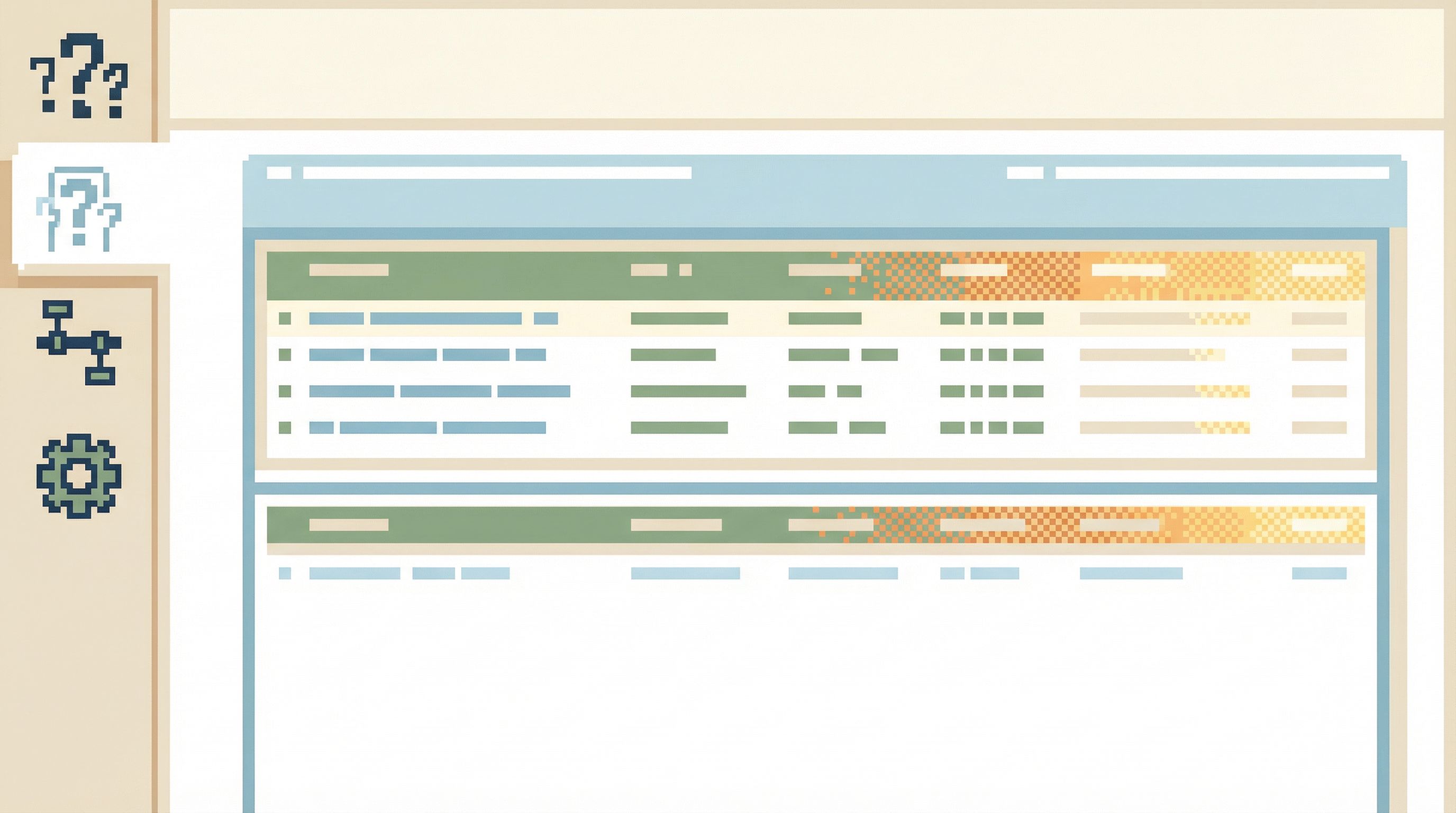
Concrete Traits of a Modern Browser Layer
Principles are helpful. But what does this actually look like in a product you open during a real incident?
Below are the concrete traits that define a post‑CLI, post‑GUI layer—traits we’ve baked into Simpl, but that apply broadly.
1. Opinionated Entry Points
Instead of:
- A blank query editor.
- A giant schema tree.
You get:
- A small set of named entry points tied to real workflows.
- Examples:
- Customer > By ID
- Order > By external reference
- Job run > By trace ID
These entry points:
- Pre‑wire the relevant tables and joins.
- Constrain filters to safe, indexed fields.
- Return a narrow slice of data that tells a story, not a dump.
In Designing Read Rails: How Opinionated Query Paths Reduce Risk and Cognitive Load, we call these read rails—deliberate paths instead of open‑ended maps.
2. Structured Context Around the Rows
Rows alone aren’t enough. You also need context:
- Which incident or ticket is this tied to?
- Who last looked at similar rows?
- What was the previous query in this trail?
A modern browser layer should:
- Display query trails—the sequence of reads that led here.
- Allow light annotation: “this is the failing order,” “this is the pre‑fix snapshot.”
- Make it trivial to jump back and forward along that trail.
This is where Simpl leans heavily: treating each session as a structured narrative, not just a set of disconnected queries.
3. Guardrails That Feel Invisible
Good guardrails don’t nag. They shape behavior quietly.
Examples:
- Row limits that default to something safe, with an explicit “I know what I’m doing” override.
- Time‑bounded filters (e.g., “last 24 hours”) as the default for timelines.
- Pre‑joined views that avoid ad‑hoc, potentially expensive joins.
- Warnings when filters are too broad or unindexed.
The goal is not to block power users. The goal is to make the safe thing the path of least resistance for everyone else.
4. Calm Visual Design
This layer is not a dashboard. It doesn’t need:
- Animations.
- Live‑updating charts.
- Colorful status badges everywhere.
It needs:
- Plain, legible tables.
- Clear hierarchy between primary and secondary information.
- Minimal chrome so the data, not the tool, is what you see.
Post‑CLI, post‑GUI design is about removing everything that doesn’t help you answer the current question.
5. URLs as First‑Class Objects
Every meaningful state in the browser should be:
- Addressable by URL.
- Stable over time (within retention and privacy limits).
- Safe to share in Slack, tickets, and incident docs.
This enables:
- Quiet handoffs.
- Incident timelines with real links, not screenshots.
- A shared library of “how we usually answer this question.”
The Quiet Handoff goes deeper on why this is more than convenience; it’s a different way of working as a team.
Designing Your Own Modern Browser Layer
Whether you adopt a tool like Simpl or build your own internal layer, the design questions are similar.
Here’s a concrete way to get started.
Step 1: List the Real Questions, Not the Tables
Sit down with the engineers, SREs, and support folks who touch production most.
Ask them to write down, in plain language, the top 10 questions they actually use the database to answer.
Examples:
- “What happened to this user’s subscription over the last 30 days?”
- “Which jobs failed with this error code in the last 2 hours?”
- “Did any orders get charged twice during this deploy window?”
Treat these as your north stars. Your browser layer should make each of these questions:
- One click (or one small form) away.
- Repeatable as a saved path.
- Shareable as a link.
Step 2: Define Narrow Read Rails for Each Question
For each question, design a narrow path:
- Required inputs (user ID, external order ID, trace ID, etc.).
- Tables and joins that are always relevant.
- Time bounds and filters that keep the query safe and focused.
Then decide:
- What does the first view show? (e.g., one row per event, sorted by time.)
- What are the two or three allowed pivots from there? (e.g., “view payment attempts,” “view shipping events.”)
Avoid the temptation to expose the entire schema from every view. That’s how you slide back into generic GUIs.
Step 3: Implement Guardrails as Defaults, Not Policies
Guardrails work best when they feel like defaults, not bureaucracy.
Concretely:
- Set row limits and time ranges at the view level.
- Pre‑define safe WHERE clauses (e.g., always scoped to one customer or one order).
- Make the “escape hatches” (e.g., removing time limits) explicit and slightly effortful.
The idea is to make the happy path both safe and fast, so people rarely feel the need to leave it.
Step 4: Turn Ephemeral Reads into Shared Artifacts
Each time someone:
- Solves a tricky incident.
- Untangles a weird billing edge case.
- Builds a useful path through the data.
Capture it.
In practice:
- Save that trail as a named view or playbook path.
- Link it from your runbooks and incident templates.
- Encourage people to share links, not SQL snippets.
Over time, your browser layer becomes a living catalog of how your team reads production, not just a tool to run queries.
Step 5: Integrate Lightly With Your Existing Stack
You don’t need to rip out dashboards or admin tools.
A modern browser layer slots in between them:
- From alerts (PagerDuty, Opsgenie, etc.) → link into a narrow incident browser view.
- From tickets (Jira, Linear) → link to the exact rows that explain the issue.
- From logs/traces (e.g., Honeycomb, Datadog) → link into a pre‑filtered timeline for that user or trace ID.
Posts like From Metrics to Rows: A Focused Workflow for Jumping from Alerts into Production Data and From Stack Traces to Rows: A Calm Workflow for Debugging Incidents in Simpl walk through these handoffs in more detail.

How Simpl Fits Into This Picture
Simpl is our attempt to embody this post‑CLI, post‑GUI stance:
- A calm, opinionated browser for production databases.
- Designed around real questions, not schemas.
- Focused on reads, with subtle guardrails that make dangerous queries hard by default.
Concretely, Simpl:
- Gives teams question‑shaped entry points instead of blank editors.
- Captures query trails as shareable, replayable artifacts.
- Encourages quiet handoffs via links, not screenshots.
- Treats opinionated history as a core feature, not an afterthought.
If you’ve ever felt the tension between “I need to see these rows right now” and “I really don’t want to open psql against prod,” this is the layer we built it for.
Summary
A modern database browser layer is not:
- A shinier SQL client.
- A lighter admin console.
- A dashboard with a query editor bolted on.
It’s a different stance entirely:
- Question‑first, not schema‑first.
- Read‑only by default, with quiet guardrails.
- Narrow sessions, not endless exploration.
- Links and trails, not screenshots and one‑off queries.
- Opinionated history, not raw logs.
Post‑CLI, post‑GUI doesn’t mean giving up power. It means focusing that power on the kinds of work that actually dominate your days: production reads, incident debugging, concrete customer questions.
Take the First Step
You don’t need a full redesign to start moving toward this layer.
This week, you can:
- List the top 10 real questions your team uses the database to answer.
- Design one narrow read rail for the most common of those questions.
- Capture the next useful incident trail as a shared artifact—with a link, not a screenshot.
If you want a tool that’s built around these ideas from the start, explore Simpl. It’s an opinionated database browser designed for calm, focused work with production data—post‑CLI, post‑GUI, and much closer to how your team actually thinks when real rows are on the line.