Why Your Database GUI Feels Like an IDE (and Why That’s a Problem)

Most database GUIs look like they were designed by someone who really loves text editors.
Tabs everywhere. Panels inside panels. A giant query editor front and center. Extensions. Themes. Keyboard shortcuts for everything.
It feels familiar because it looks like an IDE.
That familiarity is comforting. It’s also quietly shaping how you work with data—and not always in your favor.
Tools teach habits. When your database GUI behaves like an IDE, it nudges you toward writing instead of understanding, speed instead of clarity, and solo heroics instead of shared flows. Over time, that shows up as production incidents, brittle queries, and a general sense that working with data is louder than it needs to be.
This post is about why that happens, what it costs, and how to design (or choose) calmer tools for working with your database.
How IDE Thinking Leaks Into Your Database GUI
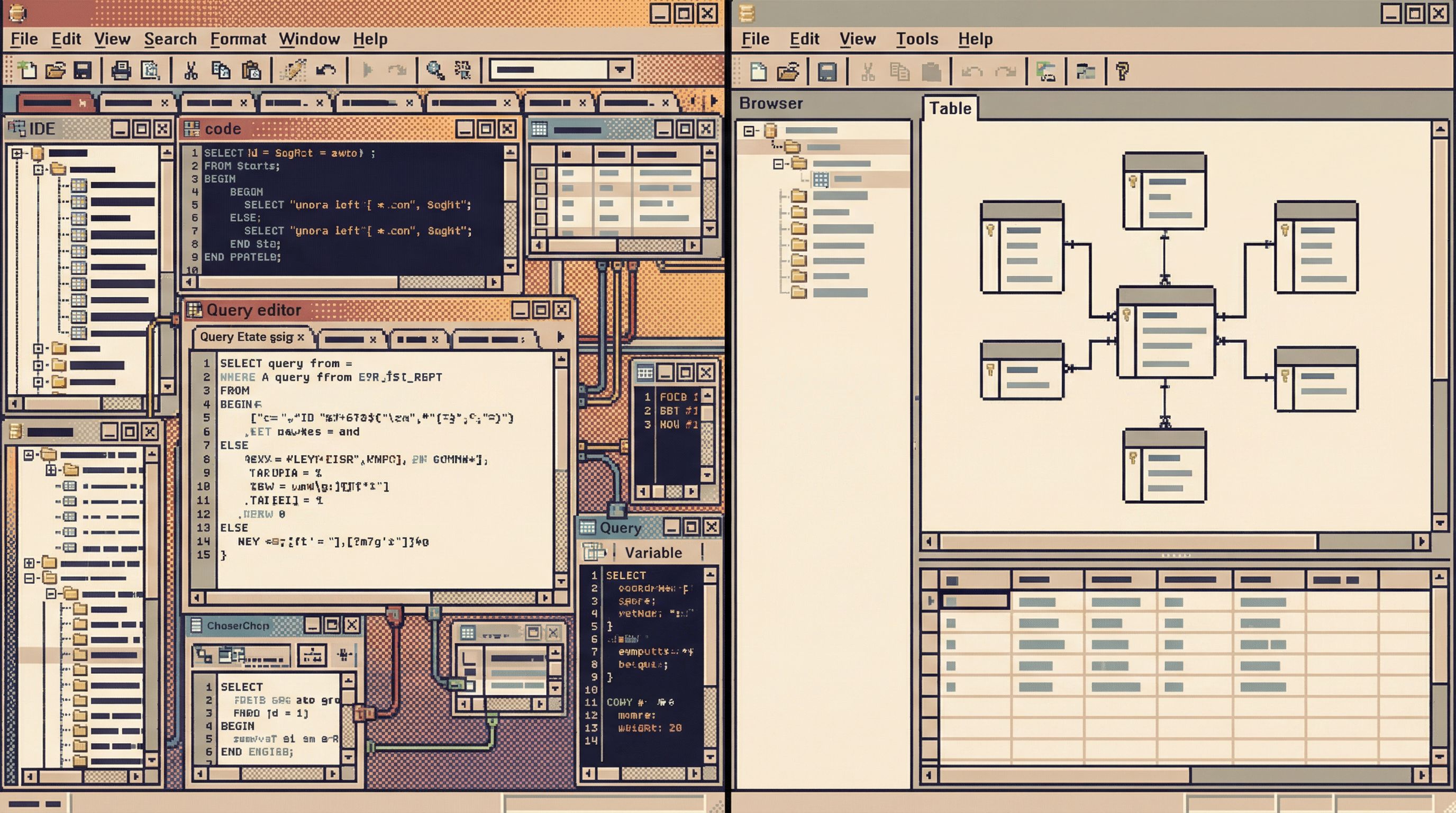
A lot of database tools borrow directly from code editors and IDEs:
- A large, primary query editor pane
- File-like tabs for “scripts” or “connections”
- Project trees and saved snippets treated like source files
- Heavy autocomplete, inline linting, live results
- Plugin ecosystems and theming
This makes sense from a vendor perspective: developers already know how to use IDEs. But it quietly imports assumptions that don’t fit database work.
Assumption 1: The main job is to produce text
In an IDE, the core artifact is code. Everything is optimized around:
- Writing more code
- Refactoring code
- Organizing code
- Navigating code
So your database GUI puts the query editor front and center. It assumes your main job is to write queries.
But most database work is not about producing SQL. It’s about:
- Inspecting tables and relationships
- Validating assumptions about data
- Tracing flows through systems
- Comparing before/after states
- Answering questions with enough confidence to act
SQL is the means, not the end.
Assumption 2: Speed of editing beats clarity of context
IDEs reward fast editing:
- Jump to definition
- Multi-cursor editing
- Live refactors
- Instant feedback loops
So your database GUI chases the same feeling: run queries faster, show results faster, open more tabs, keep everything “live”.
The problem: data work benefits more from deliberate context than from raw speed. This is a theme we’ve written about in depth in Query Fast, Think Slow: Designing Database Tools for Deliberate Work.
You don’t just need fast queries. You need:
- A clear mental model of the schema
- Guardrails around what’s safe to run
- A way to see how current results compare to previous ones
- Space to think before you change anything
Assumption 3: Everything is a project
IDEs are built for long-lived codebases. Your work lives in projects and repos. That mindset leaks into database tools as:
- “Projects” or “workspaces” for saved queries
- Heavy folder structures
- Treating every query like a file
In practice, database work often looks more like:
- A question in Slack
- A few exploratory queries
- A screenshot or pasted result
Then it disappears.
The problem isn’t that this flow is informal. The problem is that most IDE-like GUIs don’t help you turn that informal exploration into lightweight, repeatable flows. We dig into this more in From Ad-Hoc Queries to Repeatable Flows: Systematizing How Your Team Looks at Data.
Why IDE-Like GUIs Are a Problem for Database Work
An IDE-shaped database tool doesn’t just look different. It changes how you behave.
1. You bias toward writing instead of reading
When the editor dominates the screen, you naturally start by typing.
- You write a query before you’ve fully clarified the question.
- You tweak the WHERE clause instead of asking whether you’re in the right table.
- You optimize the query structure before you’re sure you’re querying the right thing.
This is the opposite of a read-first workflow—a mindset where you bias toward inspecting and understanding before you change anything. We’ve argued for that shift in The Case for a Read-First Database Workflow.
A read-first approach asks:
- What do I need to see before I touch anything?
- What’s the shape of this data?
- How does this table relate to the rest of the system?
An IDE-style GUI rarely supports that well. Schema inspectors are often cramped sidebars. Relationships are buried. History is shallow. The editor is always in the way.
2. You normalize risk
Production databases are powerful and slightly dangerous. They deserve respect.
When your GUI feels like a cozy editor, it’s easy to forget that a single mistyped query can:
- Lock tables
- Trigger expensive full scans
- Leak sensitive data
- Mutate rows you didn’t mean to touch
IDEs make destructive actions feel reversible: undo, revert, git reset. Databases don’t work that way.
An IDE-like database GUI blurs that line. It makes dangerous operations feel casual. The same interface you use to SELECT is one keystroke away from DELETE.
We’ve written about designing guardrails that people actually use in Production Data Without Pager Anxiety: Guardrails That Actually Get Used. The core idea: tools should make safe behavior feel natural, not bolted on.
3. You accumulate unstructured query debt
IDE-shaped GUIs encourage lots of tabs and lots of snippets.
Over time, you get:
- Dozens of “scratch” queries with unclear purpose
- Slight variations of the same query across teammates
- No canonical version of “the query we use for X”
This is query debt. It shows up as:
- Re-answering the same questions from scratch
- Copy-paste errors
- Confusion during incidents: “Which query is the right one?”
A calmer database browser should help you:
- Capture the queries that matter
- Attach them to context (what question they answer, when to use them)
- Reuse them without turning your database into a code repo
4. You lose the plot of the data itself
The more your tool looks like an IDE, the more you treat the database like a codebase.
But data is not code.
- Tables evolve in response to real-world behavior, not just design decisions.
- Rows represent events and entities, not functions and classes.
- Anomalies are often the most interesting part, not bugs to be “fixed”.
When the interface is all editor and tabs, you spend more time managing queries and less time looking at the data.
The result:
- Subtle issues in data quality go unnoticed
- Schema drift is discovered late
- Teams rely on dashboards that were built on misunderstood tables
What a Calm Database GUI Should Optimize For
If an IDE is the wrong mental model, what’s the right one?
A calmer database browser should optimize for:
- Understanding before action
- Respect for production
- Shared flows, not solo scripts
- Low-noise, high-signal interfaces
Let’s make that concrete.
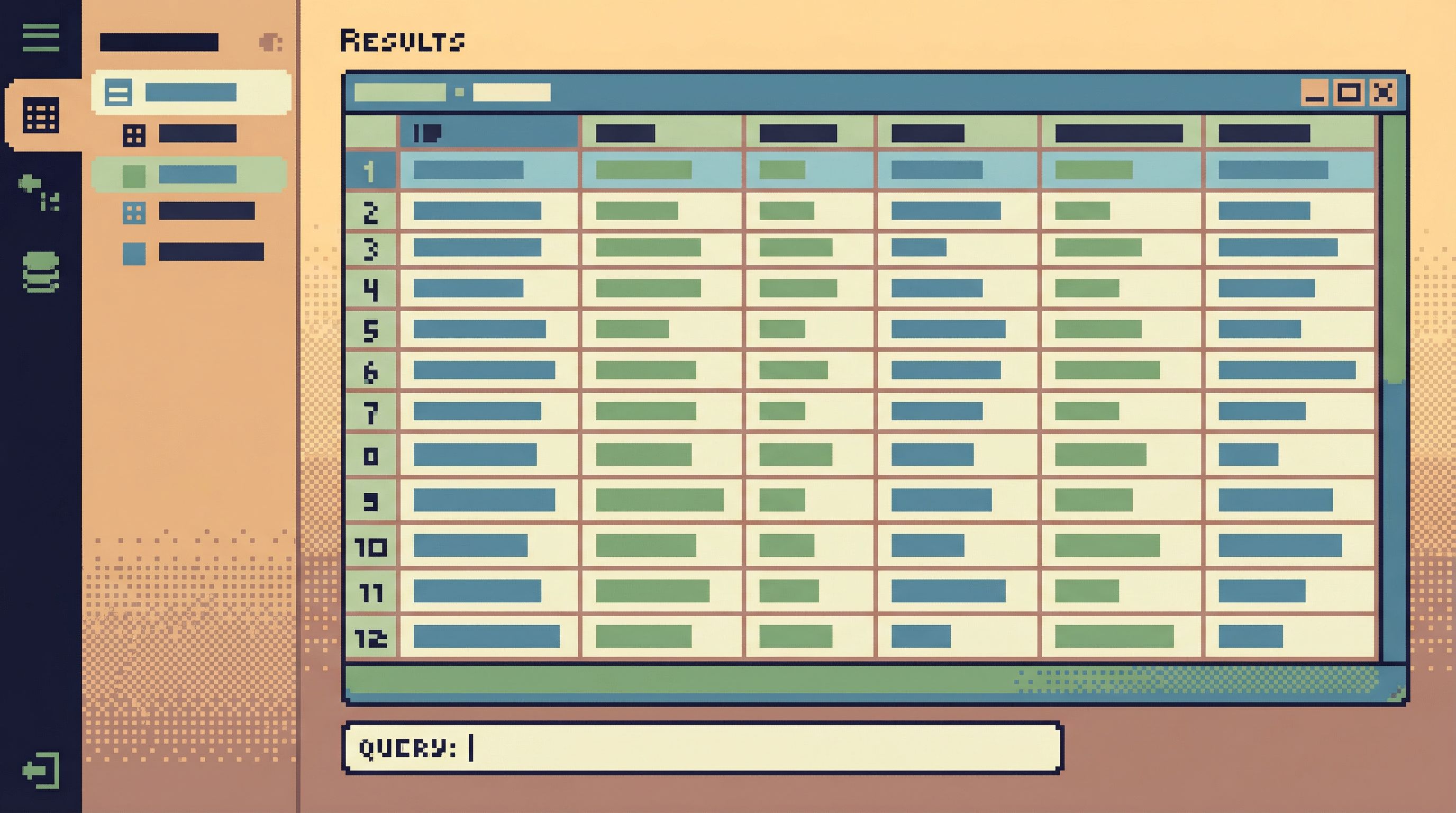
1. Put the data, not the editor, at the center
A better default layout:
- Large, readable result pane as the primary element
- Schema and relationships visible and explorable without digging
- Query editor present, but secondary—tucked below or beside results
Design nudges matter. When you open the tool, you should feel invited to look first:
- Browse tables and columns
- Click into related records
- Scan a sample of rows
Only then write or refine a query.
2. Make read-first workflows the default
Instead of “open editor, type query, run”, a calm GUI can guide you through:
- Choose a starting table or view
- Inspect structure and sample data
- Add filters and joins gradually
- Save meaningful views when they answer recurring questions
Concretely, that might look like:
- Inline controls for basic filters and limits before you ever touch SQL
- Easy toggles between “raw SQL” and “structured view” of the same query
- History that shows how a query evolved, not just the final text
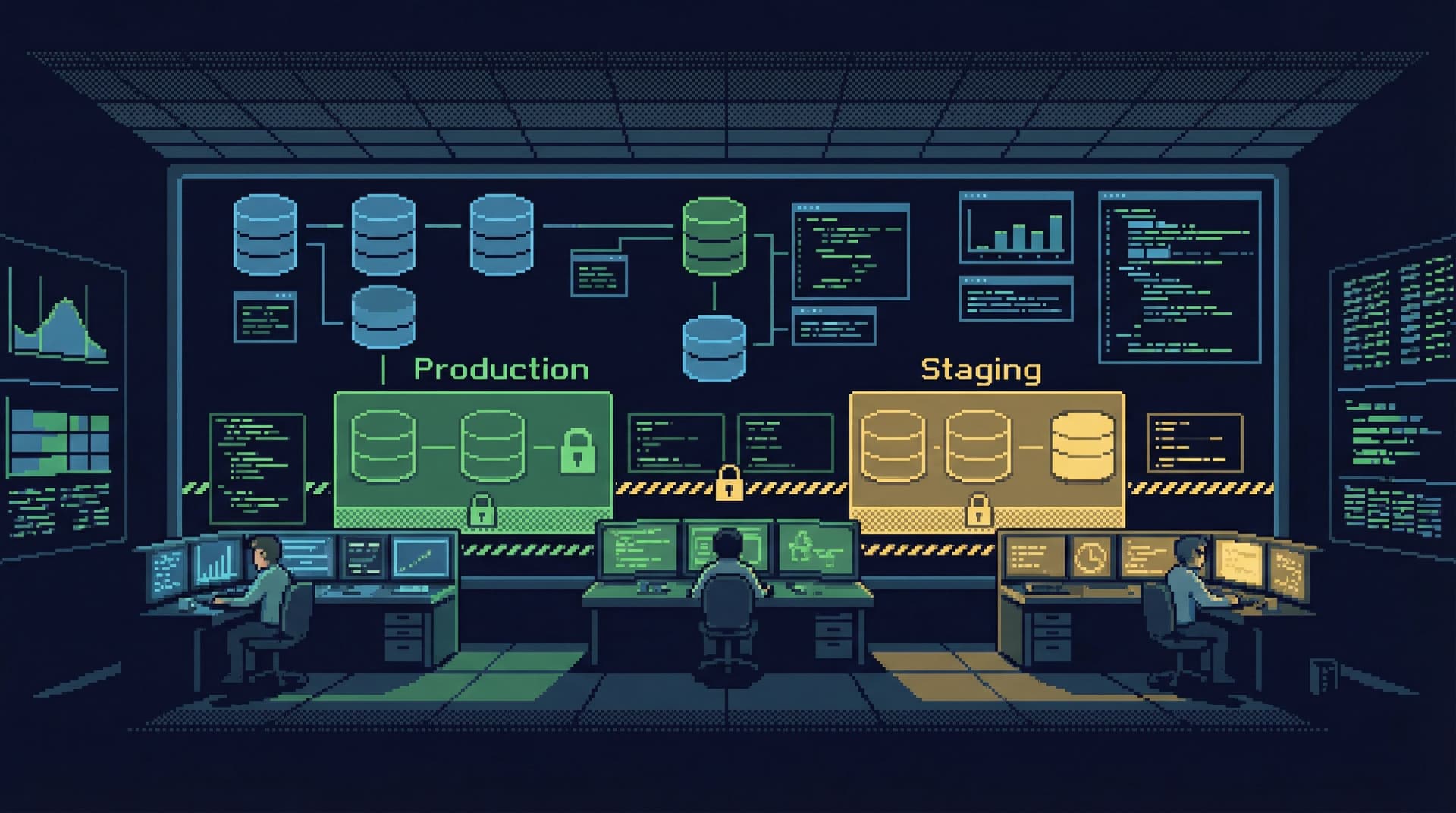
3. Treat production like a loaded tool, not a playground
A calm database browser should make dangerous actions feel deliberate, not casual:
- Clear separation between read-only and write-capable sessions
- Visual cues when you’re connected to production vs staging
- Guardrails like:
- Safe defaults (LIMITs, transaction wrappers)
- Confirmations for large or unbounded operations
- Role-based templates for common, safe queries
The goal isn’t to lock everything down. It’s to make the safe path the path of least resistance.
4. Turn good queries into repeatable views, not orphaned scripts
Instead of a forest of scratch SQL files, you want a small set of named, reusable views:
- “Active subscriptions by plan”
- “Recent failed payments with customer context”
- “Experiment X assignment and outcomes”
A calm GUI should help you:
- Promote an ad-hoc query into a named view with minimal friction
- Attach lightweight documentation: what it’s for, who uses it
- Share it with your team without requiring a separate BI tool
This is how you move from improvisation to repeatable flows without over-building a metrics layer.
5. Reduce interface noise to protect attention
Noise isn’t just visual. It’s also cognitive.
A calmer database browser trims:
- Excessive chrome and nested panes
- Redundant toolbars
- Constant popups and notifications
And emphasizes:
- Clear typography for table names, columns, and results
- Simple, predictable navigation
- A small set of powerful interactions over a long list of features
You should be able to sit with your data and think, without the tool constantly asking for attention.
How to Work Calmer Even If Your Tool Feels Like an IDE
You may not be able to change tools immediately. You can still change how you use them.
Here are practical shifts you can make inside almost any database GUI.
1. Start every session with a read-only mindset
Before writing a single line of SQL, answer these:
- What environment am I in? Production, staging, local?
- What do I need to see before I change anything?
- What’s the smallest slice of data that will answer my question?
Then:
- Default to
SELECTwith explicitLIMIT - Avoid
UPDATE/DELETEin production unless there’s no alternative - When you must write, test the exact query shape in a safer environment first
2. Use the schema browser like a map, not an afterthought
Most tools have a schema pane. Don’t ignore it.
- Expand related tables instead of guessing column names
- Skim column types and constraints before filtering or joining
- Look for existing views that might already answer your question
If your GUI doesn’t surface relationships, maintain a lightweight external map: a doc, a diagram, or a shared note.
3. Promote “good scratch” into shared flows
When you write a query that:
- Answers a question someone else is likely to ask again
- Took more than a few minutes to get right
- Touches critical tables or logic
…don’t leave it in a scratch tab.
Instead:
- Save it with a clear, human-readable name
- Add a short comment at the top explaining what it’s for
- Share the location with your team (even if it’s just a link in a doc or wiki)
Over time, you’ll build a small, trusted library of queries that reduce noise and rework.
4. Separate exploration from execution
When your GUI makes it easy to run anything, it’s tempting to experiment directly against production.
Create two modes for yourself:
-
Exploration mode
- Use staging or a read replica
- Try new joins, filters, and aggregations
- Iterate quickly and messily
-
Execution mode
- Use production with care
- Run only queries that you’ve already validated elsewhere
- Log or save what you run for future reference
Even if your tool doesn’t enforce this, you can.
5. Close tabs aggressively
Tabs feel harmless. They aren’t.
- Old queries stick around and get reused out of context
- You lose track of what’s “current”
- Mental load increases as you juggle more open work
Make a habit of:
- Closing tabs once a question is answered
- Keeping at most a small handful open at any time
- Using saved queries or views, not tabs, as your long-term memory
Where a Tool Like Simpl Fits
Simpl is an opinionated database browser built around these calmer defaults.
Instead of mimicking an IDE, Simpl:
- Puts data and relationships at the center, not a giant editor
- Encourages a read-first workflow with safe defaults
- Makes it easy to turn ad-hoc queries into repeatable views your team can reuse
- Reduces interface noise so you can focus on what the data is telling you
It’s not a full BI suite. It’s not a DBA console. It’s a quiet, streamlined way to explore and understand your database without the overhead of a full development environment.
If your current GUI feels like an IDE in disguise, trying a purpose-built browser like Simpl is one of the simplest ways to change the habits your tools are teaching you.
Summary
When your database GUI looks and behaves like an IDE, it nudges you toward:
- Writing before understanding
- Moving fast instead of thinking clearly
- Treating production like a playground
- Accumulating unstructured query debt
Database work is different from application development. It benefits from calm, read-first workflows, visible relationships, and tools that respect the weight of production data.
You don’t have to accept IDE-shaped GUIs as the default. You can:
- Re-center your own habits around reading first
- Use schema browsers and saved queries as shared maps
- Separate exploration from execution
- Choose tools that optimize for understanding, not just editing
A quieter interface leads to quieter incidents, fewer surprises, and a team that trusts its own view of the data.
Take the First Step
You don’t need a full tooling migration to start.
This week, pick one small change:
- Run every production query with an explicit
LIMIT. - Save and name one query that keeps getting rewritten.
- Spend five minutes exploring your schema before you open the editor.
If you’re ready to see what a calmer database browser feels like, open your next session in Simpl and notice how it changes the way you approach your data.
Your database doesn’t have to feel like an IDE. It can feel like a place to think.