Production Reads Without the Rabbit Holes: Structuring Safe, Linear Debugging Sessions

Production debugging is supposed to be simple:
There is a question. You follow a line of evidence. You reach an answer.
Instead, most teams get something closer to a maze:
- Ten browser tabs
- Three database clients
- Dashboards, logs, traces, and Slack all open at once
- Half‑finished queries and half‑remembered hunches
You don’t just debug the issue. You also debug your own trail of breadcrumbs.
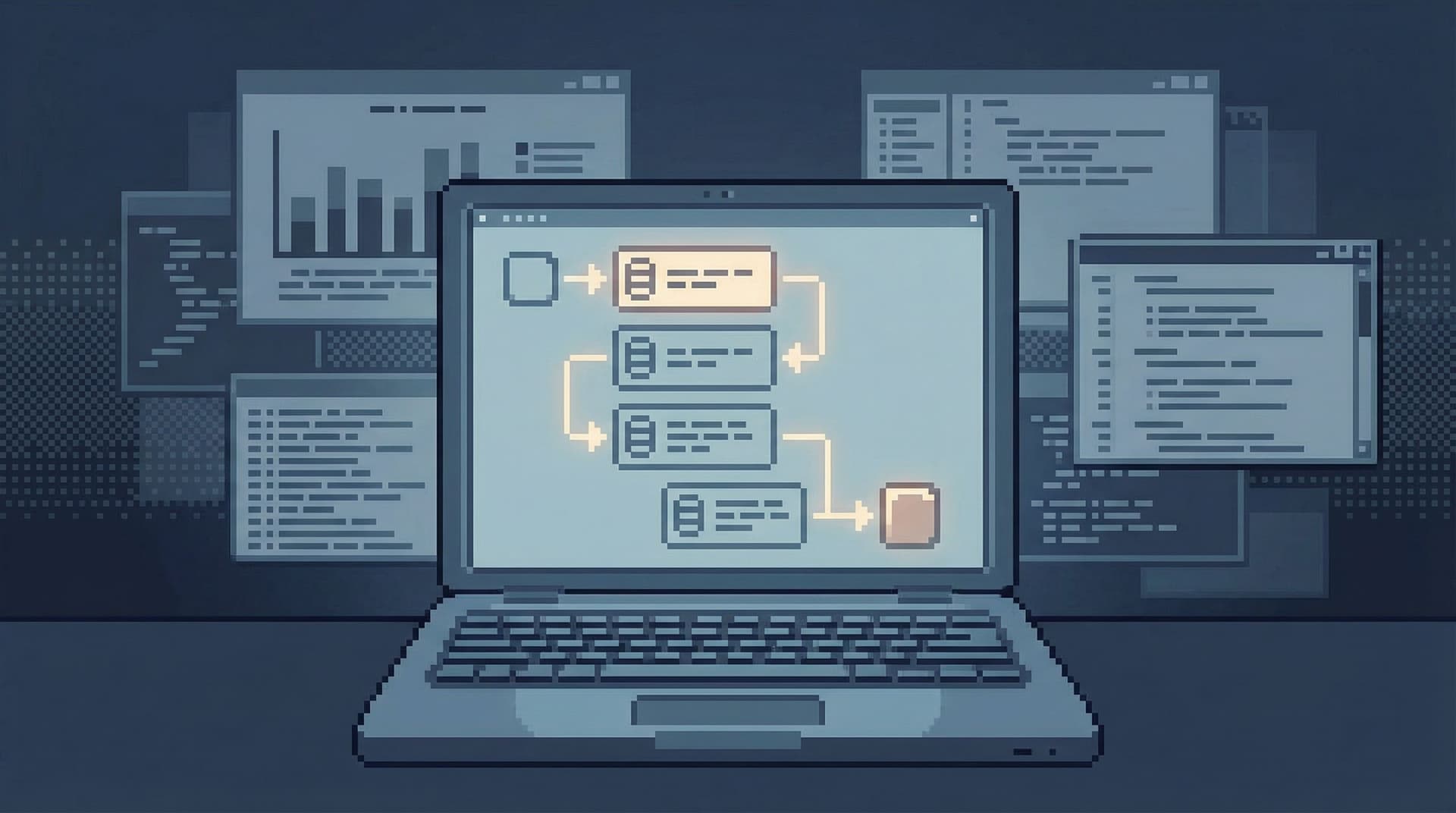
This post is about a quieter alternative: linear, read‑only debugging sessions that move in a straight line through production data, without side quests or rabbit holes.
Tools like Simpl are built around this stance: calm, opinionated database browsing that lets you explore production data safely, one clear step at a time, without the noise of full BI or admin tools.
Why Linear Debugging Matters
A debugging session is not just “running queries.” It’s:
- A sequence of decisions
- A story you’re telling yourself (and often your team)
- A risk surface pointed at your most important data
When that sequence is scattered, three things happen:
-
You lose the plot.
- You forget why you opened a tab.
- You re‑run the same query in slightly different ways.
- You chase anomalies that don’t matter.
-
You increase risk.
- Context switching makes it easier to run the wrong query in the wrong place.
- A copied snippet from staging ends up in production.
- A quick “just to check” UPDATE sneaks into a read‑only session.
-
You can’t replay or share the work.
- The incident is over, but nobody can reconstruct what you actually looked at.
- Onboarding new engineers means re‑teaching the same ad‑hoc habits.
We’ve written before about why most sessions should be read‑heavy and constrained ("Designing for Read-Heavy Work" and "Production Databases Without Fear"). This post goes one level deeper: how to structure a single debugging session so it stays linear, safe, and calm.
The Shape of a Calm Debugging Session
A good debugging session has a recognizable shape:
- A single, explicit question
- A constrained starting point
- A narrow sequence of reads
- A clear stopping condition
- A trail you can replay or share
Let’s walk through each, with concrete patterns you can adopt regardless of your tooling.
1. Start With One Sentence, Not a Vibe
Most rabbit holes start before you even touch the database.
“Something looks off with billing.”
That’s not a question. It’s a mood. Moods invite wandering.
Instead, force yourself into a single, falsifiable question before you open anything:
- "Did user
Xget charged more than once for invoiceY?" - "Did job
Jrun more than once between 2026‑02‑20 and 2026‑02‑21?" - "Is event type
signup_completedmissing for this cohort, or is it just delayed?"
Write that sentence somewhere visible:
- At the top of your scratchpad
- In the first comment of your query
- In the description of your session (if your tool supports it)
This is your anchor. Every later decision should answer one of two questions:
- Does this move me closer to answering the anchor question?
- Or am I starting a new question that deserves its own session?
If you’re using Simpl, you can treat each session as “one sentence, one story” and keep the question in the session title so it’s obvious when you’re drifting.
2. Constrain the Entry Point Into Production
The second source of rabbit holes is how you enter production.
Common anti‑patterns:
- Opening a full‑power SQL IDE directly on prod
- Starting from a schema browser and clicking around “to get a feel”
- Connecting logs, dashboards, and the database at the same time
A calmer pattern is to deliberately narrow the entry point:
- Use read‑only connections or roles for all routine debugging.
- Prefer tools or views that start from a story, not a schema—for example, a “user view” or “job view” instead of a blank editor.
- Limit yourself to one primary window for the first 10–15 minutes.
We go deeper on this idea of narrowed surfaces in "The Narrow Query Surface" and "Beyond the Schema Explorer".
In Simpl, this shows up as:
- Read‑first, read‑only defaults
- Opinionated entry points (e.g., starting from a specific user, job, or incident trail)
- A single, calm window instead of a tab explosion
You don’t need a specific tool to adopt this mindset. You can:
- Create a dedicated
prod_readonlyrole and make it the default for everyone. - Standardize on a single client for production reads, and reserve IDE‑style tools for local/staging.
- Document a “first view” for common flows: e.g., “for billing issues, always start from the
invoicestable filtered by user and date.”
3. Move in a Straight Line: A Simple Read Sequence
Once you’re in, the goal is simple: no branching until you must.
Think of your session as a numbered list, not a tree.
Here’s a basic linear sequence you can adapt:
-
Anchor row
- Find the primary entity at the heart of the question.
- Example: the user row, the job row, the invoice row.
-
Immediate neighbors
- Join or follow foreign keys to the most directly related tables.
- Example: invoice → payment attempts, job → job runs, user → subscriptions.
-
Timeline check
- Order relevant rows by time to see what actually happened.
- Example: all payment attempts for that invoice, ordered by
created_at.
-
Invariants and expectations
- Compare what you see against what “should” happen.
- Example: “There should never be more than one successful payment attempt per invoice.”
-
One hypothesis at a time
- Form a concrete hypothesis.
- Run exactly one query to prove or disprove it.
- If disproved, move to the next hypothesis. Don’t keep both in your head.
A Concrete Example
Question: “Did this user get double‑charged for invoice INV‑123?”
A linear sequence might look like:
- Locate the invoice
SELECT * FROM invoices WHERE invoice_id = 'INV-123'; - Fetch all payment attempts for that invoice
SELECT * FROM payment_attempts WHERE invoice_id = 'INV-123' ORDER BY created_at; - Check for multiple successful charges
SELECT COUNT(*) AS success_count FROM payment_attempts WHERE invoice_id = 'INV-123' AND status = 'succeeded'; - Cross‑check against external reference (e.g., Stripe)
- One query to fetch external IDs.
- One call or dashboard view to confirm.
If, along the way, you notice something odd (e.g., a retry storm on another invoice), capture it but don’t branch:
- Add a note: “Investigate retry storm on invoices with
payment_method = Xin a separate session.” - Finish the current question first.
This is the core habit: sequence over sprawl.
4. Treat Every Branch as a New Session
Sometimes you do need to branch. The trick is to make that explicit.
Instead of silently drifting into a new question, use a simple rule:
If the new question would change the session title, it deserves its own session.
Examples:
- From: “Did this user get double‑charged for invoice
INV‑123?” - To: “Are invoices with payment method
card_xexperiencing higher retry rates?”
That’s a new question. It belongs in a new session.
Practically, this means:
- Open a new window or new session, not a new tab in the same mess.
- Copy over only the minimum context needed (e.g., invoice ID, user ID, a key query).
- Give the new session its own one‑sentence anchor.
Tools like Simpl make this lighter by letting you spawn new sessions from existing queries while preserving a readable trail. But you can approximate it with:
- Separate SQL files per question
- A new scratchpad section per session
- A convention in your team: one incident, many small linear sessions instead of one giant everything‑bagel
If you’re dealing with a production incident, this pattern pairs well with the linear approach from "Production Incidents Without the Maze": one clear line per hypothesis, instead of a shared maze of half‑finished threads.
5. Make Writes Rare, Explicit, and Slow
Even when you think you’re doing “just reads,” production debugging has a way of drifting into “just one quick fix.” That’s where the real risk lives.
A calm debugging session treats writes as a different mode, not a casual extension of reads.
Some practical guardrails:
-
Separate identities for read vs write
- Different database roles.
- Different connection strings.
- Ideally, different tools.
-
Visual separation
- Your read‑only tool/window should look and feel different from your write‑capable one.
- No ambiguity about which mode you’re in.
-
Process separation
- If a debugging session suggests a data fix, capture it as a follow‑up:
- A migration
- A backfill script
- A one‑off maintenance task
- Review and run that in a separate, deliberate workflow.
- If a debugging session suggests a data fix, capture it as a follow‑up:
We dig into UX patterns for this in "Calm by Default" and "Read-Only by Default". The core stance: reads and writes should never feel like the same kind of action.
In Simpl, this is encoded as a product decision: it’s a read‑heavy browser, not an admin console. That constraint is a feature, not a limitation.

6. Leave a Trail, Not Just a Result
A linear session is easier to replay. That’s not just nice for you; it’s critical for the rest of your team.
Instead of:
- Screenshots in Slack
- Copy‑pasted query fragments with no context
- “I checked and it looked fine”
Aim for:
- A numbered list of queries, each tied to a small note:
#1 – Locate user#2 – Fetch all invoices#3 – Inspect invoice INV‑123#4 – Check payment attempts
- A short written conclusion at the end:
- “User was charged once in our system; double charge came from Stripe duplicate webhook.”
If you’re using Simpl, this is built‑in as read trails: a shareable, linear narrative of what you looked at and why—something we explored in "Read Trails, Not Logs".
If you’re not, you can approximate it with:
- A markdown note linked from the incident ticket
- A convention in your team’s runbooks: every debugging session gets a short “trail” section
- Lightweight templates for “what we looked at” and “what we concluded”
The bar is low: future‑you should be able to reconstruct the session without guessing.
7. Keep the Surface Area Small on Purpose
Linear debugging is easier when your tools aren’t constantly inviting you to do more.
Some practical constraints that help:
- One primary window for database work during a session
- No live schema tree unless you really need it
- No more than 1–2 external tools open at once (e.g., logs + DB, or metrics + DB)
This is the same stance we explored in "The Single-Window Database Session" and "Database Work Without the Side Quests": you don’t need less capability, you need less surface area.
Simpl leans into this with:
- A single, calm window per session
- Minimal chrome around your data
- Opinionated read paths instead of a general‑purpose IDE
You can get most of the benefit just by adopting a few team norms:
- “One window per debugging session.”
- “If you open a new tool, close one.”
- “If you’re not looking at it right now, it doesn’t need to be open.”
Pulling It Together
A safe, linear debugging session looks deceptively simple:
- One sentence question written down before you start.
- Constrained entry point into production (read‑only, narrowed views).
- Straight‑line sequence of reads, from anchor row to neighbors to timeline.
- Explicit branching: new questions become new sessions.
- Writes as a separate mode, with different tools, roles, and pacing.
- A replayable trail, not just a conclusion.
- Minimal surface area, so your attention stays on the data, not the UI.
The payoff is real:
- Less time lost to rabbit holes and side quests
- Lower risk of accidental writes or wrong‑environment queries
- Easier onboarding for new engineers
- Clearer incident reviews and postmortems
Most importantly: production stops feeling like a maze and starts feeling like a hallway. You walk down it, one step at a time.
Take the First Step
You don’t need to overhaul your stack to get value from this.
Pick one debugging session this week and deliberately:
- Write a one‑sentence question before you open any tools.
- Use a read‑only connection or role for the entire session.
- Keep a numbered list of queries and notes as you go.
- When you feel the urge to branch, start a new session instead.
If you want a tool that’s built around this way of working, try structuring your next production read session inside Simpl. It’s an opinionated database browser designed for calm, linear exploration of production data—without the rabbit holes.
Start with one question. Follow one line. See how much quieter debugging can feel.