From Access Control to Attention Control: Rethinking Safety in Database Tools

Most teams now have the basics of database safety in place.
- Read‑only roles for most users.
- Segregated production and staging.
- VPNs, SSO, audit logs.
And yet, production still feels risky.
People hesitate before opening a console. Screenshots get passed around instead of links. Incident calls turn into group screen‑shares because no one wants to be the person who “clicks the wrong thing.”
We’ve spent the last decade hardening access control. The quieter problem is attention control: what happens to people’s focus once they’re inside the tool.
A database can be logically safe and practically dangerous if the interface scatters attention, encourages wandering, or makes every action look equally harmless.
This post is about shifting how we think about safety in database tools—from who can connect, to how attention is guided once they do.
Safety is No Longer Just a Permission Problem
Traditional database safety is framed around three questions:
- Who can connect?
- What can they do? (read, write, admin)
- Where can they do it? (prod vs non‑prod)
Those are essential. But they assume that once you’re “safely” inside, the main risks are malicious or obviously destructive actions.
That’s not how most teams actually get hurt.
The real incidents are quieter:
- A wide
SELECTon a hot table during peak traffic. - A missing
LIMITin a query that fans out across multiple joins. - A support teammate pasting a “known good” query into the wrong environment.
- A debugging session that drifts from a single user to a billion‑row table “just to check.”
These aren’t permission failures. They’re attention failures.
They happen because the tools in front of us:
- Treat every query as morally equivalent.
- Offer dozens of panels, tabs, and modes at once.
- Encourage schema‑first wandering instead of question‑first focus.
We covered how wandering wrecks otherwise simple debugging sessions in Production Reads, Not Data Dives. The same wandering is also a safety problem.
Attention as a Safety Primitive
If you accept that most real‑world risk comes from distracted, overloaded people doing reasonable work under time pressure, then safety has to include:
- What the tool invites you to do.
- What it makes easy vs hard.
- Where your eyes and hands are pulled during a session.
That’s attention control.
A tool can be technically read‑only and still unsafe if it:
- Encourages you to open ten tabs and compare results by memory.
- Surfaces every table and column equally, with no sense of “hot” vs “cold” paths.
- Mixes incident debugging, ad‑hoc exploration, and reporting in the same surface.
- Buries the one guardrail that matters (like a row limit) behind an advanced setting.
On the other hand, a tool that gently constrains your path—even with the same underlying permissions—can make production feel calm instead of brittle. This is the stance behind a purpose‑built browser like Simpl: read‑heavy, opinionated, and designed to keep attention narrow.
Three Layers of Safety: Access, Guardrails, Attention
A more complete model for database safety looks like this:
- Access control – Who can connect and what can they theoretically do?
- Guardrails – What does the tool prevent or slow down by design?
- Attention control – How does the interface shape what people actually do under pressure?
Most teams are strong on (1), slowly improving (2), and almost ignoring (3).
Let’s walk through each layer, with concrete changes you can make.
1. Access Control: Necessary, But Not Sufficient
You probably already have:
- Read‑only roles for most engineers.
- Stronger credentials for admins.
- Limited direct access to production.
That’s the floor, not the ceiling.
If you stop here, you get the pattern we described in When Read‑Only Isn’t Enough: production still feels dangerous, so people route around the “safe” tools.
A few small refinements at this layer still matter:
- Separate “exploration” from “production reads.”
- Give engineers a clear place to explore (staging, warehouse, or a sandbox) and a different, calmer tool for production reads.
- Narrow the scope of production roles.
- Most people don’t need every table. Start with the ones that map to real workflows: users, orders, subscriptions, jobs.
- Make read‑only feel first‑class, not second‑class.
- If the “real” client is the powerful SQL IDE and the “safe” client is a stripped‑down afterthought, people will keep sneaking back to the IDE.
But the real leverage is below this layer.
2. Guardrails: Safety as Defaults, Not Policies
Guardrails are the UX and product decisions that make the safe thing the easy thing.
Examples:
- Row limits by default.
- Every ad‑hoc query starts with a conservative
LIMIT(e.g., 100 or 500). - Lifting the limit is possible, but explicit and visible.
- Every ad‑hoc query starts with a conservative
- Cost or scope hints before execution.
- “This query will touch ~80% of rows in
events.” - “No WHERE clause detected on a large table. Are you sure?”
- “This query will touch ~80% of rows in
- Environment‑aware prompts.
- Same query, different color and copy in prod vs staging.
- Safe templates for common tasks.
- One‑user traces, order timelines, job histories as pre‑built, constrained views.
We went deeper on these patterns in Guardrails in the Query Editor and Guardrails as UX, Not Policy.
You can implement many of these even in existing tools:
- Wrap your main database in a proxy that enforces row limits or warns on full‑table scans.
- Add a linter step in your internal query library that flags risky patterns.
- Maintain a small set of blessed, parameterized queries for support and success.
But even strong guardrails don’t solve the core problem of scattered attention. For that, you have to change the shape of the work.
3. Attention Control: Designing for One Question at a Time
The most powerful safety feature you can add to a database tool is an opinion about what a session is for.
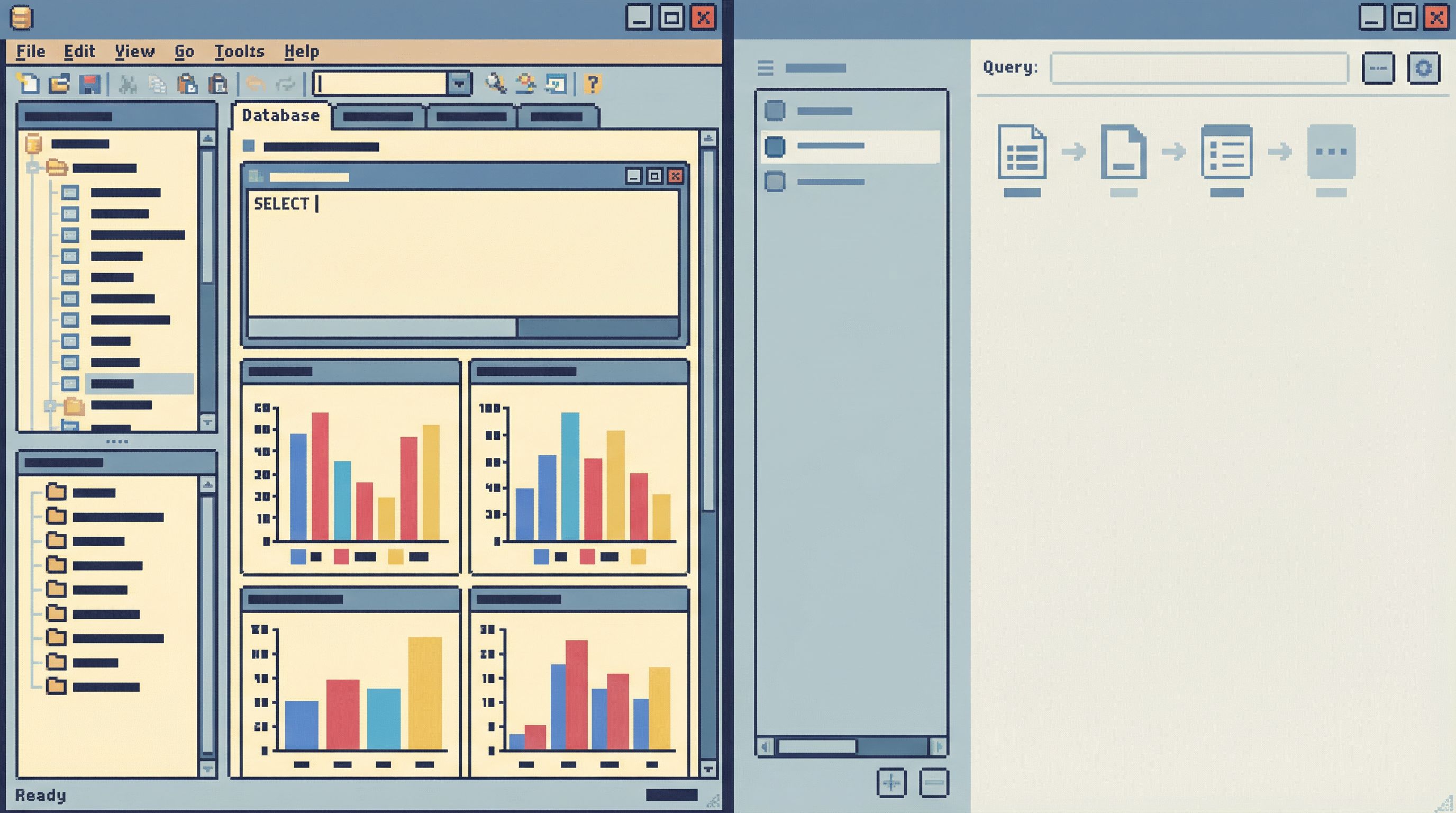
Most tools assume a session is open‑ended exploration:
- Blank editor.
- Full schema tree.
- Multiple tabs.
- Saved queries, dashboards, logs, metrics all side‑by‑side.
That’s great for exploration. It’s terrible for:
- Debugging a single customer issue.
- Replaying an incident.
- Verifying a migration.
Those are production reads, not data dives. They deserve their own ergonomics, as we argued in Production Reads, Not Data Dives.
A calmer, safer stance is:
One session. One clear question. One narrow trail through the data.
That’s the core design principle behind Simpl: an opinionated database browser that assumes you’re here to answer a specific question, not wander the schema.
Concretely, attention control in a database tool can look like:
- Question‑first entry.
- Start a session by choosing a pattern: “trace a user,” “inspect an order,” “follow a job,” not by choosing a table.
- Single focused viewport.
- Avoid stacking charts, grids, and logs on the same screen.
- Show one main thing at a time: the rows that answer the question.
- Linear query trail.
- Keep a visible, chronological list of the queries you’ve run in this session.
- Make it easy to replay or annotate that trail later for incident reviews.
- Deliberate branching.
- If you need to explore a tangent, make that a named branch, not “just another tab.”
These patterns don’t just make people feel calmer. They reduce the chance that a distracted engineer will:
- Run the wrong query in the wrong environment.
- Lose track of which filter they changed.
- Forget how they got from one result set to another.
Practical Moves: From Theory to Your Stack
You don’t have to rebuild your entire tooling stack to move from access control to attention control. You can layer changes in gradually.
Here’s a concrete sequence.
Step 1: Classify Your Database Work
Start by naming the types of work people actually do against production:
- Single‑user debugging
- Order or subscription investigations
- Incident response
- Migration verification
- Ad‑hoc exploration
For each, ask:
- Does this need open‑ended exploration, or a narrow, repeatable path?
- Who is involved? Engineers only, or support / success too?
- What is the worst‑case impact of a slow or wide query here?
You’ll usually find that most high‑stakes work is narrow and repeatable. That’s where attention control matters most.
Step 2: Design One Calm Path for Each High‑Stakes Workflow
Pick one workflow—say, “debug a single user”—and design a calmer path through it.
Instead of:
- Open SQL IDE.
- Search for
userstable. - Run
SELECT * FROM users WHERE email = '...'. - Manually join to related tables.
- Open more tabs as you go.
Try:
- Start from a “User timeline” view that:
- Asks for a stable identifier (user ID, not email).
- Shows key events and state changes in order.
- Links to related orders, subscriptions, jobs.
- Keep this as a single, scrollable trail, not multiple tabs.
You can approximate this even in existing tools by:
- Creating a small internal app for your top 2–3 workflows.
- Using read‑only views that pre‑join the right tables.
- Saving parameterized queries that output a timeline instead of a raw grid.
This “story‑first” approach aligns with the patterns we explored in Schema Less, Context More.
Step 3: Reduce Modes, Not Add Features
Every new mode in a database tool is a new way to split attention:
- “SQL” vs “Visual” vs “Dashboard” views.
- Separate panels for schema, results, logs, and charts.
- Tabs within tabs.
A calmer tool does the opposite: it removes modes.
Ask of each surface in your current stack:
- Does this help answer the question faster?
- Does it help avoid a real class of mistakes?
- Would I miss it if it disappeared for production reads?
If the answer is “no” twice, hide it—at least in your production‑facing profile.
This is the philosophy behind Simpl: fewer knobs, fewer modes, and a single, focused console for production reads instead of a general‑purpose IDE.
Step 4: Make Wandering a Conscious Choice
You can’t (and shouldn’t) ban exploration. But you can:
- Separate it from high‑stakes work.
- Different environments, different tools, different expectations.
- Make the transition explicit.
- “You’re leaving the focused incident view and entering free exploration.”
- Log and label exploratory sessions.
- So you can review what happened if something goes wrong.
The goal isn’t to slow people down with ceremony. It’s to stop accidental wandering from a focused production read into a risky exploration.
Step 5: Treat Incident Sessions as First-Class Artifacts
Incidents are where attention is most fragile and risk is highest.
Instead of letting everyone run their own local queries in their own tools, aim for:
- One shared, read‑only console for the incident.
- A single visible query trail.
- Reproducible sessions you can replay later.
This is the idea behind calm incident consoles and single‑query reviews we wrote about in:
When everyone can see the same narrow trail through the data, two things happen:
- Fewer duplicate or conflicting queries.
- Much easier post‑incident learning, because the story is already written in the tool.
Why This Shift Matters
Rethinking safety from access control to attention control isn’t just about fewer incidents. It changes how production feels.
- Less fear.
- People stop treating the database as a glass box they might break by looking at.
- Less cognitive load.
- Fewer modes, fewer panels, fewer decisions per query.
- Better learning.
- Clear query trails make it easier to understand what worked and why.
- More honest usage.
- When the “safe” tool is also the most pleasant to use, people stop routing around it.
The end state is simple: production access that feels boringly safe. Not because you locked everything down, but because your tools gently keep attention where it belongs.
Bringing It Back to Your Team
If you want to move in this direction, you don’t have to adopt a new philosophy overnight.
You can start this week by:
- Choosing one high‑stakes workflow (e.g., user billing investigations) and designing a calmer path through it.
- Adding one or two guardrails to your existing tools (default row limits, environment‑aware prompts).
- Experimenting with a focused browser like Simpl for production reads, separate from your general‑purpose IDEs and BI tools.
Over time, you’ll find that the conversations in your team shift from:
“Who should be allowed to touch prod?”
to:
“What does a safe, focused production session look like?”
That’s the real move—from access control to attention control.
Summary
- Traditional database safety has focused on permissions and environments.
- Most real‑world risk now comes from attention failures: distracted, overloaded people doing reasonable work in noisy tools.
- A complete safety model includes access control, guardrails, and attention control.
- Attention control means designing tools and workflows around one clear question at a time, with narrow paths and visible query trails.
- You can start small: classify your workflows, add a few guardrails, and introduce a focused browser like Simpl for production reads.
Take the First Step
Pick one production workflow your team runs every week.
- Map how it happens today—tools, queries, screenshots, Slack threads.
- Ask: What would this look like if we could only answer one clear question at a time?
- Remove one mode, add one guardrail, and create one calmer path through that workflow.
If you want a tool that’s already built around this stance, try running your next production read through Simpl. Treat it as an experiment in attention control, not just another way to connect to the database.
Safety starts feeling real when your tools help you stay with the question in front of you—and quietly make everything else harder to do by accident.