Guardrails as UX, Not Policy: Turning Risky Database Actions into Rare, Deliberate Moments


Most teams don’t get hurt by the query they meant to run.
They get hurt by the one they almost ran.
A missing WHERE on UPDATE. A DELETE copied from staging. A backfill pointed at the wrong environment. None of these are “edge cases” in the real world; they’re the natural outcome of tools that make dangerous actions feel normal.
Policies try to fix this with rules: approvals, checklists, change tickets, role matrices. But the moment you drop into a SQL client, those policies fade. The interface is what your hands feel. If the UI treats SELECT * FROM users and TRUNCATE users as peers, your brain does too.
Guardrails only work when they’re built into the experience.
This post is about treating guardrails as UX, not paperwork—so that risky database actions become rare, visually distinct, and deliberately slow moments inside otherwise calm tools.
We’ll look at:
- Why “be careful” is not a real safety model
- How to design interfaces where dangerous actions feel special, not default
- Concrete patterns for queries, workflows, and permissions
- How tools like Simpl bake these ideas into everyday database work
Why this matters: risk is mostly about moments, not roles
Most production database incidents share a few traits:
- The person involved was not trying to do something wild.
- The tool made it easy to do something wild by accident.
- The incident unfolded in seconds; the postmortem took weeks.
You can see this in almost every “we accidentally deleted X” writeup:
- A staging script was pointed at production.
- A backfill query was run without a limit.
- A hotfix was typed in a shared console with broad permissions.
The pattern: risk clusters around moments of action, not job titles.
That’s why permission-only thinking ("only senior engineers can run writes") doesn’t hold up. Senior engineers are still human. They still mis-click, mis-copy, and mis-read.
If you want fewer scary outcomes, you need fewer scary moments.
That’s a UX problem.
Policy vs. experience: where guardrails actually live
Think about the last time you were about to run a risky query.
What actually slowed you down?
It probably wasn’t the written policy. It was something like:
- The prompt that said, “You’re about to modify 1.2M rows in
usersin production.” - The fact that you had to type the environment name to confirm.
- The way the button changed color and moved away from the normal “Run” affordance.
- Or, in many tools, none of the above—which is the real problem.
Policies live in docs and onboarding sessions.
Guardrails live in:
- What’s visible by default
- What’s easy to click
- What’s hidden behind extra steps
- What’s impossible without leaving a trail
When you treat guardrails as UX, you stop asking:
“Who is allowed to do X?”
and start asking:
“How should it feel to do X?”
That shift changes everything.
Principle 1: Make the safe path the shortest path
Most engineers open a database tool for quiet, read-heavy work:
- Inspect a user row
- Trace a background job
- Verify a migration
Writes are the exception, not the norm. Yet many tools center the experience around a blank SQL editor where UPDATE and DELETE are one keystroke away.
A calmer stance: reads should be frictionless; writes should feel uphill.
Concretely:
-
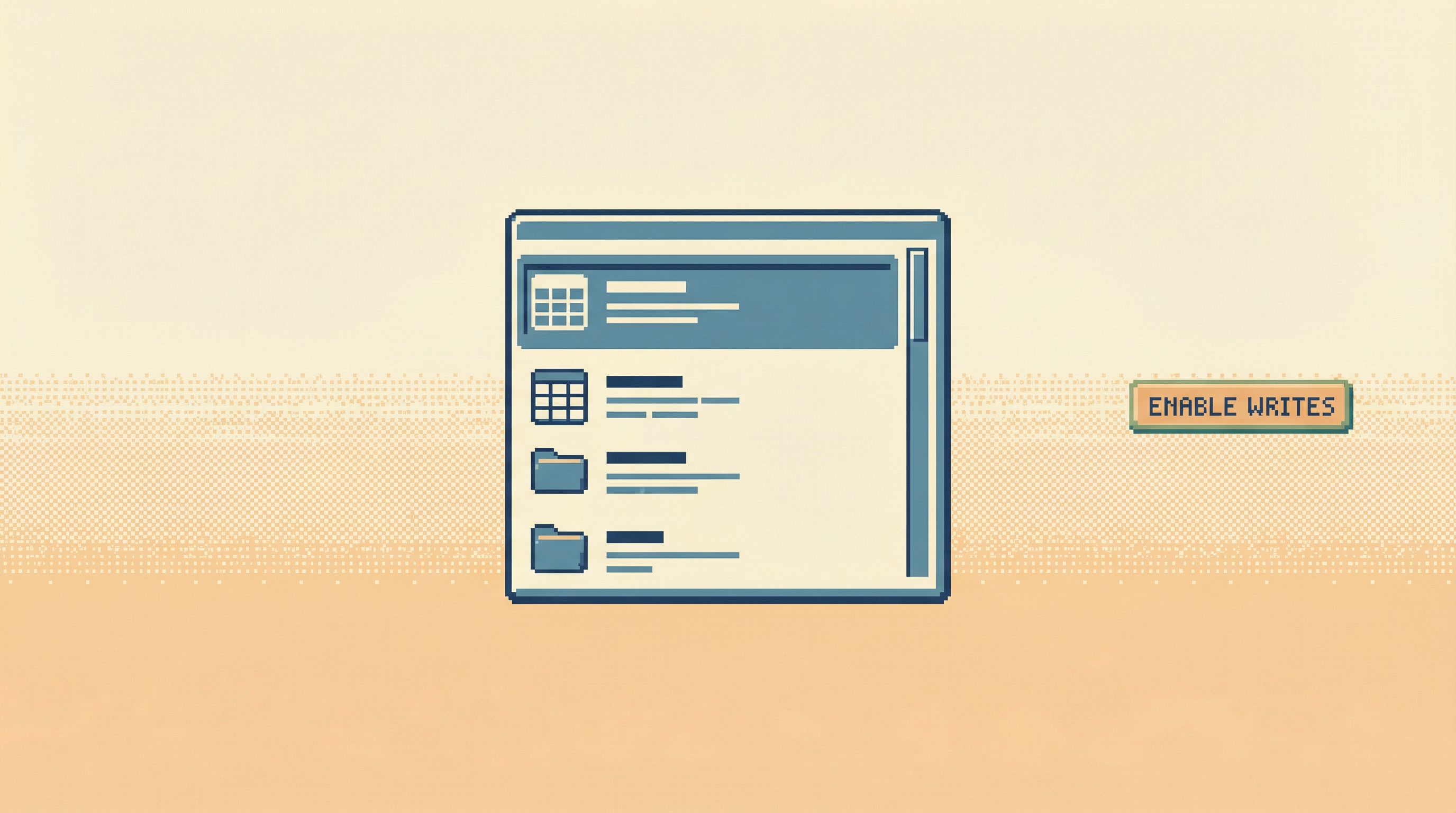
Default to read-only sessions.
- When you connect to production, you should start in a mode where only
SELECTis allowed. - Switching to a write-capable mode should be explicit, visible, and time-bounded.
- This is the core argument behind read-first tools and workflows like those in Designing for Read-Heavy Work: Why Most Database Sessions Should Never Start With ‘WRITE’.
- When you connect to production, you should start in a mode where only
-
Give read work dedicated affordances.
- One-click “View user by ID.”
- Opinionated drilldowns for common stories (a job run, an order, a subscription).
- Narrow, guided query surfaces instead of a blank canvas, as discussed in The Narrow Query Surface: Designing Database Tools That Encourage Only the Right Questions.
-
Keep write affordances visually separate.
- Different color, different placement, different language.
- No shared “Run” button where reads and writes look identical.
In Simpl, this shows up as a read-first interface: most of the time you’re following calm, opinionated read paths, not composing arbitrary mutations.
When the shortest, clearest path is always the safe one, you need fewer policies and fewer reminders. The tool itself keeps people on track.
Principle 2: Treat risky actions as mode changes, not buttons
Risky actions are not just “another click.” They’re context shifts:
- From exploring to executing
- From understanding to changing
- From reversible to often irreversible
Interfaces should reflect that.
Instead of:
- A single “Run” button that fires anything
- A dropdown where
TRUNCATEsits next toSELECT
Prefer patterns that clearly signal “you are now in a different mode.”
Some concrete patterns:
-
Explicit write sessions
- To run writes, you:
- Switch into a “Write session” mode
- See a visible banner:
Write session: production • Expires in 10 minutes - Get a clear log of every statement you run
- When the session ends, you drop back to read-only automatically.
- This is aligned with the idea of structuring focused, linear sessions from posts like The Single-Window Database Session: Structuring Deep Work Without Tabs, Panels, or Overlays.
- To run writes, you:
-
Scoped environments per action
- Each dangerous action makes the target environment explicit:
Environment: productionwith strong visual emphasis- No “last used” environment hidden in a small dropdown
- Ideally, environment is chosen per query or per session, not globally.
- Each dangerous action makes the target environment explicit:
-
Guarded entry points
- There is no “Write” tab sitting next to “Read.”
- Instead, there are explicit flows:
- “Run approved migration”
- “Apply backfill job”
- “Execute reviewed hotfix”
- Each flow can have its own checks, confirmations, and logging.
When writes are a mode, not a button, your brain has a better chance to notice: “I am doing something different now. I should slow down.”
Principle 3: Slow down the right moments
Not all friction is helpful. Popups that appear for every query get dismissed on reflex. Warnings that trigger on harmless reads train people to ignore color and copy.
Guardrails as UX means slowing down only when it matters.
Some good thresholds:
-
Row impact
- If an
UPDATEorDELETEtouches more than a small, configurable number of rows, pause. - Show:
- Estimated row count
- A sample of affected rows
- A clear description:
You are about to modify ~125,000 rows in users (production).
- If an
-
Table criticality
- Some tables are more dangerous:
users,payments,orders,feature_flags. - Writes to these tables should:
- Require a stronger confirmation (typing the table name, or the environment)
- Possibly require a second reviewer, depending on your process
- Some tables are more dangerous:
-
Operation type
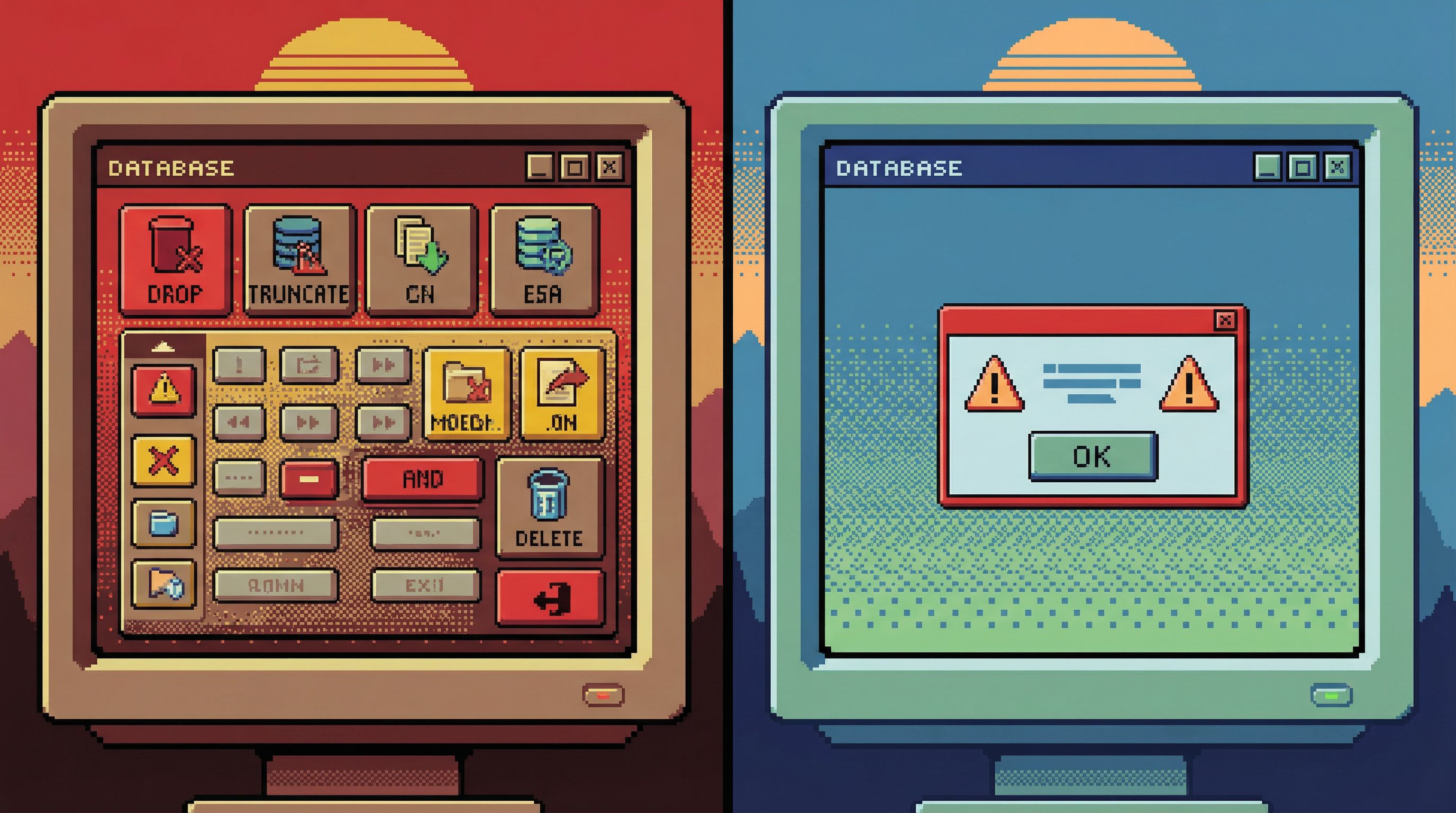
TRUNCATE,DROP TABLE,ALTER TABLEon critical tables should be rare.- These should:
- Be disabled in normal sessions
- Live only in specialized tooling or migrations
- Or require an approved, named script rather than ad-hoc SQL
-
Environment sensitivity
- The same query has different risk profiles in staging vs. production.
- The UI should:
- Make production visually distinct (color, banner, watermark)
- Add extra friction for production-only actions
This is where opinionated tools like Simpl can do more than generic clients: they can encode your team’s sense of “what’s scary” directly into the interface, so the right moments get the right amount of friction.
Principle 4: Design for rare use, not frequent repetition
A dangerous action that’s easy to do repeatedly is a time bomb.
Guardrails-as-UX means designing those actions as rare rituals, not daily workflows.
Some patterns that help:
-
One-shot flows, not reusable macros
- A hotfix query should be:
- Named
- Reviewed
- Run once (or in a controlled batch)
- The UI should discourage “save this as a favorite and re-run whenever.”
- A hotfix query should be:
-
Strong logging and replay
- Every risky action should produce a clear, shareable record:
- Who ran it
- When
- Against which environment
- With what estimated and actual impact
- This makes future hotfixes easier to reason about and aligns with the “read trail” mindset from Read Trails, Not Logs: Turning Database Sessions into Shareable Narratives.
- Every risky action should produce a clear, shareable record:
-
No casual entry points
- You shouldn’t be able to:
- Right-click a table and “Truncate” with no ceremony
- Paste arbitrary DDL into the same editor you use for quick reads
- Instead, you go through a named flow like “Run migration X” where the intent is clear.
- You shouldn’t be able to:
The goal is not to make dangerous actions impossible. It’s to make them ceremonial enough that you can’t wander into them by accident.
Principle 5: Use opinionated read paths to shrink the blast radius
One of the most effective guardrails has nothing to do with writes: narrow what people can ask for in the first place.
When your primary interface is a blank SQL editor pointed at production, every question is potentially unbounded:
- “Show me all events for this product” turns into a full-table scan.
- “Check all failed jobs” turns into a query that locks a hot table.
In Opinionated Read Paths: Why Most Teams Need Guardrails More Than Admin Superpowers, we argue that most teams need fewer ways to be powerful and more ways to be right.
Guardrails-as-UX means:
-
Guided queries for common stories
- Instead of:
SELECT * FROM events WHERE product_id = ?
- Provide a path:
- “View product activity” with:
- Pagination
- Time bounds
- Pre-selected columns
- “View product activity” with:
- Instead of:
-
Scoped filters instead of free-form editors
- For common debugging tasks:
- “Find user by email”
- “List recent failed jobs”
- “See last 100 orders for this account”
- Behind the scenes, these are parameterized, safe queries—not arbitrary SQL.
- For common debugging tasks:
-
Calm query stacks
- Use a minimal set of tools for everyday work, as explored in The Calm Query Stack: Designing a Minimal Toolkit for Everyday Database Work.
- The fewer tools and surfaces you juggle, the less likely you are to run something dangerous in the wrong place.
By narrowing the read surface, you:
- Reduce the chance that someone needs to reach for raw SQL in the first place
- Keep most sessions firmly in the “safe by design” zone
- Reserve free-form power for the rare, deliberate moments when it’s truly needed
How this shows up in a tool like Simpl
Simpl is built around this idea: guardrails as UX, not just policy.
Some examples of how these principles show up in practice:
-
Read-first design
- Most of the time, you’re following opinionated read paths: user stories, job traces, incident timelines.
- The interface assumes you’re trying to understand, not mutate.
-
Single-window focus
- One active trail of thought at a time, instead of tab explosions.
- This reduces cognitive thrash and the chance of “I thought I was in staging” mistakes.
-
Rare, deliberate write moments
- When you do need to run something risky, it happens in a clearly marked, time-bounded context.
- The UI slows you down at the right moments and leaves you alone the rest of the time.
You don’t have to adopt a new tool to apply these ideas. But using a browser like Simpl can be a practical way to encode them into your team’s default habits.
Where to start: small changes that shift behavior
You don’t need a full redesign to move from policy-driven safety to UX-driven guardrails. A few targeted changes can have an outsized impact.
Pick one or two of these to implement first:
-
Make production read-only by default
- Configure your primary production entry point to start in read-only mode.
- Require an explicit, time-limited elevation for writes.
-
Separate read and write affordances
- Use different buttons, colors, or even separate screens.
- Never let destructive actions share the same “Run” control as harmless reads.
-
Add friction on high-impact writes
- Estimate row counts before executing
UPDATE/DELETE. - Prompt for confirmation when thresholds are exceeded.
- Estimate row counts before executing
-
Narrow the everyday query surface
- Identify your top 5 recurring debugging flows.
- Turn each into a guided, parameterized path instead of ad-hoc SQL.
-
Log and share risky actions as narratives
- Treat every dangerous query as a story:
- Why it was needed
- What it did
- How you verified the outcome
- Store these where others can find and reuse them.
- Treat every dangerous query as a story:
Each of these changes nudges your team away from “be careful” and toward “it’s hard to do the wrong thing by accident.”
Summary
Risky database actions don’t become safe because you write policies about them. They become safer when the interface itself treats them as rare, deliberate moments.
The key ideas:
- Most engineers open database tools for quiet, read-heavy work. Make that path effortless.
- Writes should feel like entering a different mode, not pressing a different button.
- Slow people down only when the blast radius is large—by rows, tables, or environments.
- Design dangerous actions as rare rituals with clear logging, not casual shortcuts.
- Use opinionated read paths and a calm query stack to keep most work far from the edge.
When guardrails are designed into the UX, you don’t have to rely on constant vigilance. The tool makes the safe thing feel normal and the dangerous thing feel special.
Take the first step
Pick one concrete place where your current tools make risk feel casual:
- A shared SQL client pointed at production
- A single “Run” button that fires anything
- A common hotfix that lives in someone’s notes
Then ask: how could we make this a rarer, more deliberate moment?
Maybe that’s introducing a read-only default. Maybe it’s adding a confirmation step for high-impact writes. Maybe it’s moving a recurring hotfix into a named, reviewed flow.
If you want a tool that’s already built around these ideas, try exploring your production data through Simpl. Use it for your next incident, migration, or debugging session, and notice how it changes the feel of risky actions.
Guardrails work best when you don’t have to think about them. Design the experience so they’re just part of how you move through the database.