When Your Database Browser Tries to Be an IDE (and How to Walk It Back)

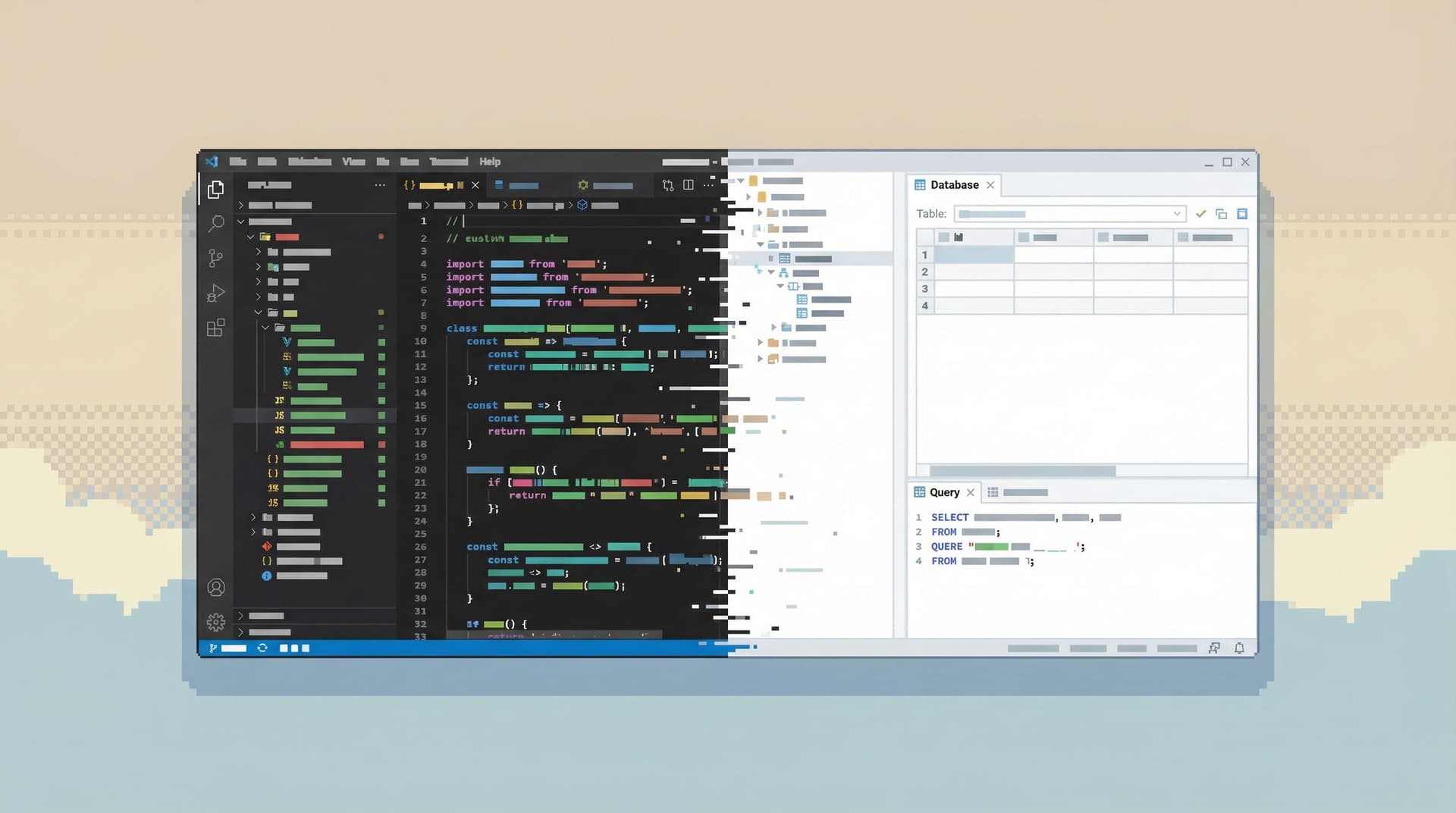
Most database tools quietly drift.
They start as simple ways to look at tables and run a few queries. Over a few releases, they pick up tabs, themes, extensions, code snippets, Git integration, schema diffing, visual query builders, and a dozen panels that all want your attention.
One day you open your “database browser” and realize you’re staring at a full IDE.
That drift feels natural. Engineers live in IDEs, so borrowing that model for databases seems harmless. But databases are not codebases. They sit closer to real users, real money, and real incidents. Treating them like another code target leads to noisy workflows, fragile queries, and a general sense that working with data is heavier than it should be.
This post is about recognizing when your database browser has turned into an IDE—and how to deliberately walk it back to something calmer, safer, and more focused.
Along the way, we’ll talk about how tools like Simpl take a different stance on purpose: opinionated, read-first, and intentionally not an IDE.
Why the IDE Drift Matters
When a database browser behaves like an IDE, it nudges you into a few predictable patterns:
- Write-first, understand-later workflows. A giant SQL editor front and center says: “Type something.” You start writing before you’ve really understood the schema, the question, or the risk.
- Fragmented attention. Multiple tabs, split panes, and floating panels encourage you to juggle context instead of following a clear thread through the data.
- Heroic solo work. IDE-style tools are optimized for individual authorship, not shared understanding. Queries live in local history, not in repeatable flows the team can reuse.
- Quiet risk escalation. Autocomplete, snippets, and powerful extensions make it easy to run destructive commands in production with the same muscle memory you use in development.
If this feels familiar, you might also recognize the downstream symptoms:
- Incident reviews where nobody can reconstruct exactly what was queried.
- Dashboards built on one-off queries that nobody fully trusts.
- New engineers afraid to open the production database at all.
We’ve written before about why this matters in posts like “Why Your Database GUI Feels Like an IDE (and Why That’s a Problem)” and “What IDEs Got Wrong About Database UX (and How Tools Like Simpl Can Do Better)”. This piece is the practical follow‑up: once you see the problem, what do you actually change?
How to Tell Your Database Browser Is Pretending to Be an IDE
You don’t need a feature matrix. A few simple questions usually reveal the drift.
1. What’s the first thing you see?
Open your database tool with a fresh session.
- Do you land in a blank SQL editor with a blinking cursor?
- Or do you land in a structured view of data—recent entities, common queries, or guided read paths?
If the tool assumes you’re here to write arbitrary SQL, it’s already biased toward IDE behavior.
2. How many things can you do at once?
Look at the chrome around your data:
- Tabs across the top for multiple connections and queries.
- Split panes for schema, editor, results, logs, and dashboards.
- Sidebars for extensions, version control, and query history.
The more concurrent surfaces you see, the more the tool is pushing you toward multitasking instead of following a single, clear storyline through the database. We’ve explored the cost of that kind of multitasking in “Focus-First Database Workflows: Reducing Clicks, Tabs, and Cognitive Load”.
3. How easy is it to run a destructive command?
Try this exercise (in a safe environment):
- Type
UPDATEin the editor. - See what autocomplete suggests.
- Notice how many keystrokes it takes to run it against production.
If the path from idea to irreversible change is short, your tool has inherited an IDE’s assumption: you’re here to modify, not to observe.
4. Where do investigations live?
Think about your last real debugging session:
- Where did the important queries end up?
- Can someone else on your team replay that investigation without asking you for context?
If the answer is “they’re in my local history” or “I think I have a scratch file somewhere,” you’re living in IDE-land: powerful for the individual, opaque for the team.
Walking It Back: Principles Before Features
You don’t have to throw away your current tools. You do need a different set of constraints.
Here are four principles that help you walk an IDE-like database browser back to something calmer.
1. Make Reading the Default, Writing a Deliberate Choice
Databases reward observation before action. A read-first workflow reduces both noise and risk.
Concretely:
- Default to SELECT.
- Put read-only queries and entity views front and center.
- Tuck
INSERT/UPDATE/DELETEbehind explicit affordances, separate environments, or dedicated admin flows. - Tools like Simpl are built around this idea: opinionated read paths, not a blank canvas with superpowers.
- Make write access visually distinct.
- Different color framing.
- Extra confirmation steps.
- Clear environment labels (dev/staging/prod) that are hard to miss.
- Bias toward copyable, not editable, queries.
- Show the underlying SQL for a view.
- Let people copy it into a separate tool if they truly need to mutate data.
For more on this mindset, see “The Case for a Read-First Database Workflow”.
2. Collapse Surfaces Until the Story Is Obvious
Every extra pane is a new place for your attention to leak.
Instead of trying to see everything at once:
- Pick a primary canvas.
- One main area where you read data and refine the current question.
- Schema, logs, and metadata appear as supporting context, not equal citizens.
- Favor sequences over splits.
- Instead of three panes side by side, show a clear progression: pick an entity → inspect history → follow related records.
- Let people move forward and back along that trail.
- Limit concurrent tabs.
- Cap open tabs or encourage “trails” of queries instead of a sprawl of independent ones.
- This is the core idea behind “From Tabs to Trails: Turning Ad-Hoc Database Exploration into Reproducible Storylines”.
A good test: if someone joins your screen share mid‑investigation, can they tell what question you’re answering within 10 seconds? If not, the interface is doing too much at once.
3. Treat Incidents and Debugging as First-Class, Not Afterthoughts
Most IDE-like database tools are optimized for building features, not debugging production.
But real‑world database work is often:
- “What happened with this user?”
- “Why did this job run twice?”
- “Is this metric actually dropping or is the dashboard wrong?”
To support that kind of work without turning the tool into a cockpit:
- Design for narrative, not just schema.
- Show timelines of events for a given user or entity.
- Surface related records along realistic paths: payments → subscriptions → invoices, jobs → attempts → errors.
- This is the focus of “Beyond the Schema Explorer: Designing Database Browsers for Real-World Debugging”.
- Embed incident-friendly shortcuts.
- “Jump to this user’s recent activity.”
- “Show all failed jobs for this correlation ID.”
- “Compare this entity across environments.”
- Keep the surface area small under pressure.
- During incidents, more panels and more data sources usually hurt. Posts like “The Minimalist’s Guide to Database Debugging in Incident Response” and “The Quiet Debugger: How to Investigate Production Incidents Without Drowning in Data” go deeper on this pattern.
The goal is not “more tooling for incidents.” It’s a calmer, more opinionated browser that behaves well when the stakes are high.
4. Prefer Guardrails Over Infinite Flexibility
An IDE promises: you can do anything here.
For databases, that promise is often a liability. Most teams don’t need infinite flexibility; they need fewer ways to get it wrong.
Walking back IDE drift usually means:
- Removing features on purpose.
- Turn off or hide extensions that encourage editing migrations, running arbitrary scripts, or connecting to every environment from the same window.
- Remove visualizations that don’t meaningfully change decisions—see “The Case for Fewer Charts: Building Database Tools That Show Just Enough”.
- Standardizing a few blessed flows.
- “Inspect a user.”
- “Trace a job.”
- “Verify a metric.”
- Encode these flows in the tool so they’re the easiest paths to follow.
- Letting constraints be visible, not hidden.
- Make it clear why a certain action isn’t available in production.
- Show which tables are read‑only, which queries are pre‑reviewed, and which flows are considered safe.
Designing opinionated tools is not about being paternalistic. It’s about creating a calmer default environment so people don’t need superhuman discipline every time they open the database.
A Concrete Plan: How to De-IDE Your Database Browser
Principles are helpful. Change happens when you translate them into defaults, settings, and habits.
Here’s a practical sequence you can run over a week or two.
Step 1: Decide What the Database Browser Is For
Gather a small group—engineering, data, maybe SRE—and answer three questions:
- What are the top 3 recurring questions we use the database to answer?
- Who are the primary users of our database browser (by role and experience)?
- In which environments (dev/staging/prod) do we expect read vs. write activity?
Write the answers down. Treat them as constraints. Your database browser should optimize for those use cases, not for being a general‑purpose IDE.
Step 2: Simplify the Default View
Open your current tool and adjust whatever you can control:
- Start page.
- Replace the blank editor with a home view: common entities, saved read-only queries, or safe entry points.
- If the tool doesn’t support this, consider a thin wrapper or a different default tool for production reads.
- Panels and chrome.
- Hide extensions, logs, or panels you rarely use.
- Collapse sidebars by default.
- Tabs.
- Encourage one main investigation at a time.
- If the tool supports it, limit open tabs or auto‑group queries into a single “trail.”
If you’re evaluating alternatives, this is where opinionated tools like Simpl can help: they start from a calm, read‑first interface instead of an editor.
Step 3: Draw a Hard Line Between Read and Write
Create explicit separation:
- Different tools or profiles.
- One browser (or profile) for production reads: narrowed permissions, no write affordances, opinionated flows.
- A separate path for schema changes and data fixes, with stronger review.
- Environment clarity.
- Make the current environment unmistakable: color, labels, even window title.
- Avoid connecting to dev, staging, and prod from the same undifferentiated tab bar.
- Guardrails in the tool.
- Disable or warn on
UPDATE/DELETEwithoutWHEREin prod. - Require an explicit “elevate to write mode” action with friction.
- Disable or warn on
Patterns from “Safe by Default: Practical Patterns for Exploring Production Data Without Fear” and “Production Data Without Pager Anxiety: Guardrails That Actually Get Used” are good starting points here.
Step 4: Encode a Few Opinionated Flows
Pick 2–3 high‑value flows and make them first‑class:
- Inspecting a single user or account.
- Tracing a background job from enqueue to completion.
- Verifying the source of a key metric.
For each flow:
- Write down the sequence of tables and queries you typically touch.
- Turn that into a saved view, script, or guided path in your tool.
- Share it with the team and make it the default way to answer that question.
If your current tool doesn’t support this kind of opinionated path, this is exactly the gap Simpl is designed to fill: calm, guided read paths instead of ad‑hoc heroics.
Step 5: Retire Features and Habits That Don’t Serve the Goal
This is the uncomfortable part.
- Turn off extensions that only matter for schema design or migrations.
- Stop using the database browser as a general SQL scratchpad.
- Move long‑running analytics queries to your warehouse or BI stack instead of running them directly in production.
You’re not banning power. You’re relocating it to contexts where it’s safer and more appropriate.
Summary: A Database Browser, Not Another IDE
When a database browser tries to be an IDE, you get:
- Write-first workflows in a place that should reward observation.
- Fragmented attention across tabs and panels.
- Heroic, unrepeatable investigations.
- Quietly elevated risk in production.
Walking it back doesn’t require a full replatform. It requires a shift in stance:
- Read-first by default. Writes are deliberate, separated, and clearly marked.
- Fewer surfaces. One clear story on screen instead of a cockpit.
- Opinionated flows. Common investigations are encoded, not improvised every time.
- Visible guardrails. Constraints are part of the product, not tribal knowledge.
Tools like Simpl start from these assumptions. But even if you never change tools, you can bring the same principles into your current setup—one default, one panel, one habit at a time.
Take the First Step
You don’t need a massive migration plan to start.
This week, pick one of these:
- Change your production database browser’s start view from a blank editor to a small set of read-only entry points.
- Introduce a separate, clearly marked path for writes and schema changes.
- Encode a single opinionated flow for a recurring question and share it with your team.
Notice how much calmer your next investigation feels when the tool stops pretending to be an IDE and starts behaving like what it is: a focused, respectful window into the truth your database already holds.
If you’d like to see what that looks like out of the box, explore how Simpl approaches database browsing with opinionated read paths, guarded defaults, and a deliberately minimal surface area.