The Quiet Migration: Using Calm Database Tools During Schema and Service Changes

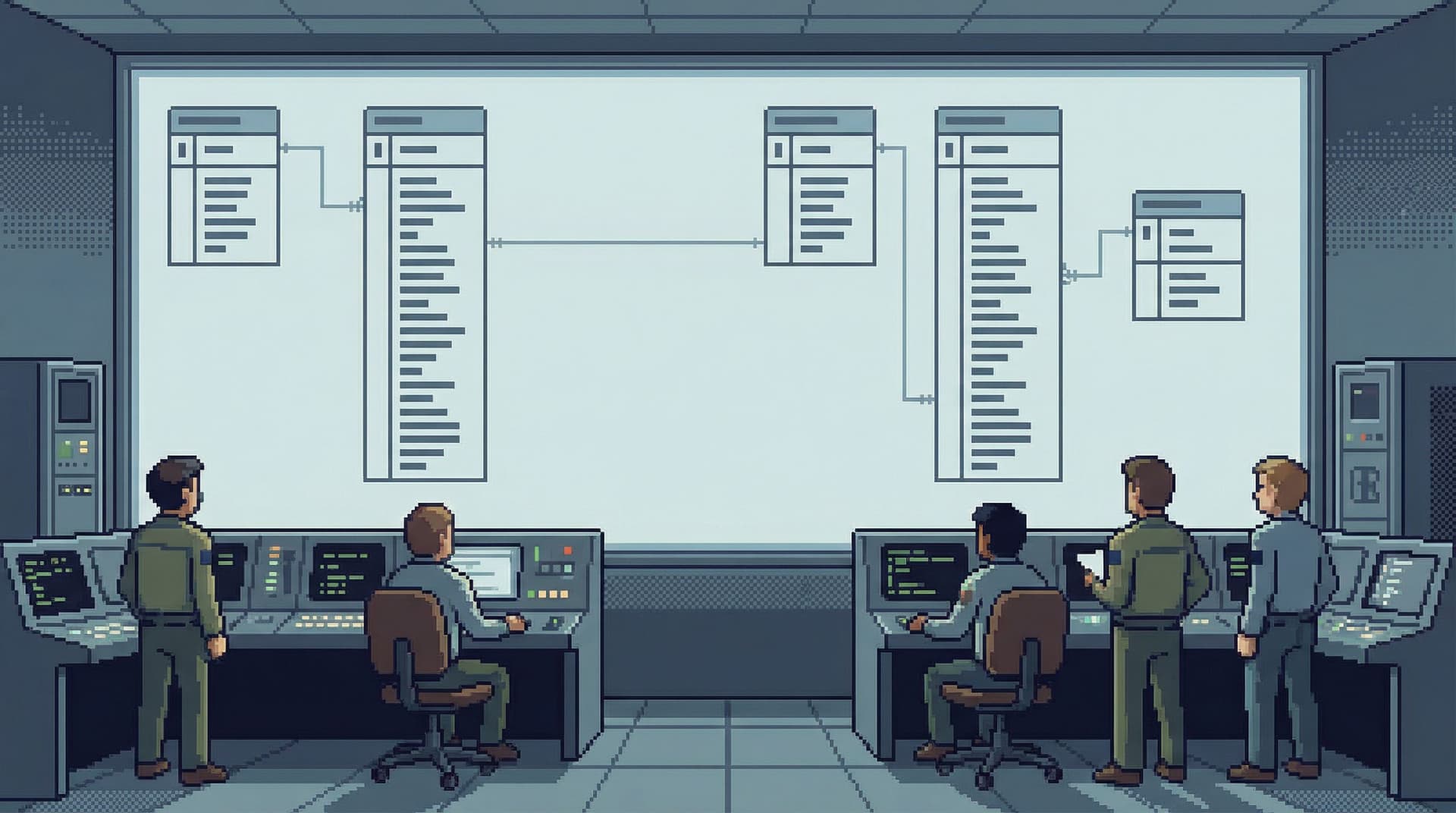
Schema changes and service migrations are when your database stops being background infrastructure and becomes the main character.
Tables move. Columns get renamed. Services switch from one datastore to another. Traffic shifts gradually—or all at once. During that window, every query against production is more fragile, every assumption about the schema is more likely to be wrong.
This is exactly when most teams open the loudest tools they have.
A calmer approach is possible.
This post is about running migrations and service changes with tools and habits that protect attention, reduce risk, and keep the database readable while it’s in motion. Opinionated, quiet tools like Simpl make this easier, but the patterns apply no matter what you use.
Why migrations feel louder than they need to
Schema and service changes are not just technical events. They’re cognitive ones.
During a migration, your team is juggling:
- Two (or more) versions of the schema
- Old and new services hitting the same data in different ways
- Backfill jobs, dual writes, and temporary tables
- Runbooks, dashboards, and incident channels
The default pattern looks like this:
- Open a full BI tool, a database IDE, and
psql. - Run ad-hoc queries against production to check counts, compare states, and debug odd cases.
- Keep adding charts and dashboards “just for this migration.”
- Hope everyone remembers which tables are canonical and which are temporary.
You get the work done—but you pay for it in:
- Attention: too many panels, charts, and tabs competing for focus.
- Risk: write access in the wrong hands, in the wrong moment.
- Drift: temporary queries and views that never get cleaned up.
A quieter migration is not about doing less validation or fewer checks. It’s about:
- Fewer tools open at once
- Clear, opinionated read paths
- Read-first workflows instead of ad-hoc writes
- Calm defaults that make the safe thing the easy thing
If this resonates, you may also like how we think about focus-first database workflows and deep work in the console.
What “quiet” looks like during a migration
A quiet migration doesn’t mean:
- No dashboards
- No ad-hoc queries
- No experimentation
It means:
- Read-first, write-later: you observe reality before you change it.
- Narrow views, not infinite canvases: you move through deliberate paths instead of wandering.
- Guardrails by default: write access is explicit, not ambient.
- Shared flows, not hero queries: the way you validate and debug is reproducible.
A tool like Simpl is built around these ideas:
- Read-only by default, with opinionated paths through tables and relationships.
- Calm, minimal UI that doesn’t try to behave like an IDE.
- Focused views for tracing a user, a job, or an event trail across the schema.
During a migration, that calm stance becomes a safety feature.
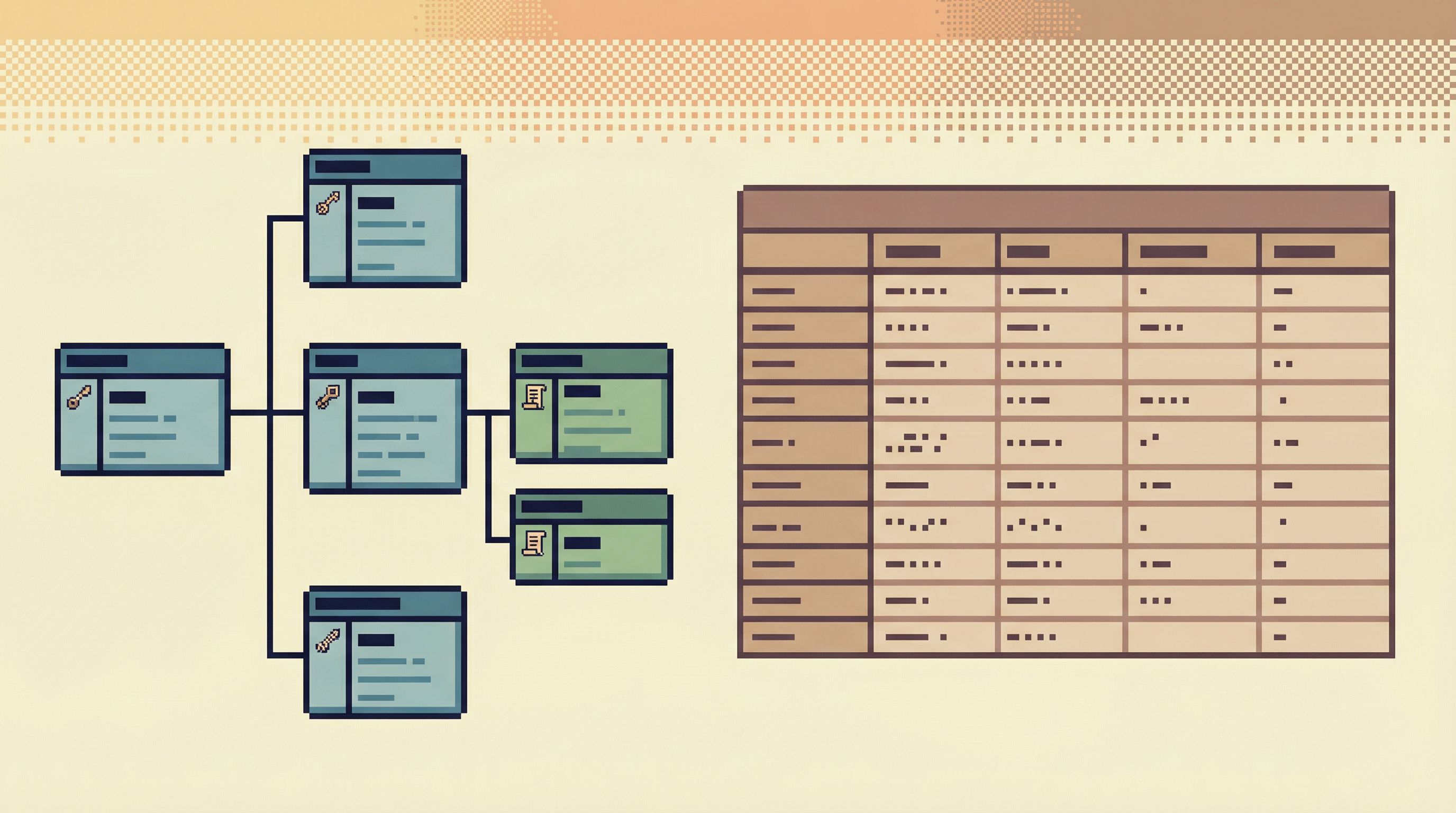
Before you touch the schema: prepare the calm path
Most migration risk is locked in before the first ALTER TABLE runs.
You can lower that risk by preparing a quiet, opinionated way to observe the database while it changes.
1. Decide where migration truth lives
Pick a single place where engineers will:
- Inspect old and new tables
- Compare key counts and relationships
- Trace user or entity flows across versions
This might be:
- A dedicated connection and workspace in Simpl
- A read-only role in your existing browser
- A separate, locked-down
psqlprofile
The key is one primary place, not five. Every additional tool is another schema mental model to keep in sync.
2. Make read-only the default
During a migration, accidental writes are more dangerous:
- Temporary tables can look like canonical ones.
- Backfill jobs may be running concurrently with manual updates.
- Dual-write logic can amplify mistakes.
Set up:
- A read-only role for your database (no
INSERT/UPDATE/DELETEon production tables). - A read-first workspace in your browser that uses this role.
If you’re designing your own flows, the patterns in Read-Only by Default are a good starting point.
3. Define the core read paths in advance
Before the migration starts, write down the 5–10 most important questions you’ll need to answer from the database, for example:
- “Is user X fully migrated?”
- “How many rows are left to backfill in table Y?”
- “Are old and new services returning consistent data for this entity?”
- “What does a full lifecycle for a migrated order look like?”
Then, for each question, define a stable read path:
- Which tables are involved
- Which columns identify the entity
- Which filters you always apply (e.g.,
WHERE deleted_at IS NULL)
Implement these as:
- Saved views or queries in your browser
- Small scripts or functions you can call consistently
The goal is to avoid improvising critical verification queries under pressure.
4. Create a migration-specific workspace
Instead of reusing your general-purpose database views, spin up a dedicated migration workspace:
- Only the tables and views relevant to the migration
- Only the saved queries you actually need
- Clear labels for “source of truth” vs “temporary” tables
In a tool like Simpl, that might look like:
- A dedicated connection or environment
- A curated sidebar of tables and entity views
- Opinionated trails for “follow this user through old and new paths”
The less you have on screen, the easier it is to see when something is off.
During the migration: move in clear, quiet loops
Once changes begin, the job is to cycle through observation and adjustment without drowning in noise.
5. Use a simple verification loop
For each phase of the migration, define a small loop you repeat:
- Observe: Use your read-only workspace to inspect key entities and aggregates.
- Compare: Check old vs. new representations (tables, services, or both).
- Decide: Are we within acceptable thresholds? If not, why?
- Act: Only then, switch to a write-capable tool to adjust jobs, roll back, or patch data.
Keep these loops short and explicit. A quiet database tool helps here by:
- Showing stable entity-centric views instead of raw table lists.
- Keeping history of the exact read paths you used.
- Avoiding extra panels and charts that dilute the signal.
6. Treat ad-hoc queries as drafts, not canon
You will write ad-hoc queries. That’s fine. The problem is when they silently become “the way we check X” without being cleaned up.
A good pattern:
- Write exploratory queries in a scratch space.
- When one becomes important, promote it:
- Add clear filters and safety clauses.
- Parameterize identifiers instead of hard-coding.
- Save it into your migration workspace with a descriptive name.
This is the same move we talk about in From Tabs to Trails: turn one-off queries into reusable trails.
7. Avoid multi-tool ping-pong
Every time you switch from:
- Database browser → BI dashboard → logs → terminal → back to database
…you pay a context cost.
During a migration, that cost shows up as:
- Misinterpreted metrics (“Is this panel on old or new data?”)
- Confused incident timelines
- People arguing from different slices of reality
Where possible, pull context into the database view instead of bouncing out to other tools:
- Store migration state flags in tables you can query directly.
- Expose backfill progress as rows, not just metrics.
- Use a browser that lets you follow relationships instead of copying IDs between tools.
Opinionated tools like Simpl are built for this: they favor calm, relational navigation over dashboard sprawl.
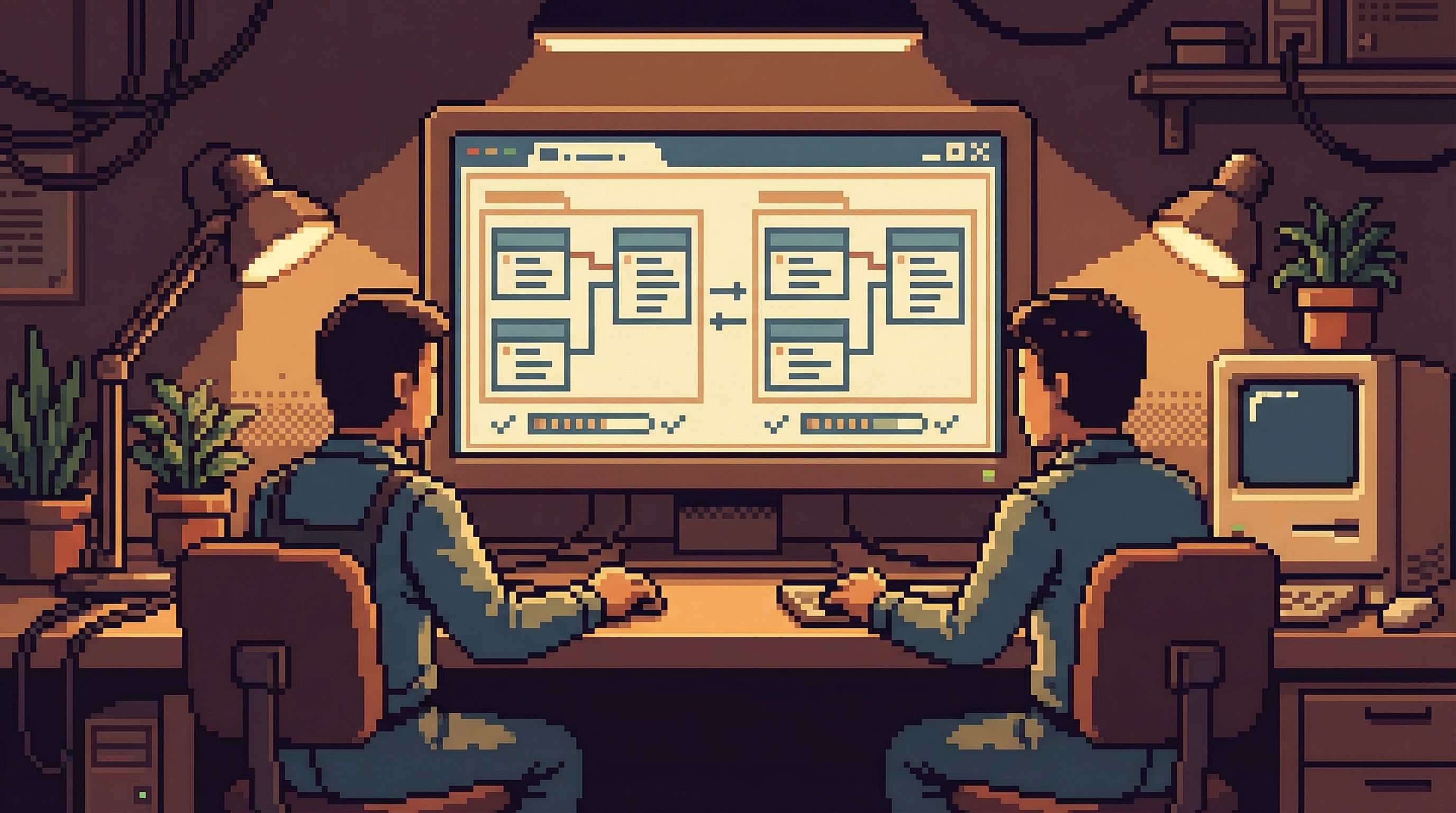
Guardrails for schema and service changes
Some risks are specific to migrations. You can design around them.
8. Make schema changes observable by default
A migration is harder when people don’t know what changed.
Simple habits help:
- Maintain a human-readable change log tied to tables and columns.
- Link each change to:
- The migration runbook
- The services affected
- Any temporary tables or views
- Surface this context in your database browser if possible (even as simple notes or naming conventions).
If a tool lets you attach descriptions or annotations to tables and columns, use them. Quiet UX patterns like we described in Quiet by Design are ideal here: context is available, not shouting.
9. Separate migration writes from everyday writes
During a schema or service change, you often have:
- Application writes
- Backfill jobs
- Manual correction scripts
Mixing these in the same role or workspace is asking for trouble.
Instead:
- Migration roles: limited to the specific tables and operations they need.
- Application roles: unchanged, focused on normal traffic.
- Read-only roles: for verification and debugging.
Then:
- Use your calm browser (e.g., Simpl) with read-only roles for investigation.
- Use explicit scripts or CLIs for migration writes.
The separation keeps your verification environment clean, even when the write side gets messy.
10. Design for partial migration states
Most migrations run in phases:
- Some users or tenants are on the new path.
- Others are still on the old one.
- A few are stuck somewhere in between.
Your database tools should make these in-between states visible and safe to inspect.
Patterns that help:
- State columns like
migration_statewith a small, explicit set of values. - Views that filter by state, so you can quickly see:
- “All entities stuck in
backfill_pending” - “All entities with mismatched old/new data”
- “All entities stuck in
- Entity-centric pages that show old and new representations side by side.
A calm browser can turn these into first-class navigation paths instead of raw SQL you have to remember.
After the migration: clean up the noise you created
The end of a migration is when you’re most tempted to move on. It’s also when the long-term cost gets locked in.
Quiet migrations include a quiet cleanup.
11. Retire temporary views and queries
Go back through your migration workspace and:
- Delete temporary tables that are no longer needed.
- Archive or remove saved queries that only made sense mid-migration.
- Keep a small, curated set of views that remain useful post-migration (for example, historical comparison views).
The goal is to avoid turning “migration mode” into the new normal.
12. Capture the final, stable read paths
Some of the best insights from a migration are the read paths you discovered:
- The minimal set of tables needed to understand a user’s lifecycle.
- The cleanest way to check consistency between services.
- The narrowest query that explains a complex behavior.
Turn these into:
- Shared, named views
- Documented trails in your browser
- Lightweight runbooks for future incidents
This is how you move from one-off heroics to repeatable flows.
13. Fold migration lessons into your defaults
Finally, look at what worked during the migration and bring it into everyday life:
- Did read-only roles reduce anxiety? Make them the norm.
- Did a curated, minimal workspace help? Keep it and expand slowly.
- Did entity-centric views beat raw table lists? Promote them.
Many of the patterns here overlap with being safe by default and designing opinionated read paths. Migrations just make the benefits more obvious.
Summary
Schema and service changes don’t have to feel chaotic.
A quiet migration is built on a few simple ideas:
- One calm place for truth: a focused, read-first database workspace.
- Guardrails by default: read-only roles for investigation, explicit roles for migration writes.
- Opinionated read paths: pre-defined ways to answer the critical questions you know will come up.
- Minimal, curated UI: fewer panels, fewer charts, fewer distractions.
- Deliberate cleanup: retire temporary artifacts and promote the best read paths into shared flows.
Tools like Simpl make this easier by giving you an opinionated, quiet interface for exploring and understanding your data—especially when the schema is in motion.
Take the first step toward quieter migrations
You don’t need a full migration on the calendar to start.
Pick one upcoming change—a new column, a small backfill, a minor service shift—and:
- Create a read-only role for your production database.
- Set up a minimal, dedicated workspace in your browser (or try one in Simpl).
- Define 3–5 read paths you’ll use to verify the change.
Run that change through your new, quieter flow. Notice what feels safer, what feels clearer, and what you didn’t miss from the louder tools.
Then scale that pattern up for the next migration.
Calm, reliable database work isn’t an abstract ideal. It’s a set of defaults you can design—one schema change at a time.