Mindful Data Work: Rituals for Safer, Distraction-Free Production Reads


Production data work is rarely casual.
When you open a console against prod, you’re usually:
- Untangling a billing edge case for a specific customer
- Replaying an incident minute‑by‑minute
- Verifying that a migration or backfill did what you think it did
The stakes are high, the time pressure is real, and the tools in front of you are often noisy: full SQL IDEs, admin panels, BI suites, multiple browser tabs, Slack, logs, and metrics all competing for attention.
Mindful data work is a different stance.
It treats every production read as something:
- Deliberate – one clear question, one narrow trail
- Safe by default – guardrails around what you can ask and how
- Replayable – so you (and others) can retrace your steps later
This post is about the small, repeatable rituals that make that stance real. Not policies. Not a new governance committee. Just habits and interfaces that make it easier to do calm, correct work when you’re closest to the database.
Along the way, we’ll reference patterns from posts like Mindful Querying: Practices for Staying Focused While Debugging Live Data and Production Reads Without the Rabbit Holes: Structuring Safe, Linear Debugging Sessions, and show how a purpose‑built browser like Simpl can support these rituals without adding more noise.
Why Mindful Production Reads Matter
Most teams already did the obvious things:
- Read‑only roles in production
- Limited credentials
- A separate BI layer for reporting
And yet, production still feels risky.
People hesitate before running queries. Screenshots get passed around instead of links. Incident reviews turn into archaeology projects.
The risk rarely comes from a catastrophic DROP TABLE. It comes from quieter moments:
- A wide
SELECTon a hot table during peak traffic - An unbounded join that silently times out and retries
- A copy‑pasted query from staging that behaves very differently on real data
Even when nothing breaks, noisy habits have a cost:
- Cognitive load – juggling multiple tools, tabs, and partial results
- Inconsistent answers – different people running slightly different queries
- Lost trails – no one can see how you got to “the answer”
Mindful data work doesn’t make production "safe" in the absolute sense. It makes it predictable:
- You know what you’re asking the database to do
- You know how to retrace your steps
- You reduce the number of ways a “simple read” can hurt you
That predictability is what lets you move quickly without feeling like every query is a small gamble.
A Calm Baseline: One Question, One Trail
Most unsafe, stressful sessions start the same way: you open a powerful tool with a vague question.
Mindful data work starts from the opposite direction: one concrete question, one narrow trail.
Before you touch the database, write down (somewhere visible):
- The question – in plain language
- “Why did user
U123get charged twice on March 15?”
- “Why did user
- The scope – what you will not investigate in this pass
- “Ignore long‑term churn; focus on this one invoice and its related events.”
- The environment – exactly where you’ll run queries
- “Read‑only prod replica,
app_prod_ro.”
- “Read‑only prod replica,
Once you’re in the tool, keep that question visible. In Simpl, this can map directly to a saved view or query trail named after the question.
This sounds trivial. It isn’t. It’s the anchor for every other ritual below.

Ritual 1: Open Less, Close More
The first mindful ritual is about surface area.
Most production sessions look like this:
- SQL client
- Admin panel
- BI dashboard
- Logs
- Traces
- Slack
- Issue tracker
Each one feels harmless. Together, they create constant context‑switching.
A calmer pattern:
-
Start from a single database browser
- Prefer a read‑first tool like Simpl or a focused SQL console over a general admin panel.
- Avoid tools that mix writes, schema edits, and reporting in the same view.
-
Defer everything that isn’t a direct read
- Need logs? Add a note in your trail: “Check logs for job
J456later.” Don’t open them yet. - Need a dashboard? Capture the question first: “Confirm if this pattern appears across all users.” Then decide if that’s really part of this session.
- Need logs? Add a note in your trail: “Check logs for job
-
Actively close tabs
- When a query is done, either:
- Save it as part of the trail, or
- Close it completely
- Don’t leave half‑finished queries lying around “just in case.”
- When a query is done, either:
If you want a deeper dive into this pattern, The One-Query Mindset: Structuring Database Work to Avoid Cognitive Thrash explores it in detail.
The goal: at any point in time, you should be able to answer: “What is the one query I’m actively working with?”
Ritual 2: Guardrails Before Genius
Mindful data work assumes you will make mistakes.
The question isn’t whether you’re “good enough at SQL.” It’s whether your environment makes unsafe reads hard by default.
You can build guardrails in three layers.
1. Default constraints
Adopt defaults that make dangerous queries uncomfortable:
- Limits on by default
- Every ad‑hoc query starts with
LIMIT 100(or similar) unless you explicitly remove it.
- Every ad‑hoc query starts with
- Query timeouts
- Short timeouts for interactive reads against hot tables.
- Read‑only connections
- Separate credentials for read‑only prod access.
A tool like Simpl can bake these into the query editor itself: limits, warnings, and environment badges that make it hard to forget where you are.
For more detail on UX‑level protections, see Guardrails in the Query Editor: UX Patterns That Make Unsafe Reads Hard by Default.
2. Visual friction around risky patterns
Your editor should visually distinguish between:
- A narrow, indexed lookup on a specific user
- A wide scan across a billion‑row events table
If your current tools don’t help, add your own friction:
- Color‑code snippets or templates for “safe” queries
- Use naming conventions like
SAFE_vsHEAVY_in saved queries - Add comments to remind future‑you what a query is allowed to do
Example:
-- SAFE: single-user, indexed lookup
SELECT *
FROM invoices
WHERE user_id = 'U123'
  AND created_at >= '2026-03-15'
LIMIT 50;
-- HEAVY: investigate with care, only off-peak
-- Purpose: monthly reconciliation across all users
SELECT user_id, SUM(amount)
FROM invoices
WHERE created_at >= '2026-03-01'
GROUP BY user_id;
3. Ritualized checks before running
Before you hit Run on any non‑trivial query, pause for 5–10 seconds and check:
- Environment – am I on the right database and role?
- Cardinality – what’s my rough expected row count?
- Indexes – am I filtering on columns that are likely indexed?
- Blast radius – if this query is slow, who else does it affect?
You can turn this into a literal checklist in your tool, or a short pre‑run template comment above the query.
Ritual 3: Narrow the Question Before You Widen the Data
Most rabbit holes start with an over‑broad first query.
You ask:
SELECT * FROM events WHERE created_at >= '2026-03-01';
You get:
- Millions of rows
- Timeouts
- A vague sense that “something is off”
Then you start slicing and dicing from a place of confusion.
Mindful data work flips that sequence:
-
Start from the smallest relevant unit
- A single user
- A single order
- A single job run
-
Trace the story in one dimension first
- For a user: timeline of key events
- For an order: state transitions
- For a job: inputs and outputs
-
Only then consider widening to cohorts or time ranges
This is where opinionated navigation really helps. Tools like Simpl can give you pre‑built “stories” through the data—user timelines, order journeys, job histories—so you don’t have to assemble them from scratch. If you’re designing your own internal tools, patterns from Beyond Table Lists: Opinionated Navigation Patterns for Real-World Production Reads are a good starting point.
A simple personal rule:
Don’t run a query that touches more than one primary entity type until you’ve understood at least one concrete story end‑to‑end.
Ritual 4: Make the Trail First-Class
If your only record of a production investigation is a handful of screenshots and a vague memory, you will:
- Repeat the same work later
- Struggle to explain your reasoning
- Miss subtle inconsistencies across runs
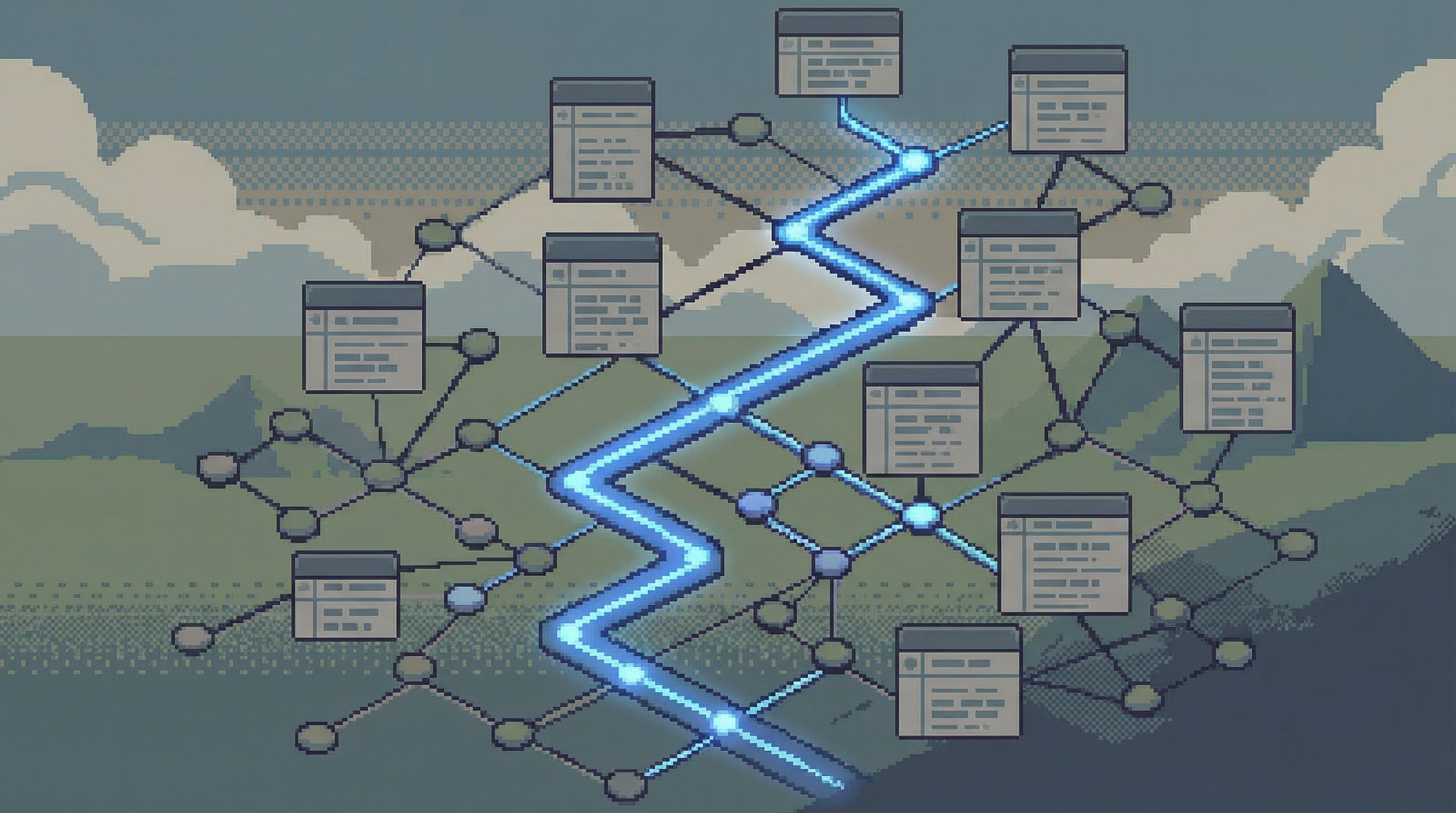
Mindful data work treats the trail as a first‑class artifact.
Concretely, that means:
-
Name the session
- In your browser or console:
2026-03-20 – Double charge for U123.
- In your browser or console:
-
Capture each meaningful query
- Save it with:
- A short description in plain language
- The exact parameters (user ID, time window, environment)
- Avoid generic names like
debug_query_1.
- Save it with:
-
Record observations, not just results
- After each query, write one sentence:
- “Invoice
I789was created twice within 3 seconds; both succeeded.”
- “Invoice
- After each query, write one sentence:
-
Close the loop with a short narrative
- At the end of the session, summarize:
- What you set out to answer
- What you found
- What you’re still unsure about
- At the end of the session, summarize:
A browser like Simpl is built around this idea: each investigation becomes a replayable sequence of reads, not a scattered set of ad‑hoc queries.
This is the same mindset behind The Single-Query Incident Review: Replaying Outages from One Calm Data Trail: one linear path that anyone on the team can revisit.
Ritual 5: Time‑Boxed, Single‑Purpose Sessions
Production reads expand to fill the time you give them.
A simple way to keep them contained is to time‑box and single‑purpose each session.
-
Set a clear window
- Example: “I have 45 minutes for this investigation.”
- Use a timer if it helps; when it goes off, you either:
- Wrap with a summary, or
- Deliberately extend with a new time box.
-
Avoid mid‑session scope creep
- When you discover adjacent questions, add them to a “later” list.
- Only promote them into the current session if they’re required to answer the primary question.
-
End with a handoff‑ready note
- Assume someone else will pick this up tomorrow.
- Leave enough context that they don’t have to re‑run everything.
This doesn’t slow you down. It prevents the kind of meandering that feels like progress but leaves you with no clear conclusion.
Ritual 6: Treat Tools as Interfaces, Not Identities
Mindful data work isn’t about finding the “perfect” tool. It’s about choosing interfaces that reinforce the rituals above.
Look for tools that:
- Emphasize read‑first workflows over admin power
- Offer clear environment separation (prod vs staging vs local)
- Support saved trails, not just saved queries
- Provide built‑in guardrails (limits, warnings, safe defaults)
- Keep the UI minimal – fewer panels, fewer modes
That’s the space Simpl is built for: an opinionated database browser that makes focused production reads feel calm and safe, without the overhead of a full BI stack or admin surface.
If your current environment is a mix of generic SQL IDEs and admin panels, you don’t have to replace everything at once. Start by:
- Routing incident reviews through a calmer browser
- Giving support and success teams a focused read‑only view
- Using opinionated views for your most common debugging stories
Over time, the reflex shifts: instead of “open the biggest tool,” people reach for the smallest one that can answer the question.
Putting It All Together
Mindful data work is not a grand transformation. It’s a collection of small, repeatable moves:
- Anchor every session on one clear question and environment.
- Keep the surface area small. Open less, close more.
- Use guardrails and defaults to make unsafe reads uncomfortable.
- Start from concrete stories before widening to cohorts and aggregates.
- Make the trail a first‑class artifact that others can replay.
- Time‑box and single‑purpose your production sessions.
- Choose tools that reinforce these habits, not fight them.
Do these consistently, and a few things change:
- Production feels less like a minefield and more like a library.
- Incident reviews stop being guesswork.
- New teammates gain confidence reading real data without fear.
A Quiet First Step
You don’t need a full process overhaul to start working this way.
Pick one upcoming production investigation—maybe the next support ticket that needs real data, or the next small incident—and try this:
- Write down the question, scope, and environment before you open any tools.
- Use a single, read‑first browser (or the calmest tool you have) for the entire session.
- Save each meaningful query with a short plain‑language note.
- End with a brief narrative of what you found.
If you want a tool that’s built around these rituals from the start, take a look at Simpl. It’s an opinionated database browser designed for exactly this kind of calm, focused production read work.
Start small. One question, one trail, one quieter session. Then repeat.