The Anti-Search Bar: Why Blind Querying Hurts Focus (and How Opinionated Paths Help)

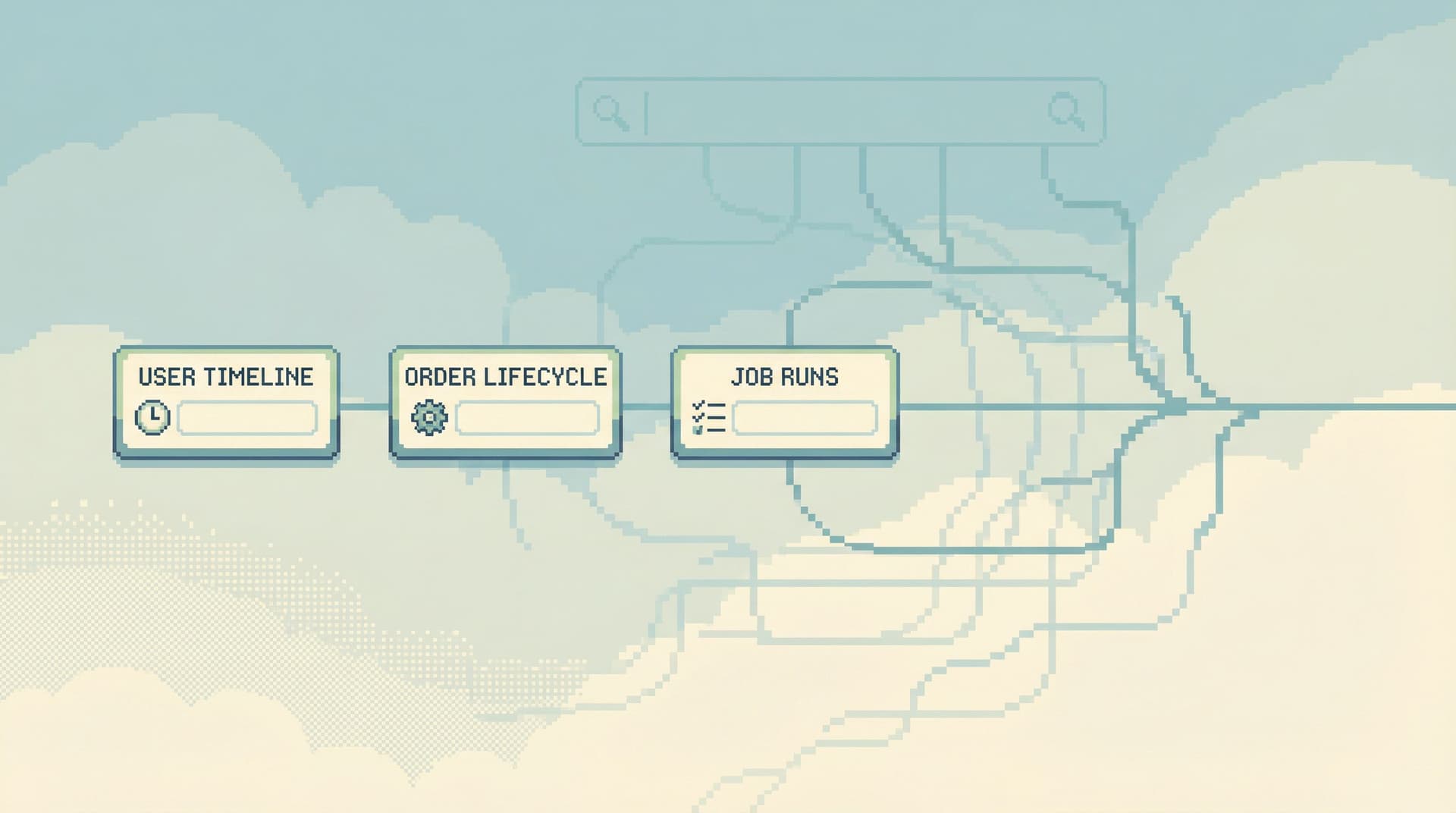
Most database tools start from the same assumption: you want a blank box.
A search bar. A query editor. A place where you can type anything.
On paper, that’s freedom. In practice, especially against production, it’s a tax on attention.
The anti-search bar stance is simple: stop treating “type anything” as the default way to work with data. Start from opinionated paths instead—narrow, pre-shaped ways of reaching the questions you actually have.
Tools like Simpl exist for exactly this: calm, opinionated production reads instead of open-ended exploration.
Why blind querying is so attractive (and so costly)
A blank search bar feels powerful because it promises:
- Zero friction – type the table, ID, or keyword you remember.
- Zero ceremony – no need to define a workflow or commit to a path.
- Zero commitment – you can always “just try something else.”
But that power hides a set of quiet costs:
-
Every query is a design problem
Before you learn anything from the data, you have to decide:- Which table? Which join path?
- Which filters? Which time window?
- Which columns matter this time?
The tool offloads none of this. Your brain carries it all.
-
You’re always one query away from wandering
A typical session:- Start with a clear question: “Why did this user’s order fail?”
- Run a quick search for the user ID.
- Notice a weird column in a related table.
- Open it “just to see.”
- Ten minutes later you’re reading an unrelated job queue.
This is the same wandering described in /the-single-question-session-designing-database-workflows-around: the question that brought you here quietly dissolves.
-
Search bars flatten risk
A lookup for a single user and a wide, unbounded read on a hot table look identical:- Same input box
- Same run button
- Same neutral feedback
The interface suggests they’re equally harmless. The database disagrees.
-
Context lives in your head, not in the tool
Each query is a one-off. The why behind it is rarely captured.
As we argued in /query-logs-are-not-knowledge-turning-ephemeral-reads-into-persi, query logs are exhaust, not knowledge. A blind search bar encourages more exhaust.
The result: you get answers, but at the cost of attention, safety, and shared understanding.

What an anti-search bar stance looks like
The anti-search bar is not “never search.” It’s don’t make blind search the primary way to move through your data.
Instead, you start from opinionated paths:
- Pre-shaped journeys through the data that match real questions.
- Narrow by default, with clear entry points and obvious exits.
- Designed to keep you on one story at a time.
You’ve seen this idea already if you’ve read:
- /beyond-table-lists-opinionated-navigation-patterns-for-real-wor – on navigation patterns that mirror real work.
- /designing-read-rails-how-opinionated-query-paths-reduce-risk-an – on “read rails” as the unit of design.
The anti-search bar is the same stance, applied specifically to how you start.
Instead of a big empty box, you see:
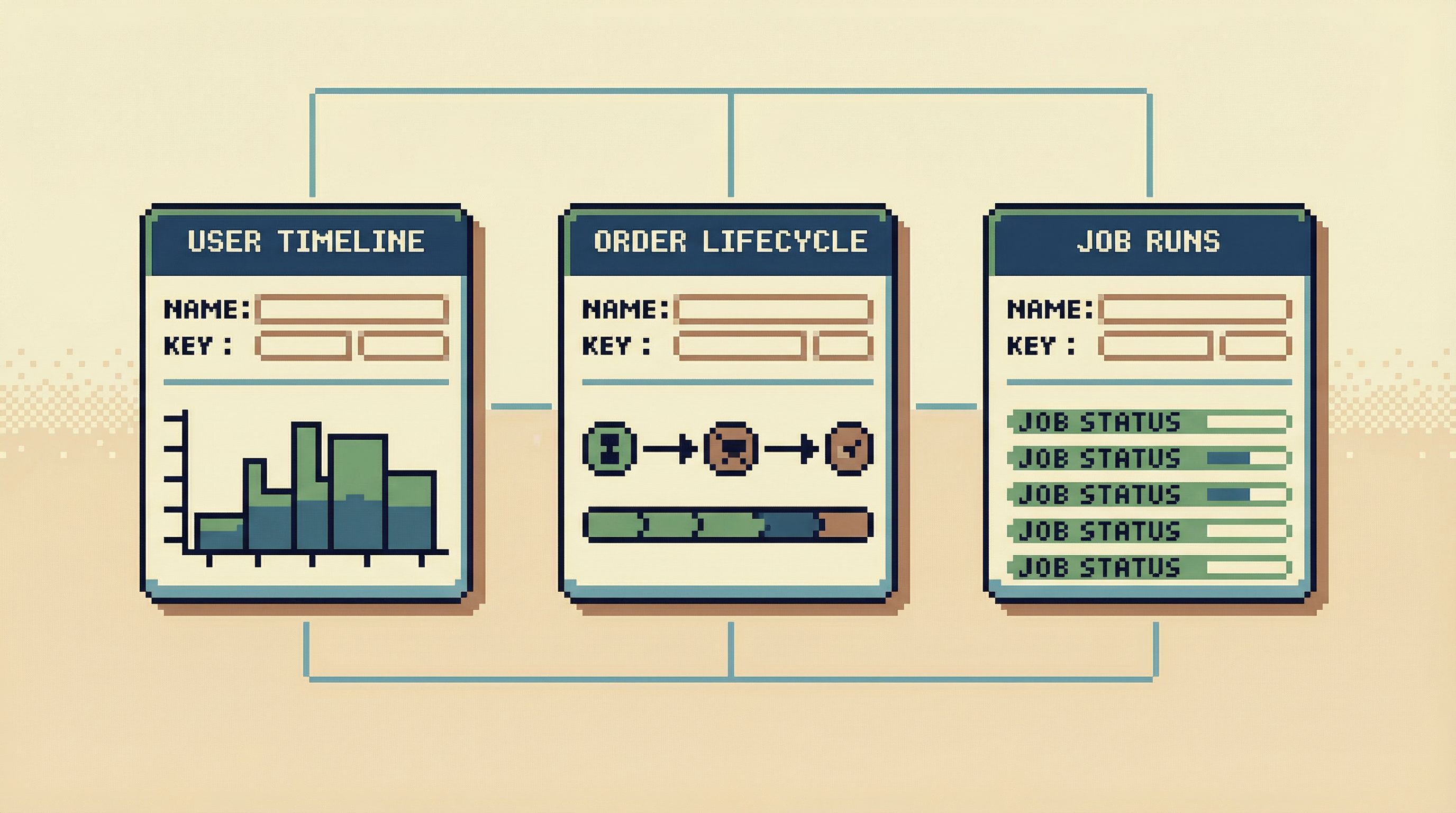
- “User timeline by ID”
- “Order lifecycle by order number”
- “Job run history by job ID”
- “Incident trail by alert or ticket”
Each is a path. Each has:
- A small, well-defined input surface.
- A predictable set of reads behind it.
- A natural way to stop when the question is answered.
This is the core move: replace open-ended querying with a small set of well-designed paths that cover 80–90% of what you actually do.
Why opinionated paths help your brain
Opinionated paths are not about removing intelligence. They’re about freeing it up.
1. Less decision fatigue
With a blind search bar, every step requires decisions:
- “Which table should I start from?”
- “Do I need events or logs for this?”
- “Should I filter by created_at or processed_at?”
With an opinionated path, those decisions are mostly pre-made:
- “User timeline by ID” already knows which tables matter.
- “Order lifecycle” already knows the correct join path.
- “Job run history” already knows which timestamps define the story.
You still think. You still interpret. But you’re not redesigning the workflow every time.
2. Narrower attention, fewer distractions
When the interface gives you a single, clear path, it becomes harder to wander.
- You’re on “Order lifecycle for order #1234.”
- The UI shows you only what’s relevant to that lifecycle.
- If you want to explore something else, you must consciously leave this path.
This is the same principle behind the narrow incident stance in /the-narrow-incident-browser-structuring-production-reads-around: structure your tools around one failing path, and make it hard to drift away.
3. Safer defaults, fewer scary surprises
Opinionated paths can encode guardrails:
- Always scoped to a single user, order, or job.
- Always time-bounded (e.g., last 24–48 hours).
- Always using indexed filters and known-safe joins.
That means:
- No accidental full-table scans from a mistyped filter.
- No “SELECT * FROM events WHERE true” moments.
- No surprise impact on hot tables during peak load.
Tools like Simpl lean heavily on this: the most common paths are pre-shaped to be safe.
4. Easier to share and replay
A blind query is hard to share:
- You paste SQL into Slack.
- Someone else runs it in a slightly different context.
- Subtle differences in filters or joins change the story.
An opinionated path is easier:
- “Open the ‘User timeline’ view for user 98765.”
- “Use the ‘Order lifecycle’ path for order 1234.”
The path captures not just the query, but the intent and structure behind it. That’s what you want in incident reviews and onboarding—not just what someone typed, but how they moved.
Designing your own anti-search bar
You don’t have to rebuild your tools from scratch to get the benefits. You can layer an anti-search-bar stance on top of what you already have.
Here’s a practical way to start.
Step 1: List your top 5 recurring questions
Look at the last few weeks of production data work. Ignore the one-off experiments. Focus on patterns.
You’ll likely find questions like:
- “What exactly happened to this customer’s subscription?”
- “Why did this order get stuck here?”
- “Did this job run twice, or just log twice?”
- “What changed for this user around the time of the incident?”
- “Did we double-charge anyone during this deploy?”
Write them down in plain language. Don’t think in tables yet.
Step 2: Turn each question into a named path
For each question, define a path with:
- A clear name – so people can refer to it.
- A minimal input – usually one or two identifiers.
- A fixed set of reads – specific queries behind the scenes.
Examples:
-
User timeline by ID
Input:user_id
Reads: key events, state changes, billing actions over a time window. -
Order lifecycle by order number
Input:order_id
Reads: creation, payment attempts, shipment events, cancellations. -
Job run history by job ID
Input:job_id(or job name + time window)
Reads: enqueues, starts, retries, failures, final status.
You’re designing read rails, not a general console.
Step 3: Encode those paths in whatever tool you have
You can implement opinionated paths in multiple ways:
- In a focused browser like Simpl – where the product is already built around calm, opinionated production reads.
- Inside your existing admin panel – create dedicated read-only views for each path instead of one giant explorer.
- In your BI tool – not as generic dashboards, but as tightly-scoped, parameterized “investigation views.”
- As small internal tools – a simple form + a few queries behind it.
The key is not the technology. It’s the shape:
- One input surface per path.
- A fixed, narrow set of queries.
- A layout that tells one story.
Step 4: Make paths the default, search the escape hatch
If you keep the search bar front and center, people will keep using it.
Flip the hierarchy:
- Show your top opinionated paths first.
- Tuck blind search into a smaller, secondary place.
- Encourage people to start from a path and only drop to free-form querying when:
- They’re designing a new path, or
- They truly have a novel, rare question.
Over time, this shifts the team habit from “open the query editor and start typing” to “pick the path that matches the question.”
Step 5: Treat paths as shared assets, not personal shortcuts
Opinionated paths work best when they’re shared and maintained:
-
Review them during incident postmortems.
Ask: “Did we have a path that matched this investigation, or did we improvise?” -
Promote stable paths into your main tool.
If people keep reusing a particular query trail, turn it into a named path. -
Retire unused paths.
If a path stops being used, remove it. Opinionated doesn’t mean infinite.
This is how you move from ad-hoc querying to a calmer, shared library of ways to read production.
How this changes incidents, support, and everyday work
The benefits of an anti-search bar stance show up quickly in real workflows.
Incidents feel less like mazes
During an outage, you don’t want to design a new way of seeing data. You want to replay a known story.
With opinionated paths:
- On-call engineers start from “Incident trail for alert X” or “User timeline for affected customers,” not from a blank console.
- The investigation becomes one calm query trail instead of a maze of tabs—exactly the stance behind /the-read-first-incident-running-postmortems-from-a-single-calm.
Support and success teams stop needing “just one query”
Instead of:
- DM’ing engineers for a custom query.
- Copy-pasting SQL into tools they don’t fully trust.
They:
- Open “User timeline by email” or “Order lifecycle by order number.”
- Follow a path that’s already been vetted as safe and legible.
This is where a calm browser like Simpl shines: engineers define the rails; other teams ride them.
Engineers can focus on interpretation, not navigation
When the path is clear, the hard part becomes the right part:
- Interpreting what changed.
- Spotting anomalies in the sequence of events.
- Deciding what to do next.
You’re no longer spending half the session remembering table names or re-deriving the same joins. The tool carries that weight.
A simple starting recipe for your team
If you want to try an anti-search bar stance this week, keep it small.
1. Pick one domain.
Start with whichever hurts most:
- Billing incidents
- Order issues
- Background job failures
2. Define 2–3 paths.
For example, for billing:
- “User billing timeline by user ID”
- “Invoice lifecycle by invoice ID”
- “Payment attempt history by payment ID”
3. Implement them in the tool closest to production.
That might be:
- A dedicated view in your existing admin.
- A new opinionated view in Simpl.
- A small internal page that calls your warehouse.
4. Make them the first choice during real work.
For one week:
- Ask on-call engineers to start from these paths during any relevant incident.
- Ask support to use them before asking for ad-hoc queries.
5. Review and refine.
At the end of the week, ask:
- Which paths actually got used?
- Where did people still have to drop into blind querying?
- What extra context would have made the path self-sufficient?
Iterate. Promote what works. Remove what doesn’t.
You don’t need a grand redesign. You need a few good paths that prove the stance.
Summary
Blind querying feels flexible, but it scatters attention and hides risk. A big empty search bar:
- Turns every session into a design problem.
- Makes it easy to wander away from the original question.
- Flattens the difference between safe, narrow reads and dangerous, wide ones.
- Produces logs, not knowledge.
An anti-search bar stance starts from opinionated paths instead:
- Named, narrow journeys that match real questions.
- Small input surfaces (usually one ID).
- Fixed, safe reads behind the scenes.
- Easy to share, replay, and refine as a team.
You can layer this onto existing tools by:
- Listing your top recurring questions.
- Turning them into named paths.
- Encoding those paths into your browser, admin, or BI surface.
- Making paths the default, and blind search the exception.
The result is calmer work: fewer decisions, less wandering, safer reads, and a shared library of ways to understand what actually happened.
Take the first step
You don’t have to ban search bars tomorrow.
Start smaller:
- Pick one domain where you keep rewriting the same queries.
- Define a single opinionated path that tells the story end-to-end.
- Implement it in the tool you already use.
- Ask your team to try that path first for one week.
If you want a place built around this stance from the start, try a focused browser like Simpl: an opinionated interface for exploring, querying, and understanding production data without the noise of full BI or admin tools.
The goal isn’t less power. It’s less friction between the question in your head and the story your data is trying to tell.