Designing for Read-Heavy Work: Why Most Database Sessions Should Never Start With ‘WRITE’

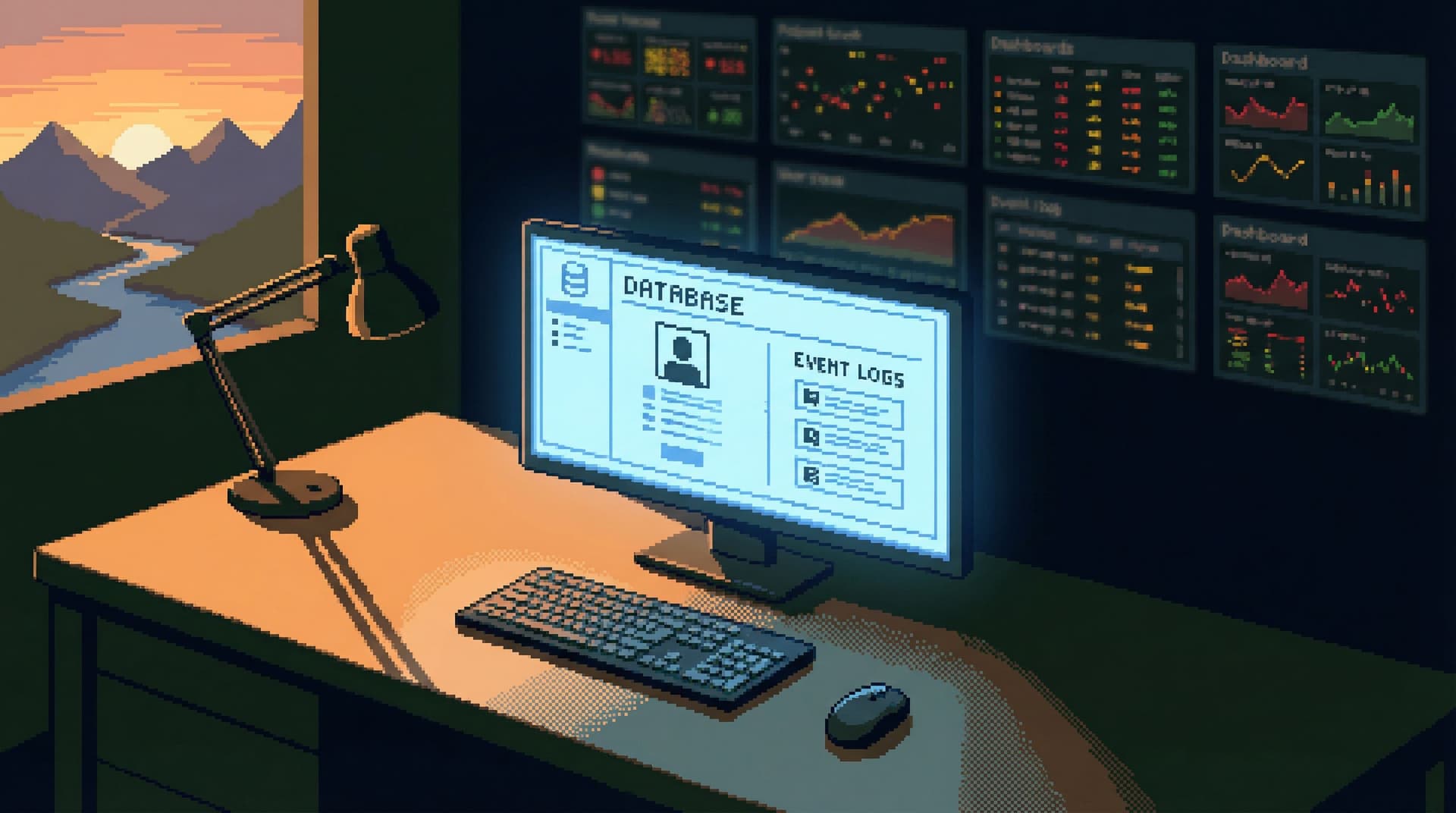
Most engineers don’t open a database client thinking, “Time to mutate production.”
They open it because something is unclear:
- A user reports a weird billing issue.
- A job seems stuck.
- A metric looks off and the dashboard isn’t helping.
That’s read work. You’re trying to understand, not change.
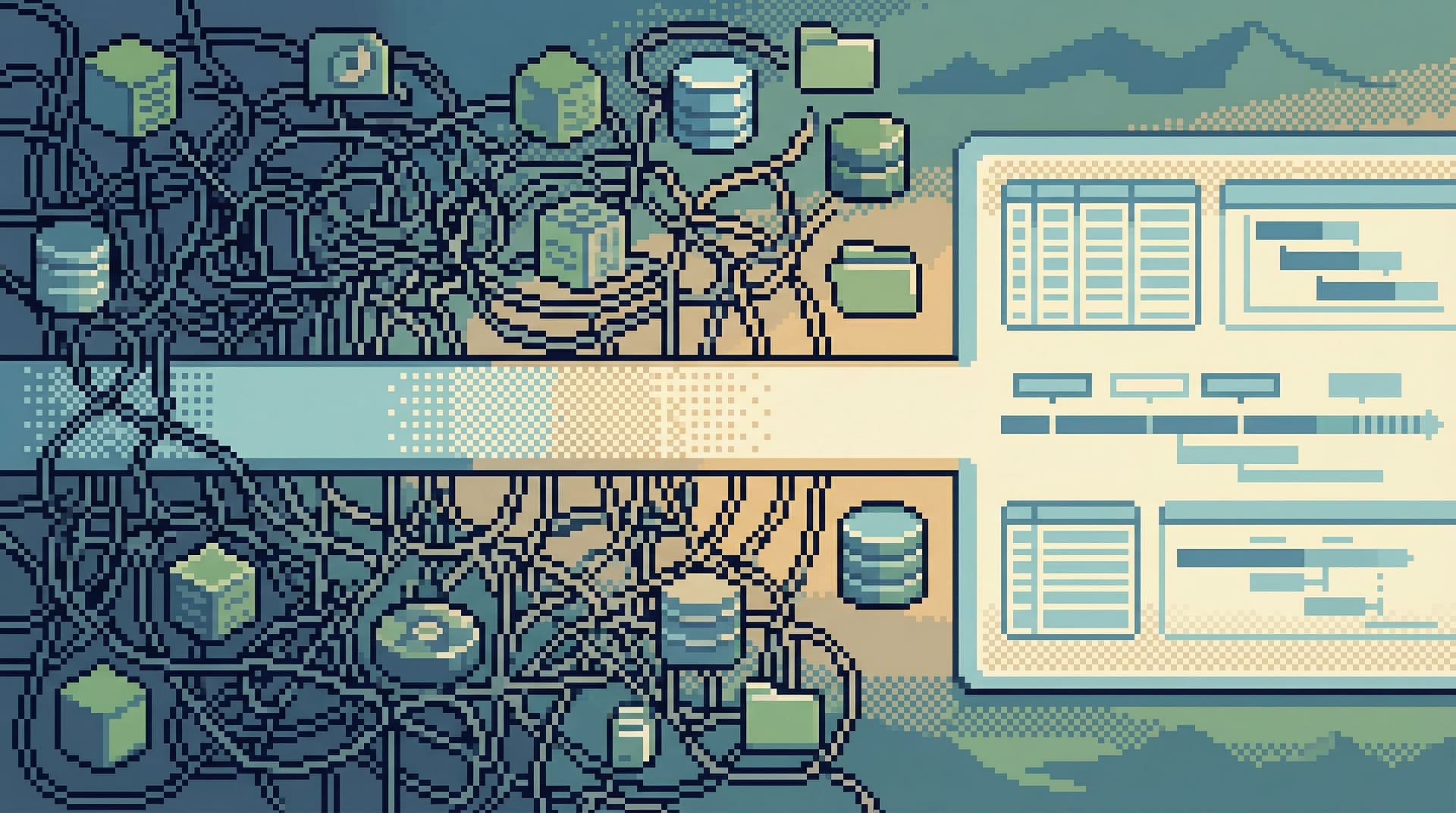
Yet most tools greet you with a blank SQL editor and full write powers. The UI quietly whispers: start typing; anything goes. UPDATE and DELETE are one muscle-memory away from a simple SELECT.
This post argues for a different stance:
Most database sessions should be designed as read-first, read-heavy, and read-only by default.
Writes still matter. Migrations, backfills, and hotfixes are real. But they should be the exception, not the baseline. When you design your tools and workflows as if every session is a potential write session, you increase risk, noise, and cognitive load for no good reason.
Tools like Simpl are built around this assumption: calm, opinionated read paths first; writes as rare, deliberate events.
Why This Matters More Than It Looks
Treating every database session as a potential write session has three hidden costs.
1. Risk Becomes Ambient Instead of Exceptional
When destructive power is always present, it stops feeling special. A few familiar patterns:
- A missing
WHEREclause in a rushedUPDATE. - Copy-pasting a query from staging into production without adjusting limits.
- Running a “quick” data fix from a shared GUI with broad permissions.
Even with good engineers and good intentions, these mistakes happen. The issue isn’t competence; it’s environment. If the tool makes UPDATE feel as casual as SELECT, your incident surface area is permanently high.
We’ve written before about this in more detail in Read-Only by Default: Building Safer Production Database Workflows Without Slowing Engineers Down. The core idea: safety should be the default posture, not a checklist item.
2. Cognitive Load Spikes for No Reason
When you open a database client that can do anything, your brain has to carry extra weight:
- “Am I on the right database?”
- “Is this prod or staging?”
- “Is this query safe to run here?”
Those questions show up even if you’re only planning to read. The possibility of writes forces you into a defensive stance. That background anxiety makes it harder to reason about the data itself.
A calm tool removes that overhead: if a session is read-only, you don’t have to think about write risk at all. You get to think about the problem.
3. Read Work Gets Treated Like a Precursor to Writes
When the UI centers a big SQL editor and treats reads and writes as the same kind of operation, you start to think of read work as a prelude to “the real work” of changing data.
Reality is the opposite:
- Most engineering sessions against production are purely investigative.
- Even when you do need a write, the quality of that write depends entirely on how well you read first.
Designing for read-heavy work means honoring that investigative phase as first-class work, not just setup.
A Simple Heuristic: What Are Most Sessions Actually For?
If you instrument your internal database tools, you’ll usually see a similar pattern:
- The majority of sessions involve only
SELECTqueries. - A small fraction involve
INSERT/UPDATE/DELETE. - An even smaller slice involve DDL changes.
In other words: your real workload is read-heavy, even if your UI is write-first.
Design should follow reality, not habit.
Principles for Read-First Database Sessions
Designing for read-heavy work isn’t just about toggling a read-only flag. It’s a set of opinions about how a session should feel from the moment it opens.
Here are the core principles.
1. Start Every Session in a Read-Only Posture
The first rule is simple:
Opening a database tool should not give you write powers by default.
Concretely, that means:
- Read-only connections by default to production.
- No visible affordance for writes in the main flow of investigative work.
- Separate, clearly labeled modes for anything that can change data.
In Calm by Default: UX Patterns That Make Dangerous Database Actions Feel Rare and Deliberate, we talk about making dangerous actions visually distinct and slower on purpose. Read-only sessions are the foundation of that pattern.
2. Make the First Screen About Questions, Not Commands
Most tools still open to:
- A tree of tables on the left.
- A blank SQL editor in the middle.
- A results grid at the bottom.
That layout quietly teaches: start by writing a query. Instead, you want the tool to ask: what are you trying to understand?
Patterns that help:
- Entry points by use case, not by table.
- “Inspect a user”
- “Follow a job through the system”
- “Look at recent failures”
- Opinionated read paths that walk you through the relevant tables and relationships for those questions.
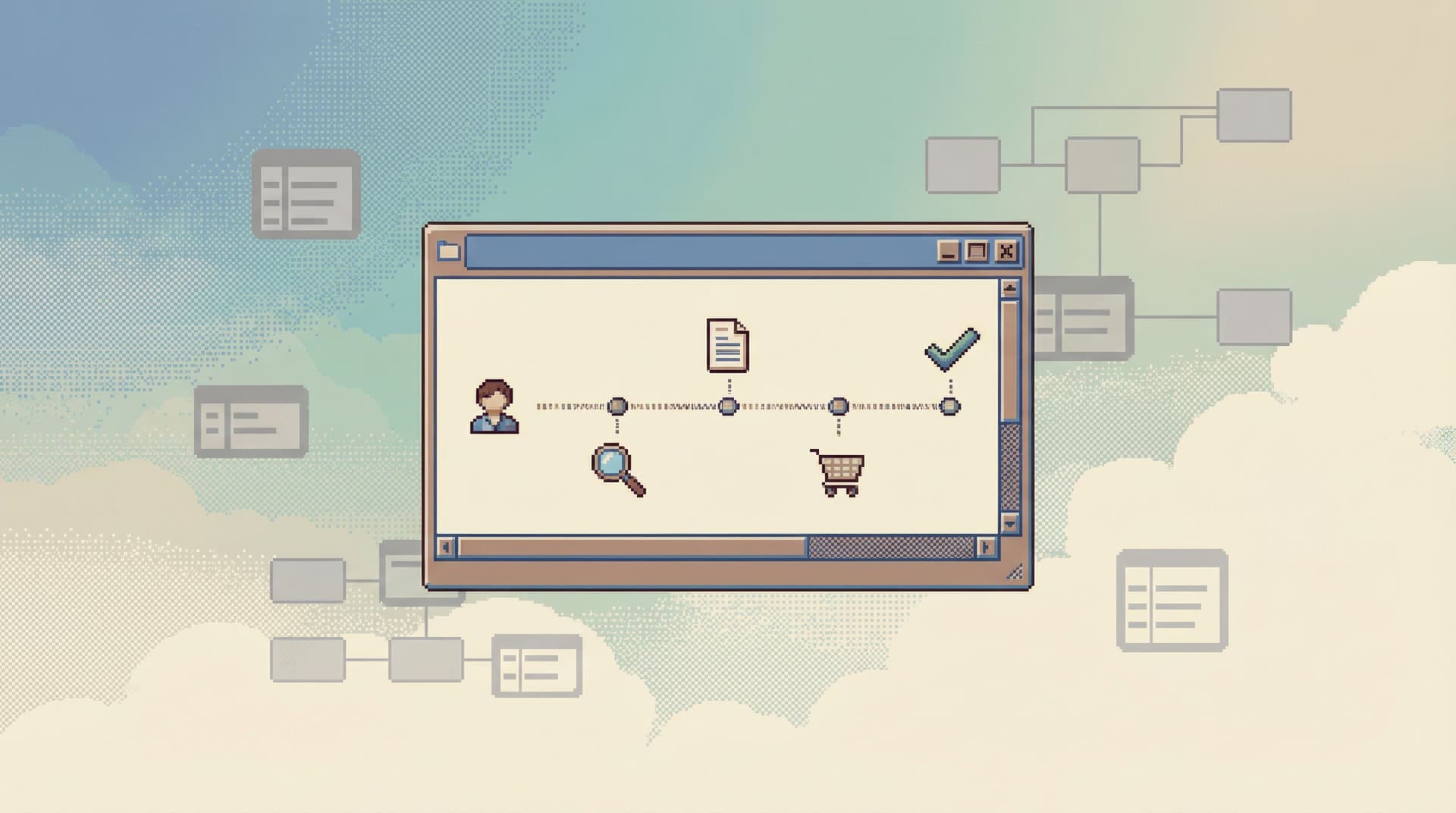
We go deeper on this in Less Schema, More Story: Helping Engineers Navigate Databases by Use Case, Not Object List. The short version: real work starts with stories, not with schemas.
Tools like Simpl lean heavily on this idea. You don’t start with a blank editor; you start with a focused view tailored to the question you’re asking.
3. Treat Writes as a Separate Mode, Not Just Another Query
If you accept that most sessions are read-heavy, then write sessions should feel like a different kind of work.
That suggests a clear separation:
- Read mode
- Only
SELECTqueries allowed. - UI optimized for navigation, filtering, and following relationships.
- Clear history / trail of what you’ve inspected.
- Only
- Write mode
- Explicit entry (e.g., “Start a data change session”).
- Narrow scope (specific table, specific rows, specific operation).
- Extra confirmation steps and guardrails.
Some practical patterns:
- Require a short, free-text reason when entering write mode.
- Automatically log and link write sessions to tickets or incidents.
- Enforce peer review for high-risk operations (e.g., DDL, large updates).
This is the spirit of Safe by Default: Practical Patterns for Exploring Production Data Without Fear: make the safe thing the easy thing, and make risk a conscious decision.
4. Design the Read Path for Deep Work, Not Quick Thrills
Read-heavy sessions are where deep understanding happens. The UI should support that kind of work:
- Single-window focus. Avoid tab explosions and nested panels. One visible trail of thought beats ten half-finished queries. We explore this more in The Single-Window Database Session: Structuring Deep Work Without Tabs, Panels, or Overlays.
- Narrative history, not just logs. Instead of a flat query history, treat each session as a trail: what you looked at, in what order, and why. (We call these “read trails” in another post.)
- Minimal chrome. Fewer buttons, fewer modes, fewer distractions. Let the data and the question sit in the center.
Simpl is opinionated here: one main window, a clear sequence of reads, and a trail you can share later.
5. Optimize for Common Read Tasks, Not Hypothetical Power
Most teams over-index on “we might need to do X weird query someday” and under-index on “we do this same read task 20 times a week.”
Design the tool around the real, recurring reads:
- Inspect a single user and their related objects.
- Follow a job or workflow across services.
- Compare state before and after a deploy.
- Verify that a migration or backfill did what you expected.
For each of those, you can:
- Build predefined views that show the right slices of data.
- Provide guided filters instead of requiring hand-written SQL.
- Offer one-click pivots along the most common relationships (user → orders → payments, etc.).
You still keep an escape hatch for arbitrary queries. But you don’t force every session to start from scratch in a blank editor.
Turning This into Practice: How to Shift Your Team to Read-First
You don’t need to rebuild your entire tooling stack overnight. You can move toward read-first, write-rare in small, deliberate steps.
Step 1: Separate Read and Write Connections
Start with the simplest mechanical change:
- Create read-only database roles for production.
- Update your GUI / CLI configs so the default connection uses those roles.
- Make write-capable connections require explicit, extra steps (different profile, VPN, bastion, etc.).
The goal: if someone opens their usual tool and runs UPDATE, it should fail by default.
Step 2: Make Read-Only the Default in Your Main Tool
Whether you’re using Simpl, a traditional GUI, or a custom internal app:
- Change the default session type to read-only.
- Make the “connect with write access” option:
- Less visually prominent.
- Clearly labeled as higher risk.
- Possibly hidden behind a feature flag or specific group.
You’re not banning writes. You’re making them rare and deliberate.
Step 3: Introduce Opinionated Read Paths for Common Tasks
Pick 2–3 high-frequency investigative tasks and design simple read flows for them.
For example:
- User investigation
- Start from a search box for user ID / email.
- Show core user row plus recent events, orders, and payments.
- Let people pivot along those relationships with a click.
- Job / workflow tracing
- Start from a job ID.
- Show status history, related logs, and downstream effects.
- Incident verification
- Start from an incident ID or time window.
- Show relevant rows across key tables, filtered to that window.
You can build these as:
- Saved queries with parameters.
- Internal dashboards that link directly into your browser.
- Custom views in a tool like Simpl that encode these paths.
If you want more detail on designing these paths, Opinionated Read Paths: Why Most Teams Need Guardrails More Than Admin Superpowers is a good deeper dive.
Step 4: Treat Write Sessions as Projects, Not Drive-Bys
When you do need to write:
- Require a ticket or incident link for any production write session.
- Capture a trail of the reads that led to the write.
- Log who did what, when, and why.
This turns write sessions into small, auditable projects instead of casual one-offs. It also encourages better reading: if you know your reads are part of the record, you’re more likely to do them carefully.
Step 5: Socialize the Norm: “Most Sessions Are Read Sessions”
Finally, make the philosophy explicit:
- Add it to onboarding: “We design our tools for read-heavy work. Writes are rare and deliberate.”
- Bake it into incident runbooks: investigative steps are all read-only; remediation steps are separate, reviewed, and logged.
- Reflect it in your tooling choices: favor tools that support calm, opinionated reading over ones that chase IDE-like feature lists.
Posts like When Your Database Browser Tries to Be an IDE (and How to Walk It Back) go deeper on why that matters.
How Tools Like Simpl Fit Into This
Simpl is built around the assumptions in this post:
- Read-first sessions. You open into a calm, read-only environment optimized for understanding, not mutating.
- Opinionated read paths. You navigate by stories and use cases, not just table lists.
- Single-window focus. One clear trail of reads instead of a forest of tabs.
- Writes as deliberate. Dangerous actions are visually distinct, slower, and treated as rare.
You don’t need Simpl to adopt a read-heavy posture. But if you want a tool that’s designed around that stance from the start, it can shorten the distance between “we believe this” and “we actually work this way.”
Summary
Most database sessions are read-heavy, but most database tools are write-first. That mismatch creates:
- Unnecessary risk in everyday investigative work.
- Constant background anxiety about “what if this query goes wrong?”
- A subtle bias that treats understanding as a prelude to “real” work instead of the main event.
Designing for read-heavy work means:
- Read-only by default, especially in production.
- Entry points based on questions and stories, not just schemas.
- Clear separation between read and write modes, with writes treated as rare, deliberate projects.
- Interfaces optimized for deep, focused reading, not for doing everything at once.
When you align your tools with how people actually use the database, sessions get calmer, incidents get safer, and the work of understanding data finally feels like a first-class activity.
Take the First Step
You don’t have to redesign everything to benefit from a read-first stance. Pick one small move:
- Switch your default production connections to read-only.
- Add a user or job-centric read path for your most common investigation.
- Retire one noisy, write-capable GUI from everyday use and replace it with a calmer browser.
If you want a tool that’s already opinionated in this direction, take a look at Simpl. Whether you adopt it or not, let it be a reference point: most database sessions should never start with WRITE—and your tools should make that the natural way to work.