Beyond ‘SELECT *’: Small Query Habits That Make Production Databases Feel Safer

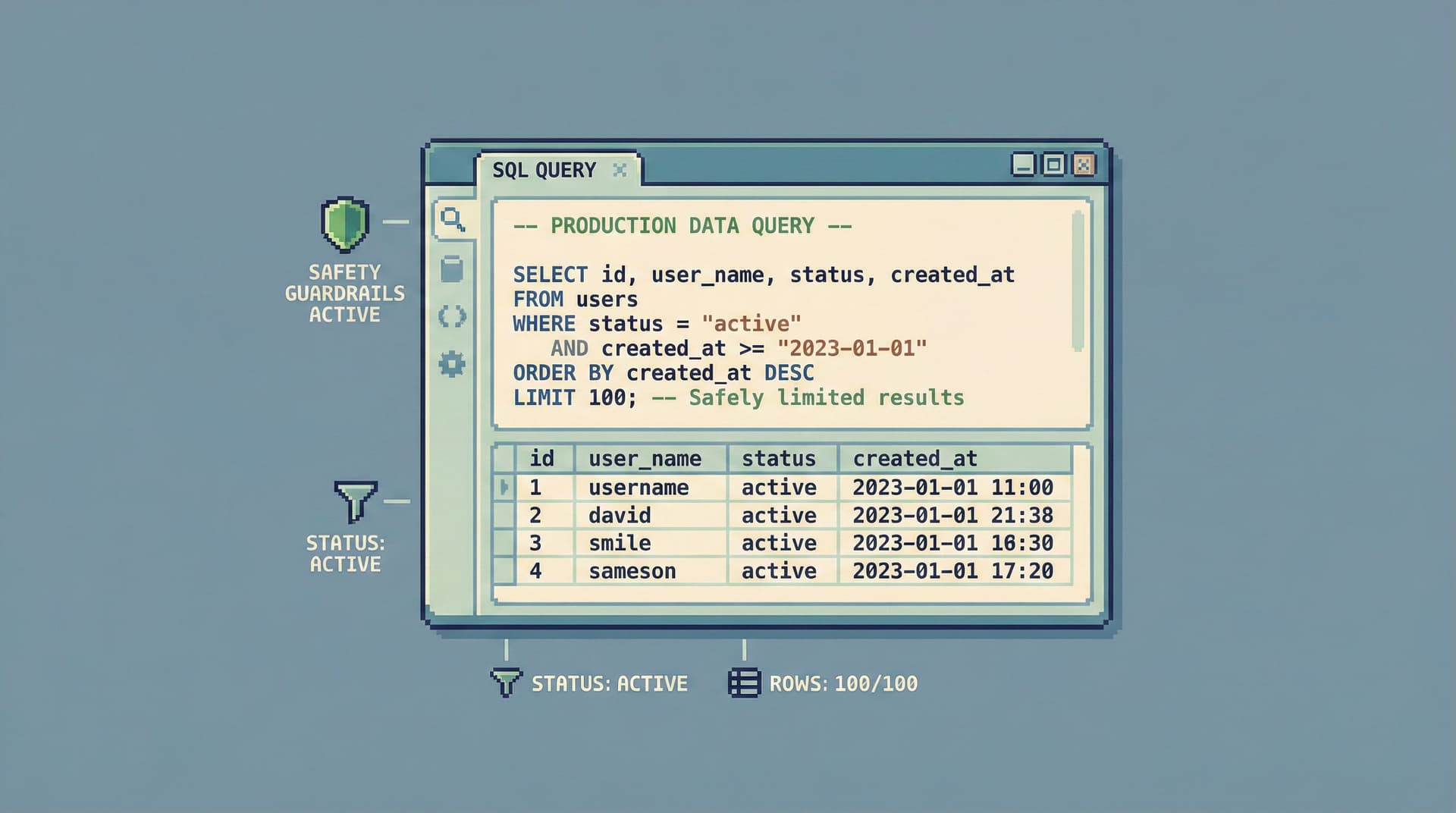
Production databases rarely break because of one dramatic, obviously bad query.
They get chipped away by small habits:
- Running
SELECT *on a hot table because it’s “just for a second.” - Copy‑pasting old incident SQL without checking predicates.
- Exploring in prod the same way you explore in staging.
Individually, these moves feel harmless. Together, they make production feel fragile—especially when more people get access.
This post is about the opposite: small, repeatable query habits that make production feel calmer. You don’t need a whole new process. You need a handful of defaults that quietly lower risk every time you open a console or a browser like Simpl.
Why Small Query Habits Matter More Than Big Policies
Most teams already have the big safety levers in place:
- Read‑only roles for most users
- VPN + SSO around production
- Limited DDL permissions
Those are necessary. They are not sufficient.
Because once someone is inside a “safe” tool, the real risk shifts from access control to attention control:
- A read‑only user can still launch a
SELECT *scan across a billion‑row table on the primary. - A harmless‑looking join can still explode into a Cartesian product.
- A wide query can still leak more data than the person actually needs.
We’ve written before about this shift from access to attention in From Access Control to Attention Control: Rethinking Safety in Database Tools.
Small query habits are how you close that gap. They:
- Reduce blast radius: Narrower predicates, smaller projections, and tighter limits mean fewer surprises.
- Protect performance: Safer defaults keep you from accidentally competing with production traffic.
- Protect privacy: Being deliberate about columns and filters keeps sensitive data out of casual reads.
- Scale to the whole team: Habits can be taught, shared, and embedded into tools like Simpl, not just held in one senior engineer’s head.
You can’t review every query. But you can shape how queries are written.
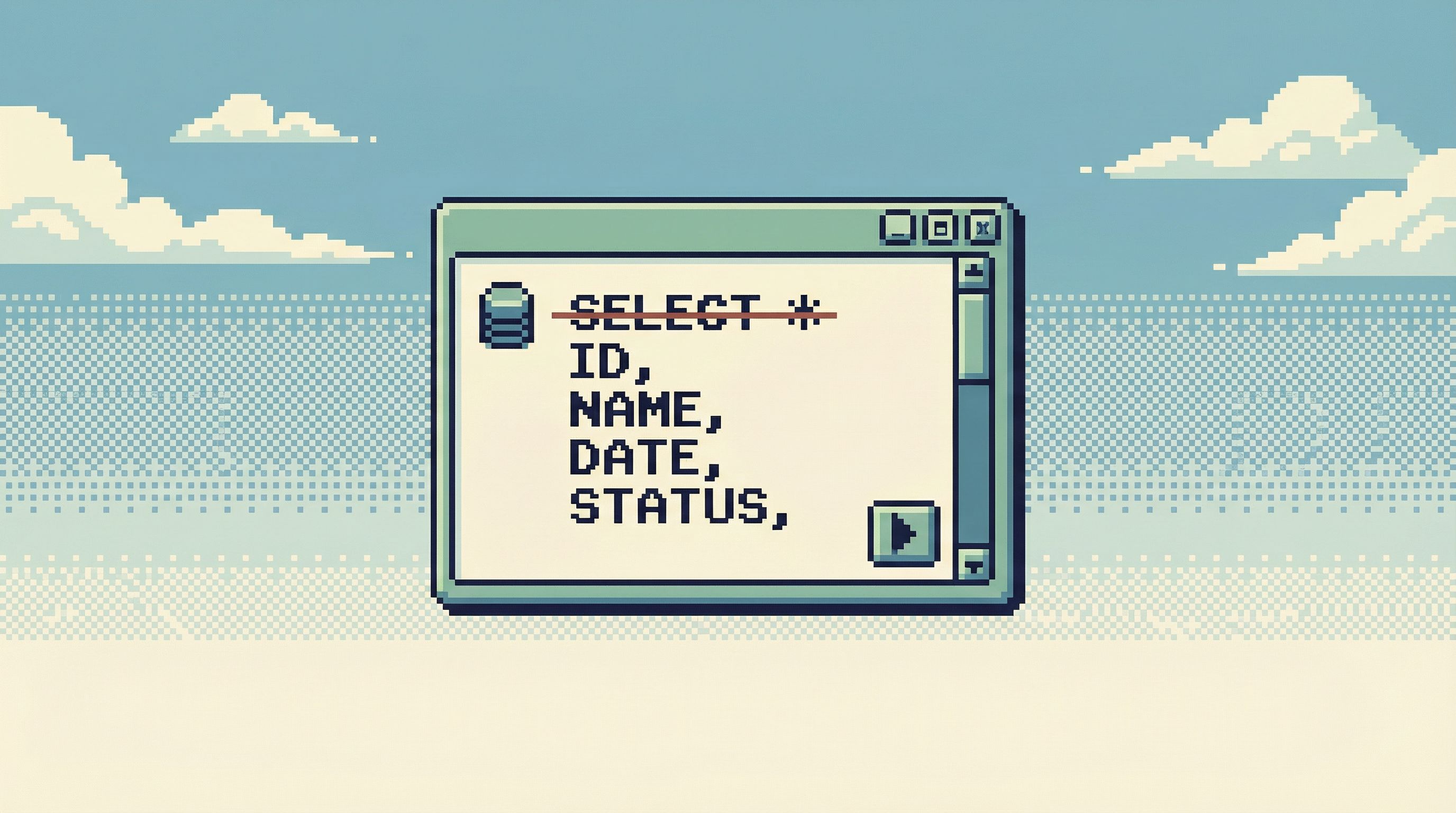
Habit 1: Start From Rows, Not From *
SELECT * is attractive because it feels like less thinking. Against production, it’s the opposite.
It hides three problems:
- You don’t actually know what you’re pulling. New columns get added. Sensitive fields creep in.
*silently widens over time. - You make every query heavier than it needs to be. More columns mean more bytes over the wire, more work for the database, more clutter in your own head.
- You encourage copy‑paste risk. Someone reuses your query in a different context, assuming it’s safe, and drags all those columns along.
A calmer default:
Always name the columns you care about.
Even if you start with more than you need, write them out intentionally. For example, instead of:
SELECT *
FROM orders
WHERE id = 123;
Prefer:
SELECT id, user_id, status, total_cents, created_at
FROM orders
WHERE id = 123;
Over time, this habit pays off:
- You see at a glance what the query is for.
- You avoid accidentally pulling PII you didn’t need.
- You create safer snippets that can be reused by others.
Tools like Simpl can help by making it easy to:
- Pin a small, opinionated set of columns for a given table.
- Save named views that expose only what’s needed for common questions.
For more on designing that middle layer of calm database tools, see Post-BI, Pre-Admin: Defining the Missing Layer of Calm Database Tools.
Habit 2: Put a Seatbelt on Every Query (LIMIT, Always)
Most risky queries start as “just a quick check.” The problem isn’t intent. It’s the absence of a seatbelt.
A simple rule:
Every exploratory query against production starts with a LIMIT.
This applies even when you think the result will be small.
Examples:
-
Checking a user:
SELECT id, email, created_at, status FROM users WHERE email = 'user@example.com' LIMIT 10; -
Looking at recent orders:
SELECT id, user_id, status, created_at
FROM orders
WHERE created_at >= NOW() - INTERVAL '1 day'
ORDER BY created_at DESC
LIMIT 50;
The LIMIT does three things:
- Caps performance risk. If your predicate is broader than you thought, the query still completes quickly.
- Encourages iteration. You’re nudged into a loop of refine → re‑run, instead of one giant query.
- Supports safe sharing. A limited query is safer to paste into docs, tickets, or tools without worrying it will blow up in a different context.
Once you see the shape of the data and confirm your filters, you can raise the limit or remove it intentionally.
If your database browser lets you set defaults, use them:
- Default new queries to
LIMIT 100. - Make it visually obvious when a query has no limit.
- In Simpl, you can design read paths that always include a sensible limit for common views, so people don’t start from a blank editor.
Habit 3: Filter by the Smallest Concrete Thing
The difference between a calm query and a risky one is often a single predicate.
Broad filters feel natural:
WHERE created_at >= NOW() - INTERVAL '7 days'WHERE status = 'failed'
But production questions are usually narrower:
- “What happened to this user?”
- “Which orders from this deploy window are wrong?”
- “Which jobs for this tenant are stuck?”
A safer default:
Filter by the smallest concrete thing you actually care about.
Examples:
-
Instead of:
SELECT id, user_id, status
FROM orders
WHERE status = 'failed';
Prefer:
SELECT id, user_id, status FROM orders WHERE status = 'failed' AND created_at >= NOW() - INTERVAL '1 day' AND tenant_id = 42 LIMIT 100; -
Instead of querying all failed jobs, start with:
- One tenant
- One queue
- One time window
This habit:
- Keeps queries aligned with the real question.
- Reduces the chance of accidentally scanning a huge portion of a hot table.
- Makes it easier to share context: “Here’s the exact slice I was looking at.”
If you’re using a browser like Simpl, you can bake these narrow filters into reusable views:
- “Failed orders for tenant X in the last 24h”
- “Stuck jobs by queue and region”
That way, people start from a narrow slice and only widen it deliberately.
Habit 4: Treat Joins as a Power Tool, Not a Default
Most production incidents don’t require a five‑table join.
They require:
- One primary table (orders, jobs, subscriptions).
- One or two related tables (payments, events, logs).
The temptation is to compose a big join immediately. But joins are where quiet mistakes become expensive:
- Missing join predicates → Cartesian products.
- Joining on non‑indexed columns → slow queries.
- Pulling huge child tables when you only needed a count or existence check.
A calmer pattern:
- Start with the primary table alone.
- Confirm you’re looking at the right rows.
- Add related data in small steps.
- Either via a second query, or a tight join with clear predicates.
- Prefer aggregates over full expansions.
- Often you just need to know whether something exists, or how many.
Examples:
-
Instead of:
SELECT *
FROM orders o
JOIN order_items oi ON o.id = oi.order_id
JOIN payments p ON o.id = p.order_id
WHERE o.user_id = 123;
Prefer:
-- Step 1: confirm the orders
SELECT id, status, total_cents, created_at
FROM orders
WHERE user_id = 123
ORDER BY created_at DESC
LIMIT 20;

-- Step 2: for a specific order, check items
SELECT sku, quantity, price_cents
FROM order_items
WHERE order_id = 98765
LIMIT 50;
In a tool designed around read rails—like Simpl, and as discussed in Designing Read Rails: How Opinionated Query Paths Reduce Risk and Cognitive Load—you can expose these steps as separate, linked views instead of one giant, fragile join.
Habit 5: Make Sensitive Columns Opt‑In, Not Automatic
Some columns are dangerous to normalize:
- Raw PII (emails, addresses, phone numbers)
- Payment details (even tokens and last4s)
- Security‑related fields (password reset tokens, secrets, API keys)
Even in read‑only contexts, casually pulling these fields into every query:
- Increases the chance of leaks through screenshots, logs, or exports.
- Normalizes seeing more data than you actually need.
- Makes people hesitant to share queries or views.
A simple stance:
Sensitive columns should be explicitly added, not accidentally included.
In practice:
- Don’t use
SELECT *on tables with PII. - For common workflows, define “safe views” that exclude sensitive columns by default.
- Only pull sensitive fields when the question truly requires them, and document why.
Tools can help here too:
- Mark sensitive columns visually.
- De‑emphasize them in column pickers.
- Offer pre‑built, safe views for common tasks (support lookups, incident triage, billing checks) that avoid sensitive data.
This is one of the quiet benefits of a browser layer like Simpl: you can design opinionated read‑only roles and views once, then let the whole team reuse them confidently, instead of every person hand‑rolling queries. For more on that, see Opinionated Read-Only Roles: How Access Design Shapes Everyday Database Work.
Habit 6: Make Every Query Legible to Your Future Self
A query can be syntactically correct and still be operationally unsafe because no one understands what it’s doing.
Legibility is a safety feature.
Aim for queries that:
- Explain their purpose with a short comment.
- Use clear, consistent aliases.
- Separate conditions by concern (time window, scope, status).
For example, instead of:
SELECT o.id, u.email, p.status
FROM o
JOIN u ON u.id = o.uid
JOIN p ON p.oid = o.id
WHERE created_at > NOW() - INTERVAL '1 day'
AND status = 'failed';
Prefer:
-- Check failed payments for a single tenant in the last 24 hours
SELECT
  o.id           AS order_id,
  u.email       AS user_email,
  p.status      AS payment_status,
  p.created_at  AS payment_created_at
FROM orders o
JOIN users u
  ON u.id = o.user_id
JOIN payments p
  ON p.order_id = o.id
WHERE
  o.tenant_id = 42                     -- scope to tenant
  AND p.status = 'failed'              -- only failed payments
  AND p.created_at >= NOW() - INTERVAL '1 day'  -- last 24h
LIMIT 100;
This query is:
- Easier to review quickly during an incident.
- Easier to share in a ticket or doc.
- Easier for your future self to safely modify.
A calm database browser can encourage this by:
- Making it easy to save and name queries.
- Turning frequently used queries into shareable, read‑only views.
- Surfacing a short description alongside each saved query.
This is the heart of turning query logs into knowledge, not just exhaust—a topic we go deeper on in Opinionated History: Turning Your Query Log into a Calm Knowledge Base.
Habit 7: Separate Incident Reads from Exploration
One of the easiest ways to make production feel unsafe is to mix two very different modes of work in the same session:
- Incident reads: high‑stakes, time‑bound, focused on a specific failure path.
- Exploration: open‑ended analysis, broad questions, experimentation.
When you blur these, you get:
- Wandering during incidents.
- Half‑finished experimental queries in the same history as critical ones.
- A general feeling that “opening prod” is a big, risky event.
A calmer pattern:
- Treat incident sessions as single‑question sessions.
- Use a dedicated tool or workspace for incident reads.
- Keep exploration to staging or a warehouse copy whenever possible.
In practice:
- Before you run any query, write down the one question you’re answering.
- Stop when that question is answered; start a new session for the next one.
- Use a browser like Simpl to keep incident views narrow: one customer, one job, one path, as we describe in The Narrow Incident Browser: Structuring Production Reads Around One Failing Path.
This separation doesn’t require more process. It’s mostly about naming the mode you’re in and choosing tools that respect that mode.
Putting It All Together: A Safer Default Workflow
You don’t need to adopt every habit at once. But you can design a simple, repeatable workflow around them.
The next time you open your production database, try this sequence:
- Name the question.
- Write a one‑line description: “Why did order 98765 fail payment yesterday?”
- Start from the primary table.
- Query only the main table that represents the thing you care about.
- Use a tight filter (ID, tenant, or small time window) and a
LIMIT.
- Name your columns.
- Avoid
SELECT *. Pull only the fields that explain the behavior.
- Avoid
- Add related data in steps.
- Run separate, narrow queries for related tables.
- Join only when you need to see data in one grid, and keep the join explicit.
- Be deliberate with sensitive fields.
- Only add them when they’re central to the question.
- Make the query legible.
- Add a short comment.
- Use clear aliases and grouped predicates.
- Save what matters.
- If this query answered a real question you might see again, save it.
- Turn it into a named view or a reusable path in your browser.
Each step is small. Together, they make production feel less like a minefield and more like a well‑lit room.
Summary
Production database safety isn’t just about who can connect. It’s about how people query once they’re inside.
The habits that help:
- Avoid
SELECT *: Name the columns you care about. - Always start with a
LIMITon exploratory queries. - Filter by the smallest concrete thing: an ID, tenant, queue, or tight time window.
- Treat joins as a power tool, not a default.
- Make sensitive columns opt‑in, not automatic.
- Write legible queries that your future self can understand.
- Separate incident reads from exploration, and structure sessions around one clear question.
These are small moves. But they compound—especially when they’re supported by a calm, opinionated browser layer like Simpl instead of a blank, anything‑goes console.
Take the First Step
You don’t need a committee or a new policy to start.
Pick one habit and make it non‑negotiable for yourself this week:
- No
SELECT *in production. - Every query gets a
LIMIT. - Every incident session starts with a written question.
Then, look at your tools:
- Where can you set safer defaults (limits, saved views, column sets)?
- Where can you move common workflows into a browser like Simpl instead of a full admin console?
The goal isn’t to make production feel locked down. It’s to make it feel calm: predictable, legible, and safe enough that more people can read it with confidence.
Start with one habit. Let it spread.