Opinionated History: Turning Your Query Log into a Calm Knowledge Base


Most teams already have a complete history of how they work with data.
It’s just trapped in the worst possible format: raw query logs.
Every investigation, every incident, every “what happened to this customer?” is encoded there as SQL text, timestamps, and execution stats. Technically complete. Practically useless.
This post is about taking a stance: stop treating query history as exhaust, and start treating it as opinionated history—a calm, structured knowledge base that helps your team answer real questions faster, with less noise.
When you do this well, your database tools stop feeling like a blank console and start feeling like a shared memory. Tools like Simpl exist exactly for this space: calm, opinionated production reads instead of wandering through raw logs and local history.
Why Query Logs Alone Don’t Help You Think
Most teams already have some combination of:
- Warehouse query logs
- Local SQL client history
- “Recent queries” in their database browser
On paper, that sounds like a rich trail of what people asked and when. In practice, it’s noisy:
- No why. You see the text of a query, not the question it answered.
- No story. You see isolated statements, not the trail someone followed.
- No safety. You don’t know if it’s safe to re-run, or in which environment.
- No ownership. You don’t know who trusts it, or when it last mattered.
The result is predictable:
- The same queries get rewritten over and over.
- Incident investigations are reconstructed from memory.
- Support and success teams depend on a few “query people.”
- People paste SQL into Slack because it’s easier than finding it again.
We covered this problem at a high level in “Query Logs Are Not Knowledge: Turning Ephemeral Reads into Persistent Team Memory”. This post goes one step deeper: how to build that memory in a concrete, opinionated way.
Opinionated History: What It Actually Means
Opinionated history is not just “better logging.” It’s a set of choices about:
- What gets remembered
- How it’s structured
- Who it’s for
- How it’s reused
Think of it as a calm, query-centered knowledge base with a few strong opinions:
- Questions first, queries second. The unit of memory is a real-world question, not a block of SQL.
- Trails, not fragments. You store the investigation path, not just individual statements.
- Re-runnable by design. Anything you keep should be safe, scoped, and environment-aware.
- Shared, not personal. This lives beyond one person’s laptop or one incident.
- Narrow, not encyclopedic. You keep the 5–10% of queries that actually matter.
A tool like Simpl is built around these opinions: it treats production reads as calm, repeatable paths, not one-off console sessions.
Step 1: Decide What Deserves to Become History
If you try to turn every query into knowledge, you’ll drown. The first opinion you need is what’s worth keeping at all.
A simple rule of thumb:
Keep only what you’d want another teammate to confidently re-run six months from now.
That usually includes:
- Incident trails
- The sequence of reads that explained what went wrong
- The final “canonical” query that tells you if the issue is happening again
- Customer-debugging paths
- The minimal steps to understand “what happened to this user/order/job”
- Verification checks
- Queries you use to confirm migrations, backfills, or data fixes
- Recurring operational questions
- “Which jobs are stuck right now?”
- “Which customers are in this edge state?”
And it usually excludes:
- Half-typed queries
- One-off schema pokes
- Ad-hoc experimentation
Make this explicit. Write it down as a short guideline for your team:
- We save: incident trails, customer-debug paths, verification checks, recurring operational reads.
- We don’t save: experiments, schema pokes, timing tests, wide exploratory scans.
This filter alone turns your query log from a firehose into a small, meaningful stream.
Step 2: Wrap Queries in Real-World Questions
Raw SQL doesn’t age well. The question behind it does.
For every query (or trail) you keep, capture three pieces of context:
- Question – one clear sentence in plain language.
- Scope – what it’s safe for, and where.
- Story – when and why it was last used.
Example:
- Question: “What exactly happened to this customer’s order over the last 24 hours?”
- Scope: Safe in read-only prod; scoped to a single customer_id; avoid during Black Friday peak.
- Story: First used during incident INC-247 to debug duplicate charges; now used weekly by support.
When this is attached directly to the query (or trail), a teammate doesn’t have to read SQL to know if it’s relevant. They can scan questions instead.
This is the same stance we take in “The Calm Catalog: Mapping Production Tables to Real-World Questions, Not Schemas”: start from the question, then reveal the data.
Step 3: Turn Linear Sessions into Reusable Trails
Query logs are timestamped events. Human investigations are stories.
A calm knowledge base should preserve that story:
- Where you started
- What you looked at next
- How you narrowed the problem
- Where you ended
Instead of saving N separate queries, save one trail:
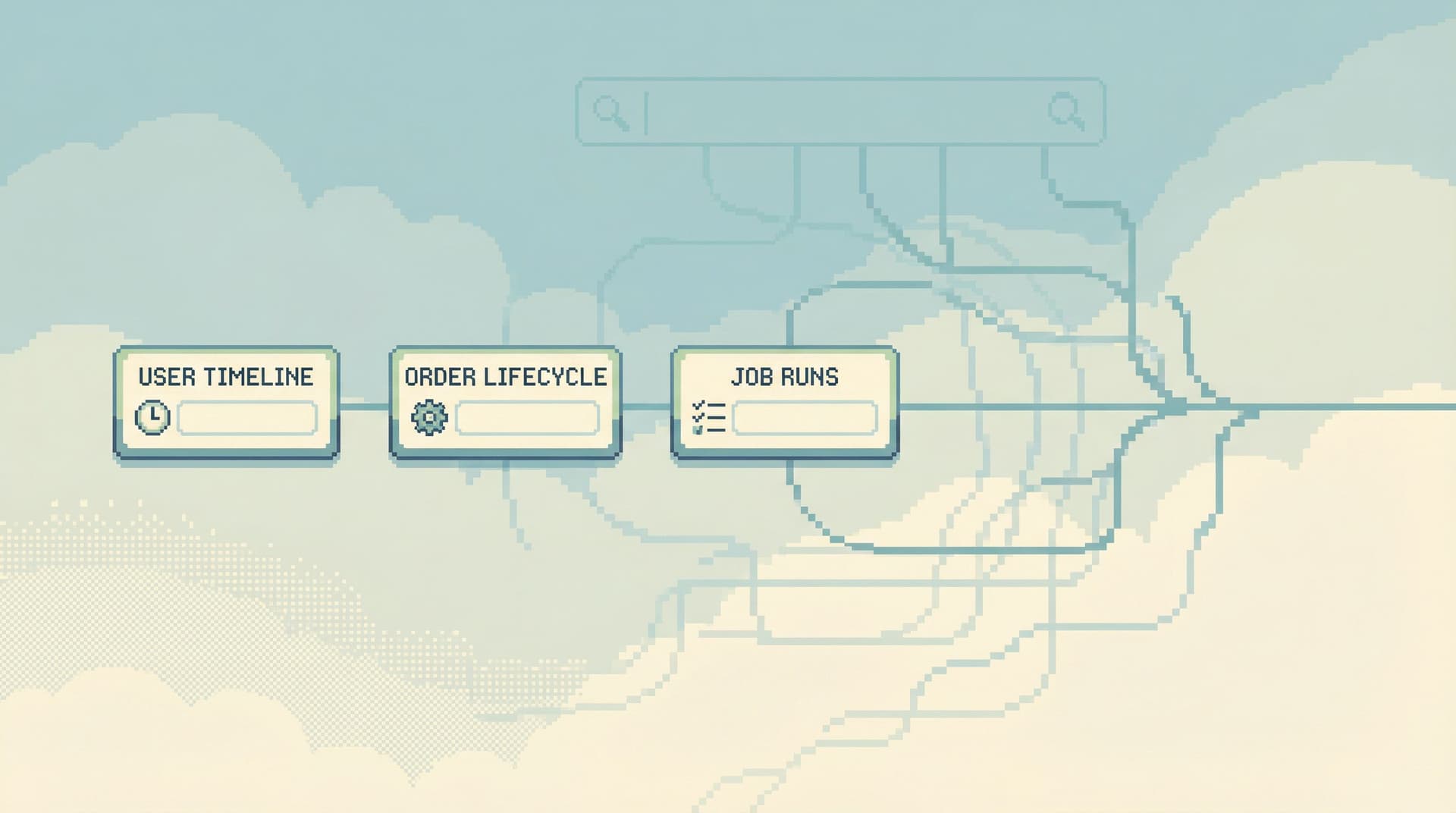
- Look up the customer by email
- List their last 10 orders
- Expand one order into payments and refunds
- Check the background job runs that touched that order
Each step is a view or query, linked by intent:
- Step 2 is “from customer to orders”
- Step 3 is “from order to payments/refunds”
- Step 4 is “from order to jobs”
When you replay this later, you’re not just re-running SQL. You’re following the same calm path someone else used successfully.
Tools like Simpl are built around these opinionated paths—what we’ve called “read rails” in “Designing Read Rails: How Opinionated Query Paths Reduce Risk and Cognitive Load”. Your history should mirror those rails, not fight them.
Step 4: Attach Guardrails So History Is Safe to Reuse
A dangerous query that’s easy to find is worse than no history at all.
Opinionated history needs built-in guardrails so that anything you surface is:
- Safe to re-run in the right environment
- Hard to misuse in the wrong one
Design for a few constraints:
-
Parameterization by default
- Replace raw literals with named parameters:
:customer_id,:order_id,:start_time. - Make it impossible to run the query without setting them.
- Replace raw literals with named parameters:
-
Scope every trail
- Single customer, single order, single job, single shard.
- Avoid “global” reads unless they’re pre-optimized and truly necessary.
-
Environment awareness
- Mark where a trail is intended to run: prod, staging, analytics.
- Hide or gray out trails that don’t make sense in the current environment.
-
Performance hints
- Store a simple performance profile with the trail: approximate row count, typical duration, known hot tables.
- Surface a warning if a trail is known to be heavy.
-
Role-based visibility
- Support can see customer-debug trails.
- SRE can see incident and migration verification trails.
- Data teams can see warehouse-wide scans.
This is where products like Simpl lean heavily into opinion: not every query belongs in front of every person. Your history should reflect that.
Step 5: Make History the Default Entry Point, Not a Side Tab
A calm knowledge base only helps if people actually start there.
Most tools bury history:
- A tiny “recent queries” dropdown
- A separate tab no one clicks
- A warehouse log UI that feels like compliance, not help
Flip that around. When someone opens your database browser to answer a question, they should see:
-
A small set of pinned, canonical trails
- “Investigate a customer billing issue”
- “Check if this incident pattern is happening again”
- “Verify a migration or backfill”
-
Recently trusted trails, not just recently run queries
- Sorted by last meaningful use, not last keystroke.
-
Natural-language search over questions, not SQL text
- “double charge”, “stuck jobs”, “failed payouts”
-
Clear affordances to fork, then contribute back
- You can safely tweak a trail for this incident.
- If the tweak proves useful, you promote it to a new canonical trail.
This is the same pattern as a “quiet handoff” from one person to another, which we explored more in “The Quiet Handoff: Sharing Production Database Context Without Screenshares or Zoom”. Opinionated history turns that handoff into a product feature instead of a calendar event.

Step 6: Fold History Back into Everyday Workflows
If history only shows up during incidents, you’re underusing it.
A good opinionated knowledge base should quietly support:
-
Support and success
- Give them a “customer story” trail instead of asking them to learn SQL.
- Let them follow a safe path from ticket → customer → orders → jobs.
-
Onboarding
- New engineers learn how the system behaves by walking real investigation trails.
- They see not just schemas, but the questions the team actually asks.
-
Incident response
- When an alert fires, you jump straight into a relevant trail instead of starting from a blank box.
- This pairs nicely with the workflow in “From Metrics to Rows: A Focused Workflow for Jumping from Alerts into Production Data”.
-
Post-incident reviews
- You replay the exact trail used during the incident.
- You annotate it with what you learned, then keep the final form as a canonical path.
-
Data quality and migrations
- Verification trails become part of the release checklist, not ad-hoc scripts in someone’s home directory.
The more these trails are woven into normal work, the less you’ll see:
- Screenshots of consoles in Slack
- “Can you send me that query again?” DMs
- Nervous screen-shares where only one person actually drives
Step 7: Start Small and Let the Library Grow
You don’t need a full taxonomy to get value. You need one good trail.
A practical way to begin:
-
Pick your next real investigation.
- An incident, a tricky support ticket, a migration verification.
-
Run it through your normal tools.
- Use Simpl or whatever you have today.
-
After you’re done, reconstruct the trail.
- Write down the 3–7 steps that actually mattered.
- Wrap each in a question and scope.
-
Add minimal guardrails.
- Parameterize IDs.
- Mark the environment.
- Note performance concerns.
-
Save it in a visible place.
- Inside your database browser if it supports it.
- Or, as a stopgap, in a small internal repo or doc with links back into your tools.
-
Use it once more.
- Have a different teammate follow the trail for a similar case.
- Adjust anything that felt confusing or unsafe.
-
Only then, call it canonical.
- Give it a stable name.
- Pin it where people start their work.
Repeat this for the next incident, the next tricky edge case, the next migration. Over time, you’ll end up with a small, high-signal library of trails that reflect how your system actually behaves under stress.
Summary
Turning your query log into a calm knowledge base is less about storage and more about stance.
- Raw logs are not memory. They lack questions, stories, and safety.
- Opinionated history chooses what to keep. Incident trails, customer-debug paths, verification checks, recurring reads.
- Questions come first. Every saved trail is wrapped in a clear, real-world question and scope.
- Trails beat fragments. You store linear investigation paths, not isolated statements.
- Guardrails are built in. Parameterization, scoping, environment awareness, and role-based visibility make reuse safe.
- History becomes the default entry point. People start from canonical trails, not from a blank editor.
- Workflows get calmer. Support, onboarding, incident response, and reviews all lean on the same shared memory.
Done well, this turns production reads from a personal craft into a team capability. Your tools stop feeling like a raw console and start feeling like a quiet, shared brain.
Take the First Step
You don’t need a new platform or a big migration to get started.
Pick one real investigation this week and do three simple things:
- Write down the question you were actually answering.
- List the 3–7 steps that mattered, in order.
- Wrap each step in parameters and a short note on scope.
Then share that trail as a link, not a screenshot.
If you want a tool that’s built around this style of work—opinionated paths, calm production reads, and shared history instead of raw logs—take a look at Simpl. It’s an opinionated database browser designed for exactly this: browsing, understanding, and working with your data without the noise of full BI or admin tools.
Start with one trail. Let the history grow from there, on purpose.