Quiet by Constraint: Using Opinionated Read Paths to Tame Production Data Chaos


Production data is rarely quiet.
You have:
- Multiple services writing into the same tables
- Historical quirks layered on top of “just one more column” changes
- Dashboards, ad-hoc queries, and migrations all touching the same rows
The result is familiar: noisy tools on top of noisy data. When something breaks, the instinct is to open everything, query everything, and hope the answer appears.
Opinionated read paths are a different stance.
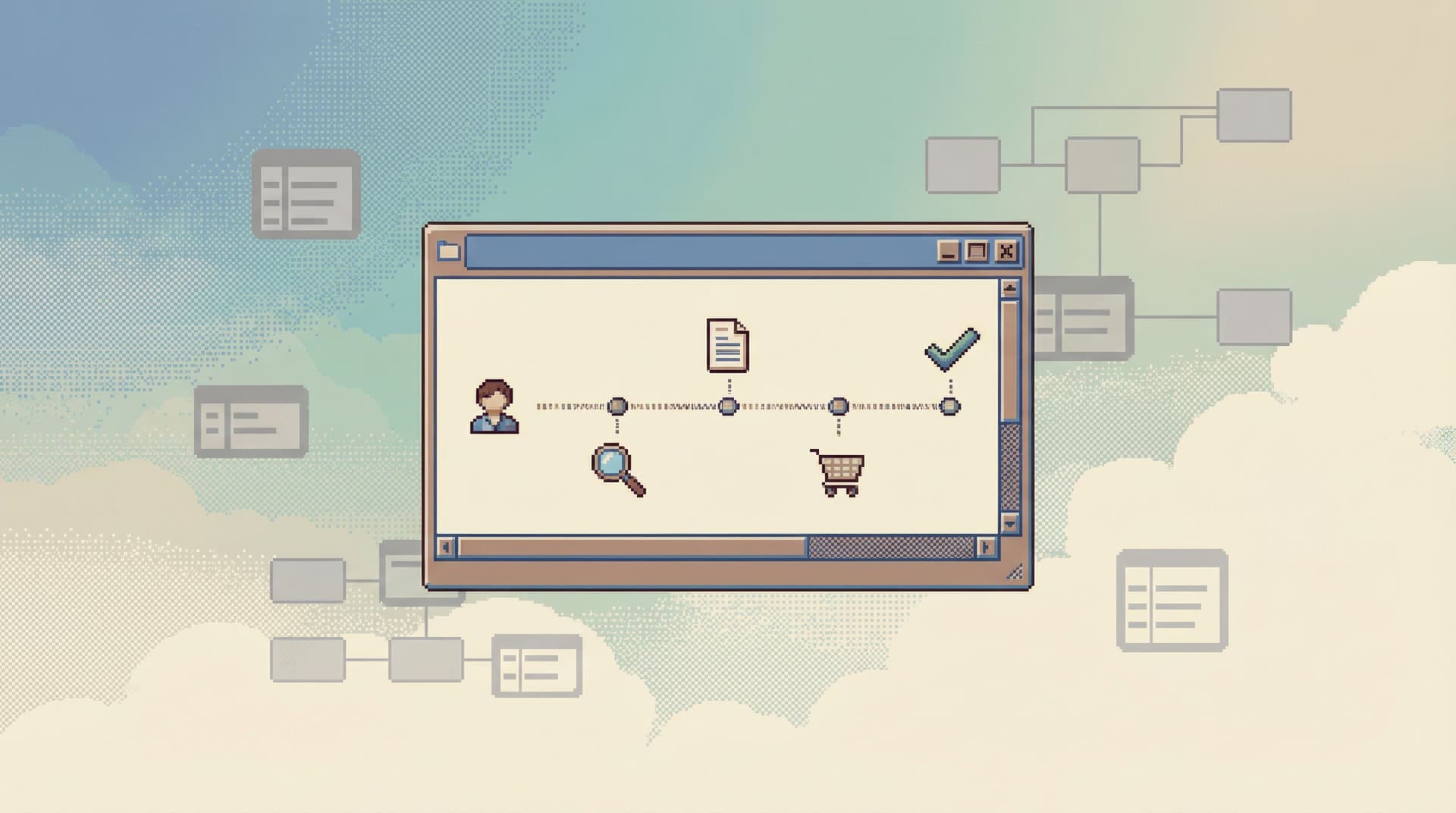
Instead of a blank canvas pointed at production, you give people a narrow, well-lit hallway through the data. You constrain how they look at production so they can think more clearly about production.
Tools like Simpl exist for this exact purpose: a calm, opinionated database browser that makes safe, focused reading the default.
This post is about how to design and use those opinionated read paths to turn production chaos into something navigable, repeatable, and calm.
Why constraint is the quietest feature you can ship
Most database tools assume that more power is always better:
- Arbitrary SQL against production
- Full schema explorer, all at once
- Tabs, panels, overlays, and saved snippets everywhere
That flexibility feels generous. It also quietly guarantees:
- Inconsistent investigations – every engineer asks the same question in a slightly different way.
- Hidden risk – one copy–paste from staging, one missing
WHERE, one bad join. - Cognitive overload – the tool shows you more than you can reasonably hold in your head.
Constraint flips that.
A good opinionated read path says:
“For this kind of question, here is the one way we want you to look at production.”
Not because other paths are impossible, but because:
- You reduce the number of decisions per query.
- You make safe, high-signal views feel normal.
- You make risky or low-signal views feel rare and deliberate.
If you’ve read about guardrails in Opinionated Read Paths: Why Most Teams Need Guardrails More Than Admin Superpowers, this is the same idea, applied more narrowly: guardrails not just on permissions, but on narratives through your data.
What an opinionated read path actually is
Think of an opinionated read path as a pre-designed sequence of questions you ask the database, wrapped in a calm interface.
It usually has:
- A clear entry point – one way to start for a given problem.
- A constrained set of filters – the minimum knobs that matter.
- A predictable layout – you always know where to look next.
- A natural next step – each view suggests the next query.
For example, a “user incident” read path might look like:
- Start from a single identifier: email, user ID, or external provider ID.
- Show a compact user summary (status, plan, created_at, last_seen_at).
- Show a small, opinionated set of related slices:
- Recent payments
- Recent jobs or background tasks
- Recent feature flags or experiments
- Offer one or two deep dives:
- Open the full event stream for this user
- Compare this user’s recent behavior to a typical cohort
You’ll notice what’s missing:
- No schema tree to browse.
- No raw
SELECT * FROM events LIMIT 500;panel. - No random dashboard picker.
You’ve traded generality for a calm, reliable path through a specific kind of question.
This is the same spirit as structuring work around stories instead of tables, which we explored in Less Schema, More Story. Opinionated read paths are those stories, encoded into the tool.
Where production chaos actually comes from
Before designing paths, it helps to name the sources of chaos you’re trying to tame.
Common patterns:
- Schema drift – columns added for one-off experiments, never cleaned up.
- Mixed responsibilities – analytical use cases and operational use cases sharing the same tables.
- Ad-hoc queries as policy – “this is how we debug” lives in Slack snippets and people’s shells.
- Tool sprawl – CLI, GUI, dashboards, custom admin, each with a different mental model.
- Incident pressure – when something breaks, people bypass every norm and go straight to raw SQL.
Opinionated read paths help not by fixing the schema, but by deciding which parts of the schema are relevant for a given job and hiding the rest.
You don’t remove chaos from the database. You remove it from the experience of reading the database.
Designing your first opinionated read path
You don’t need to redesign your entire stack. Start with one path.
Pick a use case that shows up every week:
- “Why did this user get charged twice?”
- “Why didn’t this job run?”
- “Why is this metric off for this specific account?”
Then walk through these steps.
1. Write the story in plain language
Describe the ideal investigation without mentioning tables:
I start with the user. I see their subscription state over time. I see payment attempts around the incident window. I see any retries or manual adjustments. I see related jobs that might have failed.
From that story, extract:
- The primary subject (user, job, account, order)
- The supporting subjects (payments, jobs, feature flags, events)
- The key time window (incident window, last 24h, last 7 days)
This keeps you from falling back into “open everything, then decide.”
2. Choose the minimum set of inputs
For each path, ask: What’s the smallest input we can demand from the engineer?
Examples:
- User path → email or user ID
- Job path → job ID or correlation ID
- Account path → account slug or external ID
Avoid:
- Requiring people to know internal primary keys
- Requiring multiple fields up front
- Making them pick a table before they can even start
The constraint here is a gift: one box to fill, one way in.
3. Decide on 3–5 canonical views
Each path should have a small set of views that answer 80% of real questions.
For a user path, you might pick:
- Profile snapshot – core attributes, flags, and status
- Lifecycle timeline – sign-up, activations, cancellations, major state changes
- Recent financial activity – charges, refunds, failed payments
- Recent operational activity – jobs, alerts, escalations touching this user
For each view, enforce:
- Tight column selection – no
SELECT *; only columns that matter. - Obvious ordering – most recent or most relevant first.
- Built-in filters – a small set of toggles instead of arbitrary WHERE clauses.
This is where tools like Simpl shine. You can design these views as first-class read experiences instead of “just another query tab.” The tool can own the layout, the defaults, and the transitions between views.
4. Make the next step obvious
A good path never leaves you wondering “what now?”
From each view, offer one or two opinionated next moves:
- From a failed payment → jump to the provider transaction details.
- From a stuck job → jump to the retry history.
- From a suspicious event pattern → jump to a cohort comparison.
The key is to avoid open-ended branching:
- Yes: “Open related jobs for this user in the same time window.”
- No: “Open a blank SQL editor with this user ID prefilled somewhere.”
You’re not just constraining what they see. You’re constraining how they move.
5. Capture the path as a shareable trail
An opinionated path becomes even more valuable when it’s easy to replay.
Instead of:
- “Here’s a screenshot of my query.”
Aim for:
- “Here is the trail I followed through the user path; you can open it and see every step.”
We go deeper into this pattern in Read Trails, Not Logs. The short version: once your read paths are structured, you can treat each investigation as a narrative artifact, not just a one-off session.

Patterns that make opinionated paths work under pressure
It’s one thing to design a nice flow. It’s another to watch people ignore it during an incident.
To make opinionated read paths stick, especially during outages or hotfixes, bake in a few patterns.
Make them the fastest way to get a real answer
Engineers will use whatever gets them from question to answer with the least friction.
So:
- Put entry points where incidents start: links from alerts, runbooks, and on-call docs should land in the right path, pre-filtered.
- Make the path load fast and render clearly, even with production-scale data.
- Pre-select sensible time windows (e.g., “incident start ± 2h”) so people don’t have to fiddle with filters.
If the path is slower than opening a raw client, it will be bypassed.
Make raw access feel rare and deliberate
You don’t have to ban raw SQL. You do have to change its posture.
Borrow ideas from Calm by Default:
- Put raw editors behind an explicit “advanced” or “unsafe” affordance.
- Visually distinguish them: different background, warning copy, or read-only by default.
- Require a short justification or ticket link for write-capable sessions.
A browser like Simpl is built around this idea: read-first, write-rarely, with clear boundaries between the two.
Bias toward read-only, especially in production
Opinionated read paths work best when they’re guaranteed safe.
That means:
- No write affordances in the path: no inline edits, no bulk actions.
- Clear read-only posture in production connections.
- Separate tooling, flows, and permissions for migrations and manual fixes.
If engineers trust that “this path can’t hurt production,” they’ll reach for it without hesitation. That trust is fragile; protect it.
We cover practical patterns for this stance in Read-Only by Default.
Keep the surface area small
Over time, paths tend to accrete options:
- One more filter “just in case”
- One more column “because someone asked once”
- One more view “for that rare edge case”
Fight that drift.
- Review paths regularly and remove unused options.
- Prefer adding a new dedicated path over stuffing more into an existing one.
- Track which views actually get used during incidents.
Constraint is not a one-time design choice. It’s an ongoing discipline.
Implementing opinionated read paths in practice
You can bring these ideas into your stack whether you’re using a custom admin, a commercial browser, or something like Simpl.
If you’re building custom internal tools
- Start from stories, not tables. Design flows around “debug user billing” or “inspect stuck job,” not around
usersandjobsas separate pages. - Hard-code the joins. Don’t expose full query builders. Bake in the relationships that matter for each path.
- Constrain filters. Offer a handful of curated filters and time ranges instead of arbitrary WHERE conditions.
- Log and share trails. Store each path session as a replayable sequence: inputs, views, and transitions.
- Separate read and write. Put any write actions on separate screens with different visual posture.
If you’re using a general-purpose GUI or IDE-like tool
You probably can’t change the product, but you can still:
- Create and share canonical saved queries that represent the views in your paths.
- Use naming conventions and folders to group queries by path and use case.
- Document “start here” entry points in your runbooks.
- Encourage engineers to open one window per investigation, as we discuss in The Single-Window Database Session.
It won’t be as smooth as a purpose-built browser, but the mental model still helps.
If you’re using an opinionated browser like Simpl
This is where the model fits naturally.
You can:
- Define read paths as first-class flows: user, job, account, metric.
- Use calm layouts that show one main view at a time, with small, related slices.
- Keep deep work front and center, instead of scattering attention across tabs.
- Treat every investigation as a trail you can share with a link.
The tool’s job is to make the constrained path feel like the obvious, comfortable choice.

Quiet doesn’t mean shallow
A common fear with opinionated read paths is: “What about the edge cases?”
Two important points:
- You’re not deleting capability. You’re deciding what’s normal and what’s exceptional.
- You can layer paths. Start with broad, high-signal paths. Add more specialized ones as real needs appear.
A healthy setup might look like:
- A small set of core paths:
- User / account
- Jobs / tasks
- Payments / billing
- A few specialized paths:
- Experiment / feature flag behavior
- Data pipeline health for a given entity
- Compliance or privacy checks for a single user
Raw SQL and admin powers still exist. They’re just not the front door.
The goal isn’t to prevent expert work. It’s to keep everyday work from requiring expert moves.
Bringing it back to calm work
Opinionated read paths are one of the quietest ways to change how your team relates to production data.
They:
- Replace improvisation with repeatable stories.
- Turn schema chaos into a few stable, navigable views.
- Make safe, high-signal reading feel normal.
- Push risky, low-signal access into rare, explicit flows.
They also pair naturally with other calm patterns we’ve explored on Calm Data:
- Story-first navigation instead of schema-first
- Single-window, deep-work sessions
- Read-only, safe-by-default production access
If your production database currently feels like a cockpit, this is one of the most effective ways to walk it back.
Summary
- Production data is inherently messy; most tools amplify that by offering infinite, unstructured power.
- Opinionated read paths use constraint to create calm: one entry point, a few canonical views, and obvious next steps for each common question.
- Designing a path starts with the story: who you’re investigating, what supporting context matters, and which time window is relevant.
- Good paths are fast, read-only, and repeatable. They make raw SQL and admin actions feel rare and deliberate, not casual.
- You can implement this model in internal tools, general-purpose GUIs, or opinionated browsers like Simpl.
- Quiet doesn’t mean shallow; you can still keep expert tools around. You’re just changing what “normal” looks like.
A small first step
You don’t need a full redesign to get value from this.
Pick one recurring question your team asks of production:
- “Why did this user churn?”
- “Why did this job fail?”
- “Why is this account missing data?”
Then:
- Write the ideal investigation in plain language.
- Decide the minimum input and 3–5 views that would answer it.
- Capture that as a path—whether it’s a set of saved queries, a small internal page, or a focused flow in a tool like Simpl.
Ship that one path. Watch how it changes the conversation.
Then do it again.
Quiet spreads by constraint, one calm hallway at a time.