From Tabs to Trails: Turning Ad-Hoc Database Exploration into Reproducible Storylines


Most database work starts the same way:
- A question appears in Slack.
- Someone opens a GUI or
psql. - A few tabs bloom. Queries get tweaked. Results get screenshot.
- The window closes. The story disappears.
You got the answer. But you didn’t create anything reusable.
This post is about changing that: moving from scattered, ad-hoc exploration to calm, reproducible storylines—trails through your data that you and your team can follow again later.
Along the way, we’ll talk about why tabs are such a trap, what a “trail” actually looks like, and how tools like Simpl can make this style of work the default instead of a heroic exception.
Why this shift matters
Ad-hoc exploration isn’t the enemy. It’s how most good investigations start.
The problem is what happens after the first answer:
- Context evaporates. You remember the final query, not the path that led there.
- Slack becomes the “data warehouse.” Links to screenshots and half-queries are scattered across channels.
- Incident reviews stall. You can’t reconstruct what someone actually looked at during a 2am outage.
- Onboarding slows down. New engineers don’t inherit working patterns, just tribal knowledge.
You feel this as:
- Re-answering the same questions every few weeks.
- Debug sessions that start from scratch instead of building on previous work.
- Quiet fear of production because nobody trusts their tools or their history.
We’ve written before about moving from one-off queries to shared flows in From Ad-Hoc Queries to Repeatable Flows: Systematizing How Your Team Looks at Data. This post goes one level lower: how to turn a single exploratory session into a storyline you can replay.
The benefits are simple:
- Reproducibility. You can re-run the same trail with new parameters or a new time window.
- Auditability. You know what was run, in what order, and why.
- Shared understanding. Trails become teaching material, not just private notes.
- Calmer work. You don’t have to hold the whole investigation in your head.
Tabs vs. trails
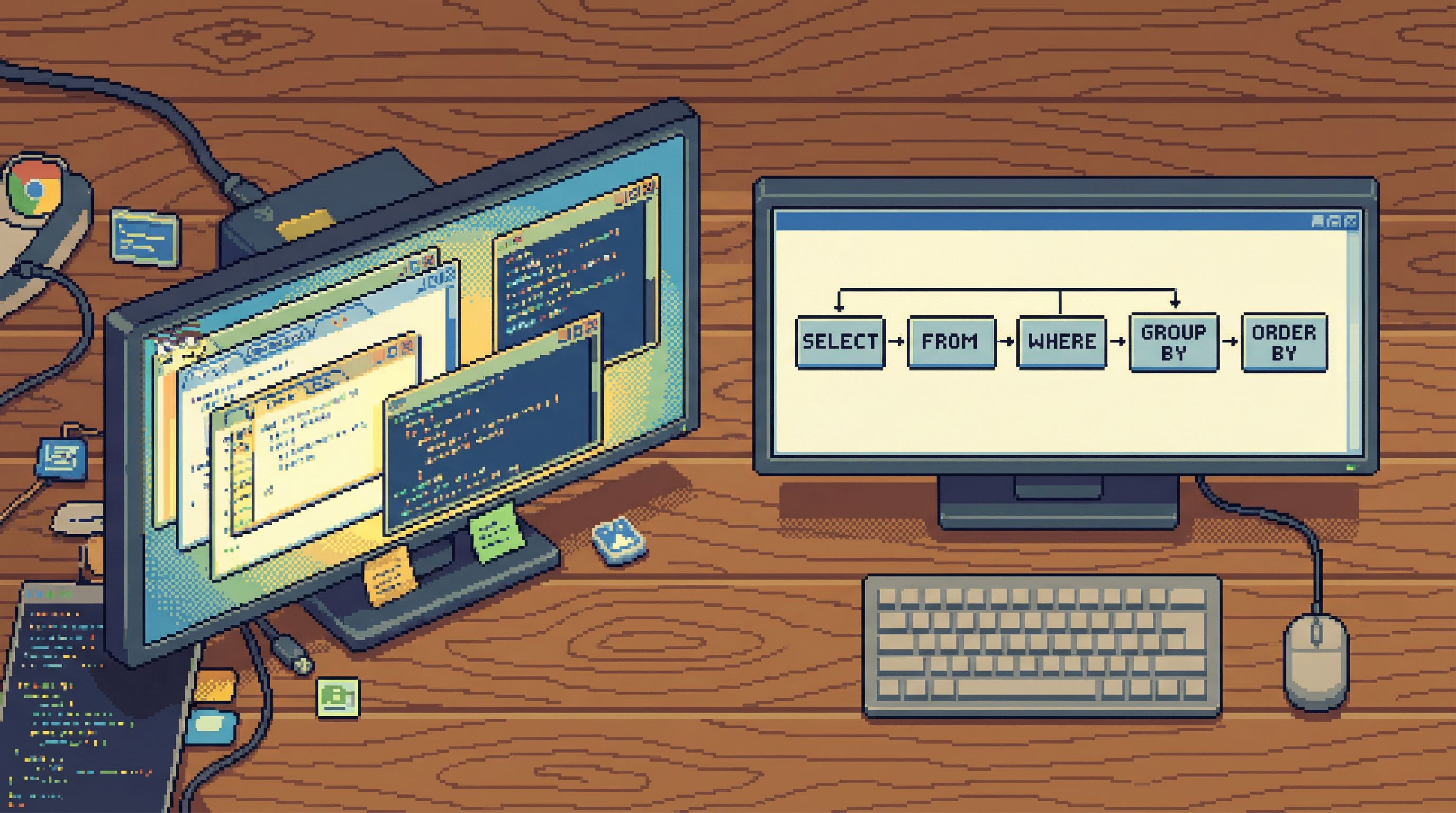
Most database tools optimize for tabs:
- Each new question becomes a new tab.
- Each tab holds an isolated query and result.
- History is linear at best, noisy at worst.
Tabs are cheap. Context is not.
A trail, by contrast, is:
- Ordered. Steps are sequenced: “I checked this, then that, then joined them.”
- Named. Each step has a short, human label.
- Scoped. The trail answers one coherent question or class of questions.
- Re-runnable. You can adjust inputs (time ranges, IDs, environments) and replay.
Think of a trail as a calm, textual story with query steps, not a pile of disconnected SQL tabs.
The anatomy of a good trail
A useful trail doesn’t need a fancy tool. A markdown file in your repo can be enough.
At minimum, each trail should capture:
-
Intent
A one-line description of the question."Trace a user’s checkout from cart creation to payment failure."
-
Scope and assumptions
- Environment:
production/staging - Time window: e.g. “last 24h” or “for incident INC-1234 timeframe”
- Key identifiers: user ID, order ID, feature flag, etc.
- Environment:
-
Ordered steps
Each step has:- A short label
- The query
- What you’re looking for (expected vs. surprising)
Example structure:
- Locate user – confirm we have the right account.
- List recent orders – find the failing order.
- Inspect order events – trace state transitions.
- Check payment attempts – correlate with gateway logs.
-
Findings
A few bullet points capturing what you actually learned. -
Next time notes
- What you’d change about the trail.
- Queries that were dead ends.
This is close to how we think about incident flows in The Minimalist’s Guide to Database Debugging in Incident Response. The difference here is that we’re aiming for something reusable outside of emergencies.
Step 1: Start with a single storyline, not a toolbox
Most people open their database client like an IDE: “I have all the tools, I’ll figure it out as I go.” We’ve argued in What IDEs Got Wrong About Database UX (and How Tools Like Simpl Can Do Better) that this mindset quietly pushes you toward noise.
Instead, start every session by writing down one storyline:
"Follow a subscription from signup to first renewal, and check where churn risk appears."
That storyline becomes your constraint. During the session:
- If a query doesn’t move the storyline forward, park it.
- If you open a new tab, ask which step it belongs to.
- If you feel lost, re-read the storyline and prune.
This sounds trivial. In practice, it’s the difference between:
- “Let me poke around a bit”
- “Let me trace this subscription lifecycle in five steps”
Storylines are the seed of trails.
Step 2: Name your steps while you explore
The easiest way to lose a trail is to tell yourself you’ll “clean it up later.” You won’t.
Instead, name steps as you go:
- Before running a query, write a one-line label.
- After running it, add a one-line interpretation.
Example in a simple markdown note:
# Trail: Trace checkout failure for user 123

## 1. Confirm user exists
```sql
SELECT id, email FROM users WHERE id = 123;
- Expect: exactly one row.
- Got: one row, email looks correct.
2. List recent orders
SELECT id, status, created_at
FROM orders
WHERE user_id = 123
ORDER BY created_at DESC
LIMIT 5;
- Expect: one
failedorder. - Got: one
pendingorder stuck for 30+ minutes.
You can do this in any tool. The key is **synchronizing naming with execution**. Don’t rely on query history alone; history shows *what* you ran, not *why*.

If you’re using [Simpl](https://simpl.sh), this kind of structure is what the product is designed to encourage: fewer tabs, more explicit flows, clearer intent.

---

## Step 3: Parameterize instead of copy-pasting

Most ad-hoc sessions die in a graveyard of copy-pasted IDs:

- `WHERE user_id = 123` in one tab.
- `WHERE user_id = 456` in another.
- No clear sense of what changed or why.

A trail becomes reusable when you treat these as **parameters**, not magic constants.

Practical patterns:

- Use comments to mark parameters:

  ```sql
  -- user_id: <USER_ID>
  SELECT * FROM users WHERE id = <USER_ID>;
-
If your client supports it, use bind variables or named parameters instead of inline literals.
-
Keep a small “inputs” section at the top of the trail:
Inputs:
- USER_ID: 123
- INCIDENT_TIMEFRAME_START: 2026-01-28 10:00:00
- INCIDENT_TIMEFRAME_END: 2026-01-28 11:00:00
The goal isn’t to build a full parameterized reporting system. It’s to make it obvious how someone else (or future you) can replay the same storyline with new values.
Step 4: Bias toward read-first, then refine
Trails work best when they’re read-heavy. You’re observing more than you’re changing.
We’ve written about this in The Case for a Read-First Database Workflow: start with SELECT, not UPDATE.
Within a trail:
- Begin with the broadest safe reads:
- List entities by time (
recent orders,recent logins). - Sample a few rows from key tables.
- List entities by time (
- Narrow down with filtered reads:
- Add
WHEREclauses for IDs, time ranges, or statuses. - Join related tables only once you know the cardinality.
- Add
- Only consider writes (if at all) as a final, deliberate step.
This keeps the storyline safe and calm. You’re not debugging by editing production; you’re debugging by understanding it.
For more on keeping production exploration safe, see Safe by Default: Practical Patterns for Exploring Production Data Without Fear.
Step 5: Capture dead ends on purpose
A good trail doesn’t just show what worked. It shows what you tried that didn’t.
This is where most teams lose a huge amount of learning. You hit a dead end, close the tab, and the next person repeats the same mistake.
Instead:
- Add a small “Detours” section at the bottom of the trail.
- For each dead end, capture:
- The query (or a simplified version).
- Why it looked promising.
- Why it turned out to be noise.
Example:
### Detour: Tried correlating by IP address

```sql
SELECT * FROM logins WHERE ip_address = '203.0.113.42';
- Looked promising because multiple users reported issues from same region.
- Turned out to be a shared office IP; too noisy to be useful.
This is lightweight documentation, not a formal postmortem. But over time, these notes become a powerful map of “what not to do” when exploring your data.
---
## Step 6: Turn trails into shared assets
A trail is most valuable when it escapes your personal notes.
Lightweight ways to share:
- **Repo folder of trails.**
E.g. `infra/trails/` with files like `checkout-failures.md`, `slow-signups.md`.
- **Link from runbooks.**
Incident runbooks can point to specific trails for “deep dive” steps.
- **Attach to tickets.**
When you file a bug, link the trail that led you there.
Over time, you’ll see patterns:
- The same tables show up in many trails → they deserve better documentation.
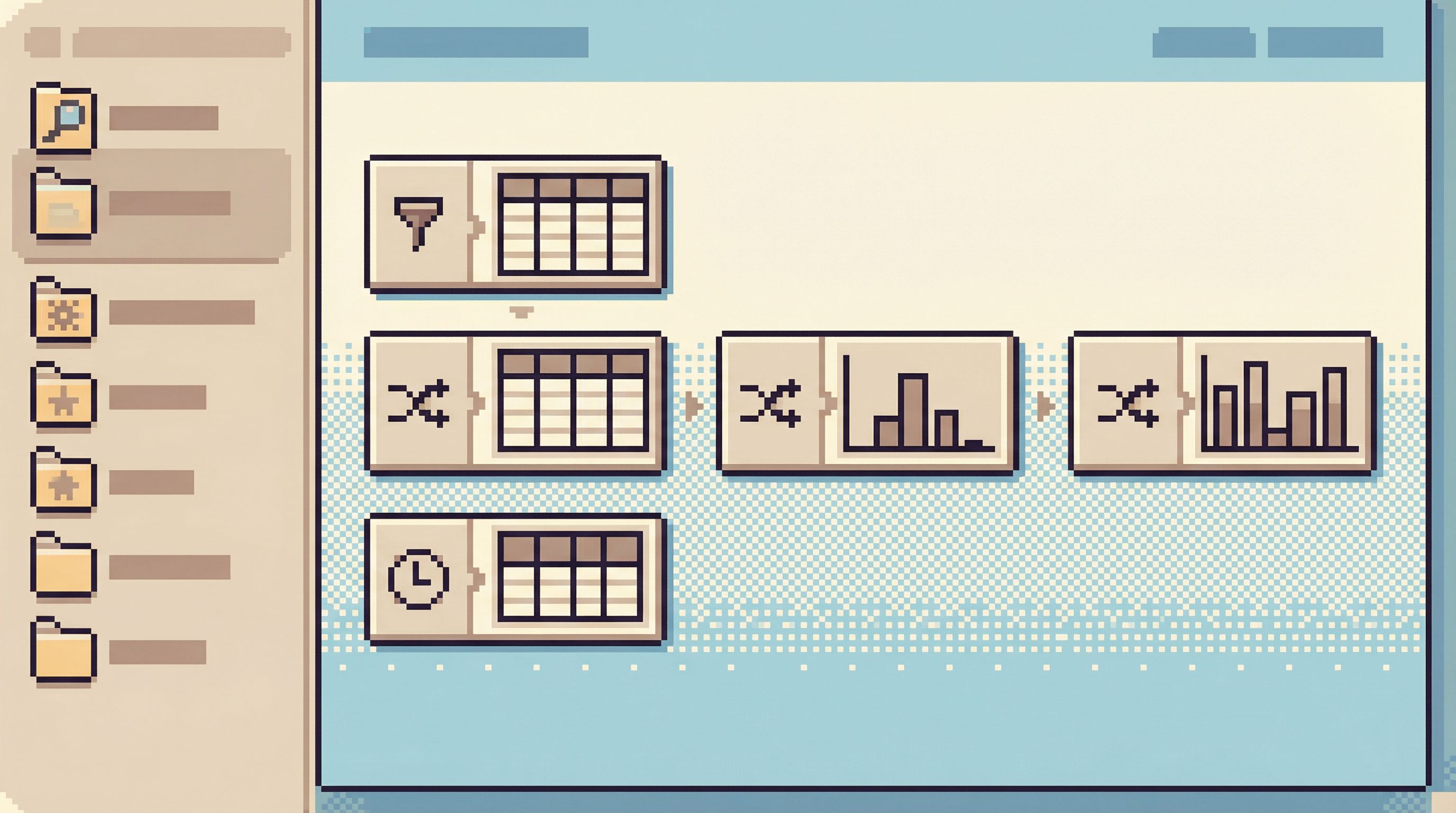
- The same questions keep appearing → you can promote a trail into a more formal flow or tool.
This is where opinionated tools like [Simpl](https://simpl.sh) can help. Instead of infinite tabs and raw query history, the product can nudge you toward structured, shareable flows that look a lot like the trails you’re already writing by hand.
---
## Designing your tools around trails, not tabs
Even if you don’t control your database tools, you can adjust how you use them. But if you *do* choose tools, it’s worth favoring ones that:
- **Limit tab sprawl.** Infinite tabs feel powerful and quietly destroy narrative.
- **Make intent visible.** You can label, group, or sequence queries.
- **Encourage read-first patterns.** Safe defaults, clear separation between read and write.
- **Treat history as a resource, not a log.** You can turn past sessions into reusable flows.
This is the philosophy behind [Simpl](https://simpl.sh):
- A calm, opinionated browser instead of a blank SQL IDE.
- Guardrails and defaults that nudge you toward trails instead of scattered poking.
- Interfaces designed for deep, focused work rather than constant context switching.
If your current GUI feels like an IDE cockpit, you’ll find more thoughts on why that’s a problem in [Why Your Database GUI Feels Like an IDE (and Why That’s a Problem)](/why-your-database-gui-feels-like-an-ide-and-why-thats-a-problem).
---
## A simple checklist for your next session
Next time you open your database client, try this:
1. **Write a one-line storyline** before you run the first query.
2. **Create a single trail note** (markdown, Notion, whatever) for that storyline.
3. **Name each step** before or immediately after you run its query.
4. **Parameterize IDs and time ranges** instead of hard-coding them everywhere.
5. **Capture at least one detour** you tried and abandoned.
6. **Store the trail somewhere shared** if it might be useful again.
If that sounds like extra work, start with just steps 1–3. You’ll feel the difference quickly. The session becomes less about juggling tabs and more about following a clear path.
---
## Summary
Moving from tabs to trails is a small habit change with large effects:
- Tabs encourage scattered, one-off exploration that disappears when you close the window.
- Trails capture a **storyline**: intent, ordered steps, parameters, findings, and detours.
- Good trails are **read-first**, safe, and easy to replay with new inputs.
- Shared trails become a quiet layer of institutional knowledge: how your team actually thinks with data.
- Tools like [Simpl](https://simpl.sh) can make this style of work the default, with fewer tabs, clearer flows, and opinionated guardrails.
You don’t need a new tool to start. A single markdown file and a bit of discipline are enough to turn your next ad-hoc session into something reusable.
---
## Take the first step
The next time a question lands in Slack, resist the urge to just “open a tab and see.”
Instead:
- Write down the storyline.
- Open your database.
- Build a trail as you go.
If you want a tool that’s built around this way of working—calm, opinionated, and focused on trails instead of tab sprawl—take a look at [Simpl](https://simpl.sh). It won’t do the thinking for you. It will give that thinking a clearer path to follow.