Context, Not Dashboards: A Quieter Approach to Sharing Data in Engineering Teams


Dashboards promised clarity. Most teams got noise.
Tabs of charts. Competing definitions of “active user.” Metrics that drift out of date. A wall of visualizations that looks impressive in a demo and quietly decays in the background.
Engineering teams don’t usually need more dashboards. They need more context:
- What does this number actually mean?
- Where did it come from in the database?
- When should we look at it, and why?
- What changed since last time?
Context is what turns data from a performance into a shared language. And it’s what most dashboard-heavy setups fail to provide.
This post is about a quieter way to share data inside engineering teams: fewer charts, more narrative; less visual noise, more traceable queries; fewer one-off dashboards, more reusable views of the database.
Why dashboards feel loud
Dashboards aren’t inherently bad. They’re just misused.
Most teams end up with dashboards that:
- Answer nobody’s real question. They’re built around what’s easy to chart, not what engineers actually need when debugging, planning, or reviewing.
- Hide the source of truth. You see a number, but not the query, not the join, not the filter that produced it.
- Age poorly. Columns change. Semantics drift. Someone tweaks a filter to “fix” a number and never tells anyone.
- Invite passive consumption. People stare, refresh, and speculate instead of tracing back to the actual rows.
The result is a kind of ambient anxiety:
- “Which dashboard should I trust?”
- “Is this still using the new event schema?”
- “Why does this dashboard say something different from that one?”
If you’ve ever been in an incident review where three dashboards contradicted each other and nobody could explain why, you’ve felt this.
Dashboards are great for broadcasting. Engineering teams, especially those close to the database, need tools for understanding.
Context as a first-class product
Context is not an extra slide or a footnote in a dashboard. It’s the main thing:
- Definitions. What exactly is a “failed job”? Which states count? Over what time window?
- Lineage. Which tables, columns, and joins produced this metric?
- Intent. Why do we care about this view? What decision is it meant to support?
- Rhythm. When should we look at this, and who is responsible for noticing changes?
When you treat context as a first-class citizen, a few things change:
- Queries become artifacts, not throwaways. They’re named, documented, and reused.
- Views are designed around real workflows. Instead of generic KPI dashboards, you get specific, scoped views: “Release health for the last deploy,” “Background jobs stuck in retry,” “New signups failing at payment.”
- The database stays visible. People can see and inspect the underlying rows, not just the rolled-up metric.
This is also where tools matter. Database GUIs that behave like IDEs tend to push you toward heroic, one-off querying instead of shared, contextual views. If that feels familiar, you might like Why Your Database GUI Feels Like an IDE (and Why That’s a Problem).
A quieter model for sharing data
Instead of starting from “What dashboard should we build?”, start from:
What recurring questions do engineers ask that touch the database?
Examples:
- “Is this deploy hurting signups?”
- “Are background jobs backing up?”
- “Did this feature change affect latency for this customer cohort?”
- “What does a ‘normal’ day of traffic look like for this endpoint?”
For each recurring question, design a context-rich view, not a dashboard wall.
That view should:
- Be anchored in one or two queries that anyone can read and run.
- Show just enough aggregation to see patterns, with a clear path to raw rows.
- Include written context: definitions, assumptions, and caveats.
- Live somewhere that engineers actually open when they work with data.
This is where an opinionated database browser like Simpl fits nicely. Instead of pushing you toward sprawling dashboards, Simpl encourages focused, read-first flows and calm defaults that keep the database understandable.

Step 1: Inventory your real questions
You don’t need a full data catalog. You just need to know what people actually ask.
For two weeks, have engineers and on-call folks jot down questions that send them to the database or a dashboard:
- “What’s the error rate for checkout in the last hour?”
- “Which tenants are over their plan limits?”
- “How many jobs are stuck in
pendingfor more than 10 minutes?”
Then:
- Cluster by theme. Incidents, releases, billing, performance, growth.
- Count frequency. Anything that shows up weekly or during every incident is a candidate for a shared view.
- Note where people go now. Which dashboards, queries, or tools are used—and what frustrates them.
This exercise alone surfaces something important: most “dashboard needs” are really repeatable questions that deserve a clear, contextual answer.
If your questions tend to appear during incidents, you might also find it helpful to read The Minimalist’s Guide to Database Debugging in Incident Response.
Step 2: Promote queries to shared views
Once you know the recurring questions, find the best existing query people are using to answer each one.
Then, for each query:
-
Give it a name.
release_health_last_2_hourslong_running_jobs_by_queuecheckout_errors_by_step
-
Write a two-sentence description.
- What it shows.
- When to use it.
-
Pin the query somewhere central.
- A dedicated space in your database browser.
- A “Shared Views” section in Simpl.
- A link from your runbook or on-call docs.
-
Tighten the scope.
- Limit time ranges to something reasonable by default.
- Filter to the most relevant tenants, queues, or environments.
This is exactly the kind of flow described in From Ad-Hoc Queries to Repeatable Flows: Systematizing How Your Team Looks at Data: take the query that worked once, then make it the default next time.
The key shift: the query becomes the artifact, not the screenshot of its result.
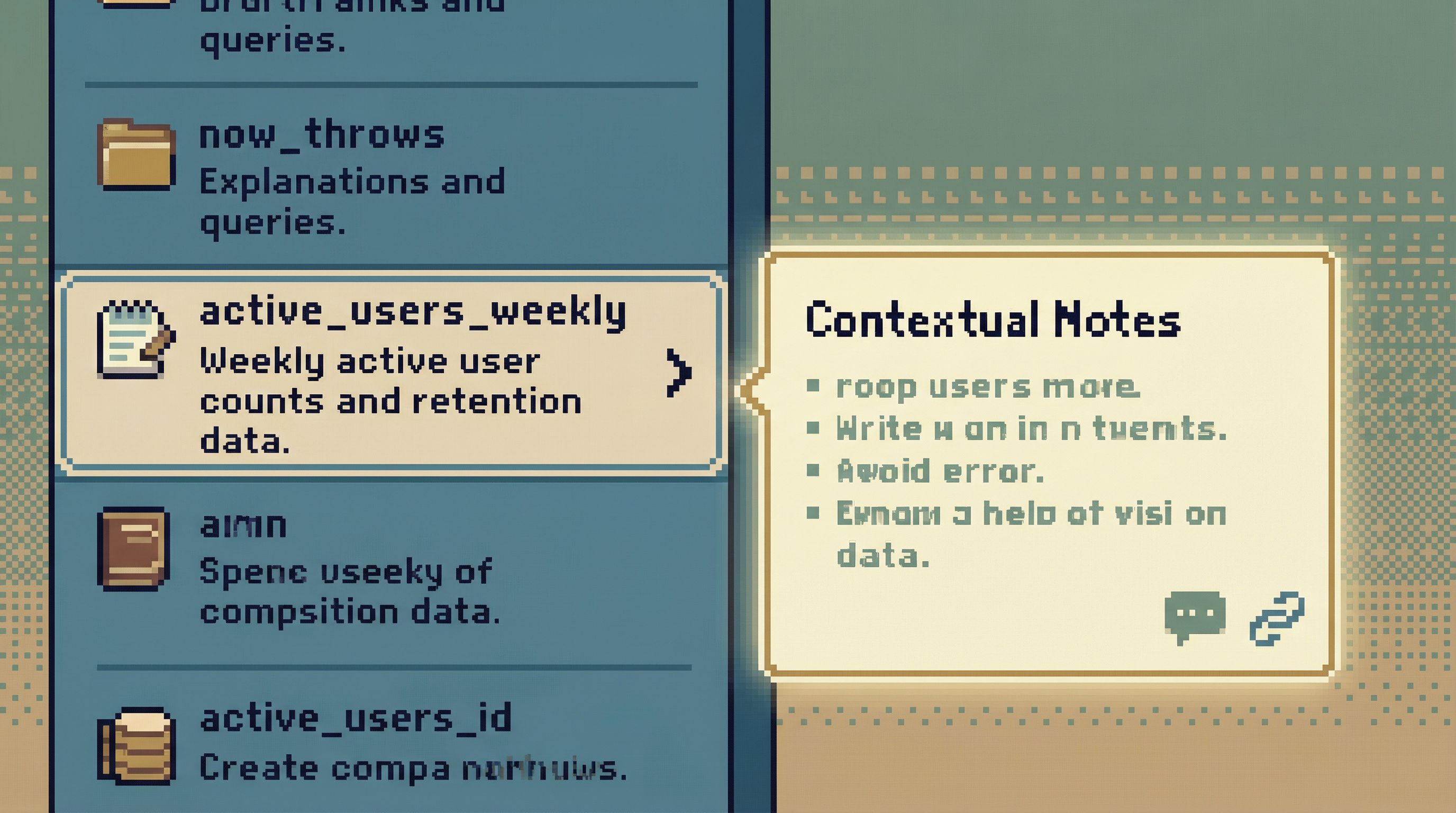
Step 3: Attach context where it’s needed, not in a separate doc
Context that lives in a separate wiki page decays. Context that lives next to the query gets read.
For each shared view, attach:
- Definitions.
- “
failed_checkoutincludes payment failures and address validation failures, but not user cancellations.”
- “
- Known gaps.
- “Does not include legacy Stripe customer IDs before 2022-01-01.”
- Intended use.
- “Use this during incident triage when checkout errors spike. Not for long-term funnel analysis.”
- Change history.
- “2025-11-10: Updated to use
checkout_events_v2.”
- “2025-11-10: Updated to use
This doesn’t have to be heavy. A short markdown note attached to the query is enough.
Tools like Simpl are designed for this kind of inline context—so your explanation lives where people actually run the query, not in a forgotten Confluence space.
Step 4: Favor read-first flows over metric walls
Dashboards encourage scanning. Engineering work benefits from flows:
- Look at a high-level indicator.
- Drill into a focused query.
- Inspect raw rows.
- Decide what to do next.
Design your shared views around this pattern:
- Start with a simple aggregate.
- Error count by endpoint over the last hour.
- Job latency percentiles by queue.
- Make it one click to see the rows.
- The actual failed requests.
- The actual stuck jobs.
- Keep write operations separate.
- No
UPDATEorDELETEin the same workspace where people are debugging.
- No
A read-first bias is one of the simplest ways to reduce noisy, reactive data work. If you want to go deeper on this idea, see The Case for a Read-First Database Workflow.
This is also where calm defaults matter. A tool that opens on production with no limits and a blank SQL editor invites trouble. One that opens on safe, read-only views encourages deliberate work. We wrote more about this in Designing Calm Defaults: How Simpl Encourages Safer, Clearer Queries.
Step 5: Shrink your dashboard surface area
Once shared views exist, you can start removing dashboards instead of adding them.
A practical approach:
- Mark dashboards as “backed by view X.”
- For each critical metric, link directly to the underlying shared query or view.
- Delete or archive dashboards that:
- Have no clear owner.
- Duplicate another dashboard’s purpose.
- Can’t be traced back to a named query.
- Replace broad dashboards with links.
- A lightweight “Ops Home” page that links to 5–10 key views, each with context, is often better than a dense, multi-tab dashboard.
The goal isn’t zero dashboards. It’s fewer, more honest dashboards that are backed by understandable queries.
Step 6: Make quiet data habits part of engineering
Tools and views help, but habits keep things calm.
A few lightweight practices:
-
During incidents
- Start from shared views before running ad-hoc queries.
- If an ad-hoc query turns out to be useful, promote it to a named view after the incident.
- This aligns naturally with the approach in The Minimalist’s Guide to Database Debugging in Incident Response.
-
During code reviews
- Ask: “Which view will we use to see if this change is working?”
- If the answer is a new metric, ensure there’s a corresponding query and context, not just a dashboard tile.
-
During planning
- When a project depends on a metric, link the project doc to the underlying query, not just the dashboard.
-
During tool selection
- Prefer tools that:
- Encourage read-only exploration by default.
- Make saved queries and inline context first-class.
- Don’t overwhelm you with panels, tabs, and themes.
- Prefer tools that:
Query Fast, Think Slow: Designing Database Tools for Deliberate Work goes deeper into how tool design shapes these habits.
Where a tool like Simpl fits
Simpl is built around this quieter model:
- It’s an opinionated database browser, not a full BI stack or admin console.
- It emphasizes read-first workflows, so you can explore production data without pager anxiety.
- It encourages calm defaults—safe starting points, scoped queries, and clear views instead of a blank, powerful editor.
- It treats saved queries and context as primary artifacts, making it easy to turn a one-off investigation into a reusable team asset.
If your team is drowning in dashboards but still feels unsure about what’s really happening in the database, a tool like Simpl can help you shift the center of gravity back to understanding.
Summary
Engineering teams don’t suffer from a lack of charts. They suffer from a lack of context.
A quieter approach to sharing data looks like this:
- Start from recurring questions, not dashboard templates.
- Promote queries to named, shared views with clear descriptions.
- Attach definitions, intent, and caveats right next to those views.
- Favor read-first flows that move from aggregates to rows, not from dashboard to dashboard.
- Shrink your dashboard surface area so the ones that remain are honest and traceable.
- Build habits and tooling that reward deliberate, contextual work with data.
This isn’t about doing less with your data. It’s about doing only what matters, in a way your team can understand and trust.
Take the first quiet step
You don’t need to redesign your entire data stack.
Pick one recurring question your engineers ask every week. Find the best existing query that answers it. Give it a name, add a short description, and make it easy to find.
That’s your first context-rich view.
From there, you can gradually:
- Promote more queries to shared views.
- Attach more inline context.
- Retire dashboards that no one can explain.
If you want a tool that’s built around this way of working, try exploring your database with Simpl. Even a small shift—from dashboards to context, from charts to queries—can make your team’s work with data feel calmer, clearer, and more reliable.