The One-Query Mindset: Structuring Database Work to Avoid Cognitive Thrash

Most database pain is not about SQL.
It’s about attention.
You start with a clear question. Ten minutes later you’re juggling:
- Three half-finished queries
- A dashboard that “might be relevant”
- Two different environments
- Slack screenshots of results you’ve already closed
You’re not stuck on the data. You’re stuck on your own trail of context.
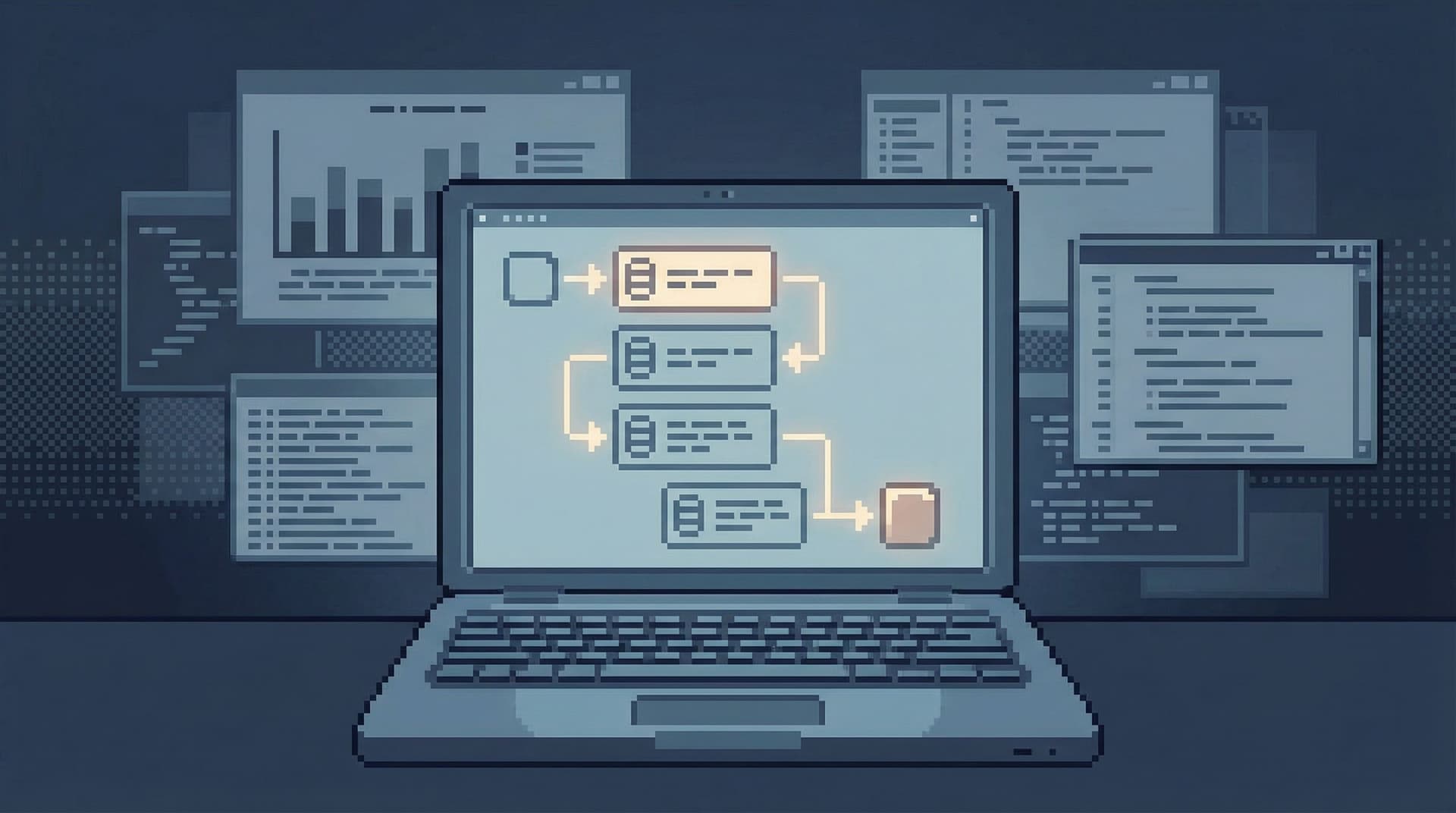
The one-query mindset is a different way to work: treat each moment of database work as centered around exactly one active question and one active query path. Everything else is either parked, captured, or out of view.
This isn’t about being slower or more rigid. It’s about reducing cognitive thrash so you can move faster on the things that matter.
Why Thrash Shows Up So Quickly in Database Work
Database sessions are uniquely vulnerable to attention drift:
- Low cost to branch. Opening a new tab, tweaking a WHERE clause, or copying a query to another window feels cheap.
- High cost to remember. Each branch carries invisible state: which env, which time window, which assumptions.
- Ambiguous stopping points. There’s always one more slice, one more join, one more check “just to be sure.”
The result:
- You keep re-deriving the same facts.
- You lose the thread of why you ran a query.
- You ship fragile conclusions because you can’t reconstruct the path that led there.
We’ve written before about linear debugging in posts like “Production Reads Without the Rabbit Holes” and “Database Work Without the Side Quests”. The one-query mindset is the same principle, applied even more strictly: one visible question, one visible path, at a time.
What the One-Query Mindset Actually Means
The one-query mindset is not “only ever run a single SQL statement.” You’ll often run many queries in a session.
It’s about how many independent threads of thought you allow yourself to juggle at once.
At any point in time:
- You can point to one primary question you’re answering.
- You have one active query path that moves from that question toward an answer.
- Every query on screen is either:
- A direct step in that path, or
- Archived as a past step you’re done with.
No parallel investigations. No “I’ll just quickly check this other thing.” No tab explosions.
This sounds strict. In practice, it feels like relief.
Why One Query at a Time Feels So Much Easier
1. Less state to hold in your head
Every extra query window is carrying:
- Which environment it’s hitting
- What time window it’s scoped to
- Which filters or joins are applied
- What assumption it’s testing
You can’t see all of that at once. You hold it in memory.
One-query work trades cleverness for clarity. You don’t need to be the person who can mentally track five slightly different counts. You just need to be the person who can finish one trail, write it down, and move on.
2. Fewer subtle mistakes
Parallel queries are where silent errors creep in:
- Comparing prod vs. staging without realizing it
- Mixing different time zones or time ranges
- Copy-pasting a WHERE clause and forgetting to update one condition
When there is exactly one active path, you’re less likely to compare apples to oranges. And when you do need to compare two views, you treat that comparison itself as the one query.
3. Easier to share, review, and replay
A one-query session naturally becomes a narrative:
We started with this question, ran these three queries, saw this discrepancy, and landed on this explanation.
That’s the core idea behind “Read Trails, Not Logs”: your database work should be something others can follow, not just a pile of ad-hoc commands.
When you structure work around a single path, you get a readable story almost for free.
Designing Your Session Around One Question
The easiest way to adopt this mindset is to change how you start a session.
Step 1: Write the question down first
Before you touch the database, write a single sentence:
- “Why did user 48291 get charged twice on February 3?”
- “Did yesterday’s migration backfill all existing subscriptions?”
- “Is the drop in weekly active users real, or a tracking issue?”
Make it concrete:
- Include ids, dates, and systems.
- Avoid “explore,” “investigate,” and other vague verbs.
You can write this in:
- Your ticket system
- A scratchpad
- A notes panel in your database tool
The location doesn’t matter. The act does.
Step 2: Decide what “done” looks like
Define a stopping condition:
- A specific row or set of rows verified
- A before/after count confirmed
- A narrative you could explain to someone else in two sentences
Done is not “I’ve seen enough to feel better.” Done is “I can state what happened in the data.”
Step 3: Plan the minimal path
Sketch 2–4 steps you expect to take:
- Find the primary entity (user, job, subscription).
- Check related records (payments, events, logs table).
- Validate any time-based assumptions.
- Sanity-check with one aggregate or comparison.
This is not a rigid script. It’s a guardrail against wandering.
Tools like Simpl are built to encourage this: a calm, opinionated browser for your databases that nudges you into linear, read-heavy paths instead of branching everywhere.
Running a One-Query Session in Practice
Let’s walk through a concrete pattern you can apply today.
Assume the question:
“Did our migration on February 10 update all active subscriptions?”
1. Anchor on a single starting query
Begin with the smallest query that touches the truth:
SELECT id, status, migrated_at
FROM subscriptions
WHERE status = 'active';
Scan the shape. Don’t branch yet.
2. Refine in place, not in parallel
Instead of opening a new tab for every variation, evolve the same query:
- Add a filter for the migration window
- Add a count
- Add a breakdown by plan or region
Each refinement answers a sub-question, but you’re still on the same path.
For example:
SELECT
  COUNT(*) AS active_subscriptions,
  COUNT(*) FILTER (WHERE migrated_at >= '2026-02-10') AS migrated_since_cutover
FROM subscriptions
WHERE status = 'active';
You’re still answering the same question; you’re just tightening the lens.
3. Capture intermediate states
When you hit something important—like a discrepancy—capture it before changing the query:
- Paste the SQL + result snippet into the ticket.
- Save it as a named query in your tool.
- Add a short note: “Expected all active subscriptions to have migrated_at >= 2026-02-10; found 127 that did not.”
This is where tools like Simpl help: they treat queries as artifacts you can name, share, and replay, not just one-off commands.
4. Only branch when the question branches
Sometimes you’ll discover a new, legitimate question:
- “Why are these 127 subscriptions missing migrated_at?”
That’s a new one-query session.
Resist the urge to chase it inside the current trail. Instead:
- Close out the current question with a clear statement.
- Start a second, separate session with its own written question and path.
This is the discipline that prevents a simple migration check from turning into an afternoon-long archaeology dig.
Tooling Patterns That Support a One-Query Mindset
You can adopt this mindset with almost any tool, but some patterns make it easier.
Prefer a narrow query surface
The more surface area you see, the more side quests you’ll take.
Look for or configure tools that:
- Show one main query and result at a time
- Keep history as a linear trail, not a tab explosion
- Make it slightly harder to open new connections or panels
We explored this idea in depth in “The Narrow Query Surface”. One-query work thrives when your tools don’t constantly invite you to do three things at once.
Use read-first, read-only defaults
Write powers amplify the cost of thrash. If every tab can accidentally mutate production, parallel work becomes dangerous.
Patterns that help:
- Separate read-only and read-write sessions
- Use distinct visual cues (or even separate tools) for each
- Make write sessions rare, scheduled, and deliberate
Posts like “Read-Only by Default” and “Designing for Read-Heavy Work” go deeper on this stance.
Favor a single-window layout
Multiple panes and overlays encourage you to keep multiple thoughts active.
A calmer pattern:
- One main window
- One visible query
- A simple, scrollable history of previous steps
Simpl leans hard into this pattern: a single-window database browser that keeps your session linear by design, instead of scattering your attention across tabs and panels.
Team Habits That Reduce Cognitive Thrash
Individual discipline helps. Team norms make it stick.
1. Normalize “What’s the one question?”
In reviews, incident channels, and pairing sessions, make this a reflex:
“What’s the one question we’re answering right now?”
If people can’t answer in one sentence, you’re not in one-query mode.
2. Turn good sessions into shared trails
When someone does a clean investigation:
- Capture the question, key queries, and final explanation.
- Store it where others can find and replay it.
This is the heart of “From Cursor to Conversation”: each query path is potential team knowledge, not just private progress.
3. Time-box investigations
Set small, explicit budgets:
- 15 minutes for a first pass
- 30 minutes for a deeper dive
At the end of each box, either:
- Close out the current question with the best narrative you have, or
- Escalate with a clear statement of what you tried and what remains unknown
Time boxes pair well with one-query work: if you’re only following one path, it’s much easier to say whether another 15 minutes is likely to pay off.
A Simple Checklist for Your Next Session
Before you open your database client:
- Write down the question. One sentence, concrete.
- Define “done.” What evidence will you accept?
- Sketch 2–4 steps. A minimal path from question to answer.
While you’re working:
- Keep one active query path. Refine in place; don’t branch without reason.
- Capture key waypoints. Save important queries and results with short notes.
- Pause when the question changes. Start a new session for genuinely new questions.
After you’re done:
- Write the story. Two–three sentences: what you asked, what you did, what you found.
- Share the trail. Put it where the next person can reuse it.
If your current tools fight you on this—pushing you toward tabs, overlays, and parallel work—that’s a signal. Either reconfigure them toward a calmer surface, or reach for something more opinionated like Simpl that’s designed around linear, read-heavy sessions.
Summary
The one-query mindset is a small shift in how you approach database work:
- One active question at a time, written down.
- One active query path on screen, refined in place.
- Clear stopping conditions and captured trails.
In return, you get:
- Less cognitive thrash and context switching
- Fewer subtle, cross-tab mistakes
- Investigations that are easy to share, review, and replay
It’s not about doing less work. It’s about doing the same work in a way that respects your attention.
Try Your First One-Query Session
The next time you reach for a database client, resist the urge to just open a tab and start typing.
Instead:
- Write down the one question you’re answering.
- Commit to a single path of queries that move toward that answer.
- Capture the key steps and share the story when you’re done.
If your current tools make that feel harder than it should, try a session in Simpl. It’s an opinionated database browser built for calm, linear, read-heavy work—the kind of environment where a one-query mindset feels natural, not forced.
Start with one question. Follow one path. See how much lighter your database work feels when the noise is gone.