Database Work Without the Side Quests: Reducing Context Switching in Day-to-Day Queries


Most database work starts simple:
“What happened with this user?”
“Why didn’t this job run?”
“Is this metric actually dropping or is the dashboard wrong?”
Then the side quests show up.
You bounce between:
- SQL client
- Logs
- Dashboards
- Slack threads
- Internal docs
You’re no longer answering the question. You’re reconstructing context you already had ten minutes ago.
Context switching is not just annoying. It’s one of the main reasons database work feels heavier than it should. It slows you down, hides mistakes, and makes every query feel like starting from scratch.
This post is about doing less of that.
It’s about designing your habits and tools so a “quick query” stays quick—and your attention stays on the data, not the tool choreography.
Why context switching hurts database work more than you think
Every switch has a cost. Research on task switching shows that even small interruptions can increase error rates and stretch simple tasks by 20–40%. That’s bad enough for email. For production databases, the stakes are higher.
Database work combines:
- High cognitive load – schemas, edge cases, time ranges, and business rules in your head at once.
- High consequence – a mistaken assumption or misread result can ship the wrong feature, mis-price a plan, or hide an incident.
- High fragmentation – most teams spread data context across dashboards, docs, and ad-hoc queries.
When you switch tools or mental frames every few minutes, three things happen:
-
You lose the story. You forget why you wrote a query, what you already ruled out, and which hypothesis you’re actually testing.
-
You make sloppier queries. You copy-paste from old snippets without re-reading them. You reuse filters that almost match but not quite.
-
You avoid the database unless you have to. When “just check the data” means opening five tools, people either guess or ask someone else to be the database person.
Reducing context switching isn’t about shaving seconds off tab changes. It’s about protecting the fragile mental model you build while you debug.
If you’ve read our pieces on focus-first workflows or deep-work patterns in database tools, this is the same theme from a different angle: less noise, more narrative.
Where the side quests come from
Most side quests fall into a few patterns.
1. Tool spread
A typical stack for “simple” questions:
- BI tool for dashboards
- SQL client for raw queries
- Log viewer for events
- Internal wiki for business logic
- Slack for tribal knowledge
Each tool is optimized for itself, not for the flow between them. You become the integration layer.
2. Tabs as memory
Database GUIs and IDE-style tools encourage “one tab per thought.” It feels organized until you realize:
- You can’t remember which tab holds the key query.
- You’re scared to close anything.
- You’re reconstructing context every time you return to a tab.
We wrote about this trap in more depth in From Tabs to Trails. Tabs are a poor substitute for a narrative.
3. Schema-first, question-second
Many tools start you in a schema explorer.
That’s helpful when you’re learning the database. It’s less helpful when your question sounds like:
- “Why did this user churn?”
- “Why is this cohort missing events?”
You end up clicking around the tree, opening table after table, trying to manually assemble the story.
Our post Beyond the Schema Explorer digs into this problem: the work is narrative, but the tool is structural.
4. Safety by process, not by design
When tools are risky, teams add process:
- “Never query production directly.”
- “Always run this through someone else.”
- “Use this read-only replica, but also this separate tool for logs.”
The result is more hops, more context switching, and more shadow tooling. A calmer option is to make the default workflow safe enough that you don’t need a maze of exceptions.
[Opinionated tools like Simpl](https://simpl.sh) lean into this: read-first, safe-by-default browsing instead of a raw, anything-goes SQL canvas.
The goal: one narrative, fewer jumps
You’ll never get to zero context switching. But you can:
- Keep more of the story in one place.
- Make each switch deliberate, not reactive.
- Design tools and habits that preserve context instead of scattering it.
Think of it as moving from “open everything and hope” to “follow one clear trail.”
Step 1: Start with the question, not the tool
Most side quests start before you even write SQL.
Instead of opening three apps and improvising, start by writing down the question in plain language.
Example:
“Why did user 123’s subscription cancel even though Stripe shows them as active?”
Before touching the database, capture:
- Subject: user 123
- Time frame: last 30 days
- Systems involved: billing DB, Stripe, job queue
- Hypotheses:
- Webhook failed
- Race condition between renewal and cancellation
- Data sync lag
Keep that written question visible while you work—at the top of your query, in a notes pane, or in your incident doc.
This does two things:
- Anchors your queries to a single narrative.
- Makes it obvious when you’ve drifted into a side quest that doesn’t serve the question.
Tools can help here. Simpl is built around question-first flows: you land in a calm, read-focused view where a single trail of queries and context stays together, instead of exploding into tabs.
Step 2: Design a read-first, single-pane workflow
The more you can stay in one place while you explore, the less attention you burn on mechanics.
Aim for a workflow where you can:
-
See the data, query, and minimal context together.
- Query text
- Results
- A small area for notes or filters
-
Iterate quickly without opening new tabs.
- Refine the same query
- Add a WHERE clause
- Change time ranges
-
Pin only what truly matters.
- If you pin a view, it’s because you’ll reuse it later, not because you’re afraid to lose it.
If your current tool fights you here—pushing you into multiple panels and tabs for simple work—consider either:
- Turning off unnecessary panels and extensions.
- Or using a more opinionated browser like Simpl that favors a single, calm surface over IDE-style sprawl.

Step 3: Turn repeated side quests into saved flows
Some context switches are predictable:
- Jumping from user to their orders
- Joining events to sessions
- Looking up job runs for a deployment
If you do the same three joins every time you debug a class of issues, that’s a signal: this should be a reusable flow, not a fresh adventure.
Practical patterns:
-
Save “views” of common joins.
- Even if you don’t create actual database views, keep a small library of vetted queries.
- Name them by question, not table:
user_billing_timeline.sql, notusers_join_subscriptions.sql.
-
Bundle related queries into a trail.
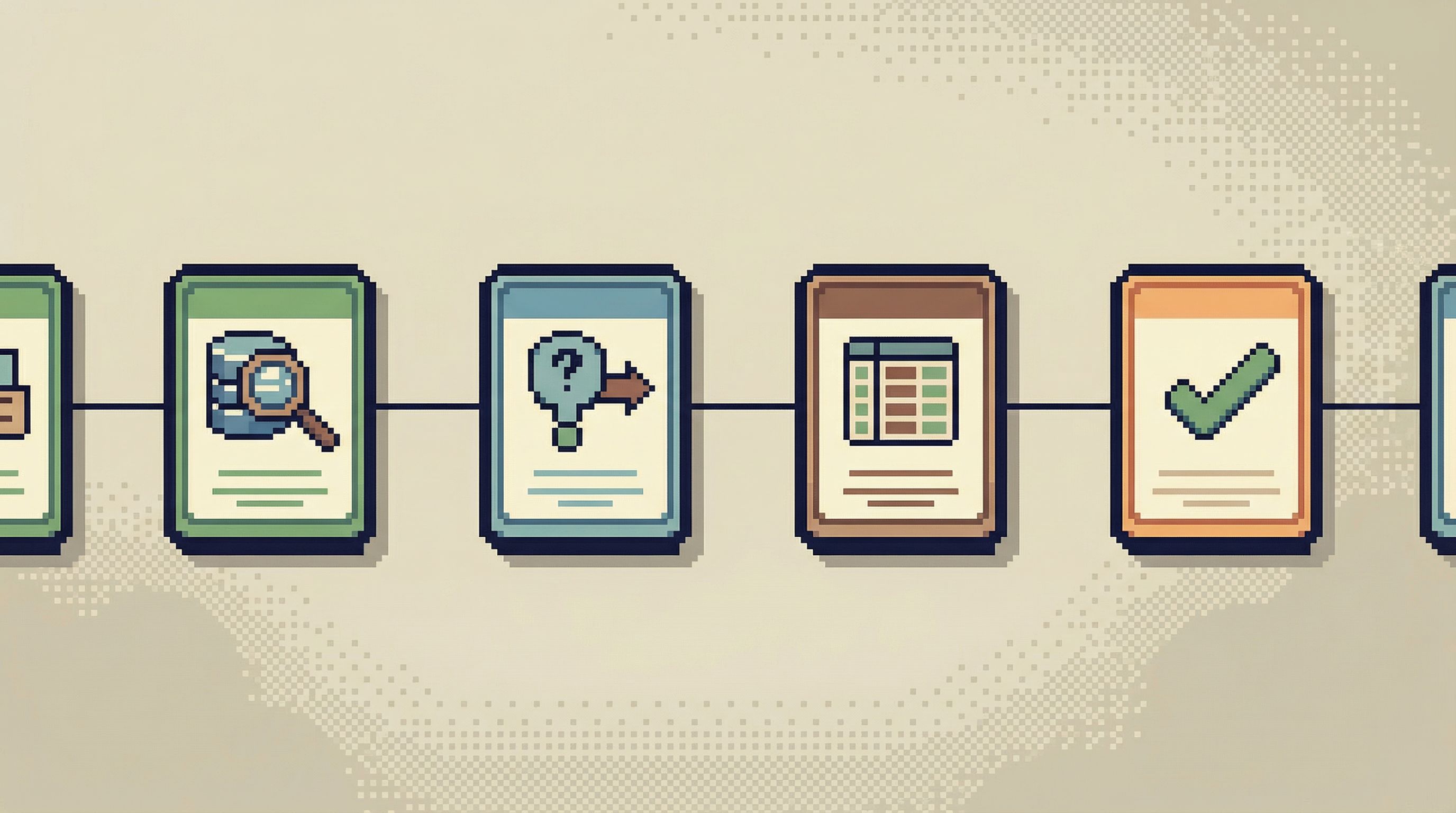
- For a recurring investigation (e.g., payment failures), keep a short ordered list:
- Check user’s billing profile
- Check recent invoices
- Check payment provider events
- Each step links to a query.
- For a recurring investigation (e.g., payment failures), keep a short ordered list:
-
Store flows where people actually work.
- Inside the database browser itself
- Or in a lightweight repo / folder, not buried in a wiki
This is the heart of moving from tabs to trails. When your flows live close to the data, you can answer questions by following an existing path instead of reinventing it.
Simpl is built around this idea: instead of scattered history, you get calm, reusable trails through your data that keep context and queries together.
Step 4: Bring more context into the database view
A lot of context switching happens because the database view is too bare. You leave to answer questions like:
- “What does this status mean?”
- “Is this timestamp UTC or local?”
- “Is
activethe same asenabled?”
You can reduce those jumps by bringing small pieces of context closer to the data.
Lightweight tactics:
-
Inline comments in saved queries.
-- status = 'active' means user has at least one paid subscription-- all timestamps in this table are UTC
-
Column-level notes in your browser.
- If your tool supports it, add short descriptions to key columns.
-
Link out sparingly.
- When you do link to docs, link to a single, canonical page per concept (e.g., “billing states”), not a scattering of wiki pages.
The goal isn’t to replicate your wiki inside the database. It’s to answer the 80% of questions that currently force you into a separate tool.
Step 5: Use guardrails to avoid risky detours
Some of the worst side quests happen when a quick read turns into a risky write:
- You start with
SELECTand end with a rushedUPDATEin production. - You tweak a query to “just fix this one row” and spend the next hour verifying you didn’t break anything.
To keep read work calm, make it hard to accidentally slide into write mode.
Patterns that help:
-
Separate read and write contexts.
- Dedicated read-only connections for investigation.
- A different tool, role, or environment for migrations and bulk updates.
-
Make
SELECTthe path of least resistance.- Shortcuts and templates that start with read queries.
- Slight friction (extra confirmation, different role) for writes.
We’ve written about this in Safe by Default and in our post on calm defaults. Tools like Simpl take a read-first stance by design: you explore and understand in a safe, opinionated environment, and treat writes as a deliberate, separate step.
When you know your current context can’t hurt production, you’re less tempted to open extra tools “just in case,” and you stay in the flow.
Step 6: Standardize a small set of investigation patterns
Teams often treat every question as unique. In reality, most database investigations fall into a few shapes:
- Entity timelines – “What happened to this user/order/job over time?”
- Cohort comparisons – “Why is this group behaving differently?”
- Pipeline traces – “Where did this event go between systems?”
If you standardize 3–5 patterns, you:
- Reduce the number of tools needed for each pattern.
- Make it easier to onboard new teammates.
- Cut down on ad-hoc side quests.
Example: an “entity timeline” pattern might always:
- Start from a single ID.
- Join to related events and state changes.
- Visualize as a simple ordered list of facts.
Build these patterns into your tools where you can. Even if you’re not using Simpl, you can mimic the idea:
- Shared SQL snippets per pattern
- Consistent naming and structure
- One or two blessed tools per pattern instead of five
Step 7: Make sharing the story part of the work
The final source of side quests: every person has their own private way of looking at the database.
So when someone asks, “How did you debug that?”, the answer is:
“I don’t remember exactly. I clicked around a bit and eventually found it.”
That’s a recipe for:
- Repeated work
- Repeated mistakes
- Constant re-discovery of the same joins and filters
Instead, treat the story of your investigation as a first-class artifact:
- Save the final queries you used.
- Write 3–5 bullet points of what you learned.
- Link that trail in the incident doc, ticket, or Slack thread.
When someone faces a similar question later, they can follow your path instead of opening ten new tabs.
This is the core idea behind trails in Simpl and the focus of From Ad-Hoc Queries to Repeatable Flows: turn one-off work into calm, reusable flows.
Bringing it together
Reducing context switching in day-to-day queries is less about discipline and more about environment.
You want a setup where the quiet, focused thing is the default:
- You start from a clear question.
- You stay mostly in one calm surface.
- You reuse trails instead of re-opening tabs.
- You bring just enough context into the database view.
- You keep read work safe so you don’t need five tools for protection.
- You share the story so others don’t repeat your side quests.
When you get this right, a few things change:
- Database work feels less like firefighting and more like reading a story.
- New teammates ramp faster because they inherit flows, not folklore.
- Incidents resolve faster, with fewer “wait, where were we?” moments.
Summary
- Context switching is expensive for database work because you’re juggling schema, business rules, and real-world impact.
- Most side quests are structural, not personal—they come from tool spread, tab sprawl, schema-first interfaces, and unsafe defaults.
- You can anchor your work around a single narrative by starting with the question, not the tool, and keeping that question visible.
- A read-first, single-pane workflow reduces tool hopping and protects your attention.
- Reusable flows and trails turn repeated investigations into calm, predictable paths.
- Inline context and safe-by-default guardrails keep you in the database view longer, without fear.
- Shared stories of investigations prevent your team from re-solving the same problems from scratch.
Take the first step
You don’t need to rebuild your stack to feel the difference.
Pick one active area of work—support tickets, billing issues, flaky jobs—and do just three things this week:
- Write down each question before you query.
- Keep your investigation in a single surface as long as possible.
- Save one trail (the queries and notes you used) and share it with your team.
If you want a tool that’s built around this calm, trail-first style of database work, explore Simpl. It’s an opinionated database browser designed to keep you in the story and out of the side quests.