Less Schema, More Story: Helping Engineers Navigate Databases by Use Case, Not Object List

Most database tools start you in the same place: a tree of tables on the left, a blank query editor in the middle, and a results grid at the bottom.
It feels neutral. It isn’t.
That default quietly teaches engineers to think about the database as objects first, questions later:
- “What tables do we have?”
- “What’s in
usersagain?” - “Where does
subscription_statuslive?”
Real work doesn’t start there. Real work starts with stories:
- “Why did this user get charged twice?”
- “Why did this job never finish?”
- “Why is this cohort missing events in us-west-2?”
Those questions cut across tables, services, and time. A static schema explorer doesn’t help you hold that story in your head. It just lists nouns.
This post is about a different stance: navigating databases by use case instead of by object list. Less schema, more story.
Tools like Simpl are built around this idea: a calm, opinionated database browser that starts from the question you’re trying to answer, not from a wall of tables.
Why Schema-First Navigation Fails Real Work
Schema explorers are useful for:
- Greenfield schema design
- Initial onboarding
- Rare, low-level admin work
They are much less useful for the work engineers actually do every day:
- Debugging a specific user issue
- Tracing a job or workflow across services
- Verifying how a feature behaves in production
- Investigating an incident or regression
The gap is simple:
- Schemas list what exists.
- Use cases describe why it matters.
When your main interface is a tree of tables, you’re forced to translate every question into schema terms:
“I need to understand this refund” → “Okay, where are payments? Where are refunds? Where are events? What joins do I need?”
That translation step is where most of the cognitive load lives.
It also creates a few predictable problems:
-
Onboarding drag
New engineers spend weeks learning table names instead of workflows. They memorize where things live before they understand how the system behaves. -
Fragile mental models
When schemas evolve, everyone’s mental map breaks. Columns move. Tables split. Use-case knowledge is trapped in senior engineers’ heads. -
Debugging as archaeology
Every investigation starts from scratch: open the schema, guess the tables, write ad-hoc joins, hope you didn’t miss the important one. -
Noise during incidents
Under pressure, a schema tree encourages breadth over focus. You click around, open more tabs, and lose the thread. (We’ve written about this in more depth in Incident Triage Without the Firehose.)
A schema explorer is like giving someone a dictionary when what they need is a story.
What It Means to Navigate by Use Case
Navigating by use case means the database browser starts from the kind of question you’re asking, not from the raw list of objects.
Typical entry points look like:
- User-centric: “Show me everything relevant to this user.”
- Workflow-centric: “Show me the lifecycle of this job or request.”
- Event-centric: “Show me what happened around this event or time window.”
- Entity-centric: “Show me the story of this order, invoice, or subscription.”
Instead of:
- Expand
public→ scroll → clickusers→ runSELECT * FROM users WHERE id = ...→ guess the next table.
You see something closer to:
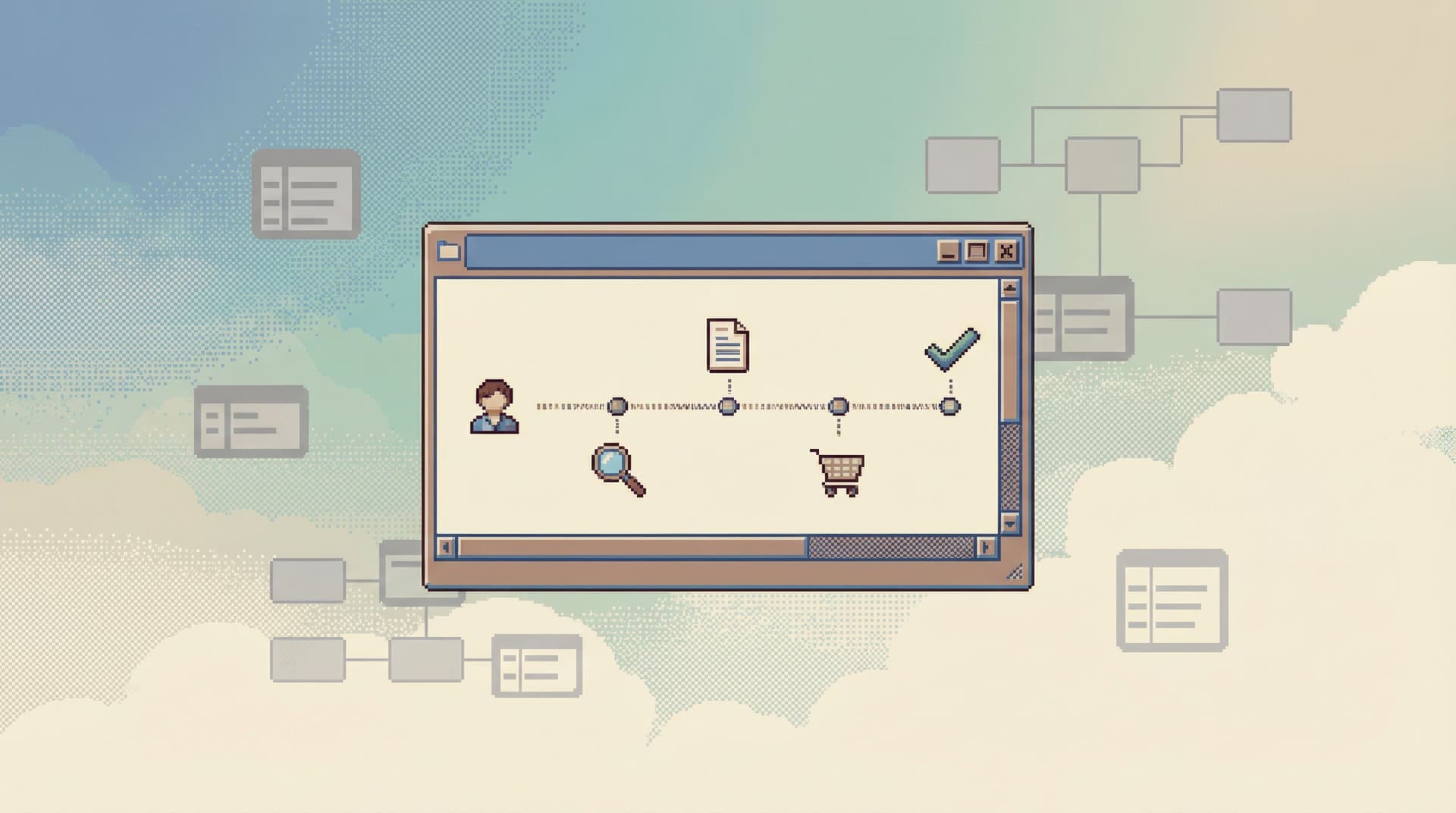
- “Start with a user”
→ type an email or user ID
→ get a structured narrative: profile, sessions, orders, payments, feature flags, recent errors.
Or:
- “Start with a job run”
→ paste a job ID
→ see its inputs, state transitions, retries, and related downstream effects.
This doesn’t require magical AI. It requires:
- Agreement on common use cases.
- Lightweight, opinionated read paths for each.
- A tool willing to say: this is the main way to move through the data.
We touched on this pattern in Opinionated Read Paths: Why Most Teams Need Guardrails More Than Admin Superpowers. Navigating by use case is one of the clearest expressions of that idea.

The Benefits: Clarity, Safety, and Shared Understanding
Reorienting your database work around use cases pays off in a few concrete ways.
1. Faster path from question to answer
When the first screen matches how you think about the problem, you skip the translation tax.
Instead of:
- Map question → tables.
- Remember join keys.
- Reconstruct a workflow in your head.
You:
- Pick the relevant use case.
- Plug in the identifier you already have (user ID, order ID, job ID).
- Read.
You’re reading a story, not assembling one from scratch.
2. Safer production exploration
Use-case paths naturally constrain what you touch:
- You follow a narrow, read-focused trail.
- You’re less tempted to run broad, experimental queries on hot tables.
- Risky actions stand out as exceptional, not casual.
This pairs well with patterns like read-only defaults and calm UX for dangerous actions, which we covered in Safe by Default: Practical Patterns for Exploring Production Data Without Fear and Calm by Default: UX Patterns That Make Dangerous Database Actions Feel Rare and Deliberate.
3. Easier onboarding for new engineers
New team members don’t need to memorize the schema before they can be useful. They can:
- Start from the problems they already understand (user issues, orders, jobs).
- Learn the schema in context as they follow the story.
- Build a mental model tied to workflows, not just table names.
4. Better collaboration and async debugging
When your database work is structured around use cases, it’s easier to:
- Share a link that says, “Here’s this user’s story.”
- Capture a trail of queries and transitions someone else can replay.
- Review someone’s investigation as a narrative, not a pile of ad-hoc SQL.
This is the core idea behind Read Trails, Not Logs: Turning Database Sessions into Shareable Narratives. A use-case-first browser like Simpl makes those trails the default artifact.
Designing Use-Case-First Paths Through Your Data
You don’t have to redesign your entire stack to work this way. You can layer use-case navigation on top of your existing schema.
Here’s a practical way to start.
Step 1: Name your top 5 real questions
Ignore the schema for a moment. Ask:
- What questions do we answer about the database every week?
- What kinds of tickets show up repeatedly?
- What do people ping senior engineers about?
You’ll usually find patterns like:
- “What happened with this user?”
- “Why did this order/subscription behave this way?”
- “What’s the lifecycle of this background job?”
- “What changed around this incident window?”
- “Is this metric/dashboard actually correct?”
Write them down in your own language. These are your primary use cases.
Step 2: Map each use case to a minimal storyline
For each question, sketch a simple narrative:
For a user:
- Who are they? (core identity)
- What did they do? (events, sessions, actions)
- What did we do to them? (emails, charges, flags, bans)
- What state are they in now? (subscriptions, entitlements, limits)
Under the hood, that might touch:
userssessionseventsorderspaymentsfeature_flags
But the engineer shouldn’t have to start by guessing that list. The path should feel like a single, coherent story.
For each use case, define:
- Entry identifier(s): email, user ID, order ID, job ID, trace ID, etc.
- Key milestones: creation, state changes, important events.
- Related entities: parent/child records, upstream/downstream jobs.
Keep it small. The goal is clarity, not coverage.
Step 3: Build opinionated read views
Next, turn those storylines into concrete, repeatable views.
Depending on your stack, that might mean:
- A focused internal tool.
- A small set of parameterized queries.
- A lightweight browser like Simpl configured with saved read paths.
Good read views share a few traits:
-
Single entry point
One input (user ID, order ID) that fans out into a narrative. -
Sequenced sections
Information appears in a deliberate order: identity → recent activity → related entities → raw events. -
Calm defaults
Read-only first. No destructive buttons in the main flow. No surprise writes. -
Just enough detail
Enough to answer the common questions. Links out to deeper tables only when needed.
If you’re used to heavy admin consoles, this will feel narrow. That’s the point.
Step 4: Make the use-case path the first path
The biggest mistake teams make is treating these views as side tools. They build a beautiful “user story” page and then hide it behind three clicks while the schema explorer remains the default.
Flip that:
- Start from a simple prompt: “What are you trying to look up?”
- Offer the main use cases as primary options.
- Keep the raw schema explorer available, but one step away.
This is where opinionated tools help. Simpl is intentionally designed around focused sessions and narrow read paths, not infinite tabs and panels. We wrote more about this stance in The Single-Window Database Session: Structuring Deep Work Without Tabs, Panels, or Overlays.
Step 5: Treat stories as shared artifacts
Once you have use-case-first paths, don’t stop at “view only.” Make it trivial to:
- Copy a link to the exact state you’re looking at.
- Save a trail of the steps you took.
- Annotate what you found.
Over time, you’ll accumulate:
- Reusable investigations.
- Canonical examples of tricky cases.
- A living library of “how we debug X.”
That’s how you move from ad-hoc spelunking to calm, shared narratives.

Patterns That Help Use-Case Navigation Stick
A few additional patterns make this way of working durable instead of a one-off experiment.
Prefer identifiers over table names
Encourage people to start with the identifier they already have:
- User email or ID
- Order or invoice ID
- Job or trace ID
- Incident ID or timestamp
Your tools should accept those directly, without requiring engineers to first translate them into foreign keys and table names.
Keep write paths visually and physically distant
Use-case views are about understanding, not editing. If you must allow writes:
- Make them visually distinct.
- Add friction: confirmations, extra steps, clearer language.
- Keep bulk or destructive actions out of the main narrative.
This echoes the principles in Calm by Default: UX Patterns That Make Dangerous Database Actions Feel Rare and Deliberate.
Optimize for deep work, not surface area
Use-case navigation pairs naturally with a single-window, low-noise environment:
- One visible trail at a time.
- No tab explosions.
- No side panels competing for attention.
If your database browser behaves like an IDE, it will pull you back toward schema-first, editor-first habits. A calmer tool like Simpl leans the other way: fewer surfaces, more focus.
We explored this more in Designing Database Tools for Deep Work: Patterns We Brought into Simpl.
Document the stories, not just the schema
Most teams have a schema diagram somewhere. Fewer have:
- “Here’s how to trace a payment from user action to provider to ledger.”
- “Here’s how to follow a background job from enqueue to completion.”
Write those down. Link directly to the use-case views or trails that implement them. Your docs become a map of stories, not just a catalog of tables.
Where to Start on Your Team
If this feels like a big shift, start small.
-
Pick one high-friction use case.
Something like “understand this user” or “trace this job.” -
Shadow the next three times it happens.
Watch what engineers click, which tables they open, which joins they write. -
Turn that into a single, opinionated read path.
A small internal tool, a saved query set, or a focused view in a browser like Simpl. -
Make that path the default for that question.
Link it in runbooks, incident docs, onboarding guides. -
Iterate based on real usage.
Add only what’s repeatedly needed. Remove what never gets used.
Once one use case feels solid, add another. Over time, your team will spend less energy remembering table names and more energy understanding behavior.
Summary
Navigating databases by schema alone is like reading a dictionary when what you need is a story.
A use-case-first approach:
- Starts from real questions: users, orders, jobs, incidents.
- Encodes those questions as narrow, opinionated read paths.
- Presents data as a narrative instead of a pile of tables.
- Protects attention, reduces risk, and makes onboarding gentler.
Tools like Simpl are built around this stance: less schema, more story. One calm window, clear read paths, and trails you can share.
You don’t need to throw away your existing tools to get there. You can start by naming your core questions, sketching simple storylines, and building the smallest possible views that answer them.
Take the First Step
Pick one question your team asks about the database every week.
- Write down how you actually answer it today.
- Identify the identifiers, milestones, and related entities involved.
- Build a single, opinionated way to see that story end to end.
If you want a tool that’s already biased toward this style of work—single-window sessions, opinionated read paths, and shareable trails—take a look at Simpl.
Less schema. More story. Your database will feel calmer the moment you stop treating it like a list of objects and start treating it like the narrative it already is.