The Calm Catalog: Mapping Production Tables to Real-World Questions, Not Schemas


Most database tools start by showing you what the database is.
Tables. Columns. Foreign keys. A tree on the left, a blank editor in the middle, a grid of rows at the bottom.
That view is honest, but it’s not how you think when something real is on the line.
You don’t wake up wondering about orders, order_items, and payments. You wonder:
- “What exactly happened to this customer’s order?”
- “Did we double-charge anyone during yesterday’s deploy?”
- “Which accounts are at risk because this job misfired?”
A calm catalog is what you get when you take those questions seriously as the primary unit of organization—not tables, not schemas.
Instead of a neutral inventory of database objects, you build a map from real-world questions → opinionated entry points → the minimum set of tables and joins needed to answer them.
This post is about that map.
Why schemas are the wrong starting point
Schema-first tools are built on a simple assumption:
If people can see everything, they can do anything.
In practice, especially against production, that looks like:
- A long list of tables, many of which you shouldn’t touch during normal work.
- Multiple “valid” join paths between the same entities.
- Columns whose names encode history and politics, not meaning.
- No clear distinction between what’s core and what’s incidental.
The result:
- Cognitive load. You spend energy remembering table names, not understanding what happened to a user.
- Inconsistent answers. Two people answer the same question with different joins, filters, or time windows.
- Risky exploration. Wide, unbounded reads on hot tables because the tool makes them look normal.
If this feels familiar, you may find it useful to pair this post with Schema Less, Context More: Designing Database Views Around Real Debugging Questions. That post goes deeper on why schema-heavy views keep production feeling loud.
A calm catalog starts from a different premise:
Most production reads are variations of the same 30–50 questions.
If that’s true—and for most teams, it is—then your job isn’t to expose the full schema. Your job is to name, design, and stabilize those questions as first-class objects.
What a calm catalog actually is
Think of the calm catalog as a layer above the schema:
- Each entry represents a question-shaped view of production.
- Each entry encodes the safe, canonical path through tables to answer that question.
- Each entry is discoverable by intent, not by table name.
Examples of catalog entries:
- “User timeline: what happened to this user in the last 48 hours?”
- “Order lifecycle: why is this order stuck?”
- “Billing charge check: did we double-charge this user?”
- “Background job run: what exactly did this job do at this time?”
Behind each entry, you still have SQL, joins, filters, and limits. But you don’t lead with them. You lead with the question.
This is the stance that Simpl is built around: an opinionated database browser that treats production reads as narrow, question-shaped sessions instead of open-ended exploration.
Step 1: Inventory the questions, not the tables
You can’t design a calm catalog from the schema outward. You have to work from stories.
Spend a week watching how people actually touch production data:
- Join incident calls.
- Sit with support and success as they debug tickets.
- Pair with engineers during deploys, backfills, and migrations.
Capture, in plain language, every time someone opens a database client or admin panel with a clear why.
Write them down as questions, not actions:
- “What happened to subscription X yesterday?”
- “Which users were impacted by this failed job run?”
- “Did this feature flag change affect billing for any live customers?”
- “Why do these two services disagree about this order’s state?”
Then normalize them:
- Group similar questions.
- Strip away specifics (user IDs, dates) and keep the pattern.
- Give each pattern a short, human name.
You’ll end up with something like:
- User story — what happened to this user over a time window.
- Order story — how this order moved through states and payments.
- Job run impact — which rows this job touched or should have touched.
- Charge verification — whether a specific user/order was over- or under-charged.
- Flag change fallout — which entities match a risky combination of state + time.
This is your question inventory. Treat it like a product backlog.
If you want a deeper framing for this exercise, The Single-Question Session: Designing Database Workflows Around One Clear Why is a useful companion.
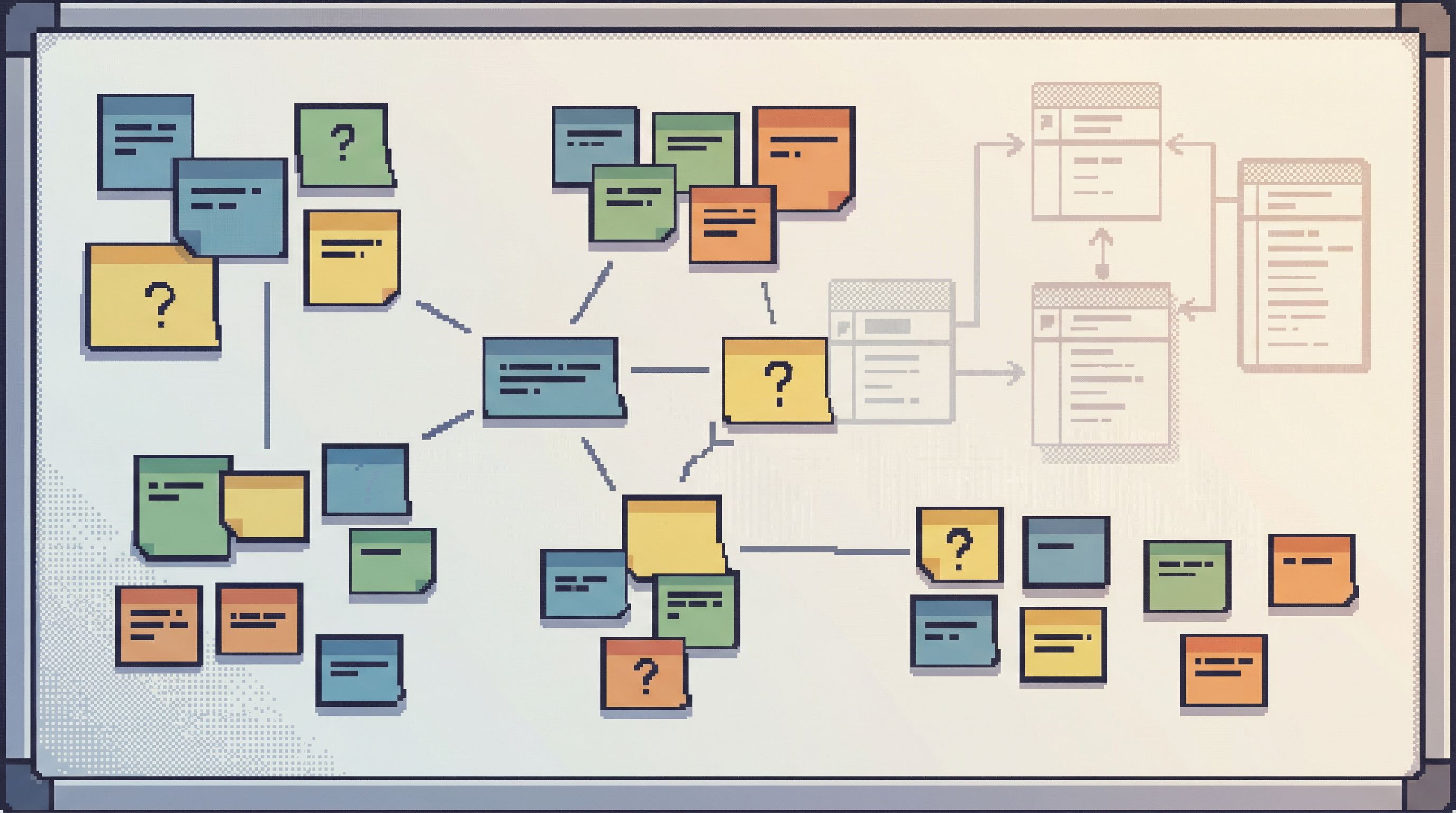
Step 2: Map each question to a canonical data trail
Once you have named questions, the next step is to decide:
What is the one “blessed” way to walk the database to answer this?
For each catalog entry, design a canonical trail:
-
Primary anchor
- The entity you always start from.
- Example: user ID, order ID, job run ID.
-
Necessary joins only
- Which tables must be involved?
- Which joins are safe and stable?
- Which joins are optional and can be deferred?
-
Time framing
- What default time window makes sense (e.g., last 48 hours, last 7 days)?
- How do you constrain reads so they’re safe by default?
-
Core fields vs. extras
- Which columns tell the story cleanly?
- Which columns are noisy, internal, or misleading and should stay hidden unless explicitly requested?
-
Known edge cases
- Are there soft-deleted rows? Multiple states that mean “canceled” in practice?
- Are there migrations that changed semantics at particular timestamps?
The output should feel more like a script than a query:
“Given a user ID, show the core events from
orders,payments, andsubscriptionsin a single timeline, limited to the last 48 hours, sorted by time, with only the 8–10 fields that matter for debugging.”
You can implement this as:
- A view or materialized view in the database.
- A stored query in your browser tool.
- A predefined path in a product like Simpl, where the joins and filters are already wired.
The medium matters less than the discipline: one question, one canonical trail.
Step 3: Name and organize the catalog around real work
A calm catalog is not just a list of saved queries. It’s a navigable surface that mirrors how your team actually works.
Organize entries by:
-
Persona
- Support / Success
- Product / Engineering
- SRE / Platform
-
Job-to-be-done
- Debug a single customer issue
- Verify a deploy, migration, or backfill
- Reconstruct an incident
- Check for billing or data correctness issues
-
Entity
- User / Account
- Order / Subscription
- Job / Workflow
- Feature flag / Experiment
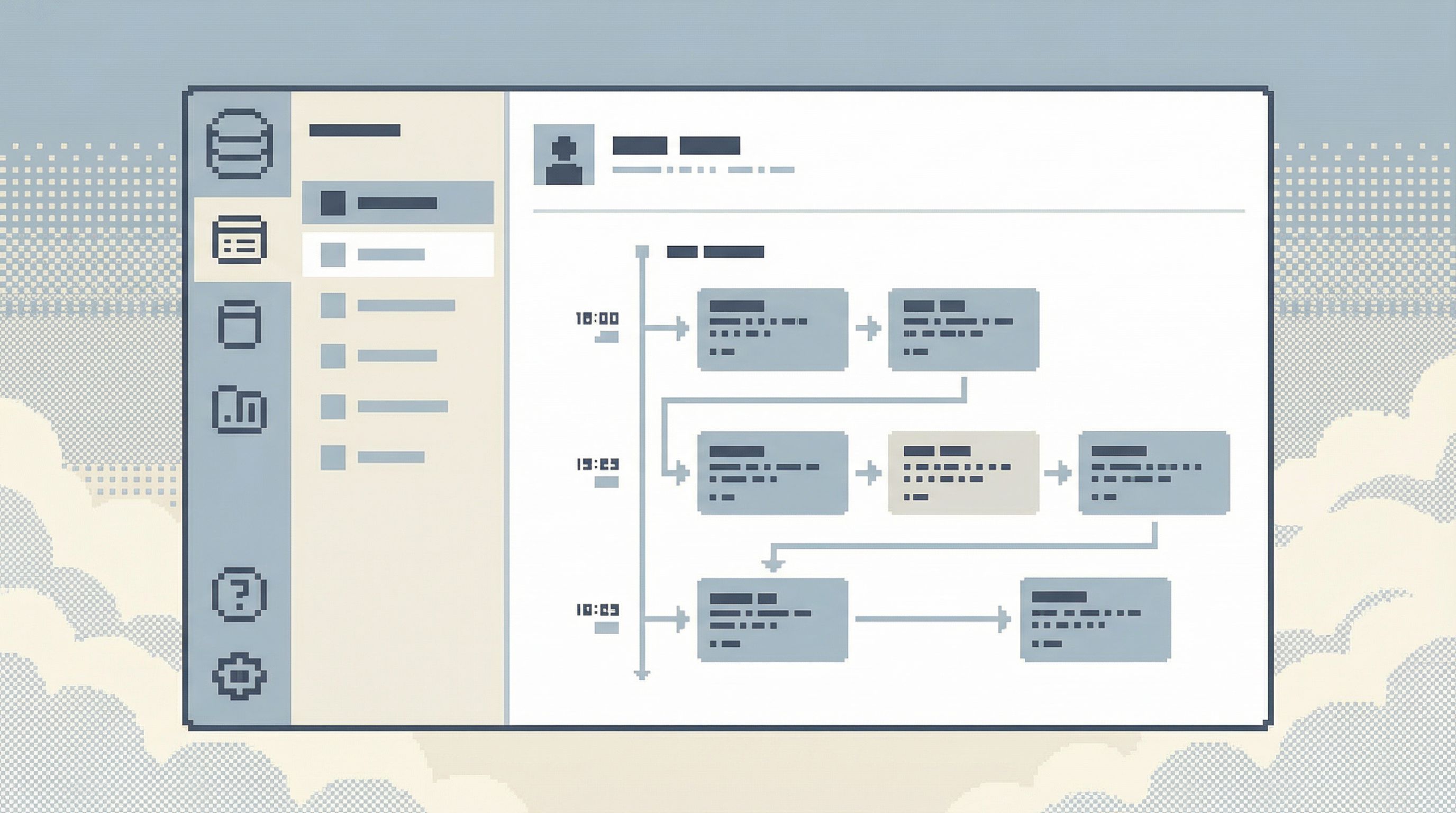
In a tool like Simpl, this might show up as a left-hand navigation of question groups, not tables:
- Customer stories
- Order and billing
- Jobs and workflows
- Reliability and incidents
Inside each group, you see named entries:
- “User timeline”
- “Order lifecycle”
- “Charge verification”
- “Job run impact”
- “Incident replay: single-query trail”
This is the same instinct behind Beyond Table Lists: Opinionated Navigation Patterns for Real-World Production Reads: stop making people navigate by schema, and start letting them navigate by intent.
Step 4: Encode guardrails directly into the catalog
Once questions are first-class, you can attach guardrails to them without slowing anyone down.
Examples:
-
Row and time limits by default
- User timelines capped to the last 7 days and 1,000 events.
- Job impact queries scoped to a single run ID.
-
Pinned filters
- Production-only by default.
- Exclude internal test accounts unless explicitly included.
-
Safe ordering
- Always order timelines by event time, not insertion time.
- Always show latest state first for lifecycle views.
-
Visibility constraints
- Sensitive columns (PII, secrets) hidden or masked by default.
- Certain questions available only to specific roles.
-
Performance hints
- Precomputed views for heavy joins.
- Index-aware filters baked into the path.
Instead of teaching every engineer to be a part-time DBA, you encode the DBA’s knowledge once into the catalog entry.
If you’re already thinking about guardrails more broadly, Guardrails Before Governance: A Practical Approach to Safer Day‑to‑Day Database Access pairs well with this section.
Step 5: Make catalog entries the default, not the escape hatch
A calm catalog only works if people actually start there.
That means changing a few defaults:
-
Home is the catalog, not the schema.
- When someone opens your database browser, they land on the question list.
- The raw schema tree is available, but one click away—not the first thing they see.
-
Search is question-first.
- Searching for “why is this order stuck” or “double charge” should surface the relevant catalog entries, not just tables named
ordersorcharges.
- Searching for “why is this order stuck” or “double charge” should surface the relevant catalog entries, not just tables named
-
Linkability over screenshots.
- During incidents and support tickets, people share links to specific catalog entries with parameters filled in (user ID, order ID, time range), not screenshots of ad-hoc queries.
-
Teach the habit.
- In runbooks, incident docs, and onboarding, reference catalog entries by name.
- “To debug a stuck order, start with Order lifecycle in the calm catalog.”
Over time, something quiet happens:
- The same questions are answered the same way.
- Incident reviews become a replay of a small number of well-known trails.
- New teammates learn “how we read production” by learning the catalog, not memorizing table names.
This is the same spirit as Production Reads, Not Data Dives: Structuring Database Sessions Around One Clear Question: you’re designing the path in advance, not improvising it every time.
Step 6: Keep the catalog small, stable, and opinionated
The calm catalog is not a dumping ground for every saved query.
Treat it like API design:
-
Small surface area.
- Aim for dozens of entries, not hundreds.
- Merge overlapping questions; retire rarely used ones.
-
Stable contracts.
- Changing the shape or semantics of an entry is a breaking change.
- Version carefully if you need to.
-
Clear ownership.
- Each entry has an owner (team or person) responsible for:
- Keeping it fast.
- Keeping it correct.
- Documenting edge cases.
- Each entry has an owner (team or person) responsible for:
-
Usage-aware pruning.
- Track which entries are used during incidents, support tickets, and deploys.
- Remove or demote the ones that sit idle.
The goal is trust:
If it’s in the calm catalog, it’s the right way to answer that question.
Anything less, and people will quietly fall back to ad-hoc queries and schema wandering.
Where tools like Simpl fit
You can implement a calm catalog with nothing more than SQL views, documentation, and discipline.
But tools can help.
Simpl exists specifically for this space:
- A read-first database browser for production.
- Opinionated around question-shaped sessions, not open-ended exploration.
- Designed to make catalog-style paths the default way to move through data.
Instead of handing every engineer a full SQL IDE or an admin panel, you give them a calm, constrained surface:
- Start from a catalog of real-world questions.
- Fill in a few parameters (user ID, order ID, time range).
- Walk a predesigned trail with guardrails already in place.
You still keep your BI tools for reporting. You still keep your admin panels for rare writes and configuration. The catalog, and a tool like Simpl, sits in the middle: where everyday production reads actually happen.
Summary
A calm catalog is a simple idea:
- Start from questions, not schemas.
- Design one canonical trail per recurring question.
- Encode guardrails and context into those trails.
- Make the catalog the default way to touch production data.
The benefits are quiet but real:
- Less cognitive load for engineers and support.
- Fewer inconsistent answers to the same question.
- Safer, narrower reads against production.
- Incident reviews that replay a small number of well-known paths instead of reconstructing chaos.
You don’t need a big migration or a new data stack. You need a list of questions, some opinionated paths, and a place to put them.
Take the first step
You can start a calm catalog this week.
-
Spend one day collecting questions.
- Sit in on support calls, incident channels, and deploys.
- Write down every production data question in plain language.
-
Pick five questions to formalize.
- Give each a name.
- Design a single, safe trail through your schema to answer it.
- Encode that trail as a view, stored query, or path in your browser.
-
Make those five the new default.
- Link to them from runbooks and onboarding docs.
- Encourage people to start there before opening a blank editor.
If you want a tool that’s already built around this way of working, try wiring those first five questions into Simpl. See what changes when your team starts from a calm catalog, not a schema tree.
From there, you’re not just browsing your database. You’re building a shared, stable map of how your system behaves—one real-world question at a time.