Focus-First Database Workflows: Reducing Clicks, Tabs, and Cognitive Load

Working with a database should feel like reading a clear story, not wrestling a cockpit.
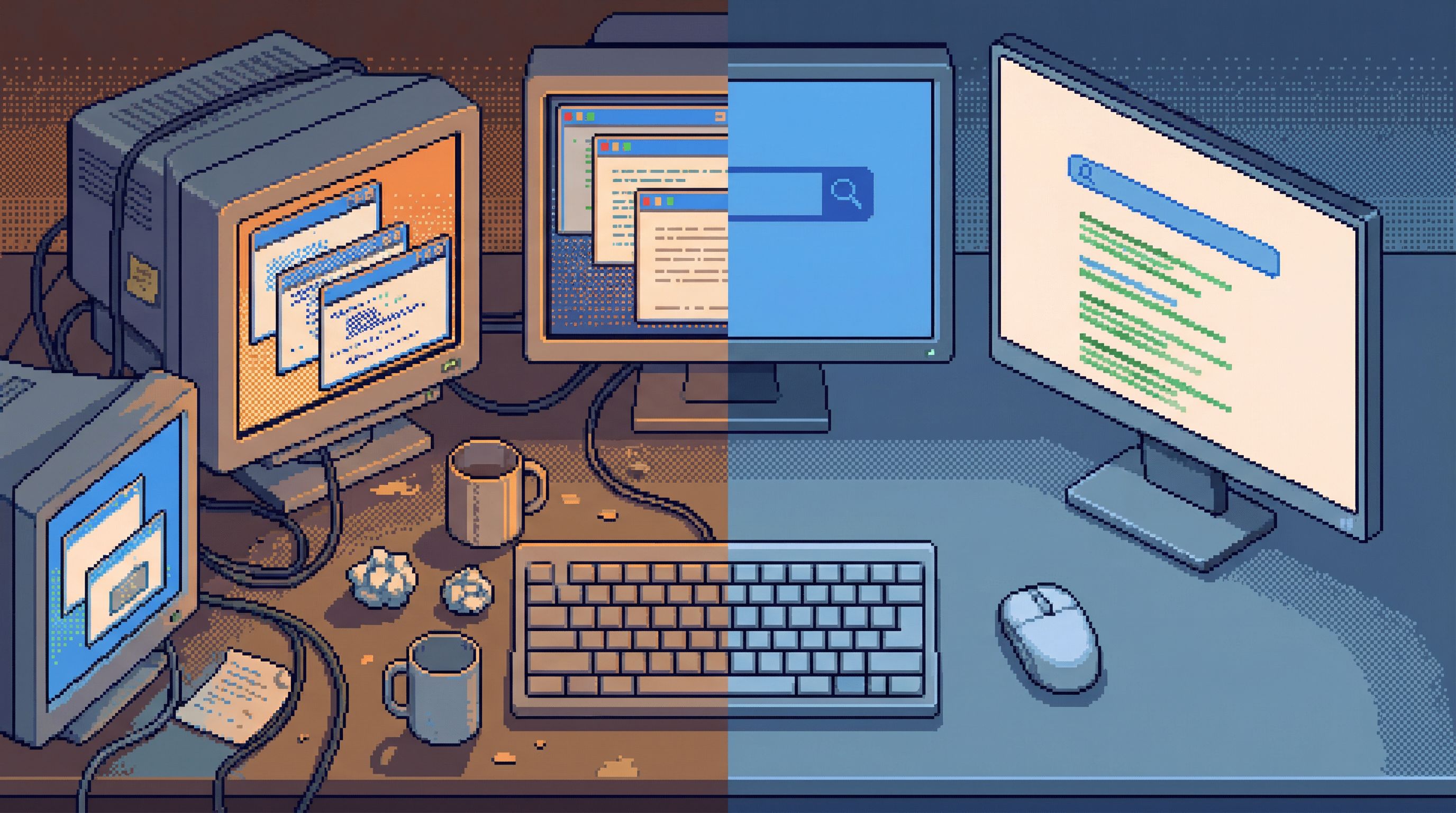
Yet for most teams, database work means:
- Five tools open at once
- A dozen tabs per tool
- Constant context switching between schemas, logs, dashboards, and Slack
You get the answer eventually—but you pay for it in attention. The real cost isn’t the extra clicks. It’s the cognitive load of holding partial context in your head while your tools scatter the rest across the screen.
A focus-first database workflow is a deliberate response to that problem. It’s a way of working that:
- Minimizes clicks, tabs, and configuration
- Keeps you in one mental context at a time
- Treats your attention as the scarce resource—not CPU, not storage
This post is about what that looks like in practice, why it matters, and how tools like Simpl are built around that philosophy.
Why focus matters more than features
Most database tools are feature-complete. They can:
- Connect to multiple environments
- Run any query
- Show schemas, indexes, and execution plans
- Generate charts and exports
And yet, working with them often feels scattered. The problem isn’t capability. It’s how that capability is presented.
When your GUI behaves like an IDE, it nudges you toward tab-heavy, editor-first behavior. We unpacked this in more detail in Why Your Database GUI Feels Like an IDE (and Why That’s a Problem): tools teach habits, and IDE-shaped tools teach you to juggle.
Cognitive science gives us a few useful anchors here:
- Working memory is small. Most people can actively hold only a handful of items in mind at once. Every extra tab or modal is another thing to track.
- Context switching is expensive. Jumping between tasks or tools can cost meaningful time. Studies have found it can take several minutes to fully regain context after an interruption.
- Visual clutter drains energy. Even if you’re not consciously looking at every panel, your brain is still parsing it.
In database work, this shows up as:
- Misreading a column because you’re juggling three similar queries
- Forgetting which environment a tab is pointed at
- Re-running the wrong query because its tab looked “close enough”
A focus-first workflow accepts a simple constraint:
If you want better decisions from your data, you have to protect the attention of the people reading it.
That means fewer surfaces, calmer defaults, and flows that assume you’re thinking—not just typing.
What a focus-first workflow looks like
Focus-first doesn’t mean slow or limited. It means intentionally narrow at each step.
Here’s how that shows up when you’re actually doing the work.
1. One active question at a time
Instead of:
- Opening three editors
- Writing variations of the same query
- Flipping between tabs to compare results
You:
- Write the most direct query that answers the current question.
- Run it and read slowly.
- Only then decide whether you need a second query.
This aligns closely with the ideas in The Case for a Read-First Database Workflow: observe before you optimize.
Practical ways to enforce this:
- Limit active query tabs. If your tool allows it, cap yourself at 1–2 open queries per connection.
- Use comments for variants. Keep alternative predicates as commented lines in the same query instead of separate tabs.
- Name your query states. For example:
-- step 1: find candidate users,-- step 2: inspect recent events for one user.
2. Schema in view, everything else optional
You shouldn’t have to:
- Open a separate documentation site
- Click through deep navigation trees
- Memorize table names
A focus-first setup keeps just enough schema context visible:
- Current table and related tables
- Column names and types
- Basic row counts or size hints
Tools like Simpl are built around this: the schema is there, but it doesn’t compete with your query or result. It’s a quiet reference, not a second app.
Guideline:
- If your eyes are bouncing between three panes to remember a column name, the tool is asking too much of your memory.

The hidden cost of clicks, tabs, and friction
Clicks themselves aren’t the enemy. The problem is what they represent: tiny, repeated decisions.
- Which environment is this tab connected to?
- Which of these ten saved queries is the right one?
- Did I already filter for
status = 'active'or not?
Each decision is small. Together, they create:
- Decision fatigue. You’re drained before you reach the hard part of the problem.
- Error-prone flows. You lean on muscle memory and guesswork.
- Pager anxiety. Especially with production data—something we explored in Production Data Without Pager Anxiety: Guardrails That Actually Get Used.
A focus-first workflow tries to remove decisions you shouldn’t have to make.
Signs your current workflow is noisy
You may be living in a high-friction setup if:
- You can’t tell what a tab is doing without clicking into it.
- You re-run the same “safe” queries from scratch every week because you don’t trust history.
- You keep a separate notes file just to remember which table is the source of truth.
- You dread opening your database tool during incidents because it feels like extra chaos.
If this sounds familiar, the answer isn’t “more dashboards” or “more shortcuts”. It’s fewer moving parts per question.
Principles of a focus-first database workflow
Let’s make this concrete. A focus-first workflow is built on a few opinionated principles.
1. Read before you branch
Before you write another query, or open another tab, read the result you already have.
- Scroll slowly through the first 50–100 rows.
- Look for anomalies: nulls where you didn’t expect them, suspicious timestamps, inconsistent enums.
- Confirm your mental model: does each column mean what you thought it meant?
If you find yourself jumping straight from one query to another without reading, you’re optimizing for typing, not understanding.
2. One environment in focus
Mixing production, staging, and local data in the same interface is a recipe for subtle mistakes.
A calmer pattern:
- Single environment per window. If you must have multiple, use clearly distinct themes or visual cues.
- Obvious environment labels. Not buried in a dropdown—visibly attached to the query/result area.
- Defaults that bias toward safety. Read-only by default, especially for production. Tools like Simpl lean heavily on this idea, as we covered in Designing Calm Defaults: How Simpl Encourages Safer, Clearer Queries.
3. Fewer panes, more intent
Every extra pane competes for attention. A focus-first setup asks:
What do you need on screen to answer this question, right now?
And then removes everything else.
Concretely:
- Avoid stacked panels of logs, charts, and editors unless they’re essential to the current step.
- Prefer progressive disclosure: details appear when you ask for them.
- Keep navigation simple: tables, queries, and results. Anything more should justify itself.
4. History as a calm reference, not a junk drawer
Query history is powerful when it’s usable. It’s noisy when it’s just a long list of half-baked experiments.
In a focus-first workflow:
- You promote queries from “ad-hoc” to “reusable” when they prove useful.
- You give them human names that match questions:
"Recent churned subscribers", not"query_17.sql". - You keep them close to the schema or entities they relate to.
This is how you move from improvisation to light structure, echoing the themes in From Ad-Hoc Queries to Repeatable Flows: Systematizing How Your Team Looks at Data.
Designing your own focus-first habits
You don’t have to wait for the perfect tool to change how you work. You can start with habits.
Habit 1: Declare the question in writing
Before you type SELECT, write a one-line description of what you’re trying to learn.
Examples:
-- How many active users failed payment in the last 7 days?-- Why did signups drop on January 10?
This does three things:
- Narrows your attention to a single question.
- Makes it obvious when you’re drifting into a different question.
- Leaves a breadcrumb for your future self or teammates.
Habit 2: Constrain your workspace
Impose artificial limits to force focus:
- No more than two query tabs open at once.
- No more than one environment per window.
- No more than one secondary tool (e.g., Slack) visible while you’re reading results.
If a new question appears, write it down and return to it later instead of opening a new tab “just in case”.
Habit 3: Step through queries, don’t stack them
Treat your queries as a sequence of steps, not a pile of alternatives.
For example, debugging a signup issue:
-- Step 1: list failed signups in the last 24 hours-- Step 2: inspect one user’s full event history-- Step 3: join with payment attempts
Keep these steps in a single script or editor, with clear comments. Resist the urge to fork into multiple tabs for each variation.
This approach is especially helpful during incidents, where noise is already high. For a deeper dive on quiet incident flows, see The Minimalist’s Guide to Database Debugging in Incident Response.
Habit 4: Close aggressively
When you’re done with a question:
- Save the query if it’s likely to be reused.
- Add a short description if your tool supports it.
- Close the tab.
An empty workspace is not wasted potential. It’s recovered attention.
Choosing tools that respect your attention
Habits go a long way, but your tools still matter. Some interfaces make focus-first work almost automatic; others fight you at every step.
Here are qualities to look for.
1. Calm by default
A focus-first tool should:
- Open to a single, clear starting point (e.g., one connection, one schema, one query area).
- Avoid auto-opening multiple panels or “getting started” modals.
- Make it obvious what will happen when you hit Run.
Simpl is built around this idea. It’s an opinionated database browser, not a full IDE or BI suite. You get a streamlined interface for exploring, querying, and understanding data—without the overhead of dashboards, extensions, or layout management.
2. Opinionated, not maximalist
More toggles and panels don’t necessarily mean more power. Look for tools that:
- Say no to certain features that would add noise.
- Encourage read-first, safe-by-default behavior.
- Provide a small number of clear paths instead of a matrix of options.
If a tool feels like it’s trying to be everything—editor, admin console, BI tool, notebook—it will likely pull you back into tab-heavy habits.
3. Tight schema + query integration
You want:
- Schema context within reach of your query, not hidden behind separate navigation.
- Easy ways to jump from a table in your result to its definition.
- Minimal clicks to answer “what does this column actually mean?”
This reduces the need to keep a separate mental model of the database. The tool is your external memory.
4. Guardrails that fade into the background
Good guardrails don’t feel like friction; they feel like calm.
Examples:
- Read-only defaults for sensitive environments
- Clear environment labeling
- Gentle warnings on potentially dangerous queries
These are the kinds of patterns Simpl leans on, and we unpacked the philosophy behind them in Designing Calm Defaults: How Simpl Encourages Safer, Clearer Queries.
Bringing it all together
A focus-first database workflow is not a new methodology. It’s a set of small, opinionated constraints:
- One clear question at a time
- One environment in focus
- Minimal panes and tabs
- Read-first, write-later behavior
- History and structure that grow from real use
The payoff is subtle but compounding:
- Fewer mistakes in production
- Quicker, calmer debugging during incidents
- Queries that are easier to reuse and share
- Teams that don’t dread opening the database
You trade a little optionality in the interface for a lot of clarity in your head.
Summary
- Database work is often noisy not because tools lack features, but because they overload your attention.
- A focus-first workflow reduces clicks, tabs, and cognitive load by narrowing your context at each step.
- Practical habits—like declaring your question, constraining tabs, stepping through queries, and closing aggressively—go a long way.
- The right tools reinforce these habits with calm defaults, simple layouts, and safe, read-first behavior.
- Simpl is one example of a tool designed around these principles: an opinionated database browser focused on clarity, not spectacle.
A quiet next step
You don’t need to redesign your entire stack to start.
Pick one upcoming piece of database work—a small investigation, a weekly metric check, a bug you need to trace.
For that one task:
- Write down the question before you open your tool.
- Limit yourself to one environment and at most two query tabs.
- Read each result slowly before writing the next query.
- Save and name any query you’d want to use again. Close the rest.
Notice how it feels.
If you want a tool that makes this way of working feel natural, not forced, try exploring your data with Simpl. See what changes when your database browser is designed for focus first, everything else second.