The Single-Window Database Session: Structuring Deep Work Without Tabs, Panels, or Overlays

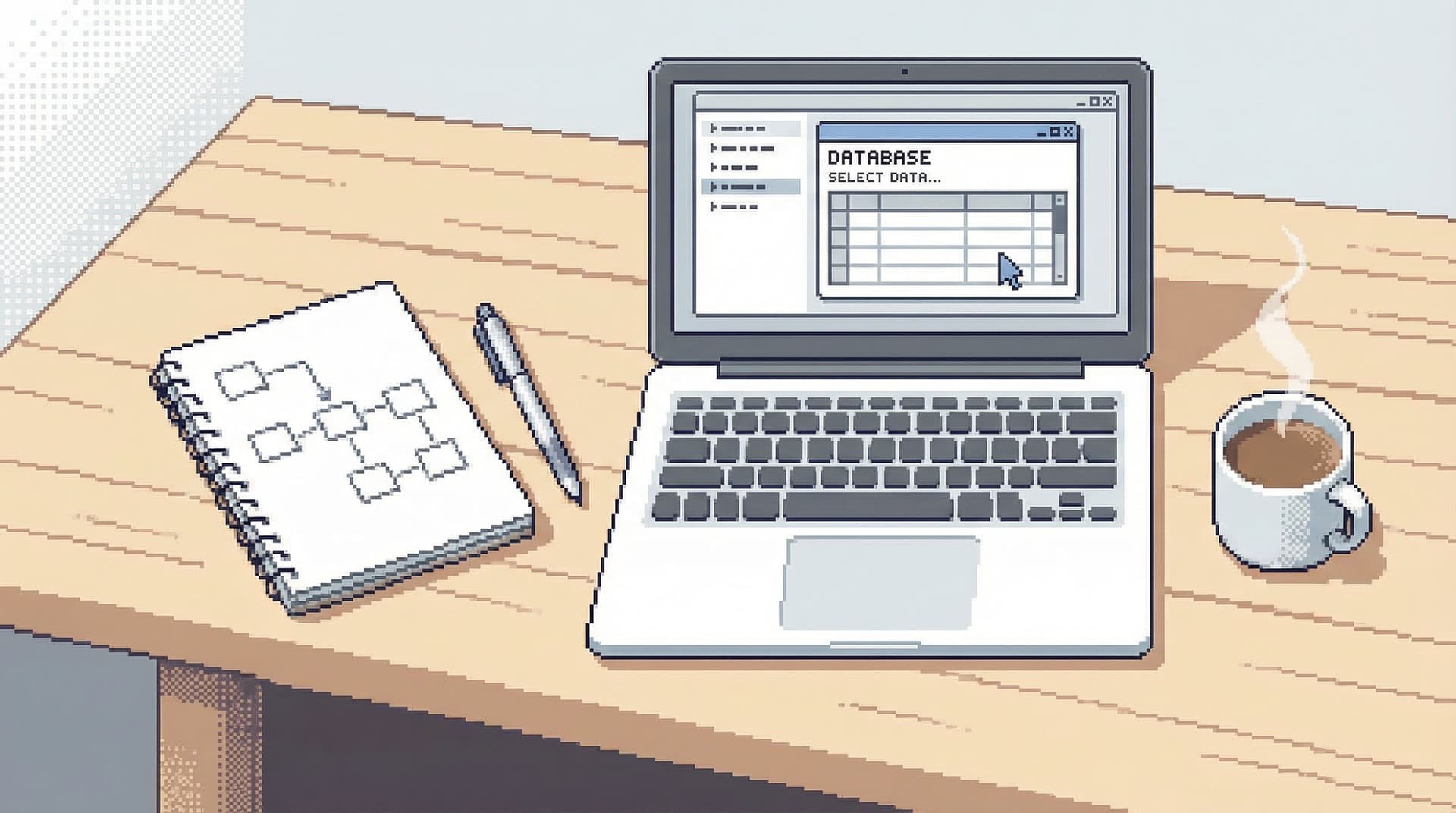
Most database tools assume that more surface area means more power.
More tabs. More panels. More overlays on top of overlays.
You get a cockpit. You also get the feeling that every query is happening in the middle of a crowded room.
A single-window database session is a different stance: one window, one visible task, one coherent trail of thought. No tab explosions. No side panels you “might need later.” Just you, the data, and a clear path from question to answer.
Tools like Simpl are built around this idea by design.
Why a Single Window Matters
Engineers already spend their days juggling editors, terminals, dashboards, and Slack. When your database tool adds its own set of tabs and panels, you’re not getting more insight—you’re multiplying context switches.
A single-window session pushes against that:
- Less context switching. You don’t bounce between 10 query tabs, each in a different half-finished state.
- Stronger mental model. You see one path through the data, not six competing attempts.
- Lower risk. Fewer open canvases means fewer chances to run the wrong query in the wrong place.
- Better stories. A single, linear trail is easier to share and replay than a maze of tabs. (This is the core argument in From Tabs to Trails and Read Trails, Not Logs.)
Most importantly, a single window is a forcing function. It makes you pick what matters next instead of keeping every possibility open at once.
What a Single-Window Session Actually Looks Like
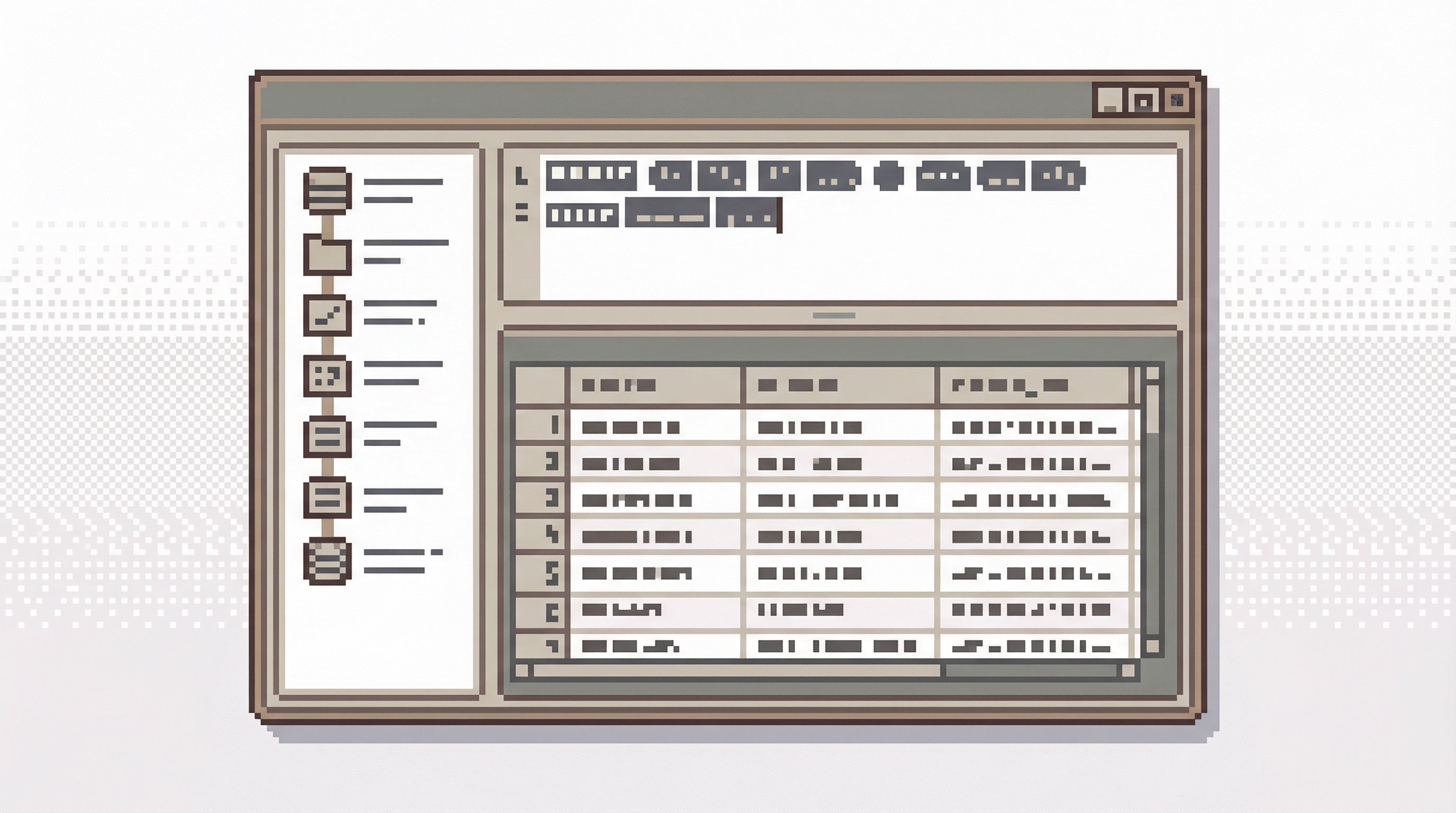
Single-window doesn’t mean minimal features. It means minimal simultaneous surfaces.
Picture this:
- One main area where you:
- Run a query
- See the results
- Add a short note or label
- A narrow, chronological history of what you’ve done in this session
- Lightweight navigation to move between tables or saved trails, but only when you need it
No:
- Floating modals over query results
- Stacked panels for logs, charts, and schema at the same time
- Nested tab bars (tabs inside tabs inside split panes)
You’re always looking at one state of the investigation, not five half-visible ones.
The Cost of Tabs, Panels, and Overlays
Tabs and panels feel harmless. They’re standard UI. But they quietly change how you work.
1. Tabs encourage parallel, not sequential, thinking
When your database browser behaves like an IDE, it nudges you toward:
- Opening a new tab for every idea
- Half-finishing queries “for later”
- Jumping between contexts instead of finishing one thread
That’s fine for code editing, where you’re assembling a static artifact. For data work, where the state of the world matters and context is fragile, it’s a problem.
You don’t need 12 partial investigations. You need one clear storyline.
We’ve written before about why this matters in Why Your Database GUI Feels Like an IDE (and Why That’s a Problem). The short version: tools teach habits, and IDE habits don’t map well to production data.
2. Panels dilute your attention
Schema browser on the left. Query editor in the middle. Results at the bottom. Logs on the right. Metrics in a flyout.
Nothing is wrong with any one of these. The problem is all of them at once.
Every panel:
- Competes for your eye
- Adds another interpretation of what’s going on
- Increases the chance you miss the one detail that actually matters
During incidents or tricky debugging, that’s how teams burn 45 minutes without making a single real decision. We explored this pattern in The Quiet Debugger and Incident Triage Without the Firehose.
3. Overlays break your sense of place
Overlays—modals, popovers, multi-step wizards—are a subtle tax:
- They hide the trail behind the current action
- They force you to remember what you were doing before the overlay appeared
- They make it harder to see how this step fits into the broader investigation
A single-window session avoids that. You stay grounded in one place. New steps append to the trail; they don’t cover it.
Principles of a Single-Window Database Session
If you want to structure deep work around one window, a few principles help.
1. One question per session
Start each session by naming it with a clear question:
- “Why did user 48321 churn on February 3?”
- “Are retries spiking for the invoice worker?”
- “Is the new subscription flow double-creating orders?”
Then treat everything in that window as serving that question.
If you find a new, unrelated question, start a new session.
This sounds strict. It’s not. It’s how you:
- Keep trails readable
- Make it easy to share context asynchronously
- Avoid turning every session into a junk drawer
Tools like Simpl lean into this by centering work around named sessions and trails instead of raw query history.
2. One visible step at a time
At any moment, your window should show:
- The current query and result
- A short, visible history of previous steps
That’s it.
No stacked editors. No multiple result grids. If you need to compare two queries, use the trail:
- Step 3: baseline query
- Step 7: refined query
You can always jump back and forth, but you’re never looking at both full contexts at once. Your attention is the scarce resource; the tool should protect it.
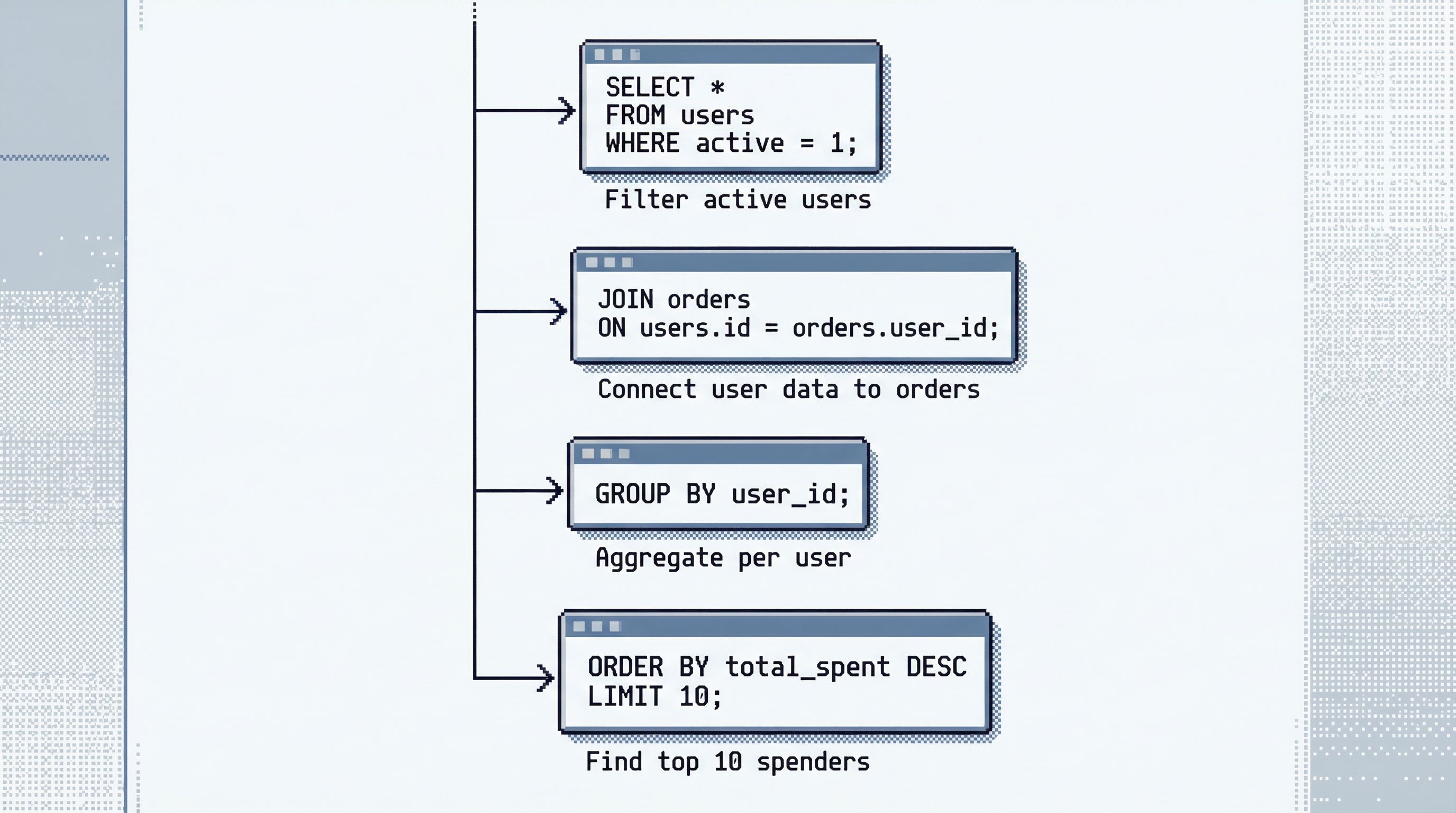
3. Trails instead of tabs
Tabs are parallel. Trails are sequential.
A trail is:
- A linear sequence of queries, filters, and notes
- Tied to a specific question or incident
- Something you can hand to a teammate and say, “Start here”
This is the core idea behind From Tabs to Trails and Read Trails, Not Logs: treat database work as a narrative, not a pile of artifacts.
In a single-window session, the trail is the main navigation model. You don’t juggle tabs; you move forward and backward along a story.
4. Minimal state per step
Each step in the trail should capture just enough to be:
- Reproducible – the exact query, parameters, and environment
- Understandable – a one-line note: “Checked user’s active subscriptions; none after Feb 3.”
Avoid steps that try to do too much:
- “Pulled all user events for last 90 days, joined to payments, eyeballed for anomalies”
Break that into smaller, named moves. Your future self (or a teammate) will thank you.
How to Run a Single-Window Session in Practice
You don’t need a new tool to start working this way, though opinionated browsers like Simpl make it easier. You can bring these patterns into almost any setup.
Step 1: Name the session and write the question
Before the first query:
- Create a new session, document, or scratchpad.
- Write a single, clear question at the top.
- Optionally add a short checklist of what “done” looks like:
- Understand user’s billing history
- Confirm whether we double-charged
- Capture final query that proves the answer
This keeps you from drifting into unrelated side quests—something we dug into in Database Work Without the Side Quests.
Step 2: Close the extras
Deliberately shut down:
- Extra tabs in your database GUI
- Additional windows of the same tool
- Overlays that show logs, charts, or schema unless you need them right now
If your tool allows it, switch to:
- A “focus” or “zen” mode
- A layout with a single editor and a single result pane
If it doesn’t, simulate it by:
- Resizing the window to hide side panels
- Collapsing schema trees and secondary panes
The goal is simple: one field of view, one task.
Step 3: Work in small, named steps
For each move you make:
- Write or adjust a query.
- Run it.
- Add a one-line note:
- “Confirm user exists and is active in
users.” - “Check last 10 invoices for this user.”
- “Compare charge timestamps to Stripe events.”
- “Confirm user exists and is active in
Even if your tool doesn’t support notes inline, you can:
- Keep a Markdown file alongside your session
- Number each step and paste the query + summary
This feels slower at first. It’s not. It replaces:
- Re-running the same query five times
- Re-deriving context you had 10 minutes ago
- Re-explaining your reasoning to teammates later
Step 4: Avoid branching inside the session
When you feel the urge to:
- Open a new tab for “a quick check”
- Run a totally different investigation
- Explore a side question that’s “probably related”
Pause and decide:
- Is this necessary to answer the current question?
- Yes → make it the next step in the same trail.
- No → write it down as a follow-up and defer it.
If it’s truly urgent but distinct, start a new session and give it its own question.
Step 5: End with a clear conclusion and a final query
When you think you’re done, don’t just close the window.
Add two final pieces to the trail:
- Conclusion note
- “User churned because their payment failed three times; no double charge. Root cause is card decline, not our billing logic.”
- Canonical query (or small set of queries)
- The minimal SQL that proves the answer
This is what turns your single-window session into a reusable asset instead of a one-off. It’s also what makes async debugging possible, as we covered in Async Debugging: How to Share Database Context Without Spinning Up a Meeting.
Designing Tools That Make Single-Window Work the Default
If you’re building or choosing database tools, you can make this style of work the path of least resistance.
Here are patterns we’ve leaned on in Simpl and seen work well elsewhere.
Prefer sessions over connections
Most tools center around “connect to database, then do whatever.” A single-window model instead centers around sessions:
- Each session has a name and purpose
- History is scoped to that session
- Sharing happens at the session level, not per-query
This keeps trails tight and readable.
Limit visible surfaces on purpose
Instead of:
- Unlimited tabs
- Arbitrary split panes
- Persistent overlays
Favor:
- One primary query + results view
- A compact, always-visible trail
- On-demand overlays that disappear when you’re done
This is the same philosophy behind Quiet by Design and Designing Database Tools for Deep Work: the UI should be quiet by default.
Make notes and conclusions first-class
If your tool can:
- Let users attach short notes to each step
- Encourage a final “conclusion” block at the end of a session
…you turn every deep work session into a documented artifact.
This changes how teams think about database work:
- Less “just run this query”
- More “here’s the trail that answers this question”
Default to safe, focused access
Single-window deep work is easier when you’re not worried about blowing up production.
Combine this model with:
- Read-only by default connections
- Guardrails around dangerous statements
- Opinionated read paths for common questions
We’ve written about this in Safe by Default and Opinionated Read Paths. The gist: calm attention comes from safety plus focus.
Summary
A single-window database session is not an aesthetic choice. It’s a working agreement:
- One question per session
- One field of view at a time
- A linear trail instead of scattered tabs
- Small, named steps with clear notes
- A final conclusion and canonical query
This structure:
- Protects your attention
- Reduces incident risk
- Makes async collaboration natural
- Turns ad-hoc exploration into reusable stories
You don’t need a perfect tool to start. You can approximate this style with any database client and a simple text file. But tools like Simpl are built to make this the default, not a personal discipline project.
Take the First Step
You don’t have to redesign your entire workflow.
For your next piece of database work, try this:
- Open a single window for the database.
- Write the question at the top.
- Run your investigation as a linear trail of small, named steps.
- End with a short conclusion and one canonical query.
Notice how it feels.
If you want a tool that’s opinionated in this direction out of the box, try running your next session in Simpl. One window. One trail. A calmer way to work with your data.