Database Work Without the Dopamine: Escaping the Refresh-Query-Refresh Loop

The most common database workflow on engineering teams is also the least intentional:
- Open a console or dashboard.
- Type a query.
- Hit run.
- Refresh. Tweak. Refresh again.
- Repeat until your brain gets a small hit of “something changed.”
It feels productive. You’re “doing work.” Rows are moving. Charts are wiggling. But most of the time, you’re just riding a loop: refresh, query, refresh.
This post is about getting out of that loop—and what database work looks like when it’s calm, deliberate, and shaped around real questions instead of micro‑dopamine hits.
Tools like Simpl exist for exactly this: a focused database browser for reading and understanding data without the noise of full BI or admin consoles. But the stance here applies no matter what you use.
Why the Refresh Loop Is So Sticky
The refresh‑query‑refresh loop isn’t an accident. It’s baked into how many tools are designed—and how our brains respond to them.
A few quiet forces at work:
-
Instant feedback feels like progress. Every time you hit “Run,” you get a visible change: new rows, a different count, another chart. That’s a tiny reward, even if you didn’t learn anything new.
-
Blank editors reward motion, not clarity. A wide‑open SQL box or search bar pushes you to “just try something.” The fastest way to feel less stuck is to run any query, not necessarily the right one.
-
Dashboards and consoles are optimized for liveness. Auto‑refreshing tables, live charts, streaming logs—these are tuned for “what’s happening right now,” not “what do I actually need to understand.”
-
Incidents amplify it. Under pressure, teams fall back to the quickest visible feedback. That’s why so many incidents turn into tab mazes and repeated queries instead of a straight line from alert to row. Posts like From Dashboards to Data Trails: A Minimal Workflow for Following an Incident Across Services go deep on this.
The result:
- You exhaust attention on shallow probes.
- You re‑ask the same questions in slightly different SQL.
- You never quite trust that you’ve “seen enough,” so you keep refreshing.
The cost isn’t just time. It’s confidence. Database work starts to feel like slot‑machine debugging instead of calm reading.
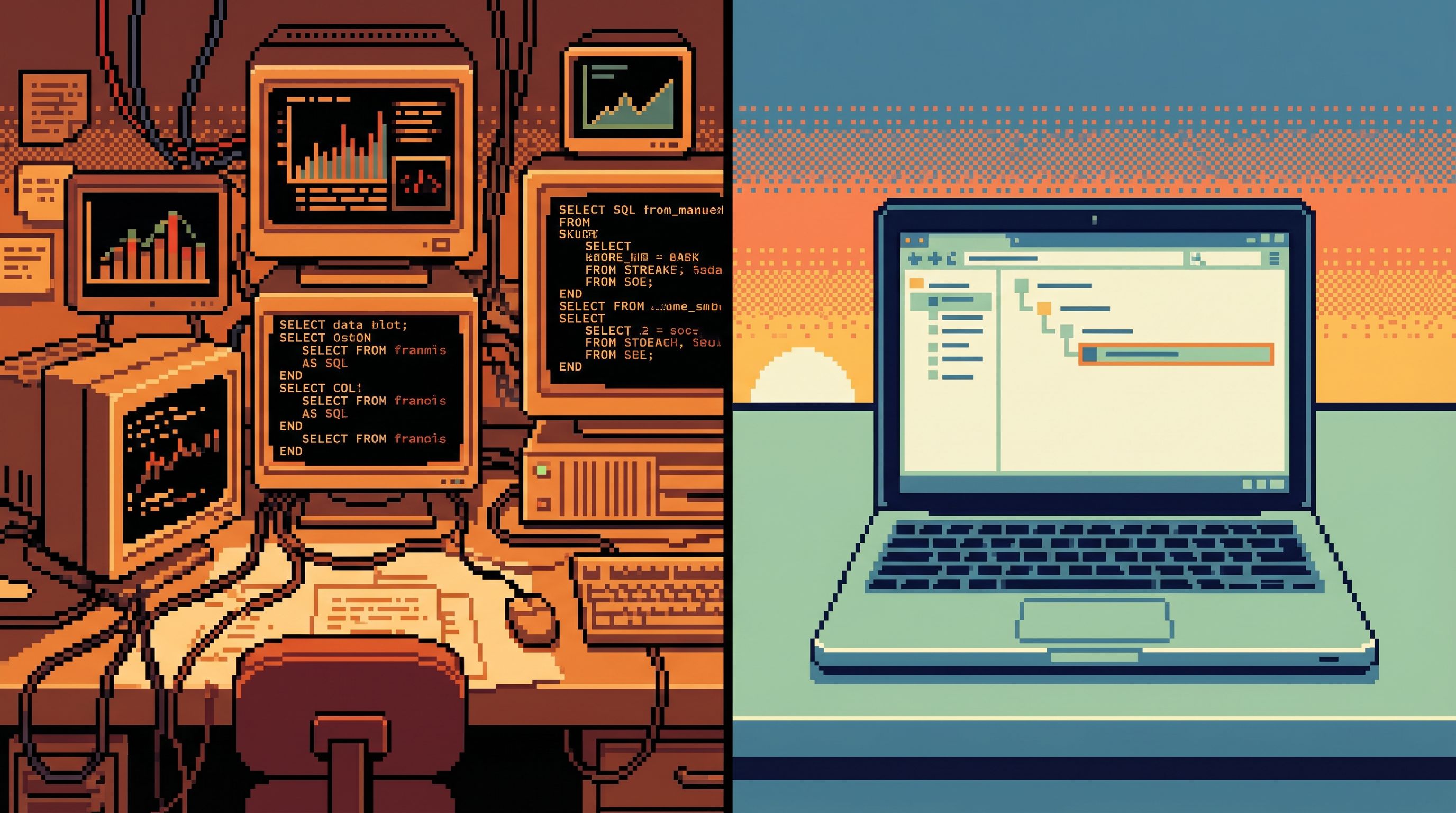
What Work Looks Like Without the Dopamine
Escaping the loop doesn’t mean slowing down. It means changing what you optimize for.
Instead of:
- “How quickly can I run the next query?”
You want:
- “How quickly can I get to a stable understanding of what’s happening?”
That shift has a few concrete characteristics.
1. Questions First, Queries Second
Most noisy sessions start with SQL and hope a question emerges.
A calmer pattern is the opposite:
-
Name the question in plain language.
- “What exactly happened to order
123from checkout to refund?” - “Which jobs are currently stuck in
processingfor more than 10 minutes?”
- “What exactly happened to order
-
Write down what “done” looks like.
- “I can point to the exact rows that show where this order got stuck.”
- “I have a list of job IDs and owners for follow‑up.”
-
Only then translate into queries.
This sounds trivial. It isn’t. It’s the difference between:
- Running 20 slightly different SELECTs that all “look interesting,” and
- Running 3 narrow queries that each have a clear purpose in your investigation.
Tools like Simpl push you gently in this direction by centering real‑world questions (customers, orders, incidents) instead of raw tables. Posts like The Calm Catalog: Mapping Production Tables to Real-World Questions, Not Schemas explore this idea in more detail.
2. Narrow Paths, Not Open Maps
The refresh loop thrives on breadth:
- Every table is one click away.
- Every query is a blank canvas.
- Every incident becomes a tour of the entire schema.
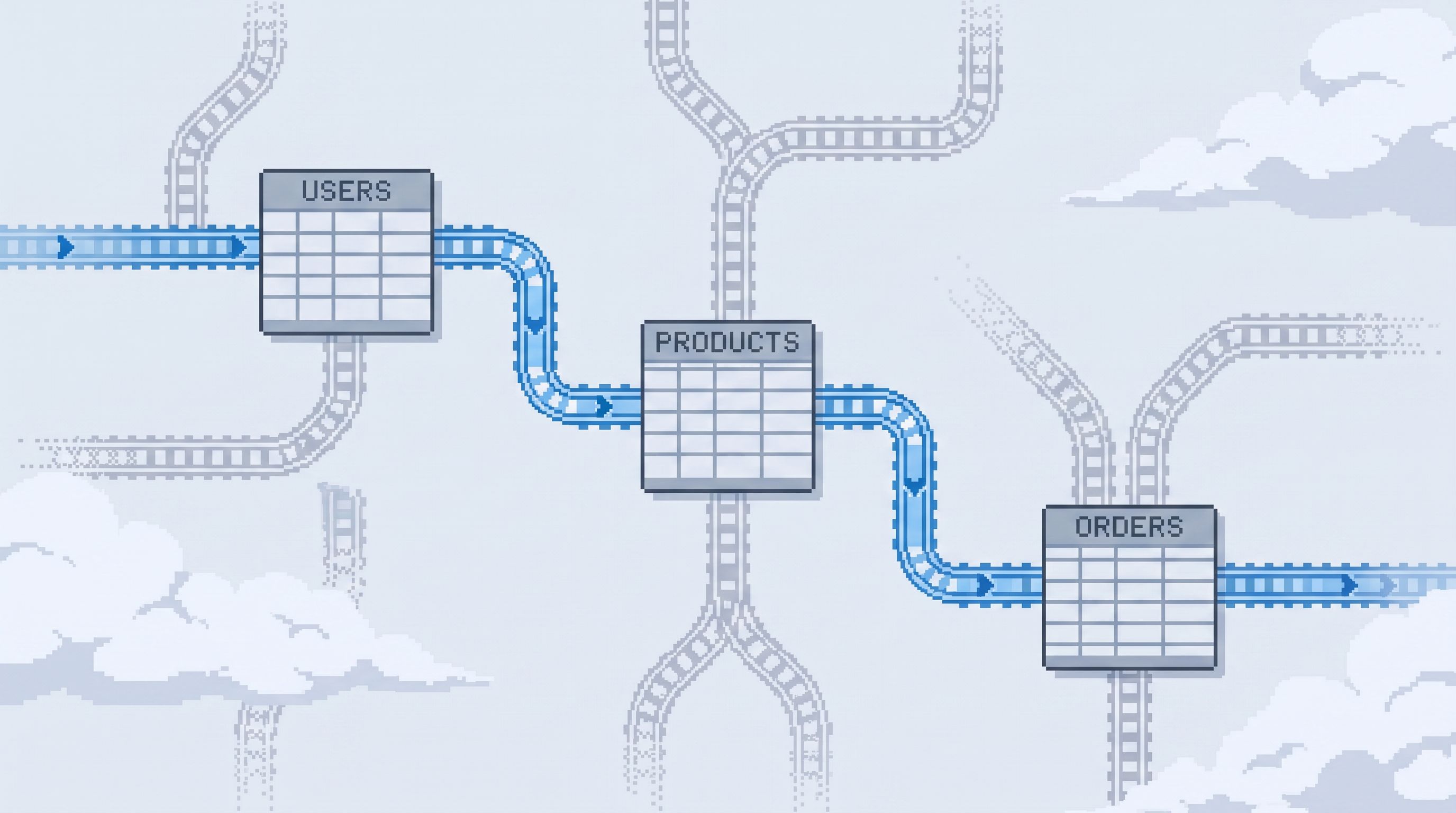
A calmer stance is to accept that most work follows a small set of recurring paths:
- “Follow a single user’s journey through sign‑up, billing, and churn.”
- “Trace one order across
orders,order_items,payments, andrefunds.” - “Check the health of a batch job across
runs,logs, andresults.”
Once you admit that, you can design read rails:
- Opinionated entry points for common questions.
- Pre‑shaped joins and filters for typical investigations.
- Guardrails that make it hard to wander into unrelated tables mid‑incident.
You’re not losing power. You’re trading option volume for attention quality.
If you’re using Simpl, this shows up as narrow, opinionated trails instead of a giant query history or bookmarks graveyard—an approach we unpack in Database Work Without Bookmarks: Using Opinionated Trails Instead of Saved Queries.
3. Stable Views Instead of Constant Refresh
The loop depends on novelty: you hit refresh because you expect something to change.
You can blunt that impulse by separating:
- “Snapshot views” – what happened for a given incident, user, or time window.
- “Live views” – what’s happening right now.
Most database work, especially around debugging and support, is actually snapshot work:
- “What happened to this order yesterday?”
- “What did this migration do to these rows?”
In those cases, refreshing is usually noise. The underlying data isn’t changing meaningfully anymore.
A calmer workflow:
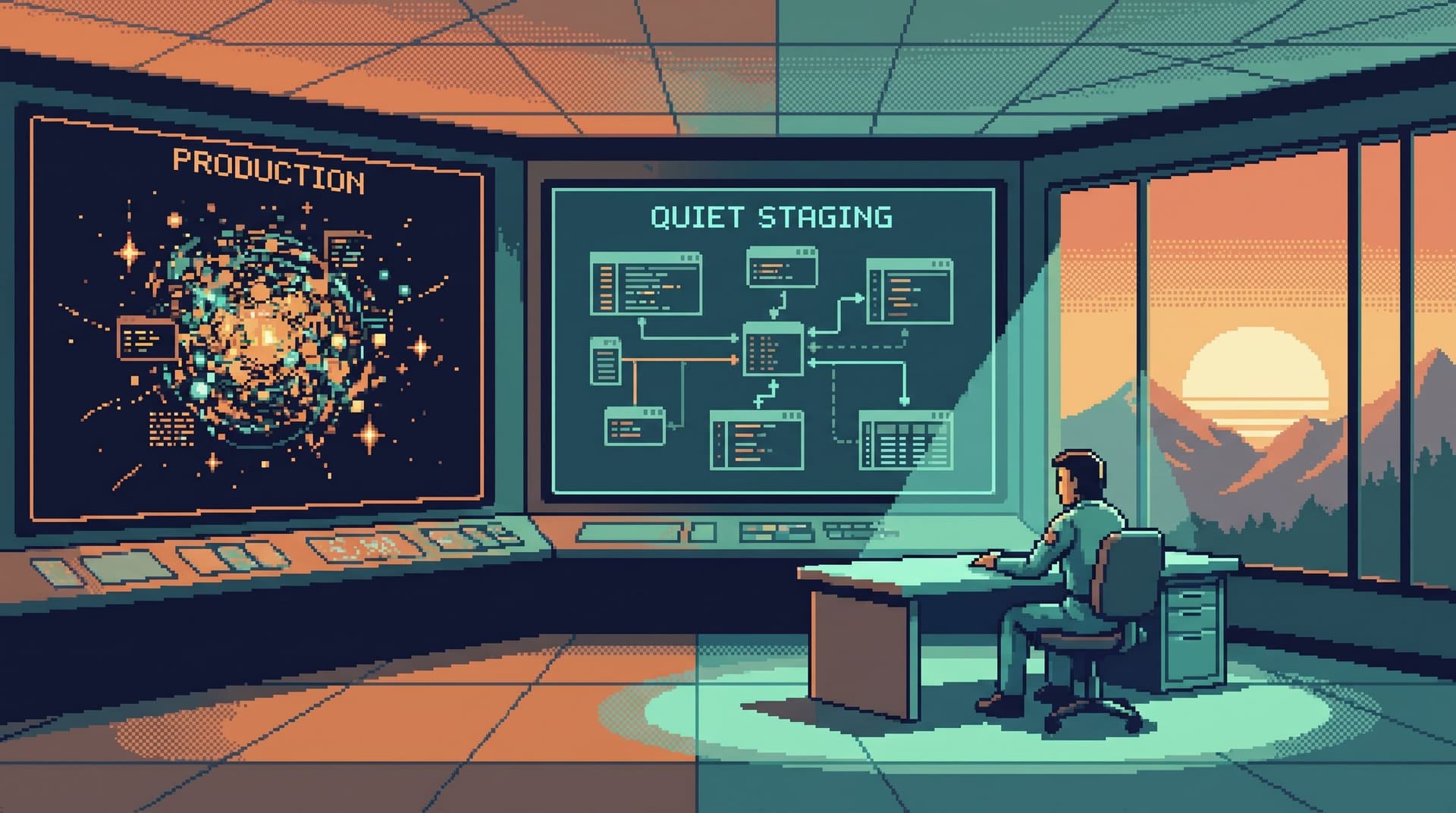
- Treat each investigation as a snapshot trail. You fix a time window, a set of IDs, or a version of the system, and you freeze that context.
- Only reach for live views when you genuinely care about ongoing change (e.g., monitoring a stuck queue draining).
Practically, this can look like:
- Pinning a
WHERE created_at BETWEEN ...window early. - Using consistent reference IDs (user, order, job) across all queries.
- Saving or sharing links to specific trails instead of generic “latest” views.
This is also what enables quiet handoffs: you can send someone a link to “the exact trail I followed” instead of “open the console and keep refreshing.” We dug into that in The Quiet Handoff: Sharing Production Database Context Without Screenshares or Zoom.
Designing Your Own Anti‑Loop Workflow
You don’t need to rebuild your stack to escape the refresh loop. You need a few deliberate defaults.
Here’s a concrete way to reshape how your team works with databases.
Step 1: Name the Loops You Already Have
Start by observing, not fixing.
For a week, ask people to capture short notes after any database session:
- What were you trying to answer?
- Which tools did you use?
- Roughly how many queries did you run?
- How many were “re‑runs with small tweaks”?
You’ll quickly see patterns:
- The “support ticket” loop: look up user → run a few ad‑hoc queries → screenshot to Slack.
- The “incident” loop: dashboard alert → console → 20 exploratory queries → back to dashboard.
- The “migration check” loop: run migration → refresh table repeatedly → hope counts look right.
The goal is not to shame anyone. It’s to see where motion is substituting for understanding.
Step 2: Pick One High‑Leverage Path
Don’t try to fix everything. Choose one path where the loop is especially painful:
- On‑call incident debugging.
- Customer support escalations.
- Post‑deploy validation.
Ask:
- What is the first concrete question people usually have here?
- What are the 3–5 tables that matter most to answer it?
- What are the 1–2 key filters (IDs, statuses, time windows) that define the scope?
Write that down as a single, opinionated workflow, for example:
“Given an order ID, show me:
- The order row.
- The related payments and refunds.
- Any background jobs that touched it.
- The current customer state.”
That’s your candidate rail.
Step 3: Turn That Path into a First‑Class Object
Now, encode that workflow into your tools so it’s easier to follow the rail than to freestyle.
Depending on your stack, that might mean:
- A purpose‑built internal page that takes an order ID and renders all relevant views.
- A set of saved queries or views that are clearly named and linked together.
- A trail in a browser like Simpl that walks from one table to the next with scoped filters.
The key properties:
- Narrow entry – you start from a concrete anchor (ID, incident, ticket).
- Guided steps – each step answers a specific sub‑question.
- Minimal branching – it’s hard to wander off into unrelated tables.
You’re designing a calm default: when something breaks, this is the path people naturally fall into.
Step 4: Remove Friction from the Calm Path
A rail that’s “technically available” but clumsy to reach will lose to the dopamine loop every time.
Make the calm path the easiest path:
- Link it directly from alerts, tickets, or support tools.
- Add one‑click “open in browser” actions from logs or traces.
- Promote it in runbooks as the first step, not a fallback.
For example:
- Your alert for “checkout error rate high” links directly to an incident browser view for a sample failing order.
- Your support tool’s “view in DB” button opens a focused customer trail instead of dropping people into a generic admin console.
This is where a focused browser layer shines. Posts like Post-Admin, Pre-CLI: Where a Focused Database Browser Actually Fits in Your Stack and Designing Read Rails: How Opinionated Query Paths Reduce Risk and Cognitive Load go deeper on this design.
Step 5: Add Gentle Guardrails Against the Loop
You can’t willpower your way out of the refresh habit. You need tools that make it slightly harder to fall back into it.
Some practical patterns:
-
Scoped sessions
Start every session by picking a scope (user, order, incident, time window). Tools should carry that scope automatically into new queries. -
Opinionated history
Instead of a raw query log, keep a structured history of trails: ordered steps, context, and conclusions. Make it easier to reuse a trail than to re‑type a query. -
Soft limits on “run everywhere”
Nudge people away fromSELECT *on hot tables or unbounded scans. Push them toward filtered, paginated reads. -
Snapshot by default
When you open a past incident, show the state as it was during the incident window, not “current” rows.
A browser like Simpl is built around these kinds of defaults: scoped trails, calm history, and subtle guardrails that make dangerous or noisy queries feel unnatural.
Small Habits That Quiet the Loop
You don’t need a full redesign to feel the benefits. A few small personal habits go a long way.
Consider adopting these as team norms:
-
Write the question above the query.
Add a short comment:-- What happened to order 123 from payment to refund?
This forces clarity and makes history readable. -
Set the window early.
AddWHERE created_at BETWEEN ...orWHERE id = ...before you start exploring. Don’t wait until after you’ve already scanned half the table. -
Limit yourself to three “generations” of a query.
If you’ve tweaked the same query three times and still don’t have the answer, stop. Revisit the question, not the SQL. -
Use links, not screenshots.
When you find something important, share a link or a saved trail. This reduces repeated queries and turns your work into shared memory. -
Close the tab when you’re done.
When you reach “done” as you defined it at the start, close the console. Don’t idle with live views open just because it feels productive.
These habits compound. Over time, they turn database work from a series of dopamine hits into a quiet, reliable practice.
Bringing It All Together
Database work without the dopamine looks different:
- You start from questions, not consoles.
- You move along narrow, opinionated paths instead of wandering the schema.
- You treat investigations as trails and snapshots, not infinite live feeds.
- Your tools gently nudge you away from blind querying and toward calm reading.
The payoff is not just fewer queries. It’s:
- Faster incident resolution – less wandering, more direct paths from alert to row.
- Safer production access – fewer risky “just trying something” queries.
- Better team memory – trails you can reuse and hand off quietly.
- Lower cognitive load – sessions that feel like reading a story, not scanning a firehose.
Take the First Step
You don’t have to fix your entire stack this week.
Pick one concrete move:
- Choose a single high‑leverage path (support ticket, incident, migration check).
- Write down the ideal trail for that path in plain language.
- Turn it into a first‑class object in your tools—a focused view, a set of linked queries, or an opinionated trail in a browser like Simpl.
- Share it with your team and ask them to try it before opening a generic console.
Once one path feels calmer, add another. Over time, the refresh‑query‑refresh loop stops being the default. It becomes the exception.
That’s the real goal: database work that feels steady, readable, and shared—a quiet layer in your stack instead of a loud one.