Production Data Without Pager Anxiety: Guardrails That Actually Get Used

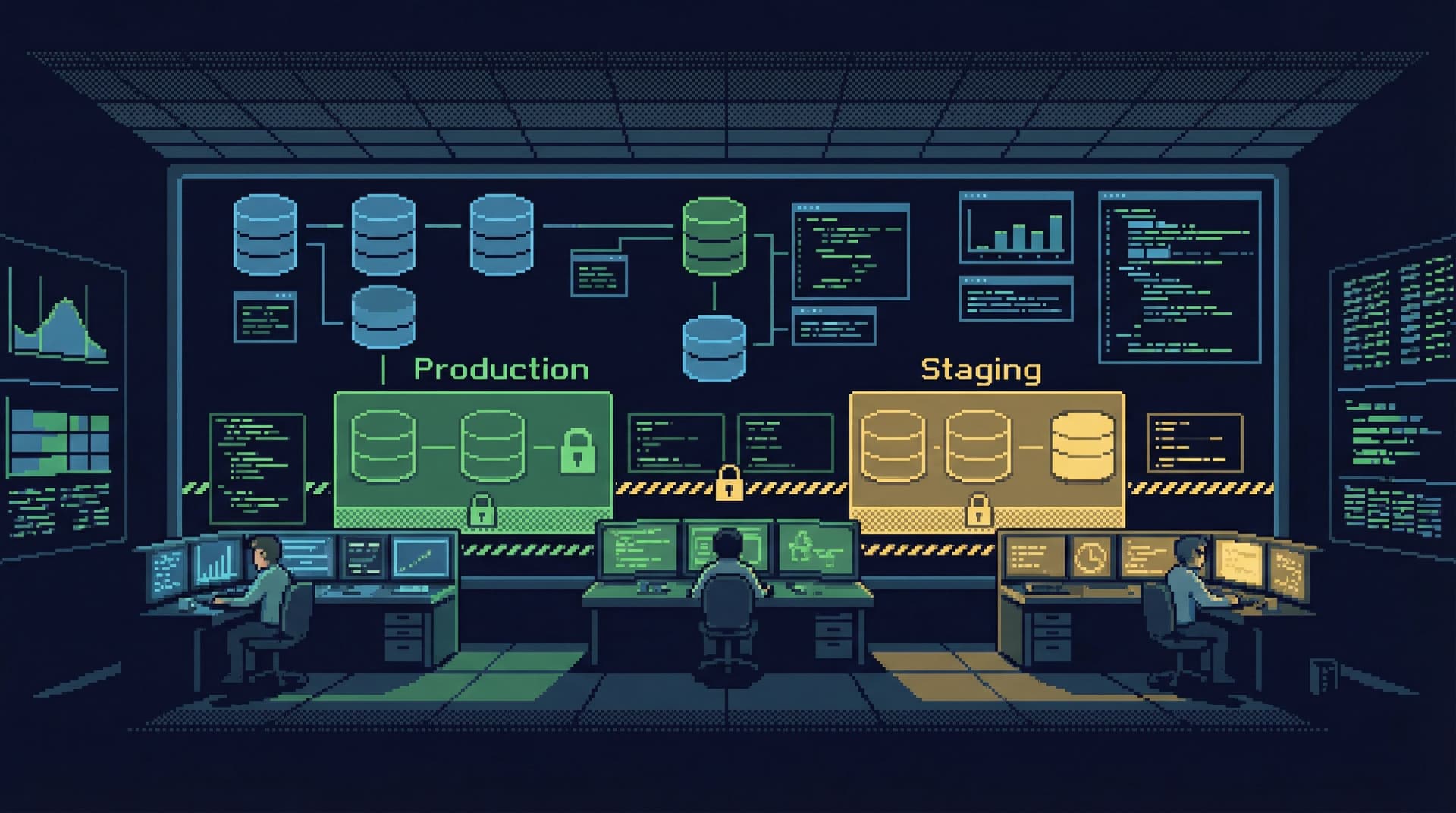
Production data should feel slightly dangerous.
Not because you’re one typo away from an outage, but because it deserves respect. The problem is that most teams either:
- Pretend the danger isn’t there and let anyone run anything, or
- Smother access in process and permissions until nobody can get real work done.
Both paths create pager anxiety. One through real risk. The other through constant friction, shadow tools, and brittle workarounds.
There’s a quieter path: design guardrails that people actually use.
Guardrails that:
- Make the safe path the easiest path
- Keep production observable without making it editable by default
- Turn scary operations into deliberate, reviewable flows
This is where tools like Simpl fit: an opinionated database browser that assumes you care about calm, safe interaction with production data, not full admin powers.
Why this matters more than another runbook
Pager anxiety rarely comes from the incident itself. It comes from the uncertainty around it:
- “What if I run the wrong query while debugging?”
- “What if someone pastes this snippet from Slack into prod?”
- “What if I misread this table and ship the wrong fix?”
Guardrails help in three ways:
- They narrow the blast radius. Mistakes still happen, but they’re smaller and easier to roll back.
- They clarify what’s allowed. People stop guessing which queries are “fine” and which are “risky.”
- They reduce cognitive load under stress. During an incident, you follow known paths instead of improvising with raw SQL.
If you’ve ever watched someone debug a production issue directly in psql with no logging, no dry run, and no second pair of eyes, you’ve seen the opposite of this.
Guardrails are not about distrust. They’re about making the responsible behavior the default.
For more on how structure reduces chaos in everyday querying, see From Ad-Hoc Queries to Repeatable Flows: Systematizing How Your Team Looks at Data.
Why traditional guardrails fail
Most teams already have something in place:
- A production-only VPN
- Limited database roles
- A “no writes in prod” cultural norm
- A wiki page of “dangerous queries”
Yet incidents still come from:
- A quick
UPDATEwithout aWHERE - A migration run against the wrong database
- An ad-hoc script pointed at production instead of staging
The failure is usually not policy. It’s design.
Common patterns that don’t work well:
- Friction walls. Tools so locked down that people bypass them with direct connections or local scripts.
- Permission theater. One powerful shared account, guarded only by a password in a password manager.
- Documentation graveyards. Runbooks nobody opens because they’re long, stale, or hard to find.
- All-or-nothing access. Either you’re in prod with full SQL, or you’re out entirely.
Useful guardrails share a few traits:
- They’re visible at the moment of action, not buried in Confluence.
- They shape the default path instead of relying on heroics.
- They respect the need for speed during incidents, while still leaving a trail.
Principle 1: Read-first, write-later
The simplest way to make production safer: separate seeing from changing.
A read-first workflow means:
- You inspect production data before you even consider mutating it.
- You treat
SELECTas the primary tool andUPDATE/DELETEas rare, deliberate operations. - You design your tools so that reading is smooth and writing is clearly special.
This is not just philosophy. It’s a concrete design choice. We went deeper on this in The Case for a Read-First Database Workflow.
How to implement this in practice:
-
Separate read and write roles.
- Default role: read-only access to production.
- Elevated role: time-bound, audited, explicit for writes.
-
Use tools that bias to read.
- In Simpl, the core experience is browsing, filtering, and understanding tables—not running arbitrary mutations.
- In your own stack, prefer UIs that make “view record history” easier than “edit record inline.”
-
Make writes feel different.
- Visual cues (color, banners, warnings) when you’re about to run a write.
- Require a short justification or ticket link before executing.
If your team can’t easily answer “what changed, when, and why?” for production data, you don’t have a read-first workflow—you have a write-first habit with logging.
Principle 2: Guardrails at the point of contact
The best guardrails are not policies. They’re affordances.
When someone is:
- Opening a connection
- Typing a query
- Running a migration
…that’s where the guardrails should live.
Concrete patterns that work
1. Environment labeling everywhere
Make it impossible to confuse staging and production:
- Distinct color themes per environment (e.g., green for staging, red for prod—but calm, not alarming).
- Clear labels in the window title, status bar, and query tab.
- Include environment in prompts, logs, and screenshots.
If your screenshot of a query window doesn’t make it obvious which environment it’s running against, you’re inviting trouble.
2. Safety checks in the query path
Instead of banning certain queries outright, add soft constraints:
- Warnings for
UPDATEorDELETEwithout aWHEREclause. - Soft limits on
SELECT *from very large tables, with an option to override. - Confirmation prompts when touching critical tables (e.g.,
users,payments,subscriptions).
Tools like pgAdmin or DataGrip can be configured with some of these behaviors, but often require manual setup. Opinionated tools like Simpl can bake in safer defaults.
3. Time-bounded elevation
Permanent superuser access is easy. It’s also how small mistakes become big incidents.
A calmer pattern:
- Default: everyone uses a read-only role.
- For rare write operations, they request elevated access for a specific window (e.g., 30–60 minutes).
- That elevation is:
- Logged
- Tied to a person
- Automatically revoked after the window
This is standard in infrastructure (e.g., sudo, AWS IAM session policies). It should be normal in database tooling as well.
Principle 3: From one-off fixes to repeatable flows
Many scary moments in production come from “just this once” operations:
- Backfilling a column for a subset of users
- Manually refunding a set of transactions
- Cleaning up bad data from a bug
The pattern is familiar:
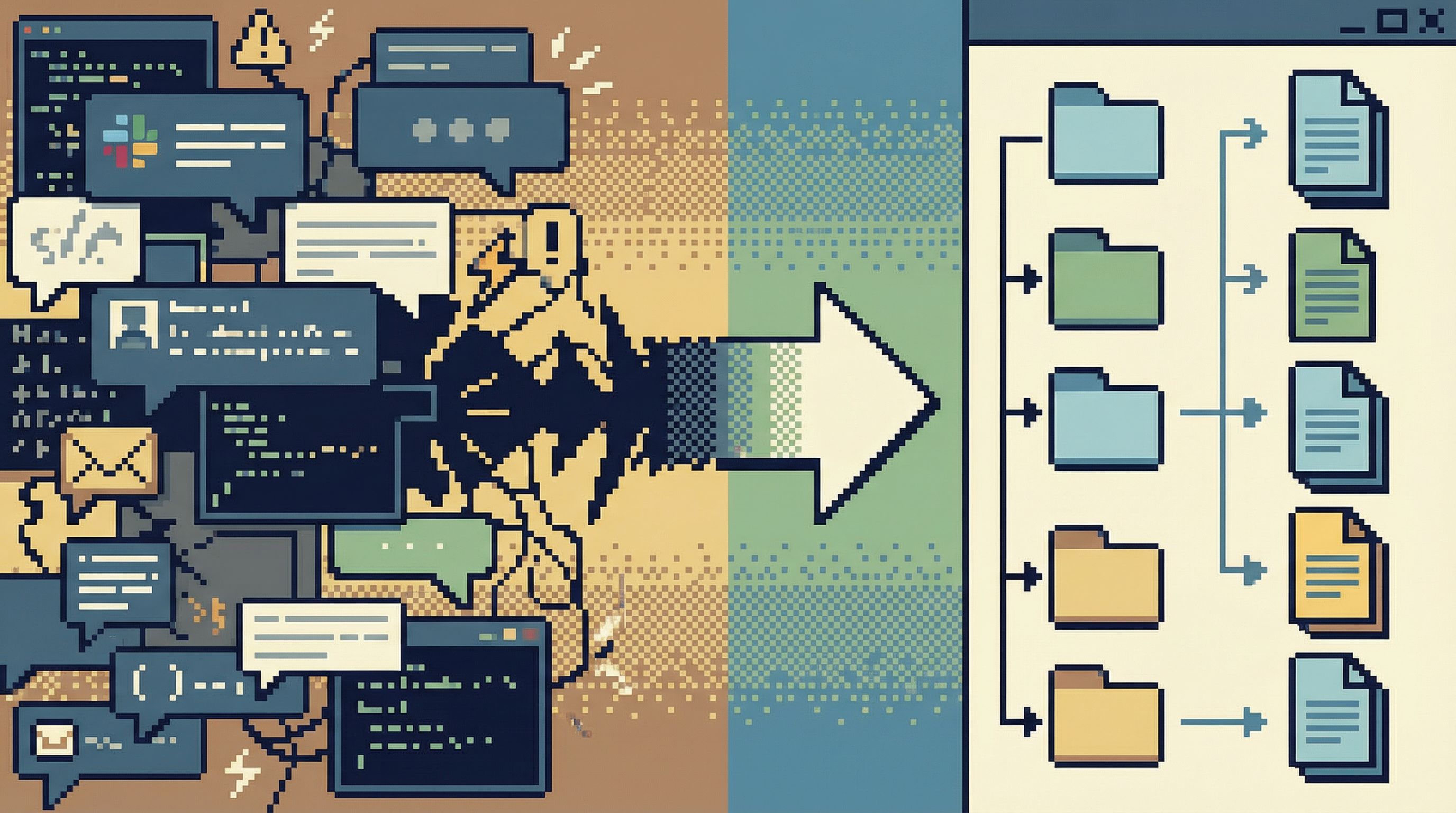
- Someone writes an ad-hoc query in a SQL client.
- It gets tweaked in Slack.
- It gets run directly in production.
- Nobody can find it a week later.
Each time, you’re rolling the dice.
A calmer approach is to turn recurring operations into lightweight, repeatable flows:
- Store the query in version control or a shared library instead of Slack.
- Parameterize it (
user_id,date_range) instead of hardcoding values. - Attach a short description: what it does, when to use it, what to check before running.
Tools like Simpl can help teams move from ad-hoc queries to shared views and flows, so the same incident doesn’t require re-inventing the same risky SQL. We wrote about this shift in From Ad-Hoc Queries to Repeatable Flows: Systematizing How Your Team Looks at Data.
A minimal pattern for repeatable safety
For each recurring operation, capture:
- The query – with parameters clearly marked
- Pre-checks – what to inspect in production before running it
- Post-checks – what to verify after it runs
- Owner – who last updated and approved it
You don’t need a full internal tool for every operation. But you do need more than a disappearing Slack thread.
Principle 4: Design for incidents, not just normal days
Guardrails that are perfect on a quiet Tuesday often fall apart during a Sunday-night incident.
Under pressure, people:
- Bypass tools that feel slow or obstructive
- Revert to whatever gives them direct access
- Skip documentation and rely on memory
So design your safety model with incidents as the primary use case.
Patterns that help:
-
Pre-built incident views
- Saved queries or dashboards for:
- Recent errors by endpoint or service
- Recent writes to critical tables
- Outlier latencies and timeouts
- These should be one click away in your database browser or observability tool.
- Saved queries or dashboards for:
-
Clear “break glass” paths
- A documented, fast way to get elevated access when needed.
- Minimal steps, but strong logging.
- Examples:
- A dedicated on-call role with time-bounded write access.
- A Slack command that triggers a short-lived elevated session, with approval.
-
Post-incident capture
- After each incident, take the most useful queries and turn them into:
- Saved views in Simpl or your database tool
- New pre-built incident dashboards
- The goal: next time, you debug with known flows instead of improvisation.
- After each incident, take the most useful queries and turn them into:
This is the same mindset as Query Fast, Think Slow: Designing Database Tools for Deliberate Work: optimize the mechanics so that, even under stress, you can still think.
Principle 5: Make the safe path feel good
Guardrails only work if people prefer them.
If your “safe” tooling is:
- Slow to connect
- Cluttered with options nobody uses
- Visually noisy and hard to navigate
…people will go back to their local SQL client.
Design the safe path like a product, not a compliance checkbox:
- Fast to open. One click from your internal portal or SSO.
- Clean by default. Only show the environments, schemas, and tables most people need.
- Opinionated. Prefer a few good workflows over infinite flexibility.
This is where opinionated tools like Simpl can help: they trade breadth of features for a calmer, more focused surface that teams actually want to live in.
Your goal is simple: make the guardrailed experience the most pleasant way to work with production data.
Putting it all together: a calm production data setup
Here’s a concrete, minimal setup that reduces pager anxiety without over-engineering.
-
Access model
- Everyone who needs it gets read-only access to production.
- Writes require:
- Time-bounded elevation
- Justification
- Automatic logging
-
Tooling
- A primary database browser (e.g., Simpl) configured to:
- Clearly label environments
- Warn on risky queries
- Encourage saved, shared views
- Local SQL clients allowed, but with read-only credentials for production.
- A primary database browser (e.g., Simpl) configured to:
-
Flows instead of one-offs
- Common operations (backfills, cleanups, refunds) captured as reusable flows:
- Versioned queries
- Parameters
- Pre/post-checks
- Common operations (backfills, cleanups, refunds) captured as reusable flows:
-
Incident-ready views
- A small set of pre-built queries and dashboards for:
- Error spikes
- Recent writes
- Key business tables
- A small set of pre-built queries and dashboards for:
-
Continuous refinement
- After each incident:
- Add or refine one guardrail.
- Turn one improvised query into a saved, shared asset.
- After each incident:
You don’t need a big-bang migration to get here. You can start with one or two changes and let the system grow.
Summary
Production data will always carry risk. The goal is not to remove that risk, but to shape it.
Guardrails that actually get used:
- Favor read-first, write-later workflows
- Live at the point of contact, not in a wiki
- Turn recurring operations into repeatable flows
- Are designed for incidents, not just quiet days
- Make the safe path the most pleasant path
When you do this well, pager anxiety fades. You still respect production. You still move carefully. But you’re no longer relying on heroics and memory. You’re relying on systems.
Start small: one guardrail this week
You don’t need to redesign your entire stack.
Pick one of these to implement this week:
- Split your production access into read-only and time-bounded write roles.
- Add clear environment labeling and color themes to your primary database tools.
- Take the last risky ad-hoc query from Slack and turn it into a saved, parameterized flow.
- Set up a calm, opinionated browser like Simpl as the default way your team explores production data.
The goal is not perfection. It’s direction.
Move one step toward a world where working with production data feels focused, observable, and calm—without the constant hum of pager anxiety in the background.