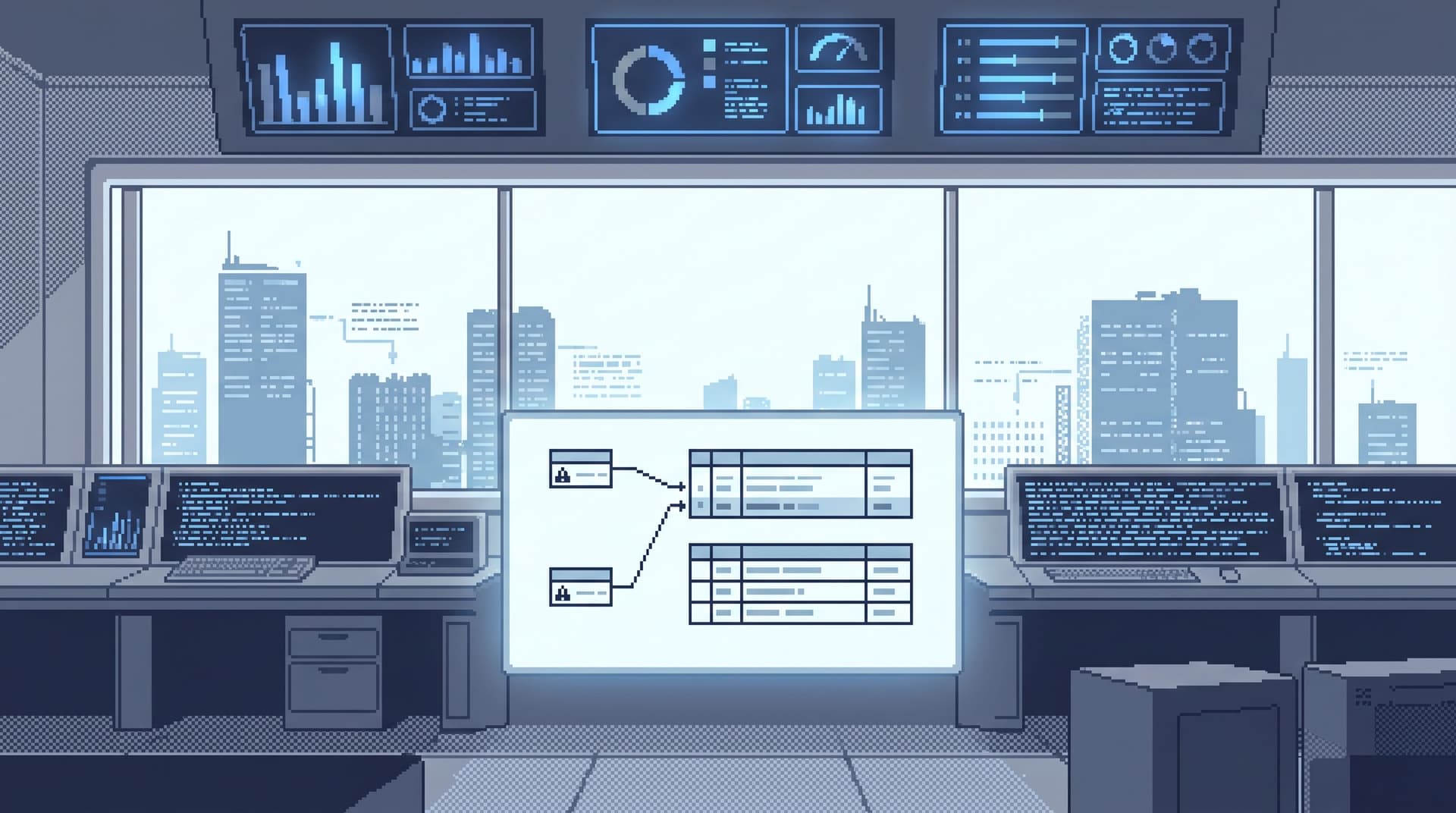
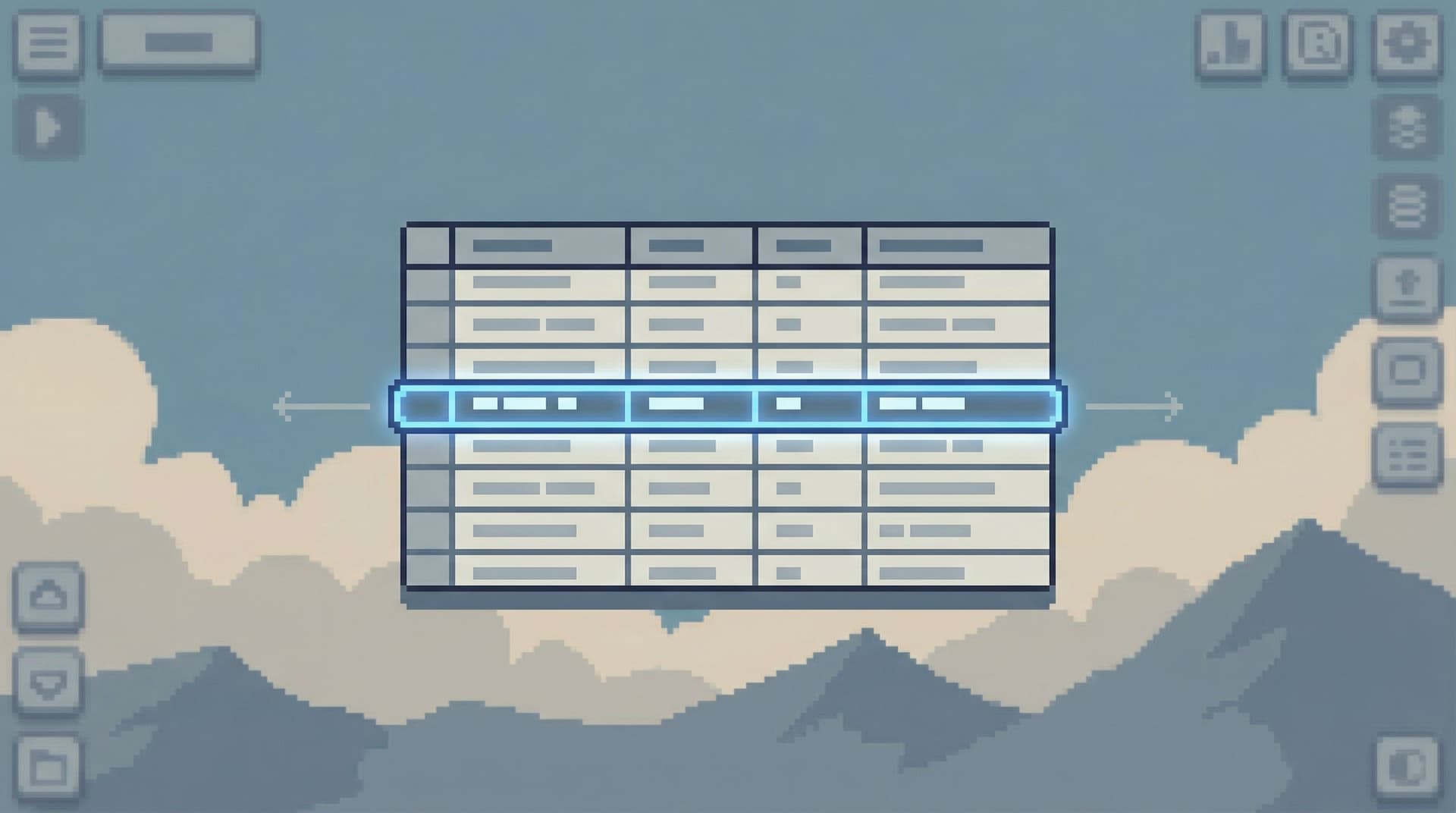
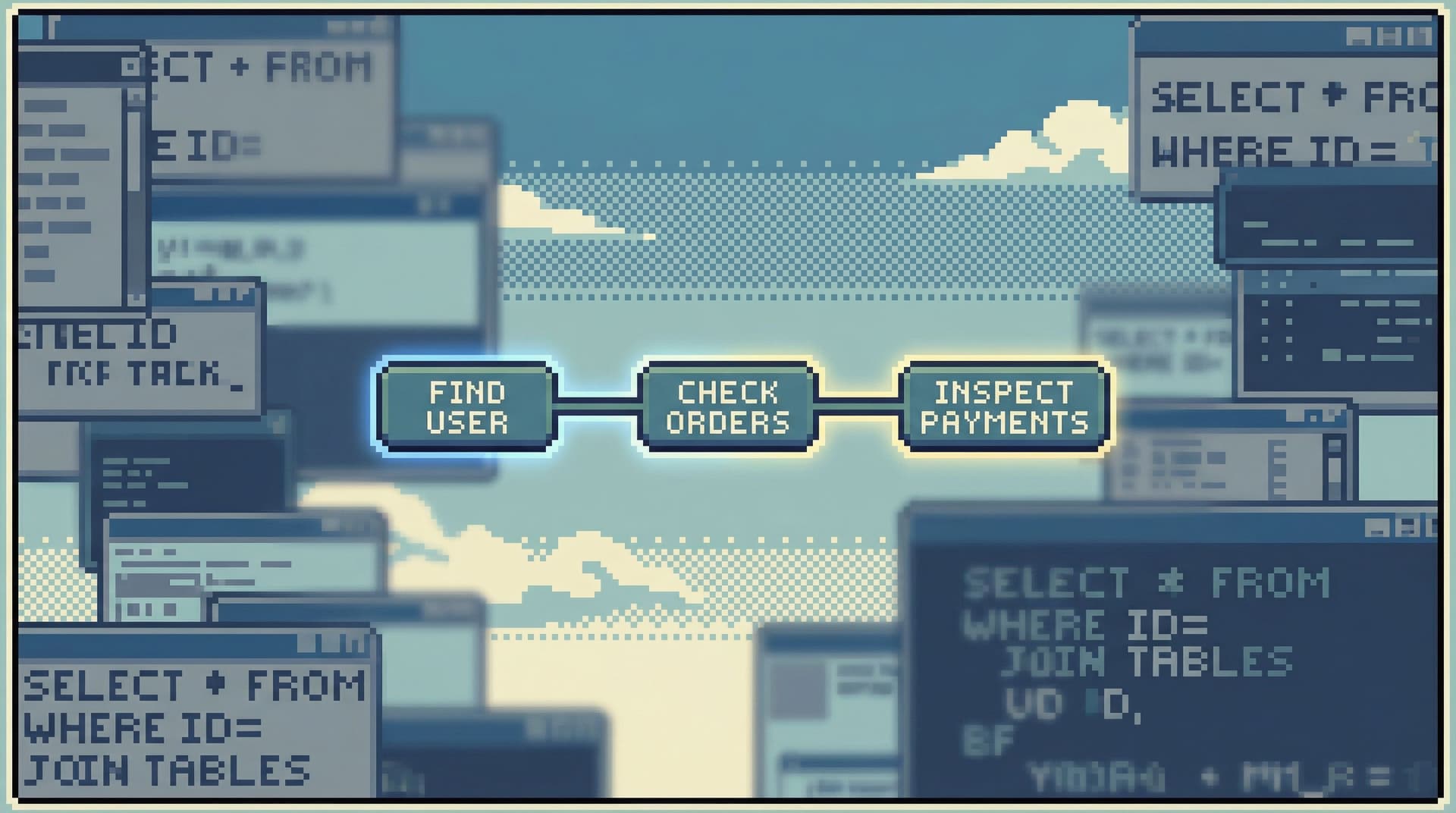
The Quiet Staging Environment: Safe Production-Like Reads Without the Noise


Most teams have staging, but very few have a quiet staging environment.
They have:
- A shared sandbox that drifts weeks behind production.
- Seed data that bears no resemblance to real customers.
- “Please don’t touch this” notes in Slack before every big demo.
And then they have production: accurate, live, and slightly terrifying.
This post is about the space in between: a calm, production‑like staging environment that is designed specifically for safe reads. Not a full copy of prod. Not a playground for schema changes. A quiet environment where engineers can explore, debug, and learn from real‑shaped data—without the risk or noise of full production access.
Tools like Simpl exist because this middle layer has been missing. A focused database browser is only as good as the environments it points at. If staging is noisy, random, and untrusted, you push everyone back toward prod.
A quiet staging environment is how you reverse that.
Why a Quiet Staging Environment Matters
A lot of teams treat staging as a formality: a box to check before deploys. But for database work, staging can be something else entirely: a training ground for safe curiosity and a buffer for production reads.
A quiet, production‑like staging environment helps you:
-
Make production feel less fragile
When engineers can rehearse queries and workflows against realistic data, they bring fewer experiments into prod. -
Onboard people into data work calmly
New engineers, support, and PMs can learn how your data behaves without sitting directly on top of live customers. -
Standardize how you read data
When staging is predictable and trusted, it becomes the default place to refine read patterns, not just test code. -
Reduce incident noise
You can replay and reason about failure modes in staging without the pressure of live impact, then carry only the final, narrow queries into production. Posts like The Narrow Incident Browser go deeper on why that narrowing matters.
The goal is not to make staging “as powerful as prod.” The goal is to make it calmer than prod—and good enough that you don’t need to reach for prod every time you have a question.
What “Quiet” Actually Means
Most teams think about staging in terms of fidelity: how close it is to production. That matters. But for a staging environment optimized for reads, two other properties matter more:
-
Predictable shape
- Tables exist where you expect them.
- Schemas don’t drift for weeks.
- Key relationships (users → orders → payments) behave like production.
-
Low operational noise
- No surprise backfills, load tests, or synthetic floods that make queries useless.
- No random one‑off scripts that leave junk data everywhere.
- No “who did this?” moments from experiments.
A quiet staging environment is:
- Read‑first: optimized for SELECTs, not migrations.
- Opinionated: not everything is possible; the right things are easy.
- Boring: no heroics, no clever test data tricks that confuse real investigations.
This is the same stance we take with Simpl: opinionated defaults, safe paths, and a bias toward calm reads over open‑ended power.
Designing a Quiet Staging Environment for Reads
You don’t need a perfect clone of production. You need a deliberately shaped environment that is good enough for the kind of reading your team actually does.
Think in layers.
1. Decide What “Production‑Like” Really Means
Start from real questions, not schemas. What do people actually need to read?
Common patterns:
- “What happened to this customer’s last 10 orders?”
- “How did this background job behave over the last day?”
- “What changed around the time this incident started?”
For those questions, production‑like usually means:
-
Realistic cardinalities
- Enough rows to make pagination, filtering, and indexing behavior feel real.
- Not necessarily full prod volume, but not 50 rows of lorem ipsum.
-
Representative edge cases
- Canceled orders, failed payments, partial signups.
- Time‑zone oddities, daylight‑saving transitions, nulls where the code path is weird.
-
Coherent entities
- A user’s orders, payments, and tickets actually line up.
- IDs and foreign keys point to something meaningful, not random test fixtures.
This is where a calm catalog mindset helps: instead of mirroring every table, you prioritize the paths that map to real questions. The post on The Calm Catalog goes deeper on that mental model.
2. Choose a Data Strategy: Copy, Sample, or Synthesize
You have three basic levers. Most teams end up with a blend.
1) Copy with transformation
You take a subset of production data and transform it:
- Mask or hash sensitive fields (emails, names, addresses).
- Drop PII columns entirely where they’re not needed for behavior.
- Keep IDs and relationships intact.
Use this when:
- You care about realistic distributions and edge cases.
- Your legal and privacy posture allows controlled, masked replicas.
2) Sample with intent
Instead of copying “10% of everything,” you sample by scenario:
- All rows for a set of representative customers.
- All orders touching a specific feature flag or experiment.
- All jobs from a known incident window.
Use this when:
- You want staging to feel smaller but still coherent.
- You’re optimizing for readability and speed over raw scale.
3) Synthesize with structure
You generate data, but you don’t generate it randomly:
- Scenario‑driven fixtures: “customer with failed card + retried successfully,” “subscription with overlapping trials,” etc.
- Time‑based scripts that simulate typical activity patterns.
Use this when:
- Regulations or risk posture rule out any real data.
- You want full control over which edge cases exist.
The common thread: coherence beats volume. A small, well‑shaped dataset that behaves like prod is more useful than a massive, incoherent one.
3. Take a Stance on Writes
A quiet staging environment for reads should be hostile to casual writes.
That doesn’t mean “no writes ever.” It means:
-
No schema changes from staging clients
Migrations should flow one way, through your deployment pipeline. -
Clear separation of roles
- Read‑only roles for everyday exploration.
- Narrow, time‑boxed write roles for people explicitly testing write flows.
-
Guardrails in your tools
Tools like Simpl are built to be read‑first. You can go further with opinionated read‑only roles and subtle guardrails, as covered in Beyond Read‑Only: Subtle Guardrails That Make Dangerous Queries Practically Impossible.
The principle: writes are an explicit event, not a default capability.
4. Shape How People Move Through Data
A quiet environment is not just about what’s in the database. It’s about how people move through it.
A few opinionated choices help:
-
Cursor‑based pagination with small, fixed page sizes
This keeps people close to the rows that matter and avoids “scroll forever” behavior. See Opinionated Cursors: Why Even Simple Pagination Choices Shape How Teams Read Data for why this matters. -
Narrow, named views for common questions
- “Customer health overview”
- “Recent failed payments”
- “Jobs stuck > 15 minutes”
These can be SQL views, materialized views, or saved paths in a browser like Simpl.
-
Single‑question sessions
Encourage workflows where a session starts from one clear why (“What happened to this user yesterday?”) and the tools make it hard to wander away.
Staging is where you rehearse these patterns. Production is where you apply them.
Making Quiet Staging a Default, Not an Afterthought
A quiet staging environment only works if people actually use it.
That means changing defaults, not just documentation.
1. Point Your Calm Tools at Staging First
If you use a focused browser like Simpl:
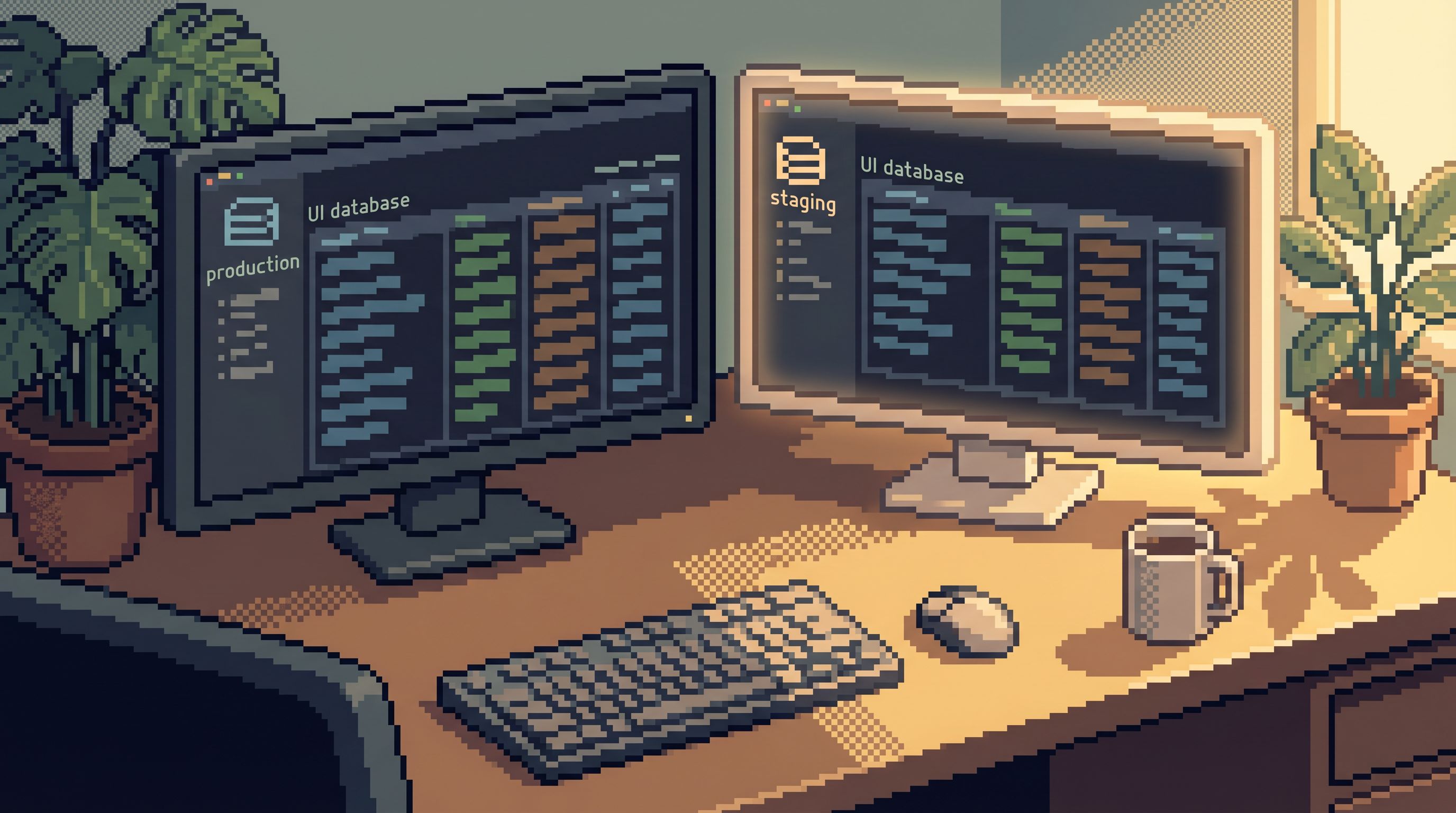
- Make the default connection a staging database, not production.
- Make it one click to switch to prod, but require intent (and often a different role).
This does two things:
- New users naturally start in a safer place.
- Experienced users rehearse their queries and flows where mistakes are cheap.
2. Build Shared Trails, Not One‑Off Queries
Instead of “everyone has their own SQL,” treat staging as the place where shared trails live:
- Common investigation paths.
- Known‑good filters, joins, and predicates.
- Views that align with real workflows (support, billing, operations).
This is the same idea as opinionated trails and history, covered in posts like Database Work Without Bookmarks and Opinionated History: you turn ad‑hoc reads into reusable, named paths.
Staging is where you refine these paths. Prod is where you run the final, narrow versions when it really matters.
3. Use Staging During Incidents—Deliberately
During incidents, staging can feel irrelevant: “the bug is in prod, not staging.” But a quiet, production‑like staging environment is useful for:
- Replaying the failure path with controlled data.
- Sanity‑checking hypotheses before you run heavier queries in prod.
- Teaching newer engineers the investigation pattern without putting them directly on the primary.
A practical pattern:
- Start from the real failing ID or time window in prod.
- Reconstruct a similar scenario in staging (or confirm it already exists).
- Iterate on your read paths there until the query feels tight and safe.
- Carry only the final, narrow query into prod.
This keeps production reads narrow, deliberate, and less stressful.
4. Treat Staging Drift as a Real Incident
Staging drift—schemas out of sync, data that no longer resembles prod—is not just an annoyance. It’s a silent failure of your safety layer.
Make drift visible:
- Automated checks that compare schemas between prod and staging.
- Simple dashboards or reports that highlight missing tables, columns, or indexes.
- Alerts when replication or data refresh jobs fall behind.
And treat significant drift like an operational issue:
- It blocks certain kinds of work.
- It gets assigned and tracked.
- It has an owner.
If staging is not trusted, everyone goes back to prod. That’s how you lose the quiet middle.
Putting This Into Practice This Week
You don’t need a full redesign to start moving toward a quiet staging environment. A few small moves go a long way.
Within the next week, you can:
-
Pick three real workflows that currently jump straight to prod reads.
- For each, write down the actual questions being asked.
- Decide what data staging would need to answer them credibly.
-
Define a minimal dataset for those workflows in staging.
- Copy, sample, or synthesize with intent.
- Focus on coherence and edge cases, not volume.
-
Lock in opinionated read‑only access to staging.
- Create roles that are read‑first and boring.
- Wire them into your browser of choice.
-
Point your calm browser at staging by default.
- Make “open staging in Simpl” the first step in your runbooks.
- Reserve prod reads for the final confirmation step.
-
Write one small ritual into your incident process.
- “Before running any new query in prod, rehearse it in staging with a similar scenario.”
Each of these steps nudges your team toward a world where staging is not an afterthought, but a trusted, quiet environment for reading data safely.
Summary
A quiet staging environment is not about perfection. It’s about deliberate compromise:
- Production‑like where it matters for reads.
- Smaller, safer, and calmer everywhere else.
When you:
- Shape staging around real questions instead of raw schemas,
- Choose data strategies that favor coherence over volume,
- Make read‑only access and opinionated paths the default,
- And point tools like Simpl at staging first,
…you get a middle layer that changes how your team works with data. Production feels less fragile. Incidents feel less chaotic. Curiosity feels safer.
You’re no longer choosing between “toy staging” and “terrifying prod.” You have a quiet, production‑like environment built for what most of your team actually needs to do: read and understand real rows.
Take the First Step
Don’t start with a full replica project. Start with one path.
Pick a single, concrete workflow—“What happened to this customer’s last 10 orders?”—and make sure your staging environment can answer it calmly:
- The tables exist and line up.
- The data feels real enough to trust.
- The access pattern is read‑first and opinionated.
- Your browser opens there by default.
Once that path feels solid in staging, point Simpl at it and let your team rehearse there. Then add another path. And another.
Quiet staging is built trail by trail, not in one big migration. Start with one trail this week, and make it the calmest way your team has ever read its own data.